Workday Finance R2R Training on Balance Sheets
Workday Finance R2R Balance Sheets
Workday provides many delivered versions consolidated, non-consolidated, and default as soon as you put balance sheet into the search field.
Because it aggregates the outcomes of all subsidiary businesses, I prefer to utilize the consolidated one.
While the non-consolidated version of Workday Finance R2R focuses on individual entities, the consolidated view unifies everything at the company-hierarchy level.
Using Workday Finance R2R to Create Custom Balance Sheets
I use the same method every time I create a custom balance sheet in Workday Finance R2R.
I begin by creating a report in the trial-balance format and adding ledger accounts one after the other.
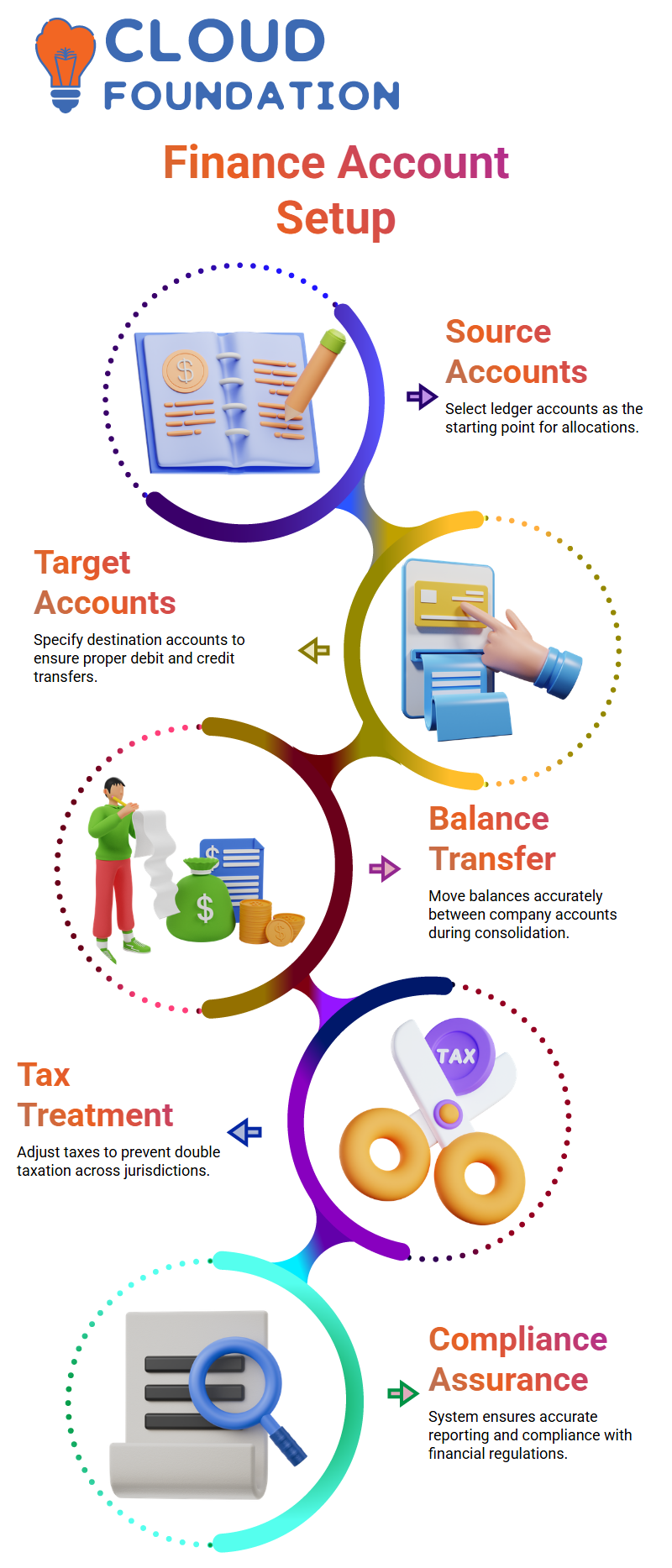
For instance, I start with current assets and include all accounts for cash, receivables, and other assets. After totaling them, I proceed to offer securities, property, and equipment.
This procedure is made simple by Workday Finance R2R, which lets you customize the format of your balance sheet. Because Workday Finance R2R allows for customizable reporting without requiring technical tools, I urge students to try new things.
Examining Workday Finance R2R’s Currency Translation
One aspect of Workday Finance R2R that students often question me about is currency translation.
You may translate using Workday Finance R2R according to ledger account types, account summaries, or individual ledger accounts.
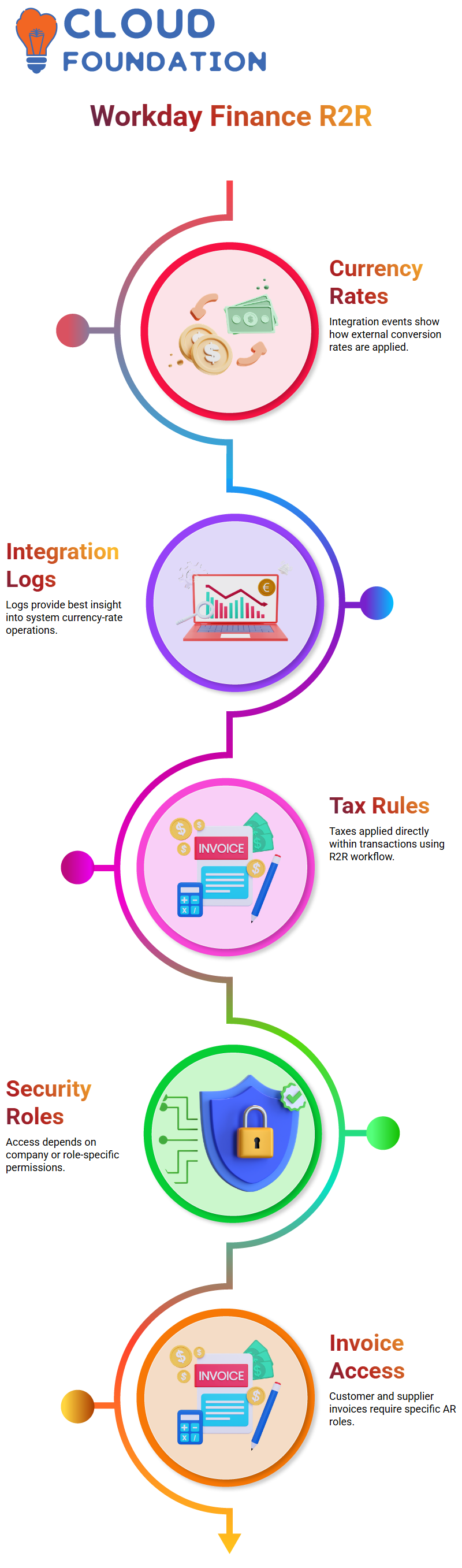
The crucial point I make is that currency rate types are static numbers, and only when you examine the integration that loads currency rates into Workday Finance R2R will their function become evident.
A connector that translates these rate types to external data files is often created by the integration team.
You may examine XML or CSV files that show how rate types match actual data by opening the integration events inside your tenant.

Workday Training

How Workday Finance R2R’s Currency Rate Types Operate
Why some Workday Finance R2R translation techniques expose choices such as fiscal-year starting balance while others do not?
I clarify that although current translations utilize the active period, previous translations use the year-beginning data.
In response to these choices, Workday Finance R2R dynamically reveals or hides configuration information.
The translation logic is modified by the system based on whether learners choose average, custom, or historic choices.
I stress that the translation ruleset is essential to Workday Finance’s trial balances.
R2R because it chooses whether to apply predetermined historic values, current-period values, or prior-period values when translating quantities.
Checking Workday Finance R2R’s Currency-Rate Integrations
Each load executed during the day by browsing to the appropriate integration event.
This makes it easier for users to comprehend how Workday Finance R2R obtains conversion rates from outside sources and uses them while translating.
I remind them that currency-rate types are not used in daily settings, but are nearly solely used in integrations.
Since the integration logs provide the best indication of how the system operates, I always refer students to them when they want to confirm how Workday Finance R2R is applying rates.
Using Taxes and Invoices Inside Workday Finance R2R
Workday Finance R2R lets us apply tax rules directly within transactions.
Sometimes certain companies or security roles may not have access, and I use those moments to explain security concepts within Workday Finance R2R.
Workday Finance R2R connects configuration, security, and transaction processing in a single workflow.

Workday Online Training
Why Using Workday Finance R2R Is Like Opening Up a New World
If you start exploring Workday Finance R2R, then you’ll realize how many layers were involved in simple processes like customer invoices, supplier invoices, and multi-currency handling.
I discovered how each position influences what we can and cannot accomplish as I navigated the process and clicked into supplier invoice BP and customer invoice BP.
In Workday Finance R2R, access matters especially when actions like creating customer invoices require specific roles such as AR Analyst or AR Specialist.
Using Workday Finance R2R for Tax Applications
The automatic default of tax applicability in Workday Finance R2R was one item I kept coming back to.
The system recorded proper numbers even though I didn’t manually update the tax columns when I produced invoices.
It seemed seamless and natural to watch Workday Finance R2R compute $4 just because the tax rate was set at 4%.
I once couldn’t remember where the value originated—was it the customer? category of revenue? item configuration? I investigated Workday Finance R2R further and discovered that the country-level setting associated with the sales item was the source.
Workday Finance R2R’s Currency Behavior
I was able to see how Workday Finance R2R responds to currency regulations by changing the invoice currency to GBP.
The converted amount showed the rate in real time even if the tax percentage remained at 4%.
I felt more confident that I could operate in international business settings without having to do any calculations by hand after seeing Workday Finance R2R pull a live conversion rate of 1.25 and apply it automatically.
Workday Finance R2R’s Supplier Invoice Tax Regulations
After that, I turned my attention to supplier invoices, which is where Workday Finance R2R began to provide even more detail.
Workday Finance R2R reacted differently depending on the option chosen: compute tax, input tax, or let the system decide tax.
For instance, choosing “Calculate tax” instructed the system to make a decision using the set tax code.
However, Workday Finance R2R required that taxable, non-recoverable, and allocated characteristics be specified before saving the invoice when I attempted to insert my own tax amount.
What I Discovered During Workday Finance R2R Testing
I kept switching between the supplier setup, tax regulations, and item settings throughout testing. Even though Workday Finance R2R first seems complicated, the more I did it, the more I realized how rationally organized it is.
Workday Finance R2R verified that the configuration required to meet certain compliance standards before permitting submission after I made changes to the applicability and tax assignment rules.
Perspective on Workday Finance R2R
After carefully going over invoices, statuses, approvals, and settings, I came to the conclusion that Workday Finance R2R teaches discipline in addition to processing transactions.
I was reminded that precision counts with each click. Workday Finance R2R maintains consistency across many currencies, tax logic, revenue classification, and supplier setups.
I can now comfortably illustrate how taxes and currency conversions operate in Workday Finance R2R when someone asks.

Workday Course Price

Nishitha
Author
A mind once stretched by a new idea never returns to its original dimensions.