Workday Finance R2R Module Training
Workday Finance R2R Reporting Basics
When you search for custom reports, Workday makes it easy just type “all custom reports” and you will see every available one.
Even when a report name doesn’t appear immediately, like our trial balance example, Workday Finance R2R still gives you tools to track it down quickly.
In the composite report we were building, you saw how Workday Finance R2R brings data types together, pulls ending balances, and even displays small flags to tell you what needs attention.
I often highlight columns that matter like a credit amount column so your eyes directly land where they should.
Since Workday Finance R2R offers style options like alignment, fill, and font, I simply apply a yellow fill to make important values stand out instantly.
Workday Finance R2R Column Formatting and Practical Styling
Column styling in Workday Finance R2R, can even hide columns you used only for intermediate calculations.
Once hidden, they won’t appear when the report runs, but they remain available for internal logic.
This is something I rely on heavily while building Workday Finance R2R composite reports because clean output makes analysis easier.
While exploring fill colors, I usually highlight that Workday Finance R2R provides a fixed palette.
Even though it sparked fun conversations, it also reminded everyone that styling in Workday Finance R2R is functional first.
With a yellow highlight in place, even in a report with 10 or 20 columns, your attention jumps straight to the highlighted field.
Workday Finance R2R Composite Report Repeating Column Group
One of the strongest features inside Workday Finance R2R composite reporting is the repeating column group.
When you want to repeat values based on another business object like cost center Workday Finance R2R handles it beautifully.
After choosing the repeating field, the report expanded the data into a clean slice by cost center.
When I first show learners this result in Workday Finance R2R, they’re always amazed at how the same amounts extend into new grouped columns without writing formulas or building multiple reports.
It’s one of those moments where Workday Finance R2R really feels like Excel on steroids.
Even though some features, like freezing the control field, don’t work when repeating groups are active, Workday Finance R2R still gives enough flexibility to build layered financial views without clutter or confusion.
Workday Finance R2R Filtering, Account Selection, and Advanced Navigation
Workday Finance R2R allows specific ledger accounts through data source filtering, and I always recommend starting with a clean copy of your existing report.
That way, you preserve your original logic while experimenting freely.
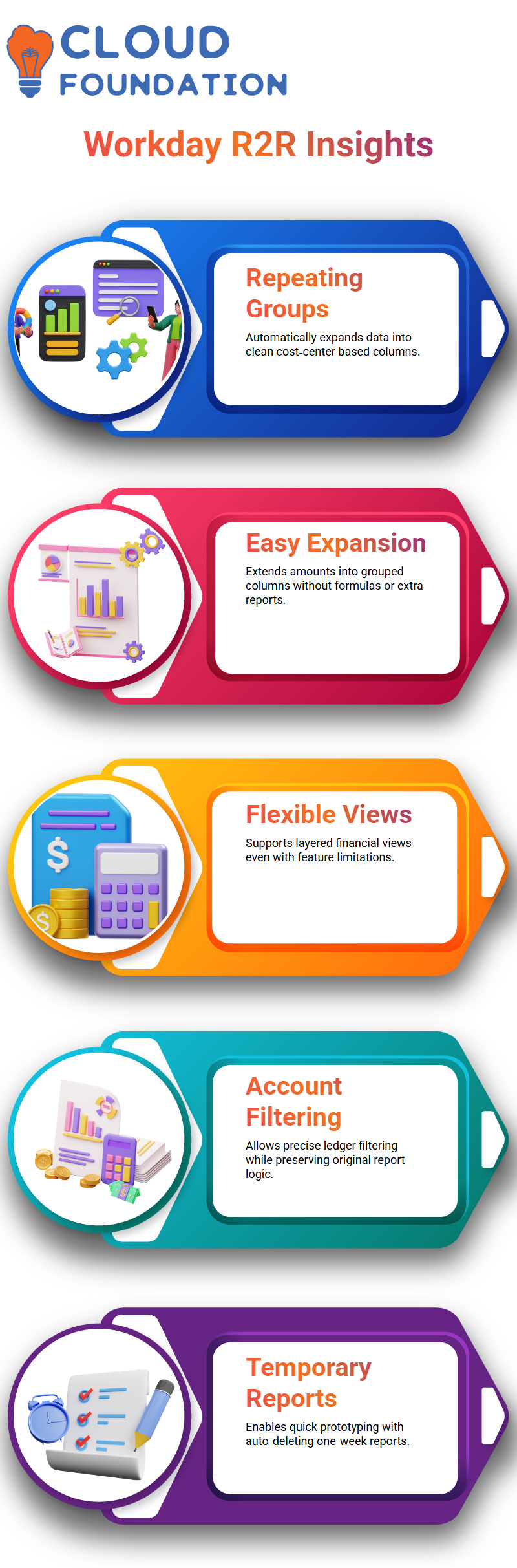
When I copied the report including its sub-reports Workday Finance R2R automatically carried over the matrix configuration, saving time and effort.
Temporary reports are another helpful feature I highlight when teaching Workday Finance R2R. They stay in the system for one week and auto-delete afterward.
If you ever want to convert a temporary report into a permanent one, simply uncheck the temporary flag before the expiry.
This small trick often surprises learners because it shows how Workday Finance R2R supports quick prototyping without cluttering the tenant with test reports.

Workday Training

Workday Finance R2R Daily Workflow, Planning, and Learning Structure
Workday Finance R2R topics like currency setup and multi-currency accounting naturally connect to FX rate adjustments, so I prefer teaching them together.
It helps learners see the flow instead of treating each part in isolation.
These conversations remind me how important it is to experiment inside Workday Finance R2R rather than just follow theory.
As we moved between trial balance views, account slicing, cost center grouping, and formatting tricks, you saw how every click shapes the report.
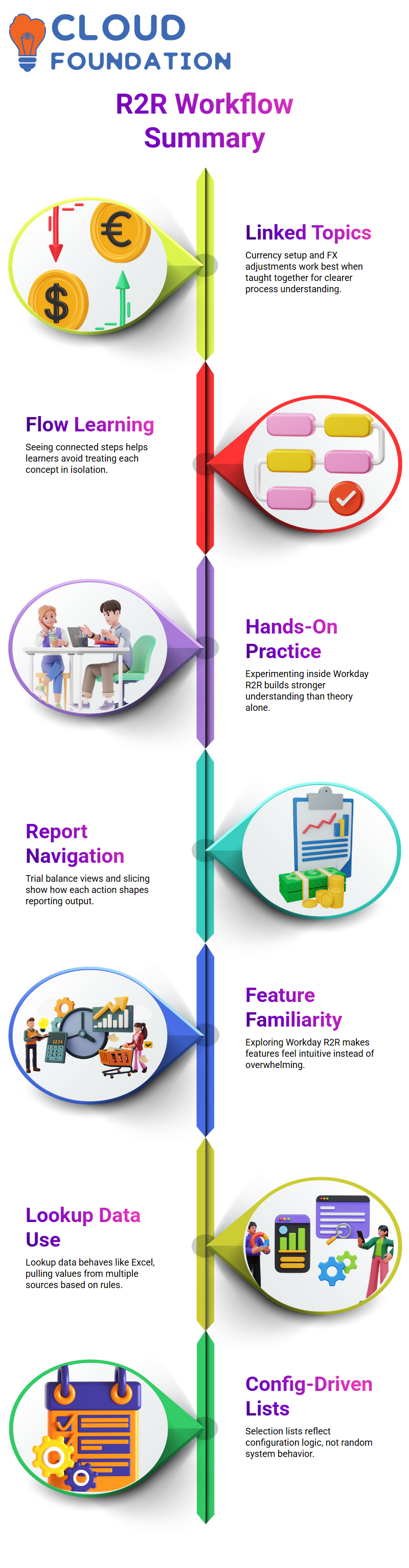
The more you explore inside Workday Finance R2R, the more these features start feeling intuitive instead of overwhelming.
Working With Lookup Data in Workday Finance R2R
Whenever I go for lookup data inside Workday Finance R2R, I compare it to Excel because honestly, that’s what it feels like.
You’re pulling values from different sources and letting the system react based on the rules you define.
I always remind learners that the selection lists they see aren’t random; Workday Finance R2R is reading your configuration line by line.
Hierarchy Structures in Workday Finance R2R
One part of Workday Finance R2R that always excites learners is hierarchy structures.
I took you through the outline structure setup, and I could almost see the system coming alive as the hierarchy nodes appeared.
Workday Finance R2R allows you to organize ledger accounts in ways that make reporting so much cleaner, and I love showing that moment when the hierarchy expands for the first time.
Trust me, even I refresh the wrong tab sometimes.
But once we regenerated the correct report, Workday Finance R2R displayed retained earnings, cash balances, and summary nodes exactly as expected.
These are the small wins that make daily finance operations feel lighter.

Workday Online Training
Creating Outline Structures in Workday Finance R2R
You simply choose the business object like ledger accounts or ledger account summaries and decide whether you want a field-value structure or a hierarchy.
This is one of those features in Workday Finance R2R that looks complex at first but becomes intuitive once you see it in action.
We selected the hierarchy option, picked the ledger account summary type, and then chose ‘Corporate’ as the top-level node.
The entire setup is essential because Workday Finance R2R uses it while generating reports, especially matrix and composite reports that rely heavily on structured financial data.
Using Reports and Summaries in Workday Finance R2R
I always enjoy working with reports, and even though my boss tries to keep me away from them, I still sneak back into Workday Finance R2R reporting whenever I can.
We ran the financial matrix report together, and Workday Finance R2R pulled every ledger account under the summary node we created.
That moment usually makes everything click for learners. We also discussed certification and how composite reporting relies on the same principles you’re seeing now.
Whether you’re building hierarchy-based summaries or reviewing allocations, Workday Finance R2R keeps everything flexible and consistent.
Once you understand the flow, the system becomes a powerful tool for simplifying month-end and year-end processes.

Workday Course Price

Vanitha
Author