Workday Finance R2R Course on Cost Movement Rules Overview
Workday Finance R2R’s Cost Movement Rules
I prefer to start by explaining how cost movements really operate when I deal with groups who are studying Workday Finance R2R.
Choosing the ledger accounts where numbers should go and creating book codes are common tasks.
These decisions determine the behaviour of your allocations in Workday Finance R2R.
For instance, in my Workday Finance R2R configuration, I may choose AR deal, unapplied payments, or undeposited receipts.
After choosing the ledger accounts, I map the work tags (such as customer categories or cost centres) since Workday Finance R2R utilises these tags to match transactions to the source conditions.
Workday Finance R2R automatically recognises a transaction as a source when it matches the ledger account and the customer category work tags.
Although Workday Finance R2R also supports supplier invoices or AP transactions, I often use customer invoices as the general source to illustrate this.
Workday Finance R2R transfers the cost from those accounts during allocation if the operational transaction reaches a certain range of ledger accounts and contains the anticipated worktags.
Once these criteria are established, Workday Finance R2R eliminates the need for manual allocation, which is its greatest feature.
Workday Finance R2R Allocations Scheduling
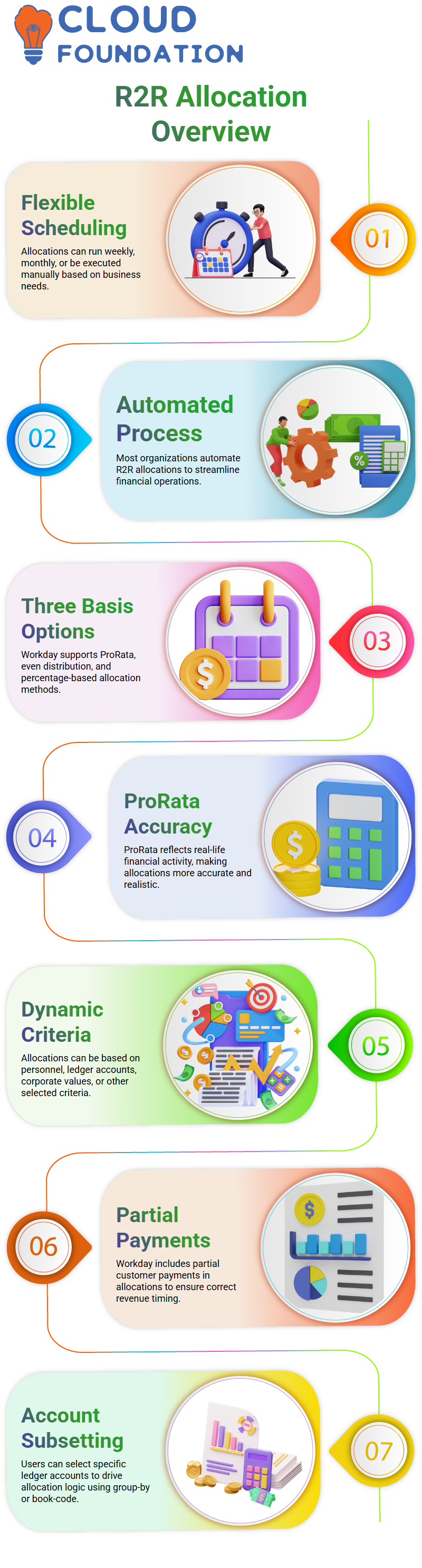
Workday Finance R2R Allocations may be scheduled weekly or monthly, or they can be done manually.
The majority of businesses automate this process. Additionally, Workday Finance R2R offers three basis options: ProRata, distributed evenly, and a set percentage.
Because ProRata more closely mimics real-life situations, I often encourage students to investigate it.
The solution allows you to base the allocation on personnel, ledger accounts, corporate values, or other criteria when you choose Prorated in Workday Finance R2R.
I provide an example to demonstrate ProRata in Workday Finance R2R. Assume there is a $10,000 balance in the AR ledger account and a $10,000 anticipated deposit from a customer.
Workday Finance R2R incorporates the partial payment of $4,000 made by the customer throughout the period into the allocation.
Workday Finance R2R transfers the balance and the partial activity totalling 14,000 to the target accounts, even though the entire payment has not yet been received.
As a result, the receiving company’s profit and loss statement displays correct monthly revenue.
Even partial income is guaranteed to show up in the appropriate time frame thanks to Workday Finance R2R.
Workday Finance R2R still counts the 4,000 as income for that particular month, even if the projected amount is 10,000, but only 4,000 is received.
This keeps the firm that is sending the cost and the one that is receiving it in sync.
You will now encounter the group-by and book-code options while establishing Workday
The allocation mechanism is then driven by a subset of those accounts chosen by the basis.
For instance, with Workday Finance R2R, you may choose just two of the six ledger accounts that you originally selected as the source.
Workday Finance R2R basic requirements for ledger Accounts
Workday Finance R2R enables you to map the target ledger accounts once the basis has been established. These can be the receiving company’s deposit or unapplied receipt accounts.
The basic conditions are used by the system to determine when to shift amounts.
Workday Finance R2R transfers funds from all of the chosen source accounts to the target accounts if the basic requirements are met.
When the underlying requirements are satisfied, this guarantees steady cost movement.
Learners soon realise how effective these guidelines are when they begin to practice Workday Finance R2R.
The balances are immediately redistributed by Workday Finance R2R as soon as the source ledger account and work tags match.
I often stress that maintaining clear financial reporting between businesses is the main goal of Workday Finance R2R, not just shifting balances.
Workday Finance R2R gives the whole process structure and automation each time you build a new allocation rule.
A comprehensive foundation for cost movement is provided by Workday Finance R2R when source circumstances, basis logic, and target mapping are combined.
To help my students grasp how Workday Finance R2R understands each component, I lead them through several combinations.
Regardless of whether you’re using Prorated, spread, or fixed per cent, Workday Finance R2R handles the allocations seamlessly after everything is configured.
You’ll see how each parameter affects the result after using Workday Finance R2R for a sufficient amount of time.
Every time I improve allocation rules, I examine how Workday Finance R2R handles the amounts, how work tags link the transaction logic, and how the ledger accounts interact.
This practical knowledge enables students to navigate Workday Finance R2R’s real-world financial challenges with assurance.

Workday Training

Workday Finance R2R: The Operation of Ledger Movements in Actual Situations
I prefer to start by explaining to teams how balances truly flow across ledger accounts when I lead them via Workday Finance R2R.
As long as the basic requirements associated with accounts 4 and 6 are satisfied, Workday Finance R2R often allows us to move money not just from accounts like 4, 5, or 6 but also from 1, 2, and 3.
This flexibility comes in handy in Workday Finance R2R when certain ledger accounts exhibit activity in one month while remaining unaltered in another.
A customer may sometimes object to moving expenses from certain ledger accounts within a given month.
I’ve seen instances when the Workday Finance R2R team chooses to transfer just the balances from accounts 4 and 6 while accounts 1, 2, and 3 display no transactions.
Workday Finance R2R simplifies it by eliminating the need to construct the definition each time; instead, you may modify the basic conditions according to the demands of the current month.
Workday Finance R2R: Selecting Basis Accounts and Sources
During Workday Finance R2R training, I often receive the issue of whether the source list has to include the ledger accounts that were used as the foundation. Indeed, they have to.
The ledger accounts you choose for basis conditions in Workday Finance R2R must already be present in the source.
The reasoning is the same, even if I choose accounts at random during a demo.
In actuality, Workday Finance R2R saves time by enabling you to specify sources once and reuse them.
We simply modify the basis in Workday Finance R2R and process just the accounts relevant for that cycle if specific ledger accounts have zero transactions for the month.
Workday Finance R2R’s ability to adjust to your monthly operating demands without needless effort is one of its advantages.
Workday Finance R2R: Mapping Work Tags and Establishing Goals
The target section becomes the crucial place to set when I create allocations in Workday Finance R2R. Here, I choose which ledger accounts will get the balances.
My objective is to assist teams in understanding how Workday Finance R2R manages movement behind the scenes, even when I use straightforward examples like unbilled receivables.
I may also create workbag mappings using Workday Finance R2R to ensure that the right work tags or customers get the changed information.
Workday Finance R2R allows me to offset balances throughout these allocations.
This is especially helpful when a business moves money or costs from one entity to another.
Workday Finance R2R makes sure the debit and credit remain clean if Company A transfers ₹10,000 across ledgers.
The target account displays the amount, while the originating account displays an offset entry.

Workday Online Training
Workday Finance R2R: The Application of Offset Logic in Actual Accounting
In Workday Finance R2R, I often illustrate offset reasoning with a real-world scenario. Assume that a company in India has previously paid taxes on ₹10,000 in revenue.
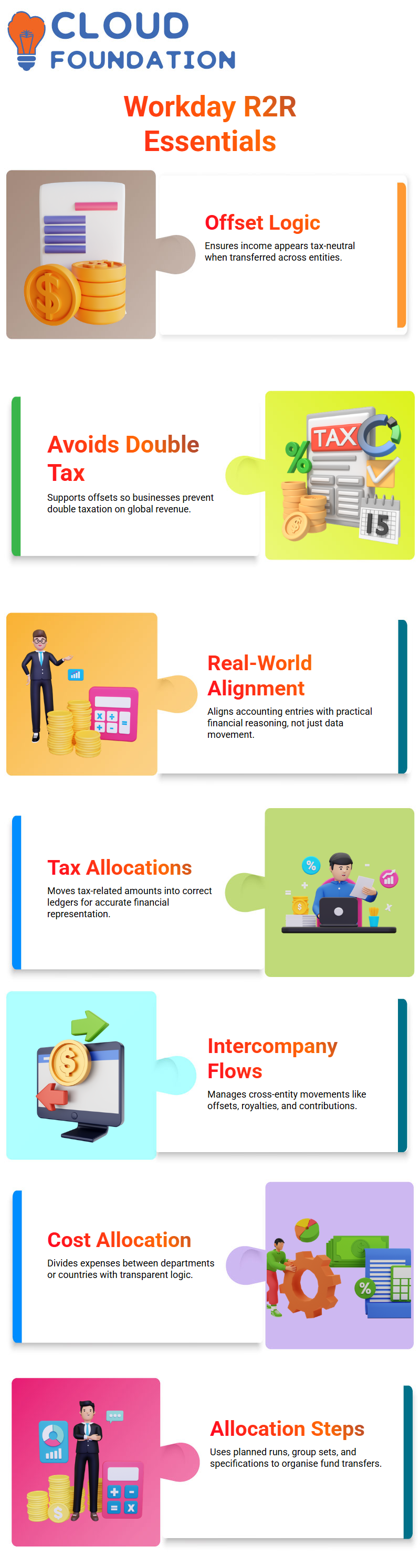
Workday Finance R2R ensures that the balance is both visible and tax-neutral when that same income is transferred to its US parent firm.
Even if the balance is still there in the books, offsetting in Workday Finance R2R causes the income to appear as zero for taxable reasons.
This handling is in line with accounting procedures that help businesses avoid double taxation. By permitting offsets, which accountants then utilise to support tax-free income treatments, Workday Finance R2R simplifies this procedure.
Workday Finance R2R guarantees that the tax-related amount has already been accounted for in the country of origin, even if the revenue still appears as ₹10,000 in the US accounting.
Workday Finance R2R offers structure and clarity, making these accounting methods simpler to use, whether they are used for asset acquisitions, revenue, or depreciation.
Every time I teach this subject, I emphasise that Workday Finance R2R is about aligning with real-world financial reasoning rather than merely moving data.
Global Structuring and R2R Tax Concepts in Workday Finance
I like to begin my explanations about Workday Finance R2R in class with accessible examples. Consider purchasing a home.
You record your property tax payment as an expenditure against your income. The reasoning for tax-related allocations in Workday Finance R2R is identical.
A $1,000 property tax payment is deducted from the relevant accounts. To ensure that the books accurately represent your financial situation, Workday Finance R2R assists you in moving these amounts into the appropriate ledgers.
Because they have a clear connection to Workday Finance R2R logic, I often share intriguing business structure anecdotes.
Alphabet, the parent firm of Google, for example, sends international money via some areas where foreign income is tax-free.
By rerouting revenues via such countries and classifying them using accounting procedures like royalties or contributions, the outcome is zero tax in the United States.
This is similar to how Workday Finance R2R manages offsets, intercompany flows, and entity-to-entity ledger alignments.
Cross-Entity Fees with Workday Finance R2R Cost Allocations
As a Workday Finance R2R instructor, I often contrast cost allocations and tax models. Both include appropriately transferring funds throughout your company.
When one department or nation helps another, Workday Finance R2R provides a simple way to divide expenses.
Consider, for instance, an Australian organisation receiving help from an Indian technological cluster.
Using Workday Finance R2R allocations, you charge the cost back to Australia, guaranteeing correct accounting and transparency.
The allocation process in Workday Finance R2R is based on three fundamental steps: the planned allocation run, the allocation group set, and the allocation specification.
Since my students often utilise these processes, I usually advise them to take screenshots of them.
Allocations may be conducted immediately, scheduled on a weekly or monthly basis, or triggered as required using Workday Finance R2R.
Workday Finance R2R successfully organises the allocation logic, even if amounts sometimes display 0, since there were no transactions that month.
Account sets, currency rate types, fiscal schedules, ledger structures, and work tags may all be configured inside the allocation specification.
These components are used by Workday Finance R2R to determine how to transfer funds from source accounts to target accounts.
Workday Finance R2R guarantees that values are appropriately redistributed across your accounts, regardless of revenue, costs, or intercompany operations.

Workday Course Price

Vanitha
Author