SAP Ariba Training on Templates
SAP Ariba Template Basics
Let me begin by outlining the significance of templates in SAP Ariba. Every sourcing or upstream project in SAP Ariba begins with a template.
That’s the base. In SAP Ariba, “project” basically refers to anything that is based on a template.
Project creation in SAP Ariba would be uneven and difficult to oversee without templates.
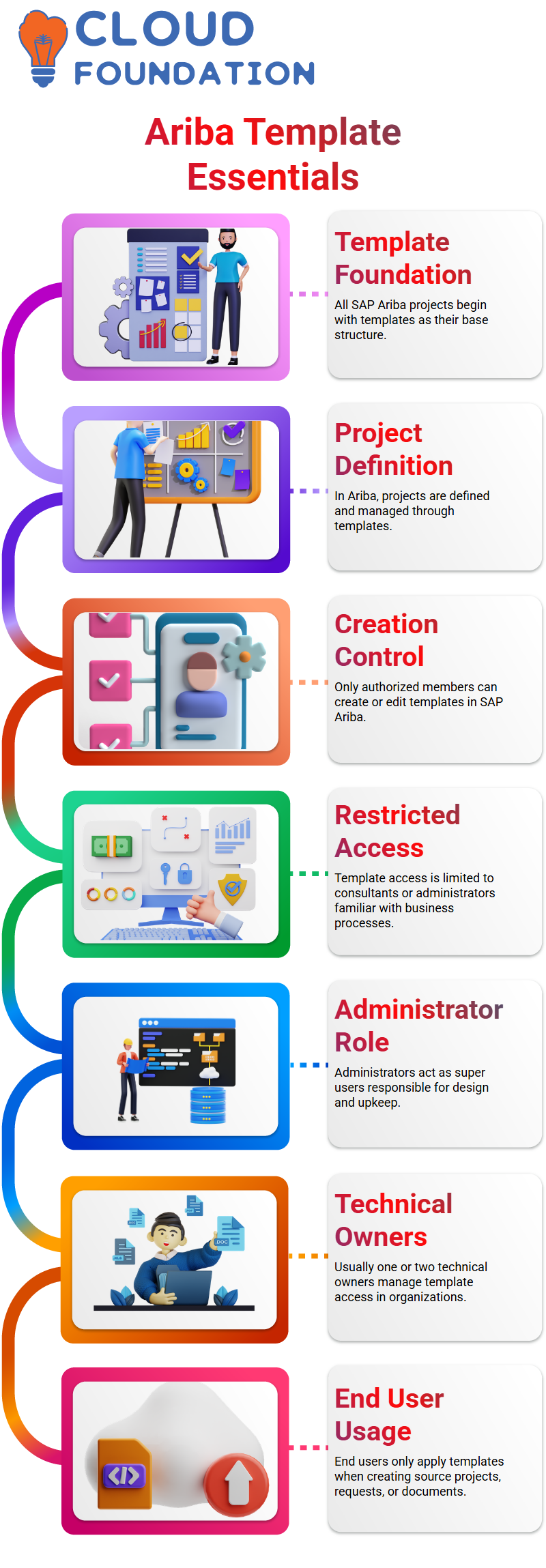
Not everyone has the ability to create or edit templates in SAP Ariba.
You need to be a member of the template project group or have the position of template maker in order to work with templates.
Usually, this access is restricted. Because they are familiar with the whole business process, only Ariba consultants or system administrators are given this role in the majority of SAP Ariba projects.
SAP Ariba Template Roles and Access Control
Administrators are super users in SAP Ariba. They assume responsibility for the design and upkeep of the system and are familiar with the whole business process.
For this reason, only one or two technical owners in an organization are often granted access to SAP Ariba templates.
The template modifications are managed by SAP Ariba experts if they are providing project assistance.
SAP Ariba templates are not used by business end users. Only when creating source projects, requests, or documents do end users utilize templates.
SAP Ariba Template Statuses Explained
Let me now take you through the various SAP Ariba template states. The initial state of a template I built in SAP Ariba is Drop.
End users cannot see the template in this state. This phase is just for setup and validation.
I examine the structure, make adjustments, and make sure everything functions as it should when the SAP Ariba template is in Drop state.
Version 1 is produced, and the status switches to Active as soon as I publish the template in SAP Ariba. The template is now visible and used by end users.
Managing Versions in SAP Ariba Templates
Version control is crucial in SAP Ariba. A template may need to be modified in certain circumstances after it has been published.
One situation would be if I wanted people to keep the current SAP Ariba template while I worked on upgrades.
When it happens, I create a fresh SAP Ariba template. Users continue to work with the previous version when the status changes to Draft.
SAP Ariba immediately disables the previous version and enables the more recent one when I upload the new version.
Inactivation Process in SAP Ariba Templates
I don’t want people to utilize the template in another situation in SAP Ariba, particularly if there is a defect.
I deactivate the SAP Ariba template in these situations. End users are unable to see or use it after it is dormant.
I make a new version in SAP Ariba after deactivation, transfer it to Draft, make the necessary corrections, and then publish it.
End users may access the updated SAP Ariba template when it is released.

SAP Ariba Training

SAP Ariba Template Cleanup Strategy
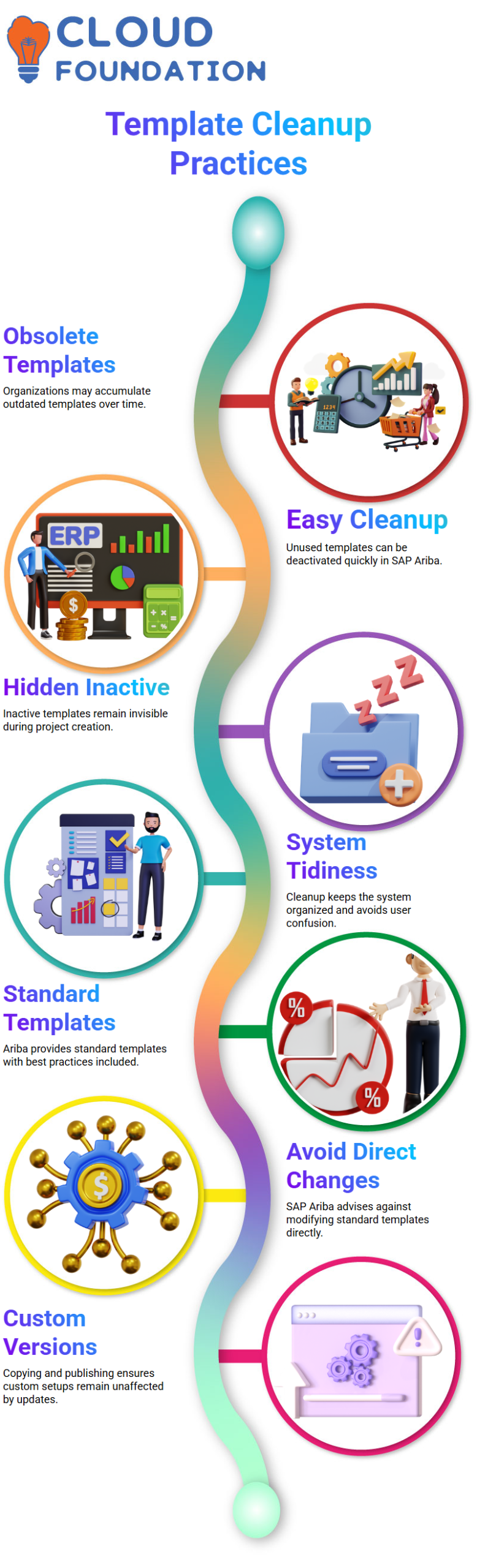
Another crucial task in SAP Ariba is template cleansing. Organizations may accumulate several obsolete templates over time.
Cleanup is easy with SAP Ariba. I just deactivated the template that isn’t being utilized.
During project creation, users won’t notice an inactive SAP Ariba template.
This maintains the system tidy and stops end users from becoming confused.
Best Practices for SAP Ariba Template Creation
Standard templates that are held by the Ariba system are included when you subscribe to SAP Ariba.
Best practices are followed by these SAP Ariba templates. They may be recognized by their owner’s name, which is the Ariba system.
SAP Ariba strongly advises against making direct changes to standard templates.
I usually make my own version of the SAP Ariba template and publish it after copying it.
This guarantees that bespoke setups are not affected by updates.
Designing Custom SAP Ariba Templates
I have to start from scratch if I want to make a completely new SAP Ariba template.
This covers user group criteria, region-based access, and visibility rules. At the template level, SAP Ariba offers complete freedom.
I also set up documents, default tasks, and required team members in SAP Ariba templates.
If necessary, I may let users add optional participants and prevent them from deleting certain responsibilities.
SAP Ariba Template Questions and Conditional Logic
Questions are a potent aspect of SAP Ariba templates.
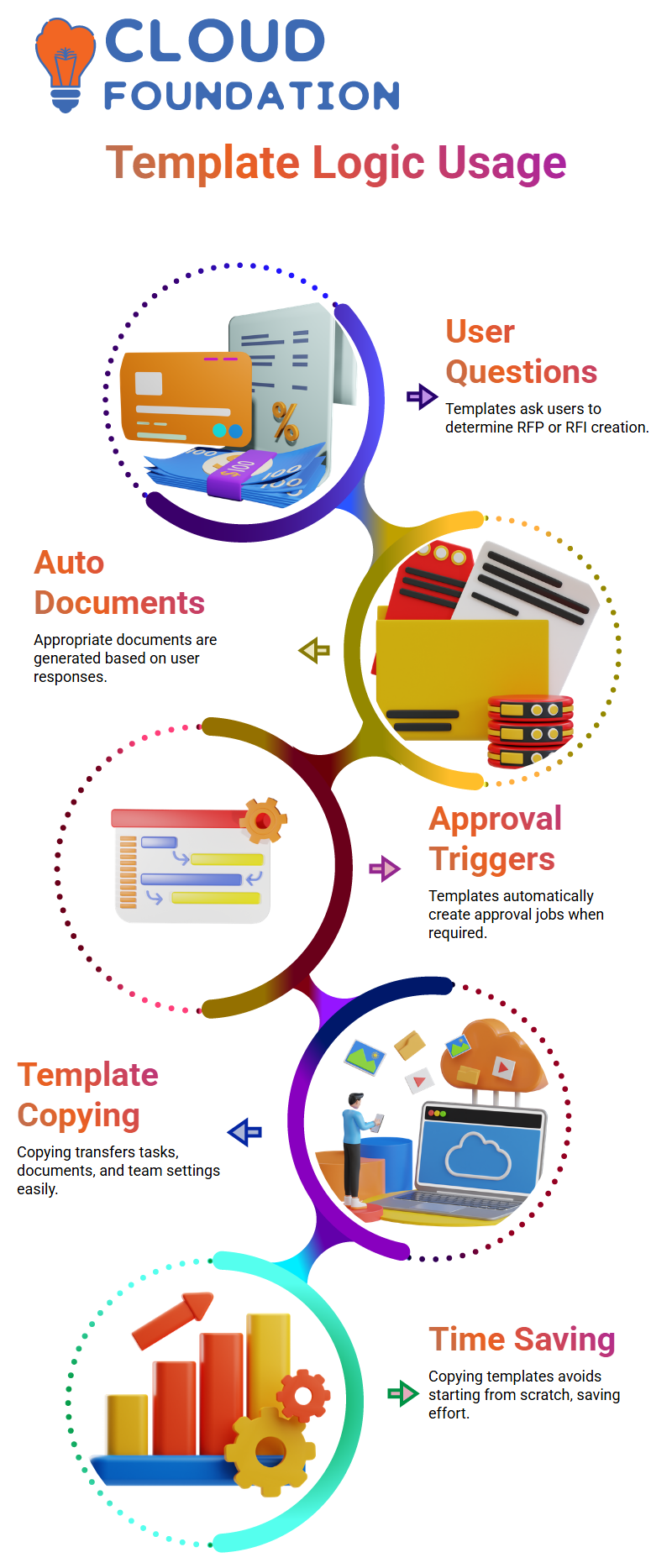
I may ask users whether they are producing an RFP or an RFI, and SAP Ariba will automatically provide the appropriate document depending on their response.
Likewise, approvals may be triggered via SAP Ariba templates.
For instance, SAP Ariba automatically creates an approval job if a user chooses Yes for VP approval. The approval job is omitted if No is chosen.
Copying SAP Ariba Templates
I can also duplicate pre-existing templates from SAP Ariba.
All documents, tasks, and team settings are transferred when I use the copy option when I open a sourcing template in SAP Ariba.
Because I don’t have to start again, this method saves time in SAP Ariba.
When adhering to established frameworks, it is best to copy an SAP Ariba template, particularly for individuals who are still learning.
Managing Templates Effectively in SAP Ariba
Maintaining a clean and manageable system is my priority while working with SAP Ariba. If we are not attentive, templates in SAP Ariba might accumulate rapidly.
Usually, I begin by finding the template in the SAP Ariba system and seeing if I can remove it. I immediately delete it if SAP Ariba permits it.
If not, I just leave and go on. This behavior is dependent on a particular SAP Ariba setting, and many businesses purposefully limit deletion in order to preserve governance.
Once a template is erased in SAP Ariba, it cannot be recovered. I constantly remind Learners that SAP Ariba is stringent in this regard.
Because they don’t want unintentional deletions, several businesses like this method in SAP Ariba.
To maintain the workplace neat and clutter-free, I personally remove any templates that aren’t being utilized in SAP Ariba.

SAP Ariba Online Training
Organizing Template Folders in SAP Ariba
I utilize SAP Ariba’s folder creation capability a lot. I may create a folder, give it a logical name, and begin correctly arranging templates in SAP Ariba by going to the action menu.
For instance, in order to keep SAP Ariba organized and user-friendly, I often create a folder for a particular user or project.
I just drag and drop the pertinent templates into the folder I’ve created in SAP Ariba. SAP Ariba simplifies this procedure.
This method aids Learners in realizing that SAP Ariba is about more than simply functionality; it’s also about maintaining template management discipline.
Searching and Filtering Templates in SAP Ariba
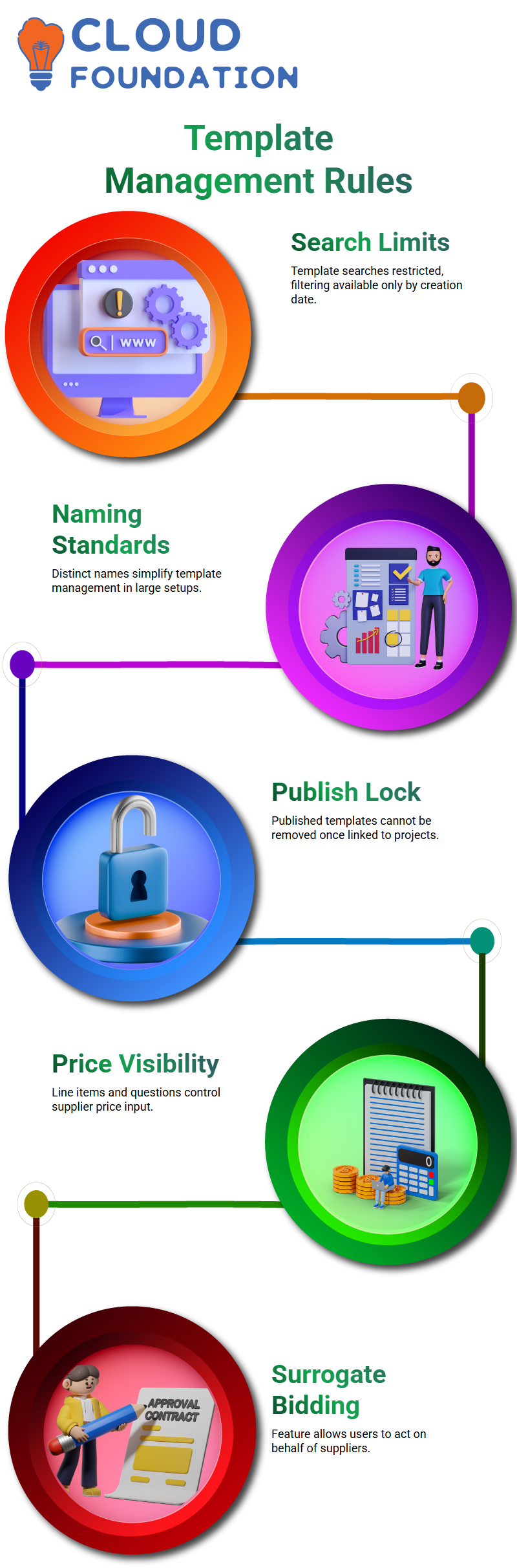
There are several restrictions on template searches in SAP Ariba.
SAP Ariba offers filtering by creation date, which is helpful when you know approximately when the template was developed, as I generally describe.
It might be annoying at times, however, since SAP Ariba does not yet provide a straight filter by template name.
I consistently advocate for appropriate naming standards because of this restriction in SAP Ariba.
It is significantly simpler to manage templates in SAP Ariba when they have distinct names, particularly in large source setups.
Publishing and Locking Templates in SAP Ariba
One important SAP Ariba regulation that I constantly draw attention to has to do with publishing templates.
Once a template is published in SAP Ariba and used to establish a project, it cannot be removed.
In order to avoid discrepancies between projects and their source templates, SAP Ariba enforces this rule.
I make sure everything is correct before posting in SAP Ariba. SAP Ariba still permits deletions if no project has been established yet.
SAP Ariba permanently freezes the template whenever a project is created. SAP Ariba’s sourcing templates have to be aware of this behavior.
Resolving Supplier Pricing Issues in SAP Ariba
There was a problem when a supplier was unable to input a price in SAP Ariba.
This struck me right away as a typical SAP Ariba setup issue. The definition of line items and questions in the template determines price visibility in SAP Ariba.
I went to the price content after opening the SAP Ariba project and checking the event type.
I discovered that the mandatory answer box in SAP Ariba was set to “No.”
This SAP Ariba option makes the price field read-only by informing the system that a supplier response is not required.
I changed the event after setting the “Yes” answer needed option in SAP Ariba.
I was then presented with a number of update alternatives by SAP Ariba, including the option to alert participants or retain the current replies.
The supplier was able to correctly submit the price once the SAP Ariba upgrade was finished.
In SAP Ariba, I also described surrogate bidding.
This feature, which enables users to act on behalf of providers, is immediately accessible in some SAP Ariba templates.
The configuration of the SAP Ariba template is the only factor that affects this.

SAP Ariba Course Price

Nishitha
Author