SAP Ariba Training Class on Auctions
Forward Auctions vs Reverse Auctions in SAP Ariba
Let me first explain the fundamental idea of forward and reverse auctions before delving further into SAP Ariba auction types.
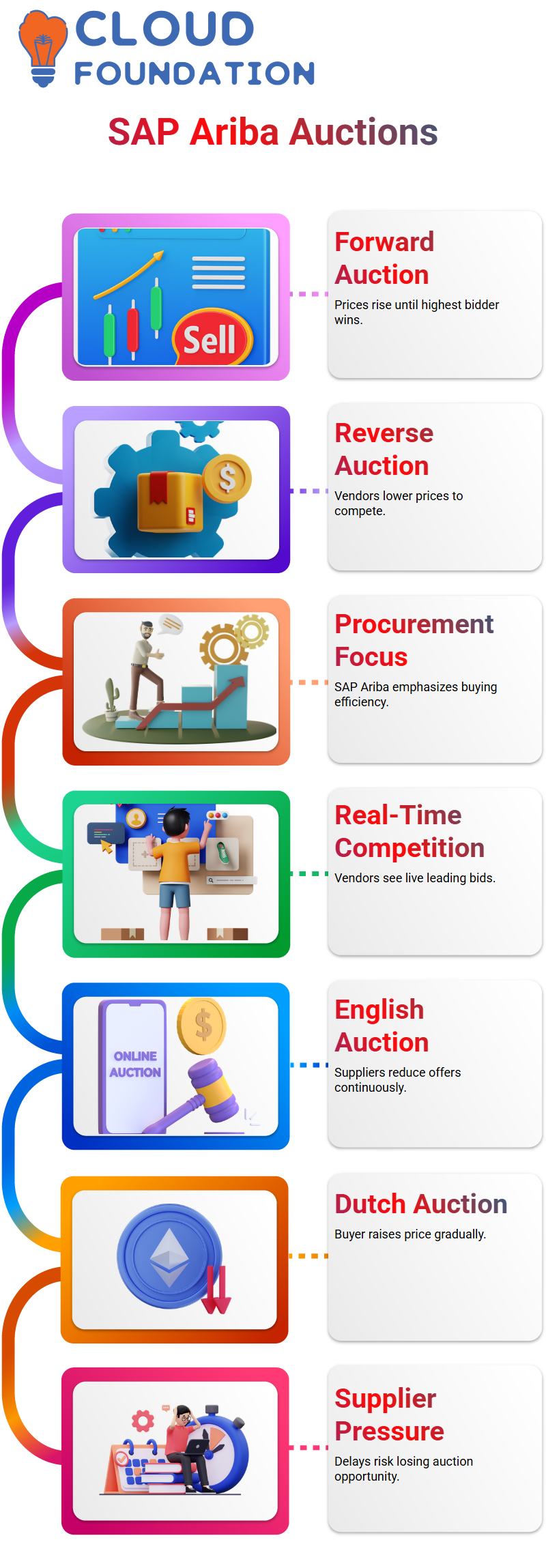
Prices continue to rise in a conventional forward auction.
This is often seen in real estate or auto transactions, as bidders begin at a base price and continue to raise their bids. The auction is won by the highest bidder.
However, buying, not selling, is our main activity when utilizing SAP Ariba for procurement.
For this reason, SAP Ariba primarily focuses on reverse auctions.
In a reverse auction, vendors compete by proposing progressively decreasing prices after the first high price.
Real-time competition is created by SAP Ariba, which displays which vendors are presently leading.
English Reverse Auction in SAP Ariba
The English reverse auction is the most popular kind of auction in SAP Ariba.
Most individuals can grasp this situation right away.
Suppliers consistently lower their offers, while the customer first sets a higher projected price.
By highlighting the top bidder, SAP Ariba incentivizes other vendors to match that pricing.
Suppliers can plainly understand their position in a reverse auction conducted in SAP Ariba English.
One supplier may try 96,000 right away if they bid 97,000 and take the lead.
Customers are able to get the best value possible because of SAP Ariba’s continuous competition.
Dutch Auction Format in SAP Ariba
Let’s now discuss SAP Ariba’s Dutch auction model. The buyer is in charge of the price movement in this arrangement.
The buyer establishes a pricing range in SAP Ariba based on past performance or the price of the prior transaction.
SAP Ariba gradually raises prices rather than suppliers lowering them.
The buyer begins a Dutch auction in SAP Ariba with a very low price and progressively raises it at certain intervals.
Every provider keeps a close eye on the event in SAP Ariba. The SAP Ariba auction concludes instantly when a supplier accepts the price if they think it is reasonable.
Because waiting too long means missing the chance, this puts a lot of pressure on people.
Japanese Auction Format in SAP Ariba
Although the Japanese auction structure in SAP Ariba first resembles Dutch auctions, it behaves differently.
The price in this SAP Ariba auction begins high and gradually drops at predetermined intervals.
In each round, the price must be actively accepted by each provider.
The method automatically eliminates suppliers from SAP Ariba Japanese auctions if they refuse to accept a price in a certain round.
This keeps on until there is only one provider left or the event is stopped by the established rules.
Only suppliers that are satisfied with the pricing are allowed to continue participating, thanks to SAP Ariba.
Supplier Participation Rules in SAP Ariba Auctions
The stringent SAP Ariba regulations during auctions are a crucial point I constantly make clear to Learners.
In SAP Ariba Dutch auctions, a provider just has to accept once before the event ends.
SAP Ariba Japanese auctions, on the other hand, demand that vendors accept each round.
Because of this distinction, providers must meet higher standards in SAP Ariba Japanese auctions.
SAP Ariba considers that they are uncomfortable with the price and eliminates them from subsequent rounds if they miss a click or hesitate at the wrong time.
Configuring Auction Rules in SAP Ariba
SAP Ariba’s event rules allow purchasers a lot of control.
I may specify the initial price, the minimum or final price, the price increase or decrease, the duration between rounds, and even the number of providers that should remain before the auction is terminated when setting up an SAP Ariba auction.
Because they have a direct impact on supplier behavior, these SAP Ariba settings are essential.
A properly set-up SAP Ariba auction guarantees that the bidder obtains the best possible price and maintains competition.
Creating Reverse Auctions in SAP Ariba Projects
Naming standards are crucial while developing an auction project in SAP Ariba.
SAP Ariba automatically handles the event as a reverse auction if no explicit category is specified.
When establishing the event, you have to specifically indicate forward auctions.
Quick project auctions in SAP Ariba streamlines the procedure.
Before inviting suppliers, I often go straight to creating event rules, activating features like pre-bid, and establishing the auction structure when the project is formed.

SAP Ariba Training

Setting Up Pre-Bid in SAP Ariba
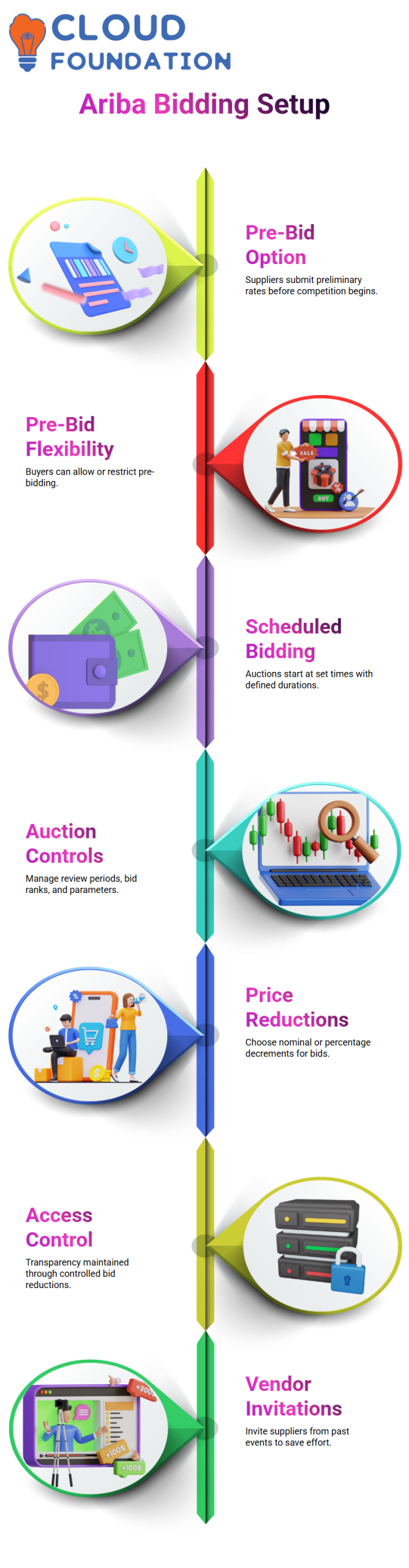
All suppliers can participate and input preliminary rates when you set up a pre-bid in SAP Ariba.
The benefit is obvious: before the competitive bidding starts, you are aware of the value that each supplier is offering.
You may choose not to pre-bid if you are already aware of the product’s price.
You have the freedom to permit or prohibit pre-bidding SAP Ariba.
Starting the SAP Ariba Bidding Process
In SAP Ariba, you can schedule bidding to start at a specific time, such as 8 AM.
You can also set the running time for each lot item.
For example, I keep it at 60 minutes. SAP Ariba allows you to manage review periods and control bid rank triggers, over time settings, and other auction parameters efficiently.
Managing Price Reductions in SAP Ariba
You may pick between a percentage or a nominal price decrease on SAP Ariba.
For instance, the following bid must be at least 99,000 if a supplier submits 100,000 and the decrement is 1,000.
I use nominal quantities in SAP Ariba to keep bid reductions transparent and under control.
Controlling Participant Access in SAP Ariba
With SAP Ariba, you may choose between a nominal or a percentage price reduction.
For example, if a supplier makes a bid of 100,000 and the decrement is 1,000, the next proposal must be at least 99,000.
To maintain transparency and control over bid reductions, I utilize SAP Ariba to employ nominal amounts.
Inviting Participants in SAP Ariba
I often extend invitations to participants from different SAP Ariba initiatives.
I look for previous events or projects to choose vendors by eliminating the criteria.
Reaching vendors from prior auctions is simple with SAP Ariba, which saves time and effort.
Additionally, I may add line items with reserve prices and scaled pricing for each lot, such as a printer.
Configuring Bid Decrement in SAP Ariba
I may specify the bid decrement the minimal decrease a supplier must provide for the subsequent bid SAP Ariba.
For instance, the subsequent offer must drop by at least 500 if a provider makes a bid of 99,000. This guarantees a smooth auction process and avoids small bid discrepancies.
Previewing and Adjusting Timing in SAP Ariba
I examine the SAP Ariba event and make any necessary time adjustments before I begin.
Minor adjustments, such as shortening or lengthening the running duration by a few minutes, are sometimes permitted in auctions.
SAP Ariba maintains supplier equity while guaranteeing temporal flexibility.
Surrogate Bidding in SAP Ariba
I may act immediately on behalf of suppliers, SAP Ariba’s surrogate bidding feature.
I may use the surrogate bidder position to submit bids directly if a supplier is unable to participate because of network or email concerns.
This ensures that the auction proceeds without interruption.
Managing Supplier Invitations in SAP Ariba
Occasionally, a supplier does not get the invitation to SAP Ariba.
In these situations, I send the invitation again straight from the system.
By ensuring that everyone has the information they need to attend the event, SAP Ariba reduces mistakes and delays.
Tracking Lead Bids in SAP Ariba
I can follow the lead bid in real-time SAP Ariba. For instance, the subsequent offer must adhere to the decrement rule if the leading bid is 99,500.
SAP Ariba guarantees that the auction complies with the established guidelines for reserve and decrement prices and displays the precise numbers.
Preparing Multiple Suppliers in SAP Ariba
In order to make sure the event goes as planned, I often use surrogate bids in SAP Ariba to serve as several providers.
This guarantees seamless participation from all suppliers and aids in my validation of the bidding process.

SAP Ariba Online Training
Creating Dutch Auctions in SAP Ariba
SAP Ariba facilitates sourcing initiatives and Dutch auctions.
I can create new auctions, locate past events, and modify the project type.
Because of its adaptability, SAP Ariba may be used with a variety of procurement techniques and auction types.
Managing Auction Data in SAP Ariba
I can keep track of reserve prices, supplier entries, increments, and other auction-related information in SAP Ariba.
All procurement activities are executed smoothly and transparently thanks to this thorough monitoring.
Working with SAP Ariba Auction Templates
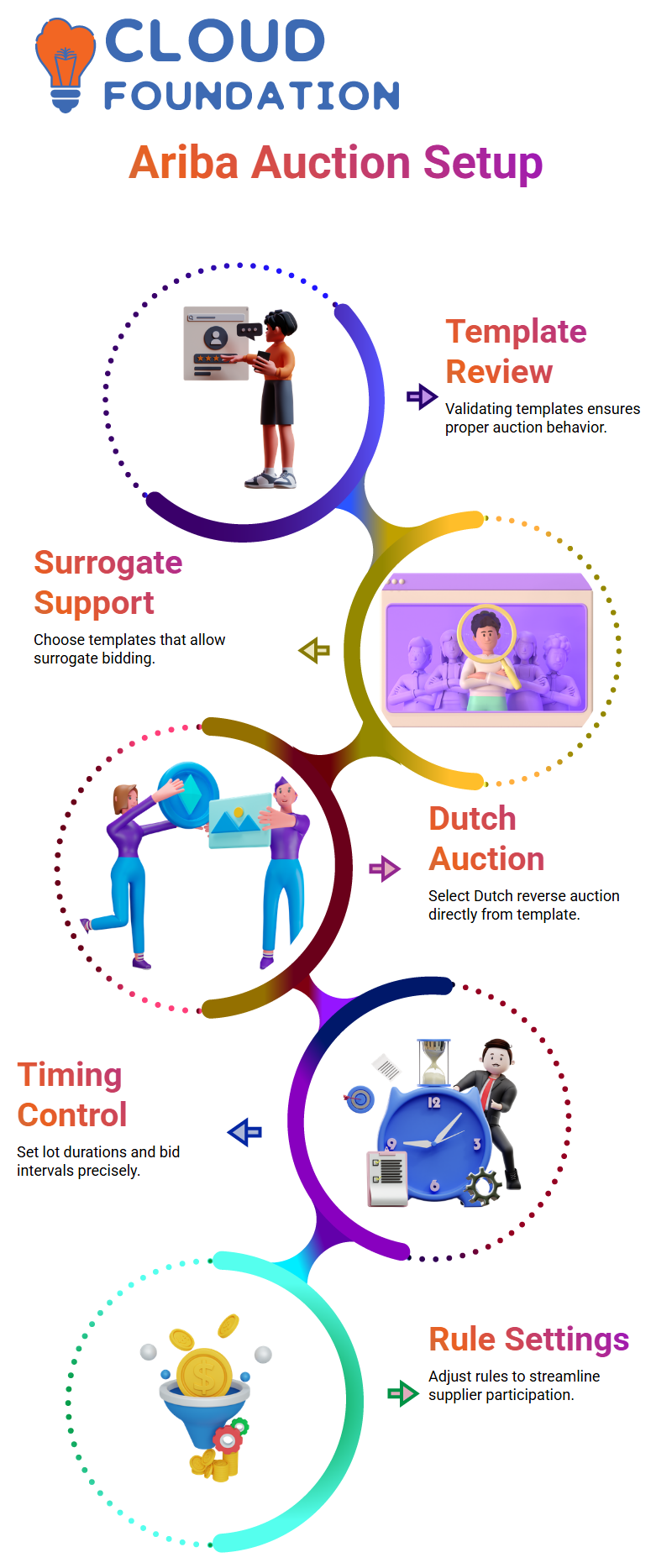
Since the template determines what I can and cannot do in an auction, I always begin my work in SAP Ariba by reviewing it.
I often duplicate an existing document or check the template in SAP Ariba to see whether surrogate bidding is supported.
I just chose another template that meets my needs and avoid utilizing the SAP Ariba template if it does not support surrogate bidding.
This step is crucial in SAP Ariba as auction behavior is managed at the template level rather than the event level.
For this reason, before starting the sourcing project, I take the time to validate the SAP Ariba template.
Creating an SAP Ariba Dutch Reverse Auction
I choose the auction type straight from the template when I build the sourcing project in SAP Ariba.
In this instance, I decided to use SAP Ariba’s Dutch reverse auction.
Since SAP Ariba limits such versatility, I don’t alter the auction type at the event level.
I set up the time information in SAP Ariba after clicking “create.”
I preserve ten minutes between lot closings and put the first lot’s operating duration at sixty minutes.
I also set up the bid adjustment interval in SAP Ariba such that the price changes once per minute.
One of SAP Ariba Auctions’ most potent features is this.
Creating Dutch Auctions in SAP Ariba
SAP Ariba facilitates sourcing initiatives and Dutch auctions.
I can create new auctions, locate past events, and modify the project type.
Because of its adaptability, SAP Ariba may be used with a variety of procurement techniques and auction types.
Managing Auction Data in SAP Ariba
I can keep track of reserve prices, supplier entries, increments, and other auction-related information in SAP Ariba.
All procurement activities are executed smoothly and transparently thanks to this thorough monitoring.
Working with SAP Ariba Auction Templates
Since the template determines what I can and cannot do in an auction, I always begin my work in SAP Ariba by reviewing it.
I often duplicate an existing document or check the template in SAP Ariba to see whether surrogate bidding is supported.
I just chose another template that meets my needs and avoid utilizing the SAP Ariba template if it does not support surrogate bidding.
This step is crucial in SAP Ariba as auction behavior is managed at the template level rather than the event level.
For this reason, before starting the sourcing project, I take the time to validate the SAP Ariba template.
Creating an SAP Ariba Dutch Reverse Auction
I choose the auction type straight from the template when I build the sourcing project in SAP Ariba.
In this instance, I decided to use SAP Ariba’s Dutch reverse auction.
Since SAP Ariba limits such versatility, I don’t alter the auction type at the event level.
I set up the time information in SAP Ariba after clicking “create.”
I preserve ten minutes between lot closings and put the first lot’s operating duration at sixty minutes.
I also set up the bid adjustment interval in SAP Ariba such that the price changes once per minute.
One of SAP Ariba Auctions’ most potent features is this.
Configuring Timing and Rules in SAP Ariba
I choose which rules are necessary and which are not while setting up the auction in SAP Ariba.
For instance, I don’t need providers to explain rejecting a decrement, and I skip the review period.
I have complete control over these characteristics thanks to SAP Ariba, which makes the auction quick and easy.
These scheduling and rule settings have a direct effect on how suppliers perceive the auction in SAP Ariba.
I carefully modify them to fit the company situation because of this.
Supplier Participation and Surrogate Bidding in SAP Ariba
I open the event in SAP Ariba when I go to the supplier side and verify all the information that is displayed, such as the publication time, start time, response window, and running time.
All of this data is visible to suppliers thanks to SAP Ariba.
I test surrogate bidding in SAP Ariba by letting the provider submit a bid after accepting the requirements.
For instance, I can instantly monitor how the event moves through several phases when a supplier enters an 87,000 offer in SAP Ariba.
Monitoring Event Status and Bid History in SAP Ariba
I keep an eye on the event status after the supplier submits their offer in SAP Ariba.
SAP Ariba automatically changes the event to either finished or awaiting selection during rapid runs.
In SAP Ariba, even a simple refresh properly changes the status.
I reopen the event in SAP Ariba on the buyer’s end to see the history of supplier bids.
Analysis is made simple by SAP Ariba’s clear display of the supplier’s name, bid value, and advancement.
Forward and Reverse Auctions in SAP Ariba
I often get inquiries about forward and reverse auctions in SAP Ariba during training sessions.
I clarify that both are supported by SAP Ariba, but you need to set up the appropriate template.
When selling in SAP Ariba, you choose forward auction templates, and when purchasing, you use reverse auction templates.
Since procurement teams mostly concentrate on purchasing, I seldom ever see forward auctions in SAP Ariba in actual projects.
Nevertheless, SAP Ariba has this feature, and Dutch, Japanese, or English auctions perform flawlessly in SAP Ariba if you design the appropriate template.

SAP Ariba Course Price

Nishitha
Author