SAP Ariba Course Online
SAP Ariba Login and Navigation Basics
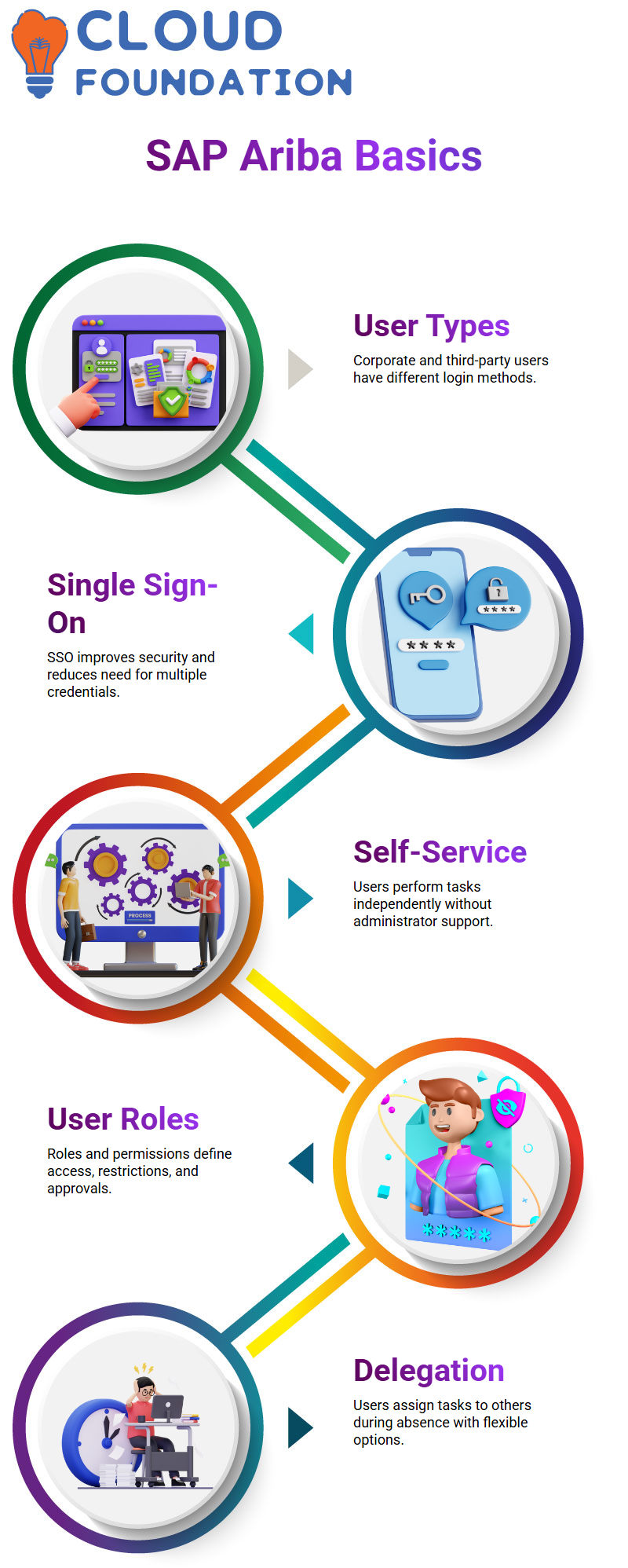
The user type is the primary determinant of the SAP Ariba login. We often deal with third-party and corporate users in SAP Ariba.
While business users often utilise single sign-on to access SAP Ariba, third-party users log in a username and password.
Security is a major concern in the majority of SAP Ariba projects that I have worked on.
For this reason, single sign-on for SAP Ariba has become commonplace.
SAP Ariba SSO gives organisations more control over access and eliminates the need for users to remember different credentials.
I also draw attention to the self-service choices when examining SAP Ariba.
With SAP Ariba, these menus let users do a lot of tasks independently without relying on administrators. This is where SAP Ariba really helps end users with their regular tasks.
SAP Ariba User Management and Roles Overview
User roles and permissions determine what an individual can do in SAP Ariba.
Because this directly affects password adapters and login behaviour in SAP Ariba, I make a clear distinction between corporate users and third-party users in my SAP Ariba sessions.
When looking for users inside SAP Ariba, learners may prevent misunderstanding by being aware of this.
In SAP Ariba, user management is more than simply an administrative matter.
How SAP Ariba manages users and roles as an end user helps in your comprehension of delegation rules, access restrictions, and approval processes.
SAP Ariba Delegation of Authority for End Users
The delegation of power is one of my favourite SAP Ariba features. Delegation in SAP Ariba refers to giving another user your tasks while you are on vacation.
I often draw comparisons between this and other SAP systems when delegation requires collaboration with the base team. SAP Ariba eliminates such reliance.
I can carry out delegation as a self-service task in SAP Ariba. I just go to my user profile, choose the delegation option, then click on my initials.
I may then choose the person who will represent me in SAP Ariba. Because the system remembers past queries, finding users in SAP Ariba is simple.
I explicitly provide the start and end dates when setting up delegation in SAP Ariba. During my leave, I may also decide whether I wish to receive email alerts.
Here, I have complete control thanks to SAP Ariba, which makes delegation adaptable and useful.
SAP Ariba Approval Limits and Delegation Rules
Approval limitations are a crucial SAP Ariba guideline that I always emphasise. You cannot assign power to a junior user with a lower approval limit in SAP Ariba.
In SAP Ariba, the delegate’s approval limit has to be at least as high as the delegator’s.
I clarify that there isn’t a system problem when SAP Ariba displays an error about missing plant data or approval restrictions.
All SAP Ariba is doing is implementing governance regulations. SAP Ariba runs well if master data, such as plant or permission limitations, is kept up to date.
In SAP Ariba, the system permits a review phase prior to submitting a delegation request. The request is subsequently sent via SAP Ariba to a manager or supervisor for approval.
Delegation in SAP Ariba is kept under control and auditable thanks to this approval process.
SAP Ariba Delegation from Administrator Perspective
In SAP Ariba, delegation sometimes takes place during crises. In these situations, delegation is managed from the backend by administrators or consultants.
I clarify that administrators handle production tasks in SAP Ariba, whereas consultants often provide help.
I go to Core Administration and then User Manager from the SAP Ariba administration area.
An administrator may establish a delegation from one user to another, specify the duration, and provide reference information such as email addresses or ticket numbers under SAP Ariba delegates.
The delegate sees a banner while logging in to SAP Ariba after delegation is enabled.
They are prompted by SAP Ariba to choose between acting as the delegated user or as themselves.
In SAP Ariba, clicking “stop acting” after finishing tasks takes users back to their initial login.
Managing User Access in SAP Ariba Administration
Because SAP Ariba actively tracks changes, I am always cautious about user access while working there.
SAP Ariba instantly monitors any changes you make to a user’s rights after clicking on them.
I have seen instances when individuals were unable to unlock their accounts after access was abruptly taken away.
For this reason, I always advise Learners to observe first and refrain from making needless changes in shared or monitored SAP Ariba settings.
I can easily view the system groups that are allocated to a certain user when I open a user profile in SAP Ariba and choose the appropriate option.
Tick marks are used by SAP Ariba to display all rights, making it simple to see what access a person already has.
This visibility helps in my explanation of how SAP Ariba uses groups rather than individual settings to handle security.

SAP Ariba Training

Assigning System Groups Carefully in SAP Ariba
Whether we may assign various jobs, such as analyst or sourcing agent, simultaneously is a question I often get during SAP Ariba workshops.
Although integrating numerous system groups is technically possible with SAP Ariba, I generally advise against doing it carelessly.
Assigning too many jobs in SAP Ariba may lead to confusion and security threats, particularly in production systems.
In SAP Ariba, to illustrate this, I go to the user management interface, look for a particular user, and choose Edit.
SAP Ariba clearly distinguishes between group permissions and generic user information under the groups area.
Active system groups are indicated by the tick marks on the right, while available, but unassigned groups are shown on the left.
You may add or delete these groups as an administrator in SAP Ariba, but only in controlled systems for educational or demonstration purposes.
User Editing Restrictions and Monitoring in SAP Ariba
It is dangerous to modify users in a shared demo environment in SAP Ariba.
I always clarify that this system is monitored and that the account may be locked if SAP Ariba finds any unauthorised modifications.
Because of this, I advise Learners to investigate the displays, comprehend the alternatives, and refrain from pressing the submit button.
You can control access, adjust permissions, and create new users in SAP Ariba, but you should only do these things in client systems or dedicated demo tenants.
SAP Ariba wants users to see and learn from training systems, not to change important user connections.
User IDs and Email Updates in SAP Ariba
The user ID is a key idea in SAP Ariba that I emphasise. In SAP Ariba, once a user ID is generated, it cannot be altered.
Many businesses match real employee names to generic IDs like buyer1 or buyer2. SAP Ariba permits changing a person’s name after they depart from the company while maintaining their user ID.
In SAP Ariba, email addresses are crucial as they are the conduit for all alerts.
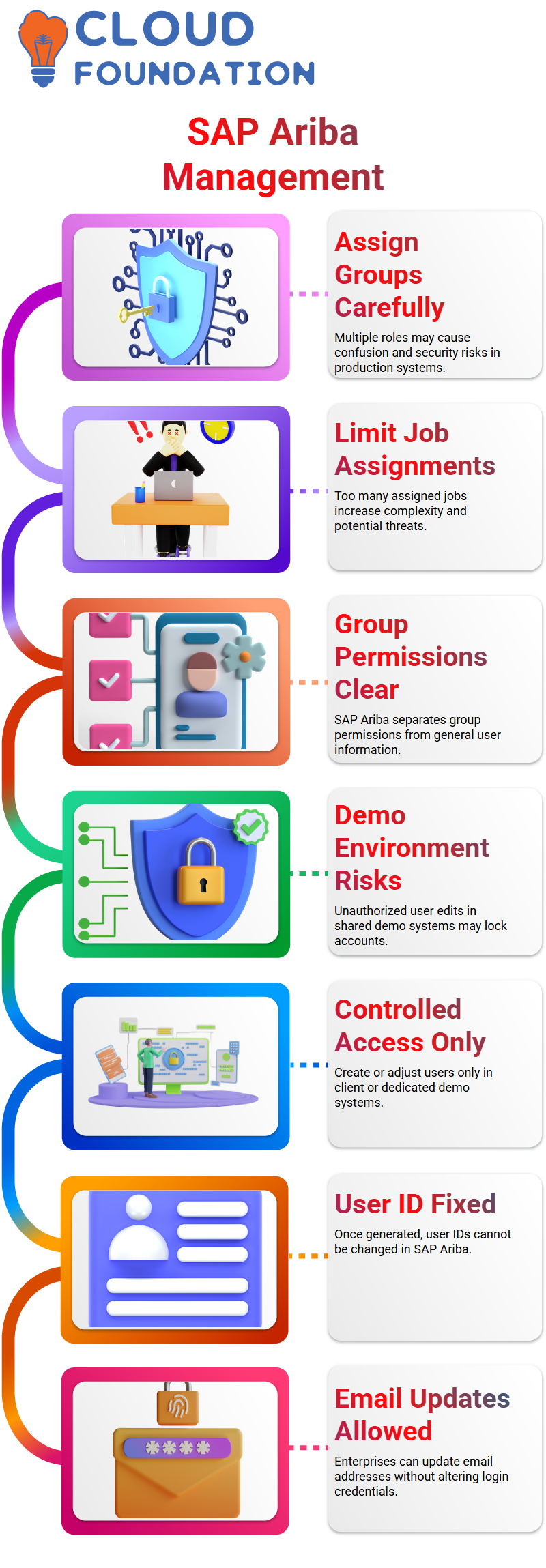
SAP Ariba enables enterprises to update the email address without changing the login when they buy additional firms or change domain names.
This maintains connectivity inside SAP Ariba while guaranteeing process continuity.
Supervisor Role Configuration in SAP Ariba
New users are often confused by SAP Ariba’s supervisor field. I always make it clear that the actual organisational manager is not the supervisor in SAP Ariba.
Rather, this individual is in charge of approving sourcing assignments, purchase requests, and other SAP Ariba workflow operations.
The system notifies the supervisor if a user in SAP Ariba fails to complete a job for an extended period of time.
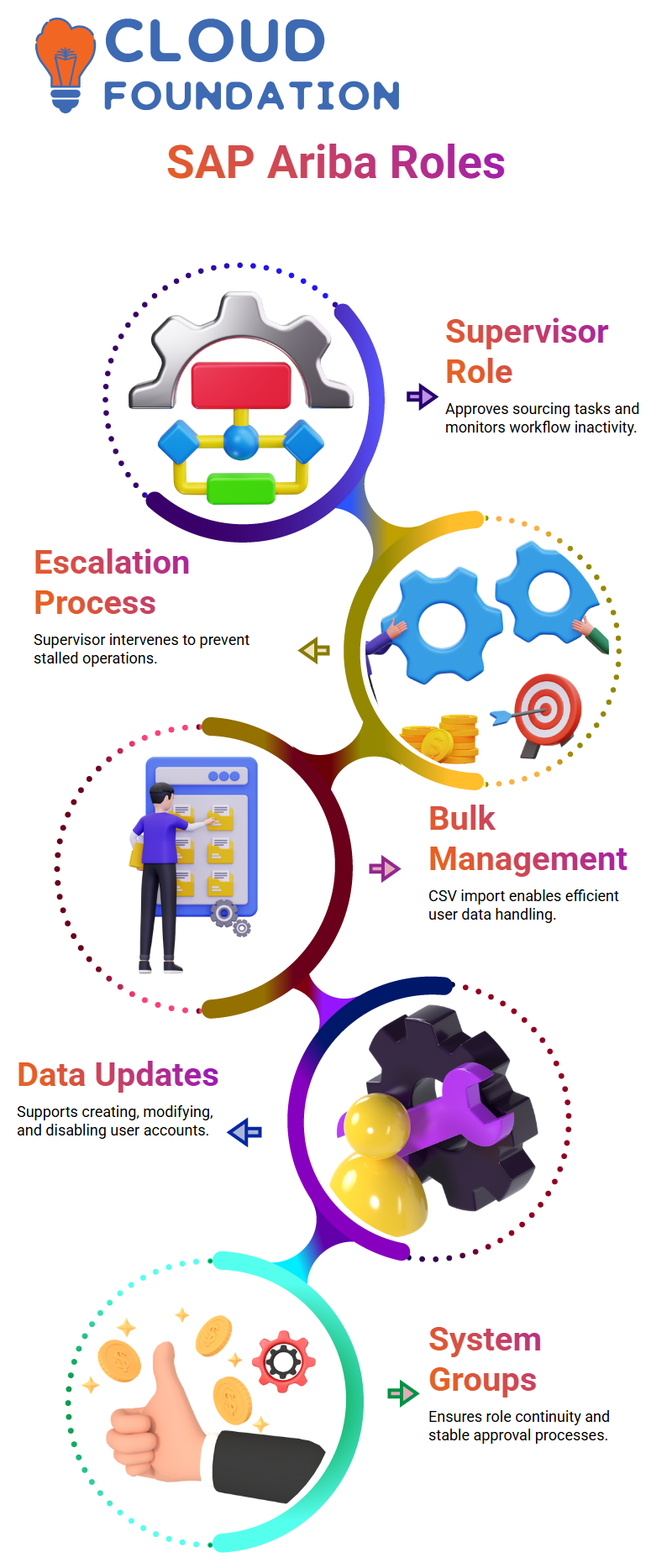
The supervisor may even intervene and approve outstanding items in SAP Ariba. This escalation mechanism makes sure that inactivity doesn’t cause business operations to stall.
Bulk User Management SAP Ariba Data Import
When working with huge organisations, managing users one at a time in SAP Ariba is not feasible. For this reason, SAP Ariba can import and export data.
This functionality allows me to effectively carry out bulk operations and import business users via a CSV file.
Through data import, SAP Ariba facilitates a number of actions, including the creation of new users, the modification of current users, the update of certain fields, and the disabling of accounts.
I typically export the current user list from SAP Ariba, make the necessary adjustments, and then import it back into the system to determine the right file type.
System Groups and Role Continuity in SAP Ariba
System groups like buyer1, buyer2, or sourcing manager are crucial to SAP Ariba.
SAP Ariba enables businesses to replace departing employees without altering the underlying user ID.
The stability of approval processes and configurations is guaranteed by this approach.
I often stress that group-based access in SAP Ariba makes administration easier.
SAP Ariba maintains the structure and just modifies the user data, rather than altering processes each time a person changes.

SAP Ariba Online Training
Creating Custom Groups in SAP Ariba
The ideal strategy for organisations with regular position changes is to create bespoke groups in SAP Ariba.
Typically, I advise corporate IDs or naming conventions like CUS_Procurement_Manager.
When appropriate nomenclature is used, SAP Ariba makes it simple to differentiate between system groups and custom groups.
This method helps SAP Ariba distinguish between jobs that are exclusive to an organisation and those that are specified by the system.
I can save time and minimise mistakes by adding people to a custom group after it has been formed and given several rights.
Managing User Groups and Permissions in SAP Ariba
Managing user groups is one of the first practical things I demonstrate when I work with SAP Ariba.
Permissions in SAP Ariba always go from system groups to custom groups. Personally, I go to the child group area of the needed system group and build a custom group underneath it.
This easy step guarantees that all of the system rights specified in SAP Ariba are immediately inherited by the custom group.
This method greatly simplifies administration in SAP Ariba. I utilise custom groups rather than giving each user authorisation.
I just add sourcing managers and agents to the appropriate SAP Ariba custom group when they join the company.
I delete people from that SAP Ariba group if they quit or relocate to another department. System-level settings are not touched in the clean handling of the permissions.
For this reason, I usually advise SAP Ariba’s custom groups. Complete control, improved governance, and a lower chance of authorisation mistakes are all yours.
All necessary access is immediately inherited as long as the custom group is assigned as a child to the appropriate system group in SAP Ariba.
Introduction to the SAP Ariba Sourcing Module
I normally go right into the SAP Ariba sourcing module when the group configuration is clear.
The actual purchase process starts with SAP Ariba sourcing. Although each organisation has many divisions, SAP Ariba’s procurement or sourcing teams handle the sourcing responsibilities centrally.
Finding the best source of supplies is the primary goal of SAP Ariba’s sourcing module.
Production, HR, and finance are examples of departments that don’t deal directly with the market.
Rather, they increase their demands, and the SAP Ariba sourcing team assumes responsibility for identifying and assessing suppliers.
In my experience, this process is made more structured by SAP Ariba sourcing.
It guarantees that all sourcing operations are standardised, traceable, and adhere to corporate guidelines.
Business Requirements in SAP Ariba Sourcing
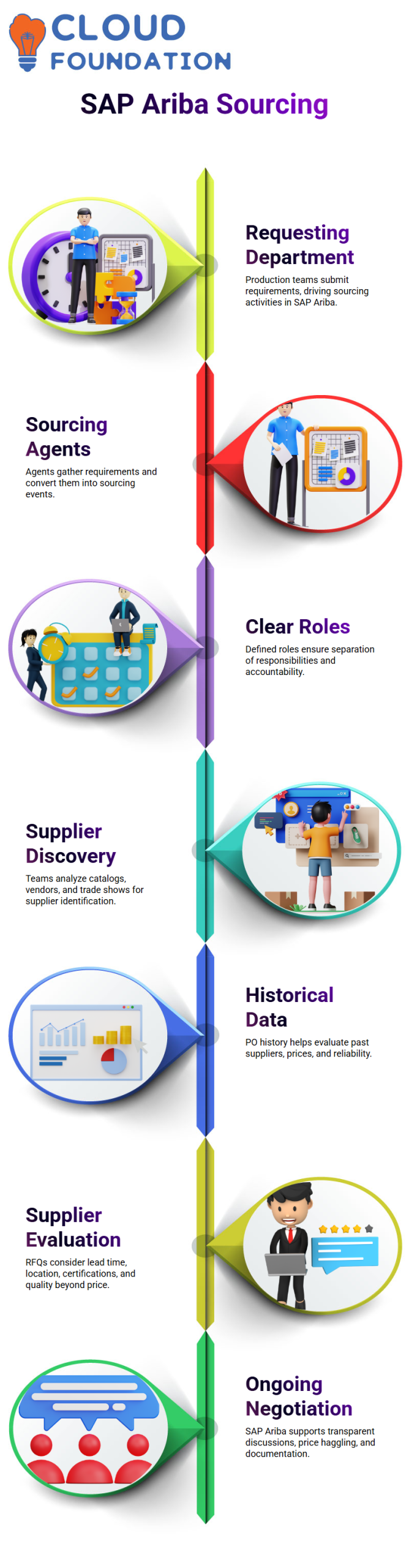
Allow me to describe how SAP Ariba receives requirements. Let’s say a manufacturing manager needs chemicals every month. This production team is referred to as the requesting department in SAP Ariba.
The sourcing activity in SAP Ariba is driven by the amount, frequency, and delivery expectations that they specify.
The department making the request does not find or negotiate vendors. Rather, SAP Ariba sourcing agents gather requirements and convert them into sourcing events.
Through clearly defined positions like sourcing manager and sourcing agent, SAP Ariba maintains this crucial separation of responsibilities.
To provide clarity, accountability, and audit preparedness, organisations record these criteria in SAP Ariba. In SAP Ariba, each sourcing choice is connected to a business need.
Supplier Discovery Methods SAP in Ariba
There are many techniques to find suppliers in SAP Ariba sourcing. Sourcing teams often analyze catalogs, engage with vendors, and visit trade shows.
Eventually, SAP Ariba receives all of this data for organised analysis.
Historical data is another crucial input for SAP Ariba sourcing. By checking PO history in SAP Ariba, I can quickly see which suppliers were used earlier, what prices were quoted, and how reliable the suppliers were.
This historical analysis is simple SAP Ariba. Salespeople also visit the business’s location to discuss product information.
SAP Ariba compiles all of these supplier inputs, guaranteeing that sourcing choices are based on accurate and comprehensive data.
Evaluating Suppliers and RFQs in SAP Ariba
Sourcing agents in SAP Ariba are in charge of drafting RFPs and RFQs and forwarding them to vendors.
In SAP Ariba sourcing, this is a crucial operational activity. The sourcing manager then keeps an eye on SAP Ariba’s timeframes, task distribution, and open RFQs.
In SAP Ariba sourcing, the winner is not determined just by price. Lead time, location, supplier experience, certifications, and quality requirements are all important.
I can record and compare these characteristics in an organised manner in SAP Ariba.
The purchasing department may submit purchase orders with confidence once SAP Ariba has determined which supplier is the best.
Future purchases become quicker and more dependable since the sourcing process has already been finished in SAP Ariba.
SAP Ariba sourcing facilitates business conversations after supplier identification.
The continuous sourcing relationship includes price haggling and negotiation, and SAP Ariba maintains transparency and documentation throughout the whole process.

SAP Ariba Course Price

Vanitha
Author
The capacity to learn is a gift; the ability to learn is a skill; the willingness to learn is a choice