Salesforce Pardot training online
Prospect Creation and Assignment in Salesforce Pardot
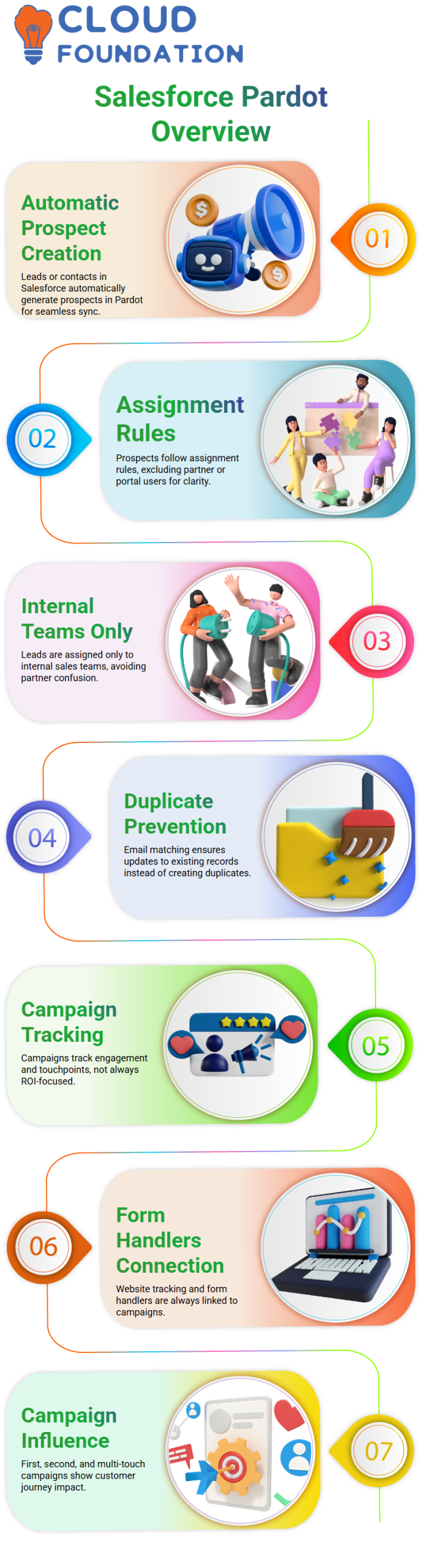
One of the first things I tell people when I work with Salesforce Pardot is how to make and assign prospects.
When you create a lead or contact in Salesforce, a prospect can be automatically made in Salesforce Pardot.
This helps me keep marketing and sales in perfect sync without having to do anything by hand.
I always pay attention to the rules for assigning prospects in Salesforce Pardot.
Some records, like Salesforce partners or users of a custom portal, are left out on purpose.
Salesforce Pardot doesn’t automatically assign leads to those partner users, which is a good thing. It keeps things clear and makes sure that leads only go to internal sales teams.
I also make it clear that Salesforce Pardot looks at things like email addresses to see if they match.
Salesforce Pardot updates the record instead of making duplicates if a prospect already exists. One of the best things about Salesforce Pardot for any marketing team is how well it keeps data flowing.
Campaign Types and Touchpoints in Salesforce Pardot
Campaigns are a big part of tracking engagement in Salesforce Pardot.
I usually start by showing a simple learning campaign, and then I talk about how different types of campaigns work in Salesforce Pardot.
It’s very important to know that not every campaign is meant for ROI reporting.
When I make form handlers or website tracking in Salesforce Pardot, I always connect them to a campaign. These campaigns are sources or touchpoints.
I think of them as touch-based campaigns in Salesforce Pardot instead of campaigns that make money.
I can make a lot of campaigns with Salesforce Pardot, but I’m careful about who can see them. Some campaigns should not show up in the views of account engagement.
If I don’t need a campaign anymore in Salesforce Pardot, I would rather carefully manage the members than delete the campaign completely.
I use campaign influence in Salesforce Pardot as a best practice. I make campaigns for first touch, second touch, and multiple touches.
Salesforce Pardot helps me see how each interaction affects the customer’s journey.
Email Strategy and List Emails Using Salesforce Pardot
One of my favorite things about Salesforce Pardot is its email marketing.
I always make sure that the list email I send in Salesforce Pardot is linked to the right campaign. You can only send a list email in Salesforce Pardot once, so it’s important to plan.
I usually use a simple example to explain this. Businesses use Salesforce Pardot list emails to get the word out, promote deals, and get new customers.
Salesforce Pardot helps me get prospects to engage with me again based on how they act, just like popular online shopping sites do.
The main goal of list emails in Salesforce Pardot is not always to make a sale right away.
Sometimes I use Salesforce Pardot to remind potential customers about a product, a seasonal deal, or a campaign that only lasts for a short time.
This method builds trust and keeps the brand in people’s minds.
Prospect Profiles, Auditing, and Tracking in Salesforce Pardot
The prospect profile is one part of Salesforce Pardot that I use a lot.
Salesforce Pardot shows me lists, activities, campaigns, and assignment history all from one profile.
This gives me a full picture of how a potential customer is being treated.
The audit tab in Salesforce Pardot is very useful. I can tell when a prospect was assigned, which campaign they were added to, and how their values changed over time.
Salesforce Pardot keeps track of everything that happens, whether it’s from CRM sync, automation rules, or manual updates.
Pardot in Salesforce also works with related objects. I can link custom objects in Salesforce to prospects in Salesforce Pardot if the company uses them.
Salesforce Pardot lets you do it if there is a specific business need, but it is not required.
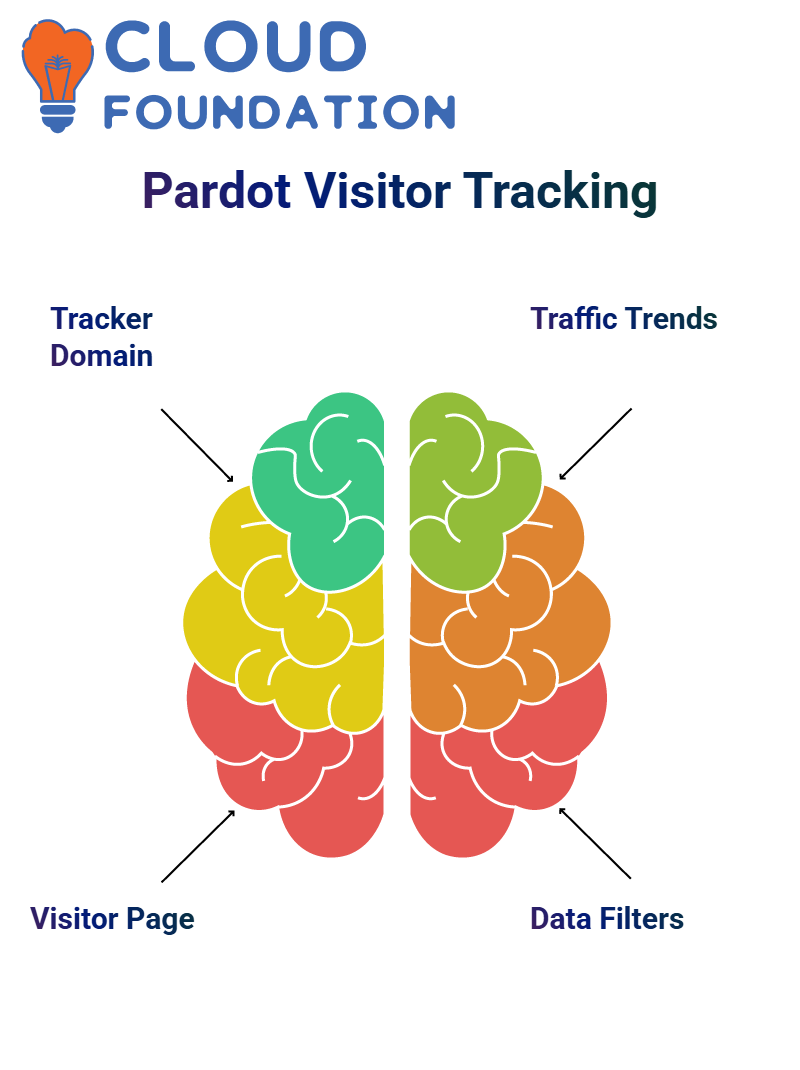
Lastly, I always look at visitor tracking in Salesforce Pardot.
If I don’t see any activity from visitors, it usually means that the tracking code isn’t set up right on the website.
Salesforce Pardot separates active visitors, identified visitors, and overall traffic, which helps me get a better picture of how engaged people are.

Salesforce Pardot Training

Salesforce Pardot Filters
One of the most useful things I show people how to do in Salesforce Pardot is to use filters.
We can group visitors into different groups based on things like page views, activity, or engagement when we add filters.
Filtered visitors in Salesforce Pardot help us only look at the data that matters.
I often make a filter that sets page views to zero, for instance. This helps me find leads in Salesforce Pardot who aren’t interested.
Learners get a better idea of how powerful filtering can be for cleaning up data and making engagement strategies better when they see it in person.
You can use these filters directly on the prospect and visitor pages in Salesforce Pardot.
After you apply the filters, the list changes automatically, which makes it easier to compare active and inactive users.
Tracker Domain Setup in Salesforce Pardot
People often ask me where to put the Salesforce Pardot tracking code.
I always tell them to add the tracking script before the last body tag on the website.
Salesforce Pardot will start keeping track of all visitor information after this is done.
The tracker domain in Salesforce Pardot works with other analytics tools.
I make it clear that Salesforce Pardot tracking and Google Analytics tracking are two different things that can work together without any problems.
This setup lets Salesforce Pardot track form submissions, page views, and visitor activity, while Google Analytics is more focused on traffic analysis and patterns of user behavior.
Salesforce Pardot and Google Analytics Working Together
A lot of people think they have to pick between Salesforce Pardot and Google Analytics, but that’s not the case.
I always tell people that Salesforce Pardot and Google Analytics are not the same thing and can be used together.
Salesforce Pardot needs its own tracking code to keep an eye on leads and engagement. Google Analytics uses a different code to keep track of all the traffic to your website.
The developer can put both codes on the same website.
Salesforce Pardot keeps track of engagement on its own when email campaigns are involved.
Google Analytics, on the other hand, needs UTM parameters to measure how well a campaign is doing.
I usually show how these UTMs can be mapped into custom fields in Salesforce Pardot later.
Exploring Connectors Inside Salesforce Pardot
Connectors in Salesforce Pardot let you connect outside platforms like Google Analytics, Google Ads, GoToWebinar, and Zoom.
Salesforce Pardot connectors make it easy to sync attendee data directly into prospects when a company runs webinars.
Adding a connector in Salesforce Pardot only takes a few clicks, which I show people a lot.
Salesforce Pardot connects with Google Ads to keep track of performance data for paid campaigns.
Marketers can now measure how well their campaigns are working right inside Salesforce Pardot, without having to switch tools.
Advanced Integrations and Notifications in Salesforce Pardot
Salesforce Pardot also works with more advanced integrations, such as Slack, Bitly, and event connectors.
I talk about how Slack notifications help sales teams get instant alerts when leads are added to or changed in Salesforce Pardot.
Companies can use Bitly integration in Salesforce Pardot to make long URLs shorter for campaigns.
Once they are connected, Salesforce Pardot can easily keep track of and manage those shortened links.
Salesforce Pardot has event and video connectors that help businesses keep track of online events and video engagement.
This makes Salesforce Pardot a full engagement platform for modern marketing teams.
Salesforce Pardot Website Tracking in Real Projects
Once the tracker domain connects to the website in Salesforce Pardot, the system starts to keep an eye on how visitors act on their own.
Even in demo setups, Salesforce Pardot makes it clear how tracking works behind the scenes.
I personally tell people that Salesforce Pardot doesn’t magically turn every visitor into a lead. The first thing Salesforce Pardot does is keep track of visits.
Salesforce Pardot only links a known prospect to their record when they visit a tracked page.
I make sure that students in my Salesforce Pardot training sessions understand why we never delete tracking settings at random.
These settings are important for Salesforce Pardot to get useful engagement data from websites.

Salesforce Pardot Online Training
How I Use Salesforce Pardot to Make Images Clickable and Track Engagement
One of the first things I tell Learners when I work with Salesforce Pardot is how easy it is to turn simple things like pictures into powerful tools for engagement.
An image in Salesforce Pardot is more than just a picture.
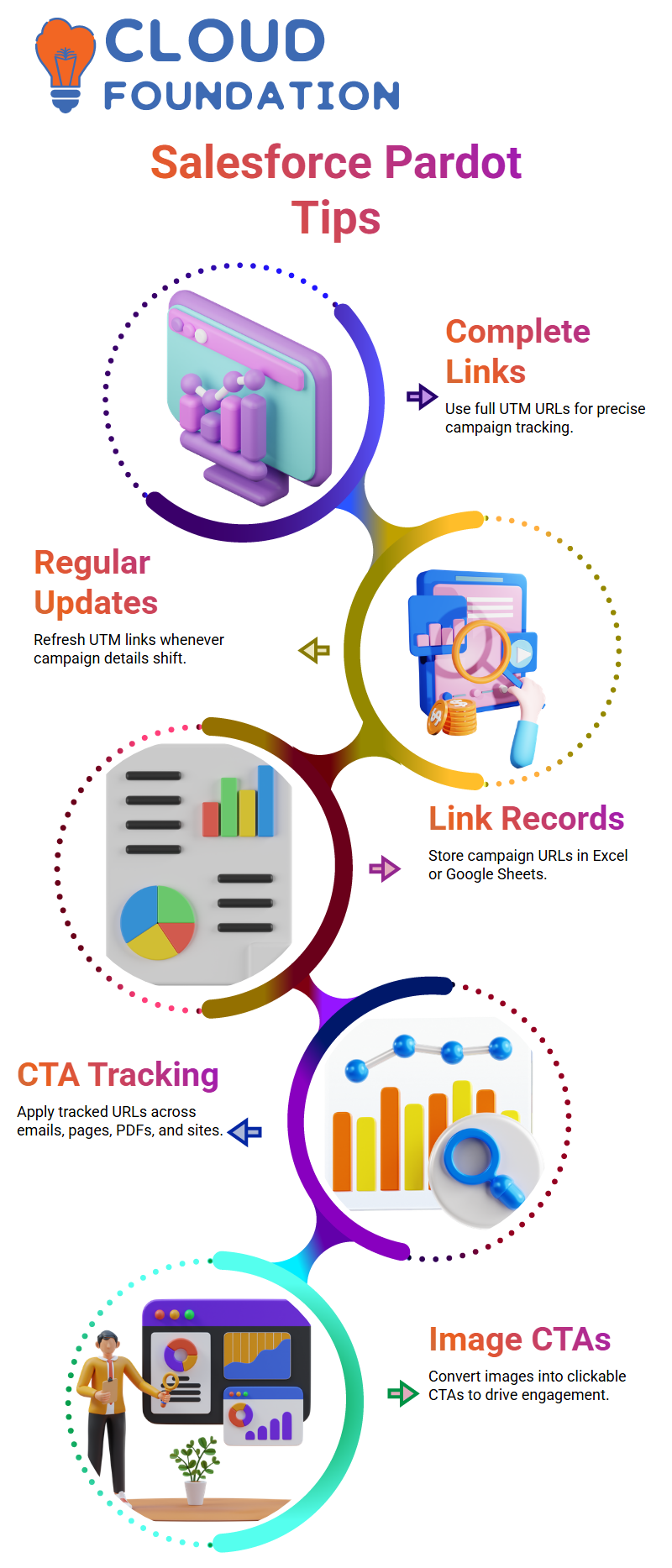
I can save it, use it again, and even turn it into a clickable call-to-action that takes people exactly where I want them to go.
I just pick the image in Salesforce Pardot, click the link option, paste the URL of the page I want to link to, and save it.
That’s all. The image can now be clicked on. People know it’s interactive when they hover over it, and when they click it, Salesforce Pardot takes them to the link I gave them.
This small change makes a big difference in how well the campaign works.
I always tell my Learners that Salesforce Pardot works best when we use common sense.
Instead of adding more buttons or links, I usually let the picture do the work. This method works well and is easy to understand with Salesforce Pardot.
Why Salesforce Pardot Form Handlers Are My Preferred Choice
I think Salesforce Pardot form handlers are one of the best choices when forms are already on a website.
If teams already use tools like Gravity Forms or custom HTML forms, I don’t make them rebuild forms in Salesforce Pardot.
In Salesforce Pardot, I usually make a form handler and give the web developer the URL for the post action.
The developer adds that URL to the form that is already there. Salesforce Pardot then automatically collects the data in the background.
Before I move on with the Salesforce Pardot integration, I ask developers one clear question.
What is the form made of? Is it just HTML and CSS, or does it come from a third-party tool like WordPress or Gravity Forms? This answer tells you if Salesforce Pardot forms or Salesforce Pardot form handlers are the best choice.
Mapping Fields Correctly in Salesforce Pardot with Gravity Forms
Salesforce Pardot form handlers are the best way to handle forms when Gravity Forms is involved.
I check that all the required fields are present in both Gravity Forms and Salesforce Pardot.
Salesforce Pardot can’t collect any data if the fields aren’t set up and mapped correctly.
I always make UTM parameter fields in Salesforce Pardot and then copy those fields to Gravity Forms.
Users can’t see these fields, but Salesforce Pardot uses them to keep track of how well campaigns are doing.
In Salesforce Pardot form handlers, not in custom code, mapping happens.
I open the form handler, change the fields, and connect each Gravity Forms field to the right Salesforce Pardot prospect field.
This step makes sure that Salesforce Pardot has clean, usable data.
Capturing UTM Parameters Effectively: Salesforce Pardot
When I use Salesforce Pardot, I never give up on UTM tracking. The UTM fields are usually there if the client already uses GA4.
I have to make sure that those same fields are mapped correctly in Salesforce Pardot.
I check that the UTM source, medium, campaign, term, and content fields are all set up and linked in Salesforce Pardot.
Salesforce Pardot won’t be able to record the whole journey of a prospect if even one field is missing.
I often tell teams that Salesforce Pardot doesn’t magically collect data.
The fields need to be there, they need to be mapped, and they need to be hidden in the right way.
After this setup is done, Salesforce Pardot runs smoothly without any help from you.
How Salesforce Pardot Supports My Growth as a Multi-Cloud Consultant
Salesforce Pardot is more than just a tool for automating marketing.
Salesforce Pardot helps me learn about the problems my clients have with sales, service, and marketing.
I already have a good of Sales Cloud and Service Cloud, but Salesforce Pardot offers me a new opportunity to utilize my consulting skills.
I don’t write code, but Salesforce Pardot helps me show developers and clients the most effective technical approach.
Along with Marketing Cloud, Data Cloud, and Business Analyst ideas, I’m learning Salesforce Pardot.
Salesforce Pardot is a great fit for this journey because it links business needs with technical execution.
Learning Salesforce Pardot is proof to me that you can never stop learning.

Salesforce Pardot Course price

Nishitha
Author
A mind once stretched by a new idea never returns to its original dimensions.