Ping Access Training
Ping Access in Large Enterprise Environments
Ping Access is always a part of the conversation when I’m working on big identity projects for businesses.
In one of the biggest places I’ve worked, the conversation began with whether to keep cloud services or move everything back to the office.
Based on what I’ve seen, Ping Access works well when companies already use Ping Federate and Ping Directory on-prem.
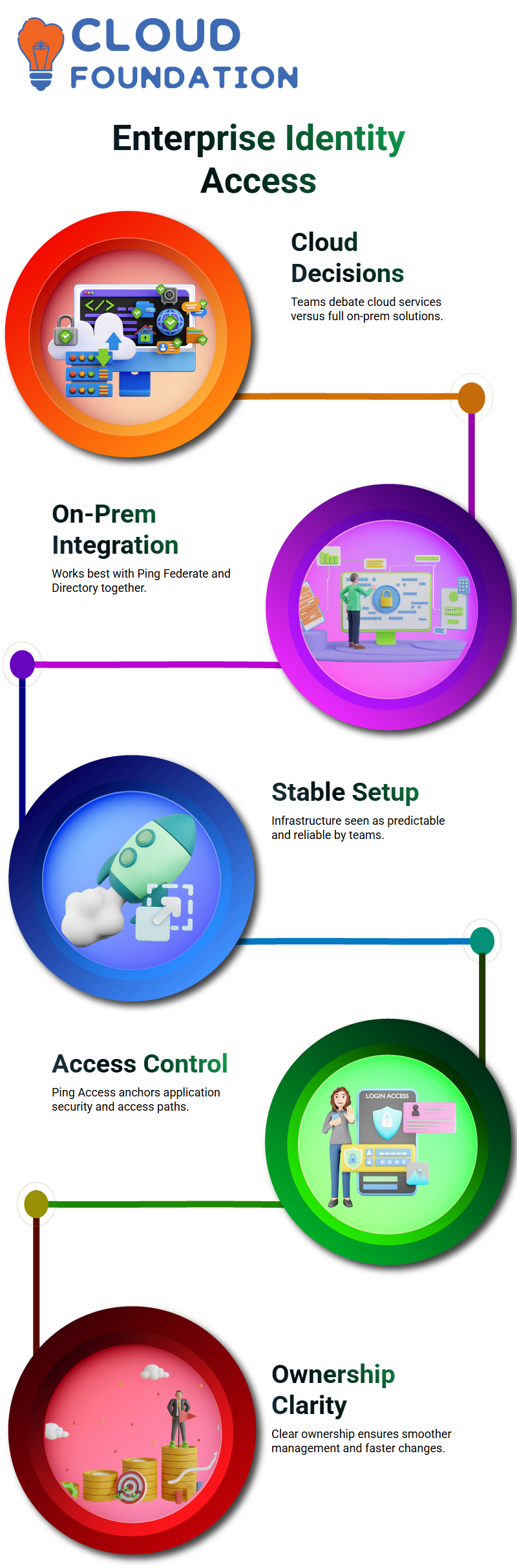
A lot of teams still think that the setup is stable and predictable.
I’ve seen with my own eyes how Ping Access works with other Ping products in a very active and always-on way.
Ping Access becomes the anchor for securing applications and controlling access paths, even when teams aren’t sure where the cloud is going.
Ping Access and On-Premises Strategy Decisions
Ping Access comes up a lot in serious infrastructure talks about real projects.
I’ve been in meetings where teams talked about going back to fully on-prem because they were tired of managed services.
When Ping Access, Ping Directory, and Ping Federate are all running on-premises, teams feel like they can see and control more.
Based on what I’ve seen, Ping Access works best when the company makes it clear who owns what.
If an outside vendor does everything, even small changes to Ping Access can take longer than you think.
Logging Challenges Around Ping Access
Logging is one of the biggest problems I’ve had with Ping Access.
There are logs, but it can be hard to collect and look at them. We used Logstash to send logs from Ping Access to OpenSearch instead of a tool like Splunk.
The real problem was the order. It was possible to get to the Ping Access logs, but the order was all messed up.
Log number ten would come before log number two. When you trace a transaction ID in Ping Access, the order of the steps is important.
If you miss that order, it makes troubleshooting a lot harder than it should be.
Why Ping Access Log Sequencing Matters
When I fix problems in Ping Access, I use transaction-based tracing a lot. You can still find the error if the logs are out of order, but you won’t know what happened.
Ping Access events need a context, and that context goes away when there is no sequence.
I’ve worked with identity platforms for more than five years, and I don’t often see logging errors like this.
That’s why the design of Ping Access logging is more than just a technical detail; it’s a big architectural issue.

Ping Access Training

Ping Access in Cloud-Managed Environments
In some setups, Ping Access runs in a cloud-managed way, which means that internal teams can’t even get to the console.
In the past, I’ve worked in places where the Ping vendor owned the Ping Access console, and we only took care of configuration requests.
This makes you dependent. There needs to be coordination, approvals, and waiting windows for every Ping Access change, no matter how small.
Ping Access is strong on its own, but the way it works can slow teams down.
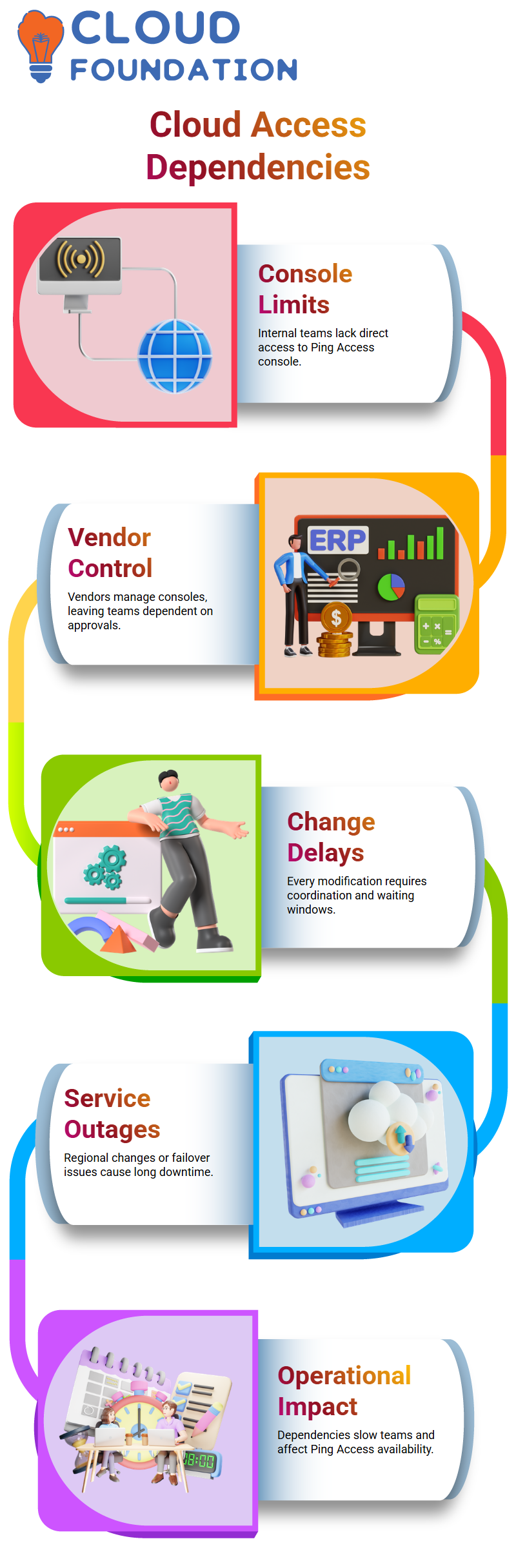
Ping Access is not the only thing I depend on in my daily work. Changes to the Ping Directory or load balancers can make Ping Access less available right away.
I’ve seen outages caused by changes in the region where failover didn’t work as planned, and Ping Access was down for hours.
Ping Access services were down for almost twelve hours in one case while vendor teams worked to get them back up.
This is a good example of why it’s so important to really understand how Ping Access works.
Ping Access and Change Management Reality
A strict change process is usually needed for any changes to Ping Access, like HTML templates or authentication flows.
Based on what I’ve seen, the vendor handles deployment while development happens inside the company.
That means that the updates for Ping Access depend on when they are due.
Changes to Ping Access might come out in a day in QA.
In production, requests for changes, approvals, and schedules can make things take a lot longer. This isn’t a limit of Ping Access, but it’s something that every team should be ready for.
What I’ve Learned Working Closely with Ping Access
I’ve learned that Ping Access is a good product, but it only works well if you can see what’s going on, log things clearly, and have control over operations.
Ping Access needs to be easy to integrate, have clear ownership, and have processes that are easy to follow.
When teams know how Ping Access works with Ping Directory, Ping Federate, and logging pipelines, it is easier to fix problems.
If you don’t understand that, even a small Ping Access problem can seem huge.

Ping Access Online Training
Working with Ping Access in Real-Time Deployment Scenarios
When I use Ping Access in real life, I always notice that timing is very important.
Because Ping Access changes are never really instant, I usually open a certain slot and set everyone to that time.
In my experience, Ping Access needs coordination and patience even for small deployments.
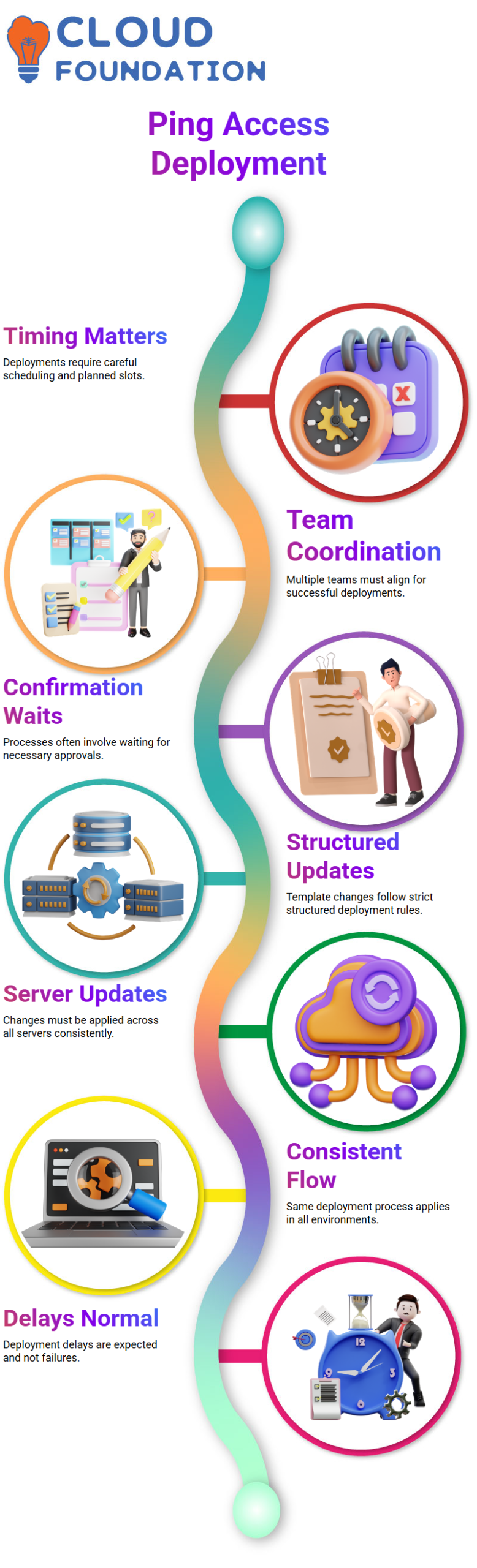
I often tell Learners that Ping Access deployments, whether they are in development or production, depend on answers from more than one team.
Even if I think I’m ready, the Ping Access process requires waiting for confirmations.
That wait is normal, and I’ve learned to work around it instead of fighting it.
When Learners ask me why Ping Access updates don’t happen right away, I tell them the truth: Ping Access templates need to be handled in a structured way.
I view this as a positive development, not a negative one, because Ping Access encourages safe and controlled changes.
Ping Access Template Updates Across Servers
When I change a template in Ping Access, I know that the work isn’t done with just one click.
Ping Access needs updates on every server, which naturally takes time.
Based on my own experience with organizations, it can take one to three hours to properly deploy even a small change to HTML in Ping Access.
I always tell Learners that Ping Access works the same way in all environments. Ping Access follows the same strict flow whether I’m working on development or production.
I like that consistency because it means there won’t be any surprises later on.
When I teach Ping Access, I tell my Learners that delays are not failures.
Ping Access just follows the rules for structured deployment cycles. After Learners get this, they stop expecting results right away and start to respect the Ping Access workflow.
How Ping Access Teams and Support Structures Really Work
When I work with Ping Access every day, I also have to deal with different support systems.
Ping Access usually has separate teams, and not every conversation goes straight to a tech expert.
While working with Ping Access support channels, I have seen this clearly.Most of the time, Ping Access gives you a point of contact who handles communication instead of configuration.
I tell Learners that this is normal for enterprise setups with Ping Access.
That person might bring up problems, but they usually don’t set up Ping Access themselves.I also want to point out that Ping Access support gives priority to important settings.
Ping Access expects us to only bring up issues that are important to us because we often work as support teams ourselves.
When Learners understand this model, they can work with Ping Access without getting frustrated.

Practical Expectations When Learning and Ping Access
When I teach Ping Access, I talk about my own experiences and set realistic goals.
Ping Access is very useful, but you need to be patient and plan. I tell my Learners that if a change happens in a day, that’s already a good turnaround for Ping Access.
I like how Ping Access makes people follow the rules. There is a process for every deployment, response, and update in Ping Access.
Once Learners understand this, they begin to see how Ping Access keeps things stable and safe.
I help Learners see Ping Access for what it really is by telling them stories from my own life.
Ping Access isn’t about making changes quickly; it’s about doing things the right way, at the right time, and with the right permissions.

Ping Access Course Price

Nishitha
Author