Online Course on SAP Ariba Supplier Management
SAP Ariba Contract Management
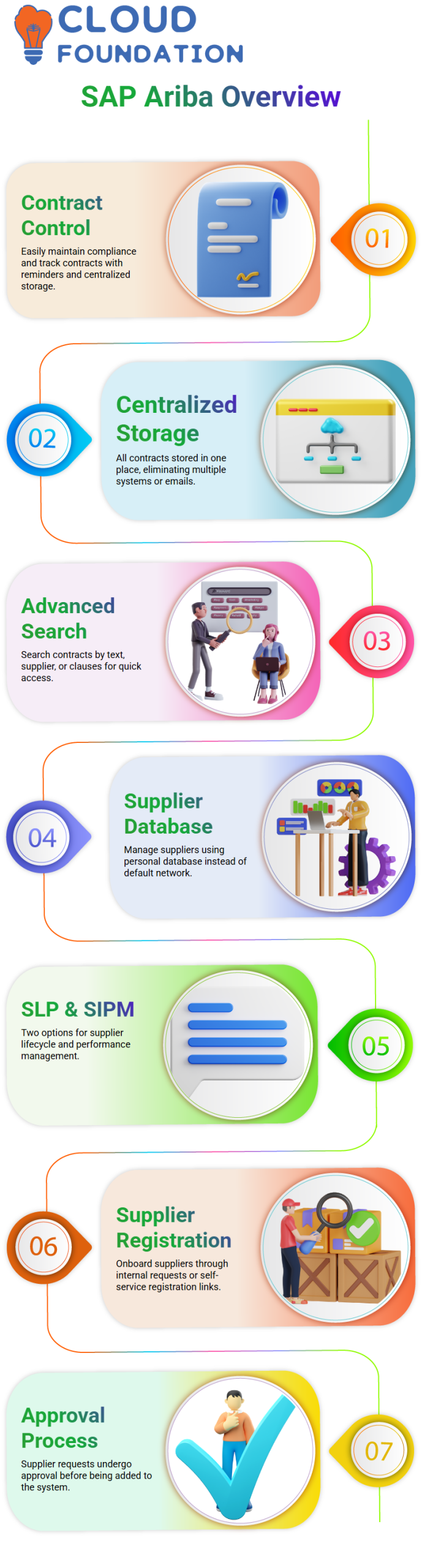
The first thing I notice about SAP Ariba contract management is how simple it is to maintain control.
I can maintain compliance, get due date reminders, and see every contract I oversee thanks to SAP Ariba.
SAP Ariba saves all contracts in one place, so I don’t have to access various systems or search emails.
The ability to search contracts is what I find appealing about SAP Ariba. I may search by text, by supplier, or even by certain clauses.
I can quickly and easily discover precisely what I need from SAP Ariba. SAP Ariba contract management is effective for daily operations because of this degree of control.
SAP Ariba Supplier Management
Supplier management is simple with SAP Ariba. Instead of choosing a supplier straight from the SAP Ariba network or open network, I use my own supplier database. I now have complete control over my supplier data.
For supplier management, SAP Ariba provides two primary options. SLP stands for Supplier Lifecycle and Performance, while SIPM is for Supplier Information and Performance Management.
In order to make supplier management more organised and adaptable, SAP Ariba switched to this new architecture.
I just pay attention to supplier registration and performance assessment when I utilise SAP Ariba SIPM.
Registration is the last step in the supplier information process, but SAP Ariba also enables me to assess performance and create a robust supplier performance management procedure.
Supplier Lifecycle in SAP Ariba
In SAP Ariba, a supplier request always initiates the supplier lifecycle. I created this document to onboard a supplier into SAP Ariba.
I have two options: Either I make this request internally, or I let the supplier use a self-service registration link to complete the information.
I generate a supplier request in SAP Ariba with the bare minimum of information, such as name, address, and email, if I already know the supplier’s data.
SAP Ariba allows me to transmit a link so the supplier may fill out the form directly if I don’t have all the information.
The request goes through an approval procedure once I submit it in SAP Ariba. SAP Ariba immediately adds the supplier to my system after approval.
As of right now, the supplier is only accessible via SAP Ariba, and no direct communication has begun.
Why Registration on SAP Ariba Business Network Matters
Supplier registration is a crucial next step in SAP Ariba. In order for the supplier to communicate with me online, I ask them to sign up for the SAP Ariba Business Network.
A supplier may reply to sourcing events, accept contract duties, receive purchase orders, and issue invoices after registering on SAP Ariba Business Network.
By bringing suppliers and buyers together on a single platform, SAP Ariba facilitates cooperation.
I send the registration invitation straight from SAP Ariba’s Supplier 360-degree profile.
This 360-degree perspective is accessible as soon as the provider is formed, providing me with complete insight into their lifespan.
SAP Ariba Supplier 360-Degree Profile
SAP Ariba provider qualifications are typically compared to educational levels. Similar to completing foundational tests, the supplier is first developed.
I next begin the qualifying process, which is comparable to professional specialization.
What I want to purchase determines my certification in SAP Ariba. I inquire about warranty, support, and authorisation if the seller offers IT consumables.
I want safety data sheets and compliance information if the supplier offers chemicals.
SAP Ariba allows me to customise questions based on the commodity.
I qualify the supplier in SAP Ariba when they reply with accurate information. This qualification means I accept the supplier for regular business.
I may qualify suppliers for SAP Ariba according to commodity, region, and optional department.
Qualifying Suppliers by Region and Commodity in SAP Ariba
I always thoroughly qualify vendors by area in SAP Ariba. For instance, because I am unable to assess HP India’s performance outside, I only qualify them for the India area.
Various managers may certify the same supplier for various areas of SAP Ariba. Because of this, SAP Ariba is very adaptable for multinational corporations.
Once qualified, the provider may be selected as a preferred supplier in SAP Ariba. SAP Ariba won’t let me go to the next phase without certification.
Setting of Suppliers in SAP Ariba
I designate preferred levels to suppliers after they have been qualified in SAP Ariba.
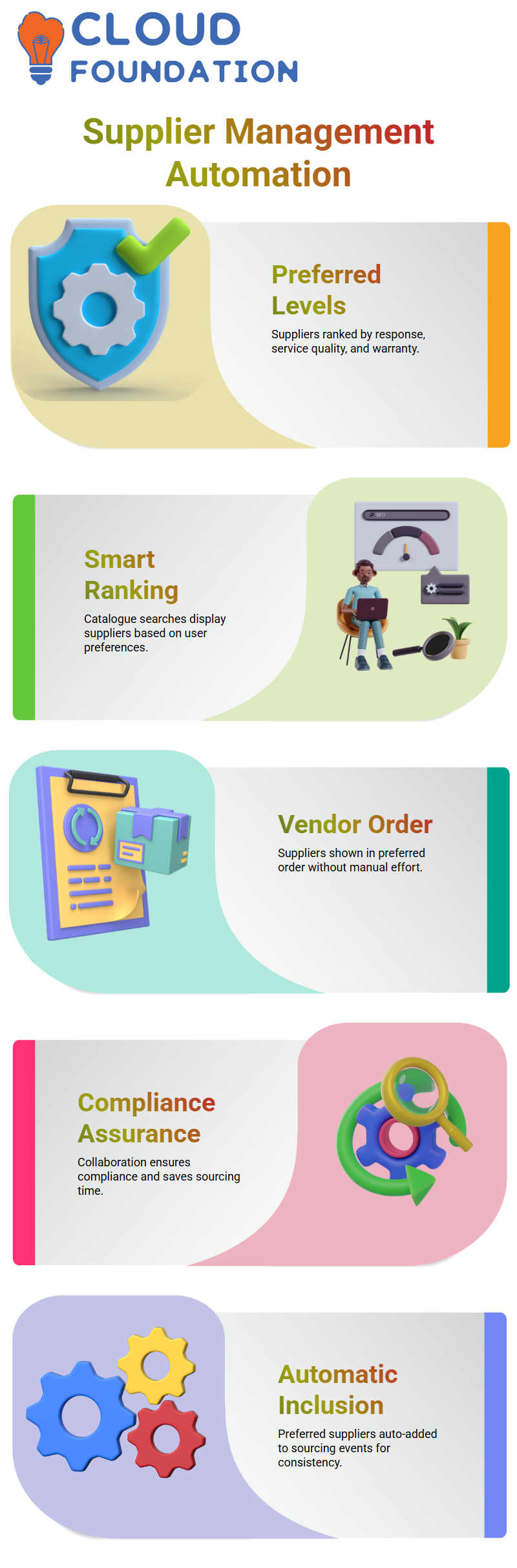
For example, HP might be level one, Dell level two, and Lenovo level three. I base this on response time, service quality, and warranty.
These desired levels are used by SAP Ariba when making purchases.
The results of catalogue searches in SAP Ariba Buying are automatically displayed according to the user’s selected ranking.
Because it directs users to the finest vendors without requiring human decision-making, this is one of SAP Ariba’s greatest benefits.
SAP Ariba uses the data I keep to make procurement more intelligent.
How SAP Ariba Manages Preferred Suppliers
SAP Ariba does not display vendors at random when I look for a laptop. Suppliers are shown in preferred order in SAP Ariba.
For example, HP may appear first, followed by other suppliers based on how I have configured preferences in SAP Ariba.
Without requiring personal assistance, this SAP Ariba capability enables me to direct users toward the appropriate provider.
Preferred supplier management is crucial to SAP Ariba’s everyday sourcing operations. I manage visibility of SAP Ariba so that customers will inevitably choose providers that currently fulfil business requirements.
When teams collaborate inside SAP Ariba, this guarantees compliance and saves time.

SAP Ariba Training

SAP Ariba Sourcing Events and Automatic Supplier Inclusion
The ability to automatically add preferred suppliers in sourcing events is one potent feature of SAP Ariba that I often discuss.
SAP Ariba automatically invites the chosen suppliers when a user launches a sourcing project and chooses an IT commodity with India as the justification.
The need to manually choose vendors from the supplier master is eliminated by SAP Ariba’s automation.
In SAP Ariba, the system takes care of the remainder when I designate preferred status.
SAP Ariba ensures consistency and reduces the risk of missing the right supplier during sourcing.
Although I don’t often see businesses completely automate this, SAP Ariba obviously enables it.
When used correctly, SAP Ariba simplifies sourcing and keeps supplier selection aligned with procurement strategy.
SAP Ariba Disqualification and Supply Lifecycle Control
Disqualification is just as significant as preference in SAP Ariba.
I have the option to temporarily or permanently reject a supplier in SAP Ariba if they fail to fulfil requirements for a certain commodity.
SAP Ariba gives me full control over this decision. SAP Ariba immediately removes a supplier’s preferred status for that material or commodity when I dismiss them.
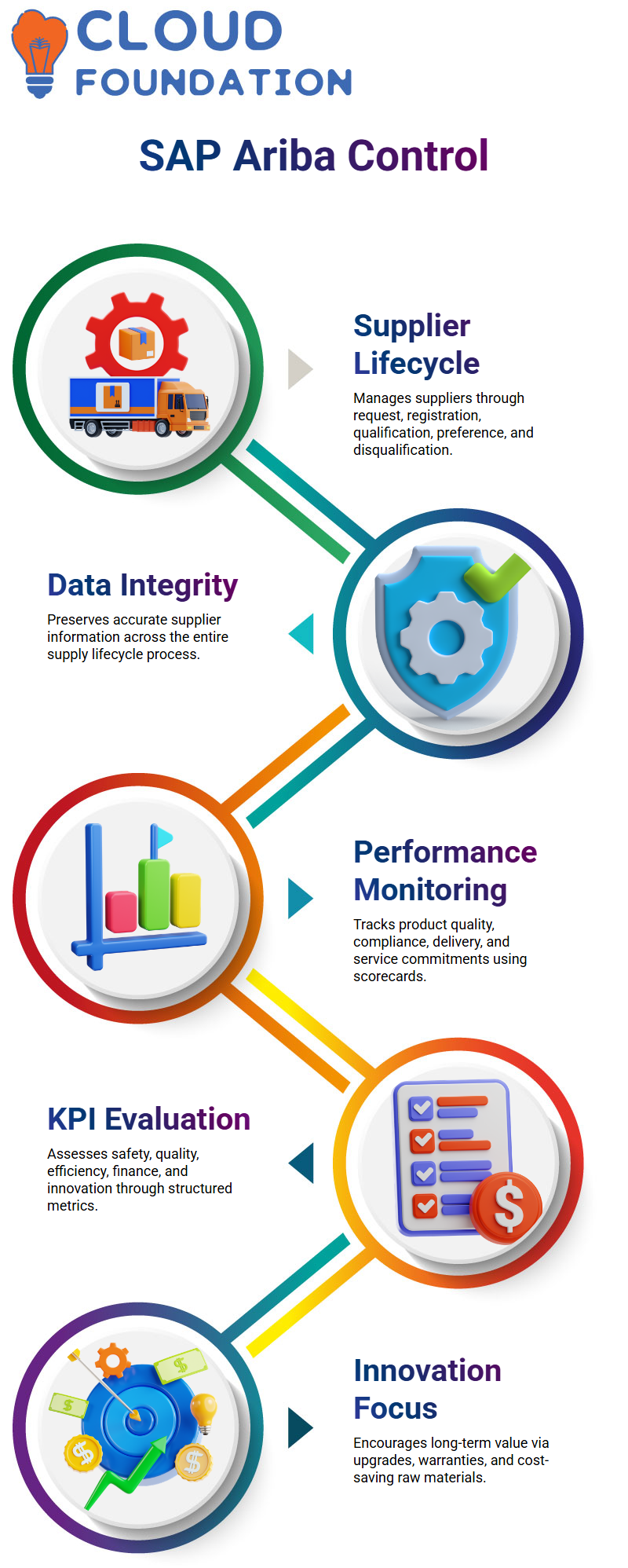
Without extra work, SAP Ariba preserves data integrity throughout the supply lifecycle process.
The SAP Ariba Supplier Lifecycle Process includes these phases.
SAP Ariba moves suppliers through request, registration, qualification, preference, and disqualification in a structured and transparent way.
SAP Ariba Performance Management and Supplier Evaluation
After choosing a SAP Ariba provider, I pay close attention to whether or not they fulfil their commitments.
I can gauge actual performance input from internal stakeholders thanks to SAP Ariba performance management.
I monitor product quality, safety compliance, paperwork, on-time delivery, and service commitment in SAP Ariba.
SAP Ariba uses scorecards and performance management questionnaires to record all of this.
KPIs, including safety, quality, procurement efficiency, finance, and innovation, are the foundation of SAP Ariba scorecards.
I may easily determine if a provider satisfies requirements or needs improvement by SAP Ariba.
SAP Ariba Innovation KPIs and Continuous Improvement
We are now encouraged by SAP Ariba to assess innovation as a component of supplier performance.
Innovation in SAP Ariba entails knowing how suppliers contribute to long-term value rather than simply immediate delivery.
For instance, SAP Ariba assists me in assessing vendors that provide security patches, long-term software upgrades, or extended warranties.
These innovation measures are directly linked to supplier scorecards by SAP Ariba.
SAP Ariba enables me to evaluate if innovation in raw materials lowers costs and consumption in production scenarios.
By tying innovation results to supplier performance, SAP Ariba facilitates more intelligent decision-making.
SAP Ariba Surveys, Scorecards, and Action Items
I utilise surveys in SAP Ariba to get performance information. SAP Ariba scorecards, which compute supplier scores automatically, receive these surveys directly.
I may take remedial action, like barring the vendor, if a supplier’s score falls below the level I set in SAP Ariba.
SAP Ariba enables me to give the supplier additional business or higher preference levels if they perform successfully.
SAP Ariba performance management functions similarly to employee assessments. I can lower supplier risk and improve supplier relationships with SAP Ariba over time.
SAP Ariba Templates and Supplier Status Management
For Supplier Lifecycle Process tasks, including request, registration, qualification, preference, and disqualification, SAP Ariba use a single template.
This flow is maintained across the company via SAP Ariba. I update the template version and publish it if I need to make changes in SAP Ariba.
Next, SAP Ariba implements the new regulations for future supplier management.
SAP Ariba Supplier Performance Management provides more than one template, in contrast to SLP.
Additionally, when I finish lifecycle tasks, SAP Ariba automatically changes supplier status; nevertheless, modular queries in SAP Ariba are unaffected by supplier status.
Modular Questionnaires in SAP Ariba
I utilise modular questions in SAP Ariba to get specialised information from vendors, such as ISO certificates.
I can collect data from modular surveys without compromising the standing of the provider.
The answers provided in the modular questionnaire will not affect a supplier’s overall status, even if their registration is denied.
I can make well-informed judgments based on SAP Ariba approvals thanks to this flexibility.
Navigating Supplier Management in SAP Ariba
I immediately go to the Supplier Management page after logging into SAP Ariba.
I start by seeing requests from suppliers, and as they advance, I can see their registrations, credentials, and preferred supplier statuses.
Tracking supplier progress at every level is made simple with SAP Ariba.
For example, I can use SAP Ariba to look for a supplier like Bishon Marketing.
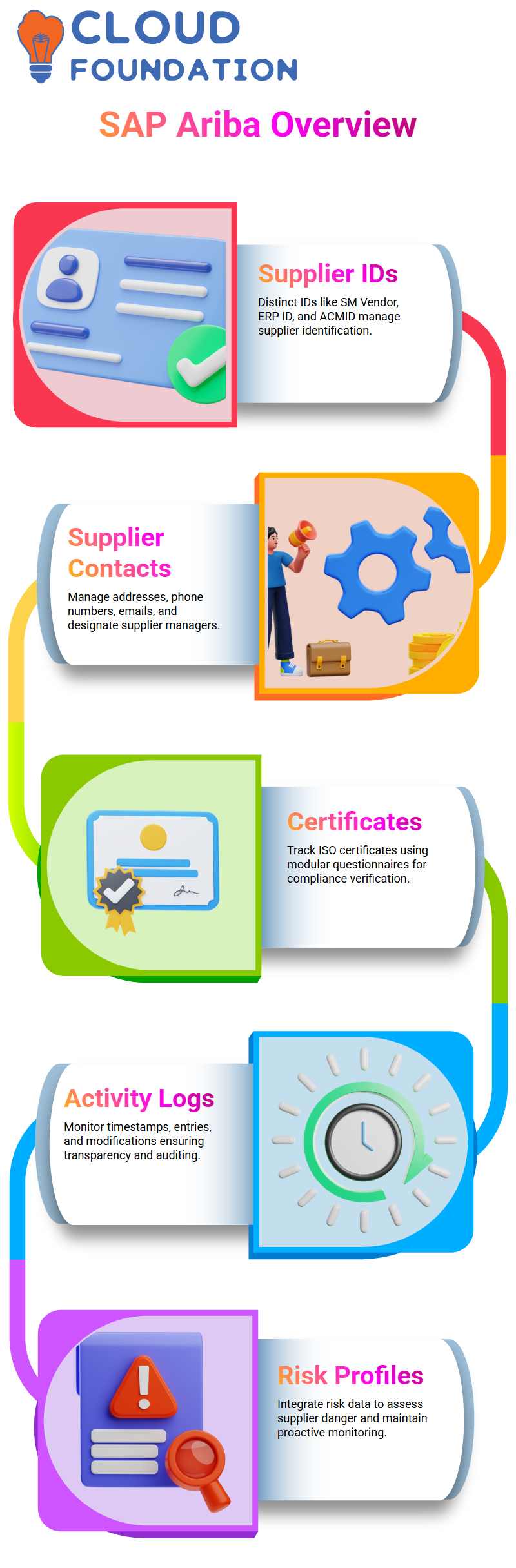
When I click on the supplier’s name, I go to the Supplier 360-degree profile, where I can see all the important facts, such as the SM Vendor ID, ERP ID, contact information, and certification documents.

SAP Ariba Online Training
Supplier IDs in SAP Ariba
For internal distinction, SAP Ariba gives each supplier a distinct SM Vendor ID. SAP Ariba automatically creates an ERP ID if the supplier is in sync with our ERP system.
The ERP ID is prefixed with “VDR” until synchronisation. Another internal ID for upstream and downstream operations in SAP Ariba is ACMID.
Tracking Supplier Contacts and ERP Data in SAP Ariba
I can manage supplier contacts, SAP Ariba, including addresses, phone numbers, and email addresses.
If my business employs supplier maintenance, I may also designate supplier managers.
Company codes, general ledger IDs, payment methods, and other information are provided by SAP Ariba ERP data, which keeps everything in line with our backend systems.
Managing Certificates in SAP Ariba
I gather ISO certificates from vendors in SAP Ariba. Tracking these certificates is made simple by the modular questionnaire.
I may check whether vendors have the necessary certificates and inquire further if something isn’t there.
Monitoring Supplier Activities in SAP Ariba
SAP Ariba’s activity log displays timestamps, who generated the supplier entry, and any modifications performed.
Maintaining openness and auditing supplier contacts depend on this.
Integrating Risk Management in SAP Ariba
SAP Ariba shows the supplier’s risk profile if my customer implements risk management.
information from the risk management organisation, integration enables me to determine if a supplier is in danger.
This maintains the proactive nature of our supplier monitoring and selection process.
Reviewing Supplier Business Activity in SAP Ariba
I can keep track of supplier contracts and sourcing SAP Ariba. These settings enable me to immediately check business activity inside the system once they are enabled.
Exploring Supplier Requests, Registrations, and Qualifications in SAP Ariba
I can see all supplier registrations and requests in SAP Ariba. When a supplier’s name is clicked, their filled-out internal and external surveys are shown.
SAP Ariba displays commodity eligibility, business unit, and qualification status. Based on credentials and performance, the preferred supplier status is automatically updated.
Administering Supplier Management in SAP Ariba
For both upstream and downstream operations, SAP Ariba offers an administrative area. I effectively handle supplier modifications, approvals, and guided purchasing settings SM Admin.
SAP Ariba centralises everything I need to manage suppliers, resulting in a smooth and organised procedure.

SAP Ariba Course Price

Vanitha
Author