ForgeRock SAML Authentication Training
ForgeRock and IDP-Initiated vs SP-Initiated Flow
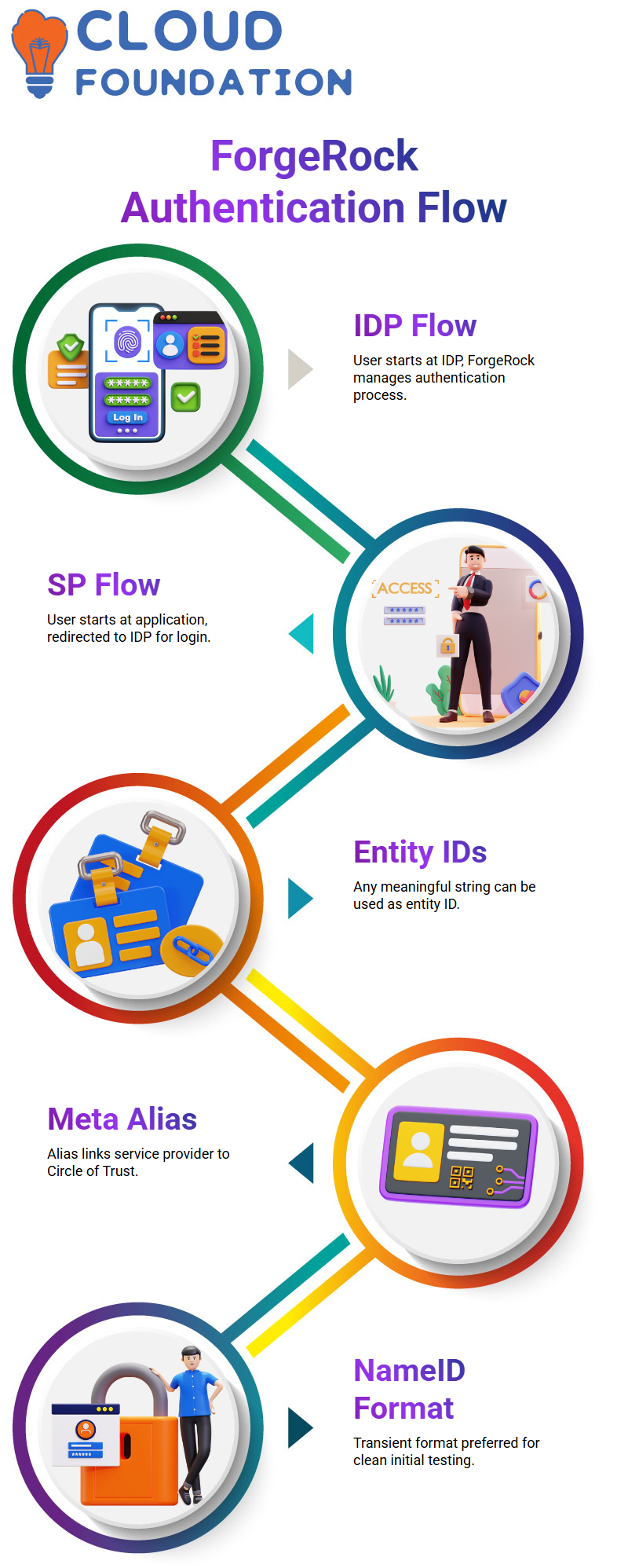
In ForgeRock, if the user begins directly at the identity provider, the IDP takes charge and starts the entire authentication flow.
I always explain it simply: in an IDP-initiated flow, the user touches the IDP first, and ForgeRock handles the SAML process from there.
In an SP-initiated flow, the user first tries to access the application, and if there’s no active session, ForgeRock redirects them to the IDP for authentication.
ForgeRock and Defining Entity IDs and Aliases
When learners ask me what they should use as an entity ID in ForgeRock, I tell them they can use any string Salesforce.com, a simple word, anything meaningful.
In this case, since we were setting up Salesforce as the service provider, I guided them to create the meta alias on the SP side.
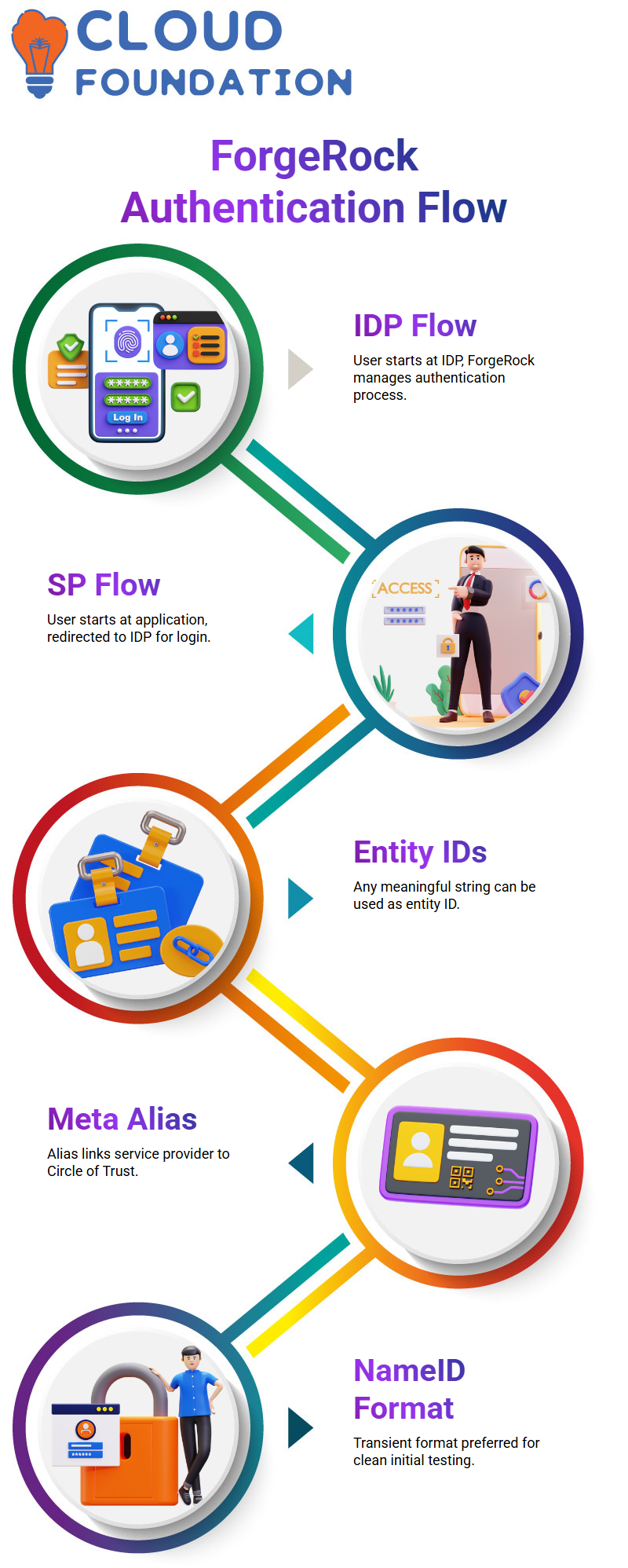
ForgeRock accepts the alias freely, and the Circle of Trust we created earlier is then linked to this entity.
ForgeRock and Name ID Format Setup
During initial testing, I asked everyone to switch the NameID format to transient inside ForgeRock.
Since ForgeRock provides multiple options, persistent, email address, unspecified, and transient, I prefer removing the unnecessary ones just to keep things clean for early tests.
Once the learners get comfortable, they can revisit these settings later.
ForgeRock and Service Tab Configuration
In the services tab of ForgeRock, I point out the meta alias path because we reuse it multiple times.
I always remind students to store the alias in their notes.
ForgeRock makes heavy use of aliases, and having them handy avoids confusion later while building or testing SAML URLs.
ForgeRock and Testing the SAML Request
After the setup, I let them try the URL.
If their SAML Tracer is active, they can immediately see the request leaving the browser and heading toward ForgeRock.
Some students use incognito mode, so I ask them to verify whether their SAML Tracer captures data from private windows. It helps them troubleshoot cleanly without cached sessions.
Understanding ForgeRock and the Flow of SAML Authentication
When I walk you through SAML authentication inside ForgeRock, I want you to see exactly how the end user interacts with every layer.
The end user tries to access a service provider, and ForgeRock steps in to guide that authentication journey.
I always remind learners that the service provider depends on ForgeRock to connect with the identity provider and validate the user securely.
Inside ForgeRock, once the end user submits the request, the identity provider takes over and authenticates the user.
After successful authentication, ForgeRock generates a SAML assertion.
I highlight this part because the assertion is nothing but XML-based statements that describe user profile information and the authentication level performed.
When you test this flow inside ForgeRock, you actually see these XML statements being passed between systems.
I often pause at this point to explain how ForgeRock forms the circle of trust.
The moment the SAML assertion travels back to the service provider and the request gets validated, ForgeRock completes the trust loop.
This is why we call it a circle of trust, because both the identity provider and service provider rely on each other through ForgeRock to maintain a secure authentication flow.

ForgeRock Training

Setting Up ForgeRock for Identity Providers and Service Providers
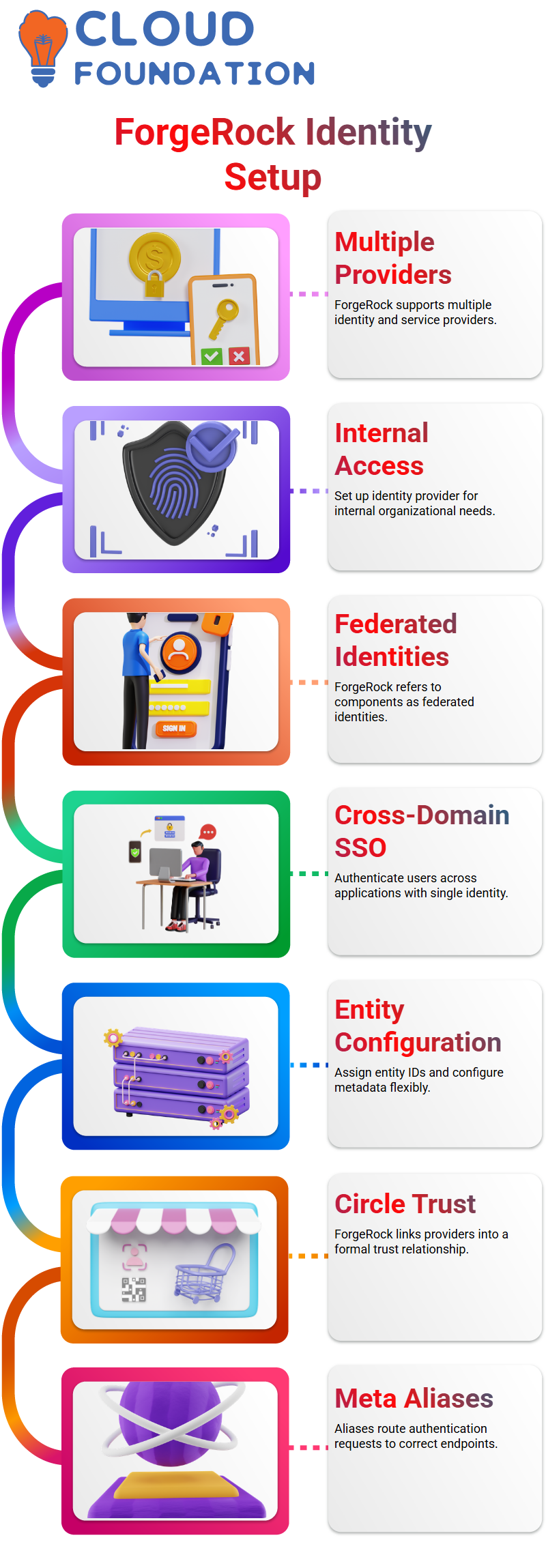
ForgeRock allows multiple identity providers and multiple service providers, and you can structure them exactly the way your environment demands.
I can set up a ForgeRock identity provider for internal needs and another for external organizational access.
While working inside the Federation section of ForgeRock, you’ll notice that the platform refers to these components as federated identities.
ForgeRock supports cross-domain single sign-on, allowing you to authenticate users across internal and external applications with a single identity.
This is one reason I emphasize ForgeRock when teaching modern IAM systems.
Inside the ForgeRock interface, I create entity providers by assigning an entity ID and choosing whether it should function as an identity provider or a service provider.
ForgeRock gives you complete control over naming, aliasing, and configuring metadata.
This flexibility helps learners understand how ForgeRock organizes authentication components behind the scenes.
Building the Circle of Trust in ForgeRock
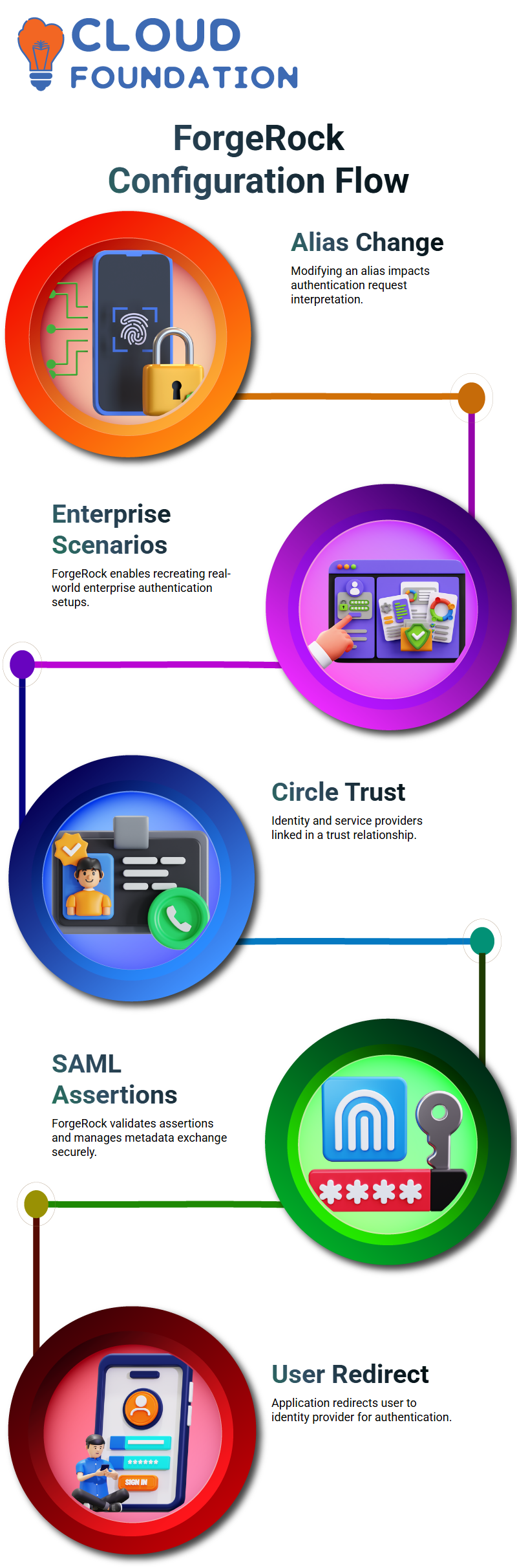
The circle of trust configuration in ForgeRock, I start by creating both an identity provider and a service provider.
Once both pieces exist, ForgeRock lets me link them inside a single circle of trust.
I give the circle a name, activate it, and then ForgeRock treats it as a formal trust relationship between systems.
Inside ForgeRock, the circle of trust contains the list of identity providers and service providers that communicate with one another.
As soon as I add the ForgeRock identity provider and the ForgeRock service provider to the circle, the trust relationship becomes live.
These meta-aliases become important when we run a live SAML test.
ForgeRock uses them to route requests correctly, ensuring that authentication requests land at the right endpoint.
When learners see how easily ForgeRock links these components, they understand why ForgeRock is widely used in real-world IAM projects.
The system handles identity federation, SAML assertions, and trust relationships with clarity, and that’s why I rely on ForgeRock in most of my training sessions.
Exploring Real-World ForgeRock Configuration Behavior
In ForgeRock, even a simple change like modifying an alias affects how the system interprets authentication requests.
What I enjoy highlighting the most is how ForgeRock allows you to recreate real enterprise scenarios.
You can create a ForgeRock identity provider for your organization, build a ForgeRock service provider for third-party apps, and then place everything inside a single ForgeRock circle of trust.
This hands-on structure helps everyone understand the full SAML journey.
Every time I explain these steps, I make sure learners experience how ForgeRock validates assertions, manages metadata exchange, and enforces federated identity rules.
ForgeRock SAML Flow for End Users
When I explain SAML flow in ForgeRock, I always start with the end user.
The end user is the subject who tries to access an application through a browser.
From the browser, the user hits the URL, and that triggers the entire ForgeRock authentication process.
In this flow, the identity provider manages the user authentication and issues the SAML assertions that ForgeRock relies on.
As soon as the user makes the first attempt, the application redirects them to the identity provider.
This redirect carries the SAML authentication request.
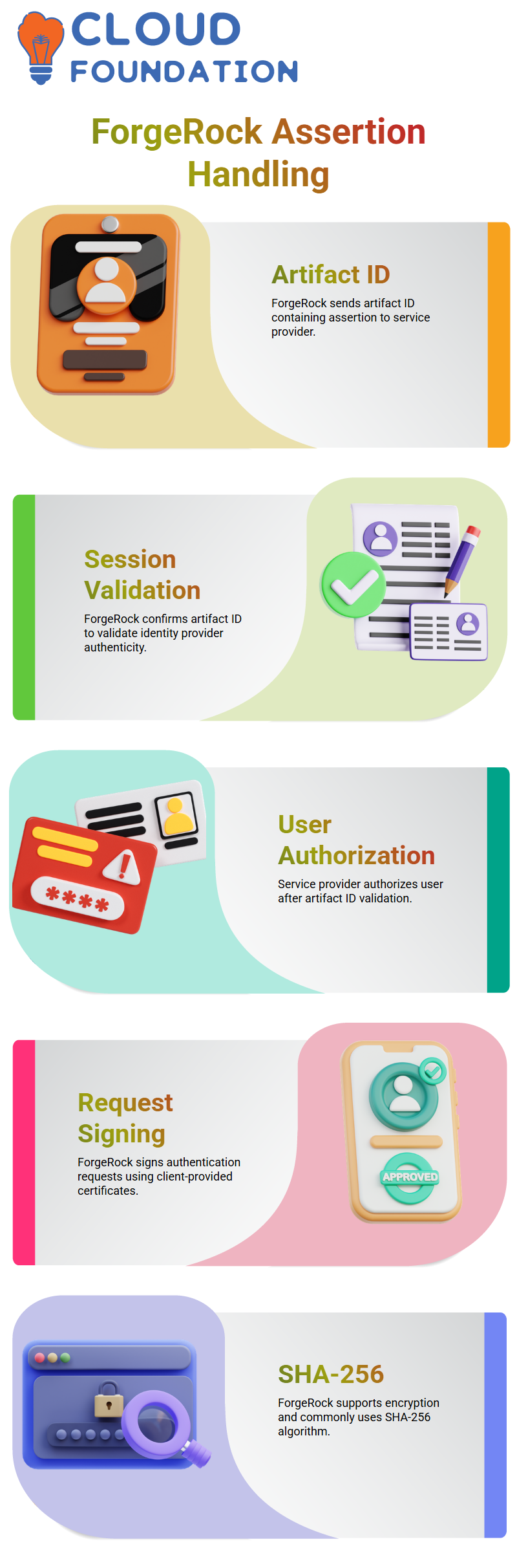
Once ForgeRock AM receives this request, ForgeRock authenticates the user and prepares the artifact ID along with the assertion in XML format.
I often show this during testing so learners see exactly what the assertion looks like inside ForgeRock.
ForgeRock Assertion Creation and Artifact ID Handling
After ForgeRock verifies the user, it sends back the artifact ID.
This artifact ID contains the assertion, and the user’s browser redirects again, carrying this information to the service provider.
The service provider receives the ForgeRock artifact ID and immediately checks whether the identity provider actually issued it.
ForgeRock validates the session by confirming the artifact ID, making sure the assertion genuinely comes from the right identity provider.
When the artifact ID is validated, the service provider authorizes the user.
At this point, the user can finally access the application.
All this back-and-forth communication between the service provider and ForgeRock happens behind the scenes, so the user only sees a smooth login experience.

ForgeRock Online Training
ForgeRock Signing, Encryption, and Algorithms
ForgeRock provides multiple options to sign and encrypt requests and responses.
Clients sometimes require the authentication request to be signed with a specific certificate.
In those scenarios, I show how to configure ForgeRock AM to sign the SAML request using the certificate provided by the client.
The ForgeRock assertion can also be signed before it is shared with the service provider.
These settings are optional, but many projects use them for enhanced security.
ForgeRock also supports encryption for attributes or the full assertion, along with several algorithm options.
SHA-256 is the most common algorithm I use during demonstrations because many clients prefer it.
ForgeRock Authentication Basics Explained
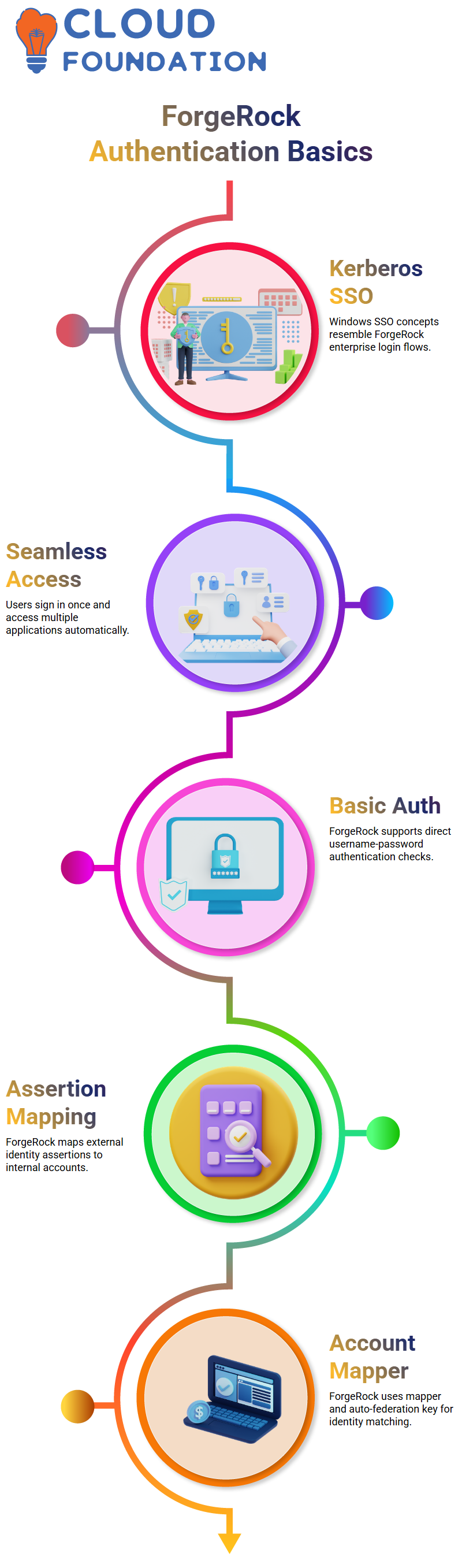
As we explore different authentication contexts, I explain how Kerberos works in Windows SSO and how similar ideas appear when we configure ForgeRock for enterprise login flows.
When you sign in to your computer and automatically access multiple applications, that seamless movement resembles what we later design using ForgeRock authentication journeys.
In ForgeRock, I show you how basic authentication works when you rely on a direct username-password check.
You can enable it or keep the default settings, depending on your project.
When we pair ForgeRock with different authentication modules, we shape exactly how the user’s identity moves through the flow.
This becomes even more important when we start mapping assertions from external identity providers.
ForgeRock Assertion Mapping in Practice
When you work with ForgeRock, understanding these fields helps you troubleshoot issues that appear during federation setup.
I often show a sample SAML response so you can see how the identity provider sends information to the service provider.
When we bring ForgeRock into the picture, you learn how the platform consumes the name ID, sometimes an email, sometimes a User ID.
You’ll also see how ForgeRock uses the account mapper and the auto-federation key to match incoming identities with internal accounts.

ForgeRock Course Price

Nishitha
Author
A mind once stretched by a new idea never returns to its original dimensions.