SAP Ariba Online training on Dashboard
Getting Started with SAP Ariba Dashboard
I want to show you today how I typically present SAP Ariba to Learners, beginning with the dashboard and the fundamental navigation.
I always try to make viewers feel at ease with the screen when I connect to SAP Ariba for the first time during a session.
At first, SAP Ariba may seem intimidating, but it becomes extremely natural once you know where everything is.
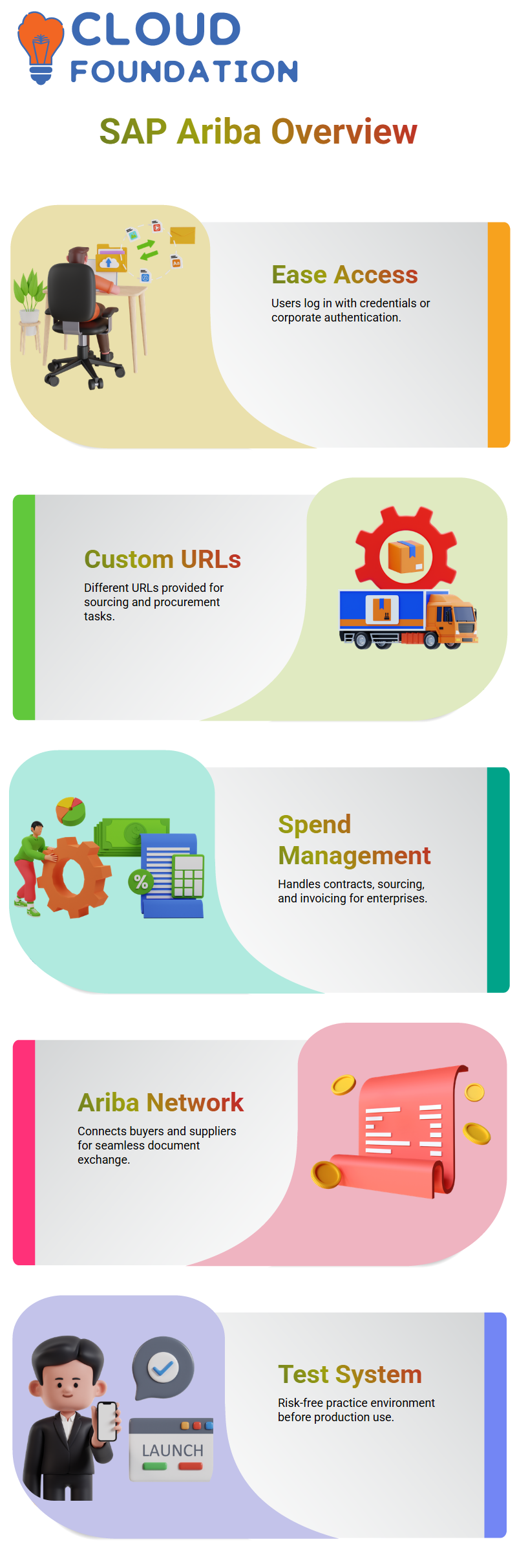
I start by explaining how access functions in SAP Ariba. Each user is given a login, which might be a unique username and password or corporate credentials.
I instantly get to what is known as the SAP Ariba home page when I launch SAP Ariba from the supplied URL.
Some refer to it as the dashboard, others as the landing page; in SAP Ariba, these terms all refer to the same screen.
SAP Ariba URLs and Login Methods
Since this is a common question from Learners, allow me to explain how URLs function in SAP Ariba.
During installation, a customised URL is provided by SAP Ariba. I use a URL that often looks like companyname.sourcing.ariba.com for upstream tasks like sourcing.
SAP Ariba provides a separate connection for procurement operations, such as companyname.procurement.ariba.com.
I may access SAP Ariba by entering my login and password directly into SAP Ariba or by authenticating single sign-on with corporate credentials.
Both approaches are supported by SAP Ariba. Corporate authentication in SAP Ariba is primarily used by enterprise users, who are employees of the organisation.
Consultants and other third-party users often use different login credentials to access SAP Ariba.
Exploring SAP Ariba Spend Management
I definitely distinguish two crucial areas for learners of SAP Ariba. The SAP Ariba Network and SAP Ariba Spend Management are the two.
Depending on my position, I handle tasks including contracts, sourcing, and invoicing management in SAP Ariba Spend Management.
Connecting suppliers and buyers is done with the SAP Ariba Network. I clarify in my workshops that buyers use buyer.ariba.com, while suppliers use supplier.ariba.com.
The SAP Ariba Network facilitates the seamless movement of documents such as purchase orders, invoices, and transaction messages.
Viewers may better appreciate how SAP Ariba facilitates genuine business communication by being aware of this disparity.
Test and Production in SAP Ariba
The SAP Ariba system landscape is another subject I generally address first. SAP Ariba often comes with only two systems: test and production, in contrast to standard ERP systems.
The majority of SAP Ariba clients like this configuration, as more systems raise costs.
I always utilise the test system when I present SAP Ariba in class.
This makes it possible for Learners to practice risk-free. While it functions similarly to the test system, some businesses additionally employ a development system in SAP Ariba for backend integration.
I personally like SAP Ariba’s ability to make things straightforward.
Personalising the SAP Ariba Dashboard and Tiles
I spend time on the dashboard layout once I’m inside SAP Ariba. Several module tabs, including Home, Sourcing, Invoicing, and Supplier Management, are shown on the SAP Ariba home page.
Your job and permissions determine exactly what you see in SAP Ariba.
Since this is an often-asked certification subject, I also describe tiles in SAP Ariba. A dashboard may have up to five tiles in SAP Ariba.
These tiles provide visual data that facilitates quick reading of SAP Ariba.
In order to customise the SAP Ariba dashboard according to daily tasks, I often show how to delete one tile and add another, such as invoice-related tiles.
SAP Ariba Dashboard Tiles and Personal Customisation
The dashboard is the first thing I look at when I go into SAP Ariba since it shows the work I do every day.
The tiles in SAP Ariba automatically update with data such as my tasks, approvals, and invoices. For my part, I like that SAP Ariba permits tile-level customisation as it makes it easier for me to keep track of what is really important to me.
I can simply change tile settings in SAP Ariba. For instance, I may modify the time range from the last seven days to the most recent thirty days under My Invoices.
SAP Ariba promptly changes the home page when I save the setting.
When I desire a more comprehensive picture of billing activities, this little adjustment in SAP Ariba makes a tremendous impact.
SAP Ariba Self-Service Options for User Profiles
The self-service menu is one topic I usually go over in detail during SAP Ariba training. I can see choices like changing my password, secret questions, and language settings when I click on my user initials in SAP Ariba.
Whether the user is a third-party user or a single sign-on user in SAP Ariba determines these possibilities.
I highly encourage Learners not to make any changes to SAP Ariba during training.
The account may be locked if someone changes user information or settings in the SAP Ariba training system.
I usually advise Learners to use SAP Ariba exclusively for observation and learning, not for real practice adjustments.
SAP Ariba Language, Currency, and Personal Defaults
I may also manage my default currency and language in SAP Ariba. SAP Ariba utilises USD and English (US) by default.
Every new PR, contract workspace, and sourcing request in SAP Ariba automatically selects Indian Rupees when I set the default currency to INR.
This SAP Ariba function is entirely private. Other users are unaffected by my modifications to SAP Ariba.
This helps learners comprehend how SAP Ariba adjusts to local business demands without affecting the overall organisation, which is why I find it so helpful during training.

SAP Ariba Training

SAP Ariba Mobile Access and Device Activation
Another feature I want to showcase is SAP Ariba mobile access. I may download the SAP Ariba mobile app from the Google Play Store or the iOS App Store.
I get a six-digit activation code when I launch the SAP Ariba mobile app.
I just input the code under “Activate Mobile Device” in SAP Ariba. SAP Ariba enables mobile access after activation without requiring a new login or password.
The SAP Ariba login credentials are immediately applied. SAP Ariba allows me to disable my device straight from my user profile if I misplace it.
SAP Ariba Upstream and Downstream Navigation
I often alternate between sourcing and procurement while working at SAP Ariba. Upstream and downstream operations are easily distinguished by SAP Ariba.
I can tell I’m in the SAP Ariba upstream section when I see the term sourcing in the URL.
SAP Ariba indicates that I am in the downstream, which covers invoicing and procurement, if the URL contains the word buyer.
Because it prevents misunderstanding while moving between the sourcing, contracts, and purchasing modules in SAP Ariba, I always instruct Learners to recognise this distinction.
SAP Ariba Notifications and User Preferences
I have complete control over my notification options for SAP Ariba. I may choose whether I want group alerts or individual emails inside SAP Ariba.
I just take the choices away if SAP Ariba gives me notifications that I don’t need.
SAP Ariba’s notification settings are spread over many pages. I often review SAP Ariba notification options during support situations to determine why a user isn’t getting notifications.
The majority of the time, users unknowingly deactivate SAP Ariba alerts.
SAP Ariba Legacy Features and Dashboard Preferences
Even though Desktop File Sync is now outdated, SAP Ariba still displays certain old functionalities.
In the past, SAP Ariba needed ActiveX controls and Internet Explorer in order to upload files.
Although SAP Ariba no longer requires this capability, knowing that it exists is still beneficial.
I can also control dashboard choices in SAP Ariba. In SAP Ariba, the system displays a confirmation notice when I remove a tab.
SAP Ariba allows me to turn off the warning in the settings if I don’t want it. The usefulness of SAP Ariba is enhanced by these minor controls.
SAP Ariba Themes, Test Sites, and Help Centre
I make strategic use of the bright and dark themes that SAP Ariba offers. For instance, I have a theme for production and another for the SAP Ariba test site.
I can avoid making errors while exploring SAP Ariba because of this visual distinction.
SAP Ariba uses URL markers and labels to properly identify test sites.
Every time I need documentation, I also turn to the SAP Ariba Help Centre.
I can easily get official documentation and conduct searches on issues like dashboard settings from inside SAP Ariba.
SAP Ariba Dashboard Access and Template Configuration
I usually start my explanations about SAP Ariba dashboards by talking about access.
The dashboard manager in SAP Ariba is accessible to customer dashboard admin and customer administrator groups.
I often explain to them that this access is restricted by clearly defined responsibilities inside SAP Ariba and applies to all relevant users.
I go to Manage in SAP Ariba, choose Administration, browse to Dashboard Manager, pick Dashboard, and finally select Configure.
I may then change the accessible dashboard template of SAP Ariba.
Every new user assigned to that dashboard template immediately sees the revised portions without any further work after I change the template in SAP Ariba.
SAP Ariba Public Help Portal and Learning Resources
I often direct Learners to self-learning tools when working with SAP Ariba. A public assistance site offered by SAP Ariba does not need a login.
I just launched Google and entered help.sap.com to be sent to the SAP Ariba support website.
I investigate other subjects at my own leisure on the SAP Ariba support site.
I personally suggest this SAP Ariba resource since it facilitates ongoing education and provides solutions to several useful queries that come up during regular use.
SAP Ariba Notifications and Event Messages
I indicate the notification area when I return to SAP Ariba. SAP Ariba shows notifications, alerts, and event messages right on the dashboard.
SAP Ariba makes sure these notifications are constantly accessible when events happen, even though we may not utilise them very often.
The notification area of SAP Ariba makes it simple for approvers to examine approval notifications.
I clarify that SAP Ariba centralises these notifications to prevent users from missing crucial process changes.
SAP Ariba Search, Filters, and Saved Searches
The search function in SAP Ariba is one of my favourite features. I provide an example of how I look for tasks in different areas.
I can see all connected projects in SAP Ariba, including the 28 projects made for certain departments, when I remove the date filter.
I can use sophisticated filters to refine searches and export search results from SAP Ariba.
In SAP Ariba, I create numerous filter choices by selecting the + symbol. SAP Ariba allows me to store a search with a unique name for easy reuse if I do repeated searches.
I often make saved searches in SAP Ariba, similar to QC department projects. Permissions, department filters, and document types are all defined by me.
When I pick the saved search, SAP Ariba immediately applies filters and shows it on the left side.

SAP Ariba Online Training
SAP Ariba Managing and Cleaning Saved Searches
I also demonstrate how SAP Ariba simplifies the maintenance of stored searches. SAP Ariba allows me to rename or remove stored searches if I no longer require them.
I just chose the stored item, removed it, and verified the modification.
I go back to SAP Ariba’s main page and continue exploring without any issues after clearing my stored searches.
SAP Ariba maintains an image-driven and user-friendly design that makes users feel at ease very soon.
SAP Ariba Navigation and User Experience
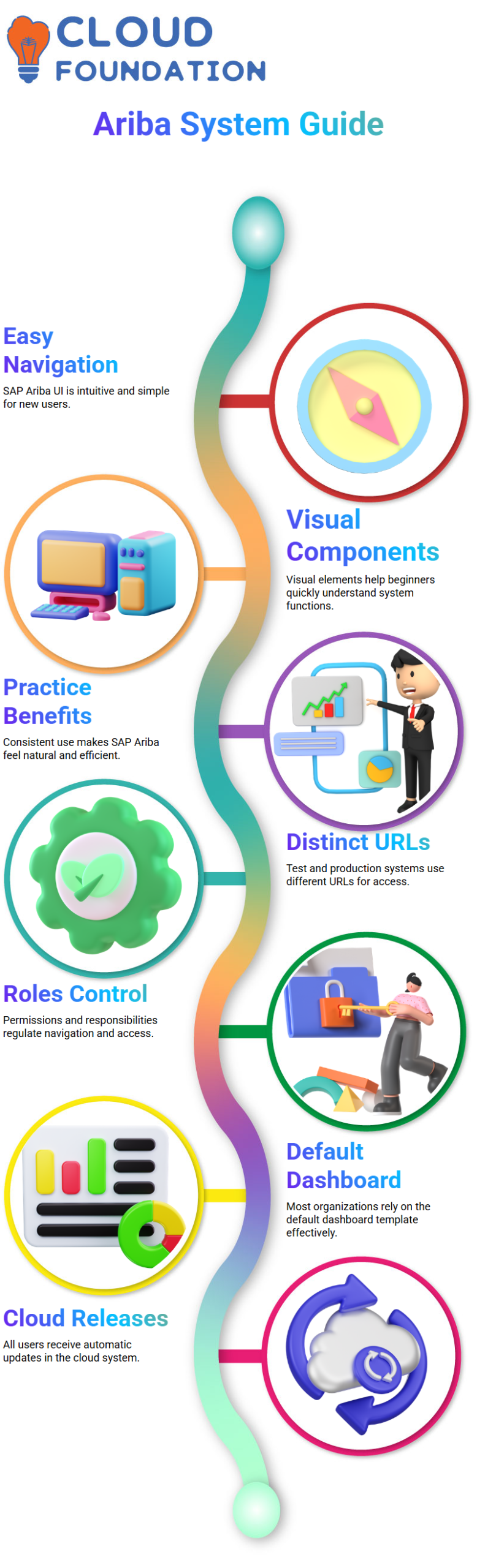
My experience has shown that navigating the SAP Ariba UI is easy and intuitive. SAP Ariba has a lot of visual components, which makes it easier for novice users to understand.
Consistent practice with SAP Ariba makes the system seem even more natural, I often tell my trainees.
Users inevitably learn additional functionalities as they further study SAP Ariba. SAP Ariba is meant to facilitate learning by application rather than memorization.
SAP Ariba URLs, Test Systems, and Production Systems
I often get inquiries about SAP Ariba URLs during training. For test and production environments, SAP Ariba utilises different URLs. SAP Ariba test systems often include a hyphen in the URL followed by a T.
Upstream and downstream systems in SAP Ariba have distinct URLs.
As long as the user has the necessary rights, SAP Ariba’s suite connection enables toggling between upstream and downstream via the site button.
SAP Ariba Roles, Groups, and Permissions
When Learners inquire about groups, I clarify that SAP Ariba groups are basically system permissions or responsibilities.
What a user may access inside SAP Ariba is determined by these roles.
A procurement-only user may not be able to move between systems in SAP Ariba, but a user with sourcing and purchasing capabilities can.
Navigation is rigorously regulated by SAP Ariba according to designated responsibilities.
SAP Ariba Versions and Cloud-Based Releases
I also often get inquiries about SAP Ariba versions. To be clear, versioning is no longer important in the conventional sense since SAP Ariba is a cloud-based system.
Every user in SAP Ariba automatically receives the same releases. When SAP support requests the system version, version information in SAP Ariba is mostly used for troubleshooting.
SAP Ariba Help Section vs Ariba Connect
I often describe the distinction between Ariba Connect and the SAP Ariba assistance area. assistance.sap.com’s SAP Ariba assistance area is open to the public and requires no login.
In contrast, SAP Ariba administrators and support users are the target audience for Ariba Connect.
SAP Ariba Connect offers tailored and guided material that speeds up the resolution of certain problems.
The results are more accurate when I search for problems like dashboard permissions in SAP Ariba Connect.
Additionally, SAP Ariba Connect facilitates the creation of tickets and direct communication with SAP support staff.
Raising SAP Ariba Cases and Service Requests
It’s easy to get assistance with SAP Ariba whenever you need it. The phrase “service request” was formerly used by SAP Ariba. It is now referred to as a case by SAP Ariba. Although the nomenclature has changed, it still functions the same way.
You may file a straight SAP Ariba case with SAP for Me. When I encounter a problem or want an explanation about SAP Ariba setups, access, or problems, I personally use this approach.
The case priority you choose determines how SAP Ariba support professionals react.
Knowing how to file a SAP Ariba case is crucial if you’re learning the software.
Working with SAP Ariba support is a must for real projects, and having this expertise gives you the confidence you need to operate in real-world settings.
SAP Ariba Account Types
Let me address a common question from Learners: What are the different sorts of SAP Ariba accounts?
The previous idea of fully equipped and light accounts for purchasers is no longer used by SAP Ariba. Only SAP Ariba providers are now subject to that differential.
Currently, SAP Ariba provides purchasers with two primary account types: regular accounts and enterprise accounts.
The ordinary SAP Ariba account is now totally free. Some restrictions that were previously present in SAP Ariba have been lifted.
The regular account is more than enough if you are learning SAP Ariba via training or practising it. For a regular account, there is no cost to SAP Ariba.
SAP Ariba Enterprise Account and Future Learning Scope
The enterprise account for SAP Ariba is a premium alternative. Enterprise accounts are often chosen by organisations that need large-scale operations, extensive SAP Ariba functionality, and connectors.
In these situations, SAP Ariba gets paid in accordance with the contract.
In future sessions, we will investigate the SAP Ariba Supply Network as part of our SAP Ariba educational journey.
Real-world SAP Ariba solutions need to know how SAP Ariba links suppliers and buyers across the network.
I provide these observations based on my practical SAP Ariba experience, and I urge you to continue your step-by-step exploration of the platform.
Knowing how access, support, and accounts interact makes SAP Ariba simpler.

SAP Ariba Course Price

Vanitha
Author
The capacity to learn is a gift; the ability to learn is a skill; the willingness to learn is a choice