SAP Ariba Certification Training Course
SAP Ariba Full Project Creation
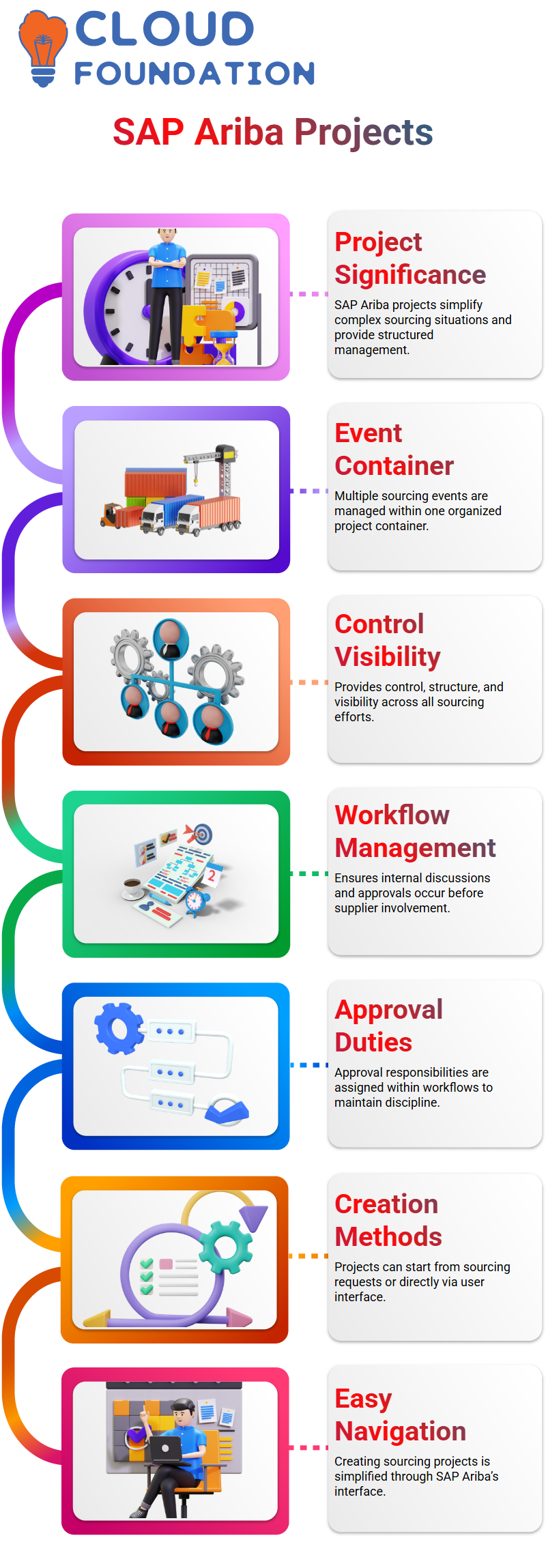
I usually begin my explanations about SAP Ariba complete projects to my Learners by outlining their significance in actual sourcing situations.
When processes are complicated, I personally prefer SAP Ariba’s entire project feature, which enables me to handle many events inside one container.
I have control, structure, and visibility over all sourcing efforts for SAP Ariba for complete projects.
I approach a whole project in SAP Ariba as a structure that links individuals, events, and approvals.
I may specify what needs to happen initially and what should happen next, SAP Ariba.
When the whole project is set up properly, SAP Ariba manages this crucial sequencing with ease.
SAP Ariba Workflow Control Full Projects
Workflow management for the whole project is one of the best capabilities I show in SAP Ariba.
I can make sure that certain internal conversations take place in SAP Ariba before suppliers even notice an occurrence.
Before proceeding, company decision-makers and senior sourcing teams may work together with SAP Ariba.
Before events go to the next phase, I may assign approval duties to SAP Ariba workflows.
I always remind my pupils that SAP Ariba promotes discipline in sourcing and makes sure that approvals are not missed. For this reason, businesses choose SAP Ariba for complete projects.
SAP Ariba Ways to Create a Full Sourcing Project
I may start by creating a complete project from an authorized sourcing request, SAP Ariba.
Second, I can start a sourcing project right from the SAP Ariba user interface.
In SAP Ariba, I go to the Create area, click More, and then pick Sourcing Project.
This procedure is made simple with SAP Ariba, and I remind them that navigating SAP Ariba is just as crucial as comprehending subjects.
SAP Ariba Templates and Their Impact on Full Projects
The template I use in SAP Ariba outlines the tasks, stages, and process.
Users may see choices that shouldn’t be there in a complete project if the SAP Ariba template is not properly set.
Unless the template logic permits it, the system will not function differently even if I alter the execution strategy in SAP Ariba.
Anyone working with SAP Ariba should take note of this important lesson.
SAP Ariba Phases, Tasks, and Event Preparation
I clarify that stages in SAP Ariba complete projects are just collections of work organized chronologically.
I may change stages up or down in SAP Ariba according to business priorities.
The user may easily determine if a task in SAP Ariba is an approval task or a to-do job.
I initiate the job, build the event from documents, and move it to draft state when I prepare an RFI in SAP Ariba.
Task status, timings, and ownership are all automatically monitored by SAP Ariba.
I like how SAP Ariba graphically displays progress, which facilitates team alignment.

SAP Ariba Training

SAP Ariba Team Roles and Surrogate Bidding
Another area where SAP Ariba complete projects excel is team management.
Team members specified at the project level automatically enter events in SAP Ariba.
By doing this, time is saved, and repeated SAP Ariba setup is avoided.
During events, SAP Ariba enables authorized users to represent vendors.
SAP Ariba Approvals and Event Submission Flow
I always go through the SAP Ariba approval routine step-by-step. An RFP or RFI that I submit in SAP Ariba enters publication approval status.
SAP Ariba makes it obvious who has to provide their approval and why the assignment is still waiting.
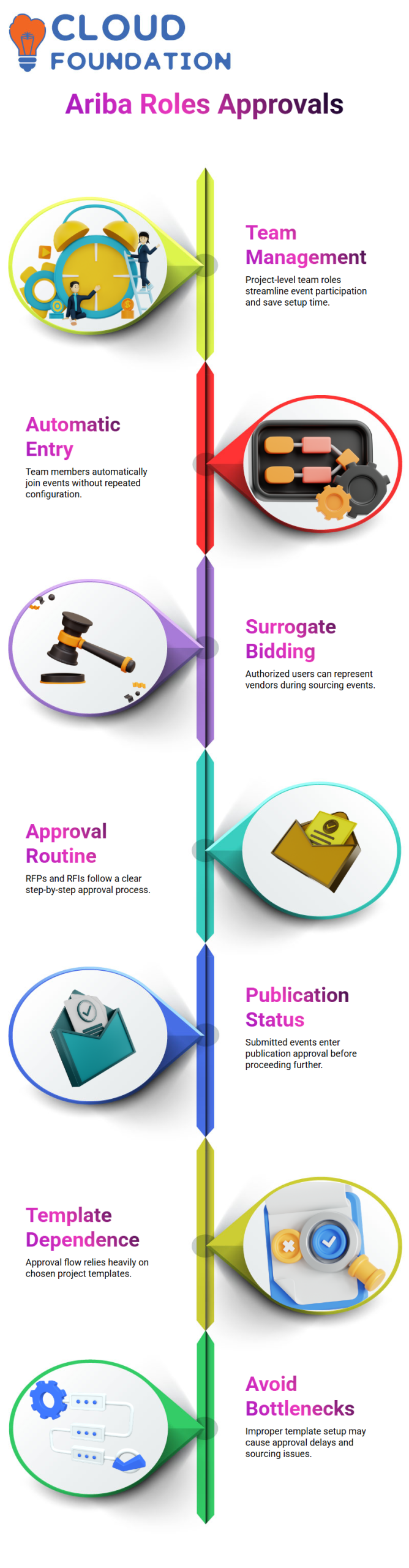
Approvals in SAP Ariba are mostly dependent on the template that is chosen.
I warn Learners that SAP Ariba template setup errors might lead to approval bottlenecks.
They are better prepared for actual sourcing activities thanks to this practical grasp of SAP Ariba approvals.
Working with SAP Ariba Project Access and Activation
The first thing I usually do as an administrator in SAP Ariba is make sure the appropriate actions are engaged.
I simply cannot carry out an activity in SAP Ariba if it is not enabled.
I would rather keep such settings unaltered and concentrate on the real sourcing job since I warn users that doing prohibited operations in SAP Ariba might even result in access termination.
Access control is crucial to the progress of projects in SAP Ariba.
I provide them with a thorough explanation so they can understand why certain buttons or choices are hidden in SAP Ariba.
Comparing Quick Project and Full Project in SAP Ariba
Comparing a fast project with a comprehensive project is my primary goal in SAP Ariba.
After a project is accepted in SAP Ariba, the RFI is sent straight to the supplier or marketing department.
I can observe the status change of tasks in SAP Ariba as soon as they are finished, which makes it easier for me to monitor progress.
I typically go to the RFP step in SAP Ariba after the RFI stage.
I can now see how many jobs are still unfinished and what permissions are needed, thanks to SAP Ariba.
One of the reasons I like utilizing SAP Ariba complete projects for structured sourcing is this visibility.
Managing RFP Events and Monitoring in SAP Ariba
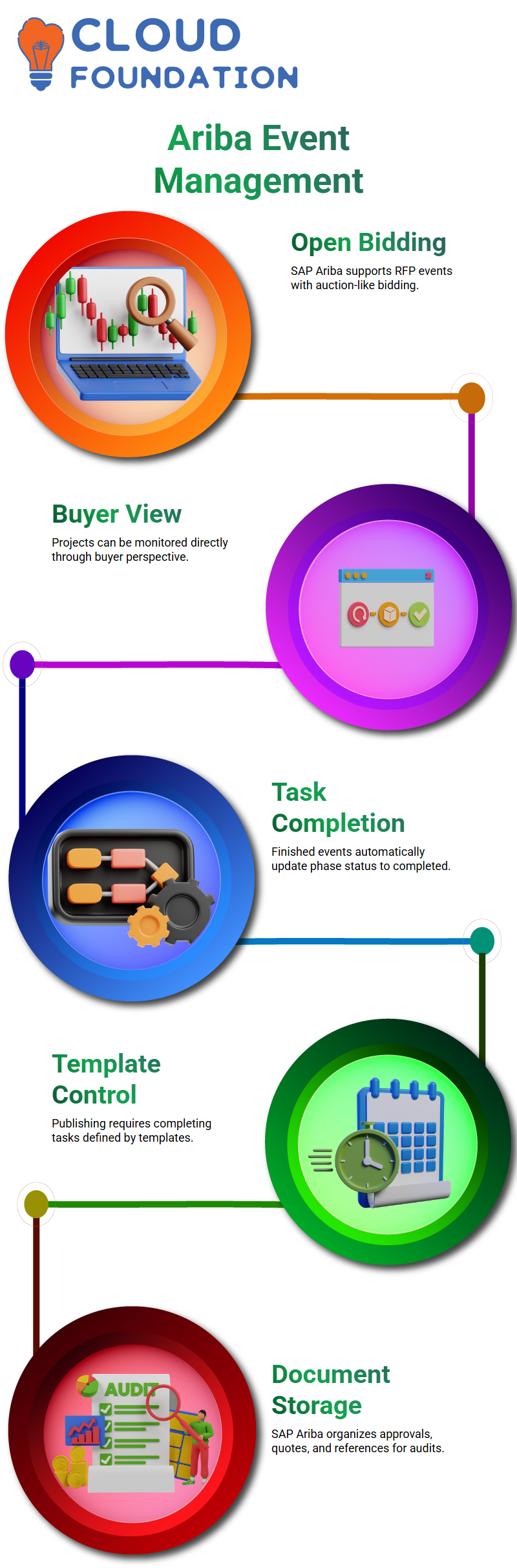
SAP Ariba handles an RFP with ease, even if it acts like an auction.
To keep an eye on the event, I often open the project immediately in SAP Ariba and switch to the buyer view.
I can plainly view supplier answers in SAP Ariba. For instance, SAP Ariba immediately records the price when a supplier provides it.
SAP Ariba may not let me finish the event right away if it’s still going on, and I clarify that this relies on how much time is left for bidding.

SAP Ariba Online Training
Completing Phases and Tasks in SAP Ariba Full Projects
I mark the associated tasks as finished when events are finished in SAP Ariba.
When two phases of an SAP Ariba full project are concluded, the phase status automatically changes to completed.
I draw attention to this automation because it lessens the need for human tracking.
Before publishing an event in SAP Ariba, a few tasks that come straight from the template must be completed.
Only SAP Ariba complete projects provide for this degree of control, which guarantees users adhere to the established procedure.
Managing Documents and Approvals in SAP Ariba
Another excellent aspect of SAP Ariba complete projects is document management.
To keep everything project-related in one location, I often create folders in SAP Ariba, such as approval papers.
SAP Ariba allows me to upload PDF, Word, Excel, or any other supporting documents easily.
I can store approved files, manual quotes, and reference papers all at once in SAP Ariba.
Because all information is accessible inside the SAP Ariba project, audits and reviews become considerably simpler as a result.
Team Collaboration and Messaging in SAP Ariba
Teamwork is one of my favorite aspects of SAP Ariba complete projects. In SAP Ariba, teams are shared across all events, so I can manage team members centrally.
I often contact all parties involved via the SAP Ariba discussion board.
I can attach files, establish new discussion topics, and make announcements in SAP Ariba.
Team members respond directly within SAP Ariba, creating a clear audit trail of who communicated and when.
This maintains all conversations about sourcing inside SAP Ariba.
Email Integration and External Communication in SAP Ariba
Additionally, SAP Ariba facilitates communication with individuals without direct system access.
When I use the email option in SAP Ariba, it opens my email client and creates a virtual email address for the project group.
External users’ responses are returned to SAP Ariba, maintaining all discussions in one location.
I can expand SAP Ariba cooperation outside of internal users while preserving traceability thanks to this capability.
Filtering, Exporting, and Tracking Tasks in SAP Ariba
I often use filters inside SAP Ariba tasks to examine tasks that are necessary, optional, finished, or incomplete.
SAP Ariba makes it easy to expand all tasks and quickly identify what is pending.
Additionally, SAP Ariba offers table alternatives for exporting task data.
For reporting or sharing approvals, I often export this data to Excel.
SAP Ariba is useful for both operational and reporting purposes because of its versatility.
Managing Multiple Events in a Single SAP Ariba Project
I may oversee many activities in SAP Ariba, such as RFPs for various materials in the same project.
When I want to see all linked occurrences in one phase, this might be helpful.
I further clarify that SAP Ariba reporting and filters have the ability to monitor occurrences on an individual basis.
As a result, depending on the business situation, it is optional to create a single SAP Ariba project for many events.

SAP Ariba Course Price

Nishitha
Author