SAP Ariba Online Training for Beginners
What topics are covered in SAP Ariba Training at CloudFoundation
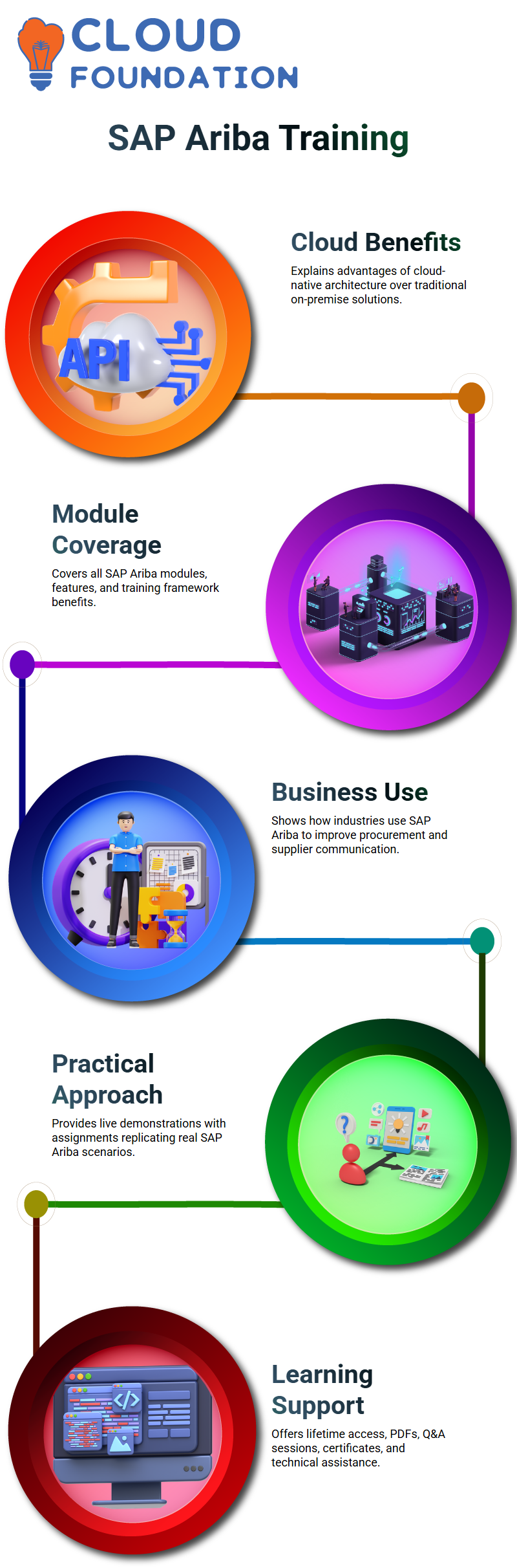
Since SAP Ariba is a cloud-native solution, I describe how SAP Ariba is supported by cloud architecture and why businesses like it over conventional on-premise solutions.
I also go over all of the modules, features, and advantages of the SAP Ariba training framework.
I take the time to explain why businesses use SAP Ariba, what issues it resolves, and how various industries utilize it to expedite supplier communication and procurement.
Practical Training Approach in SAP Ariba
The practical nature of my SAP Ariba training is among its best features.
I walk Learners through every step of SAP Ariba’s operation live on the screen.
Assignments are included with every SAP Ariba module.
Assigning tasks that replicate actual SAP Ariba situations when each module is finished.
Anyone who is having trouble with their assignments may get in touch with me, and we can work through the problems together.
Learning Support and Access for SAP Ariba
Every SAP Ariba session is captured on tape and distributed with lifetime access.
Learners may review SAP Ariba fundamentals at any moment.
In addition, I provide PDF materials, Q&A sessions focused on interviews, and a certificate of course completion.
Access to the SAP Ariba tool is accessible around-the-clock, enabling constant practice.
Technical assistance is accessible via WhatsApp and other platforms, which facilitates the prompt resolution of questions pertaining to SAP Ariba.
Career and Certification Guidance in SAP Ariba
I devote particular sessions to provide instruction on SAP Ariba certification.
I describe which SAP Ariba certifications are most sought after by employers and how Learners can organize their certification journey.
Additionally, I provide job opportunity information from partner firms that are part of our training ecosystem.
This enables Learners to match their SAP Ariba expertise with the demands of the modern economy.
Who Should Learn SAP Ariba
For procurement managers, professionals, and anybody else in the procurement chain, SAP Ariba is very pertinent.
SAP Ariba is similarly helpful for supply chain experts since procurement is a fundamental component of supply chain management.
SAP Ariba may be used by IT specialists, recent grads, and those working on legacy SAP products like SRM.
SRM is now a future-ready expertise as SAP Ariba has essentially replaced it.
SAP Ariba may also help data analysts and business analysts, particularly when it comes to migration, data cleanliness, and process optimization tasks where SAP Ariba is essential.

SAP Ariba Training

Prerequisites to Learn SAP Ariba
A fundamental grasp of cloud computing is useful for learning SAP Ariba.
Although building cloud solutions is not necessary, how cloud platforms work helps you better understand SAP Ariba.
While not required, familiarity with SAP is advantageous. Procurement principles like buyers, sellers, sourcing, and supplier duties are what really count.
Learning SAP Ariba is considerably easier with these foundational concepts.
Having a basic understanding of supply chain management is also beneficial since SAP Ariba links procurement requests with the top suppliers in the industry.
Cost Savings and Financial Processes in SAP Ariba
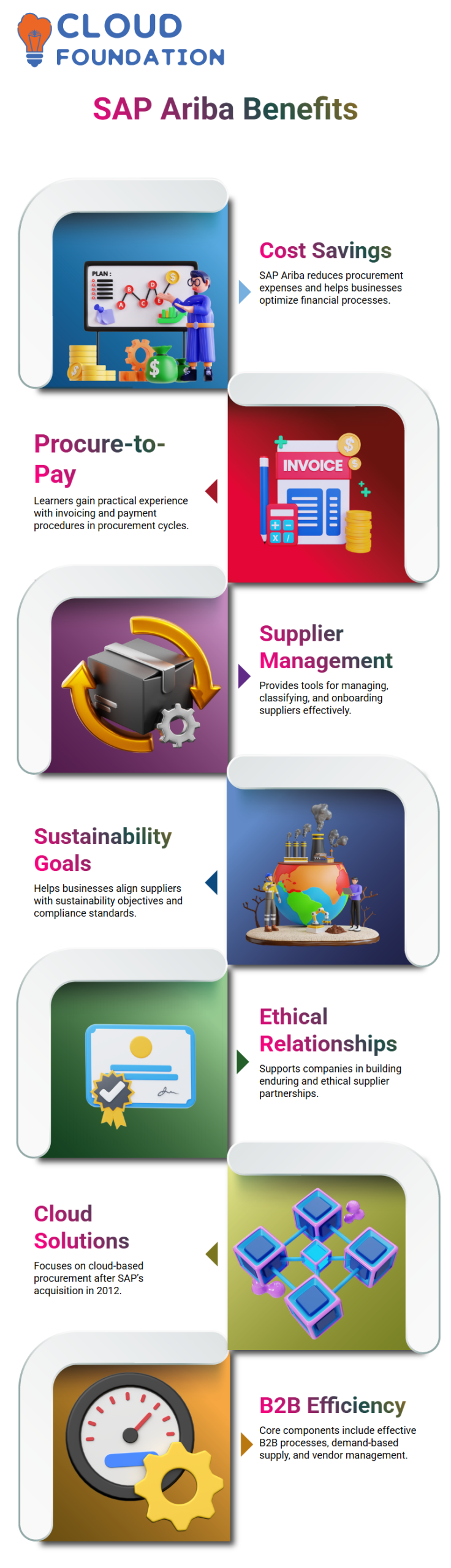
Finding ways to save costs is one of SAP Ariba’s main benefits.
I outline many ways that SAP Ariba lowers procurement expenses for businesses.
Additionally, learners have practical experience with invoicing and payment procedures, which are essential parts of the SAP Ariba procure-to-pay cycle.
Supplier Management and Sustainability in SAP Ariba
SAP Ariba offers powerful capabilities for managing, classifying, and onboarding suppliers.
I discuss how businesses use SAP Ariba to match suppliers with sustainability objectives.
These SAP Ariba features assist companies in fulfilling compliance standards and preserving enduring, ethical supplier relationships.
Background and Evolution of SAP Ariba
Since its founding in 1999, SAP Ariba has gained recognition for its cloud-based procurement solutions.
The core components of SAP Ariba include effective B2B procedures, demand-based supply, and vendor management.
Since its 2012 acquisition by SAP, Ariba has only concentrated on cloud solutions.
The majority of clients have moved to the cloud in order to save infrastructure expenses, and on-premise SAP Ariba is no longer supported.
Modules and Business Processes in SAP Ariba
I go into great depth on source-to-pay, contract management, and procurement procedures in SAP Ariba training.
Real-world business procedures are reflected in these SAP Ariba modules.
To help Learners grasp how SAP Ariba supports end-to-end procurement procedures, each module is described with real-world examples.
SAP Ariba and the Procurement Process Explained Simply
I often use extremely basic language when describing the SAP Ariba buying process.
The requester looks for the item in SAP Ariba and submits an order because someone in the company needs it.
Through the SAP Ariba network, a requisition is generated in SAP Ariba and sent to the supplier.
The supplier delivers the material after acknowledging the order in SAP Ariba. I refer to this whole procedure from request to delivery as the SAP Ariba purchase process.
It is quite simple for Learners to connect this end-to-end procedure in SAP Ariba to real-world work.

SAP Ariba Online Training
Spend Management and Daily Practice in SAP Ariba
Another area where SAP Ariba is crucial is spend management.
I clarify that SAP Ariba allows for the tracking and analysis of all material expenditures made by a business.
Organizations are able to maximize value and limit spending because of this visibility.
Learners get access to practice around-the-clock while studying SAP Ariba. I usually emphasize that learning SAP Ariba requires more than just observing.
Logging in, practicing, and exploring are necessary.
Access to SAP Ariba throughout the learning phase enables constant practical experience, which boosts self-assurance.
Career Opportunities After Learning SAP Ariba
After studying SAP Ariba, I often get inquiries regarding employment, which I candidly address.
Compared to many other IT positions, SAP Ariba consultants are highly sought after and paid well.
There is a talent gap, as many individuals are still familiar with the SAP name but are unfamiliar with SAP Ariba.
You may work as an SAP Ariba consultant, an SAP Ariba functional specialist, or even advance into development and procurement analysis jobs with SAP Ariba.
Additionally, I observe how SAP Ariba helps sourcing managers, supply chain analysts, and procurement specialists by making their regular tasks easier.
Why SAP Ariba Is Strong in the Market
I explain to my Learners why SAP Ariba is superior to alternative options.
First, the SAP brand, which is already widely used in ERP systems, is carried by SAP Ariba.
Native integration enhances the system’s strength and dependability when SAP Ariba is operating on a SAP platform.
The network itself is one of SAP Ariba’s main advantages.
Millions of suppliers have already registered and conducted business Learners SAP Ariba.
The majority of suppliers are already acquainted with SAP Ariba when a firm adopts it and notifies them, which makes onboarding much simpler.
Who Should Learn SAP Ariba and Why
We provided SAP Ariba training to individuals from a variety of backgrounds, including CEOs and senior managers.
Their objective is to comprehend what SAP Ariba can provide, not to carry out everyday tasks.
They can demand certain functionality from installation partners since they have studied SAP Ariba.
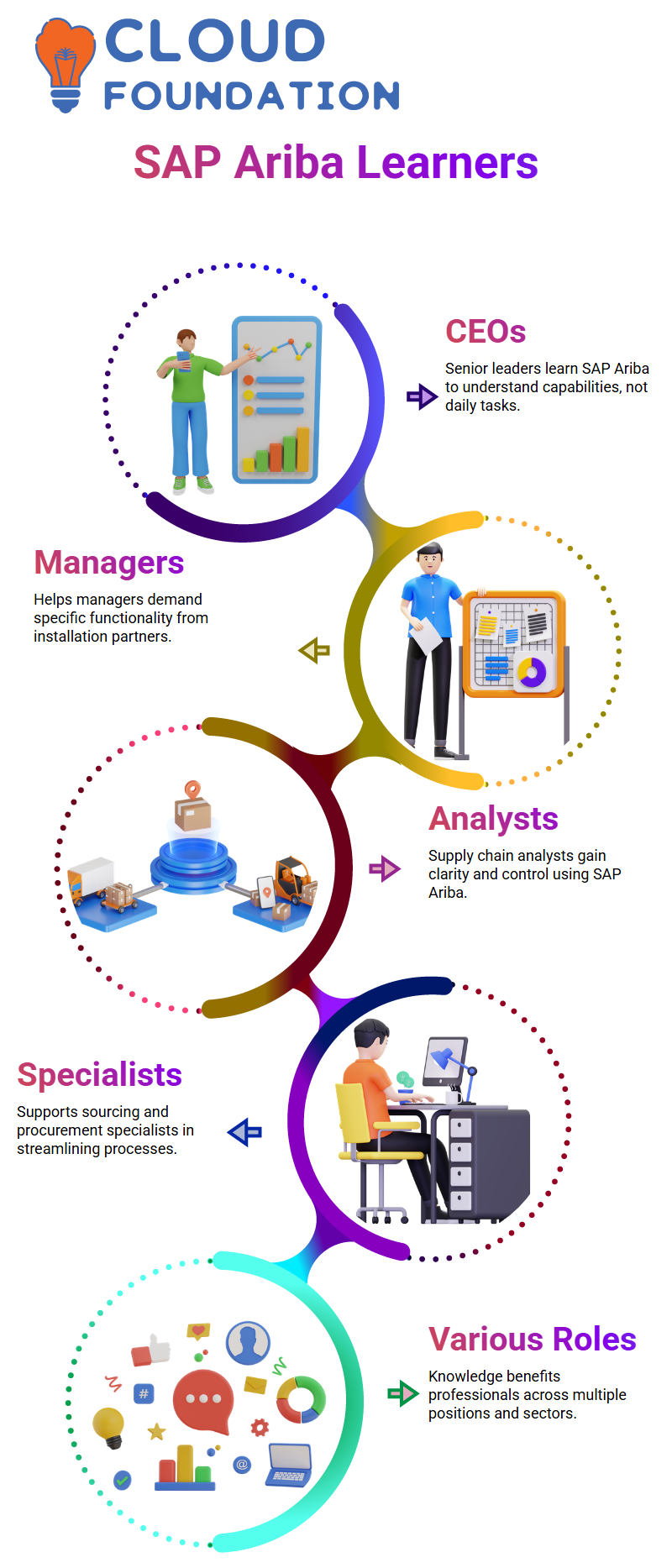
SAP Ariba offers you control and clarity, whether you are a company leader, supply chain analyst, sourcing manager, or procurement specialist.
For this reason, I firmly think that knowledge of SAP Ariba benefits people in a variety of positions and sectors.

SAP Ariba Course Price

Nishitha
Author