ForgeRock Realm Setup and Management Training
Navigation and Setup for the Forgerock Realm
In Forgerock, every realm functions as a separate workspace where I may implement certain setups without influencing the top-level environment.
Every time I create a new realm in Forgerock, I give it a name that is appropriate for its use, such as “contractor” for contractor accounts.
Even DNS aliases are optional at this point, so I don’t fill them out until I need them later. As soon as the realm is formed, Forgerock lists it among the ones that already exist.
I may set up distinct authentication procedures for every user group, thanks to this division, without affecting the main administrator realm.
Management of the Forgerock Realm for Various User Groups
Once you grasp how the interface works inside Forgerock, controlling several worlds becomes simple.
For instance, I just go to the contractor realm and set everything up there if a business requests that contractors use a separate authentication route.
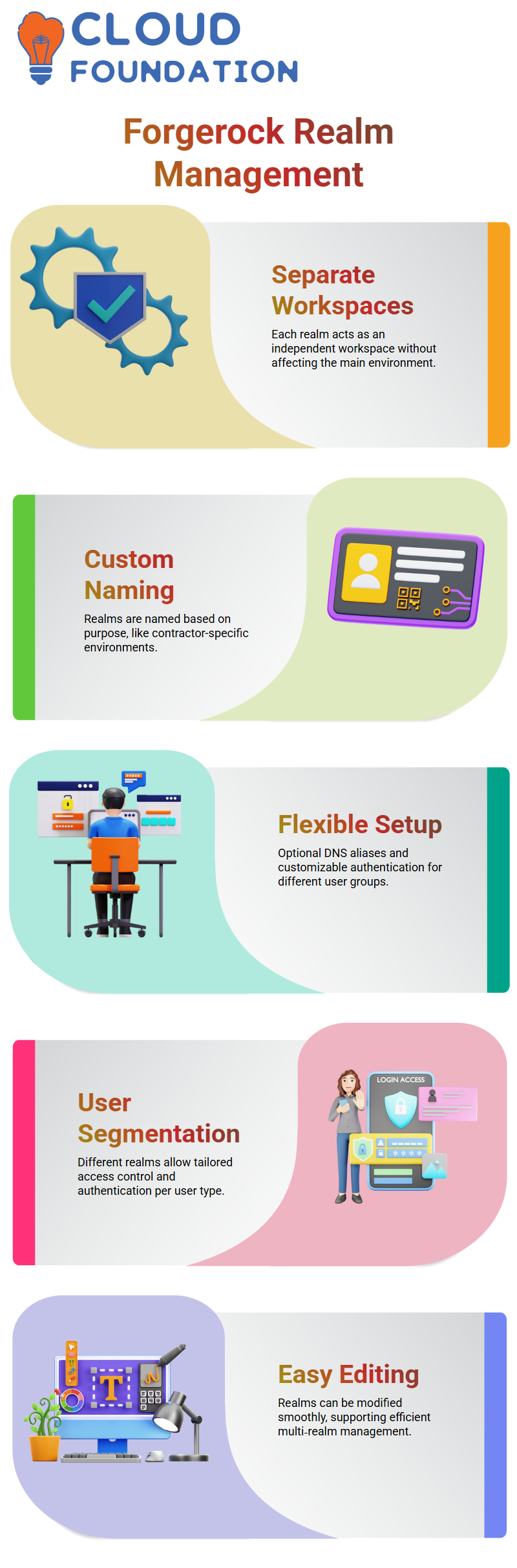
The top-level realm is still only used by administrators. Because of Forgerock’s versatility, I can customise user rules, access control, and authentication for any kind of user.
Forgerock makes editing a realm easy if I ever need to. I don’t lose track when I access the realm, change any parameters, then go back to the main screen.
This method helps me maintain a fluid workflow, particularly when managing many worlds for external workers, contractors, or test environments.
Authentication Flow and Forgerock Session Cookies
The process of creating session cookies in Forgerock is one of the most crucial things I focus on. The iPlanetDirectoryPro cookie is created automatically by the system when a user logs in to Forgerock AM.
I often show this by looking at the browser’s storage, deleting any cookies that are already there, refreshing the page, and then signing in once again.
The new session cookie is created by Forgerock as soon as the login is successful.
The way Forgerock manages authentication for OIDC and SAML flows depends heavily on this cookie.
Forgerock determines if the session cookie is present each time a user contacts an OIDC client or a SAML service provider.
Forgerock sees the user as authenticated right away and moves on to the following stages in the flow if the cookie is present.
The user cannot access any SAML or OIDC apps without this cookie. This Forgerock session cookie becomes the decisive factor for user authentication in every practical implementation I’ve worked on.

ForgeRock Training

Verification of Forgerock SSO Tokens
Forgerock utilises the session cookie, which functions as the user’s SSO token, to verify whether the user is authorised.
Forgerock creates the token and uses it for each OIDC or SAML request once the user successfully signs in.
Forgerock requires the user to authenticate afresh if the token is absent. One of the most frequent interview questions is this one, and I always keep in mind that Forgerock uses the I Planet Directory Pro cookie to verify user identity.
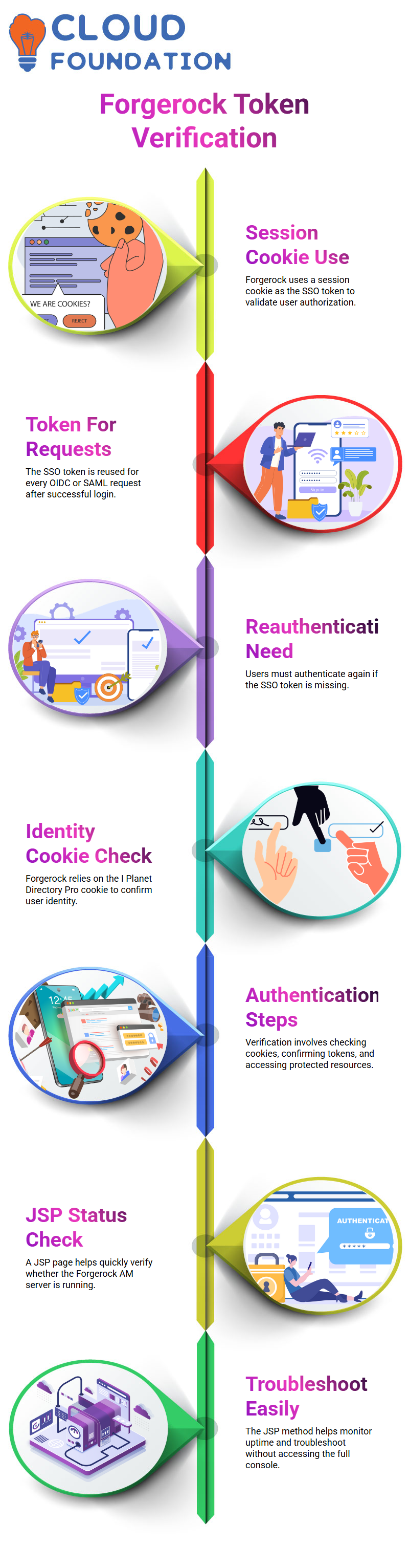
I follow the same procedure each time I examine Forgerock’s authentication mechanism: examine cookies, confirm the token, and access the protected resources.
This helps in my comprehension of whether the Forgerock AM server is accurately verifying sessions in actual situations.
Check the Status of the Forgerock Server Using JSP
I utilise the .jsp file whenever I need to verify whether the Forgerock AM service is operational.
I can quickly determine if the Forgerock server is up or down using this simple JSP page.
A notice stating that the server is not alive appears if I terminate the Tomcat service and then reload the site.
The Forgerock environment is active while the server is operating. When I need to modify the server status message, I also edit this JSP file.
When I need to monitor uptime or troubleshoot a Forgerock setup during training or testing, it comes in handy.
I can always check Forgerock’s status using this fast technique without having to log into the complete console.

ForgeRock Online Training
Forgerock Refresh Token workflow
Understanding refresh tokens, access tokens, and revocation in Forgerock helps learners be ready for actual IAM activities. I always explain to them when I teach this procedure.
I stress that Forgerock provides structure to make the process predictable while still adhering to OAuth rules.
They start to get why businesses depend on ForgeRock for safe authentication by repeating the process: produce code, retrieve token, refresh token, revoke token.
This practical tour with Forgerock provides them with the understanding they need to successfully manage contemporary identification systems.

The refresh token is essential to Forgerock because it allows me to create a new access token without having to go through the whole authorisation procedure again.
Every time I do this, I explain how Forgerock anticipates the request, what parameters are important, and where errors often occur.
I begin by generating a new cURL command inside Forgerock to provide clarity. I demonstrate how the refresh token works with the OAuth flow as a whole.
I edit the request and change the grant type to refresh_token after reminding students that Forgerock needs a certain grant type.
This aids in their comprehension of how Forgerock interprets each parameter and how the server responds when the values don’t match what is expected.
Procedures for Revocation of Forgerock Tokens
Since Forgerock also allows me to revoke a token when it is no longer required, I take them through the token revocation procedure after demonstrating the renewal flow.
I show you how to make a duplicate request, change the request type to POST, and add the key token in place of the grant type.
This makes it easier for them to understand how Forgerock anticipates various parameters when the objective is to revoke rather than renew.
Forgerock performs the revocation and instantly disables token access when they hit submit. Learners may better comprehend ForgeRock’s stringent token management policies and how appropriate revocation safeguards secure sessions by seeing this in action.

ForgeRock Course Price

Vanitha
Author