Workday Finance R2R Real Time Scenario Training
Understanding of Workday Finance R2R
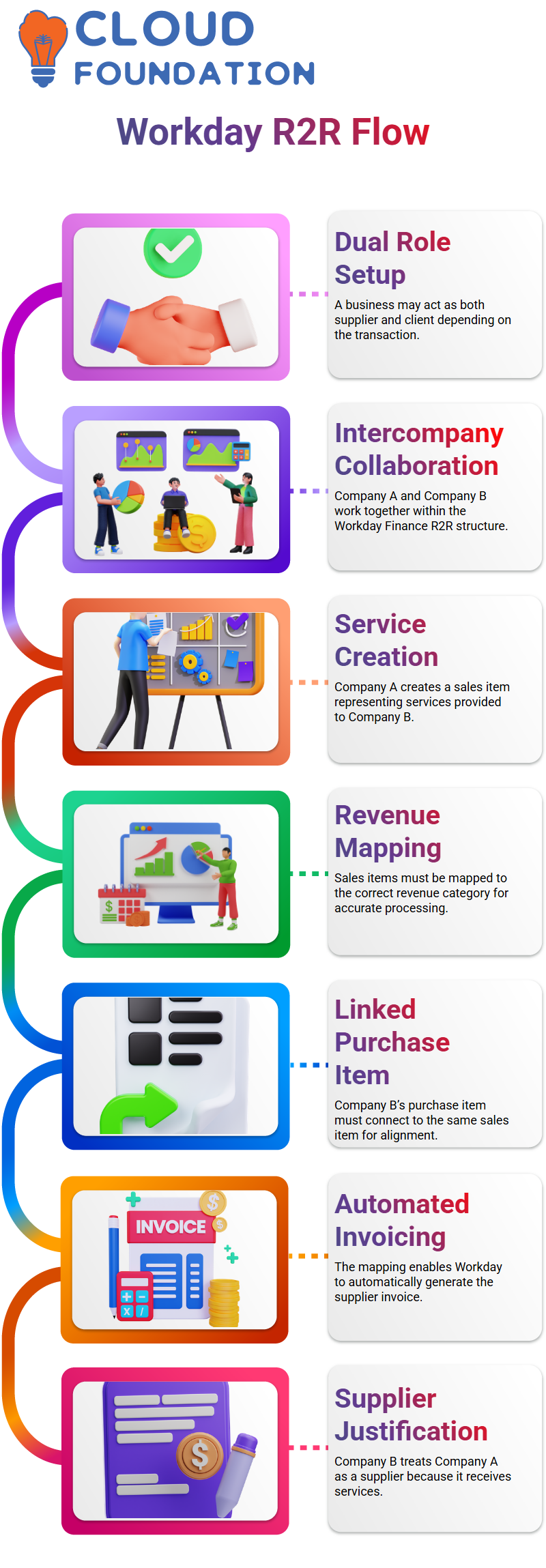
We often deal with setups in Workday Finance R2R where one business, depending on the transaction, serves as both a supplier and a client.
I’ve seen this several times during client deployments, and a step-by-step walkthrough clarifies the whole Workday Finance R2R cycle.
One of my customers’ organisations has many businesses under one umbrella. Consider Company A and Company B collaborating for Workday Finance R2R objectives.
Company A has the resources to generate the advertising that Company B requires for its customers.
Company A generates a sales item within Workday Finance R2R, and Company B becomes the client for that transaction.
The sales item is often titled something conventional like “Intercompany Media Services.”
This is the point at which Workday Finance R2R gets intriguing.
It is necessary to map Company A’s sales item to the appropriate revenue category.
‘Intercompany Media Services’ corresponds to Company A’s income category in this instance.
Next, a purchase item for Company B must be linked to the same item.
Because the system utilises this mapping to automatically produce the relevant supplier invoice, it is crucial for Workday Finance R2R.
Workday Finance R2R cannot finish the intercompany flow without this mapping.
They question why we need to develop a supplier and a customer for the same organisation.
However, it makes sense when people see it from the perspective of Workday Finance R2R.
Since Company A is providing services, when Company B processes payments, it must consider Company A as a supplier.
Workday Finance R2R Synchronisation
You really see the power of automation inside Workday Finance R2R when the system generates a customer invoice in Company A and the corresponding supplier invoice in Company B.
It guarantees that both businesses maintain their financial alignment and eliminates the need for manual reconciliation.
It’s odd, but Excel always plays a role, regardless of how strong Workday Finance R2R becomes.
In order for everyone to understand the actual procedures necessary, I also built up the supplier and customer records directly in Workday Finance R2R during our meetings.
In order to support the core Workday Finance R2R flow, we examine addresses, engage setups, approve, and handle all the little nuances.
These procedures are important since even a little setup mistake might lead to more serious problems later on.
Workday Finance R2R always adheres to the same logical framework, even if each client environment is unique.

Workday Training

R2R Customer Supplier Mapping for Workday Finance
With Workday Finance R2R, the true challenge is mapping them so the system recognises that they are part of the same business.
Here, it is just what we attempted to do. We saw the supplier and customer as being a part of Dabar, and this mapping ensures that everything works properly in Workday Finance R2R.
After creating the customer and supplier, I showed everyone how to connect them using the “maintain companies as customer and supplier” task in Workday Finance R2R.
In Workday Finance R2R, this job informs the system that both entries belong to the same entity.
Workday Finance R2R easily replicates work tags, attachments, and other settings when that connection is created.
What “affiliate” means in Workday Finance R2R is a common question. I clarified that it only alludes to a sister business, such as having an associate in China, India, and so forth.
This relationship is used by Workday Finance R2R to handle business-to-business transactions in the same manner as families do informally, but of course with rules and clean data in place of jokes and cosmetics.
Revenue Setup for Workday Finance R2R
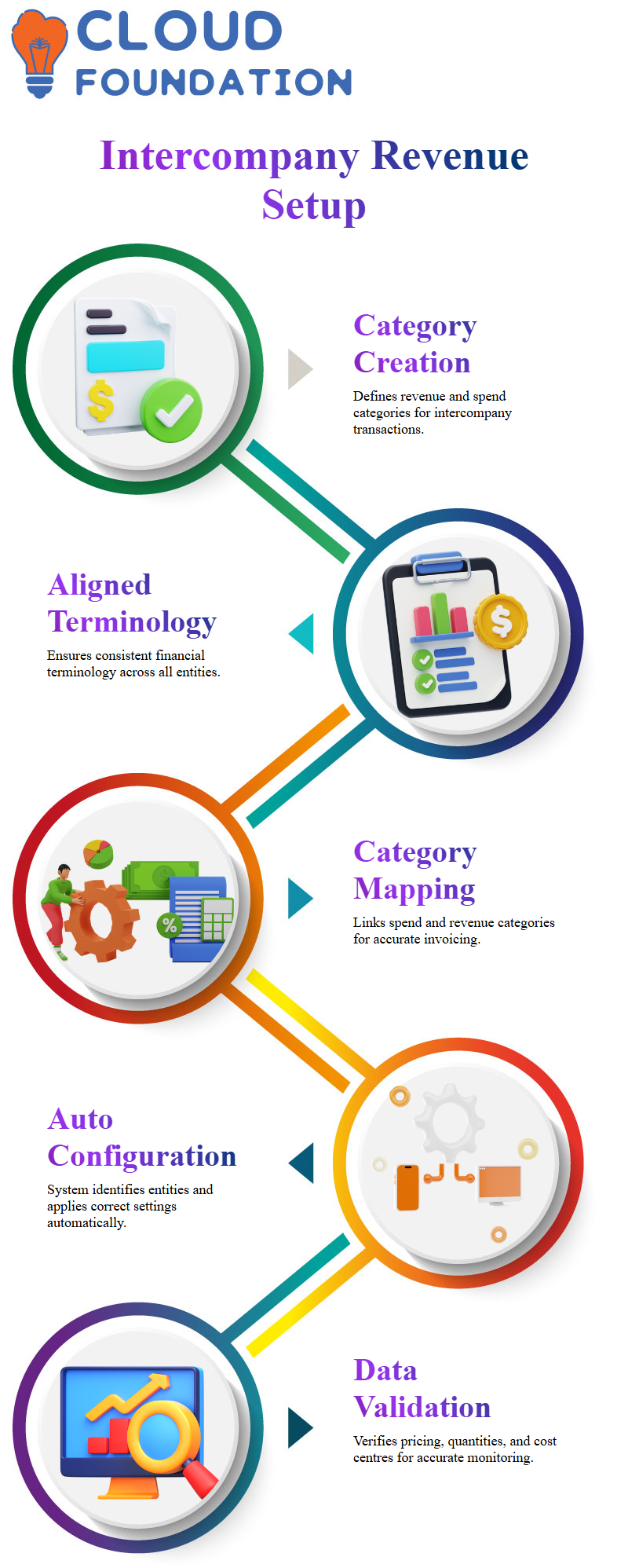
Creating revenue and expenditure categories especially for intercompany transactions is a significant component of Workday Finance R2R’s intercompany architecture.
In order to ensure that everyone was using the same financial terminology.
I established a spend category on one side and connected it with an intercompany revenue category in Workday Finance R2R while leading the team.
This pairing guarantees that Workday Finance R2R understands precisely which category to utilise when one business invoices another.
One feature of Workday Finance R2R that I always like is its ability to identify connected entities and automatically send the appropriate settings.
We entered information about pricing, revenue categories, and quantities. They were verified by Workday Finance R2R, which also reminded us to include cost centres where necessary.
In Workday Finance R2R setups, this is a typical checkpoint, particularly for affiliates that require clear financial monitoring and exchange services.

Workday Online Training
Processing Invoices with Workday Finance R2R
In Workday Finance R2R, one-to-many connections are typical, particularly in big businesses with several branches that often communicate.
We looked at default settings, supplier groupings, and currency arrangements. Because intercompany interactions greatly depend on consistency.
Workday Finance R2R sometimes asks you to update certain variables.
To prevent accounting discrepancies, Workday Finance R2R adheres to stringent guidelines for cross-company transactions.
We discovered that one of the affiliates had been connected to the incorrect business when we went back and reviewed the mapping process.
The discrepancy was instantly noted by Workday Finance R2R. After the system was fixed, we were able to go forward without any issues.
Customer-supplier interactions, intercompany setups, and category mappings all readily fit together once the logic clicks, thanks to Workday Finance R2R’s organised environment.
Workday Finance R2R Initiation and Settlement
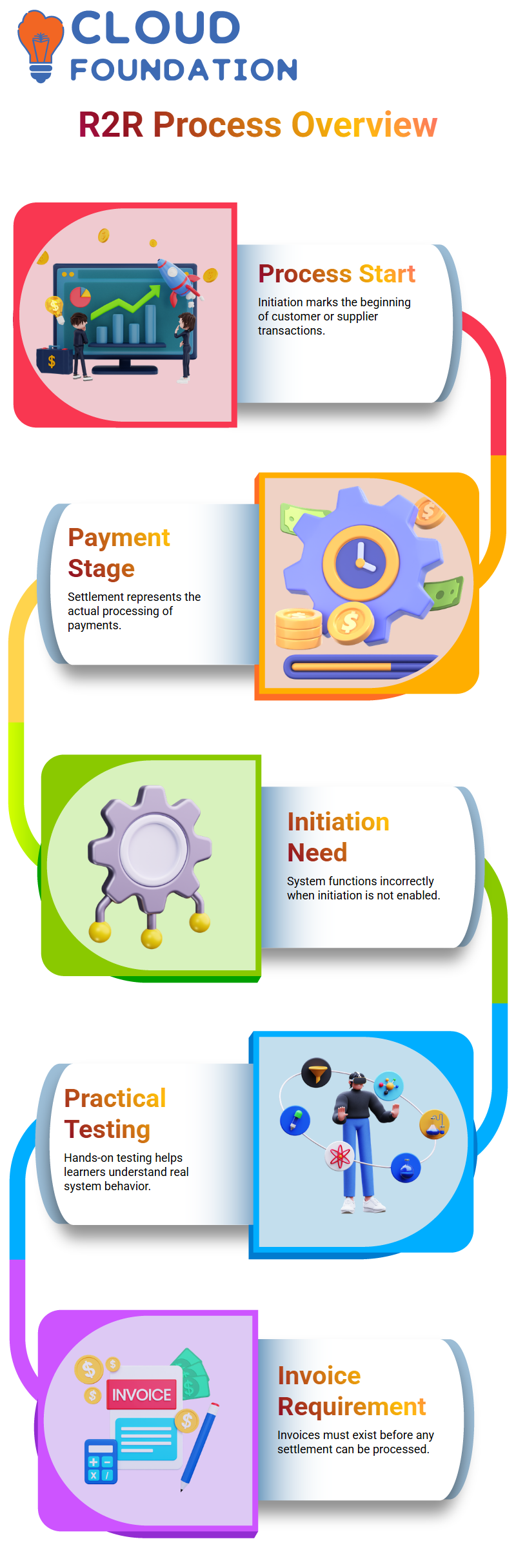
Working with invoices and payments daily has shown me how crucial it is to distinguish between commencement and settlement.
Initiation in Workday Finance R2R refers to the beginning of a customer or supplier transaction, while settlement refers to the actual payment processing.
When the initiation isn’t enabled, Workday Finance R2R doesn’t function properly, even if it sometimes shows the alternatives that are accessible.
In Workday Finance R2R, I urge my students to give this a try, as practical testing enables them to comprehend how the system functions in actual scenarios.
Workday Finance R2R displayed many activities even when I just chose the settlement option.
At that point, I reminded everyone that Workday Finance R2R requires the existence of invoices before any settlement.
Nothing significant can be processed by the system without such invoices in Workday Finance R2R.
Real-World Workday Finance R2R Troubleshooting
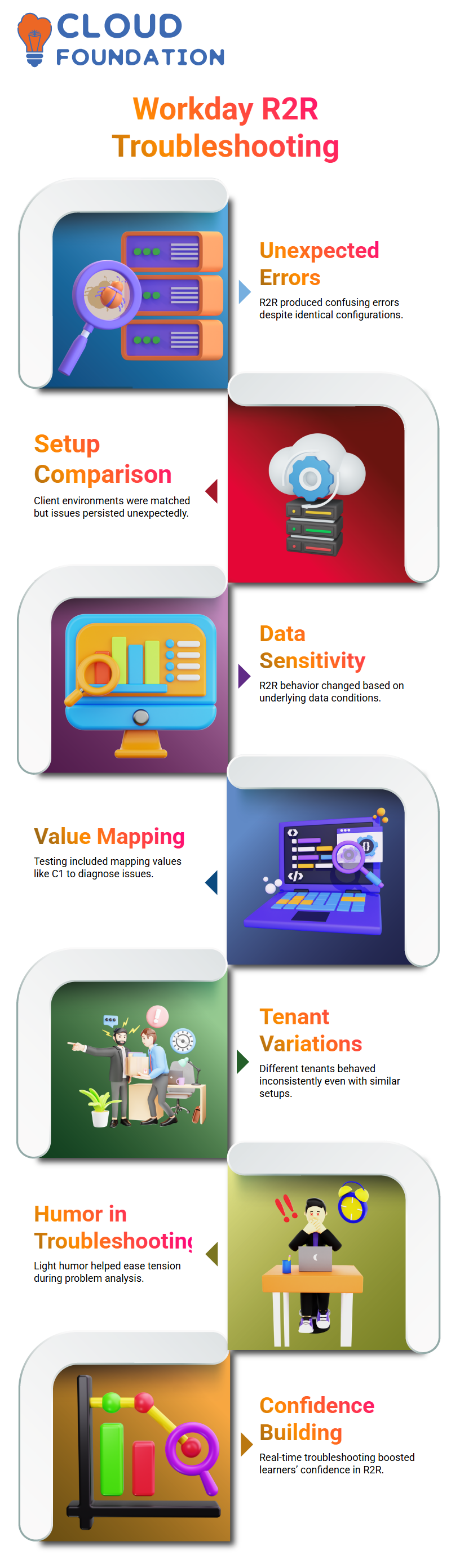
Workday Finance R2R began generating seemingly incomprehensible errors at one point. I so accessed the setup in my client environment and made a direct comparison.
Workday Finance R2R was identical in both versions in terms of client kinds, number mapping, and configuration. However, Workday Finance R2R continued to cause an unforeseen problem.
I guided my students through this scenario since it demonstrated how Workday Finance R2R might respond differently depending on data circumstances, even with ideal setups.
I attempted to resolve the problem in one test by mapping values like C1.
This kind of fluctuation is typical when playing with Workday Finance R2R, I told the students. Sometimes the tenant acts differently, or the element structure is a little different.
To lighten the situation, I even jokingly suggested that maybe the other renter had paid more for Workday Finance R2R.
Everyone gains greater confidence in Workday Finance R2R as a result of these impromptu troubleshooting sessions, particularly when they see me overcome actual challenges in real time.

Workday Course Price

Vanitha
Author