Workday Finance R2R Essential Training for Learners
Building a Company Hierarchy in Workday Finance R2R
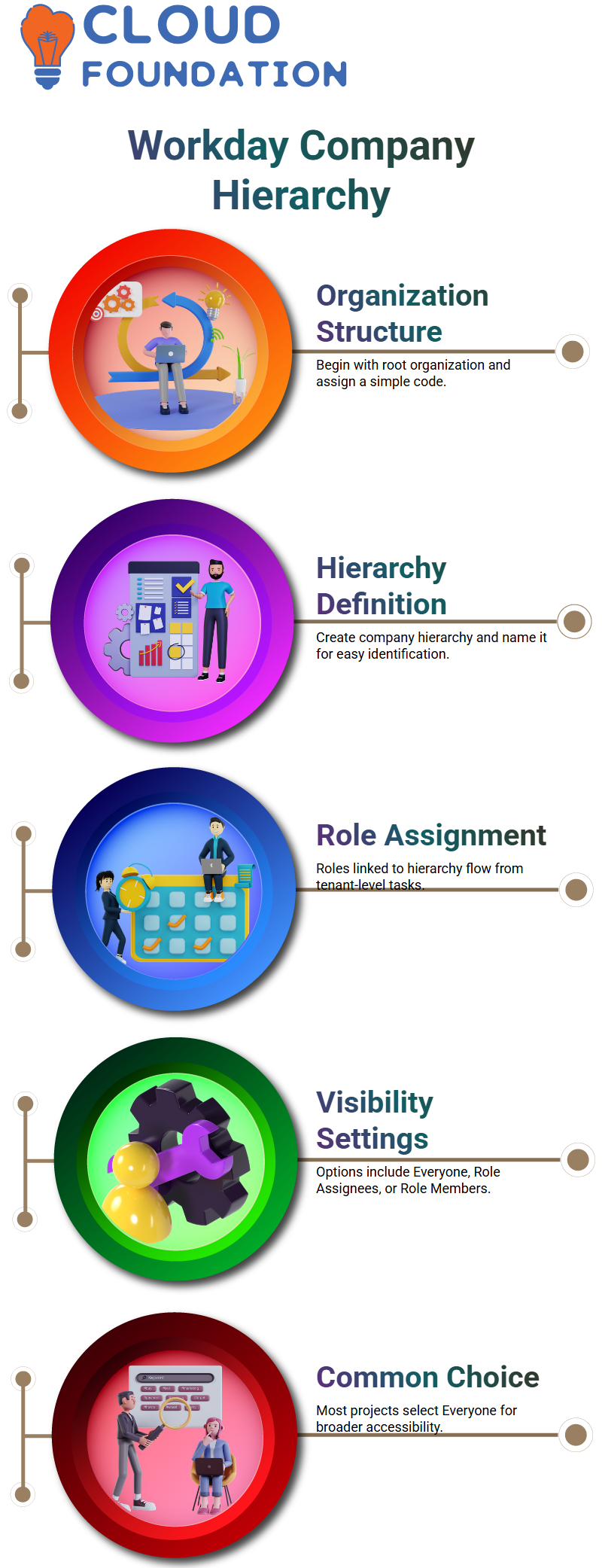
When I create a company hierarchy in Workday Finance R2R, I start with the organization structure.
I set up a root organization, give it a simple code, and then move on to defining the company hierarchy itself.
I usually name it something easy to identify such as a consolidation group.
Workday Finance R2R immediately shows which roles are tied to the hierarchy because those roles flow from maintenance tasks at the tenant level.
Visibility settings are a common question during Workday Finance R2R training, so I walk you through them slowly.
The ‘Everyone’ option allows anyone contractors, contingent workers, HCM users, or finance users to find that company through search.
‘Role Assignees’ restricts visibility only to users who hold a role on that company.
‘Role Assignees and Members’ requires you to be both an employee of the company and a role holder.
And the option for current and superior roles ensures that only users aligned to the company and its parent hierarchy can view it.
In Workday Finance R2R projects, we choose ‘Everyone’ almost all the time.
Configuring Company Details in Workday Finance R2R
Once I complete the hierarchy, I move on to configuring company-level details in Workday Finance R2R.
If the company has an external website, Workday allows me to attach that URL.
Then I set the company currency this is extremely important.
In Workday Finance R2R, the moment you run any transaction, whether it’s a journal entry, customer invoice, supplier invoice, or any ad-hoc entry, the system locks the company currency.
I always remind learners to double-check this field before clicking OK.
You might remember this from your accounting certification.
Even though certification tests used to allow longer configuration windows, recent versions shorten the time significantly.
That’s why mastering the Workday Finance R2R setup flow becomes essential.
I know many learners dislike large iLoad templates, and honestly, I do too.
Workday Finance R2R has moved many areas to more user-friendly tools, but some setups still require iLoads.
Workday Finance R2R: Assigning the Company to the Hierarchy
After setting up the company, I assign it to the hierarchy so that it becomes part of the Workday Finance R2R structure.
This step ensures that the company inherits permissions, reporting relationships, and financial consolidation rules.
Without this assignment, later transactions in Workday Finance R2R won’t recognize the company in the global structure.
I keep the explanation practical because Workday Finance R2R can feel overwhelming when you’re looking at multiple pages, codes, and fields.
By watching me configure the hierarchy and company linkage step-by-step, you start understanding how Workday Finance R2R organizes financial entities.
And once you get comfortable with this part, everything else from fiscal schedules to customer invoices to supplier setups starts to make sense.
Workday Finance R2R Company Hierarchy Setup
Inside Workday Finance R2R, I assign included organizations so you can see how the rules inherit from top to bottom.
When I assign anything at the top level in Workday Finance R2R, it automatically flows down, and you don’t need to repeat the setup for every layer.
As I return to the company settings in Workday Finance R2R, I create sequencing numbers for transactions like customer invoices, supplier invoices, and journals.
I move through the menu to definitions and specific settings, where Workday Finance R2R lets me define document numbers at the company level.
If the system has many companies, maintaining each one becomes difficult, so Workday Finance R2R gives you the option to shift this setup to the tenant level.
Workday Finance R2R Tenant-Level Sequencing
I often show learners how Workday Finance R2R lets you set sequencing at the tenant level so every company uses the same numbering structure.
If the first journal in Company A becomes 10001, Workday Finance R2R also assigns 10001 to Company B unless a company-specific override exists.
When you skip configuration at the company level, Workday Finance R2R automatically picks the sequence from the tenant setup.
If you manage ten or more companies, you can configure nine of them at the Workday Finance R2R tenant level and only override the tenth.
The override always takes precedence.
While demonstrating this inside Workday Finance R2R, I explain padding and numbering gaps.
For example, when I change the padding from four zeros to two, Workday Finance R2R adjusts the sequence instantly.
This visual example helps learners see how flexible the numbering logic is.

Workday Training

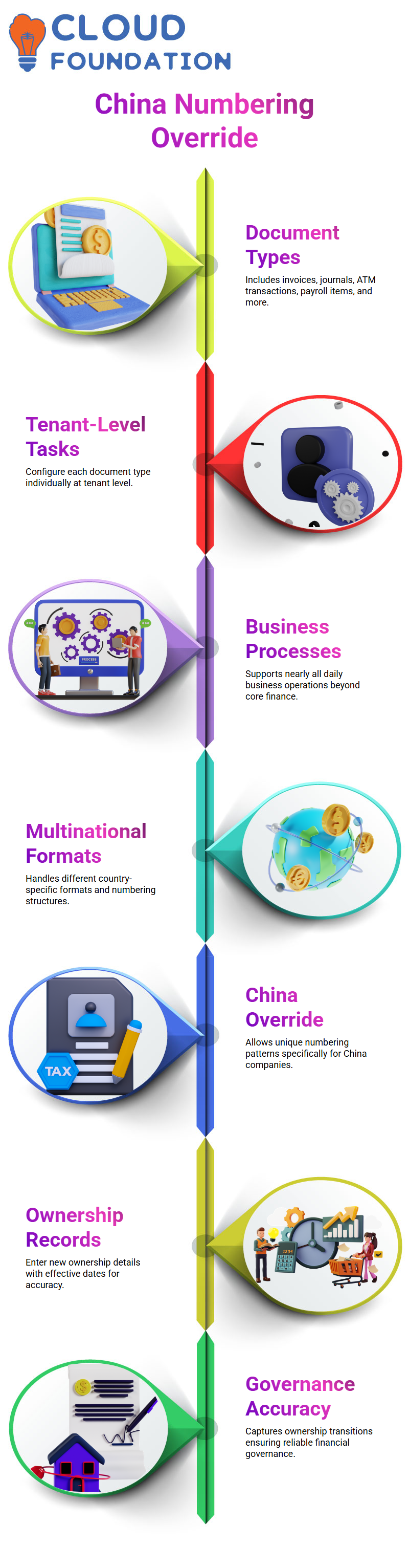
Workday Finance R2R Document Types and Configuration Coverage
Inside Workday Finance R2R, I go through the list of available document types so you understand how wide the coverage truly is.
Workday Finance R2R includes customer invoices, supplier invoices, journals, ATM transactions, payroll-related items, and more.
When I show the tenant-level task in Workday Finance R2R, you see every document type that you can configure one by one.
This helps you understand that Workday Finance R2R is not limited to core finance transactions; it supports nearly every business process you touch in daily operations.
Many of my learners work with multinational companies, and Workday Finance R2R becomes essential when each country requires different formats.
For example, one of my clients had companies in Singapore and China, and China required a unique numbering structure.
Workday Finance R2R allowed us to maintain tenant-level sequences while assigning a separate pattern only for China.
This flexibility is one reason Workday Finance R2R feels practical and adaptable in real projects.
Workday Finance R2R Company Ownership Setup
I guide you through defining ownership details inside Workday Finance R2R because companies often change hands.
When a business gets acquired, Workday Finance R2R lets you enter new ownership records with effective dates so the history stays accurate.
I demonstrate this step while explaining real-world financial behavior because Workday Finance R2R mirrors real corporate structures closely.
During training, I sometimes share examples of investment giants such as BlackRock so you understand how ownership structures evolve.
While this discussion expands beyond Workday Finance R2R, it helps you appreciate why the system captures ownership transitions.
When companies invest, grow, and eventually sell, Workday Finance R2R records these structural changes without losing past information.
That’s why businesses rely on Workday Finance R2R for accurate financial governance.
Workday Finance R2R Practical Navigation and Hands-On Flow
As I take you through hands-on navigation, I repeat the steps directly so you feel confident performing them inside Workday Finance R2R.
Whether changing sequence gaps, editing ownership, or reviewing hierarchy, Workday Finance R2R keeps the flow consistent.
When the system feels slow or pages take time to load, I remind learners this happens even in real-world environments and it doesn’t interrupt how Workday Finance R2R handles configurations.
By practicing repeatedly, you start understanding why Workday Finance R2R is a preferred system when working with multiple companies.
I keep the explanation personal so you notice how I would approach these tasks if I were setting up the environment myself.
Each action, searching, selecting, opening related tasks, adjusting sequences builds your confidence as you work through Workday Finance R2R day-to-day.
Understanding Ownership Through Workday Finance R2R
When I explain ownership setups inside Workday Finance R2R, I like to use simple examples so everyone in my class can relate.
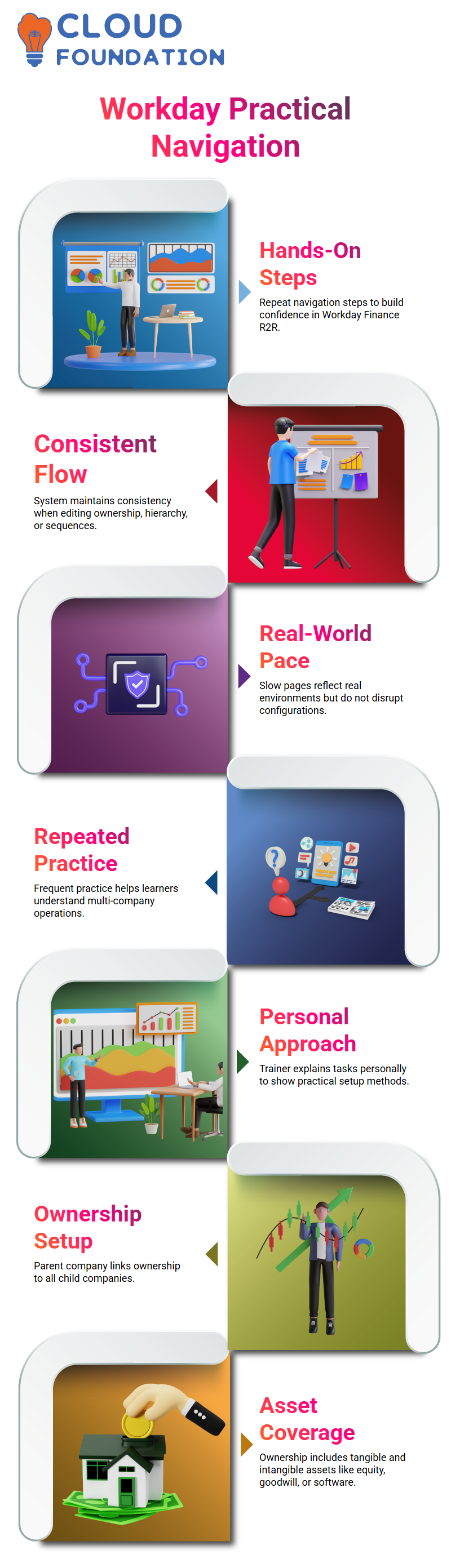
I often share how big groups like Volkswagen hold multiple brands under a single parent entity. In Workday Finance R2R, I follow the same logic.
I set up a parent company and link its ownership to every child company.
While guiding learners, I keep repeating how Workday Finance R2R treats ownership as a direct claim over tangible and intangible assets, whether it’s goodwill, equity, machinery, buildings, laptops, or software.
Capturing Company Identifiers in Workday Finance R2R
When I enter company identifiers in Workday Finance R2R, I show learners how important tax IDs, address details, and communication points are.
Workday Finance R2R gives me a clean way to capture tax ID types, identification numbers, country classifications, and every regulatory detail that matters.
I simply fill them in, and Workday Finance R2R stores everything directly at the company level.
I also guide them through contact information inside Workday Finance R2R.
I add phone numbers, mark them as primary, assign them to billing or procurement, and then enter email addresses and physical locations.
Each time I update these details, students immediately notice how Workday Finance R2R keeps everything structured and easy to navigate.
They start understanding why accurate company IDs matter so much when we move deeper into Workday Finance R2R.

Workday Online Training
Working With Accounting Details in Workday Finance R2R
When I switch to accounting details, I show how Workday Finance R2R handles fiscal schedules, ledger configurations, and translation currencies.
I set the fiscal schedule, choose the control set, and explain how Workday Finance R2R pulls all these configurations into reporting.
You might ask whether translation currency affects the original document values, and I make it clear that Workday Finance R2R translates balances only at the trial balance level.
I create a scenario where the parent company operates in USD and the child company in EUR.
Then I show how Workday Finance R2R converts balances instantly when someone at the parent entity runs consolidated reports.
Workday Finance R2R can display values in USD, EUR, or any currency we choose. This flexibility always surprises new learners and helps them appreciate how Workday Finance R2R simplifies consolidation.
Managing Period Controls in Workday Finance R2R
When I work with teams on Workday Finance R2R, one issue I often see is someone accidentally leaving a month open.
For example, June stays open even after month-end, and July is open too.
In Workday Finance R2R, this means anyone can still post to June if certain validations aren’t in place.
Even when a period looks closed, Workday Finance R2R still allows postings if the period is reopened.
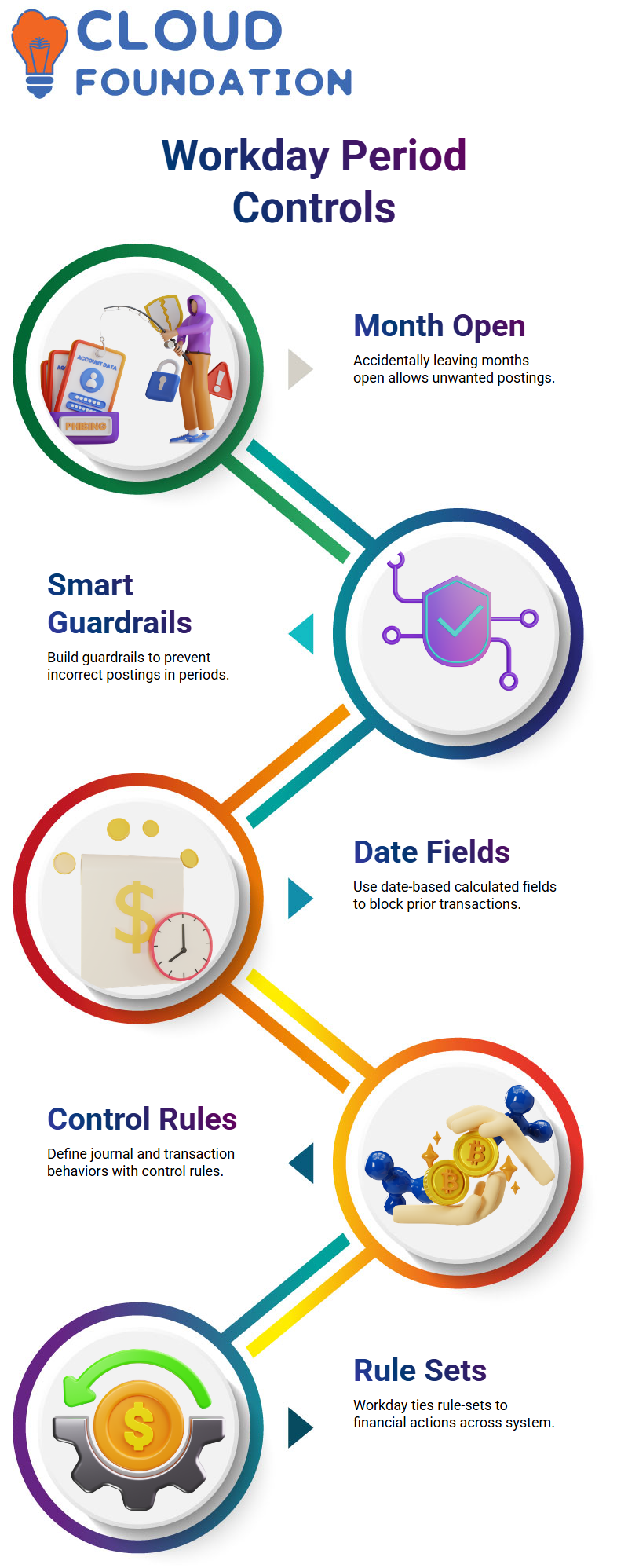
That’s why I always tell learners to build smart guardrails inside Workday Finance R2R.
To prevent users from posting to a previous month, I usually guide them to create date-based calculated fields.
In Workday Finance R2R, you can attach these validations directly to documents as critical warnings.
When someone tries to enter a transaction for the previous month, Workday Finance R2R simply blocks the action.
This keeps the entire record-to-report flow clean and accurate.
Configuring Control Rules in Workday Finance R2R
Whenever I start a new configuration session, I like to begin fresh so everyone can follow how Workday Finance R2R stitches things together.
Control rules are a core part of Workday Finance R2R because they define how journals and operational transactions behave.
When I walk learners through this, they can see how Workday Finance R2R ties rule-sets to different financial actions across the system.
In our sessions, we rebuild everything from scratch journal rules, operational transaction rules, and how they connect to the broader Workday Finance R2R framework.
This helps learners recognize how Workday Finance R2R uses translation rules, account rulesets, and validations during real transactions.
By practicing these steps repeatedly, learners gain confidence working across the record-to-report cycle inside Workday Finance R2R.
Alternate Account Sets in Workday Finance R2R
One topic many learners ask me about in Workday Finance R2R is alternate account sets.
I always explain why they matter, especially when a company operates across countries.
For instance, imagine we are part of a US parent company but work in an Indian entity with different financial reporting needs.
Workday Finance R2R allows each region to have its own account definitions through alternate account sets.
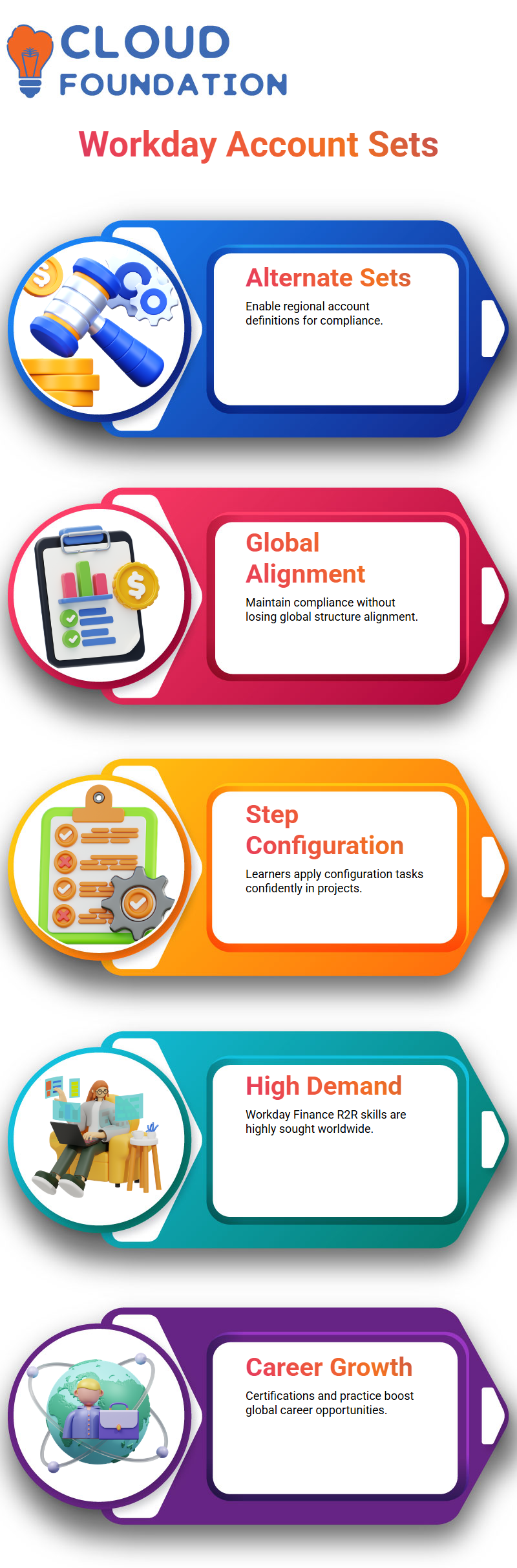
In Workday Finance R2R, we can create both the primary account set and an alternate account set so each geography maintains compliance without losing alignment with the global structure.
I show how the configuration task works step by step so learners can apply it confidently in their Workday Finance R2R projects.
Career Opportunities With Workday Finance R2R
The truth is, Workday Finance R2R skills are in extremely high demand.
Many companies even relocate consultants across regions because the talent pool is still growing.
I’ve seen organizations transfer employees from one country to another purely because they specialize in Workday Finance R2R.
If you’re considering applying for PR in countries like Australia, Workday Finance R2R can significantly boost your chances because the market is hot and growing.
I always encourage learners to pursue certifications and real-world practice because once you understand how Workday Finance R2R works from company hierarchy to transaction flows you become a valuable asset anywhere.
Testing EIB and Journal Behavior in Workday Finance R2R
Whenever I test an EIB inside Workday Finance R2R, I watch how the system processes data in the background.
Sometimes the environment runs slowly, and I remind my learners that Workday Finance R2R may have background tasks delaying things.
If the EIB takes time, I simply move forward, revisit the journal, and continue analyzing what Workday Finance R2R shows in the ledger.
While creating journals in Workday Finance R2R, I prefer enabling multi-currency setups so everyone can see how Workday Finance R2R converts a foreign currency amount into the company currency.
For example, if I create a journal in euros and the system uses a rate like 1.875, Workday Finance R2R converts 100 euros into 187.50 USD.
When I submit the journal, Workday Finance R2R displays the converted result in the ledger currency, which helps learners understand the real impact on financial books.
Exploring Currency Handling with Workday Finance R2R
Sometimes you may ask why a ledger shows USD while another view shows EUR. Inside Workday Finance R2R, the company currency always takes priority, and the translated amount flows based on the configured exchange rate.
I guide learners to compare ledger balances because Workday Finance R2R displays both the entered currency and the ledger currency depending on the report.
When a journal doesn’t appear in Workday Finance R2R reports, I encourage checking the book code.
Sometimes the journal is created without a book code, and Workday Finance R2R won’t show it in filtered reports.
By removing the book code filter, Workday Finance R2R finally reveals the journal entry.
This small detail helps learners avoid confusion when reconciling balances in Workday Finance R2R.
Working with Trial Balance and Translation in Workday Finance R2R
As I run the trial balance in Workday Finance R2R, I often switch between translation rule sets to show how different rules affect the converted amount.
For instance, if a value appears as 168 in one translation model, I change the rule set in Workday Finance R2R to demonstrate the variation.
This process helps learners understand how Workday Finance R2R calculates translated debits and credits for consolidation.
If the 2025 period is closed, Workday Finance R2R forces us to choose 2023.
Workday Finance R2R and the Hidden Power of Control Accounts
In Workday Finance R2R, control accounts protect the integrity of the balance sheet.
Companies don’t want accidental postings hitting sensitive accounts and causing financial discrepancies.
When you right-click a ledger account and enable the control account option, any ledger you add becomes protected.
Workday Finance R2R uses this to ensure no one posts to those accounts unless approvals are in place.
This safeguard is crucial because a wrong balance sheet entry can shake an organization’s financial reporting.
Most clients treat control accounts as balance-sheet-critical points. They want Workday Finance R2R to stop unauthorized postings immediately.
That’s why we configure business processes to route approvals whenever a transaction touches a control account.
For example, take accumulated depreciation.
If the accumulated depreciation account is flagged as a control account, Workday will only post the entry after approval.
This adds a strong layer of governance to the financial workflow.
So in practice, you perform two actions: first, you mark ledger accounts as control accounts inside the posting rules; second,
you modify the business process to trigger approvals whenever Workday Finance R2R encounters those accounts.
These two layers work together to give organizations clean, reliable financial data.
Building Confidence Through Real Workday Finance R2R Practice
Everything we do together intercompany flows, ledger setups, FX rates, tenant structures connects back to how Workday Finance R2R functions in real client environments.
I always want you to feel like you’re learning through actual project experience instead of just theory.
Workday Finance R2R becomes easier once you see how each configuration ties into day-to-day accounting operations across companies.

Workday Course Price

Nishitha
Author
A mind once stretched by a new idea never returns to its original dimensions.