Workday Finance R2R Close and Allocation Guide Training
Understanding Period Close in Workday Finance R2R
In many companies, the period close BP called the Period Close Event is either fully adopted or completely ignored.
In my Workday Finance R2R sessions, I show how this BP helps you track every activity from initiation to completion in a structured, dependable workflow.
Inside Workday Finance R2R, the period close task begins with an initiation step that usually lands with an accounting manager, controller, or any designated financial role.
The task then expands into a series of to-do steps such as reviewing pending transactions, closing O2C, closing P2P, validating assets, checking journals, and finally closing the period itself.
In Workday Finance R2R, these steps are flexible. Some companies add twenty tasks, while others keep it to ten.
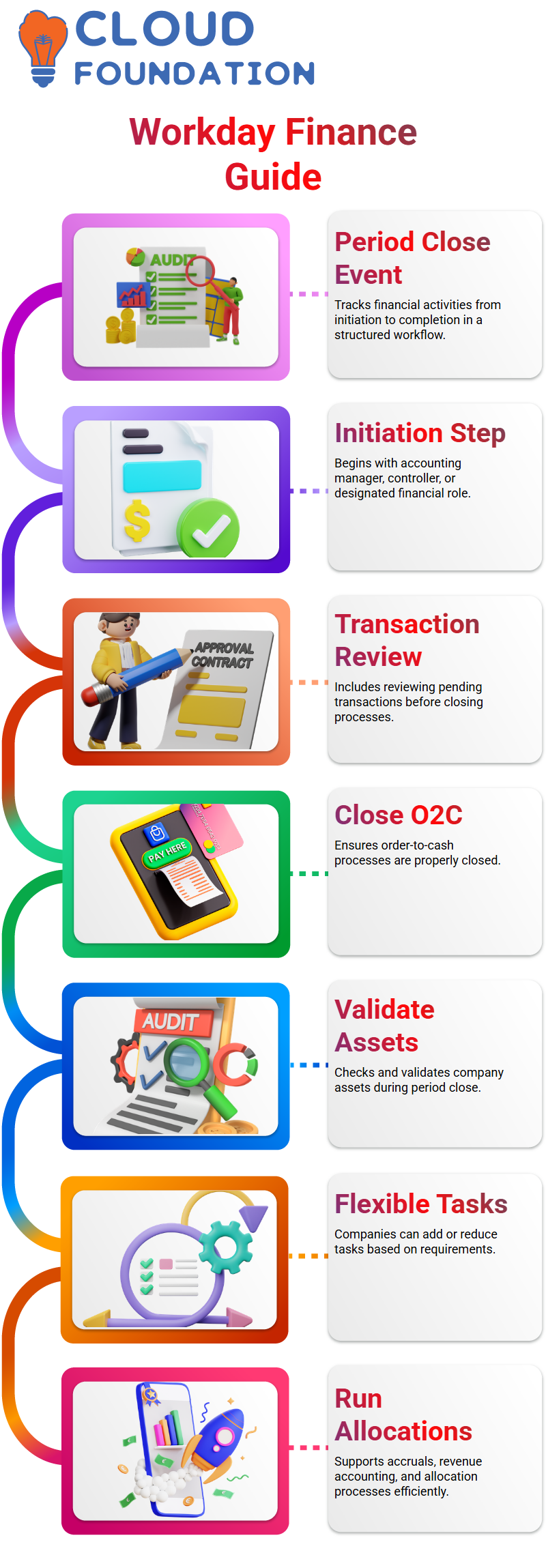
Workday delivers many tasks out of the box, and you can also create your own.
Whether it’s creating receipt accruals, reviewing revenue accounting, loading accrual journals, or running allocations, Workday Finance R2R helps you keep everything organized so no team misses its responsibility.
Allocations in Workday Finance R2R
Allocations are simply move amounts from one ledger account and work tags to another.
In Workday Finance R2R, this is common when a parent company needs to absorb revenue or costs from a subsidiary.
For example, if India records revenue under account 5241 but the US parent needs it under 6561, Workday Finance R2R handles the movement cleanly through allocation definitions.
Before we run scheduled allocations, we create three components inside Workday Finance R2R: the allocation group set, the allocation group, and the allocation schedule.
Workday Finance R2R makes sure the R2R team can perform these tasks consistently every month.
In the allocation definition area of Workday Finance R2R, we choose the source ledger, the plan structure, book codes, ledger accounts, and work tags.
Many companies use actuals, but Workday Finance R2R also supports plan (budget) values when required.
Every month, after the period closes, the R2R team in Workday Finance R2R sets up and executes these allocation runs.
The steps ensure that revenue or costs flow into the correct ledger accounts across entities.
Workday Finance R2R makes the process repeatable, traceable, and compliant, which is why I emphasize it strongly during training.

Workday Training

Workday Finance R2R Allocation Rules in Real Scenarios
If a transaction carries both the correct ledger account and matching customer-related work tags, Workday Finance R2R picks it up as a valid source.
This is the foundation that helps everyone understand why the system behaves the way it does.
When I define allocation rules in Workday Finance R2R, I usually start with the general source.
For example, I may choose customer invoices as the source of allocation. Depending on the business case, I can include supplier invoices or both AR and AP accounts.
The point I emphasize in my Workday Finance R2R training is that once the operational transaction hits the qualifying ledger accounts with the right work tags, the allocation engine knows exactly what to move and where to move it.
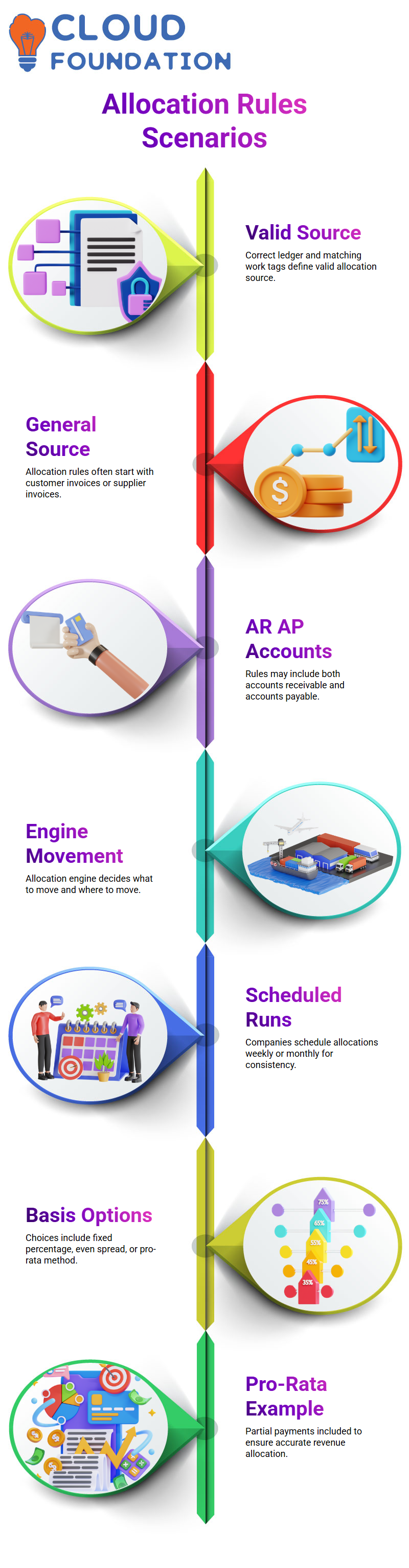
You can still run it manually if needed, but most companies schedule it on a weekly or monthly basis so Workday Finance R2R consistently keeps financials aligned.
When I introduce the allocation basis options inside Workday Finance R2R, I show three choices: fixed percentage, even spread, and the pro-rata method.
Most companies I’ve worked with prefer pro-rata, so I’ll share the same example I give my learners.
Let’s say the ledger account balance is 1,000, and there is an expected incoming payment of 10,000, but only 4,000 has been received.
In Workday Finance R2R, the pro-rata basis will include that partial 4,000 while moving balances.
When a US parent company receives partial revenue from an India subsidiary, Workday Finance R2R ensures that the correct revenue portion appears in the US P&L for that month.
This example helps learners visualize the practical purpose of Workday Finance R2R rather than just memorizing configurations.
Breakdown of Workday Finance R2R Allocations
Next, I break down the structure of source, basis, and target accounts.
In Workday Finance R2R, I might define six source ledger accounts, but only two of them may act as the basis for allocation.
Once the basis accounts meet the conditions, Workday Finance R2R moves balances from all relevant source accounts into the target accounts.
This is where most learners have their aha moment realizing that Workday Finance R2R does not simply move amounts one-to-one but follows logical conditions linked to real business behavior.
You choose whether the target should be a deposit account, an unapplied receipt account, or something entirely different.
The workflow becomes intuitive once they see it with actual company data.
Every time I teach Workday Finance R2R, the goal is to help learners experience real corporate scenarios through hands-on examples.
Concepts like pro-rata, multi-company allocations, work tag-based filtering, cross-entity revenue movement, ledger reclassification, and scheduled runs all become much easier once they see how Workday Finance R2R processes them behind the scenes.
The more they practice, the quicker they get at recognizing why Workday Finance R2R rules are structured the way they are.
By the time we finish this part of the session, my learners understand not only how to configure allocation rules in Workday Finance R2R but also why companies rely on these rules to maintain accurate P&L and balance sheet reporting.
With real-life data flowing through Workday Finance R2R, these allocation rules ensure that every ledger entry ends up where it truly belongs.

Workday Online Training
Workday Finance R2R: Managing Ledger Balances
When working with Workday Finance R2R, you might ask which balances to move. It really depends on the client and the scenario.
For example, in some ledger accounts, no transactions might happen in a given month.
In Workday Finance R2R, we sometimes move costs intentionally, and other times it’s because there are no transactions for a specific ledger account.
I make decisions based on multiple reasons.
Sometimes, we want to avoid redefining ledger accounts repeatedly.
Once I define the ledger accounts in Workday Finance R2R, I can select them according to the requirement.
For instance, if we need to move the cost for only two ledger accounts while three have no transactions, we just run the allocation in Workday Finance R2R.
Workday Finance R2R: Running Allocations
In Workday Finance R2R, running an allocation gives you a clear picture of how balances move.
I choose the customer category and source companies.
The basis ledger accounts must match the source ledger account list to ensure accuracy.
Sometimes, I randomly select accounts to illustrate the concept, but in real scenarios, each ledger account is carefully chosen in Workday Finance R2R.
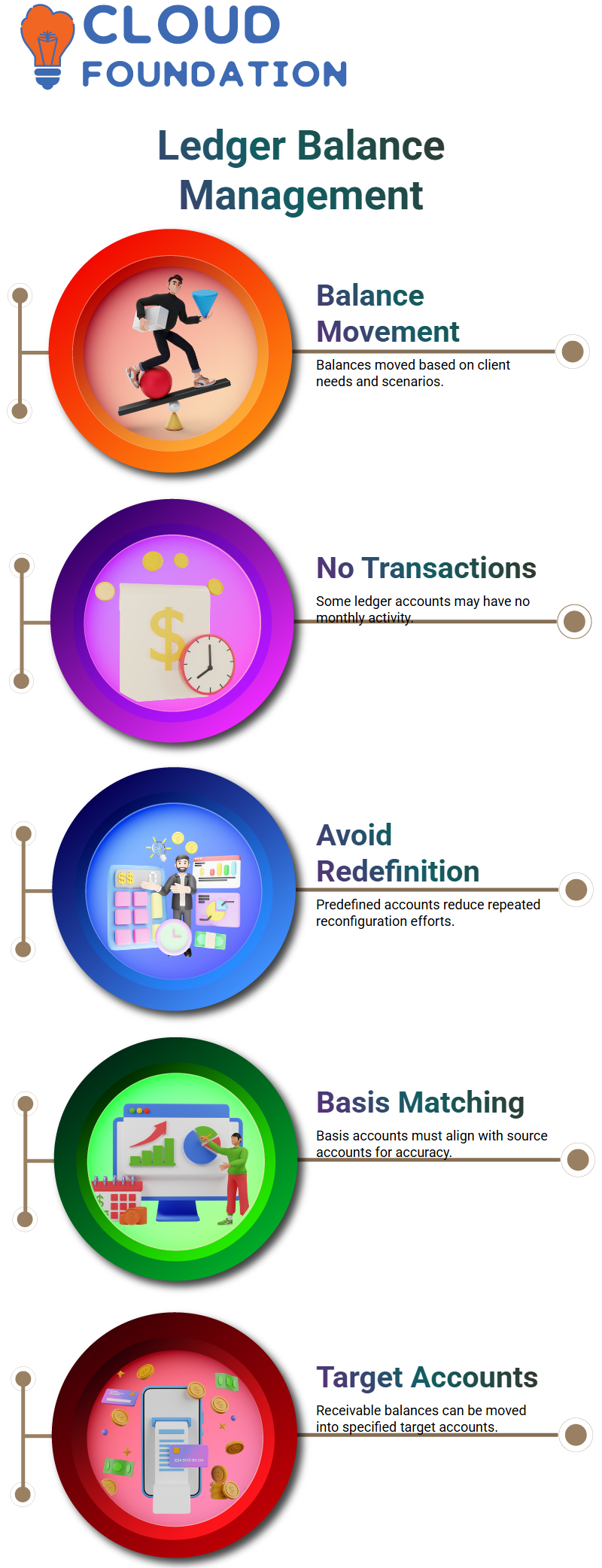
The target section in Workday Finance R2R allows me to define which ledger accounts will receive the balances.
For example, if I want to move receivable balances from one ledger account to another, I can specify the target account.
This flexibility in Workday Finance R2R ensures accurate allocation and tracking of costs.
Workday Finance R2R: Offsetting Balances Across Companies
Workday Finance R2R helps offset balances when companies move funds internally.
Suppose Company A transfers balances from a ledger account to a parent company.
The debit and credit balances adjust accordingly.
Workday Finance R2R ensures these offsets are reflected correctly without double counting income or tax payments.
For example, if taxes are already paid in India, Workday Finance R2R allows us to offset the income so the parent company doesn’t pay taxes again on the same amount.
This ensures transparency while following accounting standards.
The US balance sheet will still show the income received, but Workday Finance R2R ensures the tax component is handled accurately.
Workday Finance R2R: Handling Special Accounting Scenarios
Sometimes, Workday Finance R2R deals with special accounting treatments.
For instance, transferring balances that already had taxes paid in one country requires offsetting them correctly in another country.
In these cases, Workday Finance R2R ensures that the transferred amounts show up in the books without unnecessary tax implications.
These scenarios also extend to property and asset management.
In Workday Finance R2R, you can account for expenses like depreciation on company-owned assets or property to manage taxable income.
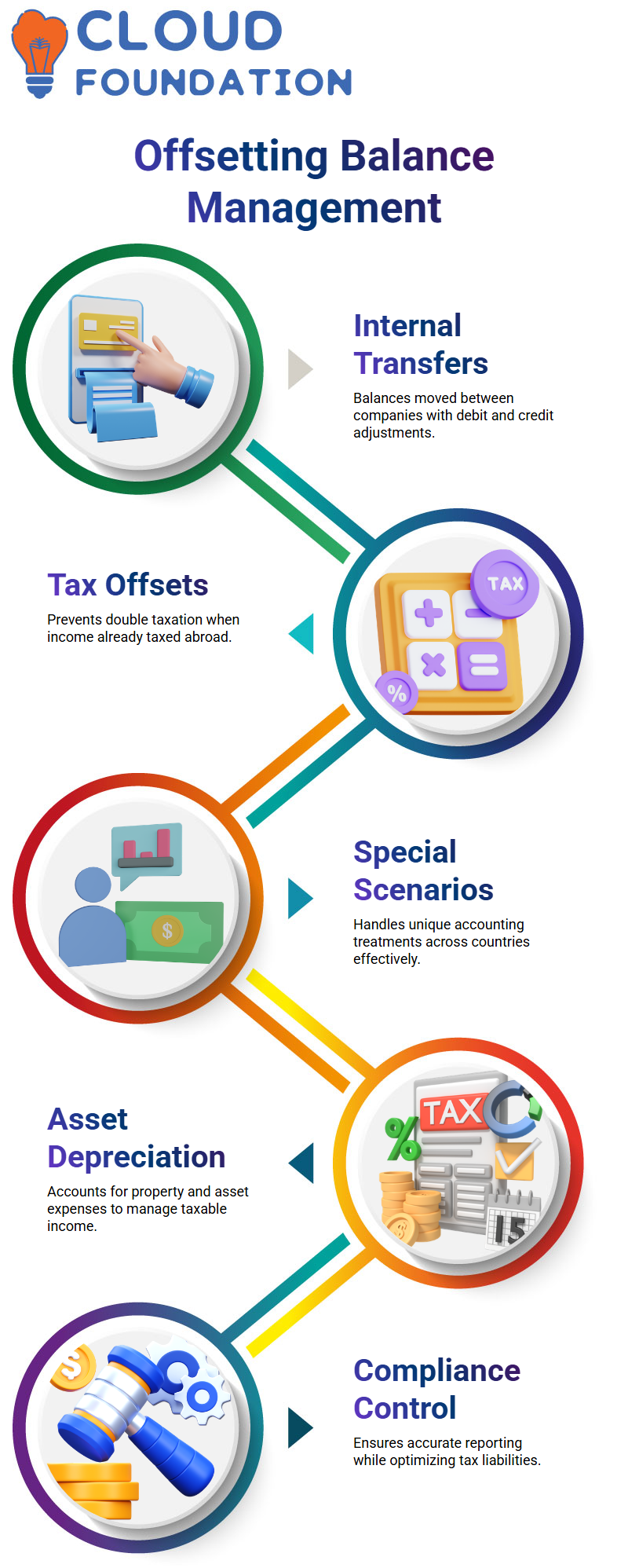
This gives you flexibility and control over how costs and revenues are reflected in financial statements.
Workday Finance R2R: Practical Examples and Insights
Let me share some practical insights from Workday Finance R2R.
If you buy a property or asset under a company name, you can claim depreciation or offset certain expenses to reduce taxable income.
Workday Finance R2R helps track all these allocations accurately across different ledger accounts.
Creative accounting ideas, like leveraging property rules or internal asset transfers, are easier to manage using Workday Finance R2R.
This ensures compliance while optimizing tax liabilities.
When I explain these concepts in Workday Finance R2R, I make sure to show the movement of balances, offsets, and ledger account adjustments clearly so anyone following can replicate the process.

Workday Course Price

Nishitha
Author
A mind once stretched by a new idea never returns to its original dimensions.