Workday Finance R2R Online on Journal and Ledger Behaviour
Workday Finance R2R Journal
I want you to see firsthand how these journal behaviours manifest in real time as I guide you through Workday Finance R2R.
I often see how Workday Finance R2R manages commencement without requesting authorisation as I go through the Accounting Journal process.
When I begin a job like Create Journal, this becomes evident.
When I input the name of the firm, the system sometimes fails to show the intended company.
In Workday Finance R2R, this is often caused by either an unassigned accountant position or a lack of access.
Workday Finance R2R enables the ledger information to show how I want it to once I verify the company’s responsibilities and assign the appropriate ones.
I alternate between corporate and X Parent setups while dealing with account sets in Workday Finance R2R to illustrate how each influences the display ledger account.
I chose corporate in the first example and the alternative account established in the second.
The display ledger account and the generated ledger account are still shown by the system when I leave the book code in Workday Finance R2R blank.
Usually, I use a simple example, such as a cash ledger account, to show how Workday Finance R2R handles the data in the absence of workbags.
Using only the show ledger account from the main account set causes an issue, as I can see when I navigate through the journal item in Workday Finance R2R.
Even if I am not purposefully employing an alternative account set, the error notice instructs me to provide an override resultant account.
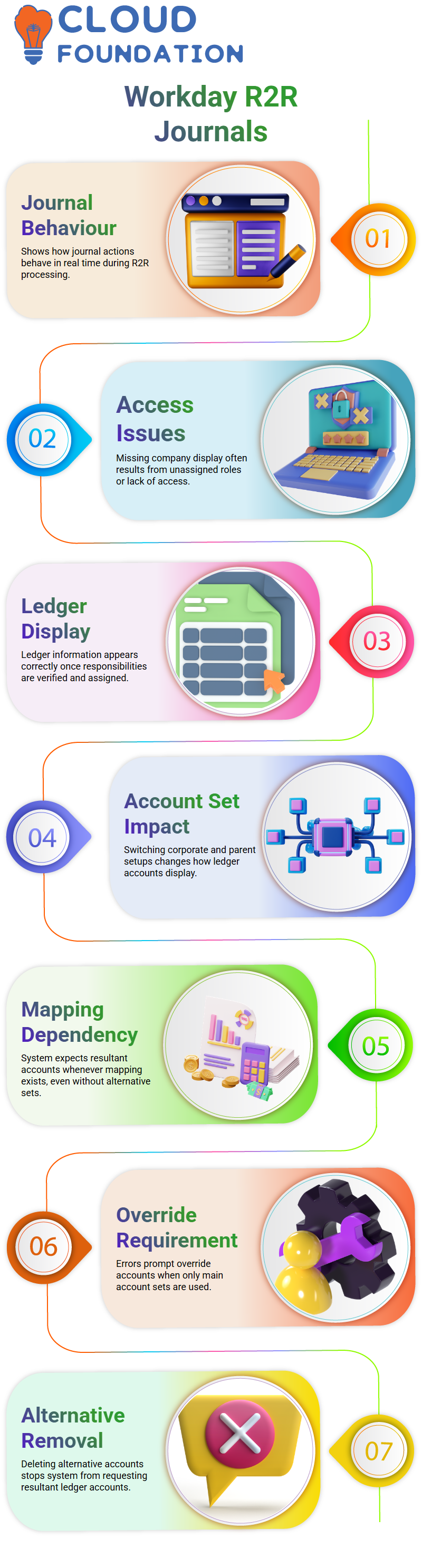
This occurs because Workday Finance R2R recognizes the previously made mapping, and whether or not I utilise alternative accounts, the system anticipates a corresponding ledger account once the mapping is in place.
I create a resultant account, such as cash 6000, to continue working in Workday Finance R2R so that the journal may be turned in.
I must delete the alternative account configured at the corporate level if I want to avoid offering an override account.
Removing the alternative account set in Workday Finance R2R stops the system from requesting the resultant ledger accounts.
When I return to Create Journal after deleting it and choose the firm once again, Workday Finance R2R doesn’t ask me to establish the display account at all.
When I make a basic journal, the journal number shows up right away.
Workday Finance R2R Book Code
Based on the mapped setup, the principal book appears when I do a trial balance in Workday Finance R2R.
Workday Finance R2R displays items even if I leave the book code empty. At first, this perplexed me since you would think that diary entries would only strike the chosen book code.
I discovered that Workday Finance R2R automatically writes entries to a blank book code in the background after bringing up a case with Workday.
It resembles a black hole; you can’t see it, but Workday Finance R2R employs it by default.
The blank book code functions similarly to the regular book code inside Workday Finance R2R.
If I enter ‘common’ in the book box, Workday Finance R2R shows the identical items that show up under the blank book code.
It is referred to be a supplied default behaviour by Workday.
This indicates that even if you intend Workday Finance R2R to limit activity to the specified corporate book code, every item hits the blank or common book code.
Workday Finance R2R sometimes exhibits odd discrepancies.
For instance, Workday Finance R2R shows a deceptive hyperlink that gives the impression that I may alter the full client invoice when I click it and choose options like alter Invoice.
However, Workday Finance R2R really just permits modifications to the PO number.
For novice users, this is perplexing since the system seems to allow more than it really does.
I have brought up these concerns on several occasions as someone who thoroughly investigates Workday Finance R2R, yet many of the answers are unpersuasive.
Imagine choosing a certain book code in your journal and confidently anticipating that entry to hit that book alone if you’re new to Workday Finance R2R.
Rather, Workday Finance R2R also forwards it to the blank or common book code.
Such circumstances underscore the need to understand the fundamental behaviours of Workday Finance R2R to avoid being taken aback by unexpected posting outcomes.

Workday Training

Journal Testing and Book Code Behaviour in Workday Finance R2R
I often encounter minor oddities while working with Workday Finance R2R settings, which only become apparent when we do practical testing.
For example, I kept wondering why my journal wasn’t reaching the right Workday Finance R2R configuration when I initially attempted to verify a custom book code.
I felt like I was debugging blindly since Workday didn’t provide any help texts that explained the behaviour.
As I went through the testing, I saw how simple it is to overlook adding a book code or forgetting a little checkbox, and then all of a sudden, the Workday Finance R2R flow works differently.
I replicated the journal during a Workday Finance R2R test cycle to determine whether our custom book code would eventually activate correctly.
I discovered that Workday Finance R2R had pushed the journal into the default blank book code since I had forgotten to include the book code in the previous example.
The system accurately recorded the book once I made the necessary corrections.
You can only discover these subtleties of Workday Finance R2R by doing direct experiments inside the tenant.
Workday Finance R2R Book Code Mapping
Workday Finance R2R followed its logic when I attempted to capture entries under various book codes: the system routed the journal under the blank book code even if I didn’t specifically establish a book code.
I read through many Workday Finance R2R articles only to see the trend, and each time it reaffirmed the need for appropriate setup.
I discovered that current journals do not immediately fill alternative accounts when I brought up the alternate account settings while navigating the Workday Finance R2R mapping displays.
This is to be anticipated, but it made me think about how careful preparation is needed when switching between account sets in Workday Finance R2R.
To evaluate how Workday Finance R2R responded, I experimented with various configurations, refreshed screens, and swapped account sets; each run gave me new insights.
Challenges with Workday Finance R2R Cost, Support, and Tenant Access
I’ve also seen the expense side of things in my Workday Finance R2R journey, and it may be startling. Hourly charges for workday consultants are often quite expensive.
For Workday Finance R2R advice, I recall hearing that Workday specialists may charge around 950 USD per hour.
After inviting Workday for a quick session, my client was charged about 1,800 USD for only two hours.
It helped me realize that if you’re not cautious, the Workday Finance R2R ecosystem may become quite costly.
In addition to consulting, Workday Finance R2R training has become more costly. Formerly free GMS renters now have to pay hundreds of dollars a year for subscription-based access.
Because it restricts access to Workday Finance R2R practice settings, this change has an impact on everyone, from implementers to learners.
Workday Finance R2R certification courses have also been divided and monetized separately.
R2R, O2C, and P2P certifications are now distinct, chargeable modules, when before they were all included in a single bundle.

Workday Online Training
Mapping Workday Finance R2R Account Sets and the Logics
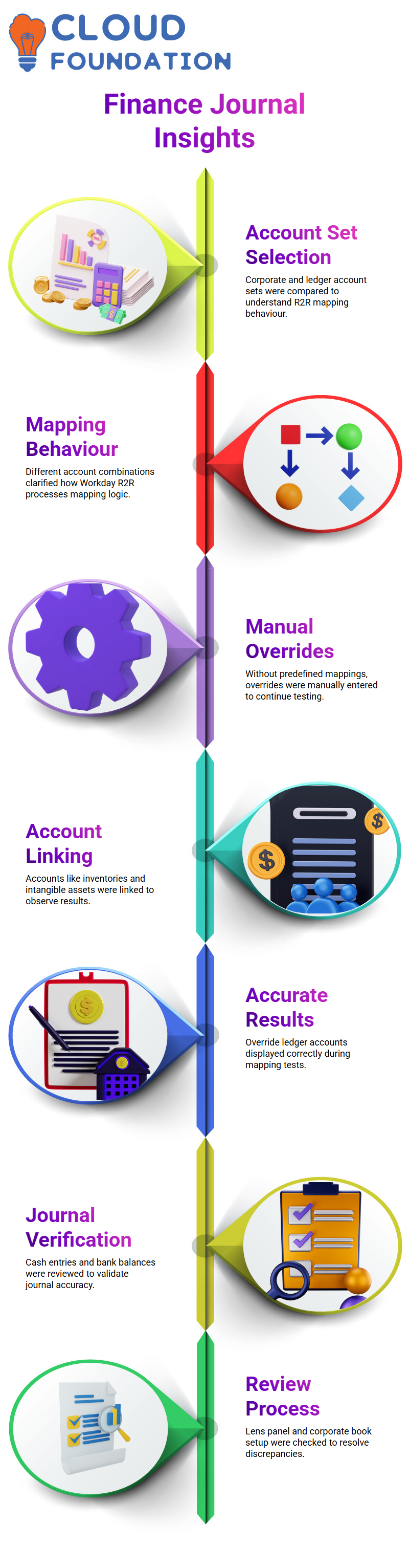
I started by choosing the corporate account set to be the display account set. Next, I used the other ledger account set to evaluate the behaviour of Workday Finance R2R.
This clarified for me how various combinations impact the R2R mapping mechanism in Workday Finance.
Since I hadn’t made a mapping, the system didn’t automatically fill the resultant ledger account. To continue the test, I had to manually input an override.
I chose a few accounts, such as inventories and intangible assets, to further the experiment. I linked account 1450 to 6000 cash and a bank account to intangible assets.
The override resultant ledger account was then accurately shown by Workday Finance R2R.
Especially when switching account sets or setting up alternative mappings, these little tests contribute to a greater knowledge of Workday Finance R2R behaviour.
Workday Finance R2R Journal Entries
I want you to see precisely what I see on the screen as I guide you through Workday Finance R2R. I began this session with a $6,000 cash entry.
Additionally, I verified the $1,450 and $1,600 bank balances. I turned in the diary once everything seemed to be in order.
Because Workday Finance R2R allows me to examine the journal and the process side by side, it facilitates value comparison; therefore, I left the page open.
I went to the column where we typed the normal transaction after posting the $1,450 sum.
This appears in the standard ledger part of Workday Finance R2R.
Based on the lens panel, I chose the appropriate layer value and went over the choices once again to make sure the summary met my expectations.
When anything seems strange, I always review the corporate book setup again since Workday Finance R2R often points up little discrepancies.
Using Workday Finance R2R’s Custom Reporting
After seeing that the standard report wasn’t made for this, I remembered what many teams say when discussing Workday Finance R2R: alternative ledger values only show up when a custom report is created.
Workday Finance R2R manages layered data in just this manner.
The system displays the whole picture when we specify the alternative ledger field and produce a bespoke report.
We have freedom in this area because of Workday Finance R2R. By creating something that satisfies our ledger needs, we may increase the output rather than depending just on the conventional reports provided.
This strategy has been validated by every person I’ve dealt with in Workday Finance R2R, and I adhere to the same best practices.
In order to see the $6,000 displayed as we anticipate within Workday Finance R2R, I want to create a client report to pull in the other ledger values if I have time later today.

Workday Course Price

Vanitha
Author