Workday Finance R2R Certification Training Course
Why Currency Assignment Behaves Differently in Workday Finance R2R
In Workday Finance R2R none of the account sets define currency directly.
Currency exists only at the posting level.
Even the alternate ledger account structure doesn’t store a currency field.
Many learners think Workday Finance R2R assigns currency at the account level, but that’s not the case.
Instead, the system relies on company currency and account control settings.
Because of this, Workday Finance R2R converts all postings based on translation rules, approval thresholds, and company-level currency.
So even if I set up alternate ledger accounts for different regions, Workday Finance R2R still uses the company currency unless I explicitly override it at the journal level.
Parent–Child Company Setup in Workday Finance R2R
Here’s a scenario involving a parent company and a child company.
The parent, based in the U.S., uses a corporate account set.
The child company in India uses both the corporate account set and an alternate account set.
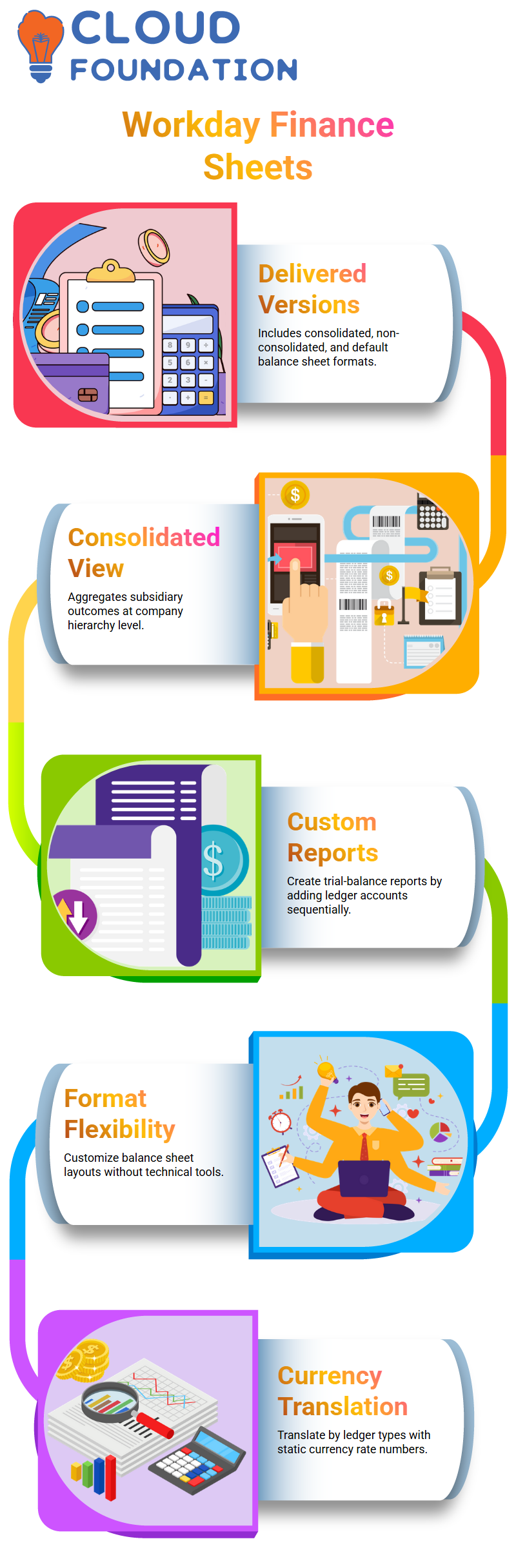
Workday Finance R2R supports this structure, but it does not allow defining account-level currency for each region.
That limitation led me to raise a case with Workday because I wanted to see how far Workday Finance R2R could accommodate complex multinational setups.
For example, the U.S. cash account might be 1410, but the Indian alternate ledger account might be 5000 or 5010.
When a journal is prepared for the Indian company, Workday Finance R2R still brings in the corporate account set by default.
To ensure correct posting, I used the display ledger option to show the alternate account while still relying on the corporate account as the primary ledger.
Testing Journal Posting Behavior in Workday Finance R2R
While creating a journal in Workday Finance R2R, the system immediately applied the company currency.
For the Indian company, that meant USD because the parent company defined it that way.
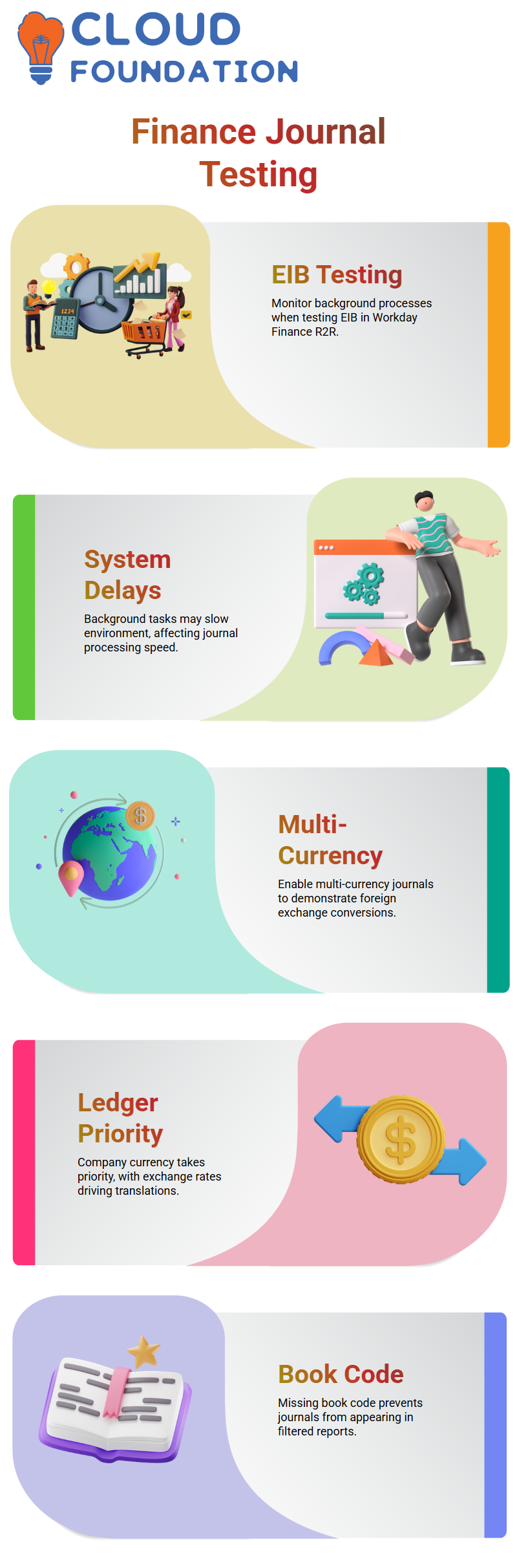
To change the currency, I enabled the multi-currency option. This is something learners often overlook.
The moment I enabled it, Workday Finance R2R allowed me to enter a different currency like INR.
After switching the currency, Workday Finance R2R displayed an override option for the exchange rate.
The original system rate was 85, but I changed it to another value to demonstrate how Workday Finance R2R recalculates debit and credit amounts instantly.
This helped everyone understand how real-world adjustments work when a vendor or auditor sends last-minute invoices in a foreign currency.

Workday Training

Seeing How Translation Reflects in Workday Finance R2R Reports
Once I posted the journal, I returned to the trial balance to show how Workday Finance R2R translated the amount.
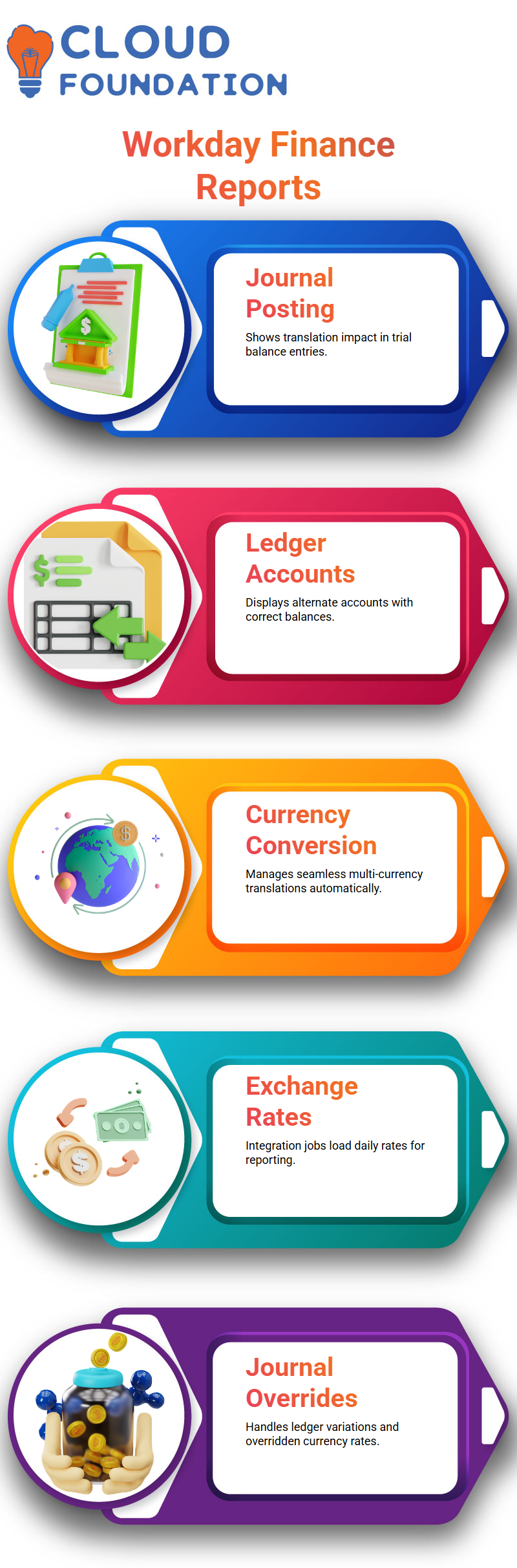
The system displayed the alternate ledger account correctly and showed the INR balance for the Indian entity.
This part always excites learners because they can see how seamlessly Workday Finance R2R manages multi-currency conversions behind the scenes.
When someone asked where Workday Finance R2R pulls the daily rates from, you explain that integration jobs load the exchange rate data automatically.
These rates flow into the system and apply during every translation, consolidation, and reporting process within Workday Finance R2R.
Working Through Journal Overrides in Workday Finance R2R
When you observe one of the ledger lines didn’t reflect the alternate account.
It must be due to selecting a different ledger type earlier, which is why Workday Finance R2R didn’t show it.
Once you switched back to the correct ledger, the alternate account displayed properly.
These small details help learners build confidence because they see how Workday Finance R2R behaves when configurations vary.
When I entered INR for the journal but posted into a USD-based company, Workday Finance R2R converted the amount using the overridden rate and still maintained proper balances.
This is essential for period-end adjustments when teams receive foreign currency statements.
Understanding Mapping in Workday Finance R2R
When I work inside Workday Finance R2R, I always start by reviewing how the mapping rules behave.
Many times, I map a primary ledger account like 1000 cash to another ledger account such as 6000 cash.
Inside Workday Finance R2R, I prefer doing this manually first, because it helps me see exactly how assets, equity, expense, income, and liability categories connect.
Workday Finance R2R often expects a one-to-one ledger mapping, and I walk through each account to ensure everything aligns.
Instead, we must map each primary account individually. When I add mappings in Workday Finance R2R, I carefully check whether the system allows updates through tools like EIB.
Yes, Workday Finance R2R supports EIB uploads for alternate account sets, and I usually generate the template model before testing the PUT or GET actions.

Workday Online Training
Testing EIB and Journal Behavior in Workday Finance R2R
Whenever I test an EIB inside Workday Finance R2R, I watch how the system processes data in the background.
Sometimes the environment runs slowly, and I remind my learners that Workday Finance R2R may have background tasks delaying things.
If the EIB takes time, I simply move forward, revisit the journal, and continue analyzing what Workday Finance R2R shows in the ledger.
While creating journals in Workday Finance R2R, I prefer enabling multi-currency setups so everyone can see how Workday Finance R2R converts a foreign currency amount into the company currency.
For example, if I create a journal in euros and the system uses a rate like 1.875, Workday Finance R2R converts 100 euros into 187.50 USD.
When I submit the journal, Workday Finance R2R displays the converted result in the ledger currency, which helps learners understand the real impact on financial books.
Exploring Currency Handling with Workday Finance R2R
Sometimes you may ask why a ledger shows USD while another view shows EUR. Inside Workday Finance R2R, the company currency always takes priority, and the translated amount flows based on the configured exchange rate.
I guide learners to compare ledger balances because Workday Finance R2R displays both the entered currency and the ledger currency depending on the report.
When a journal doesn’t appear in Workday Finance R2R reports, I encourage checking the book code.
Sometimes the journal is created without a book code, and Workday Finance R2R won’t show it in filtered reports.
By removing the book code filter, Workday Finance R2R finally reveals the journal entry.
This small detail helps learners avoid confusion when reconciling balances in Workday Finance R2R.
Working with Trial Balance and Translation in Workday Finance R2R
As I run the trial balance in Workday Finance R2R, I often switch between translation rule sets to show how different rules affect the converted amount.
For instance, if a value appears as 168 in one translation model, I change the rule set in Workday Finance R2R to demonstrate the variation.
This process helps learners understand how Workday Finance R2R calculates translated debits and credits for consolidation.
If the 2025 period is closed, Workday Finance R2R forces us to choose 2023.
Workday Finance R2R and the Hidden Power of Control Accounts
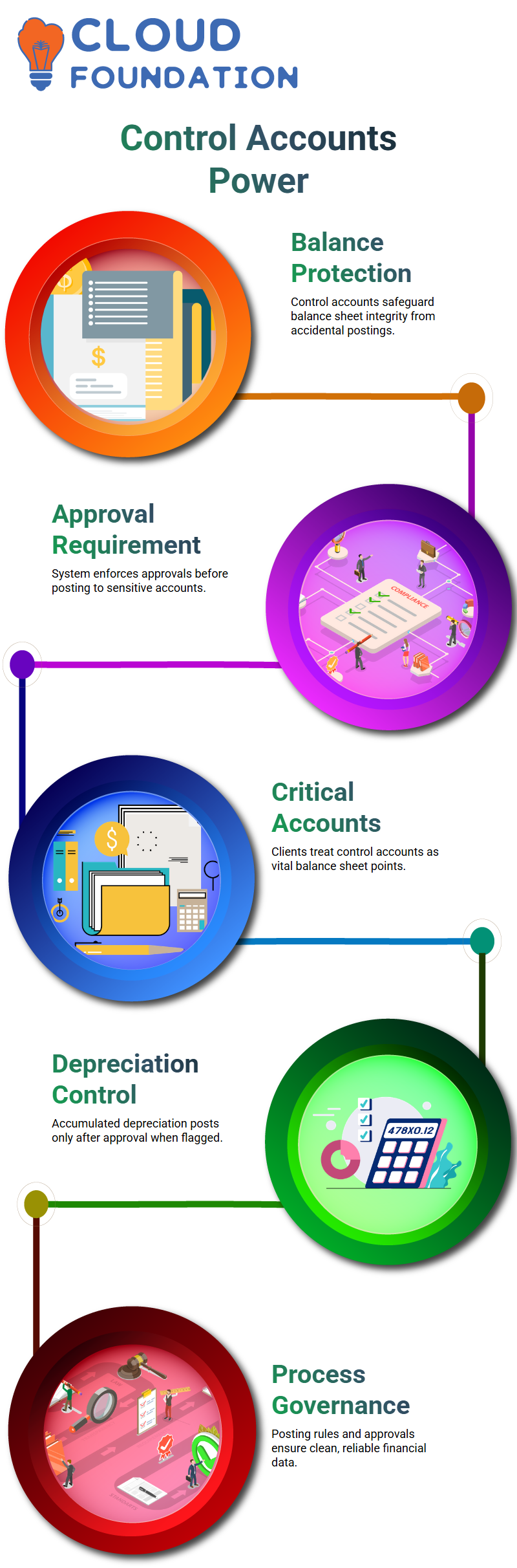
In Workday Finance R2R, control accounts protect the integrity of the balance sheet.
Companies don’t want accidental postings hitting sensitive accounts and causing financial discrepancies.
When you right-click a ledger account and enable the control account option, any ledger you add becomes protected.
Workday Finance R2R uses this to ensure no one posts to those accounts unless approvals are in place.
This safeguard is crucial because a wrong balance sheet entry can shake an organization’s financial reporting.
Most clients treat control accounts as balance-sheet-critical points. They want Workday Finance R2R to stop unauthorized postings immediately.
That’s why we configure business processes to route approvals whenever a transaction touches a control account.
For example, take accumulated depreciation.
At month-end, when depreciation runs, Workday Finance R2R posts depreciation expense and accumulated depreciation.
If the accumulated depreciation account is flagged as a control account, Workday will only post the entry after approval.
This adds a strong layer of governance to the financial workflow.
So in practice, you perform two actions: first, you mark ledger accounts as control accounts inside the posting rules; second,
you modify the business process to trigger approvals whenever Workday Finance R2R encounters those accounts.
These two layers work together to give organizations clean, reliable financial data.
Building Confidence Through Real Workday Finance R2R Practice
Everything we do together intercompany flows, ledger setups, FX rates, tenant structures connects back to how Workday Finance R2R functions in real client environments.
I always want you to feel like you’re learning through actual project experience instead of just theory.
Workday Finance R2R becomes easier once you see how each configuration ties into day-to-day accounting operations across companies.

Workday Course Price

Nishitha
Author
A mind once stretched by a new idea never returns to its original dimensions.