Workday Finance R2R Online Class Training
Overview of Workday Finance R2R Period Close
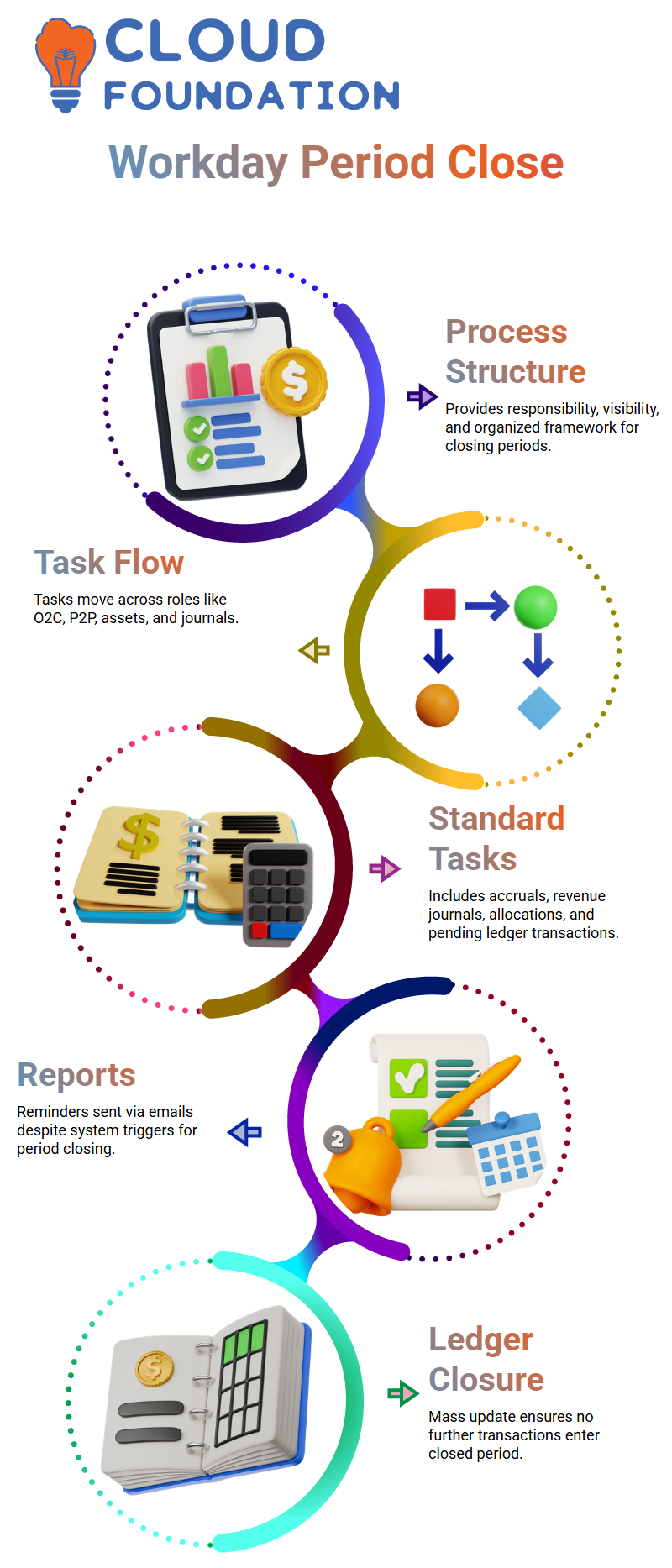
The majority of businesses in Workday Finance R2R employ a Period Close Event business process, although others continue to handle it offline using manual checks and emails.
Both strategies are effective, but Workday Finance R2R provides responsibility, visibility, and structure.
The period closing event in Workday Finance R2R begins with an initial step. Accounting managers, controllers, or finance leaders are often tasked with this.
After the period closure begins, Workday Finance R2R generates a number of tasks. Some businesses adhere to a rigid order, such as O2C, P2P, assets, and journals.
Others modify Workday Finance R2R phases according to transaction volume and company structure.
Standard tasks, including creating receipt accruals, generating revenue journals, running allocations, loading accrual journals, and creating pending ledger transactions, are all provided by Workday Finance R2R.
In order to align with internal governance norms, I have seen businesses adding their own Workday Finance R2R processes.
Before closing the ledger, someone usually looks over the outstanding tasks and makes sure all of the tasks in Workday Finance R2R are finished.
Task Assignments for Workday Finance R2R
In Workday Finance R2R, tasks move from one role to another at period closing.
In many setups, the assets team handles capitalisation and depreciation after the P2P team completes supplier invoices and the O2C manager verifies revenue posting.
Before ending the period, the Workday Finance R2R accounting manager verifies everything once all operational teams have completed their tasks.
Different communication techniques are used by different firms.
Even though Workday Finance R2R provides process triggers, period closing reminders are still sent out via offline email correspondence in many locations.
Reminders like “Please complete postings by month-end” or “Ensure all invoices are submitted before cutoff” are often sent by a member of the Workday Finance R2R team.
We go on with the Workday Finance R2R bulk upgrade to end the ledger period after each team has confirmed completion.
Closing Activities for the Workday Finance R2R Ledger
I utilize Workday Finance R2R’s Mass Update Ledger Period Status job after all posts are finished.
By taking this step, you may be confident that no further transactions will enter the closed period.
Before going on to the next period, we check journals, roll forward balances, and verify status when the ledger closes.
This process eventually becomes second nature, particularly when a defined Workday Finance R2R framework is followed.
When instructing new users, I stress the importance of never skipping Workday Finance R2R process phases.
Accountability, responsibility, and compliance are represented by each stage.
Workday Finance R2R maintains a comprehensive and auditable history of the closure cycle thanks to period close sequencing, which also safeguards financial correctness.
Allocations of Workday Finance R2R
Workday Finance R2R allocation operations start as soon as the ledger closes.
Moving expenses or income from one ledger account and work tag combination to another is how I define allocations.
This becomes crucial in Workday Finance R2R when combining many cost centers or business units.
For instance, Workday Finance R2R may move income from one ledger to another in accordance with certain alignment requirements if India receives revenue but the U.S. parent firm retains the financial rights.
I construct allocation groups and build an allocation group set before scheduling allocation runs in Workday Finance R2R.
Next, I configure allocation definitions. I include the source account, worktags, plan structure, book code, and calculating technique in the allocation specification.
In Workday Finance R2R, each of these procedures helps guarantee that the funds flow accurately and traceably.
I usually schedule monthly allocations during the first few working days of each month using Workday Finance R2R.
After the month-end closure, the Workday Finance R2R allocation procedure distributes values reliably and automatically across ledgers.
By doing this, manual posting mistakes are decreased, and balances between intercompany and consolidation levels are maintained.
Monthly Operating Rhythm for Workday Finance R2R
Workday Finance R2R has a set monthly schedule that includes starting the closure event, assigning tasks, finishing the operational posts, closing the ledger, and running allocations.
Workday Finance R2R’s framework guarantees that no assignment is overlooked and keeps teams responsible.
I see businesses go from manual spreadsheets and emails to an automated closing cycle using Workday Finance R2R, where time becomes predictable, work decreases, and transparency increases.
I can see how Workday Finance R2R increases trust in financial reporting as I continue to engage with teams and students.
Month every month, the closure becomes quicker and cleaner as the team grows more used to the Workday Finance R2R lifecycle.
Gaining an Understanding of Workday Finance R2R Allocation Logic
Every time I create a transaction in Workday Finance R2R, particularly a client invoice, I make sure that the worktags and ledger accounts match.
Workday Finance R2R understands precisely when to transfer expenses during allocation if the transaction reaches the correct accounts, say those in the 1200–1225 range, and the worktags match.
When students witness how Workday Finance R2R automates this without requiring any human interaction, I see their excitement grow.

Workday Training

Setting Up Workday Finance R2R’s Source Conditions
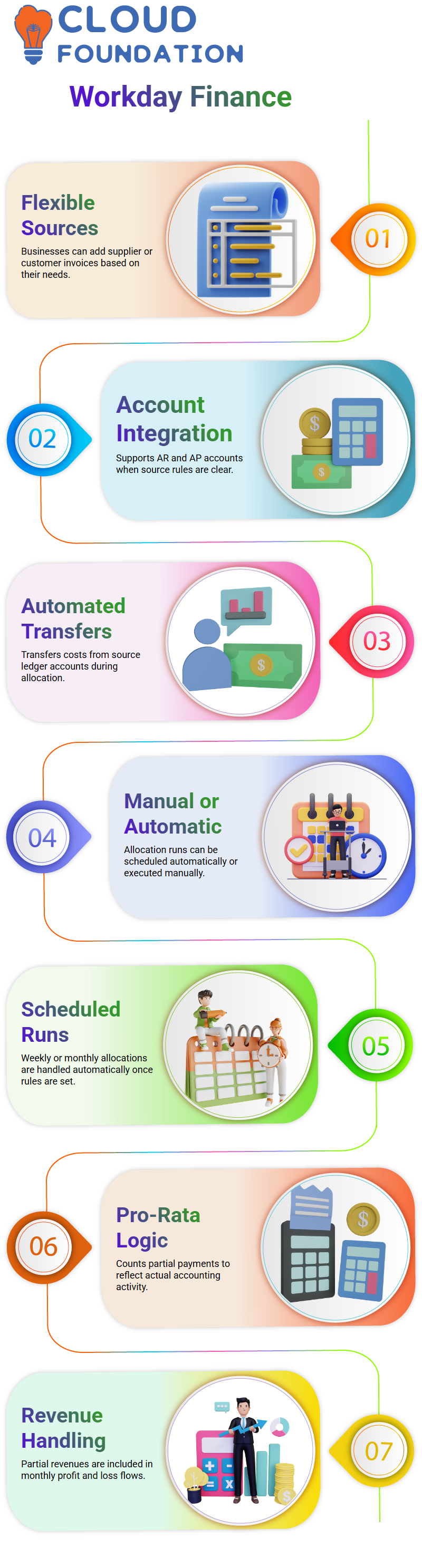
I explicitly state that businesses may add supplier invoices or other sources in accordance with their needs when I construct a generic source, such as a customer invoice.
This versatility is provided by Workday Finance R2R, and I want my students to feel comfortable experimenting with these choices.
In a similar vein, I mention that Workday Finance R2R allows us to integrate different account types as long as the notion is obvious, whether we incorporate AR or AP accounts.
Workday Finance R2R assumes responsibility for transferring the cost from the source ledger accounts during allocation when the source rules are established.
This clarity aids students in comprehending Workday Finance R2R’s automated capabilities.
How Workday Finance R2R Allocation Operates
Whether allocation runs in Workday Finance R2R are done manually or automatically is one of the frequently asked topics.
I clarify that both are permitted under Workday Finance R2R.
Businesses often plan weekly or monthly runs, and Workday Finance R2R takes care of everything automatically after the rule is established.
Nevertheless, I usually advise anybody who wants to run it manually for educational reasons to give it a try.
Understanding Workday Finance R2R’s Pro-Rata Logic
I provide a simple example to simplify prorata logic. Assume that the firm is expected to receive an additional $10,000 from a customer, but the ledger account in Workday Finance R2R displays a balance of $10,000.
When transferring funds during allocation, Workday Finance R2R still counts the partial 4,000 if the customer has only paid 4,000 so far.
Because it reflects actual accounting activity, learners can relate to this right away.
When displaying monthly profit and loss, Workday Finance R2R handles partial revenues in the same manner as full ones.
It is included in the revenue flow of Workday Finance R2R, even if only 4,000 of the 10,000 come during that time.
Using Workday Finance R2R’s Source, Basis, and Target
Six source ledger accounts might be chosen, but the basis could then be reduced to two particular accounts.
These two accounts are used by Workday Finance R2R to calculate the appropriate cost movement.
When the basis criteria are satisfied, Workday Finance R2R may transfer balances from all six source accounts into the target accounts, even if only accounts four and six make up the basis.
One of the things I like most about Workday Finance R2R is its versatility.
It enables businesses to fine-tune which balances to take into account and how to allocate them.
Close Procedure for Workday Finance R2R Period
The period closure procedure is essential to maintaining correct financials in Workday Finance R2R. Usually, businesses use a procedure known as “Period Close Event.”
While some businesses utilise it heavily, others do the tasks by hand.
Depending on the company, the process begins with an initiation stage that is often managed by positions such as controllers, financial leaders, or accounting managers.
There are many duties involved in the period closing.
To close the period, you may, for instance, begin by closing the assets, journals, and O2C (Order to Cash) before moving on to P2P (Procure to Pay).
Posting pending transactions, producing revenue journals, establishing accruals, and executing allocations are examples of activities that may be included in each phase.
While certain jobs are predetermined, others may be tailored to the requirements of the business.
R2R Task Management in Workday Finance at Period Close
Effective task management is essential in Workday Finance R2R. The R2R team makes sure that every step is completed in the correct sequence.
We formally conclude the period using the ‘Mass Update Ledger Period Status’ task when all journals have been submitted and invoices have been closed.
Balances then automatically roll forward. The timeframe is usually coordinated by the accounting manager or R2R head.
For example, O2C and P2P teams may get emails for the August closure telling them to turn in all bills and modifications by a certain date.
While some businesses demand the time to conclude within the month, others provide a few more days.
Workday Finance R2R makes the process more organised and trackable, even if it usually takes place offline.

Workday Online Training
Configuring Workday Finance R2R Allocation
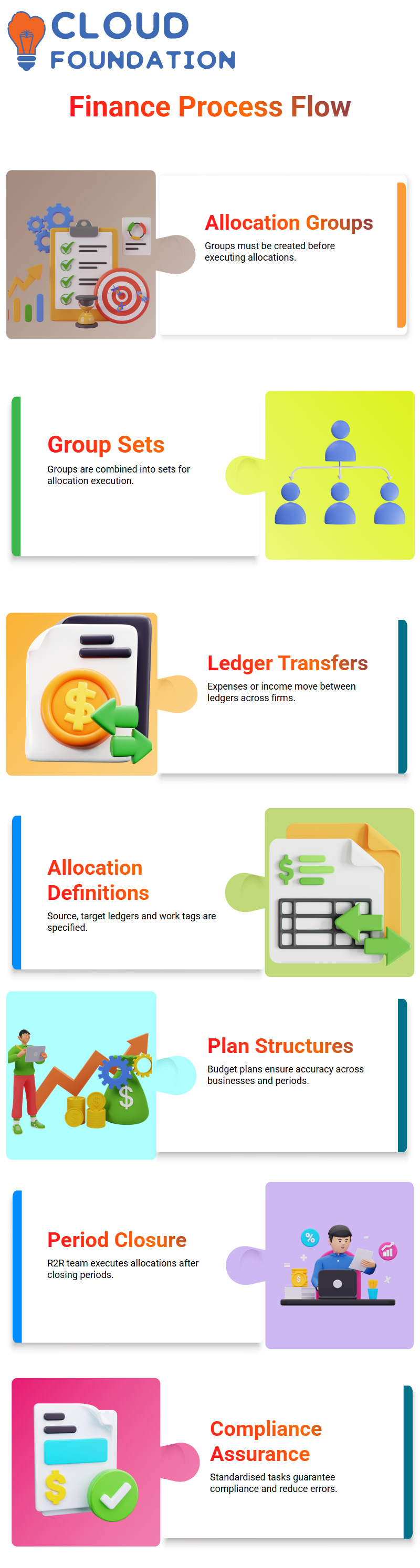
Allocation groups and group sets must be configured before allocations may be executed. In Workday Finance R2R, allocation transfers expenses or income between ledgers.
For instance, after accounting for taxes and wages, income recorded in India could need to be moved to the ledger of a US parent firm.
First, an allocation group is created, and then they are grouped into a group set.
You choose which ledgers will transfer monies, the firms involved, and the time period for the allocation (monthly, quarterly, or annual).
Following period closure, the R2R team executes planned allocations once this setup is in place.
Definitions of Workday Finance R2R Allocation
We then use Workday Finance R2R to build allocation definitions. The source ledger, target ledger, and pertinent work tags are specified in each definition.
Descriptions guarantee the accounting manager’s approval and explain the usage of certain ledgers and work tags.
Additionally, we may specify which plan structures to use. Workday refers to the budget as the “plan” for budgetary considerations.
The definition guarantees correctness across businesses and time periods by ensuring that amounts flow from the source to the destination ledger.
Workday Finance R2R Implementation
Workday Finance R2R enables an organised approach to closing periods after setup.
Revenue duties, AP manager checks, AR manager confirmations, asset evaluations, and the R2R team concluding the period are the steps in the process.
There is accountability at every stage to make sure nothing is skipped.
This methodical technique guarantees compliance, enhances tracking, and lowers mistakes.
Finance teams have a clear road map for handling period closure, allocations, and ledger transfers thanks to Workday Finance R2R’s standardised tasks.
Everyone is aware of precisely what has to be done and when.
How Automated Allocations Are Handled by Workday Finance R2R
Workday Finance R2R implements the rules automatically when we specify them.
Although most businesses plan allocation runs on a weekly or monthly basis, it is still possible for someone to conduct it manually.
In Workday Finance R2R, I now present the idea of basis selection. I demonstrate how to choose prorata computations, even spreads, or fixed percentages.
I explain why prorata is preferred by many businesses using realistic examples.
Basis values in Workday Finance R2R may be based on strategic values, ledger balances, headcount, or even many businesses.
Learners can easily understand how Workday Finance R2R decides whether to shift balances, activities, or both when I use ledger accounts as the foundation.
Ledger Allocations in Workday Finance R2R
You often question why we give source numbers like 1, 2, and 3 in Workday Finance R2R even though we don’t utilise them directly. The important thing is that the balances you want to change will depend on the month. It might be anything for some customers.
Assume that there were no transactions in ledger accounts 1, 2, or 3 during that month. This may occur on purpose or as a result of inactivity.
The R2R team may choose to transfer the expense just for certain ledger accounts.
Transferring Expenses Between Ledger Accounts in Workday Finance R2R
Redefining ledger accounts monthly is not usually necessary. You may decide which ledger accounts to shift expenses for once you’ve defined them.
For instance, you may just change expenses for two particular ledger accounts in the second month.
You may only allocate to accounts 4 and 6, mapped to target accounts 55 and 56, if accounts 1, 2, and 3 are transaction-free.
You can clearly see how balances fluctuate when you run allocations in Workday Finance R2R.
Establishing Source and Target Accounts in Workday Finance R2R
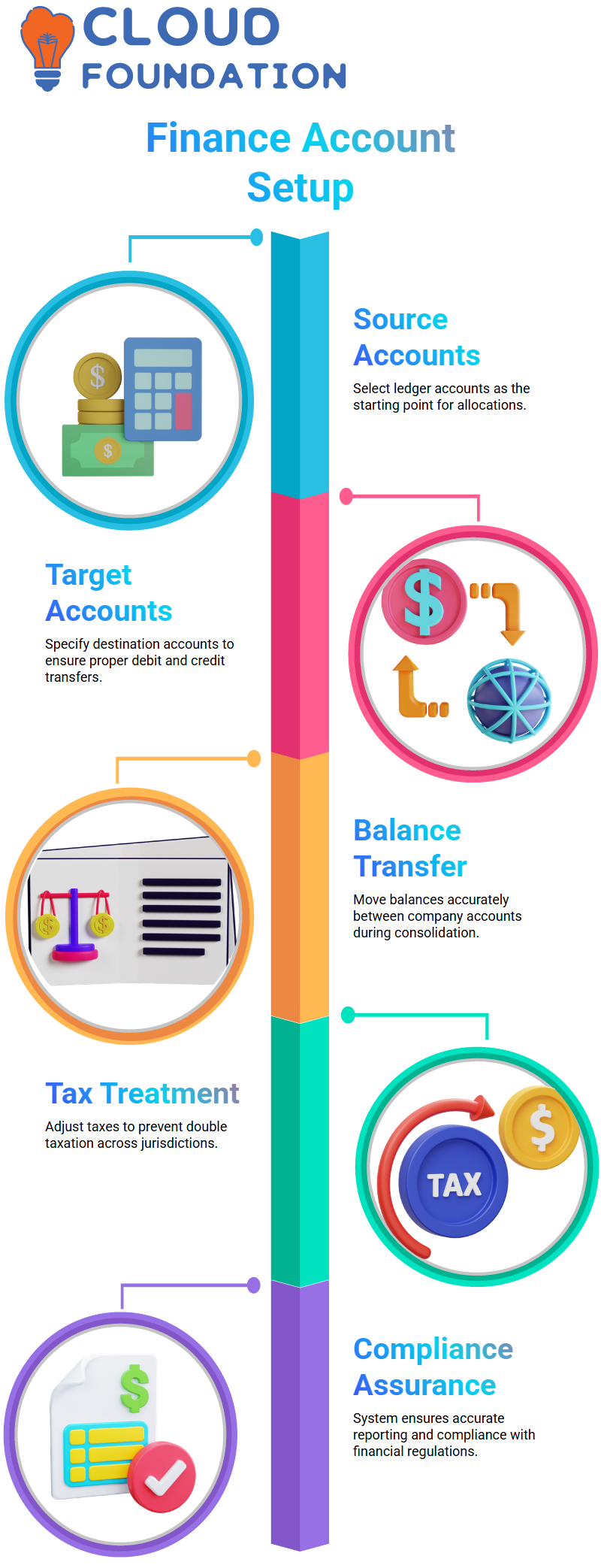
Selecting your source ledger accounts is the first step in the Workday Finance R2R process. Allocation is based on these accounts.
Next, specify the ledger accounts you want to target. For instance, Workday Finance R2R makes sure that debits and credits are correctly transferred to the parent company accounts, like 55 and 60, when you are transferring balances from accounts in Company A.
Workday Finance R2R: Tax Treatment and Offsetting Balances
Additionally, Workday Finance R2R aids in accurately offsetting balances. Let’s say you have previously paid taxes on an Indian debit balance.
To prevent double taxation, Workday Finance R2R adjusts the amount when it transfers to the US parent business.
The system records zero in your books for the tax component, but still shows the income.
While accurately reporting balances, this technique guarantees compliance.

Workday Course Price

Vanitha
Author