Workday Finance R2R Training for Beginners
Workday Finance R2R’s Company Setup
To help you understand how Workday Finance R2R connects everything, I first walk you through the main firm and do transactions there before moving on to the Indian organisation.
You need a program set, structure, and account set for a firm.
Create a child account structure after designating the account set as the chart of accounts.
Since establishing proper account linkages is the cornerstone of Workday Finance R2R, you also need to map the ledger accounts.
Configuring Workday Finance R2R’s Account Control Rule Sets
When creating manual journals in the system, follow these guidelines.
There are two sorts of journals in Workday Finance R2R: operational journals that Workday publishes automatically using account posting rule sets, and manual accounting journals that you create using the Create Journal task.
I often establish a threshold quantity for manual journals. For instance, I developed a rule set with a $5,000 USD limit before requesting permission when I was employed with a US firm in Workday Finance R2R.
An approval step is initiated instantly by Workday Finance R2R if you attempt to upload a journal that exceeds this limit.
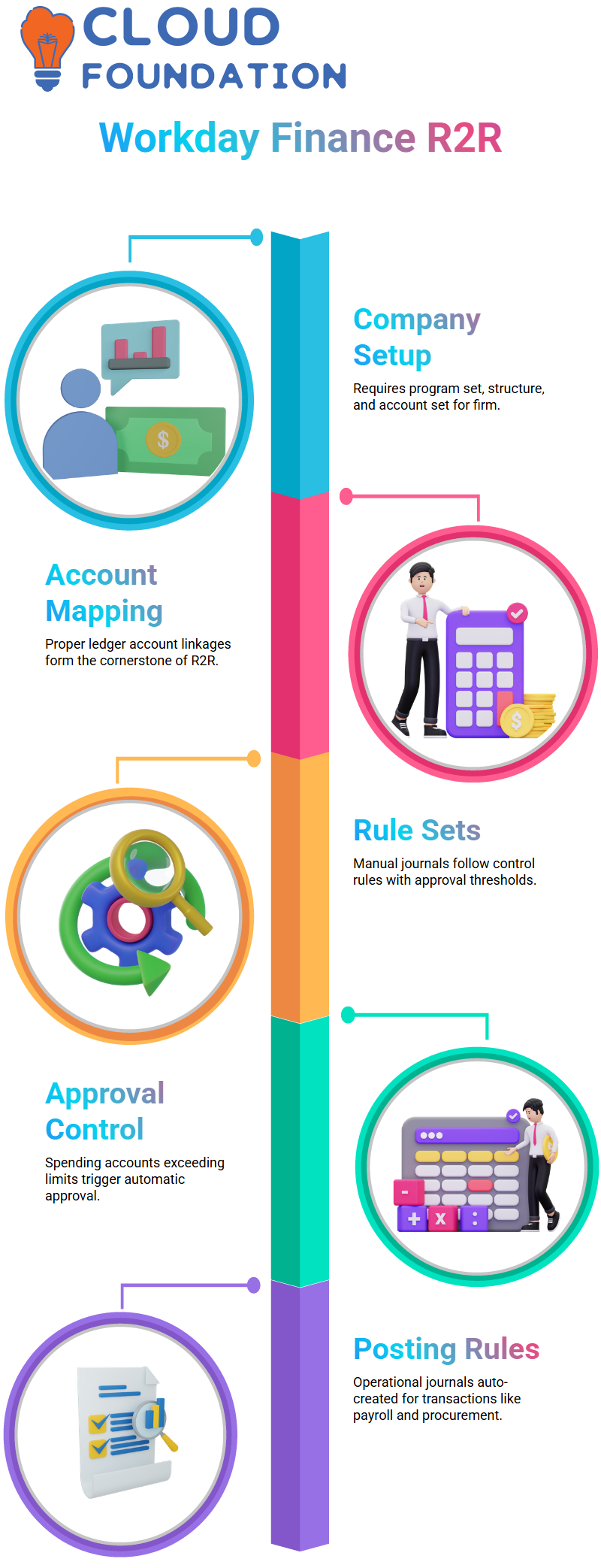
You may instruct Workday Finance R2R to need permission for certain ledger accounts, such as spending accounts, if they above a lower level, such $1400 USD.
Workday Finance R2R automatically submits every debit or credit posted on any of those ledger accounts that exceeds that amount for approval.
One of the reasons Workday Finance R2R is so popular is because of this degree of control.
Using Workday Finance R2R’s Account Posting Rules
I turn my attention to operational journals once we have established the manual controls. These journals are automatically created in Workday Finance R2R using the account posting rule defined.
The posting rules come into play whenever a financial transaction takes place, including supplier bills, payroll, and procurement.
Because operational journals in Workday Finance R2R adhere to established logic, creating them by hand is never necessary until necessary.
Workday Finance R2R Translation Rule Sets
One of the most fascinating aspects of Workday Finance R2R is currency conversion, particularly for one who collaborate with global corporations.
For instance, Workday Finance R2R refers to the translation rule established to choose the appropriate rate if a business records transactions in USD but also wants to see trial balances in EUR.
I provide translation techniques for every kind of ledger account within the rules set. Workday Finance R2R typically uses current rates for assets, historic rates for equity accounts, and average rates for costs.
Additionally, you may set up translation according to ledger account summaries or, if necessary, specific ledger accounts.
I indicate whether Workday should use the current, average, historic, or custom rates for each approach.
Learners may rapidly see how Workday Finance R2R handles global financial statements, and each option modifies how balances look in reporting.
How Currency Rates Are Retrieved by Workday Finance R2R
Learners often ask me how currency rates are pulled using Workday Finance R2R. I clarify that live rate platform connectors are used by the majority of enterprises.
OANDA is a popular resource that offers historical, average, and current currency rates. To ensure that translation techniques consistently use correct data, the integration team creates a connection in Workday Finance R2R to import these values every day.
Using the translation technique you previously chose, Workday Finance R2R automatically applies the rates as soon as they enter the system.
This implies that whether you run a trial balance, consolidation, or translated financial statement, the system is aware of which rate type to use.
Learning how effective Workday Finance R2R is for international accounting operations is made easier for students by seeing this procedure in action.
Workday Finance R2R Currency Translations
One of the things that students often inquire about when I teach Workday Finance R2R is how currency conversion works. I often show them how sites like Oanda already provide historical, average, and current conversion rates.
Without carrying out any more computations, the integrations in Workday Finance R2R just take these figures and enter them into the system.
You have the option to override these imported rates as necessary, as I teach my students in Workday Finance R2R.
This is something that many businesses undertake to fulfil their internal reporting obligations. Nevertheless, in order to transmit precise daily rates into Workday Finance R2R at predetermined intervals, the system mostly depends on such external sources.
Workday Finance R2R Translation Type Configuration
Every time I set up translation kinds in Workday Finance R2R, you need to understand the distinct behaviours of each rate: current, average, historic, quarterly, and budget.
The monthly average, for instance, is often represented as average rates in Workday Finance R2R.
This is calculated by dividing the total number of daily rates by the number of days.

Depending on the date you choose, historic rates in Workday Finance R2R relate to data from the previous month or year.
I make sure you see how new fields are opened by custom translation settings as I lead you through the setup.
Here, you may choose the fiscal start date, the report end date, and the currency rate type.
These decisions have a direct impact on how numbers appear in reports in Workday Finance R2R.
Workday Finance R2R selects the appropriate rate, whether it be current, average, or historic, and adjusts the balance when students run reports for a certain time period

Workday Training

Workday Finance R2R’s Custom Rate Options
Workday Finance R2R allows us to determine the precise rate type we want to use when we choose custom.
It just takes a few clicks to convert figures according to the reporting end date. Applying the appropriate rate and displaying the translated findings inside the trial balance or any other financial report are handled by Workday Finance R2R.
For instance, Workday Finance R2R selects the appropriate historic rate and multiplies it automatically if I wish to check the converted INR value as of a historical date, and my asset balance in June was in USD.
Workday Finance R2R Reporting Book Management
Workday Finance R2R automatically uploads everything into the shared book, the majority of businesses leave the book code blank.
However, if your business requires specialised reporting books, you may construct them, such as a common book, fair value book, or local GAAP.
The “Maintain Books” job in Workday Finance R2R allows you to maintain books. The name, description, and books that are included are defined here.
Translations in Workday Finance R2R Reports
Workday Finance R2R truly converts data once we have completed the setup section.
Learners may immediately see how Workday Finance R2R reflects the variations between current, average, and historic translation types when we post transactions and repeat the trial balance.
You have a better understanding of how Workday Finance R2R handles daily rate variations and reporting requirements, thanks to this practical exercise.
Based on the selected settings, Workday Finance R2R instantly provides correctly converted data each time it tests various translation kinds.
Books in Workday Finance R2R
Knowing what a “book” really implies is crucial, as I discovered when I first began working with Workday Finance R2R.
A book is just a lens through which we provide data to various stakeholders. Additionally, these books enable us to provide our financial narrative in Workday Finance R2R in the manner that each audience anticipates.
For instance, businesses often choose a structure that emphasizes profit when they publish their results in newspapers because it makes sense to investors.
In Workday Finance R2R: distinct books for various reporting needs. Customers want to know that the brand won’t go away next year, suppliers need to know that the firm is secure, and investors want to know that the company is doing well.
I’ve seen businesses that keep different figures for internal reporting, IFRS reporting, local reporting, and even specialised modifications. All of this is supported by Workday Finance R2R.
Regulations require us to disclose $45,000 for one report and perhaps $35,000 internally, even if the actual cash may be $60,000 at times. As you go through these books in Workday Finance R2R, you’ll see how the system accommodates these variations with ease.
I can choose any book I choose and watch how the numbers change right away when we do a trial balance later.
You will understand why Workday Finance R2R makes separate books so effective after you begin publishing manual journals.
Workday Finance R2R automatically makes sure the correct values get into the appropriate buckets, and I can choose a book for each journal.
The transaction is saved in Workday Finance R2R if you don’t choose a particular book. However, new book codes are created when IFRS-only adjustments or local-gap-only entries are required.
How Workday Finance R2R Book Codes Operate
Since book codes are the foundation of flexible accounting, I walk you through them as we go further into Workday Finance R2R.
Workday Finance R2R provides me with a box to choose the book code when I create a journal.
Whether the entry falls under internal reporting, local GAAP, IFRS, or another specialised stream is decided there.
If you do not choose a book code inside Workday Finance R2R, the system will utilise the blank one, which serves as the common book.
Since the majority of their daily activities fit within conventional reporting, I’ve worked with several teams that mostly depend on this.
Workday Finance R2R properly route those transactions if we need particular modifications.
I usually tell them before we begin transactions that once they see journals publishing into various volumes, everything becomes extremely obvious.
Configuration and actual entries are neatly connected by Workday Finance R2R. Workday Finance R2R automatically pulls the figure into the trial balance reporting when we activate translation currency, for example, EUR for a USD corporation.
Additionally, everything remains consistent when we allow the system to automatically number journal lines.
The objective of each step I take is to show you how Workday Finance R2R maintains organised, scalable, and clear financial reporting regardless of the number of books you retain.
Because every configuration decision you make has an obvious effect on the data you report, Workday Finance R2R will seem natural by the time you begin using it.
Workday Finance R2R Line Numbering
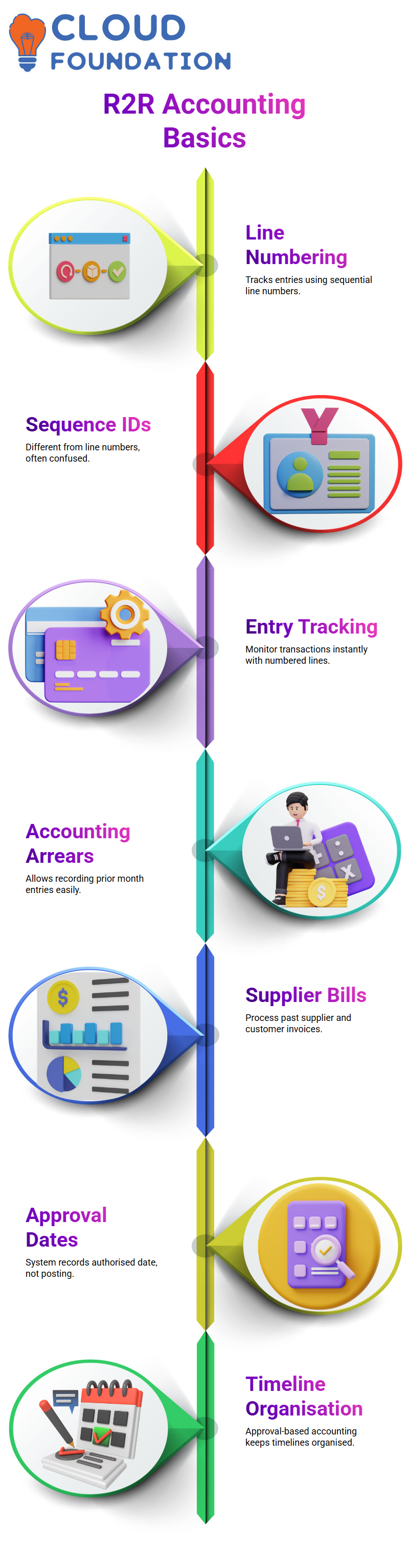
I usually start with basic components like line numbering while guiding students via Workday Finance R2R. I clarify that sequence IDs and line numbers are used differently in Workday Finance R2R since many users mistake them for one another.
I can keep track of every entry as soon as I make or edit a transaction in Workday Finance R2R, thanks to lines one and two.

Workday Online Training
Permitting Workday Finance R2R Accounting in Arrears
I often turn on accounting in arrears in Workday Finance R2R when I wish to record entries from the prior month.
I may process supplier and customer bills using this option, even if the transactions occurred in the past.
Here, Workday Finance R2R never limits me; I may activate or deactivate it as required.
Using Workday Finance R2R’s Approval Dates for Accounting
Accounting by approval date is one aspect of Workday Finance R2R that I use often. The system selects the date the entry was really authorised rather than the posting date.
For instance, Workday Finance R2R reports July 10 as the accounting date if I produce an invoice on July 5, but it is authorised on July 10.
When I teach Workday Finance R2R, this helps me keep my timelines more organised.
Using Workday Finance R2R to Create Ledgers
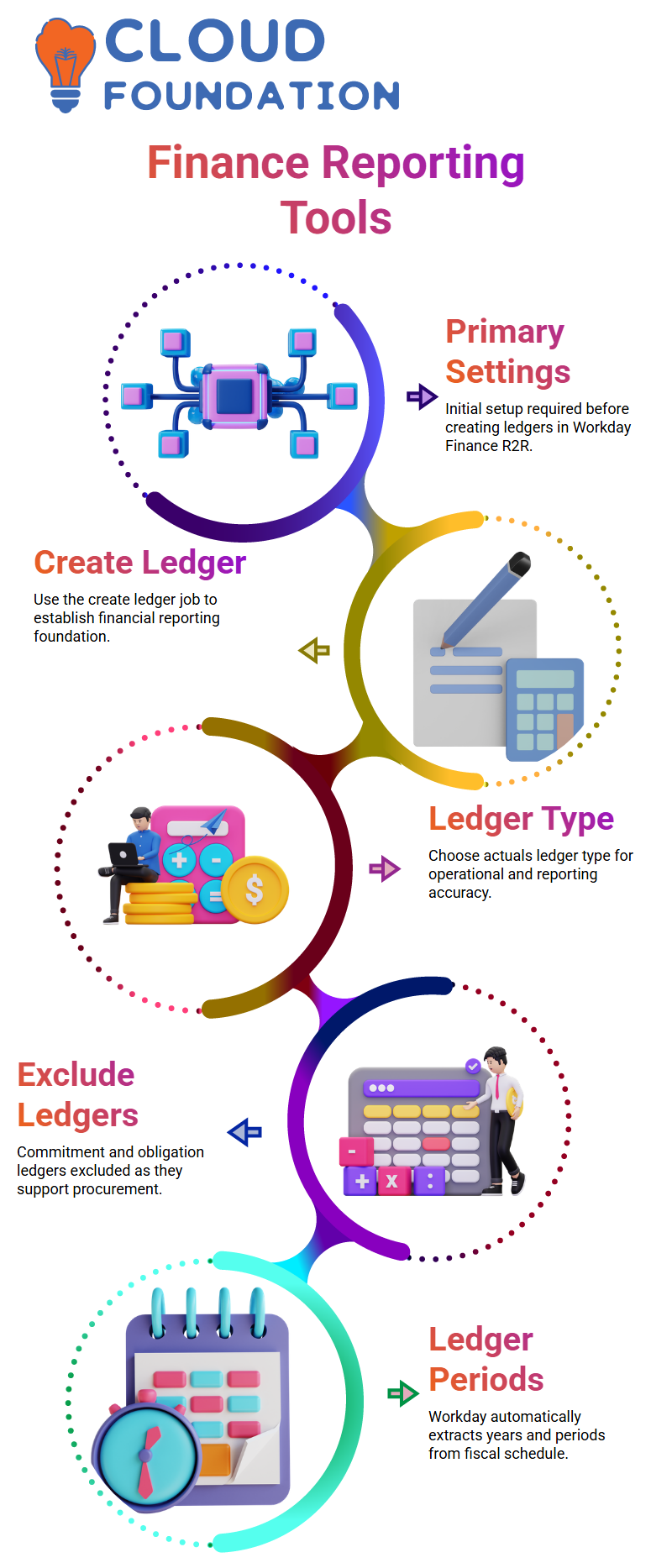
After completing the primary settings, I go to Workday Finance R2R’s “create ledger” job.
Since it serves as the foundation for operational and reporting requirements, I have chosen the ledger type to be actuals in this instance.
I exclude commitment and obligation ledgers from this Workday Finance R2R stage as they enable procurement.
When the ledger is prepared, I create ledger years and periods, which Workday Finance R2R automatically extracts from the fiscal schedule.
Using Workday Finance R2R to Define Ledger Years and Periods
All ledger years and periods in Workday Finance R2R are based on the fiscal schedule that I previously configured.
Workday Finance R2R automatically fills in the period structure when I tell it which ledger uses which fiscal year.
Although it just takes a few seconds, this procedure is necessary to keep Workday Finance R2R’s financial reporting correct.
Ledger Opening Times in Workday Finance R2R
I then use Workday Finance R2R’s bulk update tasks to open the ledger periods. I assign the Accounting Manager status in order to do this, allowing me to unlock periods as required.
I only open one period at a time in the actual world; for instance, I open August and shut July.
However, I often open all periods when I teach Workday Finance R2R so that students may practice without worrying about time constraints.
Utilising Journal Sources in Workday Finance R2R
I concentrate on journal sources once the periods are open. Journal sources assist me in classifying entries for reporting in Workday Finance R2R.
To help learners know how many manual, adjustment, or operational journals they have uploaded, I often construct special manual sources.
Workday Finance R2R just utilises this for clean reporting and grouping; it has no bearing on any accounting logic.
Using Workday Finance R2R to Run a Trial Balance
I get to the trial balance report in Workday Finance R2R after configuring the journal sources. The system prepares the balances when I choose the firm, fiscal year, and translation currency, which is often USD.
The report displays no values, as my demonstration environment is initially empty. However, the trial balance changes instantly as soon as I start entering entries in Workday Finance R2R.
Workday Finance R2R’s Alternate Account Set Mapping
I use alternative account set mapping as a teaching tool to illustrate how Workday Finance R2R converts ledger accounts during consolidation.
The effect is seen in the ledger account balances when the mapping is completed, and I submit journals.
This makes it easier for students to comprehend how Workday Finance R2R connects reporting, organisational structures, and manual inputs.

Workday Course Price

Vanitha
Author