Workday Talent and Performance Management Online Classes
Workday Talent and Performance Management Review Templates
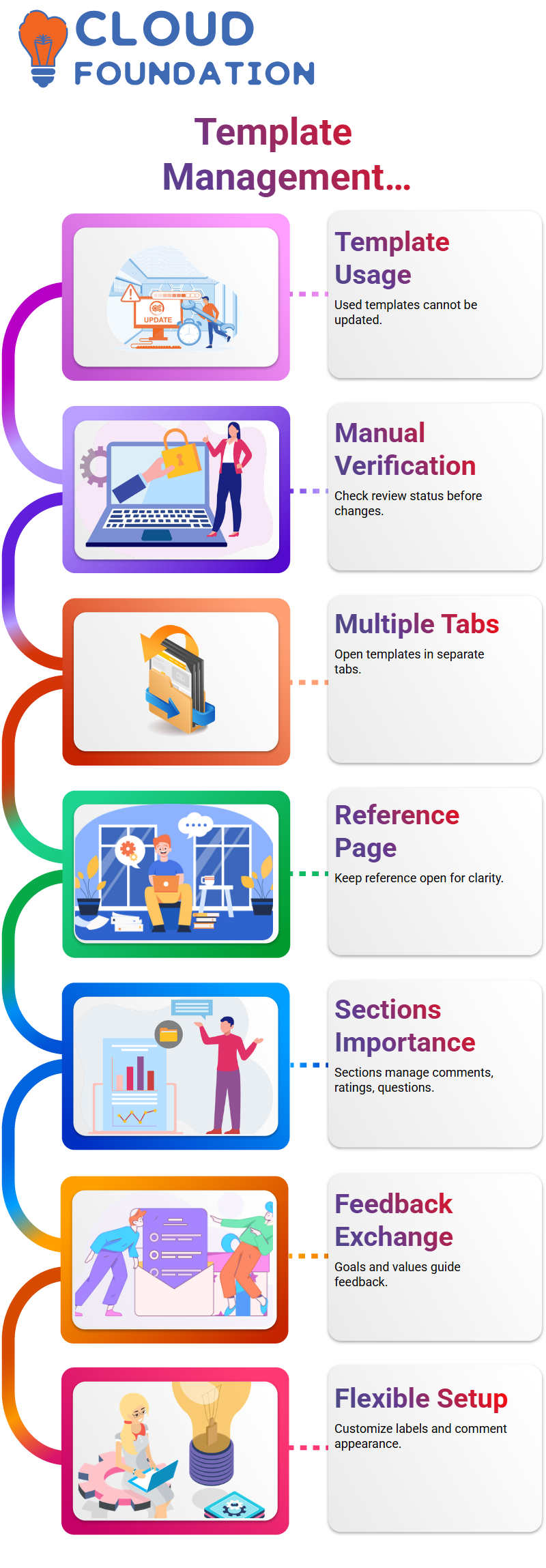
One crucial point I constantly emphasize in Workday Talent and performance management is whether or not a template has already been used.
If a review template is already in use, Workday Talent and performance management prohibit updates to particular areas.
To save time and prevent unnecessary misses, I manually verify the review status before attempting any settings.
As I assist Learners through Workday Talent and performance management, I open multiple templates in new tabs.
This habit helps me compare active templates with unused ones. In Workday Talent and performance management, having a reference page open makes it easier to comprehend what can and cannot be modified.
Sections in Workday Talent and Performance Management Templates
Sections are a major aspect of Workday Talent and performance management review templates.
I go over how each part manages comments, ratings, and questions during training sessions.
Sections like Goals, Values, and Performance Factors in Workday Talent and Performance Management specify how managers and employees exchange feedback.
When I construct a fresh template in Workday Talent and performance management, I normally start with a simple section such as Performance Factors.
I then set up labels, override names if necessary, and determine the appearance of comments. Workday Talent and performance management allows unlimited flexibility here, as long as the template is utilized.
Configuring Comments and Visibility in Workday Talent and Performance Management
One feature I really like in Workday Talent and performance management is the control over section comments.
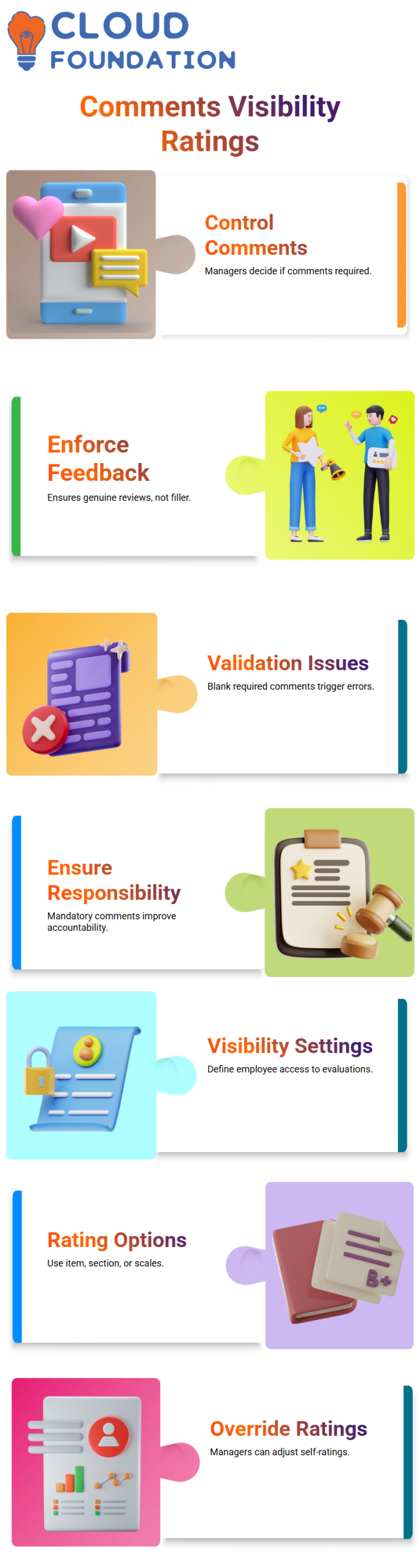
I have the authority to determine whether comments from managers or employees are required or not.
In Workday Talent and performance management, this feature helps employers enforce genuine feedback instead of meaningless reviews.
I always remind trainees that in Workday Talent and performance management, necessary comments trigger validation problems if left blank.
This practice ensures responsibility during the evaluation process. From my experience, this simple setting makes a tremendous difference in review quality inside Workday Talent and performance management.
Visibility settings are another area I focus on. I may specify whether employees can access, modify, or only view finished evaluations with Workday Talent and performance management.
When client requirements change mid-cycle, I examine the specific component in Workday Talent and performance management and alter access accordingly.
Ratings and Overrides in Workday Talent and Performance Management
Ratings play a crucial role in Workday Talent and performance management assessments. I usually walk through options like item ratings, section ratings, and rating scales.
In Workday Talent and performance management, these parameters govern how performance is quantified.
Rating overrides are one subject that Learners frequently inquire about. In Workday Talent and performance management, I may configure whether a manager can override an employee’s self-rating.
This adaptability helps in situations where calibration is necessary in the actual world.
Practicing in the Sandbox maintains the system clean and helps trainees establish confidence with Workday Talent and performance management.

Workday Talent and Performance Management Training

Workday Talent and Performance Management: Ratings, Weightage, and Real Scenarios
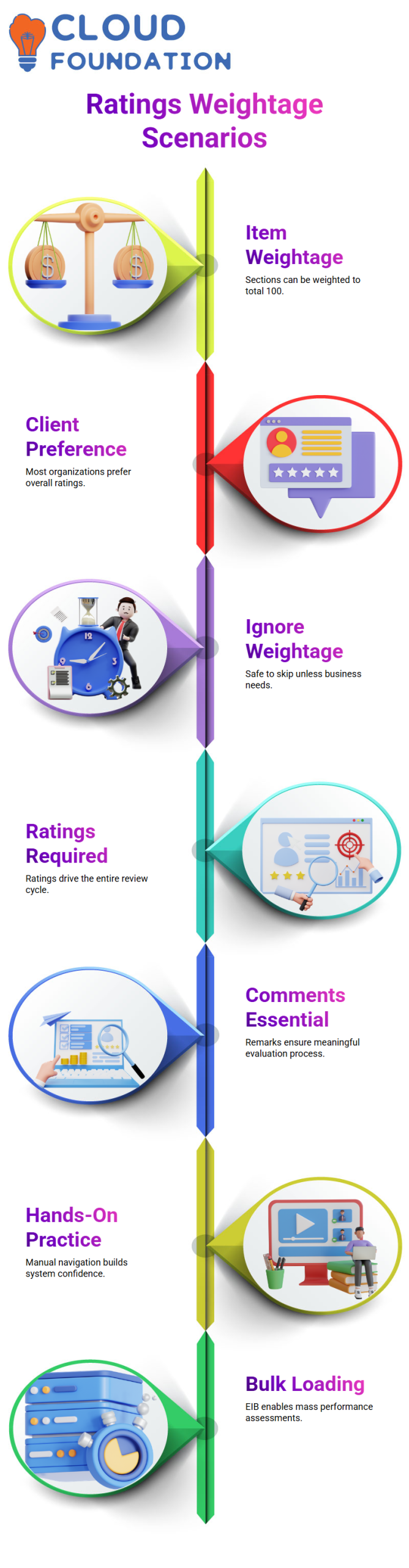
I frequently get asked about item weightage while dealing directly with Workday Talent and performance management.
As long as the total is 100, I can technically give each section weight Workday Talent and performance management.
For example, I can break it into 20, 20, 20, and 20 if there are four portions. In all honesty, the majority of clients I work with in Workday Talent and performance management do not utilize this capability.
Organizations typically favor an overall rating when using Workday Talent and performance management in real-world settings.
They want each area scored individually and then averaged automatically. I see this phenomenon again and again in Workday Talent and performance management projects.
Because of that, I typically tell teams they may safely ignore item weightage unless there is a strong business need to use it.
What is always required in Workday Talent and performance management is the rating part and the remark section.
I remind learners that these two principles drive the entire review cycle. If you understand how ratings and comments work in Workday Talent and performance management, you already grasp the foundation of the process.
Workday Talent and Performance Management: Practicing Business Process Configuration
I manually click through related actions, use the magnifying glass, and access business process definitions to make changes.
In Workday Talent and performance management, even something small like retaining a step label can help you understand how flexible the system actually is.
People can navigate Workday Talent and performance management with ease and without worrying about damaging anything, thanks to this hands-on approach.
When someone asks me what it implies, I explain that it permits performance assessments to be loaded in bulk via EIB instead of beginning them manually.
This functionality in Workday Talent and performance management is extremely valuable for large enterprises.
Workday Talent and performance management: Manager and Manager’s Manager Flow
One area where I spend a lot of time explaining is the manager and manager’s manager flow in Workday Talent and performance management.
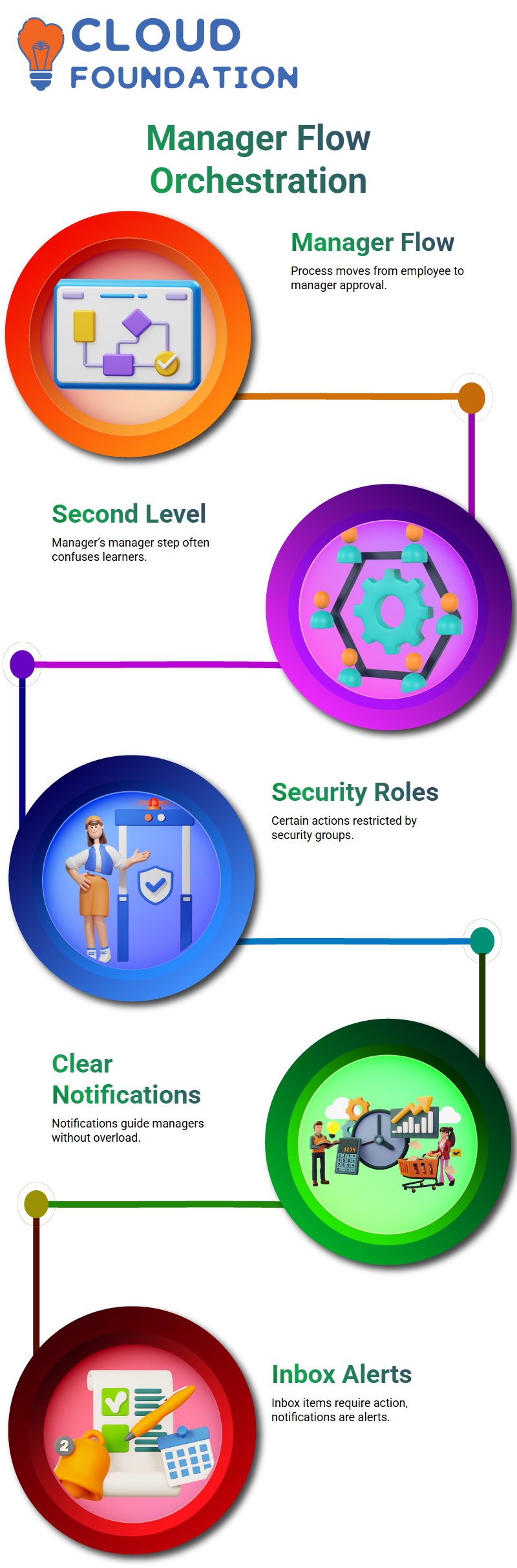
After an employee submits a review and the manager completes the evaluation, the procedure might advance to the manager’s approval.
This phase sometimes confuses people new to Workday Talent and performance management.
To demonstrate the precise location of this second-level manager step, I go through the business process definitions in Workday Talent and performance management.
I can easily show how the workflow changes by revealing the entire manager assessment procedure.
This flow inside Workday Talent and performance management makes troubleshooting much easier.
I emphasize security roles and groups in Workday Talent and performance management in numerous training sessions.
Because they are part of given security groups, some actions cannot be renamed or altered. Learners gain a better understanding of what can be configured and what needs to be standard once they experience this constraint in Workday Talent and performance management.
Workday Talent and performance management: notifications and orchestration
I always begin my work on Workday Talent and performance management by opening the business process and examining the orchestration configuration.
Notifications are crucial in helping managers navigate Workday Talent and performance management, in my experience.
I normally click on Configure Orchestration, evaluate the options, and then move back to the core business process to make sure everything aligns appropriately.
I personally want to make notifications in Workday Talent and performance management clear and meaningful.
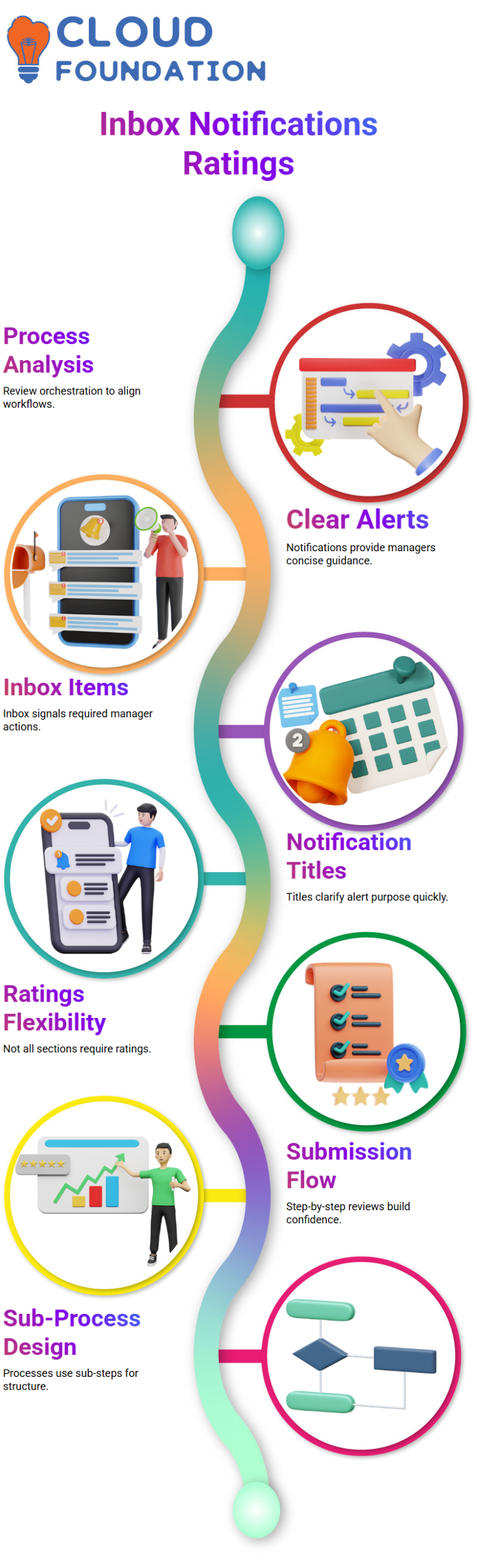
I generate notifications that clearly inform managers without overloading them. I regularly explain to learners that in Workday Talent and performance management, inbox items signal action is required, while notifications are just alerts that display on the bell symbol.
This difference aids managers in maintaining their attention on the truly necessary tasks.
I test various notification titles while setting up Workday Talent and performance management so managers can quickly understand what the alert is about.
I want the system to speak plainly, and Workday Talent and performance management gives me the option to control that experience.

Workday Talent and Performance Management Online Training
Workday Talent and performance management: Inbox items versus notifications
I always begin my work on Workday Talent and performance management by opening the business process and analyzing the orchestration configuration.
Notifications are critical in helping managers understand Workday Talent and performance management, in my experience.
I generally click on Configure Orchestration, examine the options, and then navigate back to the core business process to make sure everything aligns appropriately.
For my part, I want Workday Talent and performance management notifications to be understandable and significant.
I create alerts that provide managers with clear information without overburdening them.
I often explain to learners that with Workday Talent and performance management, inbox items signify action is necessary, while notifications are only alerts that display on the bell icon.
This difference supports managers in maintaining their attention on the genuinely vital things.
While configuring Workday Talent and performance management, I try several notification titles so managers can immediately comprehend the alert’s purpose.
I want the system to speak openly, and Workday Talent and performance management give me the flexibility to control that experience.
Workday Talent and performance management: Ratings, reviews, and submission flow
While working with Workday Talent and performance management, I regularly get inquiries concerning ratings.
I make it clear that not all sections need to be rated. In Workday Talent and performance management, some overall performance questions, strengths, and areas of opportunity may not have mandated ratings, and that is entirely fine.
I guide users through the review and submission stage in Workday Talent and the performance management step-by-step.
This is among the greatest methods for comprehending the behavior of Workday Talent and performance management following submission.
By completing these procedures regularly, I help learners feel secure utilizing Workday Talent and performance management in real circumstances. Trust is increased as the system becomes predictable.
Workday Talent and performance management: Business processes and sub-process design
One area I spend a lot of time explaining in Workday Talent and performance management is business process structure.
When learners wonder why a manager assessment does not appear immediately at the start of the performance review process, I explain that Workday Talent and performance management leverage sub-processes.
In Workday Talent and performance management, a sub-process like Complete Manager Evaluation has its own business process definition.
This clarity aids Learners in comprehending the connections between Workday Talent and performance management.
However, you do have options. A subprocess can be eliminated, and those procedures can be rebuilt right into the start performance review.
I underline that Workday Talent and performance management allow flexibility, but it also imposes structure for consistency.
By working through these design choices, I help learners discover how effective Workday Talent and performance management actually are.
Once they understand sub-process behavior, they can confidently build processes that fit their organization.

Workday Talent and Performance Management Course Price

Nishitha
Author
A mind once stretched by a new idea never returns to its original dimensions.