Workday Talent and Performance Management Certification Training
Workday Talent and Performance Management Goals
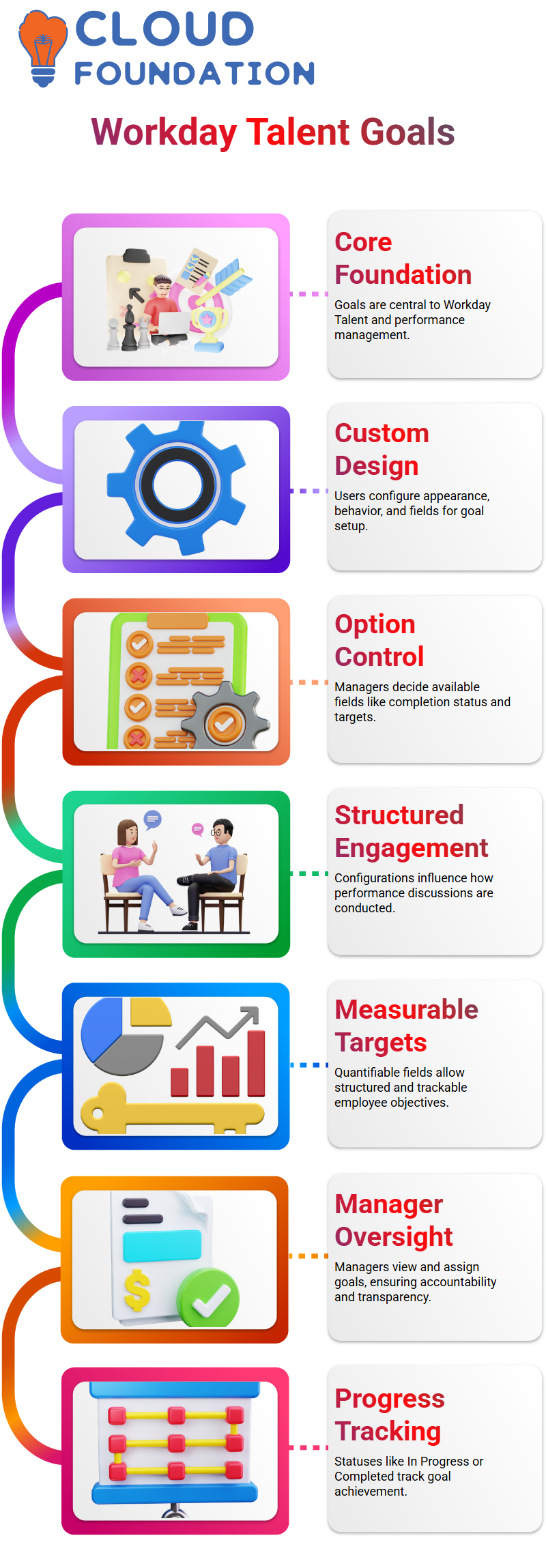
Goals are the cornerstone of the entire Workday Talent and performance management process.
I choose how I want to use Workday Talent’s goals framework and performance management before I even set a goal.
I set up the appearance and behaviour of goals in Workday Talent and performance management.
I decide which fields show up, how the user interface looks, and what choices users have when setting goals.
I choose, for instance, whether users can view completion status, actual values, maximum values, or minimum targets.
The way Workday Talent and performance management facilitate performance discussions is shaped by these minor choices.
Configuring Goal Options in Workday Talent and Performance Management
I see several goal configuration options in Workday Talent and performance management.
I have authority over the domains that managers and staff engage with, as well as the degree of structure in the goal-setting process.
I enable target-related fields directly within Workday Talent and performance management when I want users to set quantifiable goals.
Frequently use related actions for anything about talent.
From there, I can manage current goals, add goals for staff members, and view goals. Managers can save time by flexible navigation made possible by Workday Talent and Performance Management.
Viewing and Adding Goals in Workday Talent and Performance Management
I can see exactly what an employee is working on when I view their goals in Workday Talent and performance management.
I can see all of the workers’ active goals as soon as I open the View Goals section. One of Workday Talent and performance management’s best qualities is its transparency.
The process of adding goals is a little different.
The ability to add goals for employees is only visible to managers in Workday Talent and Performance Management.
I can give my reportees direct goals when I log in as a manager.
Workday Talent and performance management are aligned and accountable thanks to this manager-driven approach.
Goal Details in Workday Talent and Performance Management
There are specifics for each goal in Workday Talent and Performance Management. The goal name, description, status, and category are all displayed in one location.
For instance, when I open a goal like increasing employee engagement, I know right away what it’s about and how Workday Talent and performance management track progress.
Workday Talent and performance management heavily rely on statuses.
I typically begin goals with the status “In Progress” and change it to “Completed” after the task is finished. In order to arrange performance objectives in Workday Talent and performance management, I can also classify goals into logical groups.
Individual and Organisation Goals in Workday Talent and Performance Management
Goals are clearly divided into two categories by Workday Talent and Performance Management: individual goals and organisational goals.
I can set personal objectives for each member of my team in my capacity as manager.
These objectives, which are located in the individual goals section of Workday Talent and performance management, represent customised expectations.
Performance management and Workday Talent’s organisational goals operate differently.
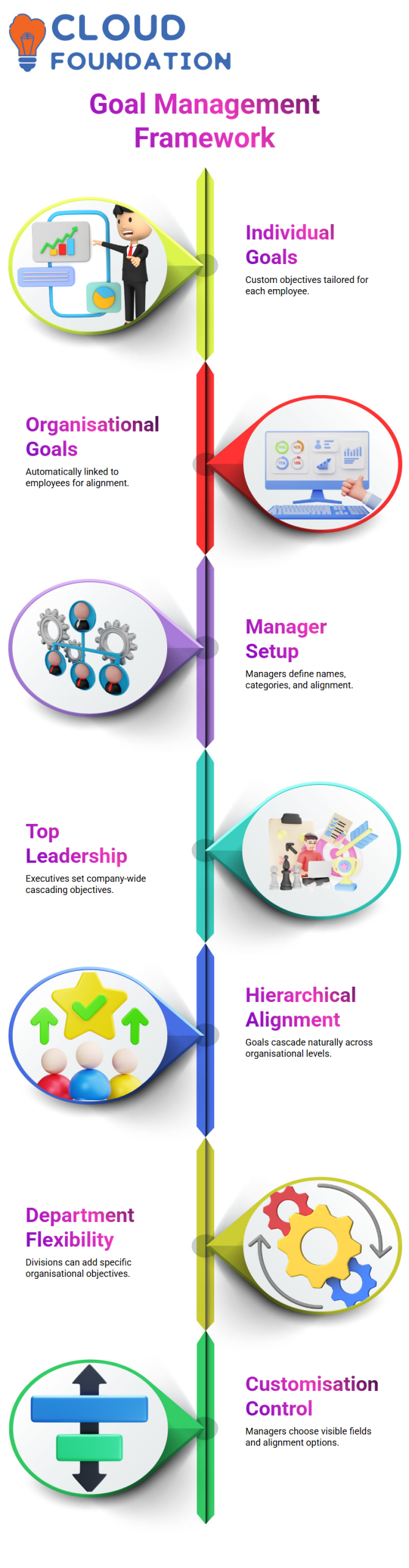
Based on the criteria I specify during setup, these goals automatically relate to employees.
While utilising the same Workday Talent and performance management framework, this automation guarantees uniformity and alignment across teams.
Creating Goals as a Manager in Workday Talent and Performance Management
I can set goals for employees because I log in as a manager in Workday Talent and Performance Management.
I specify the goal’s name, description, status, category, and alignment with the organisation when I create it.
Everything in Workday Talent and performance management is kept consistent by this organised setup.
I frequently clarify that top management typically sets the organisation’s goals.
These objectives are set by leadership and spread throughout the company in Workday Talent and Performance Management.
Workday Talent and performance management, this cascading approach guarantees that everyone works toward common priorities.
Hierarchy and Alignment in Workday Talent and Performance Management
Hierarchical alignment is supported by Workday Talent and Performance Management.
When I set an organisational goal at the highest level, it naturally trickles down to the lower levels.
Through performance management and Workday Talent, this hierarchy-based alignment keeps big organisations connected.
I also have flexibility thanks to Workday Talent and Performance Management.
I can develop extra organisational objectives for particular divisions, like sales. Workday Talent and performance management’s organisational goals structure still includes these department-level objectives.

Workday Talent and Performance Management Training

Maintaining and Customising Goals in Workday Talent and Performance Management
In Workday Talent and performance management, maintaining objectives requires selecting which fields show up and which do not.
For instance, I just hide the goal description field if I don’t want users to see it. I re-enable it if I want it to be visible.
Workday Talent and performance management are kept in line with business requirements thanks to this customisation.
In Workday Talent and performance management, I also have control over the organisation alignment options.
I can turn off that setting if I don’t want goals to go through the hierarchy. Goals cascade automatically when I turn it on.
This choice gives me precise control over how Workday Talent and performance management distribute goals.
Privacy and Progress Tracking in Workday Talent and Performance Management
When necessary, I can designate organisational goals as private Workday Talent and Performance Management. By doing this, only selected users can view those goals.
I can better handle delicate goals in Workday Talent and performance management thanks to this feature.
Another effective feature of Workday Talent and performance management is progress tracking.
To allow users to update progress as 20%, 50%, or 70%, I can enable per cent complete.
I can even permit completion percentages to be calculated automatically. Workday Talent and performance management become more dynamic and quantifiable with these options.
Workday Talent and Performance Management: Configuring Goals in Reviews
I always begin my work with Workday Talent and performance management by describing the behaviour of goal configuration after reviews start.
The system locks a goal as soon as it transitions from initiation to in-progress.
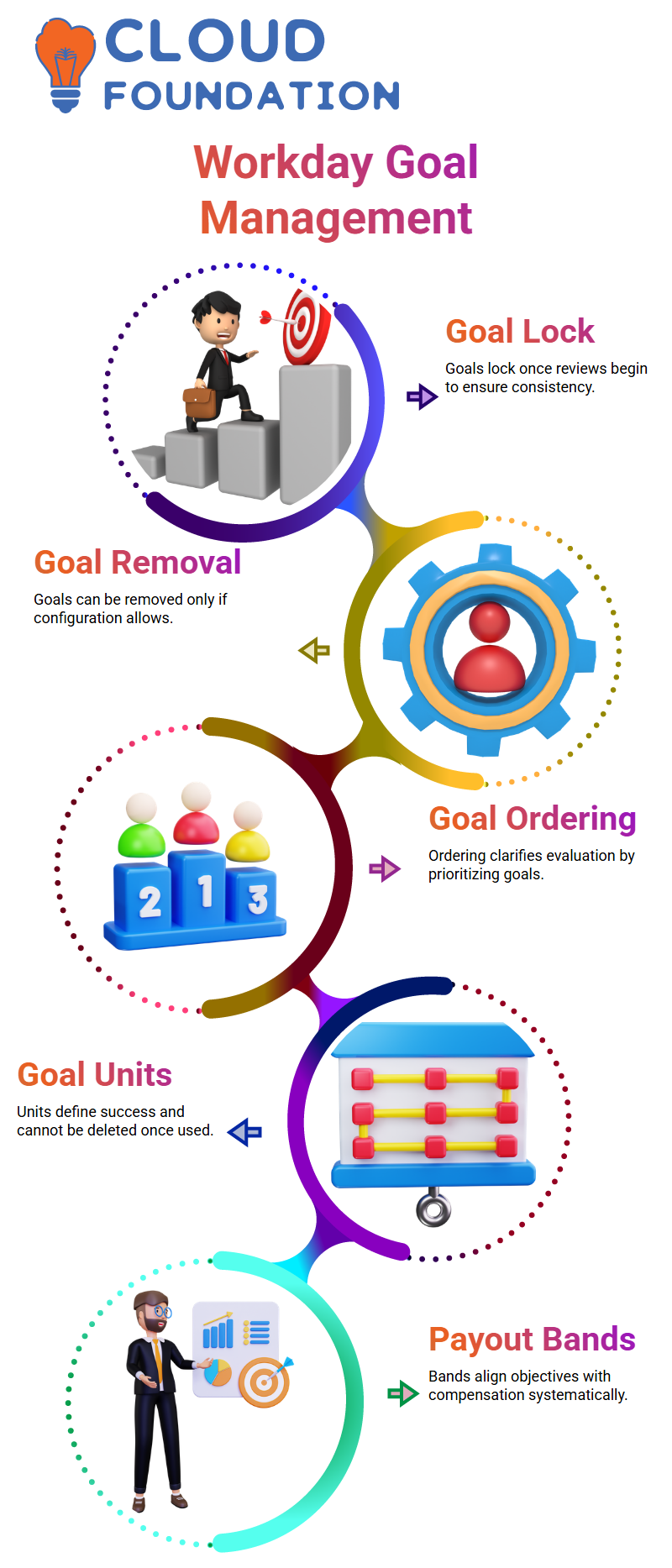
This lock guarantees consistency in Workday Talent and performance management since no one can carelessly alter goals once they enter the review cycle.
I frequently receive inquiries about removing goals linked to reviews in Workday Talent and Performance Management.
Only when the configuration is enabled does the system permit this.
I usually clarify that while this option allows for flexibility, it still adheres to stringent guidelines to maintain the accuracy of review data in Workday Talent and performance management.
Workday Talent and Performance Management: Organisational and Review Goals
In Workday Talent and performance management, I prefer to keep organisational goals and review-related goals distinct.
Only organisational goals are applicable in the first configuration section.
Goals that are already in the review stage of Workday Talent and performance management are my sole focus as I proceed to the next section.
The relevant settings go into effect right away after goals are formally reviewed.
I can better explain to Learners what can be changed and what stays the same once reviews start, thanks to this framework in Workday Talent and Performance Management.
Workday Talent and Performance Management: Ordering and Goal Units
Goal ordering during reviews is one aspect of Workday Talent and performance management that I find appealing.
I have control over which goal appears first, second, or later if there are several. In Workday Talent and performance management, this ordering option greatly clarifies goal evaluation.
Maintaining goal units is another crucial point I consistently emphasise. Goal units specify how success is determined in Workday Talent and Performance Management.
These units influence how performance is measured, regardless of whether the objective is based on meetings, incidents resolved, customer calls handled, or delivery metrics.
Workday Talent and Performance Management and Managing Goal Units
Certain goal units are pre-delivered by Workday, based on my experience with Workday Talent and performance management.
Others may be developed in accordance with organisational requirements.
But I always remind Learners that in Workday Talent and performance management, once a goal unit is used, it cannot be removed.
Because Workday Talent and Performance Management safeguards historical data, this regulation is in place.
Deletion is prohibited if a unit is present in previous performance records since doing so would compromise reporting accuracy.
Workday Talent and performance management: Payout Bands and Talent Tags
I demonstrate how to set targets, minimums, and maximums when I go over payout bands in Workday Talent and performance management.
These payout bands aid in the systematic alignment of objectives with rewards or compensation.
Additionally, I spend time describing performance management and configuring talent tags in Workday Talent.
I can directly connect goals to competencies, development items, or feedback by talent tags.
Goals in Workday Talent and performance management become much more significant as a result of this connection.

Workday Talent and Performance Management Online Training
Workday Talent and Performance Management: Categories and Goal Periods
In Workday Talent and performance management, I strongly advise classifying goals. Goals that are categorised make reporting and management reviews much simpler.
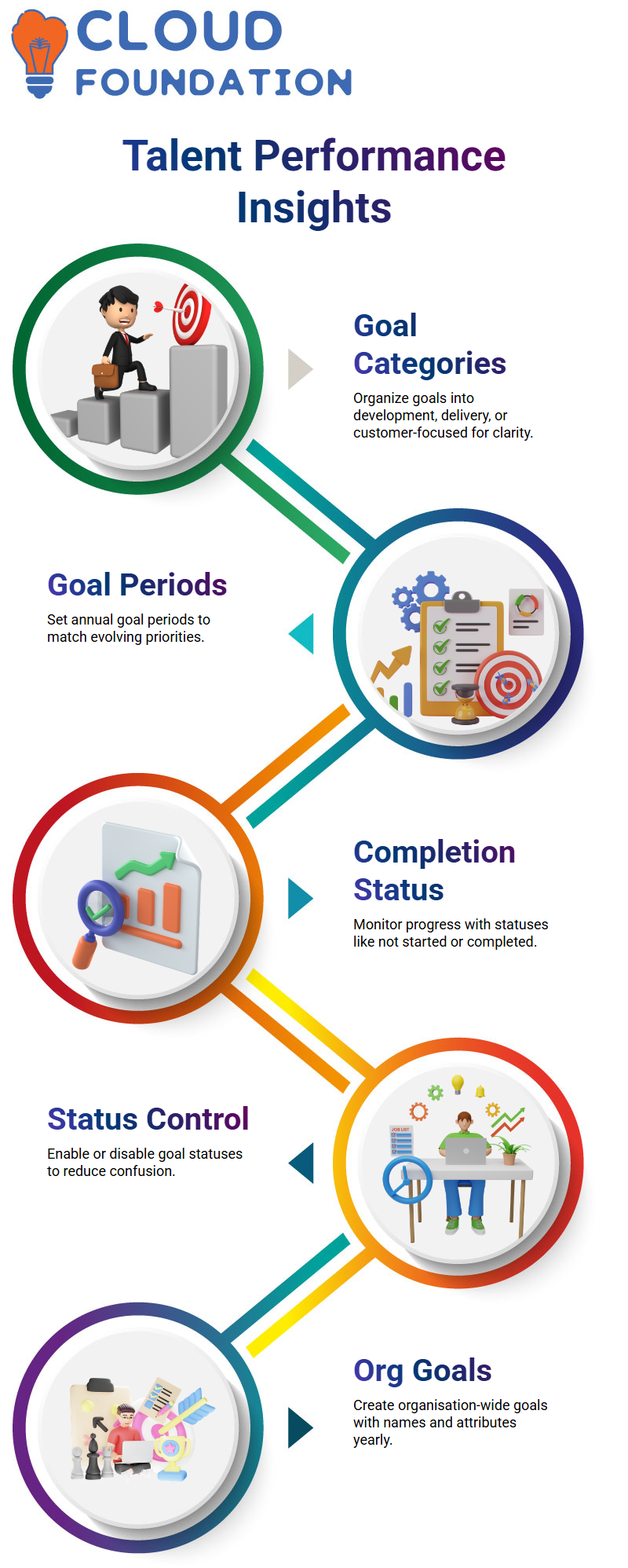
I frequently make categories for goals that are development, delivery, or customer-focused.
In Workday Talent and performance management, goal periods are equally important.
Since priorities change every year, I set goal periods for each year. In this manner, objectives stay pertinent and clearly linked to a particular cycle of performance.
Workday Talent and Performance Management: Completion Status and Data Integrity
Another aspect of Workday Talent and performance management that I thoroughly examine is completion status.
Accurate progress tracking is aided by statuses such as not started, in progress, partially completed, and completed.
I always stress that once a status is in use in Workday Talent and performance management, it cannot be removed.
This regulation is in place because Workday Talent and performance management maintain employee records, guaranteeing that reports are consistent from year to year.
Goal statuses in Workday Talent and performance management
I always begin by outlining goal statuses when I work with teams on Workday Talent and performance management.
Depending on what I want employees to see, I can activate or deactivate goal statuses in Workday Talent and performance management.
In Workday Talent and performance management, I like to keep things simple, so I deactivate statuses that aren’t necessary and leave only those that are important, like Incomplete and Successfully Complete.
inactive statuses helps clear up confusion in my daily work with Workday Talent and performance management.
Managers reviewing goals in Workday Talent and performance management see a clearer, more meaningful view, and employees only consider options that are pertinent to them.
This configuration applies to Workday Talent and performance management globally, not just to managers and individuals.
Creating organisation goals Workday Talent and performance management
I always make sure the fundamental setup is in place before creating organisation goals in Workday Talent and performance management.
The Maintain Goal Setup task in Workday Talent and performance management typically remains available, allowing me to start setting goals right away.
I choose the organisation (Global, for instance) first, and then I specify the time frame.
I usually do this at the start of the year in Workday Talent and Performance Management.
I can then add multiple goals with options like goal name, goal description, and other attributes Workday Talent and performance management.
I can define any kind of goal because, in my experience, the goal name is the only required field in Workday Talent and performance management.
Tracking progress inside Workday Talent and performance management
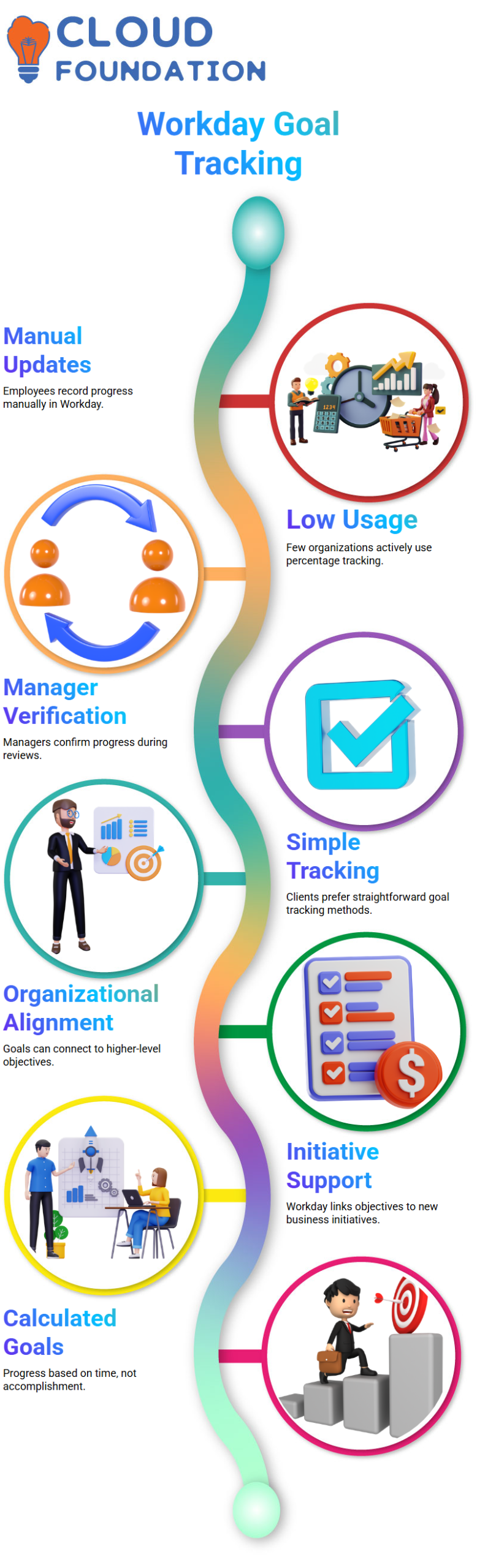
Regarding Workday Talent and performance management, I frequently get inquiries about percentage completion.
Employees can manually update how much of a goal they have completed in this field in Workday Talent and Performance Management.
Because it necessitates frequent manual updates, I have personally observed that very few organisations actively utilise this Workday Talent and performance management feature.
Nonetheless, percentage tracking makes sense in some Workday Talent and performance management scenarios.
Workers may update 20%, 40%, or even 100% of their work, and managers will subsequently verify this during Workday Talent and performance management reviews.
Despite its existence, many clients who use performance management and Workday Talent prefer more straightforward goal tracking that doesn’t involve frequent percentage updates.
Alignment, initiatives, and calculations in Workday Talent and performance management
One of the most useful aspects of Workday Talent and performance management that I employ is organisation alignment.
I can connect organisational goals to higher-level goals in the hierarchy Workday Talent and performance management.
Workday Talent and performance management also allows me to completely avoid alignment if it’s not necessary.
When businesses start new programs, supporting initiatives is crucial to Workday Talent and performance management.
For instance, I can connect relevant objectives to Workday Talent and performance management initiatives if an organisation implements agile practices.
Additionally, I use Workday Talent and performance management’s private option to manage visibility so that only pertinent organisational members can view particular objectives.
Although Workday Talent and performance management have calculated goals, I hardly ever suggest them.
Calculated progress in Workday Talent and performance management is based solely on time duration rather than actual accomplishment.
Due to this restriction, the majority of businesses that use Workday Talent and performance management steer clear of calculated goals and instead depend on manual updates.

Workday Talent and Performance Management Course Price

Vanitha
Author