Workday Integration Training on Memos
Workday Integration with Supplier and Customer Memos
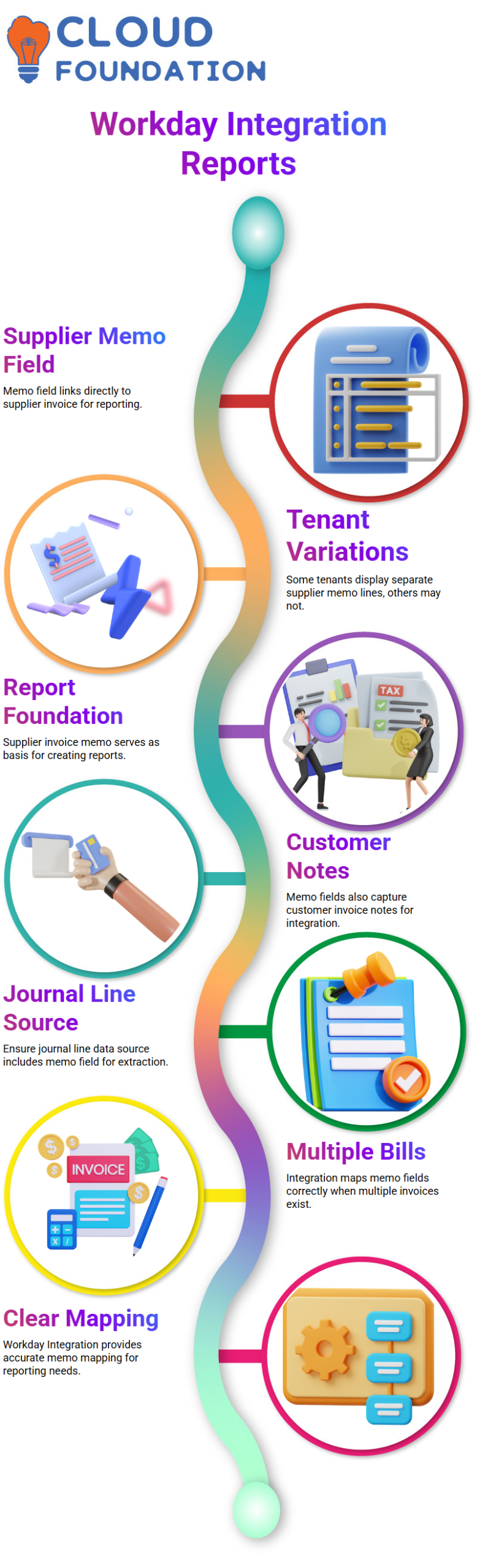
Managing supplier invoice memos in Workday Integration can initially be challenging. The memo field is frequently the only one that is accessible when you look at a supplier invoice document.
A separate line labeled “supplier invoice memo” might be displayed by certain tenants, but it might not show up in yours. The secret is to realize that the memo field in Workday Integration is linked to the supplier invoice, which serves as the foundation for creating your reports.
Pulling Memo Fields in Workday Integration Reports
I usually begin by making sure my journal line data source has the memo field. You can extract note information from customer and supplier invoices through Workday Integration.
A single supplier invoice document can be linked to by each journal line, making the memo field from that invoice available in your report. Workday Integration manages each note appropriately if there are several bills, providing you with a clear mapping for your reporting requirements.
Customer Invoice Memos in Workday Integration
Workday Integration enables you to pull the memo field in the same way for customer invoice documents. The client invoice must be linked to your journal line report and included as a business item.
This is crucial for handling financial data in Workday Integration because it guarantees that your reports accurately include note details for both supplier and customer bills.
Exploring Calculated Fields with Workday Integration
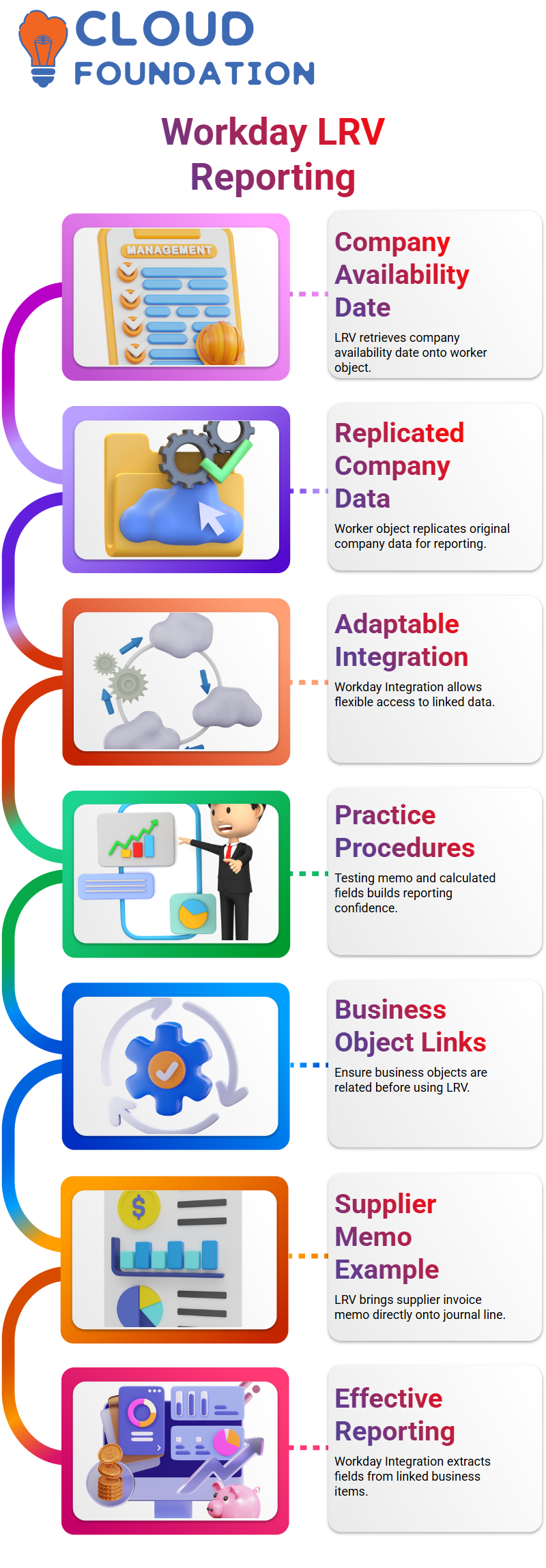
Utilizing calculated fields like LRV (Lookup Related Value) is one of Workday Integration’s most potent features. For instance, you can pull company-specific information, such as the firm name or availability date, straight onto the worker object
If you have a worker as a business object and an associated company business object. The LRV feature of Workday Integration, which respects the links between business items and makes reporting easier, is used for this.
Applying LRV in Workday Integration
Suppose you would like the worker’s business object’s company availability date. You can add a calculated field that retrieves this value from the associated company object Workday Integration.
This property resides on the worker object but replicates the original company data when used in a report. Because of this, Workday Integration is incredibly adaptable, enabling you to access relevant data without repeating it.

Workday Integration Training

Best Practices for Workday Integration Reporting
To learn how memo fields and calculated fields interact, I advise you to practice these procedures in your own tenant. Make sure your business objects are related before utilizing LRV in Workday Integration.
To extract the relevant information, you might investigate several levels of relationships. Your confidence will grow as a result of this practical exercise, which also guarantees the accuracy and significance of your Workday Integration reports.
Practical Example of Workday Integration Calculated Fields
With my experience, once you grasp the relationships, it’s easy to create a calculated field with Workday Integration. For example, I used LRV to bring the supplier invoice memo straight onto the journal line.
As a result, there was no longer a need to separate the memo from the supplier invoice. Similarly, Workday Integration is very effective for reporting and analysis since you may extract any field from a linked business item into your primary object.
Hands-On Workday Integration Practice
When learning Workday Integration, I constantly advocate for practical experience. Examine how connected business items interact, pull supplier and customer memos, and use LRV to build calculated fields.
You get more at ease with Workday Integration the more you try. Creating intricate reports with several business items and memo fields will soon become second nature.
Maximizing Workday Integration Efficiency
You may cut down on errors and save time by utilizing Workday Integration’s computed and memo fields. You may extract relevant company data about employees, combine supplier and customer data straight into journal lines, and create reports that are clear and useful. Workday Integration can completely change how your company handles HR and financial reporting with regular use.

Workday Integration Online Training
Workday Integration: Starting with Basics
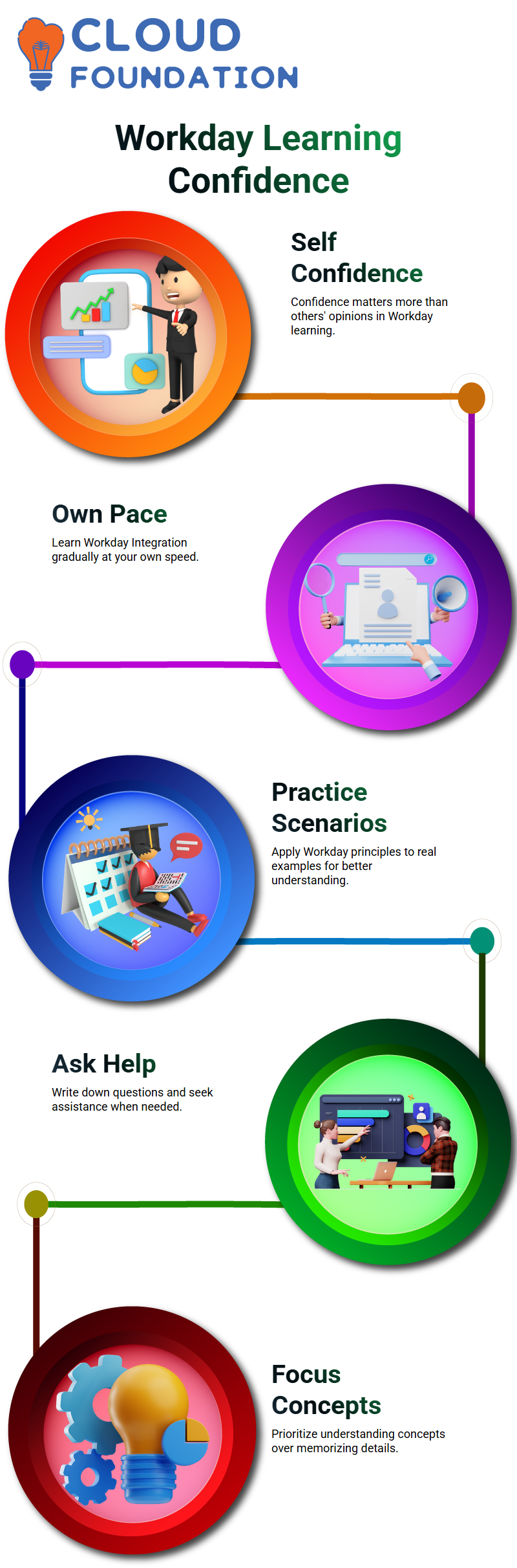
It’s okay if you become stuck on a calculated field or two. If you’re not making as much progress as others, don’t stress. The first step in Workday Integration is to grasp the fundamentals.
If you encounter a problem, stop and write down the query. We can both clarify it later. This approach guarantees that you are actively interacting with Workday Integration principles while maintaining a personalized learning experience.
Workday Integration: Handling Confidence in Learning
Others who use Workday Integration on a daily basis may occasionally seem to know more about it than you do. But keep in mind that this does not represent your abilities. Regardless of whether you use Workday at work or not, I’m here to teach you the fundamentals of Workday Integration.
Even when seasoned users ask queries, I take a moment to comprehend them before responding. It’s common to start slowly, and workday integration demands patience. The most important thing is your self-confidence, which should never be undermined by what other people think.

Workday Integration Learning at Your Own Pace
I was ignorant of supervisory organizations and integration principles when I first started Workday Integration. However, I gained knowledge gradually. You ought to follow suit and concentrate on where you are right now rather than where other people are.
In Workday Integration, self-learning is essential. Although I present the ideas in an organized manner, you must investigate and practice on your own. The objective is to comprehend Workday Integration from your point of view, not to compare yourself to others.
Workday Integration: Documents and Calculated Fields
Although the documents I offer may appear out of date, the principles and calculated fields are still applicable. To see Workday Integration in action, open these docs and go over the samples.
Try coming up with your own scenarios. Apply the Workday Integration principles to actual circumstances. This method makes it easier for you to comprehend reports, calculated fields, and other procedures.

Workday Integration Course Price

Nishitha
Author