Workday Integration Core Connector Training
Workday Integration Core Connector Basics
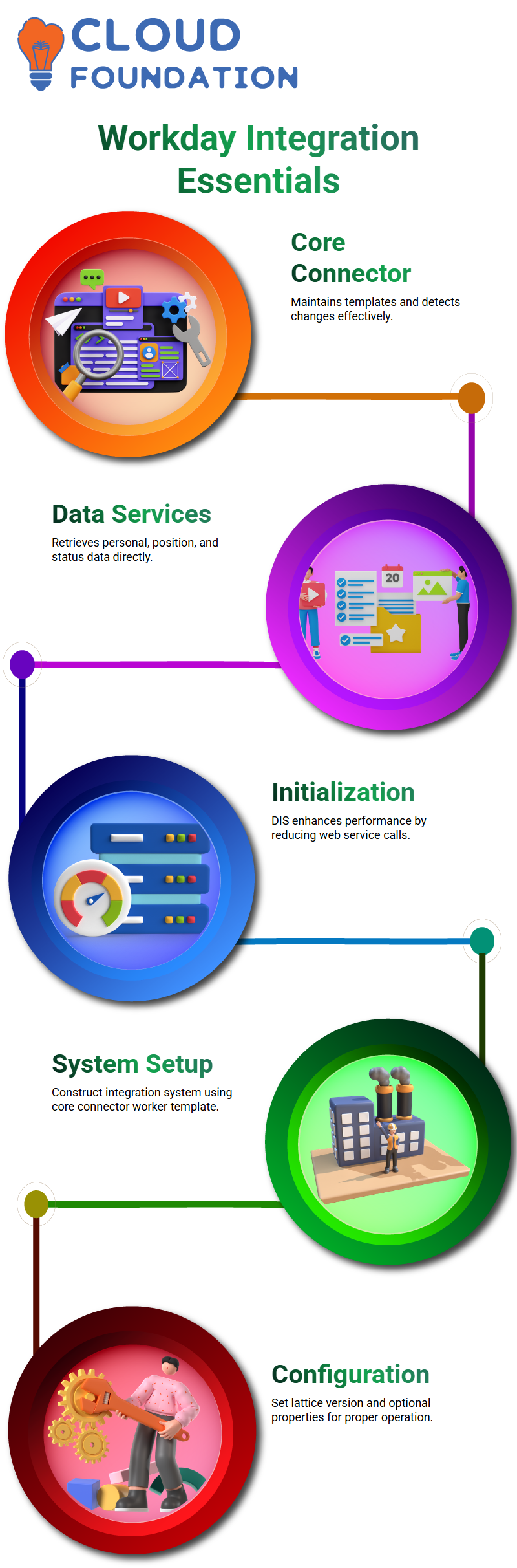
The core connector’s primary function is to maintain templates and detect changes effectively. Workday Integration configurations are far more dependable and seamless thanks to these two factors.
For instance, I concentrated on choosing the appropriate services, such as personal data, position data, and status data sections, when I set up my first Workday Integration. Workday Integration can retrieve the necessary data directly from the system thanks to these services.
Data Initialization Service in Workday Integration
The Data Initialization Service (DIS) is a crucial component of Workday Integration. Because DIS takes data directly from report fields, avoiding numerous web service calls, it operates on a job structure and enhances performance.
I simply had to choose the Data Initialization Service when setting up Workday Integration with DIS. Compared to conventional web service calls, this makes the setup simpler, speeding up and simplifying my Workday Integration procedure.
Creating Workday Integration Core Connector Worker
I proceed to ‘construct Integration System’ and choose the core connector worker template to construct a Workday Integration core connector worker. Template-based Workday Integration requires knowledge of this template.
I then set up the necessary properties, such as choosing the lattice version. This guarantees the proper operation of my Workday Integration. Depending on the project’s needs, optional qualities can be configured.
Configuring Integration Field Attributes in Workday Integration
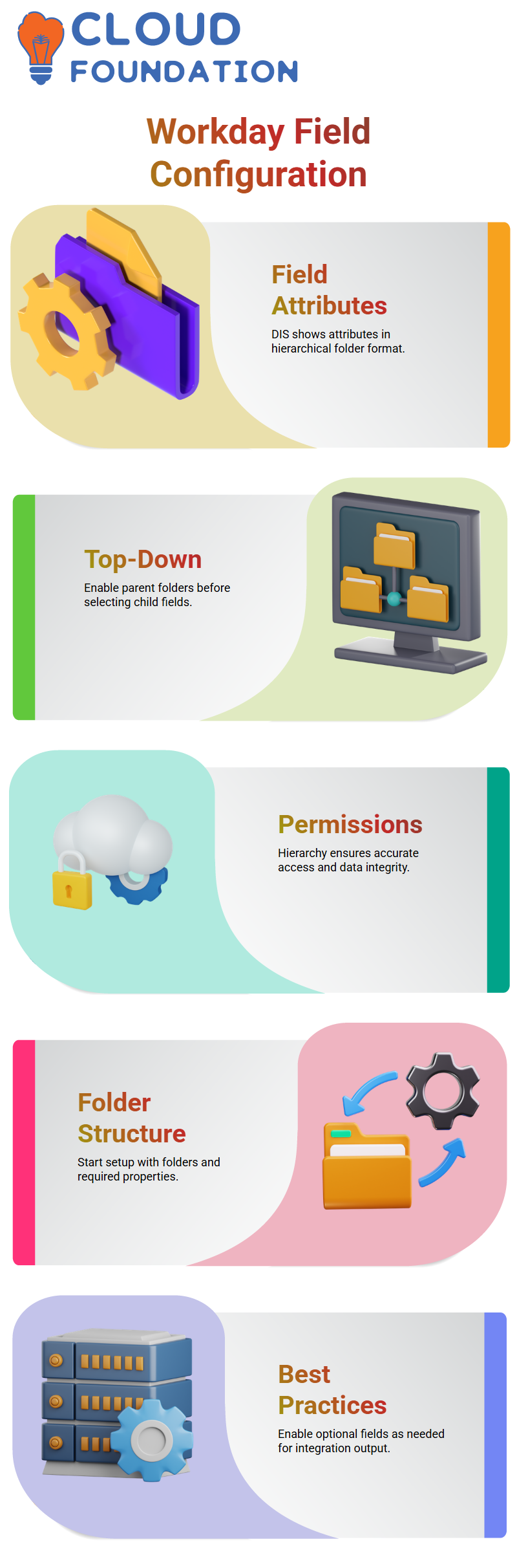
The configuration of field attributes is one of the main differences between Workday Integration and DIS. I don’t choose each service separately, unlike standard installations. Rather, DIS displays all field characteristics in a hierarchical folder format.
When choosing fields, I use a top-down method. For instance, I enable the parent folder and then the child sections before choosing name data. This method guarantees that Workday Integration accurately retrieves the required permissions and information.

Workday Integration Training

Handling Permissions in Workday Integration
In Workday Integration, permissions are essential. I have to adhere to a hierarchy to access data: parent folder permissions come first, followed by child and sub-child rights. This is comparable to requiring family approval to enter specific parts of the house.
When I enable the name data in Workday Integration, for example, I first secure parent permissions, then my permission, and then the sub-sections such as gender, first name, and last name. This structured permission guarantees data integrity.
Best Practices for Workday Integration Setup
In my experience with Workday Integration, I always begin with the folder structure and enabling the necessary properties. This guarantees seamless integration runs and lowers mistakes.
Because I can view all fields by default within a folder structure, DIS in Workday Integration makes attribute configuration easier. I make sure to enable optional information as needed by the integration output; some fields are included automatically.
Workday Integration: Configuring Core Worker Fields
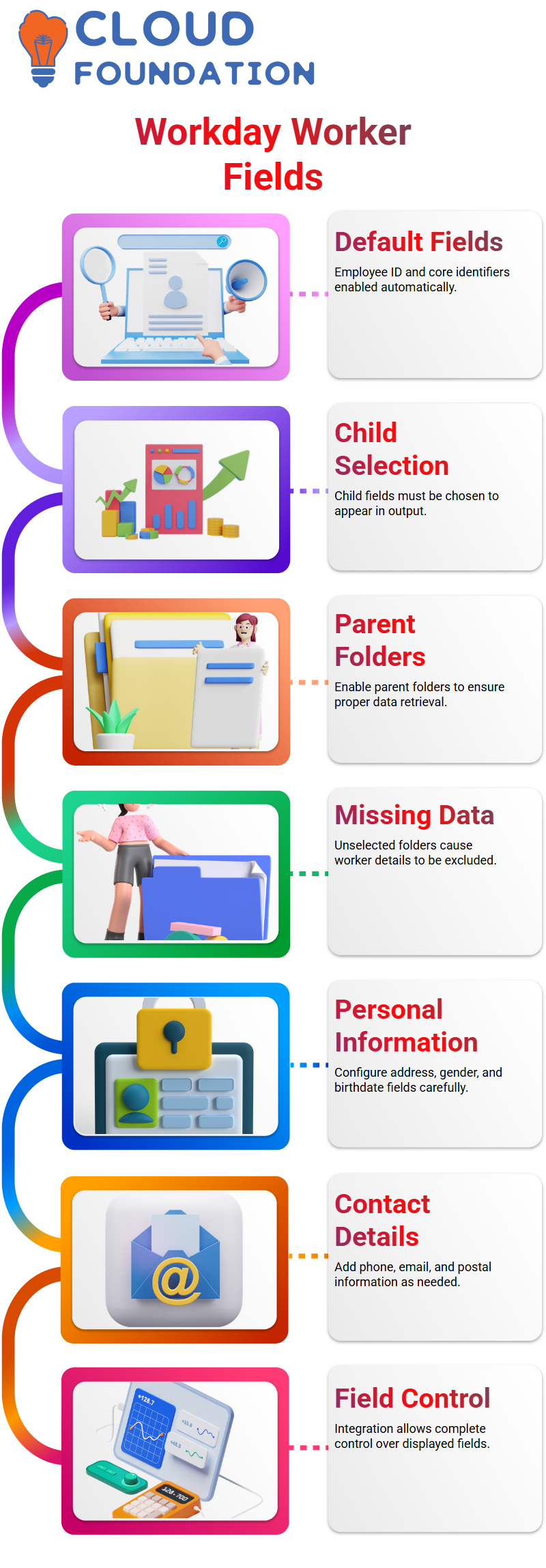
I discovered that certain fields, such as employee ID and other fundamental worker identifiers, were enabled by default when I first set up the Workday Integration. However, if the child fields are not selected, they may not appear in the output, even if a parent folder, such as “Name Data,” is enabled.
The parent folder, the child folder, and the particular fields you wish to add must all be enabled in Workday Integration. For instance, the worker’s name won’t appear in the output file if personal data isn’t enabled in the parent folder. To prevent missing data, I always make sure that all pertinent folders are enabled.
Workday Integration: Adding Personal Information
I carefully set up personal information in Workday Integration. For example, I enable the address, gender, and birthdate fields. I also offer email and phone information. Next, I select the specific fields I need in the output, such as phone number, email type, address line, and postal code.
This procedure guarantees that all required worker information is included in the output file. Without relying on defaults, Workday Integration gives me complete control over which fields appear.

Workday Integration Online Training
Workday Integration: Simplifying Field Overrides
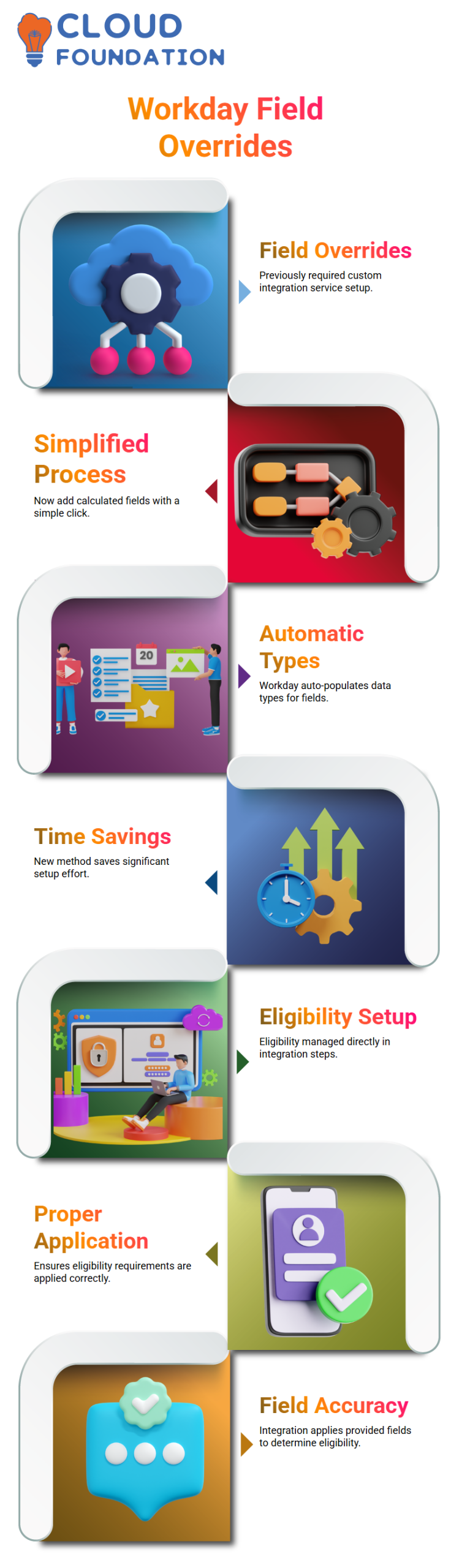
It used to be laborious to define eligible or computed fields in Workday Integration. I had to establish field names, set up field overrides, and develop a custom integration service. It’s much easier now.
I can click the plus symbol to add calculated fields straight from the personal data or worker supplementary information area. Workday Integration automatically populates data types, and I may identify fields as needed. Compared to previous procedures, this saves me a significant amount of time.
Workday Integration: Managing Eligibility
Eligibility is handled differently by Workday Integration. It doesn’t always work, even if I specify eligibility in the field override service. Rather, I go to the relevant steps in the integration system and set up population eligibility directly.
This innovative method guarantees proper application of eligibility requirements. Workday Integration correctly applies the fields that I provide to determine eligibility.
Workday Integration: Adding Custom Fields Across Objects
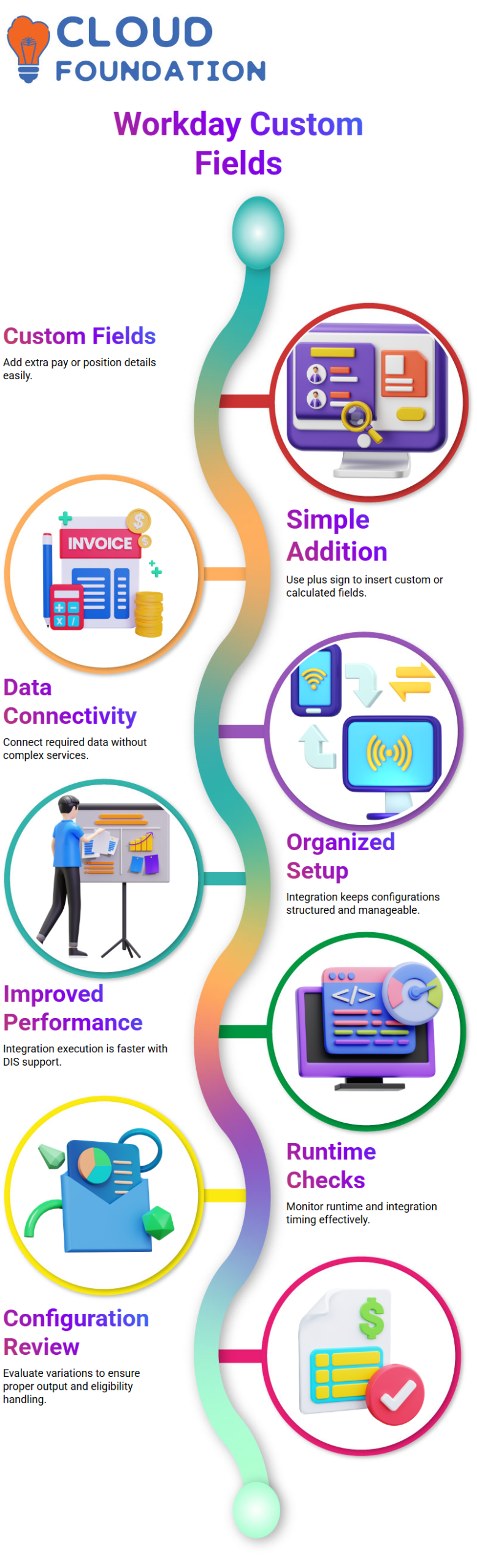
Custom fields are frequently required in business objects other than the worker object. I may add various features, such as extra pay or position information, to several sections thanks to Workday Integration. I just go to the section, select the + sign, and add custom or calculated fields.
I can connect all required data without creating complex services thanks to Workday Integration’s versatility. It maintains my configurations and keeps them well organized.
Workday Integration: Performance and Execution
Workday Integration performance has increased. Integration execution is quicker, and I can effectively check runtime and integration timing thanks to the data initialization service.
To ensure that my Workday Integration installations function properly and produce appropriate output files, I constantly evaluate the variations in configuration and eligibility handling.

Workday Integration Course Price

Nishitha
Author