Workday Integration Business Process Security Training
Workday Integration and Business Process Security Policy
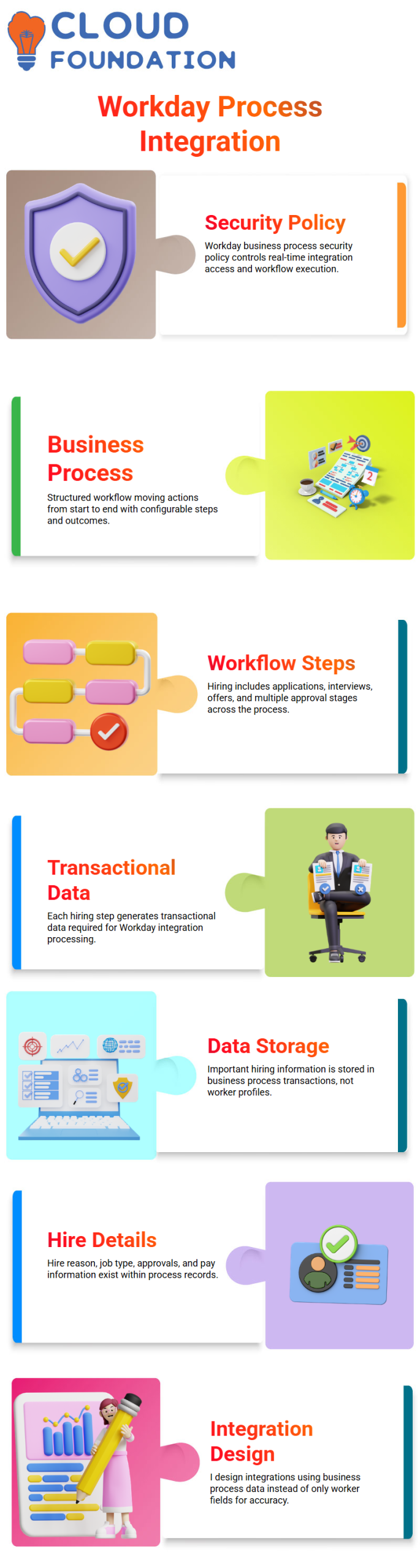
I’m going to talk to you about a key idea in Workday Integration: Business Process security policy. This is an important part of real-time processes.
Before I go any further, let me explain what I mean by “business process.”
A business process is a structured workflow in Workday that controls how an action moves from beginning to end.
These steps can be changed to fit your needs, and they have a direct effect on how financial data is gathered and handled in Workday Integration.
Workday Integration and the Hire Business Process Flow
I see hiring people in Workday as a process that I go through in steps instead of all at once.
After the job is posted, there are applications, interviews, and job offers before the person is hired.
Most companies have 12 to 14 structured steps and more than one approval process in this hire flow.
From my point of view, these steps are very important because they create the transactional data that Workday connections need.
Workday Integration and Where Business Process Data Is Stored
I know that in Workday Integration, important information like the reason for the hire, the type of job, the history of approvals, and pay approvals are not always kept in simple worker profile fields.
This kind of information is generally collected and kept in the business process transaction instead of in static employee data, as far as I know.
When I’m asked to filter workers hired between certain dates based on a hire reason, I know that this information comes from the hire business process.
That’s why I carefully plan my Workday integration solution instead of just pulling everything from the fields in the worker description.
Workday Integration and ISU Security for Business Process Transactions
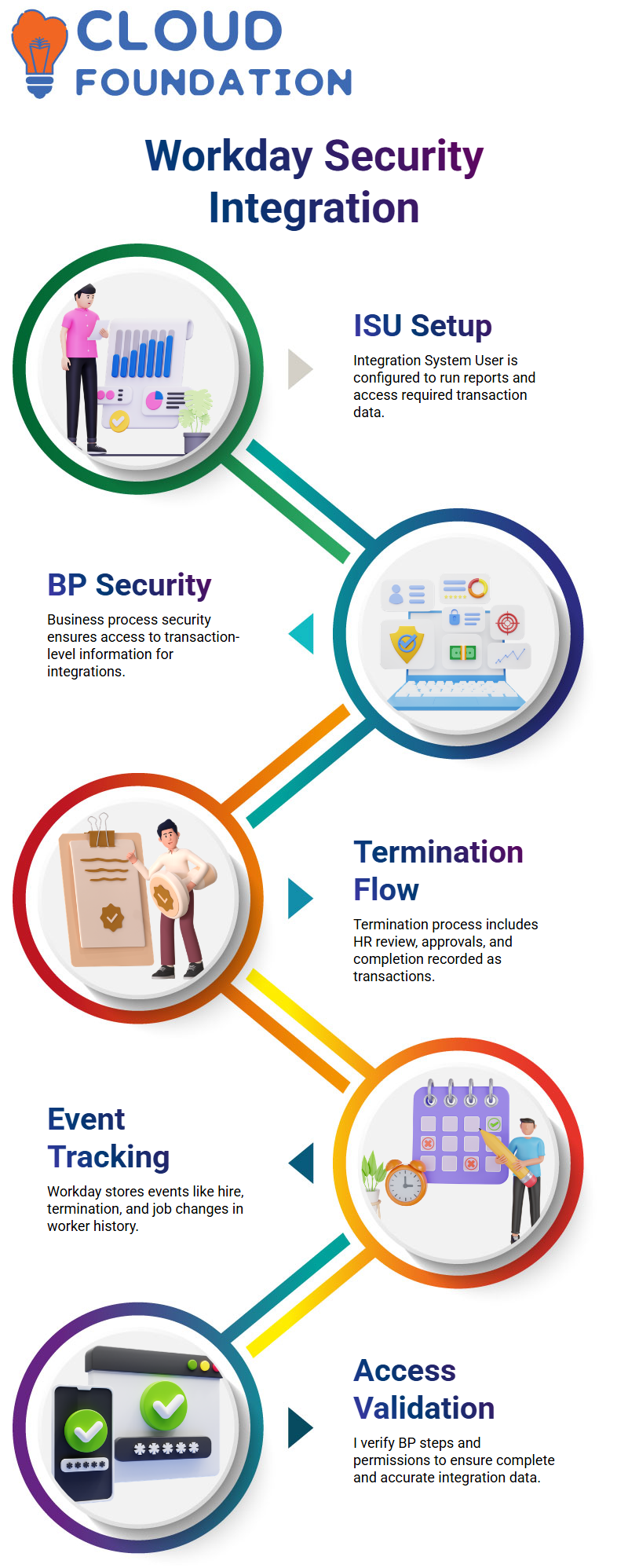
For me, the security of the Workday connection starts with how I set up the data source and integration.
I give an Integration System User (ISU) the job of running the custom report when I make an EIB.
After that, I make sure that the ISU has the right Business Process security permissions to get to the transaction info.
If BP security isn’t right, my application won’t be able to get the transaction-level information it needs.
Workday Integration and Example of Termination Business Process
The Workday Integration termination business process is one of the best ways for me to show how data moves.
When a termination is started, it goes through steps like being reviewed by HR, getting boss approval, and finally being finished. Each step is recorded as a transaction.
When I build integrations, I make sure that my ISU can see these business process events in case I need data on termination.
I always check to see if I only need domain security or both domain and business process security. If I don’t have BP security, the results of the integration might not be full.
Workday Integration and Tracking Business Process Transactions
Workday starts a business process and stores it in the worker history every time someone asks for leave, quits, gets hired, or changes their job details. This is important for event-based integrations.
Before I build a Workday Integration, I make sure that the data comes from business process transactions. If it does, I then figure out which business process is responsible for it.
I also go over each BP step, check the security rules, and make sure the ISU has the right access set up so the integration goes smoothly.
When I know how business processes work, I can make solutions that work better because I know where data lives and how permissions affect who can see and access it.

Workday Integration Training

Workday Integration: Worker History
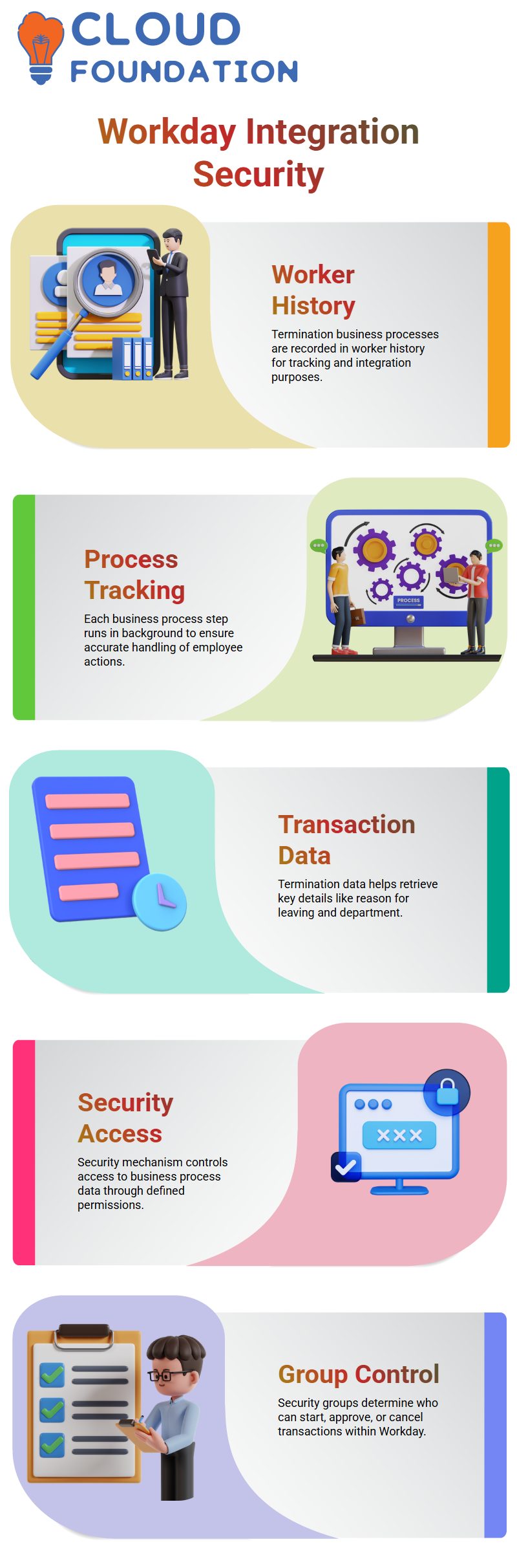
Workday immediately records a termination business process in the worker history when I fire someone.
It’s clear to me that this record is part of Workday Integration, and it helps me keep track of everything that happens with that person.
At each step of the business process, actions happen in the background to make sure the deal is handled correctly.
I depend on the termination transaction data to safely and clearly get to important information like the reason for leaving or the area.
Workday Integration: Pulling Data from Transactions
I use a certain security mechanism to get to data from any business process exchange.
In the past, I would go to Related Actions and choose View protection to check field protection.
For transaction-level security in Workday Integration, I see that this method is a little different.
I read the description of the business process, click on Related Actions, and then choose Business Process Policy to see or change permissions.
Managing Security Permissions in Workday Integration:
To me, Workday security groups decide who can begin a transaction, accept it, reject it, or cancel it.
I know that certain groups are the only ones who can start processes like firing employees.
If those security groups include my identity, I can do what the system tells me to do.
To allow my ISU to handle things like terminations, I need to make sure it is added to the right security group for proper access control.
Granting Access to Termination Transactions in Workday Integration:
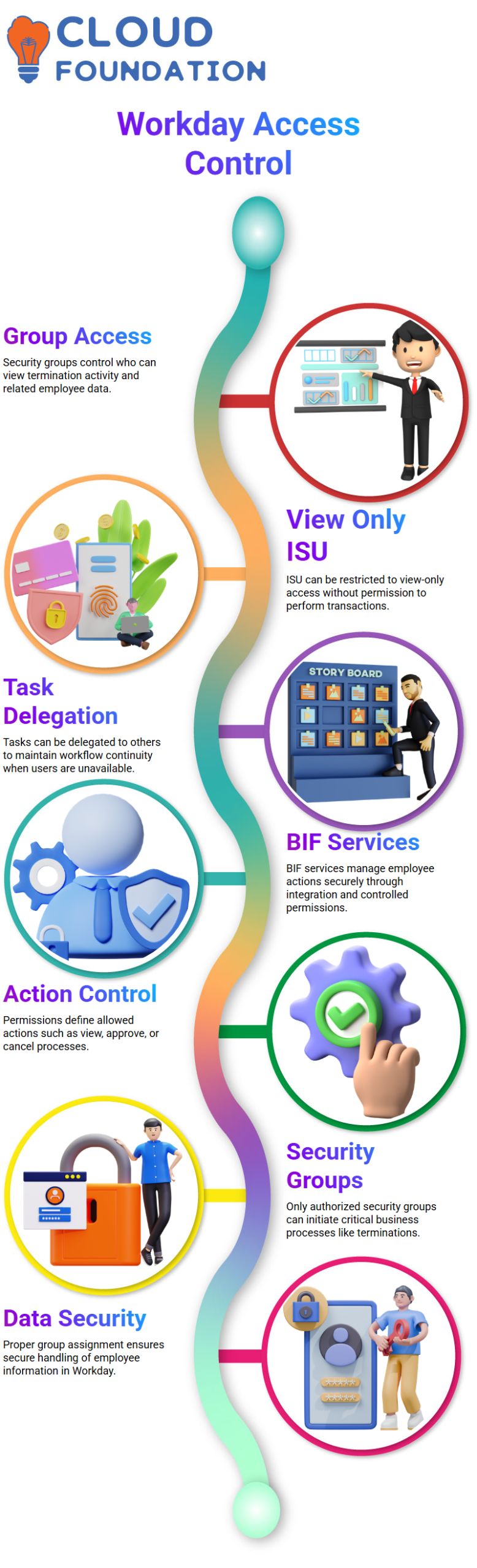
I know that in Workday Integration, when a security group is created, everyone in it can see the termination activity.
I can also set up permissions so that the ISU can only look at info and not do any transactions.
In Workday Integration, I delegate tasks so that someone else can do them when the main user isn’t around.
As an example, I can give someone else the job of reviewing or okaying tasks while a boss is away to make sure the work flow stays safe.
Using BIF Services for Workday Integration
I handle employee actions that are based on integration with Workday Integration with BIF services.
When I need to safely fire an employee through BIF, I give integration access to the right security group.
If an ISU only needs to view data, I can still keep full control over it without giving them full transaction rights.
Based on the need, I say exactly what actions are allowed, such as watching, approving, or canceling.
Workday Integration: Managing Security Groups
I learned that in Workday Integration, it’s very important to be in the right security groups in order to do anything in the system.
I knew that people in certain security groups are the only ones who can start business process activities like firing an employee.
I make sure that only people who are allowed to can do things in Workday. This helps keep employee info safe and secure.
The business process security policy is always something I look over, and I make sure I put my ISU in the right group so everything runs smoothly.

Workday Integration Online Training
Workday Integration: Using Public Web Services
I need to let my computer fire workers sometimes instead of having to do it by hand.
I use Workday Integration web services, such as the “Terminate Employee” service, to do this through an ISU instead of writing code.
Then I link the security group I made to the web service policy that’s needed for proper access.
Once I turn on the security changes, my ISU will be able to do termination transactions straight in Workday Integration.
Workday Integration: Domain Security Policies
In Workday Integration, I used to set up domain security rules by letting the ISU see certain fields, like gender and date of birth.
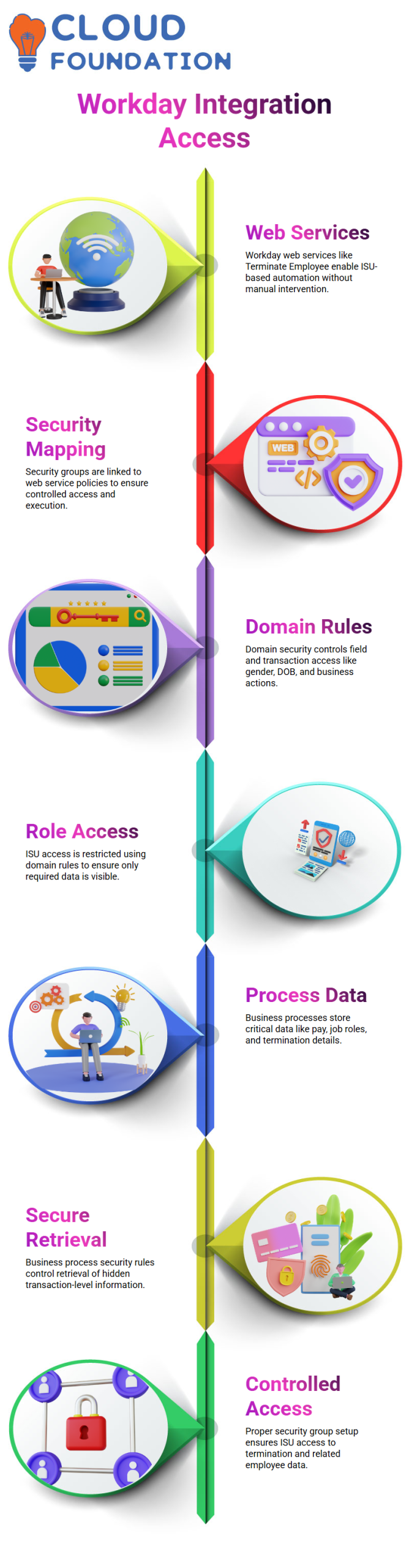
Now, I use the same method for business process transactions as well, letting the ISU start or accept actions like firings.
I know that in Workday security, each field, report, and job is part of a certain domain.
I make sure the ISU only has access to the data they need by applying domain security rules to security groups. This also protects other data.
Workday Integration: Accessing Business Process Data
I can see that Workday Integration saves important business process data that isn’t directly available in standard business object fields. For example, it stores information about pay, job roles, and terminations.
I use business process security rules to get to this data and make sure that these hidden transaction-level fields are retrieved and controlled correctly.
I make sure my ISU has access to all the information it needs by putting it in the right security groups in Workday Integration.
This setup lets me see important information like the termination area and the last day I worked, which makes sure that everything runs smoothly and that permissions are handled correctly.
Workday Integration: Step-by-Step Permission Management
To make Workday Integration work well, I follow a clear step-by-step process.
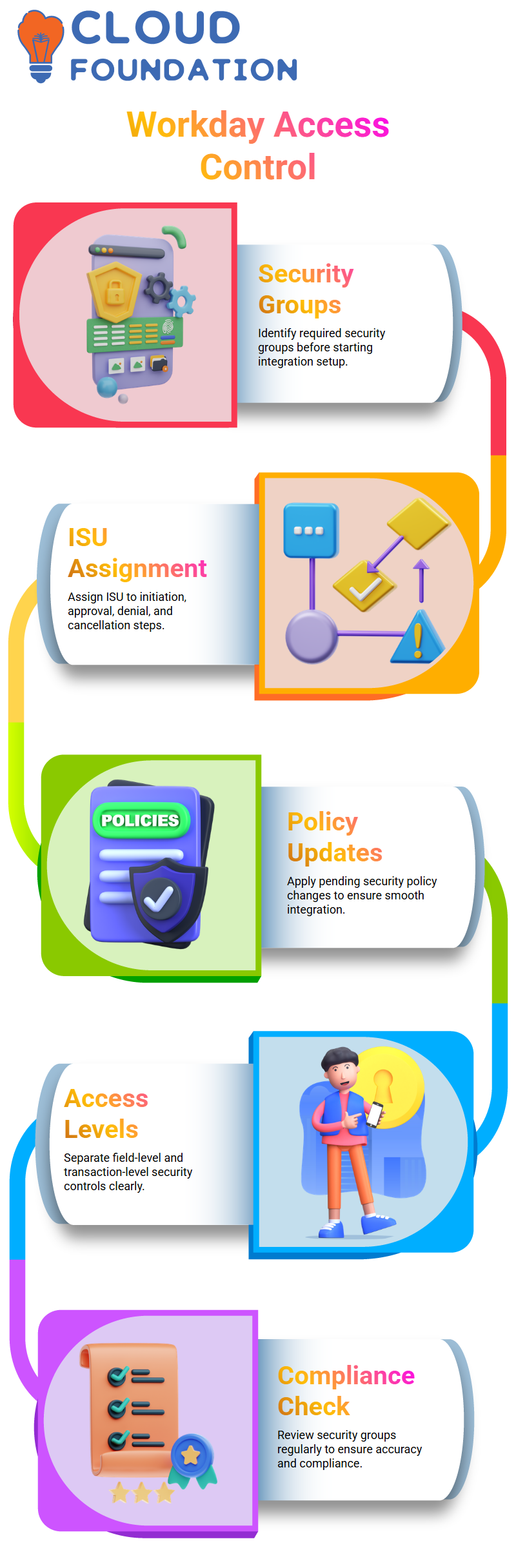
First, I figure out which security groups are needed for the deal.
Then I add the ISU to the parts that need it, such as “initiation,” “approval,” “denial,” or “cancellation,” and I force the changes to the security policy that were still being worked on.
This makes sure that the Workday Integration goes smoothly and that the right people can get to the right data without having to do anything by hand.
Workday Integration: Field vs Transaction Access
In Workday Integration, I keep field-level control and transaction-level control separate.
Policies like gender or date of birth that are set by the domain control field-level security.
Policies for business processes protect acts that happen at the transaction level, like approving or terminating a contract.
To make sure the right people can access my ISU, avoid mistakes, and stay in compliance, I always look over the security groups that are given to it.

Workday Integration Course Price

Vanitha
Author