Workday Finance Course Online
Organizations in Workday Finance
One of the first things I teach when I work with Workday Finance is how the system creates and identifies companies.
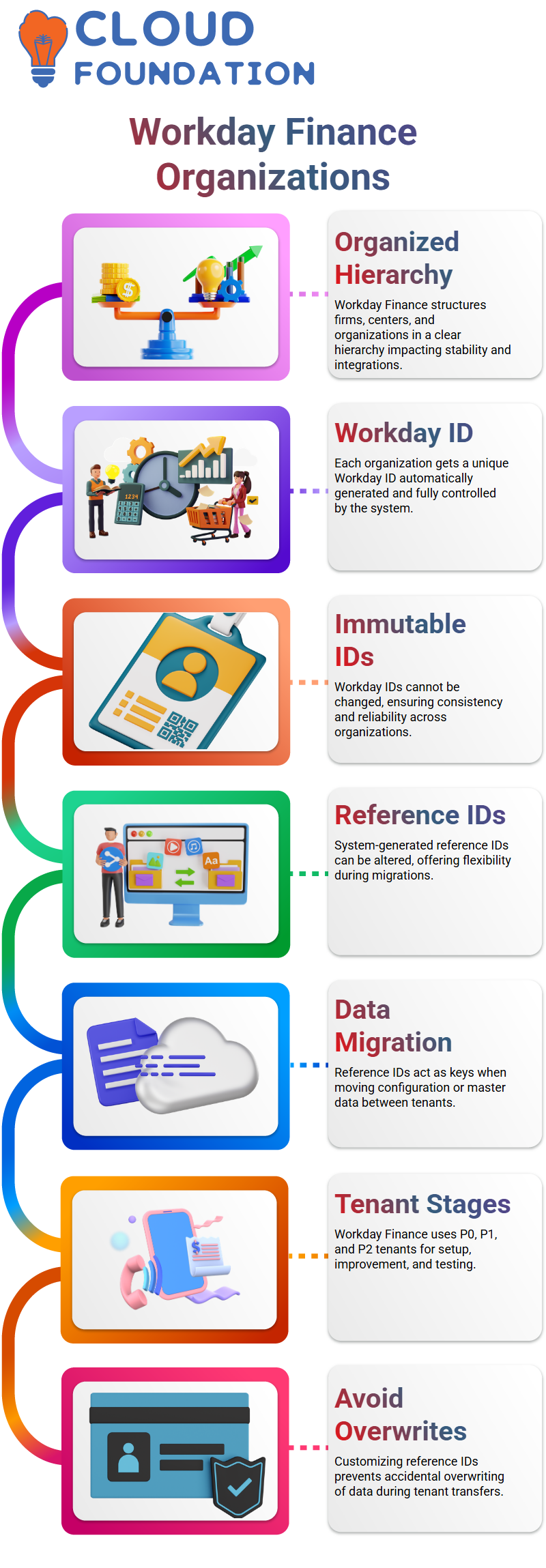
In Workday Finance, every firm, cost center, contact center, or custom organization follows a fairly organized hierarchy.
I usually emphasize to my Learners that this structure has a direct influence on Workday Finance integrations, migrations, and long-term system stability; it is not simply for reporting.
Every time I establish an organization in Workday Finance, the system instantly generates a distinct Workday ID.
This ID is totally controlled by Workday Finance, and I cannot modify it. To demonstrate how Workday Finance handles this data, I often open the relevant activities, go to Integration IDs, and see the IDs.
This is where many newcomers notice how rigorous and consistent Workday Finance is with fundamental IDs.
What makes Workday Finance noteworthy is that, along with the Workday ID, there are additional reference IDs.
These reference IDs are system-generated, unlike the Workday ID; Workday Finance permits me to alter them.
This tiny flexibility plays a major role when I start talking about tenant migrations in Workday Finance.
Why Reference IDs Matter in Workday Finance
I often highlight that with Workday Finance; reference IDs are not merely labels. They serve as keys for moving data.
When I migrate configuration or master data from one tenant to another in Workday Finance, these reference IDs govern whether data is produced fresh or mistakenly overwritten.
I often deal with many tenants, such as P0, P1, and P2, in a Workday Finance solution. In P0, I typically set up master data in Workday Finance, including firms, cost centers, and fundamental financial structures.
I improve that data and sometimes add transactions as I go into P1. When I go to P2 in Workday Finance, the system often has testing data and almost finished financial transactions.
This is where reference IDs for Workday Finance become crucial. If I leave a system-generated reference ID untouched, there is a risk that another tenant in Workday Finance already has an item with the same ID.
Workday Finance could consider it as the same object and overwrite data throughout the transfer.
That is why I personally alter reference IDs to something useful and unique before completely setting them in Workday Finance.
Tenant Lifecycle and Data Migration in Workday Finance
In Workday Finance, most clients follow a tenancy lifecycle that comprises P0, P1, P2, sandbox, and production.
Every tenant has a distinct function. For good reason, Workday Finance users seldom ever test anything directly in production.
Once production is live in Workday Finance, Workday automatically refreshes the sandbox every week.
The near-live data from Workday Finance production is always available in the sandbox thanks to this weekly update.
I use this sandbox regularly for testing new setups, reports, and integrations without compromising actual financial data.
During every migration from P0 to P1 or P1 to P2 in Workday Finance, reference IDs guarantee data integrity.
I always tell Learners that these IDs are the most important factor in Workday Finance migrations. A well-thought-out reference ID method prevents significant data conflicts and saves hours of effort.
Sequence Generators and Custom Control in Workday Finance
A lot of folks ask me whether they have any control over the way Workday Finance generates reference IDs.
The answer is yes, to some extent. Sequence generators are used by Workday Finance to automatically generate these IDs.
Typically, I go over how to look for sequence generators and go over how various things are assigned numbers.
In Workday Finance, once a reference ID is generated, I highly suggest examining it before proceeding.
I am responsible for making it distinctive and significant, even if Workday Finance produced it. When moving businesses, cost centers, and custom organizations across tenants in Workday Finance, this practice has helped me prevent problems.
As I continue constructing bespoke organizations in Workday Finance, particularly for training centers or internal structures, I constantly review reference IDs.
This step may appear small, but with Workday Finance, it makes a big impact in long-term system success and clean migrations.

Workday Finance Training

Custom Organizations in Workday Finance
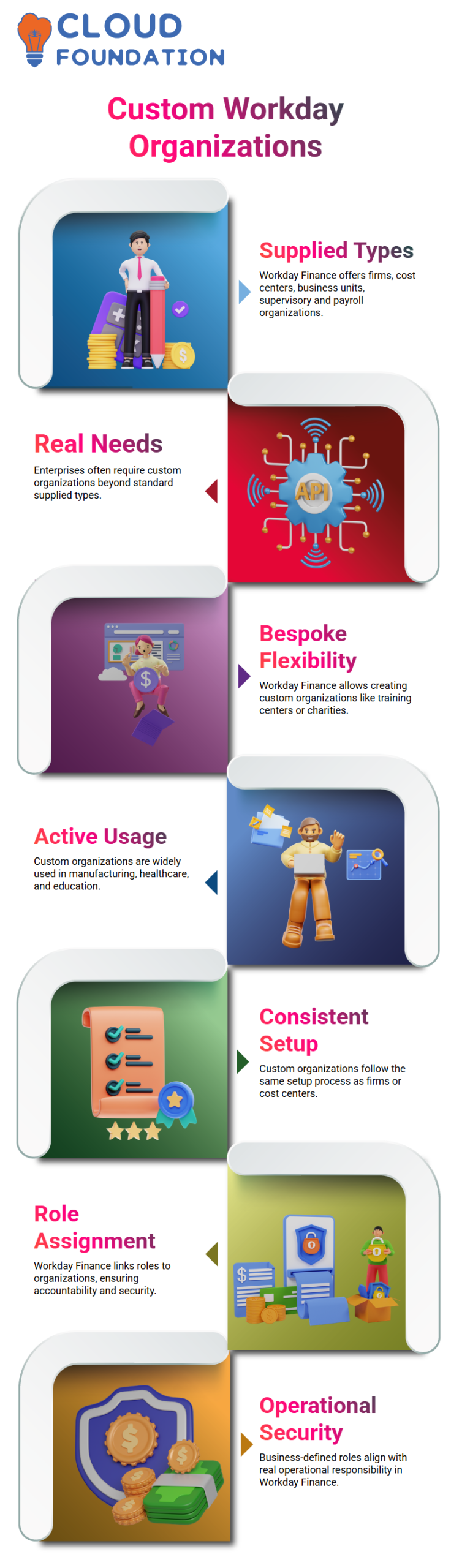
In Workday Finance, we receive numerous supplied organization kinds, such as firm, cost center, business unit, supervisory organization, and payroll organizations. However, actual enterprises are seldom that easy.
This is where Workday Finance provides us freedom via bespoke organizations.
I had to establish a training center organization myself since Workday Finance does not provide one by default.
This is a prevalent real-world issue in Workday Finance when organizations have charities, trusts, event units, or internal academies that do not fit into traditional organizational kinds.
While working with Workday Finance, I often highlight that bespoke organizations are not theoretical.
In manufacturing settings, they are actively employed. Custom organizations enable you to represent the company precisely as it functions, whether you are setting up Workday Finance for corporate training, healthcare, or education.
Creating a Training Center in Workday Finance
I used the same procedure that we use to construct cost centers or firms when I set up the training center in Workday Finance.
One of Workday Finance’s advantages is its consistency. I created the organization type as a training center, selected the custom organization job, and determined its location within the larger organization architecture.
Since subtypes in Workday Finance are completely customizable, I also made sure to specify the subtype as a training center.
I also set visibility such that everyone associated with Workday Finance could view it. When consumers begin Workday Finance on a regular basis, these little setup decisions become quite important.
Assigning responsibilities is another key step in Workday Finance. I had previously established a position named training center controller Maintain Assignable Roles, and I enabled it particularly for this organization type.
In Workday Finance, roles are directly related to security. I gave the controller role to a particular user instead of assigning it to myself.
This model mimics genuine Workday Finance installations, where business-defined roles determine who owns which organization.
This flexibility is made possible by Workday Finance so that security is in line with real operational accountability.
Managing Reference IDs and Security in Workday Finance
The system-generated reference ID in Workday Finance is a crucial aspect that I constantly bring up. By default, Workday Finance builds it automatically; in most projects, we need to update it.
They are purposefully restricted so that not everyone can alter them. This is part of the broader security architecture of Workday Finance, ensuring that sensitive identifiers are handled only by authorized roles.
I also showed that with Workday Finance, the same reasoning applies whether you build organizations manually or import their data load sheets.
You must carefully adjust reference IDs if you are manually constructing several training centers. Workday Finance modifies its IDs during the actual load process if you are importing them.
This hands-on knowledge of Workday Finance helps prevent problems with reporting and integrations, particularly when other systems rely on consistent identities.
Building Organization Hierarchies in Workday Finance
After developing individual training centers, I went on to create a training center hierarchy in Workday Finance.
Hierarchies in Workday Finance follow a tree form, comparable to business or cost center hierarchies. The others become quite intuitive after you grasp one.
I established a hierarchy in Workday Finance and positioned the training facilities in Delhi and Mumbai behind it.
As a result, they were instantly linked together, with the training centers serving as child nodes and the hierarchy as the parent.
When you see the organization architecture in Workday Finance, this link becomes extremely evident.
Additionally, I gave an example of how Workday Finance’s security works at the hierarchical level.
When you give a position like training center controller at the top of the structure, Workday Finance automatically inherits that job down to the lowest-level nodes.
One strong aspect of Workday Finance security is this inheritance. Hierarchies are quite useful when it comes to reporting in Workday Finance.
Employees are moved up the hierarchy by Workday Finance if they are allocated to separate training facilities.
This offers aggregated reporting while preserving comprehensive insight at each training center level.

Workday Finance Online Training
Hierarchies in Workday Finance
When I work with Workday Finance in a classroom or live system, I always start by discussing how hierarchies really function in the real world.
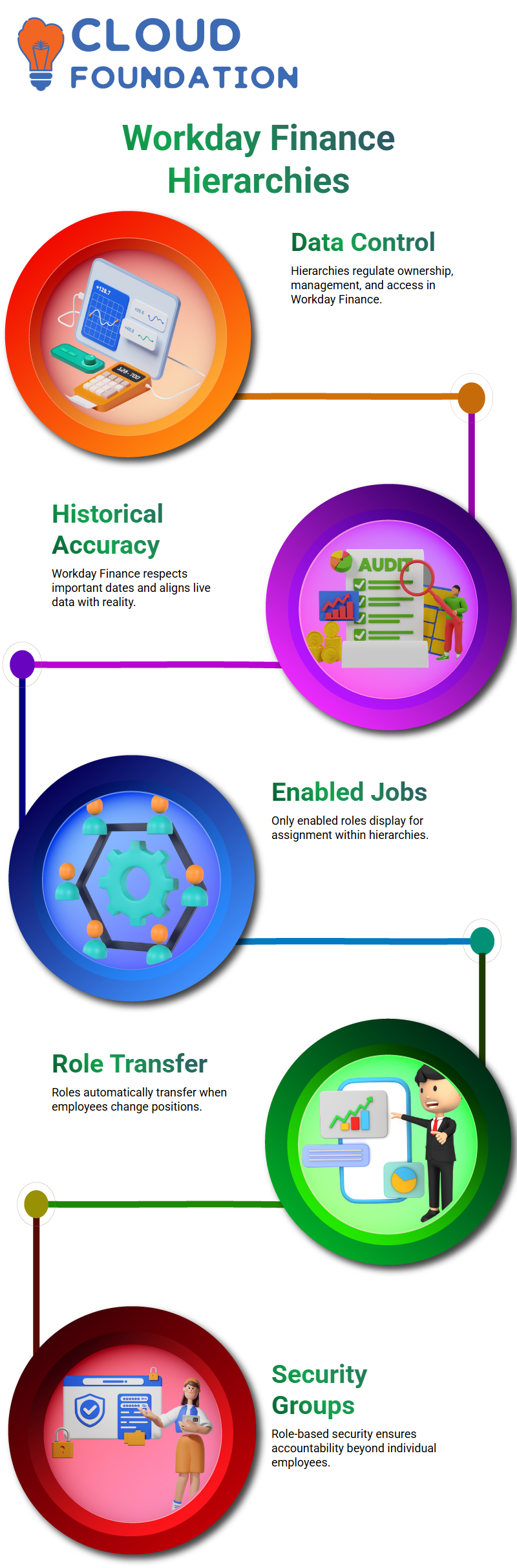
Hierarchy setup in Workday Finance is more than just theory; it actively regulates data ownership, management, and access.
Personally, I handle row assignments that specify ownership and control after navigating to the hierarchy via the relevant actions button.
There are important dates in Workday Finance.
Historical accuracy is respected by Workday Finance, and live data setup has to be in line with reality.
In Workday Finance, here is where a lot of novices make errors, so I take my time and go through it step-by-step.
As I illustrate Workday Finance, I show how only enabled jobs display for assignment. For instance, only the Training Center Controller and Owner appear in a Training Center Hierarchy.
This isn’t a random occurrence. The approach begins to make much more sense once you realize that Workday Finance enforces configuration rigor.
Role Assignments and Positions in Workday Finance
When I teach Workday Finance, I constantly stress that job assignments never directly belong to an employee.
Roles and jobs are constantly related in Workday Finance. During demonstrations, I often input names like Logan McNeil or Jacqueline, but the position ID behind the scenes is what counts most.
In Workday Finance, this design safeguards the company. If Logan departs the company and someone else occupies the same job, the role immediately transfers.
Role-based security groups in Workday Finance have that kind of authority. I explain this carefully since many learners first feel security follows the person, not the role.
A single person may be both a controller and an owner in Workday Finance, and that is totally legal.
Restrictions do not exist at the person level in Workday Finance; they happen at the business process and security configuration level, which we cover later.
Multi-Assignment Roles and Inheritance in Workday Finance
I often mention in my Workday Finance classes that work assignments are never directly an employee’s property.
Roles and occupations are always associated in Workday Finance. During presentations, I typically enter names like Logan McNeil or Jacqueline, but the position ID behind the scenes is what matters most.
This design protects Workday Finance. The position is promptly transferred if Logan leaves the firm and someone else takes over.
Role-based security groups in Workday Finance have that sort of power. Since many Learners first believe that security follows the individual rather than the function, I take great pains to convey this.
I also illustrate how Workday Finance allows a person to have several jobs. In Workday Finance, it is quite acceptable for one individual to serve as both a controller and an owner.
In Workday Finance, restrictions occur at the business process and security configuration levels, which we discuss later. They do not exist at the person level.
Custom Organizations and Workday Finance Structure
I link hierarchies to bespoke organizations as I go through Workday Finance sessions.
In Workday Finance, contact centers, cost centers, and training centers are all part of the larger organizational structure.
I personally go through establishing unique organizations before designing the hierarchy, since sequencing matters in Workday Finance.
There is no hard limit in Workday Finance on how many cost centers or training centers you may build.
At this point, I make sure that everyone is aware of the connections between Workday Finance’s job assignments, inheritance, child nodes, and hierarchy building.
It is much simpler to go into work tags, accounting lines, and reporting in Workday Finance after this foundation is established.

Workday Finance Course Price

Nishitha
Author