Veeam Training on Core Components & Backup Servers
Essential Elements of Veeam
It includes a few essential and default components. These elements must cooperate for every Veeam configuration, no matter how big or small.
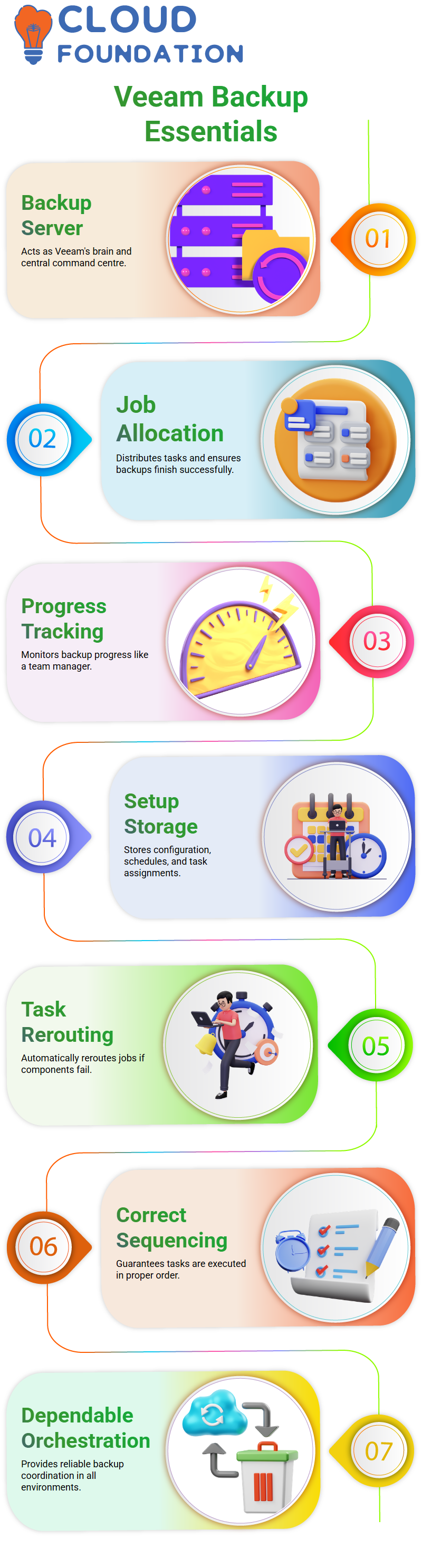
The backup server is the first and most crucial part of Veeam. I often explain that Veeam’s backup server is its brain.
Technically speaking, we also refer to it as the Veeam Backup and Replication, or VBR. This central command centre is what I mean when I mention Veeam Backup Server in class.
For me, the Veeam backup server is like a team manager.
The Veeam backup server allocates jobs, tracks progress, and ensures backups finish successfully, just way a manager assigns tasks and maintains track of who is doing what.
Everyone can readily grasp why Veeam relies so heavily on the backup server thanks to this example.
The Complete Backup Process in Veeam Backup Server
The backup server is more of a coordinating tool than a means of moving data.
All setup information, job schedules, and task assignments are stored on the Veeam backup server.
Veeam automatically modifies and reroutes tasks where it can if one component is unavailable.
I constantly stress that backups are not done at random by Veeam.
The Veeam backup server guarantees that jobs are allocated correctly and carried out in the correct sequence.
Because of this degree of orchestration, Veeam is dependable in both production and training settings.
Why Veeam Moves Data Using a Backup Proxy Server
I go to the backup proxy server once the Veeam backup server has been cleared. To put it simply, the primary purpose of the Veeam proxy server is data transport.
Why Veeam need a proxy at all? I respond that Veeam isolates control from significant data transfer.
A proxy server is necessary for agentless backups in Veeam. VMware and Hyper-V infrastructures are directly affected by this.
Veeam doesn’t need a proxy when I use agents to back up physical servers since the data flow is handled by the actual machine.
Additionally, I mention that Veeam employs proxy servers for storage snapshot-based backups, VMware backups, and Hyper-V backups.
Veeam relies on the proxy server to transfer data effectively in these three situations.
Veeam’s Automatic and Manual Proxy Selection
I often get asked whether Veeam chooses proxy servers on its own. I clarify that both automated and manual proxy selection are supported by Veeam.
When I install Veeam Backup and Replication, the backup server takes on the role of a proxy server by default.
Veeam’s default approach makes managing small configurations simple. I let Veeam choose the proxy on its own for training situations like ours.
In order to show students how Veeam is scalable in practical installations, I later walk them through the process of manually assigning a separate proxy server.

Veeam Training

Why and When a Gateway Server Is Needed by Veeam
I clarify that a gateway server is not always required for Veeam.
Only once we set up UNC path backups in Veeam does the gateway server become required.
Veeam offers a UNC path backup option for users who want to back up shared files or shared folders in real-world customer settings.
In such a scenario, Veeam accesses and processes the shared data via a gateway server. Veeam does not depend on the gateway server outside of this use case.
Options for Veeam Backup Repositories
The Veeam backup repository is the essential element where Veeam keeps all of its backup data here.
Veeam offers us a variety of options, but I usually emphasise that the backup repository is just storage.
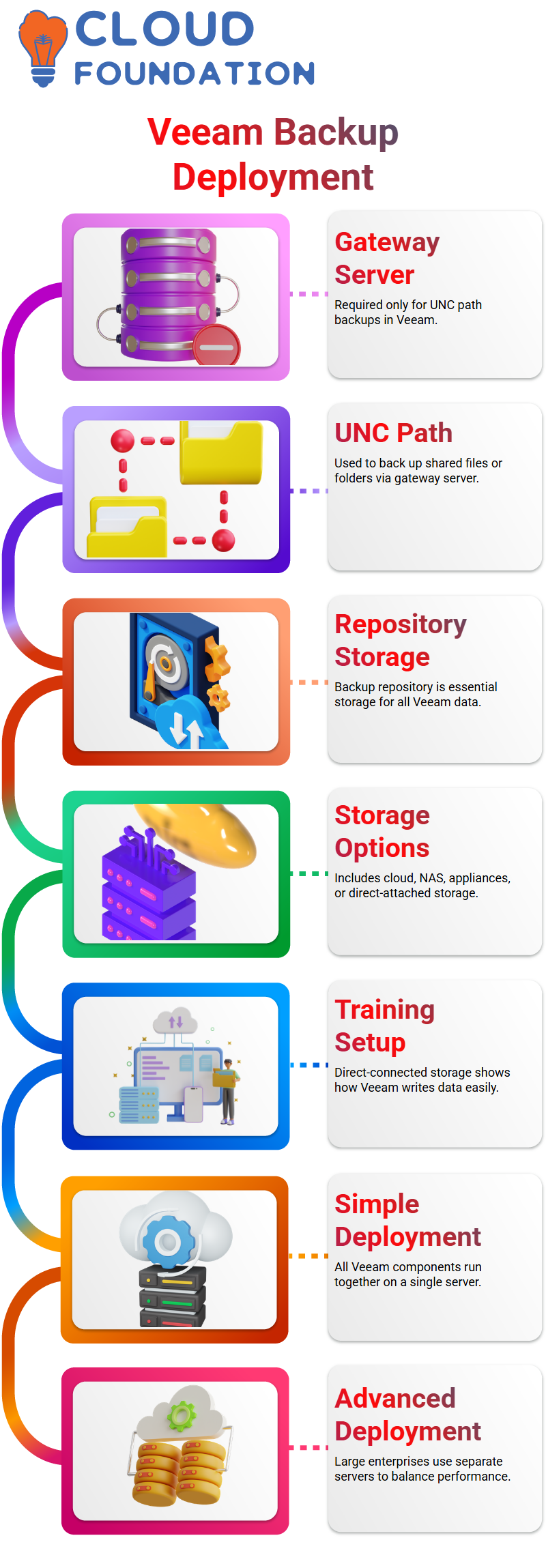
The backup repository with Veeam might be cloud-based object storage, network-attached storage, storage appliances, or direct-attached storage.
I purposefully employ direct-connected storage in our training environment so that students may see how Veeam writes backup data to disk with ease.
In order to illustrate the versatility of Veeam repositories, I also go over NAS and UNC path backups later in the course.
Simple vs. Advanced Deployment in Veeam
Veeam provides both basic and sophisticated deployment options. Every Veeam component operates on a single server in a basic setup.
Because the Veeam backup server, proxy server, gateway server, and repository all coexist, I utilise a simple deployment for training and development.
On the other hand, I see sophisticated deployment in corporate production settings.
To balance performance and load, large enterprises deploy isolated repository servers, separate proxy servers, and dedicated Veeam backup servers.
How Veeam Manages Backups of Virtual Machines
Both VMware and Hyper-V environments are fully supported by Veeam. One of the key reasons i suggest Veeam is its flexibility.
The backup server manages everything, the proxy server interacts with the hypervisor, and the repository keeps the data in a standard Veeam virtual machine backup architecture.
On the proxy and repository servers, Veeam sets up a lightweight data mover service.
Data transmission and communication are managed by this Veeam data mover service.
After speaking with the hypervisor directly, the proxy server gathers virtual machine (VM) information and sends it to the Veeam backup server, which starts the backup operations.

Veeam Online Training
How Veeam Interacts with Hypervisors and VMware
There is no direct communication between VMware and the Veeam backup server.
Rather, Veeam acts as a mediator by using the proxy server. Because VMware functions differently from Windows-based systems, this is significant.
The Veeam proxy server is capable of swiftly transferring backup data, gathering VM information, and interacting with the hypervisor.
Because of this design, Veeam can function flawlessly across several platforms while maintaining a scalable and clean architecture.
Comprehending Veeam Agentless Backup and Veeam Proxy’s Function
Let me give you a very basic explanation of Veeam agentless backup.
Communication is the first thing I usually bring up when discussing Veeam in my seminars.
Consider two individuals who are unable to communicate with one another directly.
In between, they need a translator. That translator serves as the backup proxy server in the Veeam environment.
Something called VDDK binaries is installed on the proxy server in Veeam.
These VDDK binaries are specifically made for backup operations and are provided by VMware.
These VDDK binaries are used by Veeam to easily transmit data and interact with VMware.
I always make sure the proxy server is positioned appropriately when designing a Veeam backup system.
The proxy server is essential for data transport and communication in Veeam agentless backups.
Backups become sluggish or unreliable if the Veeam proxy is not set up correctly.
Therefore, when I reiterate this in class, keep in mind that the proxy server and VDDK are required for Veeam agentless backups.
They are essential components of any reliable Veeam configuration.
VSS Writers and VMware Tools for Veeam Backup Workflow
Imagine someone who runs all the time. The shot will be blurry if I attempt to capture it when the subject is running. The same is true for databases.
Veeam requires a clear and consistent picture of the data, since SQL servers are always active with transactions.
What does Veeam do, then? VDDK is installed on the proxy server, which is in communication with the Veeam backup server.
VDDK communicates with VMware Tools. Then, within the virtual machine, VMware Tools talks to VSS.
After that, VSS communicates with a device known as a VSS writer. Each program has a writer of its own.
The operating system has a system writer, SQL has an SQL writer, and so on. These authors instruct the program to take a little break.
The program flushes all active transactions during this pause. The virtual machine is then captured in a snapshot by Veeam.
The application resumes its regular operations after the snapshot is created and all new writes are redirected.
Usually lasting less than a minute, this respite is very brief. Because lengthier pauses might affect production systems, it cannot be more than five minutes.
Veeam, VDDK, VMware Tools, VSS, and VSS writers are all part of the chain that guarantees a reliable backup.
Indexing the Veeam Guest File System for File-Level Recovery
I often show off Veeam’s guest file system indexing, another potent capability. Veeam backs up a whole virtual machine as a single picture by default.
Individual files or folders are not backed up independently. Customers often want file-level recovery, nevertheless.
Instead of restoring the complete virtual computer, they may just want to restore a single file or folder.
Veeam guest file system indexing comes in handy in this situation. I just turn on guest file system indexing when I build a Veeam backup operation.
When enabled, Veeam saves index data and examines the file system during backup.
I may search for and recover certain files or folders straight from the backup using Veeam later on during the restoration process.
Both Windows real and virtual computers may use this functionality. This function saves a great deal of time in real-world situations.
Veeam uses guest file system indexing to provide speedy and flexible recovery choices rather than restoring a complete virtual machine.

Veeam Course Price

Vanitha
Author