Veeam Backup and Virtualization Training
Veeam Experience
Downtime was my worst problem when I first began dealing with servers.
I had to go to the local store, open the server, add RAM or storage, and then shut everything down each time I wanted to update the hardware.
This strategy, in my opinion, wasted time and effort. I now always use real-world issues that students can connect to when I convey this to them.
Because Veeam functions best in settings that reduce downtime, this is precisely where it fits in with debates about contemporary infrastructure.
Before virtualisation, my flexibility was nonexistent. One server equated to one operating system and one function.
I had to purchase new physical equipment if I wanted to grow.
When I present Veeam in class today, I explain how these restrictions vanish once virtualisation is implemented.
When the surroundings are dynamic and adaptable, Veeam gains strength.
I can better explain the existence of solutions like Veeam since I have firsthand experience with how difficult it was for enterprises to function before virtualisation.
For effective backup, replication, and recovery, Veeam relies on dependable, virtualized systems.
Veeam would not provide the same benefits as it does now if virtualisation hadn’t been implemented.
Veeam and How Virtualisation Changed Everything
For me, everything changed when virtualization came into play.
I could install various operating systems, run numerous apps, and dynamically assign resources on a single physical server. I no longer need downtime.

I could add networking, RAM, and storage with a few clicks.
I usually relate this to Veeam and how it does well in these kinds of settings when I demonstrate it in the lab.
I can rapidly scale thanks to virtualization. I don’t need to purchase new hardware to set up dozens of virtual computers.
Here, I give students a thorough explanation of how Veeam safeguards virtual machines on a large scale.
Veeam uses virtualization snapshots and APIs to speed up and improve the reliability of backup and recovery.
Veeam is the safety net, and virtualization is the basis, in my opinion. Veeam would become slower and less effective without virtualization.
Veeam becomes an essential component of everyday operations as a result of virtualization.
Veeam in VMware and Hyper-V Environments
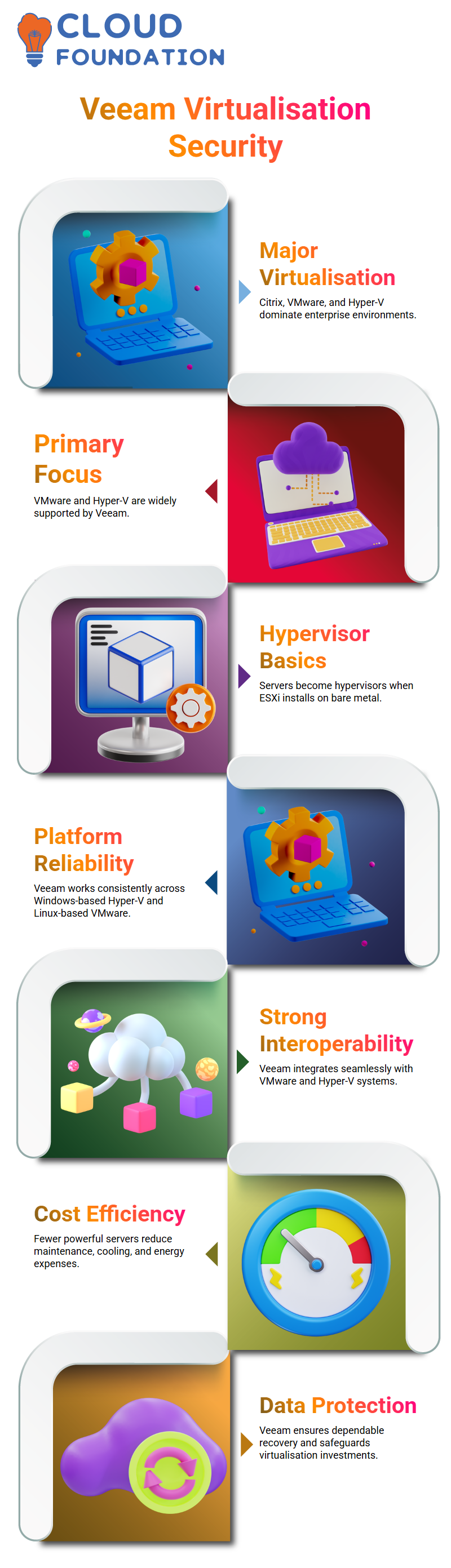
I consistently draw attention to the three main virtualisation companies in the market: Citrix, VMware, and Microsoft Hyper-V.
Due to their widespread usage and Veeam’s complete support, VMware and Hyper-V are the primary topics of my classes.
Microsoft offers Hyper-V, while VMware offers vSphere with ESXi and vCenter. Both are seamlessly integrated with Veeam.
I provide a basic explanation of hypervisors. The server turns into a hypervisor when I install ESXi on bare metal hardware.
Microsoft Hyper-V is Windows-based, while VMware’s hypervisor is Linux-based.
Veeam works reliably on both platforms, regardless of which I use. One of the reasons I have faith in Veeam during demos is its consistency.
I immediately mention Veeam’s extensive interoperability with VMware and Hyper-V when students ask me why businesses pick it.
Performance, stability, and dependability demonstrate Veeam’s deep technical understanding of these systems.
Veeam and the Cost Reality of Modern Infrastructure
I’m often asked how much it costs. Yes, high-end servers do need a larger upfront expenditure.
I have invested in enterprise-grade CPUs and robust systems with plenty of memory.
I can successfully conduct intricate experiments and showcase solutions like Veeam thanks to that investment.
I concentrate on purchasing fewer strong servers rather than several smaller ones. This lowers maintenance, cooling, electricity, and space expenses.
Veeam is a great addition to this approach as it protects data without needing extra physical infrastructure.
Virtualisation, in my opinion, lowers long-term expenses, and Veeam safeguards that investment.
Veeam guarantees a quick and dependable recovery even in the event of an emergency.
For this reason, Veeam is a key component of how I teach contemporary data security, and I continue to stress it throughout my sessions.
Understanding Virtualisation Basics with Veeam Context
Although placing a hypervisor within another is not officially supported by VMware, I still utilise nested setups for testing and teaching.
I access my nested ESXi environment after entering my credentials and logging in using the IP address.
I always advise you to get in touch if you ever feel stuck or do not obtain access to information.
Virtualized arrangement becomes crucial since Veeam works closely with virtual environments and VMware.
Understanding how virtual machines operate on physical hosts makes it much simpler to comprehend how Veeam uses intelligent backup strategies to safeguard those machines.

Veeam Training

Why Backup Matters and How Veeam Fits In
I get right into backup technologies after virtualisation, since that’s where the actual protection starts. I often provide a straightforward example that everyone can grasp.
Consider backups for WhatsApp. In order to protect your data, if your phone resets or the app is deleted, your messages are backed up to the cloud.
The same principle applies to enterprise backup, albeit on a much bigger scale.
Critical data is stored on physical servers as well as VMware and Hyper-V environments in businesses.
Organisations depend on backup software to swiftly recover in the event of a fire, system catastrophe, or cyber-attack. Tools like Veeam are crucial in this situation.
Veeam is more than simply a backup tool, as I frequently stress. Veeam facilitates data availability, quick restorations, and catastrophe recovery.
Veeam is highly accepted in production settings because when businesses pick it, they are choosing speed and dependability.
Backup Software Landscape with Veeam
The market is filled with backup options, such as Acronis, Commvault, Veritas, Arcserve, and others.
However, I often highlight Veeam, Commvault, and Veritas when discussing industry leaders.
Veeam has established a solid reputation for virtualized workloads among them.
Veeam is used by banks, financial institutions, and big businesses to safeguard their data centres.
I have personally seen settings in which Veeam does daily backups for hundreds of virtual machines without experiencing any performance problems.
Veeam’s effectiveness and simplicity are what, in my opinion, set it apart.
Veeam seamlessly interacts with VMware, comprehends virtual drives, and employs cutting-edge methods to minimise backup time and size.
Full Backup Concepts Explained Using Veeam Examples
Let me now describe the first kind of backup, which is a complete backup. Everything on the system is captured in a complete backup.
If I choose a 237 GB disk, the complete backup transfers the whole 237 GB without verifying what has changed. Although this approach is simple, it uses more storage.
I describe complete backups even if Veeam employs more efficient techniques, since the idea is crucial.
Veeam essentially builds a complete data collection that serves as the foundation for subsequent backups after it completes its first backup task.
Knowing this makes it easier to understand how Veeam creates intelligent backup chains rather than constantly duplicating data.
Differential Backup Concepts Alongside Veeam Knowledge
I then use basic folder examples to describe differential backups. I take a complete backup on the first day.
If I add new data on the second day, the differential backup makes a copy of both the old and new data.
Because it consistently backs up everything since the previous complete backup, it continues to increase every day.
I make the drawbacks of differential backups very evident.
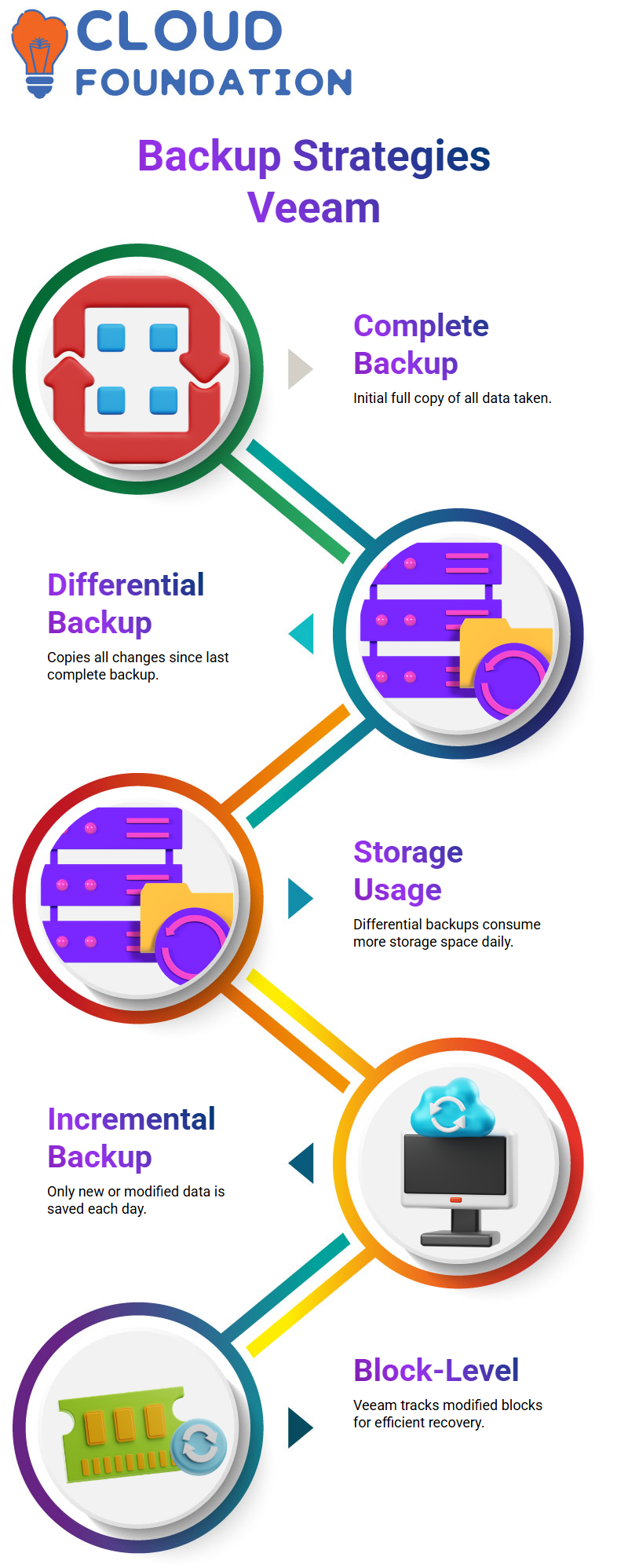
Because previously backed-up data is continually being replicated, they utilise more storage.
But I also explain why this strategy is still preferred by corporations.
They simply need the most recent differential backup and one complete backup during recovery.
Understanding this concept enables you to comprehend why Veeam created more effective block-level backups, even though Veeam does not depend on conventional differential backups.
Incremental Backup and Veeam Block-Level Efficiency
Only newly added or modified data is backed up every day after the complete backup.
Only that new folder will be backed up if I add it today. Time and storage are saved as a result.
I clarify that recovery difficulty is the primary issue with incremental backups.
Recovery is difficult if there is just one backup in the chain. Here’s where Veeam really shines.
Veeam only keeps track of the modified data blocks inside a virtual drive since it employs block-level incremental backups.
Because of this, Veeam is very dependable and efficient, even when backups are performed regularly.

Veeam Online Training
Storage, Tape, and Modern Veeam Practices
Many businesses still utilise tape libraries as they did in the past. Several terabytes of data may be stored in contemporary tape libraries like LTO-9.
Data centres have physical installations of these libraries. Nowadays, a lot of businesses choose object storage, NAS systems, or disk-based backups.
Since disk-based backups are how Veeam is often implemented, I concentrate more on them in my seminars.
I describe how Veeam writes backups to disk repositories and how tape integration is still available for long-term archiving when I demonstrate Veeam in operation.
The 3-2-1 Rule Explained Through Veeam Usage.
I frequently use actual Veeam examples to explain the 3-2-1 backup rule to students.
According to the requirement, three copies of the data must be kept on two distinct kinds of media, with one copy offshore.
Veeam makes adhering to this guideline feasible. One backup may be kept on your local drive, another on secondary storage, and a copy can be sent to a cloud repository or remote location.
Organisations may enhance data availability, lower risk, and remain disaster-ready without needless complexity by properly using Veeam.
Understanding Backup Strategies with Veeam
Understanding the various kinds of storage media is crucial when discussing backups. For instance, data centres continue to make extensive use of tapes.
The storage capacity of CD and DVD drives, which you may be acquainted with, ranges from 4 to 10 GB. However, cassettes have a far larger storage capacity, up to 9 or 10 terabytes! Large data centres often employ these tapes, which are designed to be sturdy and require a lot of power.
The ability of tape storage to withstand hacking is one of its main benefits over disk-based storage.

Tapes are not vulnerable to ransomware, viruses, or antivirus software as hard drives are. Because of this, many businesses seeking a more secure backup solution use tape storage.
You must be aware of the 3-2-1 backup rule. Three copies of your data should be kept on two distinct kinds of storage media, with one copy kept offsite.
The concept is straightforward: redundancy. Veeam is essential to this since it makes backups across different storage systems more effective.
In addition to Veeam, I have experience with virtualised tape libraries, which may seem complicated at first. But once you get the feel of it, it’s very simple, I promise.
Although these virtualised libraries seem like real tape libraries, they are more adaptable for experimentation and testing.
Exploring Veeam Backups: Key Benefits and Features
Let’s take a closer look at how Veeam makes backups simpler, quicker, and safer as we go with our Veeam adventure.
Veeam’s solutions address a variety of backup requirements, regardless of the size of your company.
Veeam’s integration of virtualised tape libraries offers a simple solution that combines the flexibility of virtual environments with the strength of tape storage.
Veeam’s flexibility to manage many backup kinds is one of its main advantages. Veeam guarantees that your data is safely secured with the least amount of work, whether you’re using a full, differential, or incremental backup.
The backup procedure is improved by Veeam’s smooth interaction with virtualised tape libraries, which makes it even more adaptable and scalable for businesses of all sizes.
Veeam’s simplicity is what gives it its strength. Veeam’s user-friendly interface makes it simple to get started, even if you’re new to backups.
Installing and configuring your backup system just requires a few clicks.
With the help of Veeam’s powerful capabilities, you can then start backing up your servers and safeguarding your data.
We will go over the fundamental installation procedures in tomorrow’s Veeam class before moving on to more complex backup setups.
You will discover how to establish data retention rules, add servers to your backup plan, and make sure your backup plan complies with data security best practices.
I’m eager to demonstrate Veeam’s robust features, which are intended to improve the efficiency and dependability of your backup procedure.

Veeam Course Price

Vanitha
Author