Training on NetSuite User Event Scripts
Getting Started with NetSuite Prerequisites
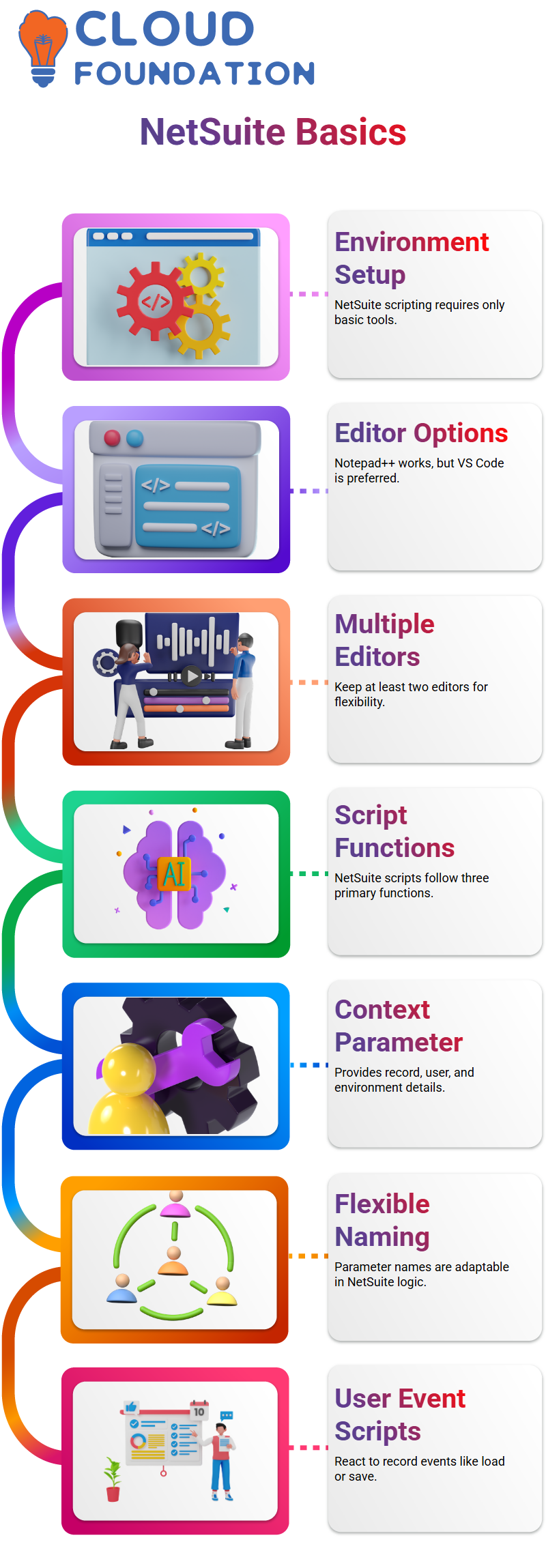
The environment is the first topic I usually cover when I begin teaching NetSuite scripting.
Because NetSuite development does not need complex software, I personally work with basic tools.
You can definitely utilise Notepad++ for NetSuite programming if you are familiar with it. I’ve been personally for a while, and it works well.
A lot of Learners ask me about improved NetSuite work editors.
Because Visual Studio Code facilitates NetSuite development with extensions and syntactic support, I often suggest it.
Although Eclipse is an alternative, working with NetSuite scripts on a regular basis makes Visual Studio Code seem lighter and more adaptable.
You may not have administrator privileges on your laptop in actual projects, particularly in corporate settings.
When I teach NetSuite subjects, I deal with this myself. To ensure that your NetSuite learning is never stopped, I usually advise having at least two editors available.
Script Structure in NetSuite
Three primary functions are often found in NetSuite scripts, and they all follow a similar structure.
NetSuite programming gets considerably simpler if you comprehend this approach.
The context parameter is one that appears everywhere in NetSuite.
It’s what I like to refer to as a snapshot of the record.
This context provides me with comprehensive information on the record, user, role, and even the execution environment in NetSuite terms.
In NetSuite, the parameter name is flexible, contrary to what many Learners believe.
How you utilise it is what counts. You may securely construct NetSuite logic around the context as long as you know what it stands for.
NetSuite User Event Scripts
The purpose of a user event script is to react to certain occurrences, such as opening, saving, or submitting records.
User event scripts allow me to control what occurs at each step of the business logic that is driven by events in NetSuite Development.
When I want event-based functionality in NetSuite, I use user event scripts.
I utilise a user event script if I want logic to execute when a record loads. Once again, I utilise a NetSuite user event script if I want logic to execute when a record saves.
I can create dependable and consistent server-side behaviour with this method.
Server-Side Logic Explained in NetSuite Architecture
I make sure to distinguish between client-side and server-side scripts in my NetSuite sessions.
Client scripts operate on the user’s computer inside the browser. User event scripts and other server-side scripts operate directly on the NetSuite server.
Because database commits are managed by server-side scripts, this difference is crucial for NetSuite development.
I am aware that the NetSuite server is where the execution of any NetSuite user event scripts takes place.
A request is sent by the client, processed by the server, and then returned by the client.
NetSuite user event scripts are thus strong and need to be built with care, particularly when data integrity is at stake.
Before Load in NetSuite User Event Scripts
The before-load function in NetSuite Development starts as soon as a record page loads.
The pre-load function runs right away when I open a sales order. When I need to regulate display kinds, change default values, or initialise fields, I use this NetSuite method.
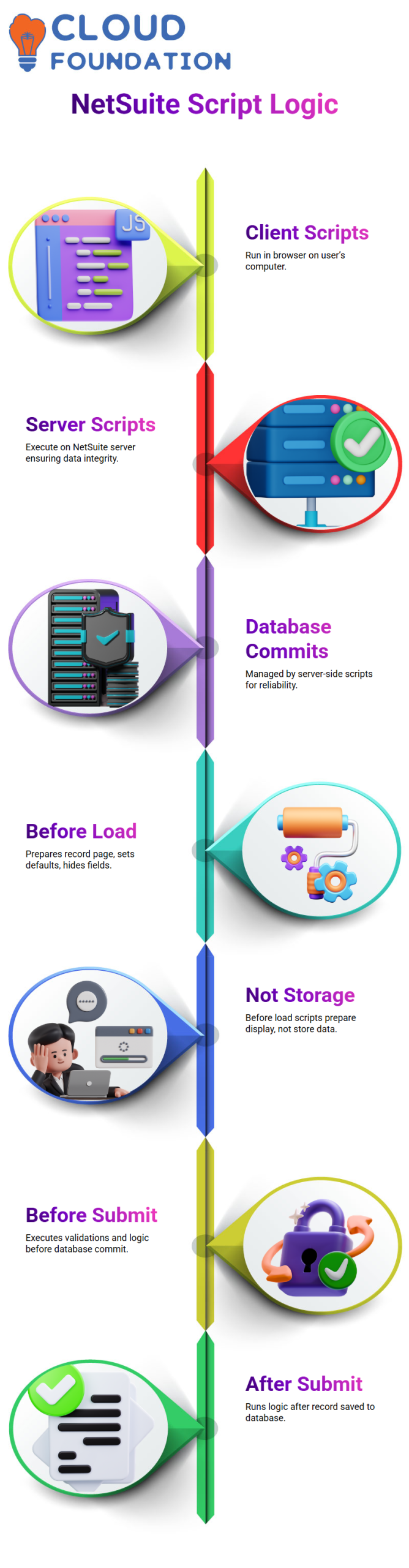
Before loading up NetSuite, I usually explain to my Learners that user event scripts are not for data storage. It has to do with getting the page ready.
Before load is the best NetSuite option if I want to hide a field, set a default value, or alter the form’s appearance.
Before Submit vs After Submit in NetSuite Development
The most frequent inquiries I get about NetSuite assignments are both before and after submission.
Just before the database commit, before the submit executes.
NetSuite starts before submitting when I click Save on a record. Here, I provide computations, field population logic, and validations.
The entry is saved to the database following submission in NetSuite.
When I want logic to execute just after data has been committed, I use after submit.
While NetSuite scripting may seem comparable before and after submission, time is crucial in actual projects.

NetSuite Training

Integrations and Business Logic NetSuite User Events
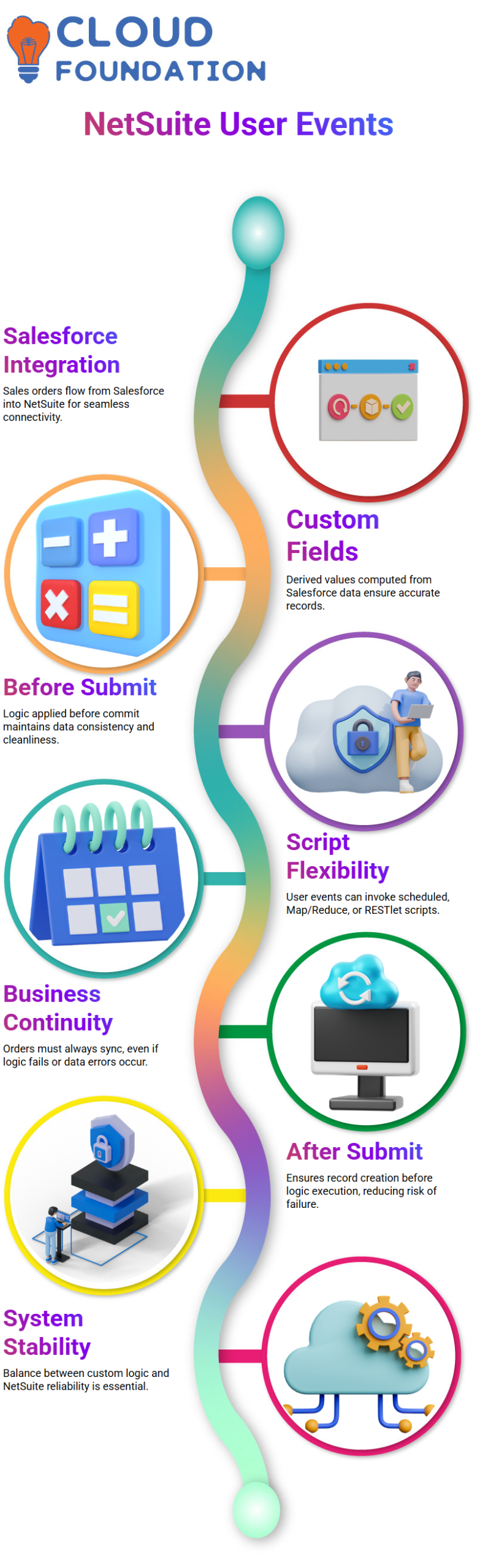
Integrations are crucial in real-world NetSuite circumstances. I often use the example of sales orders flowing from Salesforce into NetSuite to illustrate this.
I utilise NetSuite user event scripts to extract extra revenue recognition information once the sales order reaches NetSuite.
Salesforce provides me with fields like quantity, rate, and amount with this kind of NetSuite connectivity.
I compute more custom fields based on these values. Since I want the derived values to be saved before the database commit, I often insert this logic before submit.
This method maintains the consistency and cleanliness of NetSuite data.
I also show how NetSuite user event scripts can call other scripts.
I may invoke a scheduled script, a Map/Reduce script, or a RESTlet from a user event.
NetSuite developers may link other systems and create scalable solutions without disrupting fundamental logic because of this flexibility.
User Event Choices in NetSuite
The company provided me with a very clear requirement during one of our recent sessions: the sales order must always be produced in NetSuite, regardless of what occurs in our logic.
The order cannot stop synchronising even if my script malfunctions, my calculation errors, or the data format is incorrect.
This instantly alters my view on script execution from a NetSuite standpoint.
I’m not only building code to verify rates or compute fees. I’m creating conduct that honours business continuity.
The balance between logic and system stability is essential for NetSuite work.
Why After Submit Matters in NetSuite Scenarios
This is the actual point at which NetSuite decision-making occurs.
I run the risk of preventing the creation of the record if I utilise it before submitting. The business need is immediately broken by it.
Although before-submit is strong in NetSuite design, it is also risky when failure is not an option.
Since NetSuite ensures that the database commit has already occurred, I prefer to submit after this instance.
There is a sales order. The system is secure. I don’t let my reasoning run till after that.
The order stays in place, and the company continues to operate even if my NetSuite script encounters a problem.
Function Mapping Logic in NetSuite Scripts
Many novices believe that three distinct scripts are required for NetSuite user events.
That isn’t accurate. I always make it clear that all three functions may be included in a single script.
The return statement functions similarly to a contract in NetSuite.
I just came back after submitting. If that’s all I need. I return two events if I need two. One of the advantages of NetSuite scripting is its adaptable framework.
Record Type and Internal ID in NetSuite
I usually stress the importance of the record. type and record.id in my NetSuite lectures.
Whether it’s a sales order, item, customer, or vendor, the record type in NetSuite lets you know precisely what you’re working on when you access any transaction or master data.
One of the most important ideas in NetSuite development is the internal ID.
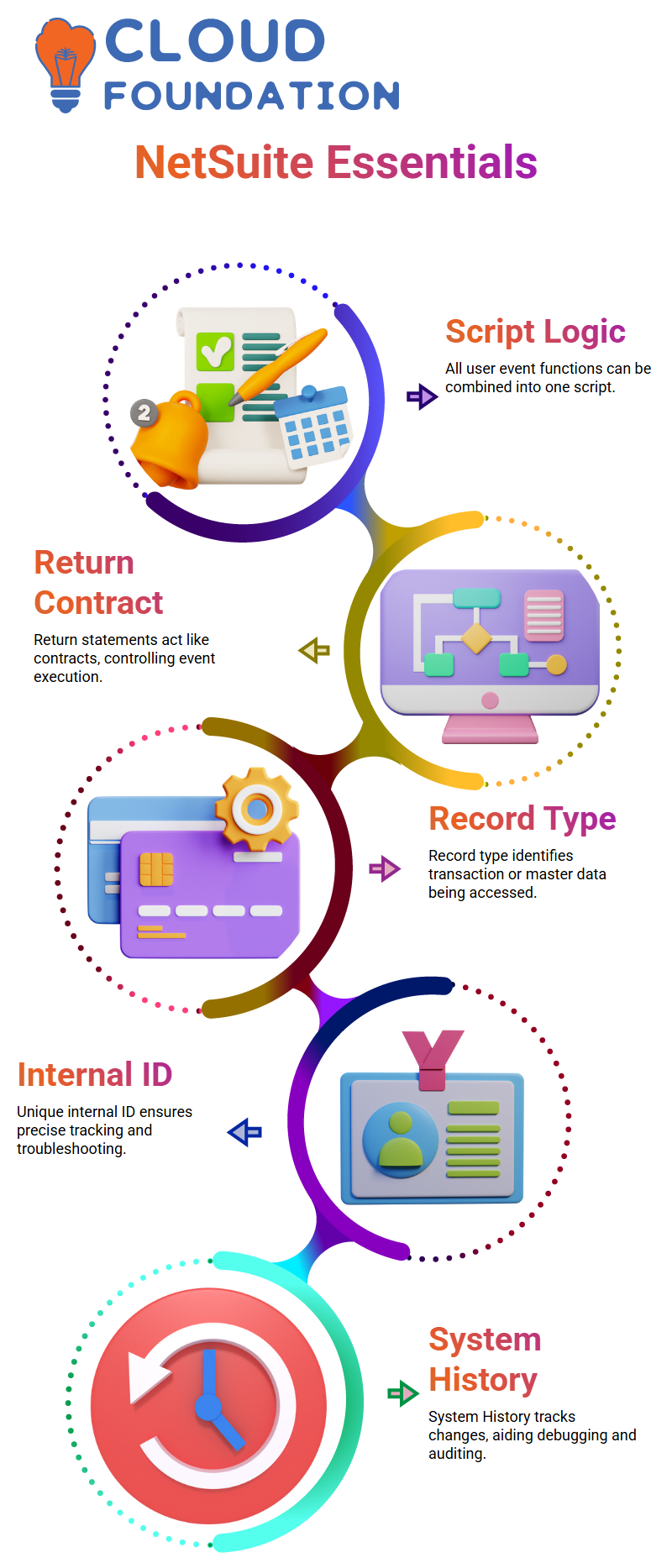
The system automatically creates a unique internal ID for each entry in NetSuite.
Unlike document numbers, which may be reproduced, this internal ID is unique.
I often demonstrate to Learners how to find the internal ID in the URL itself. This useful tip is quite helpful for designing searches or troubleshooting NetSuite scripts. NetSuite
Technical development seems much more precise and regulated if you comprehend internal IDs.
Tracking Changes System History in NetSuite
People coming from other ERP systems often ask me about ledgers in NetSuite.
NetSuite does not use traditional ledgers for sales orders, but it provides a powerful System History feature instead.
System History plays a major role in NetSuite troubleshooting.
It shows who changed a field, when it was changed, what the old value was, and what the new value is.
I rely on this feature heavily when explaining real-world NetSuite scenarios.
Although System History does not directly show the internal ID on the screen, NetSuite still links everything behind the scenes.
Knowing where to look makes a big difference when you debug or audit NetSuite customizations.

NetSuite Online Training
NetSuite Access to Standard Code
One of the first things people ask me when they begin studying NetSuite principles is whether NetSuite makes its source code available.
In my seminars, I hear this a lot, particularly when we talk about common records like the Sales Order form.
To be clear, we do not have access to the internal source code of NetSuite.
We never directly alter the vanilla code in NetSuite work. Editing NetSuite’s backend logic and opening the Sales Order form are not options.
Supported customisation layers—primarily scripts, settings, and APIs—are the foundation for all we do.
How NetSuite Handles Field-Level Customisation
Changing field attributes is another frequent NetSuite issue I get.
I constantly clarify that standard fields and custom fields are kept completely separate in NetSuite.
We cannot alter a field’s fundamental functionality if it is standard.
For instance, you are unable to alter the data type of a standard field in NetSuite projects.
That would break the system. On the other hand, a standard field’s label *can* be changed. We may rename labels in NetSuite so that the user interface is consistent with business terminology.
We have a lot more options with NetSuite when it comes to custom fields.
We can manage validations, required behaviour, and display type without modifying NetSuite’s core code.
NetSuite Validation Rules Explained Simply
Another important subject in NetSuite training is validation rules. I usually explain to my Learners that we are not allowed to remove the validations that are now in place on standard fields in NetSuite.
A sales order’s necessary customer field remains in place. No matter what, NetSuite enforces it.
We are unable to remove or override it. Adding more validation is something we can do in NetSuite.
For instance, I can utilise scripting to make the memo field essential if it isn’t by default. This situation involving NetSuite customisation is rather typical.
Why NetSuite Does Not Expose Source Code
A lot of Learners ask me whether they may at least view the source code for NetSuite.
The answer remains no from a NetSuite perspective. Even in read-only mode, the source code is inaccessible.
NetSuite has a secure, cloud-first architecture. This maintains the platform’s security and stability.
NetSuite provides us with strong tools like Suite Script, SOAP APIs, REST APIs, and middleware integrations in place of code access.
Custom Forms in NetSuite Projects
One of my favourite NetSuite subjects to teach is custom forms.
In NetSuite, each record has a standard form. Purchase orders, sales orders, and customers all begin with a consistent form.
The Customise button in NetSuite allows us to alter that default form.
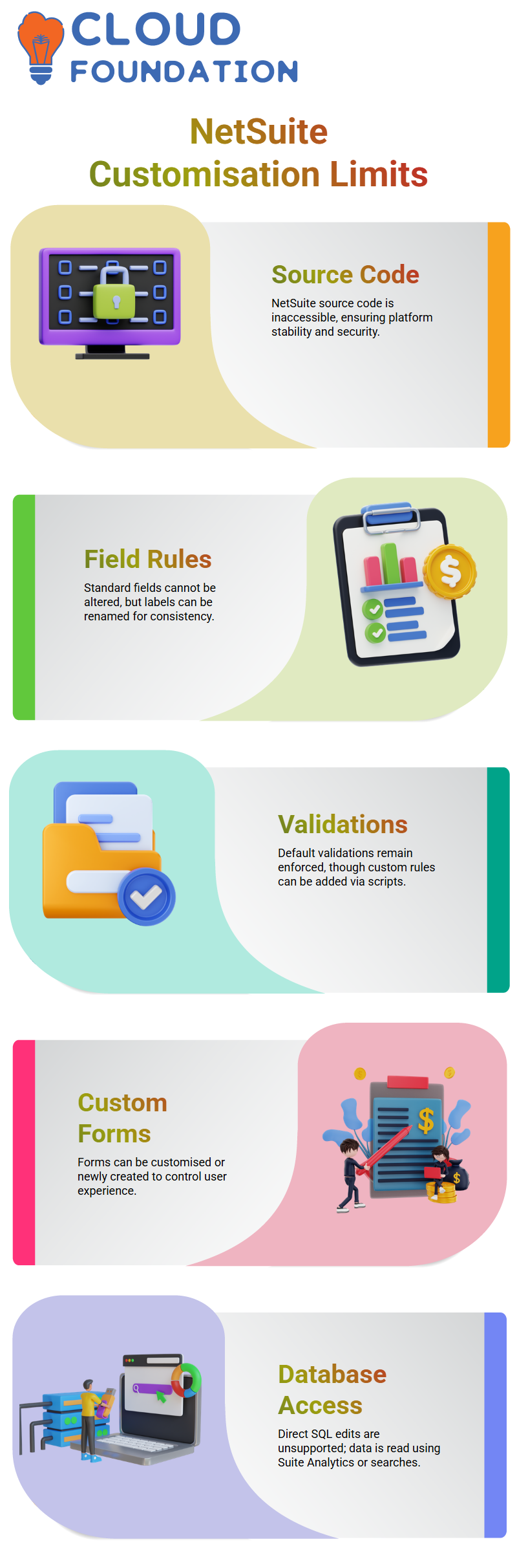
I can change fields, hide parts, or add custom fields when I click it, and NetSuite displays the same layout as the original form.
Additionally, we may use NetSuite to construct whole new custom forms.
We have complete control over the user experience by assigning these forms to roles, subsidiaries, or transaction kinds.
Database Access from a NetSuite Perspective
Another topic that confuses NetSuite trainees is database access. Direct SQL statement inserts and updates are not supported by NetSuite.
From a NetSuite perspective, we are limited to utilising Suite Analytics or stored searches to execute SELECT queries.
This indicates that although we read data, we never make changes to NetSuite’s database directly.
Since it guarantees data integrity across all accounts, this limitation is essentially a strength of the NetSuite architecture.
What NetSuite Really Empowers You to Do
We have tremendous power even without access to the source code because of NetSuite.
I can use scripts to modify transaction behaviour, APIs to integrate other systems, and forms to manage user interface behaviour.
Supported tools are used in real-world NetSuite deployments for anything from automation to validations.
This maintains modifications securely and upgrades seamlessly.
My goal as a NetSuite instructor is to assist Learners in comprehending these limitations.
NetSuite becomes dependable, adaptable, and very strong if you appreciate them.

NetSuite Course Price

Vanitha
Author