SAP Field Glass Online Training for Beginners
Practical Tips for Using SAP Field Glass
Before I start, I always make sure that new items are linked to the right kind in SAP Field Glass.
This prevents mistakes from happening later.
Another is to actively use contextual aid. It’s a simple thing, but it makes a big impact.
Finally, always think carefully about how to put up custom fields, picklists, and questions.
You can use SAP Field Glass to make complicated tasks easier, but it functions best when set up correctly.
SAP Field Glass Templates
I usually start by tying new classes to the SOW type when I work in SAP Field Glass.
This makes sure that all of the templates we make are linked up appropriately.
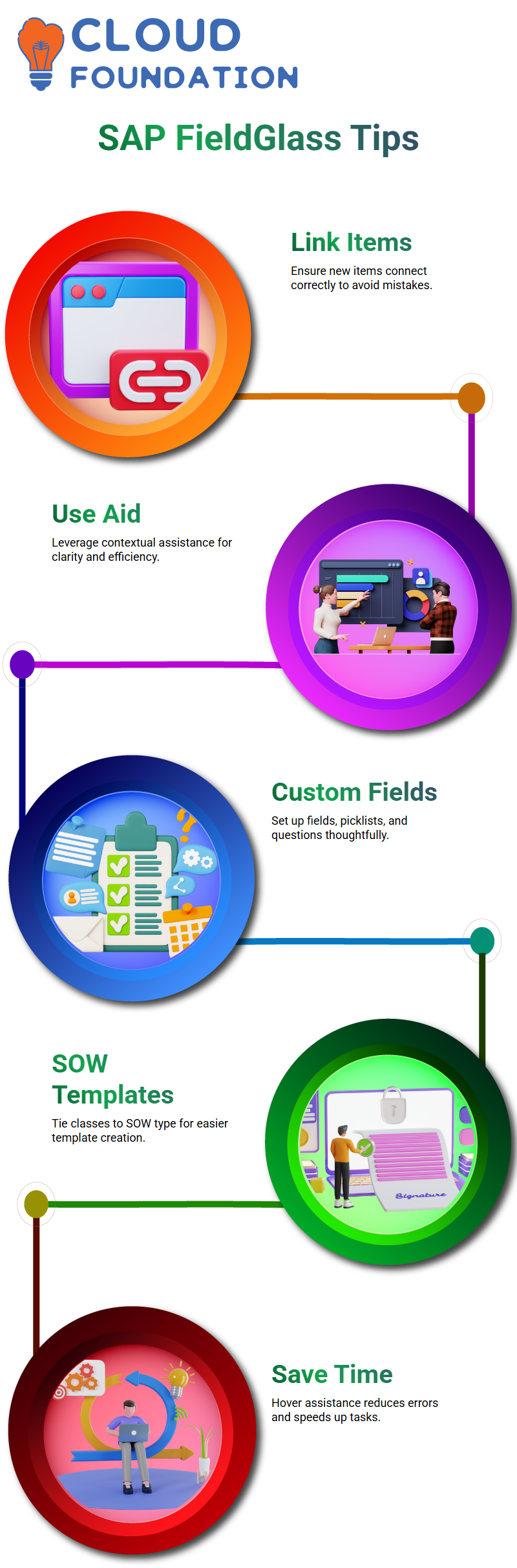
You can make templates right from the SOW type once they are connected, which makes the process a lot easier.
In SAP Field Glass, I depend a lot on contextual assistance.
When I hover over anything, it comes up and tells me exactly what each field means.
For example, when I make a job ad, I can see things like the rates, start and finish dates, travel restrictions, and cost items right away.
This saves time and prevents errors from happening.
Contextual Help in SAP Field Glass
When I work with SAP Field Glass, I normally start by linking new classes to the SOW type.
This makes sure that all of the templates we build are connected in the right way.
When the SOW types are linked, you can build templates directly from them.
This makes the process a lot simpler.
Contextual help is really important to me when I use SAP Field Glass.
When I put my mouse over anything, it pops up and informs me what each field signifies.
When I create a job post, I can see items like the pay, start and end dates, travel limitations, and cost immediately, for example.
This saves time and prevents mistakes from occurring.
Custom Fields and Lookups in SAP Field Glass
I can create custom fields and lookups for any module in SAP Field Glass.
These let me organize data the way I want it.
For instance, I can make custom text fields to help users or picklists that combine many custom fields.
I make sure that only relevant items show up in each picklist by setting the source for each one.
SAP Field Glass even lets me retrieve active users on the fly, which makes processes much easier.

Veeam Training

Activity Checklists and Templates in SAP Field Glass
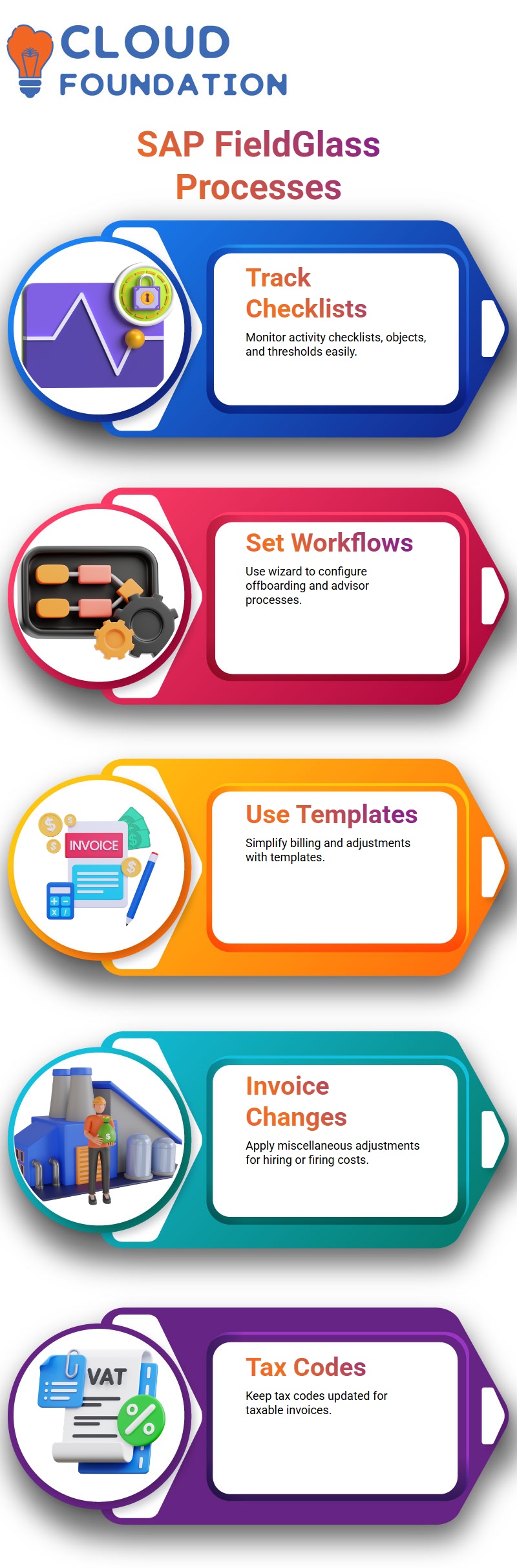
With SAP Field Glass, I can easily keep track of activity checklists, objects, and thresholds.
I can set up processes for offboarding, advisor workflows, and classifications with the help of the wizard.
You may change anything to make sure that every project follows the right steps.
When making bills or making changes, templates in SAP Field Glass are quite helpful.
I still keep track of the right invoice adjustment groups, even when invoices are made in Field Glass.
This makes sure that everything works together smoothly and that the rules are followed.
SAP Field Glass Invoice Adjustments
I want to show you how to make changes to invoices in SAP Field Glass.
SAP Field Glass invoice changes are not like the usual invoices you get for timesheets or deliverables.
These are typically used for hiring and firing people, which may often cost more.
In SAP Field Glass, they are known as “miscellaneous invoice adjustments.”
When you make a miscellaneous invoice in SAP Field Glass, you always have to think about taxes.
You must keep the tax code up to date if the invoice is taxable.
Most of the time, these bills are taxed.
You may also apply discounts; however, only certain GL accounts are kept for managing or buying things from outside workers in SAP Field Glass.
Managing Rate Component Groups in SAP Field Glass
Now, let’s speak about the groupings of rate components in SAP Field Glass.
You may keep them up to date by hand in SAP Field Glass.
You may also add the rate component group from SuccessFactors, however.
Contractors should keep the rate component group in SAP Field Glass directly.
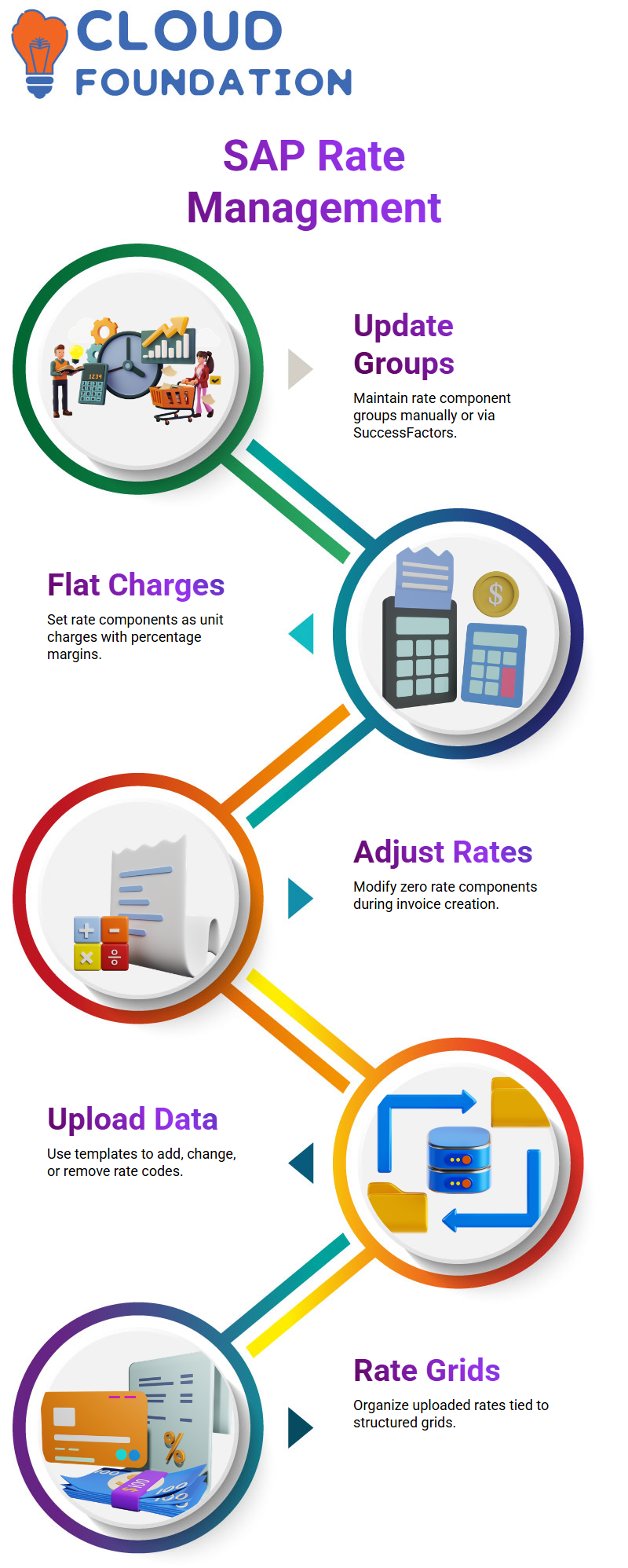
In SAP Field Glass, rate components are normally established as a flat charge per unit, and margins are shown as percentages.
For example, MSP margins should be between 1% and 2%.
If a rate component is set to zero, the user may change it as needed while making invoices.
This freedom in SAP Field Glass makes it easier for users to keep track of their finances.

Veeam Online Training
Uploading Rate Data in SAP Field Glass
You may use templates to upload a lot of rate data at once in SAP Field Glass.
With the template, it’s easy to add, change, or remove rate codes.
You may, for instance, create a rate code, give it a description, a rate category, a maximum and minimum rate, and then upload it.
SAP Field Glass processes the data, and it shows up in the system right away.
All of the rates in SAP Field Glass are organized and tied to rate grids.
To effectively handle financial data, you need to know how uploads and downloads function in SAP Field Glass.
This method makes sure that all rate structures are the same and correct.
Maintaining Financial Data in SAP Field Glass
You may keep your financial data in SAP Field Glass by hand or by connecting it to other systems like ERP or Ariba.
Some data, such as rate components, has to be kept directly in SAP Field Glass, while other data may be synchronized from systems that are already connected.
This mix of methods makes SAP Field Glass a strong and adaptable tool for managing a workforce.
It is very important to know how the financial data is set up in SAP Field Glass.
SAP Field Glass lets you handle everything quickly, from keeping track of rate components to making changes to invoices and tax codes.
The system provides consumers considerable power while making sure consistency across the platform.
Master Data Maintenance in SAP Field Glass
Maintaining master data is a key element of utilizing SAP Field Glass.
Some parts need to be updated by hand, while others may be added using ERP or Ariba.
SAP Field Glass makes maintenance easier by giving you templates and the ability to upload files.
When you actively manage master data in SAP Field Glass, you make sure that rate structures, financial data, and invoice changes are constantly up to current.
This proactive strategy helps avoid mistakes and keeps onboarding, offboarding, and contractor management running well.

Veeam Course Price

Nishitha
Author