SAP CPQ Online Training for Beginners
Product Structure in SAP CPQ
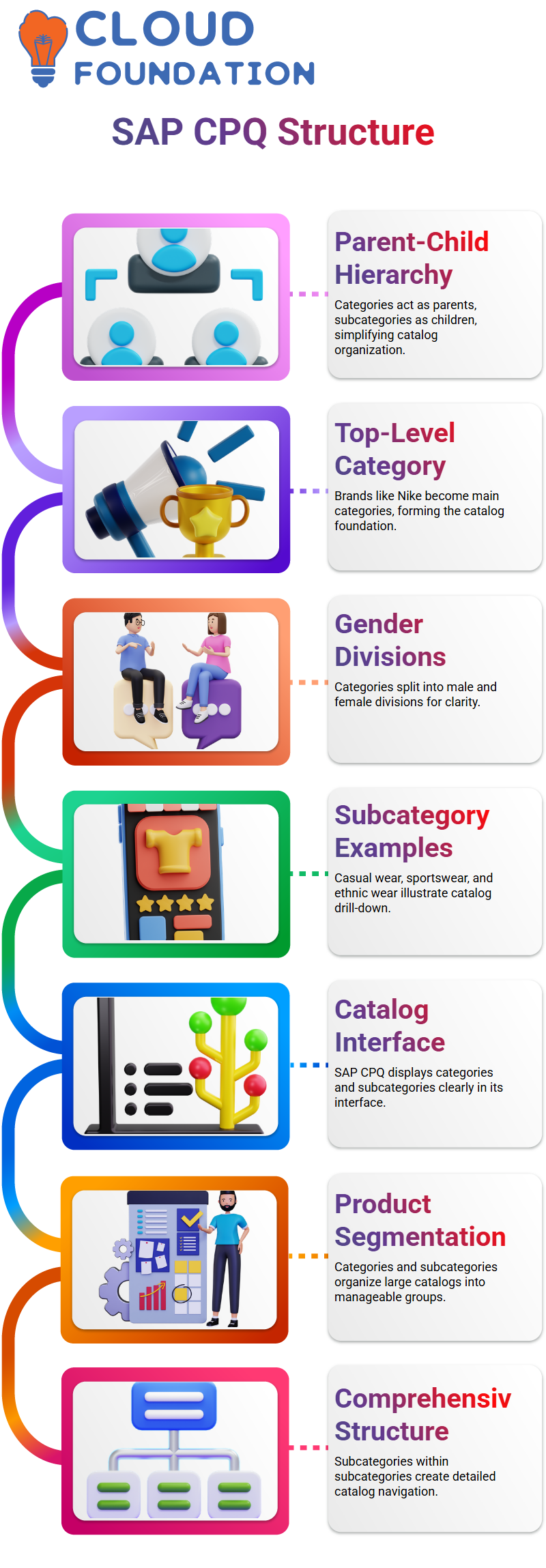
The first thing I need you to imagine is that SAP CPQ is a distinct parent-child connection. SAP CPQ follows a logical hierarchy where categories act as parents and subcategories act as children, making the product structure easier to understand and maintain.
In SAP CPQ, I often use a simple clothing brand example to make this clear. Consider a company such as Nike.
In SAP CPQ, Nike becomes the top-level category. We make divisions like males and females under that.
Each of these sectors then splits down into subcategories like casual wear, sportswear, or ethnic wear.
This drill-down method is exactly how SAP CPQ helps structure complex product catalogs.
You can observe how categories and subcategories are displayed as soon as you launch the SAP CPQ catalog interface.
Typically, I give examples such as networking, hardware, software, and services. SAP CPQ allows each of these categories to branch into several subcategories, enabling sales teams to easily discover the proper goods.
How Categories and Subcategories Work in SAP CPQ
Categories and subcategories are more than just labels in SAP CPQ. They serve as the foundation for the catalog’s product segmentation.
I explain to learners that SAP CPQ uses this architecture to keep huge catalogs clean and navigable.
For example, inside the hardware category in SAP CPQ, I might build subcategories such as computer systems, servers, optical drives, hard drives, displays, printers, keyboards, and mice.
SAP CPQ allows me to go even further by establishing subcategories within subcategories, giving me an extremely comprehensive catalog structure.
When businesses deal with thousands of SKUs, SAP CPQ’s versatility is quite helpful. SAP CPQ leads users through logical product groups step-by-step rather than overwhelming them.
Quotation Pages and Product Segmentation in SAP CPQ
Once categories are in place, I usually relocate the discussion to the quotation page in SAP CPQ.
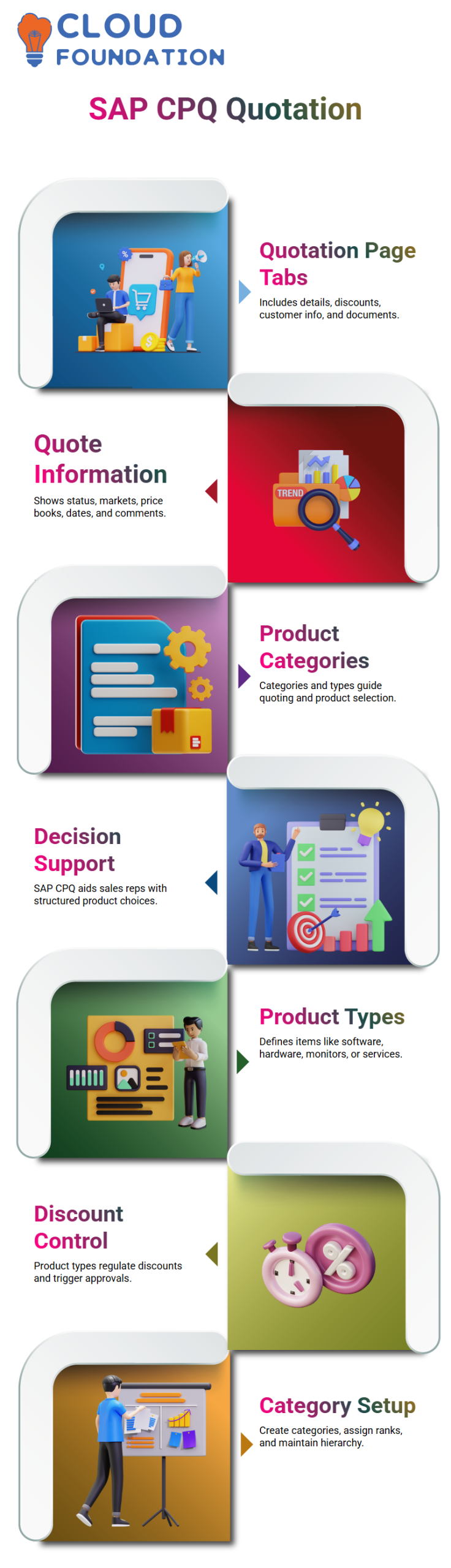
A typical SAP CPQ quotation page offers numerous tabs such as quotation details, further discounts, customer information, documents, and more.
Even though these tabs are adjustable in SAP CPQ, my focus here stays on how product categories and product types affect quoting.
In SAP CPQ, the quote information tab includes facts like quote status, market, assigned price books, effective dates, modification history, and comments.
This information links directly back to how products are categorized and typed in SAP CPQ.
When adding products in SAP CPQ, the system employs categories, subcategories, and product types to aid the sales representative. This makes SAP CPQ not simply a setup tool, but also a decision-support system.
Product Types and Discount Control in SAP CPQ
Now, let me talk about product types in SAP CPQ, because this is where things become extremely powerful.
In SAP CPQ, product types indicate what kind of product you are working with, such as software, hardware, monitors, or services.
I explain to sales teams that SAP CPQ employs product types to control discounting.
For example, a sales manager might be allowed to grant a 5% to 10% discount on a hardware product category in SAP CPQ, whereas software items might follow different restrictions.
The system automatically transmits the quote for approval if the discount is over the permitted threshold in SAP CPQ.
This approval method in SAP CPQ guarantees pricing discipline while offering sales teams flexibility.
Setting Up Categories in SAP CPQ
When I explain the setup procedure in SAP CPQ, I navigate to the product catalog part on the left-hand side. Here, SAP CPQ enables us to establish and maintain categories.
In SAP CPQ, clicking on ‘Add New Category’ opens the category creation screen. Here, I enter the category name, and SAP CPQ automatically generates the system ID.
I also add a description, specify the rank, and decide where the category goes in the hierarchy.
In SAP CPQ, ranking is very important.
Higher-ranked categories appear at the top, and lower-ranked ones fall under them. Parent-child ties are made highly evident by SAP CPQ’s rating system.

SAP CPQ Training

Managing Visibility and Appearance in SAP CPQ
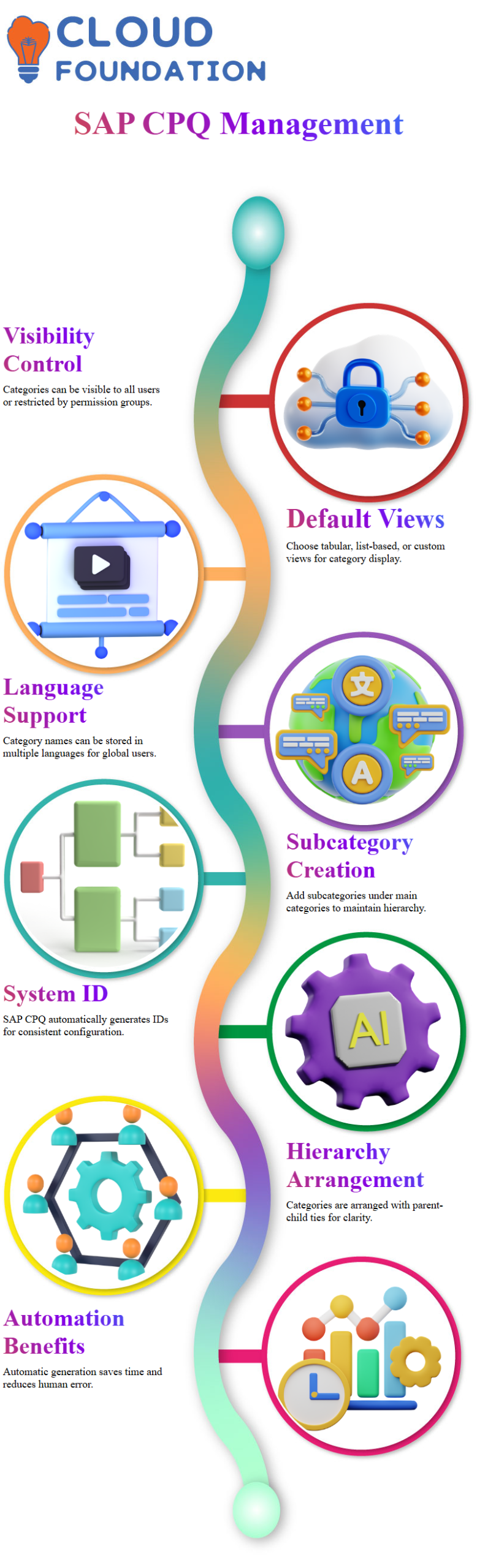
Visibility management is a crucial component of SAP CPQ category configuration. I can choose whether a category is available to all users or just members of particular permission groups, SAP CPQ.
It can be tabular, list-based, or bespoke.
This allows enterprises control over how users experience the catalog in SAP CPQ.
Another thing I emphasize is language support.
In SAP CPQ, I may preserve category names in several languages, ensuring the catalog adjusts to worldwide users while preserving English as the default when needed
Creating Subcategories in SAP CPQ
After creating a category, I move on to subcategories in SAP CPQ. Once a category is saved, SAP CPQ allows me to flip to edit mode and add subcategories directly under the main category.
For instance, I can add a subcategory like Fine Jewelry to an SAP CPQ category called Jewelry. SAP CPQ immediately ties the subcategory to its parent, maintaining the hierarchy.
SAP CPQ’s structured approach guarantees that even complicated catalogs stay searchable, well-organized, and simple for administrators and sales users to maintain.
Category Creation in SAP CPQ
When I work inside SAP CPQ, the first thing I normally focus on is category creation. SAP CPQ automatically produces the system ID, which makes the configuration easier and more consistent.
I just decided how the category should be arranged in the hierarchy, defined it, and gave a suitable description. In SAP CPQ, I always make sure the category name properly expresses the business goal, because this directlyaffects how users traverse the catalog later.
In SAP CPQ, categories allow me to regulate visibility, rights, and structure. I may decide whether a category is visible to everyone or restricted based on permission groups.
SAP CPQ’s flexibility contributes to the catalog’s organization and clear access control. Depending on business requirements, I also choose whether the category appears in a list, tabular format, or custom view.
Once I save the category in SAP CPQ, the system immediately generates it and sets it under the selected parent category.
Time is saved, and human error is prevented by this automation. As soon as the category structure is created, SAP CPQ makes it simple to visually validate it.
Creating and Managing Subcategories in SAP CPQ
After creating the main category in SAP CPQ, I normally move on to subcategories. For instance, I make subcategories like Fine Jewelry and Fashion Jewelry under a parent category like Jewelry.
SAP CPQ automatically generates the system ID for each subcategory, which maintains everything uniform.
In SAP CPQ, I may assign rankings to subcategories. This is crucial since the rating determines the order in which the items appear.
For example, I assign a rating of 10 to Fine Jewelry and a rank of 20 to Fashion Jewelry. SAP CPQ uses this ranking to display the categories in the desired order across the application.
Effective dating is another SAP CPQ function that I depend on. I can establish start and end dates for each subcategory, attach images, and even retain URLs.
Because of this, SAP CPQ is adaptable to promotional or seasonal product structures. Once saved, the subcategories display quickly under the parent category, maintaining a tidy structure.
Product Type Setup and Classification in SAP CPQ
After setting up categories and subcategories, I continue to product type development in SAP CPQ.
Product types help me classify products based on business rationale. Inside SAP CPQ, I navigate to Product Types and set how each product should act when quoting.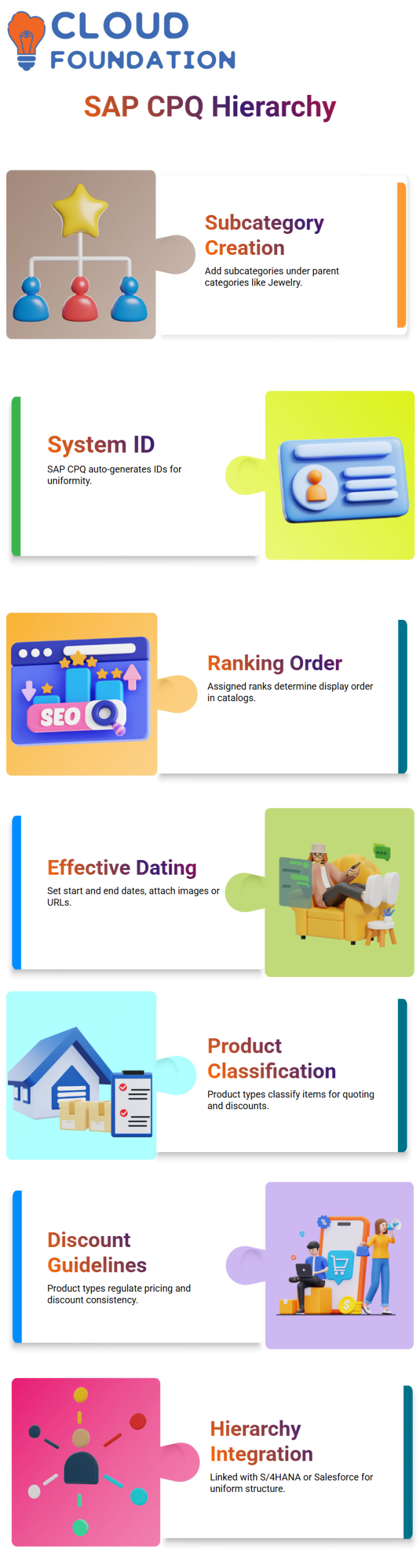
I may specify product categories like jewelry, services, and accessories in SAP CPQ. The system automatically produces the product type ID, and I simply need to enter the name, icon, and ranking.
This framework helps sales teams rapidly identify goods when preparing quotes in SAP CPQ.
One advantage I notice with SAP CPQ is how product kinds influence pricing and discounts.
For instance, I can apply certain discount guidelines to a particular kind of jewelry. SAP CPQ guarantees that pricing rationale remains consistent and regulated throughout all quotations.

SAP CPQ Online Training
Integrating Product Hierarchies with SAP CPQ
Product hierarchy becomes even more important when SAP CPQ is in an integrated environment.
Product hierarchies can be pushed straight from the backend into SAP CPQ if it is linked to S/4HANA. This maintains uniformity between systems.
In SAP CPQ, imported categories normally appear under a default category. From there, I reorganize them depending on business needs.
Mismatches can lead to confusion during pricing and quoting, so I always advise maintaining a consistent hierarchy between SAP CPQ and S/4HANA.
SAP CPQ works best when the hierarchy is clean and uniform across systems like S/4HANA, C4C, or Salesforce.
The product category controls pricing, approvals, and downstream processing when leads or opportunities enter SAP CPQ.
Why Proper Hierarchy Design Matters in SAP CPQ
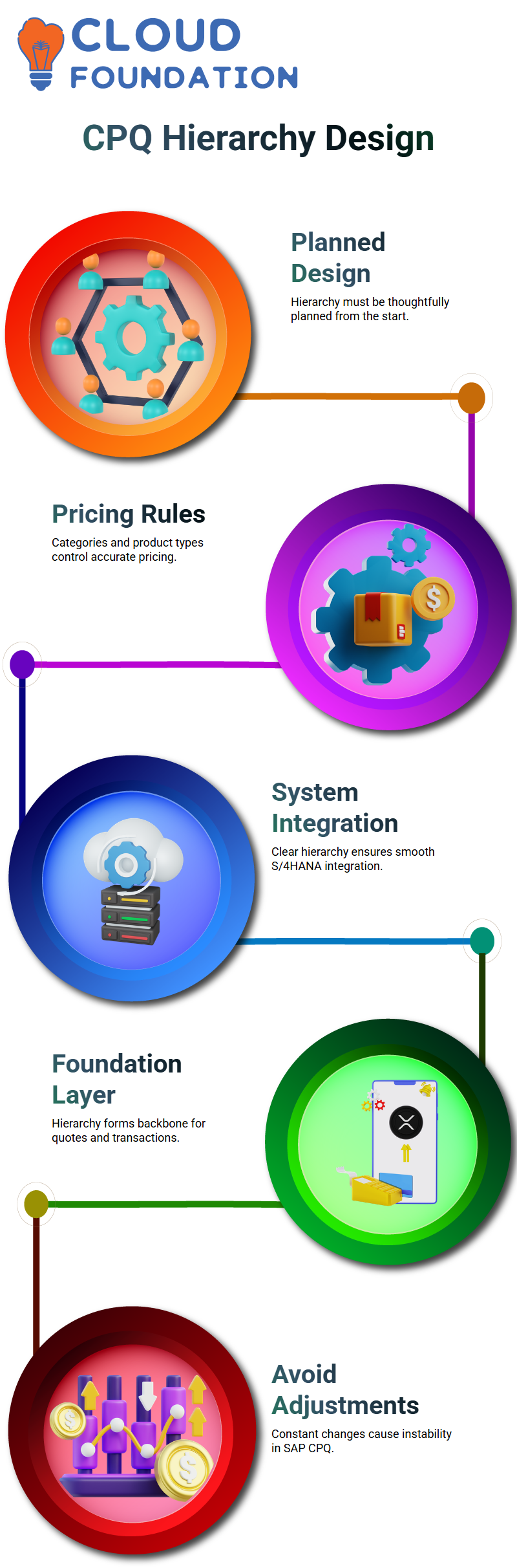
In my opinion, SAP CPQ functions best when the product hierarchy is thoughtfully planned from the start.
Sales, finance, procurement, and production are all dependent on it. SAP CPQ uses this hierarchy to define how products are quoted and processed.
When a sales user produces a quote in SAP CPQ, the system relies on category and product type to apply the correct pricing rules.
After the quote is complete, SAP CPQ returns it to S/4HANA for additional processing. A clear hierarchy provides smooth integration and fewer problems.
I have seen projects struggle because hierarchical design was overlooked throughout execution.
Only when categories, subcategories, and product types are rationally organized does SAP CPQ function effectively.
For this reason, I usually stress the importance of thoroughly defining the hierarchy before deploying SAP CPQ.
Getting the Product Structure Right with SAP CPQ
When I work with SAP CPQ, I usually warn my learners that product structure is not something you simply adjust later.
In SAP CPQ, once I lock in a product hierarchy, it forms the backbone of everything I do. That structure is the foundation for every quote, rule, and transaction in SAP CPQ.
That is why I approach SAP CPQ design like a one-time, high-impact decision rather than a trial-and-error configuration.
In SAP CPQ, I see this as a foundation layer. I construct it once, I build it carefully, and then I let the entire SAP CPQ engine run on top of it.
I will only cause instability for myself and the business teams that depend on SAP CPQ on a daily basis if I try to make constant adjustments.
Why Changing Hierarchies in SAP CPQ Creates Risk
Changing product hierarchies later on causes havoc, based on my experience with SAP CPQ. Transaction, price, and master data that all relate to that hierarchy are already stored in SAP CPQ.
When I update levels or relationships in SAP CPQ, I risk damaging reports, rules, and workflows that were developed on top of that initial architecture.
I’ve seen teams in SAP CPQ struggle with redesigning hierarchies after going live.
Every SAP CPQ modification compels me to consider past bids, current contracts, and continuing business procedures. That is why I see hierarchy design in SAP CPQ as a key, nearly irreversible step.
How I Protect Business Processes SAP CPQ
In SAP CPQ, business processes grow straight out of the product hierarchy. I map approvals, pricing logic, and configuration rules based on how I organize products in SAP CPQ.
When that structure is solid, SAP CPQ operates smoothly, and teams trust the system.
Sales, finance, and operations’ interactions with SAP CPQ are all affected if I upset the hierarchy in SAP CPQ.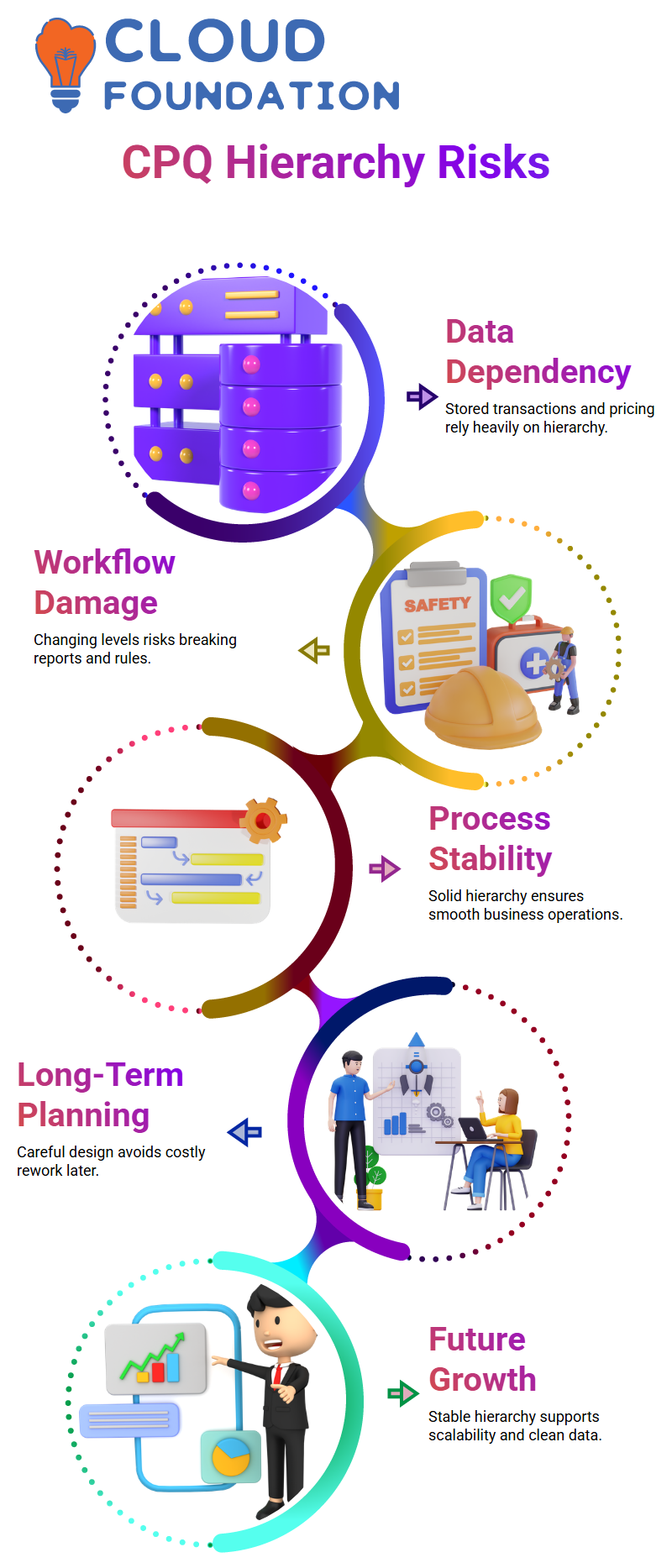
That is why I usually encourage people to think long-term when they construct SAP CPQ. Many hours of rework inside SAP CPQ tomorrow can be avoided with a solid framework now.

SAP CPQ Course Price

Nishitha
Author