Online Course on Veeam Core Backup Concepts
Veeam Backup
Veeam ensures that you always have a backup available, even if a server crashes or an unexpected event occurs.
When you restore with Veeam, it automatically picks the most recent full backup and the most recent incremental backup and brings the system back online.
Veeam takes the last full backup and adds to it any incremental backups that have been made since then.
In a forever-forward incremental setup, Veeam only uses the last incremental backup because it already has all the data it needs.
Most of the places I work with follow the default Veeam recommendation, which is to do incremental backups.
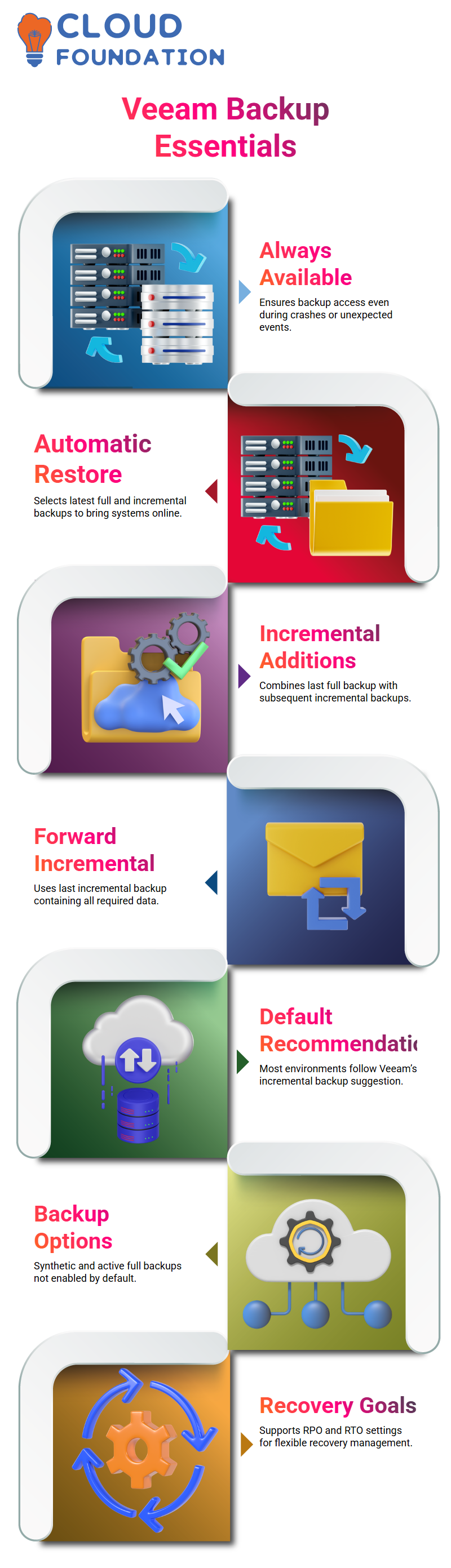
Veeam does not check options like synthetic and active full backups by default.
Backup Maintenance and RPO/RTO in Veeam
Veeam gives you options here, and I choose based on how important the work is to me.
You don’t have to use these settings, and Veeam lets you change them without having to use a strict setup.
Before I move on, I make sure that everyone knows what RPO and RTO mean.
Veeam fits these recovery goals very well, and once you understand them, it is much easier and less scary to manage backups in Veeam.
File Share and NAS Backups Using Veeam
People often have questions about file share backup in Veeam.
I use NAS storage as an example from the real world when I talk about this.
There are different sizes and capacities of NAS devices, but most of them use Linux-based file systems like NFS or CIFS.
You can’t add a NAS device to Veeam the same way you would a Windows server.
You can’t add a NAS server directly to Veeam using an IP address.
Instead, I show how Veeam backs up NAS data by making it a file share.
In real life, I open the NAS interface, find the shared folders, and then add those shares to Veeam.
I always stress permissions here.
Veeam needs the right permissions to read and write to the shared folder.
If it doesn’t have these permissions, it can’t back up the data.

Veeam Training

Using Veeam for Shared Folders and Permissions
Veeam can even protect shared folders in Windows.
A lot of businesses depend on shared locations, and Veeam makes it easy to back them up with file share backups.
You need to double-check their permissions every time they do this in the lab.
In Veeam, permissions determine whether something works or not.
The share can’t be added if Veeam doesn’t have access, and the backup job will fail.
Scale-Out Backup Repository in Veeam
I start with a basic repository example where all backups go to one place.
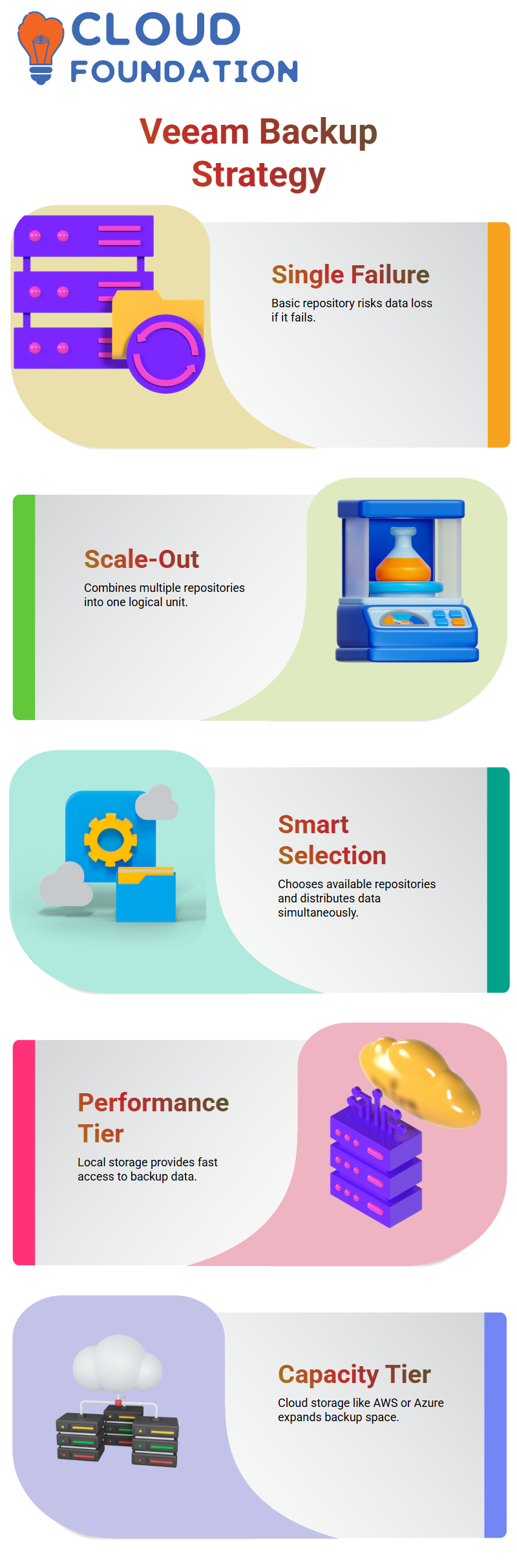
Veeam has no other place to store backups if that repository fails, which makes it a single point of failure.
Veeam’s Scale-Out Backup Repositories fix this problem.
I show how Veeam combines several repositories into one logical unit.
When a backup job runs, Veeam smartly chooses which repositories are available and even sends data to them at the same time.
This method makes things more reliable and faster.
When following the 3-2-1 backup rule, I often suggest Veeam Scale-Out Backup Repositories for environments with important servers and a lot of storage space.
Capacity Tier, Performance Tier, and Archive in Veeam
I explain the different levels of Veeam Scale-Out Backup Repositories very clearly.
The performance tier includes local or on-premises storage, such as local disks or NAS devices.
This is where Veeam keeps backup data that can be accessed quickly.
In Veeam, the capacity tier is the cloud storage.
Veeam sees AWS, Azure, or object storage as a capacity tier every time you add them.
I like to show how easy it is for Veeam to back up data to the cloud.
Veeam also has an archive tier, which I call “immutable” or “air-gapped” storage.
This is where companies keep backups that they don’t need to use right away for a long time.
Veeam makes this design easy to use while still keeping data safe.
Veeam Lab Troubleshooting Connectivity in Real Time
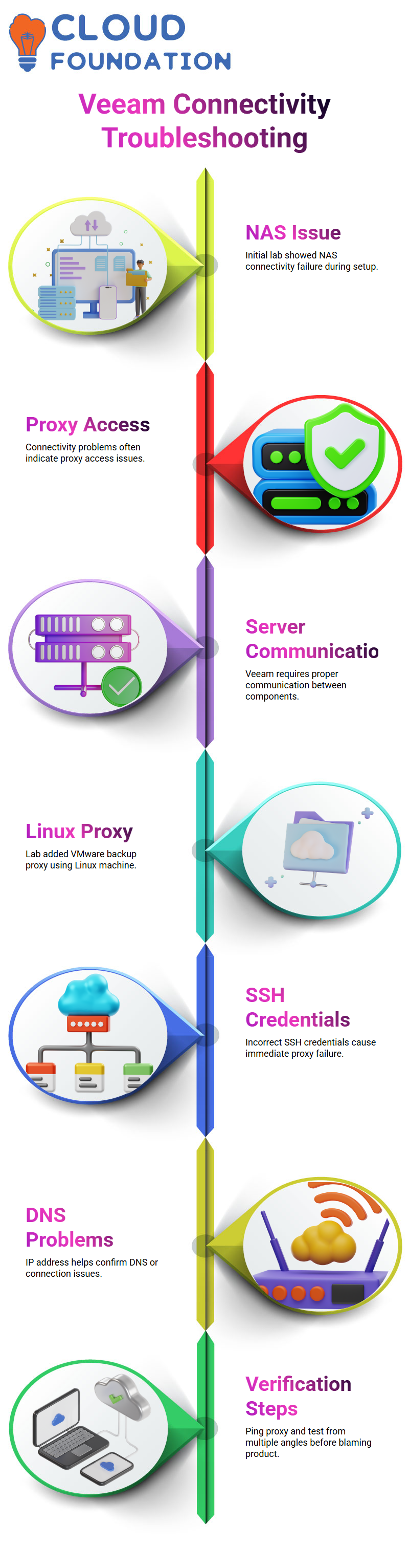
I had a NAS connectivity problem right away during one of our Veeam labs. I couldn’t choose the proxy I had just made.
This usually means there is a problem with access or connectivity in Veeam, not a mistake in the settings.
I made it clear to everyone how Veeam works when it can’t connect to a server properly.
I told the students again that Veeam needs its parts to talk to each other properly.
If Veeam can’t connect to the proxy or server, it won’t let you move on. This was a great chance to show how Veeam works in situations that are similar to real life.

Veeam Online Training
Veeam Proxy Configuration Using Linux and SSH
The goal of Lab 4 in Veeam was to add a VMware Backup Proxy using a Linux machine.
I walked everyone through the steps and told them that Veeam talks to Linux-based proxies over SSH.
Veeam will fail right away if the SSH credentials are wrong.
DNS problems happen a lot in Veeam environments. Using an IP address is a quick way to check if the problem is with DNS or with the connection.
Veeam was finally able to talk to us after we used the IP address.
I checked the connection myself by pinging the Linux proxy and then adding it from my own Veeam server.
This helped confirm that Veeam was working properly and that the problem was only with name resolution. I always stress this: check from different angles before blaming the product.
Veeam Credentials, Elevation, and Common Mistakes
Setting up Linux accounts is a common mistake I see in Veeam labs.
For Veeam to install and manage proxy components, it is very important to use the admin account with the right level of access.
I made sure to point out the option to raise the account and told everyone to double-check the password.
In Veeam, even a small difference in credentials can cause repeated failures, which can be annoying if you don’t know where to look.
I made sure to say that Veeam doesn’t guess or try again without telling us. It tells us exactly what it can’t do, and it’s our job to read those errors carefully.
Veeam Version Compatibility and Hyper-V Challenges
Later in the lab, Veeam said that there was a version compatibility error with the installer shell on the Hyper-V host.
I told them that the Veeam parts need to be on compatible versions, especially when doing Hyper-V backup or replication tasks.
In this case, the Hyper-V host was using an older version, so Veeam correctly blocked the task.
Veeam always puts stability first, even if that means forcing an unsupported configuration.
I chose to improve my own environment so that both sides would be the same.
This made it easier for me to keep showing Veeam tasks without getting confused.
I also said that one of the most important things for anyone managing Veeam in the real world is to keep Veeam, Hyper-V, and proxies in sync.

Veeam Course Price

Nishitha
Author