NetSuite Technical Course for Beginners
Suite Script in NetSuite Technical Training
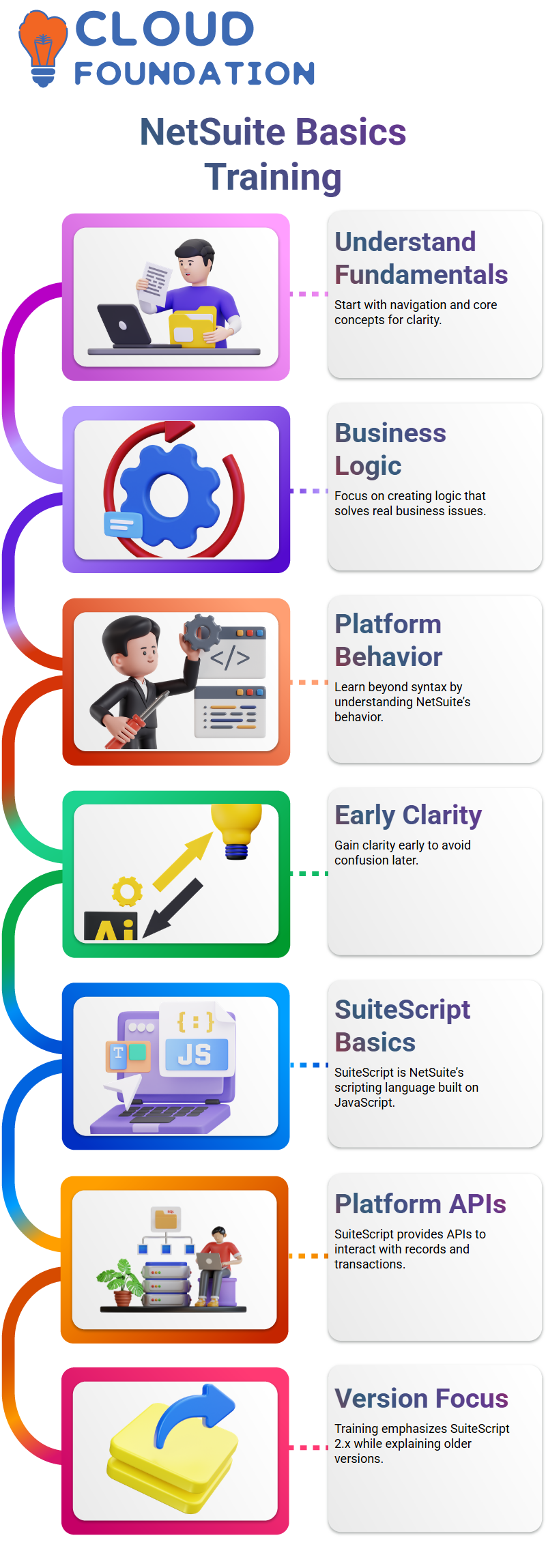
Suite Script is the first significant topic in NetSuite Technical training. Built on top of JavaScript, SuiteScript is NetSuite’s own scripting language.
This distinction is crucial for mastering NetSuite technical skills. Despite its familiar appearance, I always remind my learners that Suite Script is not the same as simple JavaScript.
I clarify that Suite Script provides platform-specific APIs in NetSuite technical conversations. You can create logic that communicates directly with NetSuite records, forms, and transactions through these APIs.
Everything else begins to make sense once you comprehend this, which is the cornerstone of NetSuite technical development.
Although there are several versions of Suite Script available today, I mostly concentrate on version 2.x in my NetSuite Technical training.
To help anyone working on old NetSuite Technical code understand what is happening and why, I continue to describe the changes with previous versions.
Client Scripts and Server Scripts in NetSuite Technical
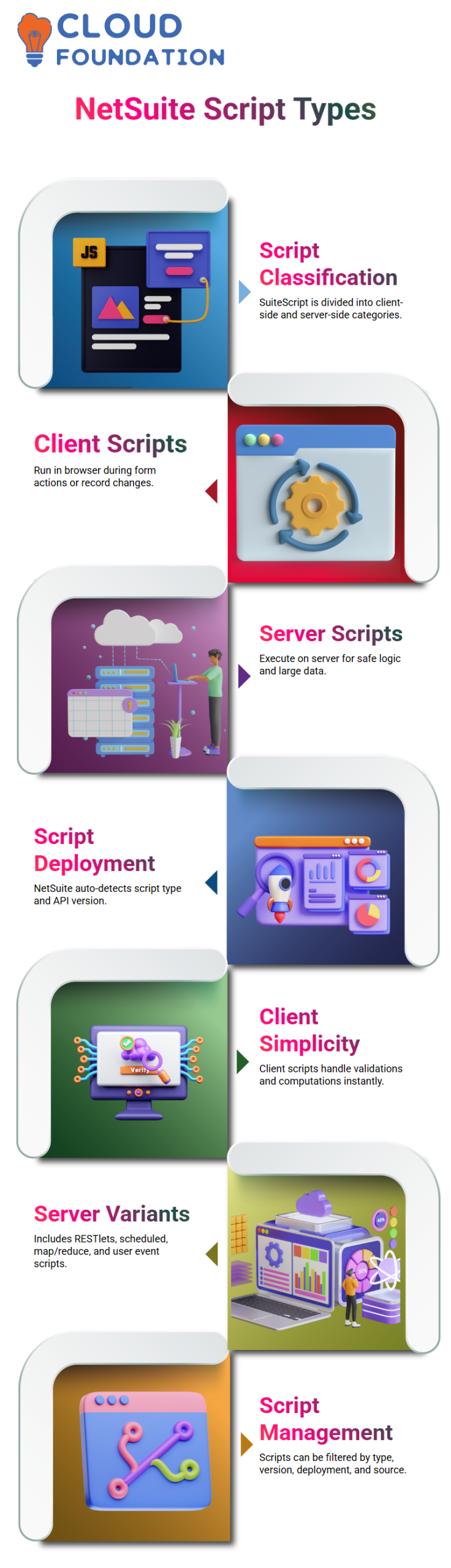
Script classification is one topic you should focus on a lot in NetSuite Technical. Client-side scripts and server-side scripts are the two categories of Suite Script in NetSuite Technical.
You may determine where your logic should run by this distinction. I clarify that NetSuite Technical client scripts operate within the browser when I discuss them.
In NetSuite Technical, a client script runs immediately when a user opens a form or makes changes to a record, carrying out computations or validations directly on the screen.
In NetSuite Technical, server-side scripts function differently. When a request reaches the NetSuite server, these scripts start running.
When logic needs to run safely, manage massive data volumes, or process records in the background, I use server scripts in NetSuite Technical Development.
Script Types and Deployment in NetSuite Technical
Over time, choosing the appropriate script type becomes instinctive in NetSuite technical practice. While server-side scripts include REST lets, scheduled scripts, map/reduce scripts, and user event scripts, client scripts are simple.
The script type and API version are automatically determined by NetSuite Technical when you upload a script file.
Additionally, I describe how you may examine and filter scripts by type, version, deployment, and source NetSuite Technical.
This facilitates effective script management, particularly in intricate NetSuite technical setups.
Choosing the Right Solution as a NetSuite Technical Developer
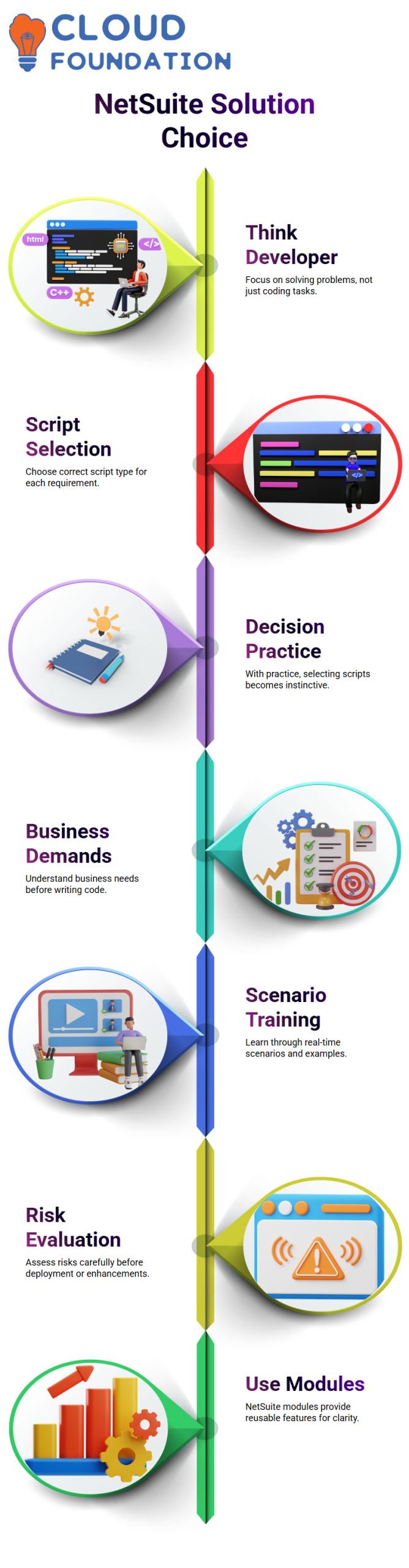
Helping you think like a developer rather than just a coder is one of my key objectives when teaching NetSuite Technical.
In NetSuite Technical work, it is your duty to determine which script and function best suit a given requirement.
I freely admit to my pupils that making decisions in NetSuite Technical can initially feel daunting. That is quite typical.
You can choose the appropriate NetSuite Technical script type, assess an issue, and create an efficient solution with practice.
Selecting the incorrect script might have an impact on stability or performance in NetSuite technical projects.
For this reason, before writing any NetSuite technical code, I stress the need to comprehend business demands.

NetSuite Training

Real-Time Scenarios and Risk in NetSuite Technical Projects
During training, I always present actual NetSuite technical scenarios. While working on an existing NetSuite Technical system necessitates prudence, working on a new implementation offers you flexibility.
Existing functionality must be protected in each new deployment. Before going live with NetSuite Technical Enhancements, I thoroughly evaluate risk.
I describe how planning and testing are crucial because a single incorrect NetSuite technical choice can cause live users to be disrupted.
At this point, I also introduce the NetSuite Technical modules and libraries. Predefined features in NetSuite Technical modules facilitate development and promote clear, reusable code.
Gaining proficiency with these modules is a significant step toward your technical development with NetSuite.
Getting Comfortable with APIs in NetSuite Technical
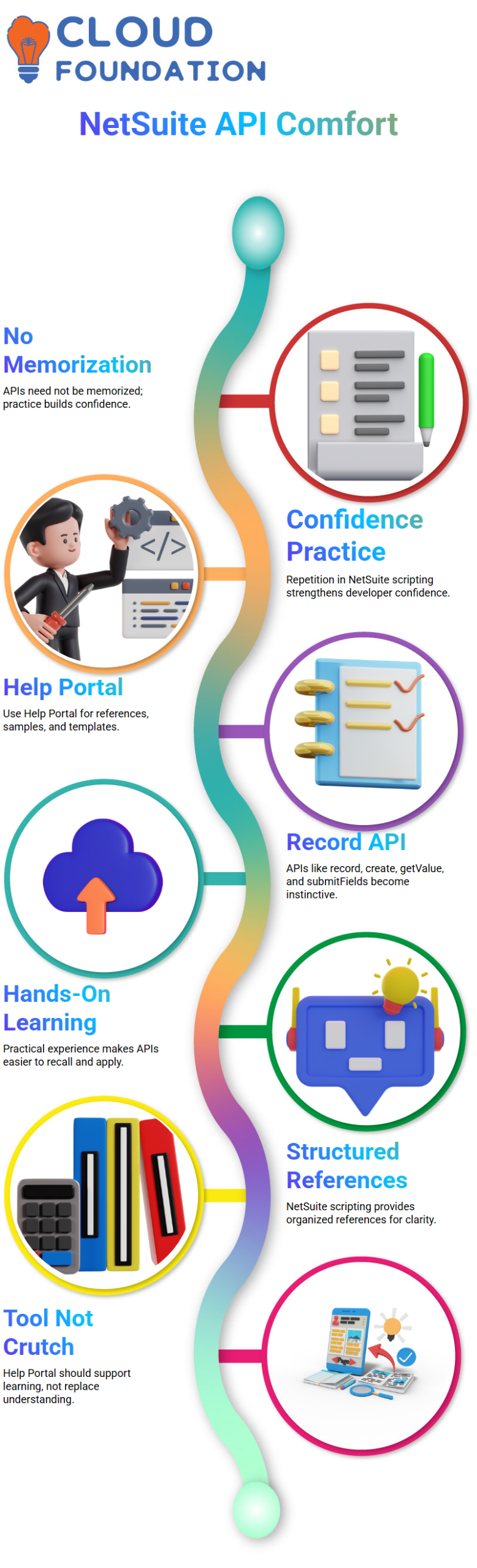
One thing I often tell learners when I first start teaching NetSuite Technical scripting is that you don’t have to learn every API by heart.
Confidence is built via repetition in a NetSuite technical job. My approach to NetSuite technical development has been influenced by my personal habit of using the Help Portal whenever I investigate new APIs.
APIs like record are used in NetSuite technical projects. Slowly, create, get Value, and submit Fields become instinctive.
I use them every day, so I can recall them with ease now. Working hands-on in NetSuite technical areas has the advantage of letting practice do the heavy lifting for you.
I immediately refer back to the manual whenever I’m unclear. We have structured references, samples, and templates thanks to NetSuite Technical scripting.
I advise all NetSuite Technical learners to use the Help Portal as a tool, not a crutch.
Governance Basics in NetSuite Technical
When I initially start teaching NetSuite Technical scripting, I frequently remind myself
and learners that they don’t need to memorize every API. In NetSuite technical jobs, confidence is developed via repetition.
My own practice of the Help Portal whenever I research new APIs has shaped my approach to NetSuite technical development.
NetSuite technical projects make use of APIs such as record. Create, get Value, and submit Fields gradually become second nature.
I can easily remember them today because I utilize them on a daily basis. One benefit of being hands-on in NetSuite technical areas is that practice will take care of the heavy lifting.
When I’m unsure, I consult the handbook right away. With NetSuite Technical scripting, we have organized references, samples, and templates.
I suggest that the Help Portal be used as a tool rather than a crutch for all NetSuite Technical trainees.

NetSuite Online Training
API Usage and Resource Consumption in NetSuite Technical
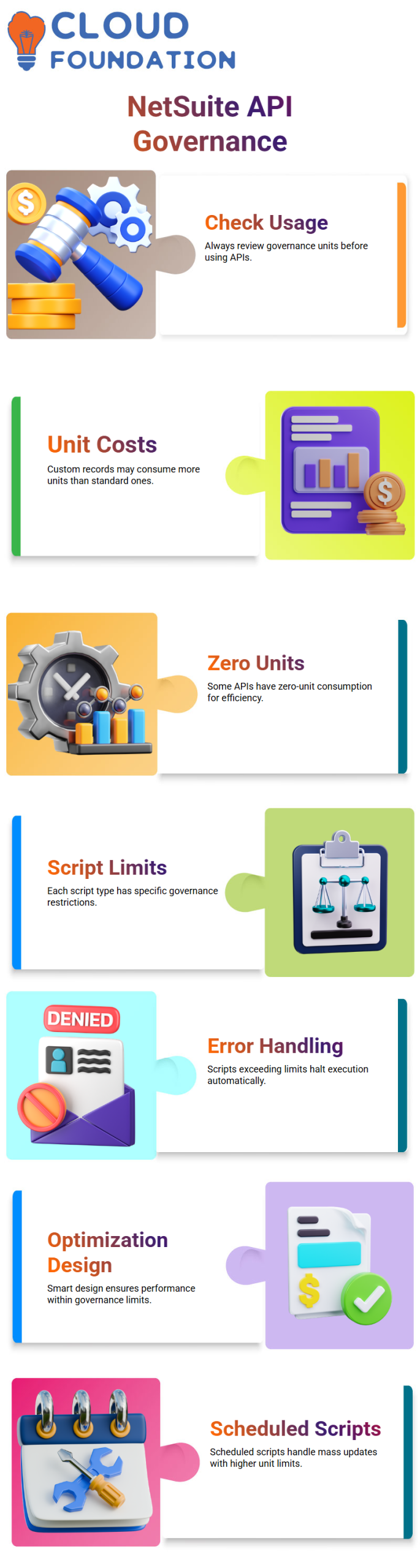
I always look at the governance usage before opening an API reference in the NetSuite Technical documentation.
I can better organize my scripts because of NetSuite Technical’s explicit display of how many units each function uses.
Depending on the kind of record, some NetSuite Technical APIs need additional units. It could be more expensive to create a custom record than a normal one.
When I design NetSuite technical solutions that need to grow, these details are important.
It’s interesting to note that NetSuite Technical also offers APIs with zero-unit consumption.
I have an advantage when it comes to script optimization in NetSuite Technical setups since I know when and how to leverage certain APIs.
Script Limits and Smart Design in NetSuite Technical
In NetSuite Technical, each script type has a set of governance restriction that extends beyond API usage.
For instance, I am aware that I may only use a certain number of units per execution while working with User Event scripts in NetSuite Technical.
All actions must be completed within that limit if I execute loops inside a NetSuite Technical User Event script.
NetSuite Technical instantly halts execution and raises an error if the script exceeds the permitted number of units.
This conduct compels me to consider optimization right away. I move to script kinds with larger restrictions when I am aware that the volume of data is high.
For mass updates, scheduled scripts in NetSuite Technical are perfect because they provide a lot more governance units.
A fundamental ability in NetSuite technical development is the ability to make decisions. The purpose of governance in NetSuite Technical is to safeguard performance.
It encourages me to select the appropriate script type for the task and develop clear, effective logic.

NetSuite Course Price

Nishitha
Author
A mind once stretched by a new idea never returns to its original dimensions.