NetSuite Online Class on Suitelet
How NetSuite Suitelet Helps Build Custom User Interfaces
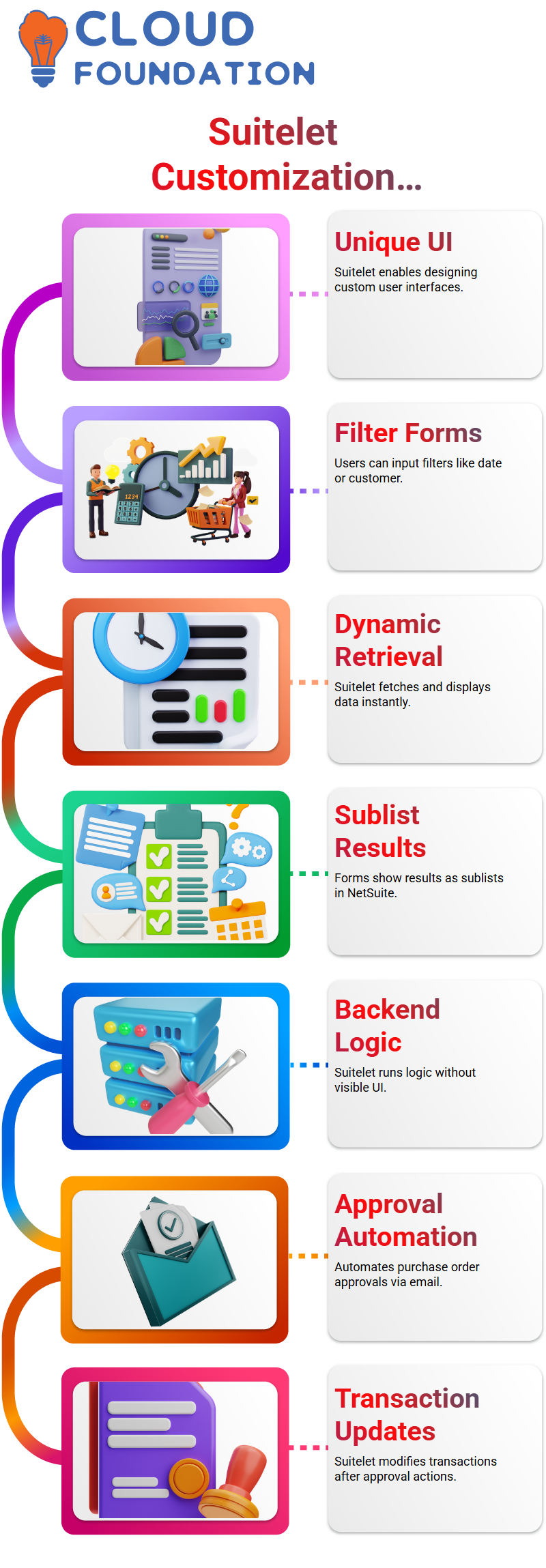
Front-end Suitelet in NetSuite Development enables me to design a unique user interface.
I can create a form that lets users enter filters such as transaction number, date, or customer.
Because it provides business users with a clear, functional screen, this is one of the most useful NetSuite use cases.
The NetSuite Suitelet operates dynamically, as I normally explain. The Suitelet retrieves data and presents it on the same page based on the user-inputted criteria.
Technically speaking, this means that I make a form, add buttons and fields, and then display the results as a sublist in NetSuite.
Backend NetSuite Suitelet and Automation Scenarios
Backend Suitelet is a crucial NetSuite topic that I constantly highlight. I don’t make any UI in this instance.
The user never sees a custom page, even if I continue to develop complete logic in NetSuite Suitelet.
Approval automation is a typical NetSuite example that I give. Let’s say a purchase order must be approved before it can be recorded.
Without requiring the approver to enter into NetSuite, I may record approval or rejection straight from an email the NetSuite Suitelet.
This backend Suitelet is used in NetSuite projects to listen for clicks on an email link.
The NetSuite Suitelet automatically modifies the transaction after the approver selects “approve” or “reject.”
NetSuite Suitelet for Search, Filters, and Data Export
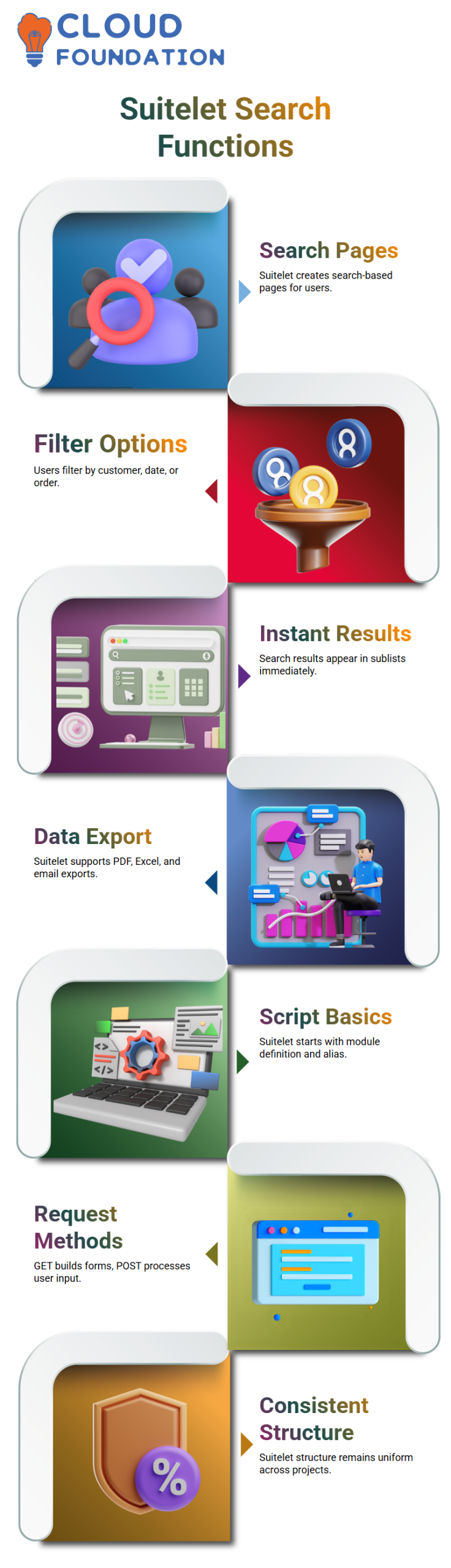
Creating search-based pages is another excellent NetSuite use case. I create a NetSuite Suitelet form with filters for customers, date ranges, and sales order numbers.
After entering their criteria, users click “Search.” NetSuite Suitelet searches for transactions in the background and presents the results in a sublist.
The fact that Learners can see the value right away makes this one of my favorite NetSuite demonstrations.
I can also include functions like emailing the data, creating PDFs, and exporting the results to Excel, NetSuite Suitelet.
Because of these improvements, NetSuite Suite is incredibly effective for operational and reporting activities.
NetSuite Suitelet Script Structure Explained Simply
Module definition and alias assignment are the first steps in every NetSuite Suitelet.
The entry point is then created by me, the on-Request method. GET and POST methods are typically handled by the on-Request function in the NetSuite Suitelet.
While the POST method handles user input, the GET method creates the form and its fields. In practically every NetSuite Suitelet I develop, this structure remains the same.
Anyone learning NetSuite Development can confidently create custom pages, automate tasks, and use Suitelets to address business problems by comprehending this pattern.
Managing Governance Limits in NetSuite Suitelets
When working on NetSuite scripts, I constantly keep governance restrictions in mind. In NetSuite, a Suitelet permits 1,000 units for GET requests and an additional 1,000 units for POST requests.
To ensure that I never go over that limit, I carefully arrange my NetSuite logic. I can see in the execution logs that NetSuite throws an execution limit exceeded error if a script uses more than is permitted.
Simple UI construction, field addition, and search operations hardly ever use all of the units in actual NetSuite scenarios.
The average NetSuite search may need about 20 units, whereas the construction of a form requires very little.
Therefore, as long as I create my NetSuite searches and processing effectively, I usually stay secure.

NetSuite Training

Handling Large Search Results in NetSuite Interfaces
I never try to display everything on a single screen when working on NetSuite searches that yield thousands of results.
A NetSuite User Interface must remain functional. I divide the 10,000 records that a search yields into several pages.
This NetSuite pagination method functions similarly to how you navigate between pages in an email inbox.
When I can, I also limit the results of NetSuite searches. Massive datasets are rarely needed on screen in a NetSuite context since most users apply particular filters.
I advise them to export all of the data from NetSuite into Excel for offline analysis if they truly need it. This maintains the NetSuite interface’s speed and ease of use.
Building Custom Forms with NetSuite UI Server Widget
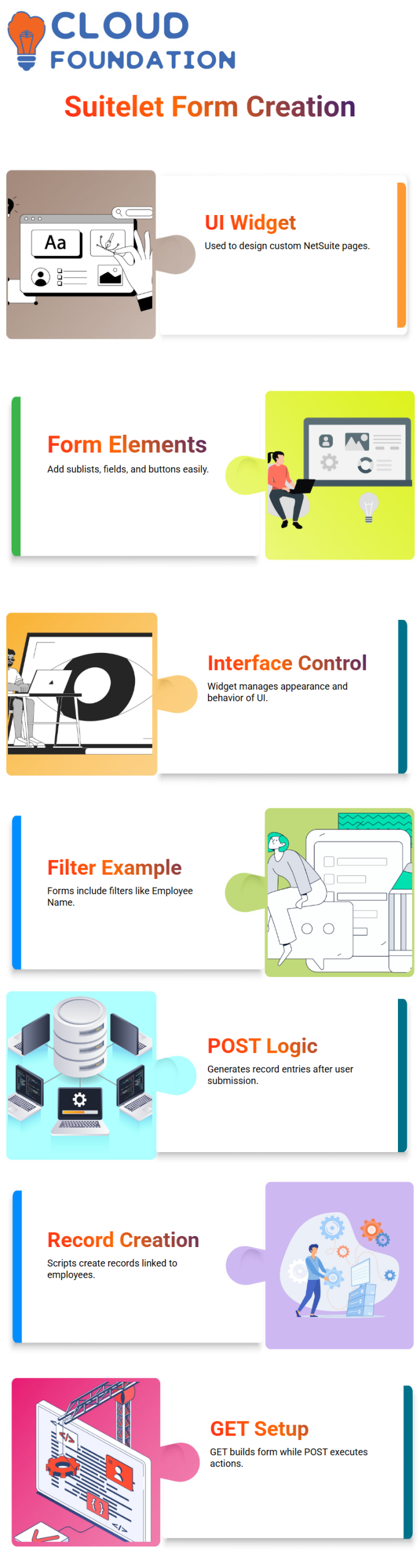
I use the UI Server Widget module extensively whenever I create a custom page in NetSuite Suitelets.
I can design sublists, add fields, add buttons, and create forms with this NetSuite module.
Because it regulates the appearance and behavior of the user interface, I utilize it in practically every NetSuite Suitelet.
I make a form with two primary filters in one NetSuite example: Employee Name and Count of Custom Records.
My NetSuite POST logic generates the number of custom record entries for the selected employee once the user chooses values and hits Submit.
This type of NetSuite solution demonstrates the seamless integration of backend operations and user interface design.
Practical Record Creation Flow in NetSuite Suitelets
I prefer to illustrate NetSuite concepts with straightforward examples. Let’s say I type in a number, like two, after choosing an employee.
My NetSuite script generates two unique record entries associated with the employee when I submit the form.
Once the filter values have been captured, the NetSuite procedure executes in the POST portion.
I can better explain the connections between filters, searches, and record creation with the help of this practical NetSuite pattern.
The POST stage carries out the action, while the GET stage sets up the screen. It is considerably simpler to create strong Suitelet solutions if you comprehend this NetSuite procedure.
How NetSuite Scripts Use Server Widget Across Script Types
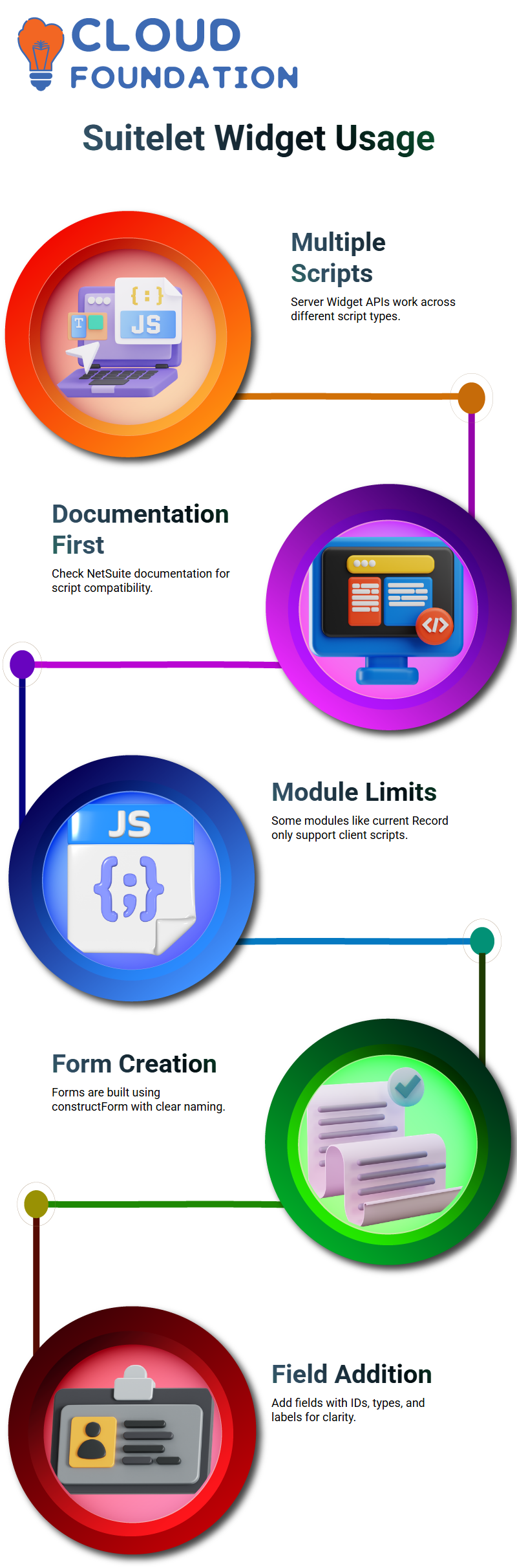
I am often asked if Suitelet scripts are the only way to use NetSuite Server Widget APIs. I always make it clear that these APIs work with many different types of scripts.
Before developing, I usually suggest reading the NetSuite documentation to find out which script types are compatible with each API.
Although NetSuite Development’s server Widget is adaptable, certain modules—like current Record only work with client scripts.
I can use them anywhere the system allows, provided the script type supports the NetSuite server Widget APIs.
This adaptability allows me to develop solutions without being limited to a certain script type.

NetSuite Online Training
Building Custom Forms with NetSuite Server Widget
The first NetSuite step I take whenever I begin developing a custom user interface is to create a form server Widget.constructForm.
In order for users to understand the form’s purpose right away, I normally name it according to the business requirement.
The solution remains clear and easy to use thanks to this NetSuite approach.
I start by generating the form and then proceed to add fields.
The form object serves as the foundation for all of NetSuite’s technical programming. I make use of form.
To specify a distinct ID, field type, and label, use add Field. I set the kind to select if I require a dropdown menu. This approach is simple and predictable because to NetSuite.
Handling Buttons, Layout, and Requests in NetSuite Suitelets
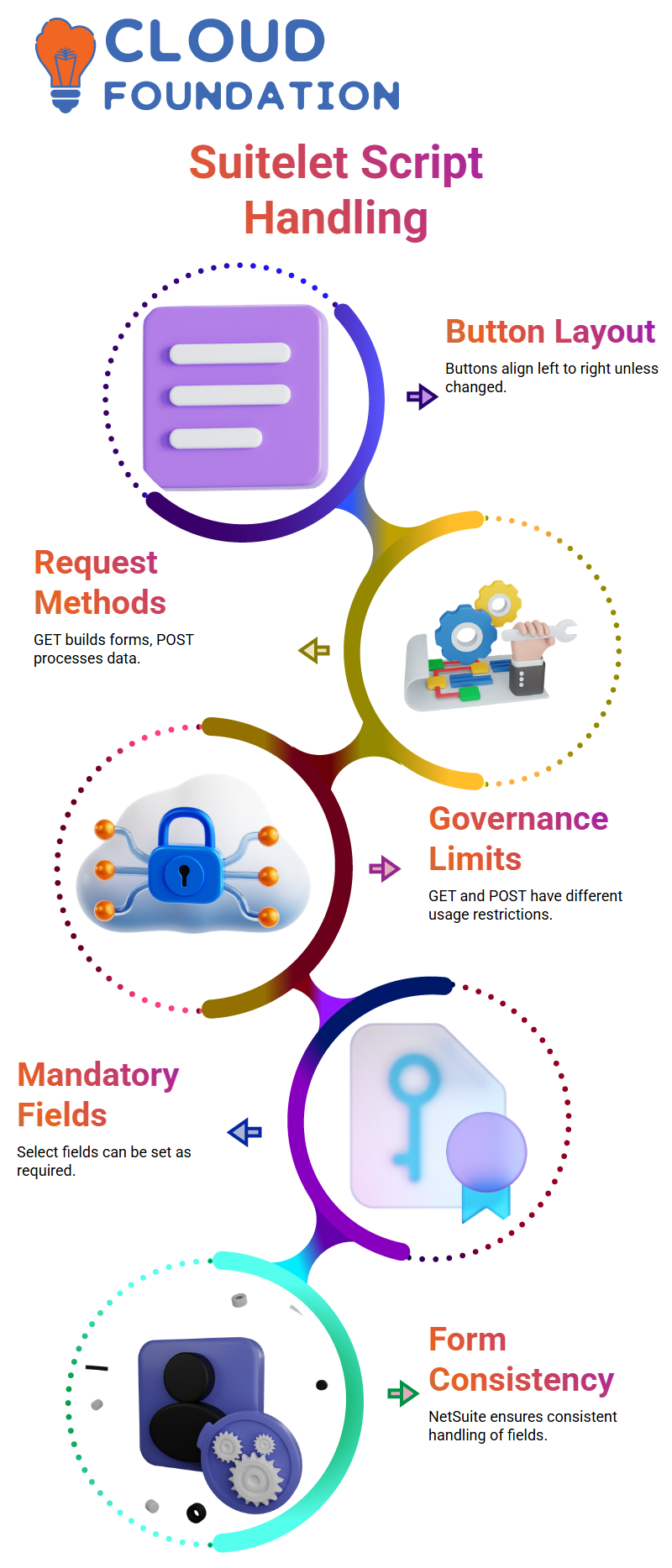
Another question that Learners have during NetSuite training is button placement. When I create buttons, NetSuite automatically arranges them from left to right.
Unless I specifically alter the placement options, I normally emphasize that the layout follows the form’s natural flow.
NetSuite Suitelets excel at managing requests. I always use request. method to split logic.
I concentrate on creating the form and user interface when the method is GET. I process the data, make records, set field values, and even send emails when it’s POST.
The script remains well-structured and manageable thanks to this NetSuite pattern.
When it comes to NetSuite scripting, governance is equally crucial.
Because the GET and POST blocks have different usage restrictions, I carefully consider how I construct my reasoning.
I make sure that my NetSuite solutions are scalable and dependable in practical settings by adhering to this framework.
Configuring Select Fields in NetSuite Forms
I also spend my work on specific fields in NetSuite. NetSuite makes sure the user actively chooses rather than ignoring a select field when I declare it as required.
This is particularly helpful when downstream operations are driven by the data.
I typically set the property Mandatory to true for specific fields that affect automation or reporting in NetSuite customization.
This modification is instantly reflected by NetSuite, which stops users from storing incomplete records.
Designing forms that perform precisely as desired is made easier by NetSuite’s consistency.
Combining Field Rules for Better Control in NetSuite
I have complete control over the behavior of the form when I combine obligatory select fields with hidden fields in NetSuite.
I can enforce rules with NetSuite without overburdening the user with visible inputs.
I frequently advise my audience that anyone wishing to go into NetSuite must first grasp these fundamentals.
Within NetSuite, select choices, hidden fields, and mandatory flags all cooperate to facilitate precise and clear data entry.
Clarity and intent remain my main priorities as I continue to create examples in NetSuite.
Every requirement I follow in NetSuite fulfills a particular business need, and this way of thinking aids in the development of dependable and approachable solutions.

NetSuite Course Price

Nishitha
Author