NetSuite Functional Training With Real time Scenarios
NetSuite Duplicate Detection Setup Explained
One of the first things I demonstrate in my role as a NetSuite functional consultant is how duplicate detection works in NetSuite. This option saves a great deal of human labour and maintains clean data from the start, which is why I prefer it. Duplicate identification enables me to manage clients, leads, partners, suppliers, and contacts in NetSuite functional projects without the need for outside solutions.
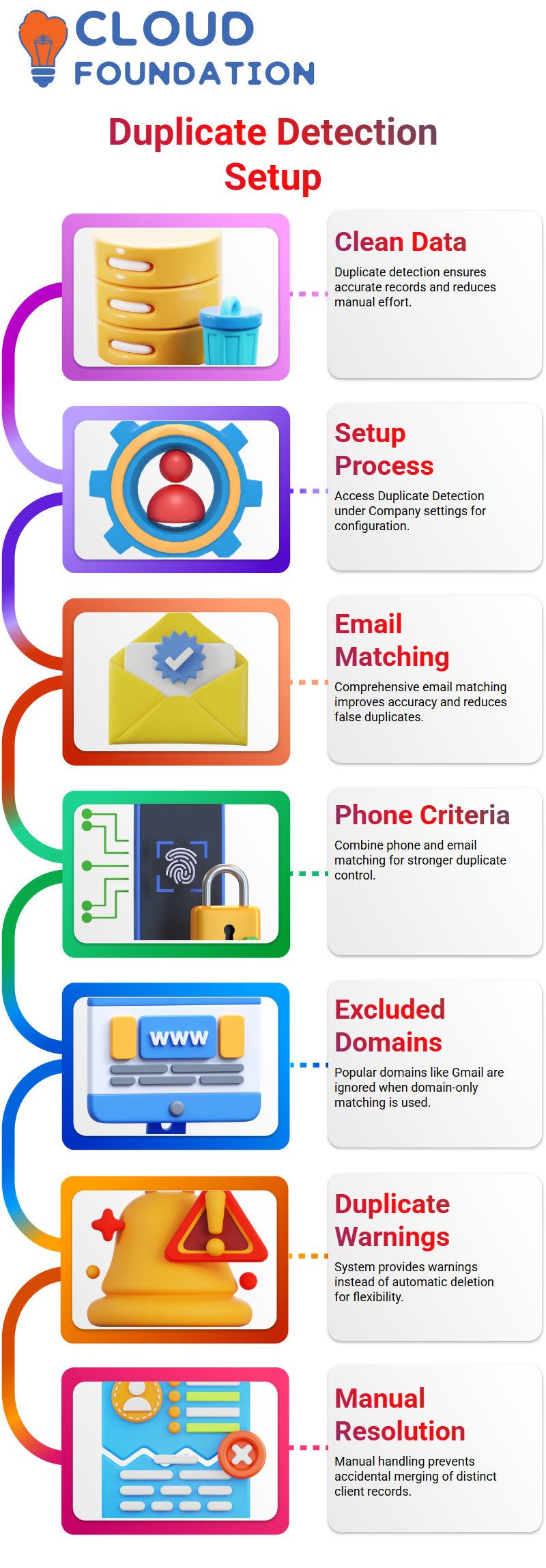
I usually begin by going to Setup and then selecting Duplicate Detection under Company settings from a NetSuite functional standpoint. Here, I explain how NetSuite Functional enables you to establish precise guidelines for finding duplicates before they become a data issue.
NetSuite Rules for Matching Emails and Phone Numbers
I carefully choose the matching criteria for each NetSuite functional implementation that I manage. Usually, I steerclear of utilising only email domains. I like comprehensive email matching as a NetSuite Functional best practice, as it produces more accurate results. NetSuite functions appropriately and marks two entries as duplicates if they have the same email address.
I also describe how I may combine the criteria of NetSuite Functional.
For instance, I am able to match phone numbers and emails. Only when both fields match in this configuration can NetSuite Functional detect a duplication. This method improves my control over client data and lowers false positives.
NetSuite Excluded Domains and Practical Scenarios
I frequently discuss excluded domains like Gmail, Yahoo, and Hotmail when I’m teaching NetSuite Functional concepts. Only when domain-only matching is used does NetSuite Functional disregard these popular domains. For this reason, I suggest comprehensive email matching in actual NetSuite Functional projects.
By configuring NetSuite Functional systems in this manner, I make sure that genuine duplicates are identified and steer clear of pointless alerts. The everyday operations are significantly impacted by this little setup modification.
NetSuite Duplicate Warnings and Manual Resolution
What happens once a duplicate is found is another crucial NetSuite Functional issue I discuss. When I attempt to create a record with a matched email, NetSuite Functional may provide a warning message. Because it allows users freedom, I personally like this warning technique.
In NetSuite Functional training sessions, I explain why automatic deletion is risky. Businesses might need two distinct clients with the same email address. That is why, as a NetSuite Functional consultant, I always recommend manual resolution instead of automatic merging.
NetSuite Entity Duplicate Resolution in Action
Once manual resolution is enabled, NetSuite Functional provides a clear path through Lists, Mass Update, and Entity Duplicate Resolution. To help grasp how NetSuite Functional shows possible duplication, I take them step-by-step through this page.
From my NetSuite Functional experience, selecting a primary record and marking the other as a duplicate is straightforward. If transactions exist, NetSuite Functional protects the data and alerts me before deletion. One of the reasons I have faith in NetSuite Functional for corporate data management is this protection.
NetSuite Accounting and Feature Enablement Basics
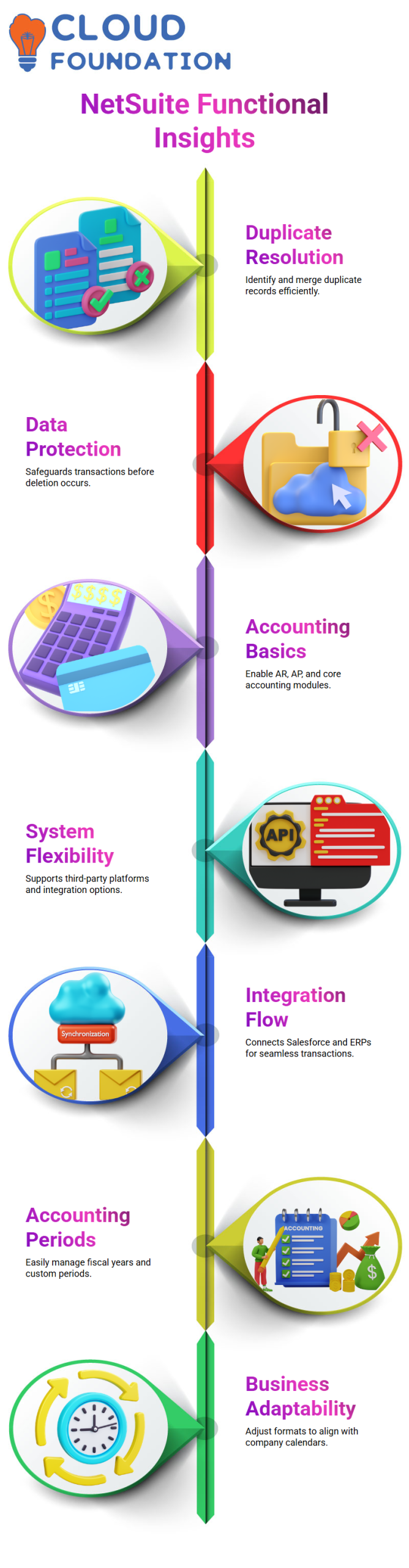
Beyond duplicate management, I also guide through accounting features as part of NetSuite Functional learning. In most NetSuite Functional implementations, I enable Accounts Receivable, Accounts Payable, and core accounting because businesses usually rely on these modules.
However, NetSuite Functional is flexible. Some businesses employ third-party platforms for sales or accounting. In certain situations, I demonstrate how NetSuite Functional allows turning off AP or AR while maintaining integration support. Because of its adaptability, NetSuite Functional may be used with a variety of company models.

NetSuite Functional Training

NetSuite Integrations and Transaction Flow
Integrations are crucial to practical NetSuite Functional projects. Salesforce and other ERPs may send transactions to NetSuite Functional even if AR or AP are turned off. I usually describe how connections send invoices or sales orders straight into NetSuite Functional.
For this reason, I stress that comprehending NetSuite’s functional capabilities involves more than simply setup. It is about knowing how data flows across systems and how NetSuite Functional fits into the bigger technology ecosystem.
NetSuite and How I Handle Accounting Periods in Real Projects
Since accounting periods are where true control starts, I usually start teaching NetSuite functional principles with them. In NetSuite Functional work, once accounting is enabled, accounting periods automatically come into play. To examine the structure of the system, I personally go to Setup, Accounting, and Manage Accounting Periods.
From a NetSuite functional standpoint, you have complete control over this panel. With a single click, I can set up a whole fiscal year. When I choose the full-year option and a year such as 2026, NetSuite Functional immediately creates all periods for me, month by month, without my having to do any work.
Additionally, I inform that flexibility is possible with NetSuite Functional. You can create only a quarter, define base periods, or adjust formats depending on your business calendar. For this reason, experts in finance and ERP need to be familiar with NetSuite functionalities.
NetSuite Approach to Closing Monthly Accounting Periods
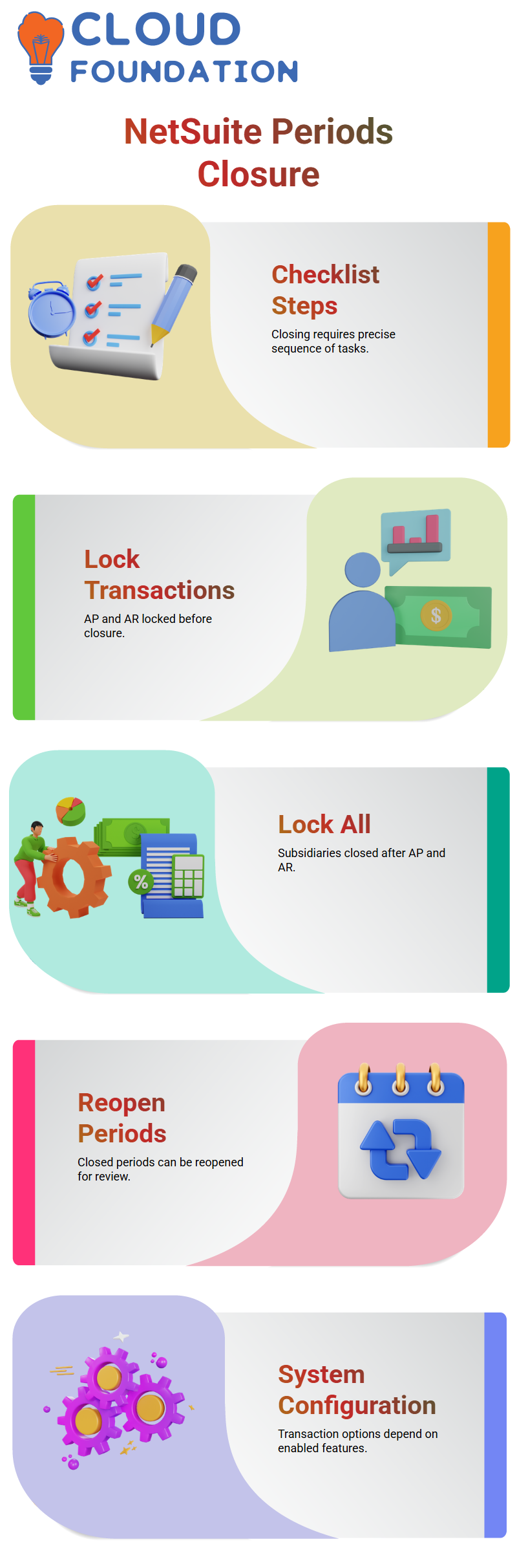
I go over the precise checklist required to conclude a month during NetSuite Functional training sessions. Closing a period involves more than simply pressing a button. Each step in NetSuite Functional must be completed in a precise sequence, and this is often done by the accounting team at the end of each month.
I demonstrate how AP and AR transactions are initially locked. No one can submit purchase orders, sales orders, or modifications within that time frame thanks to this NetSuite functional step. The Lock All option, which closes the time across subsidiaries, comes next.
Prerequisites are important from a NetSuite functional perspective. Date-period discrepancies cannot be fixed until Lock All is finished, and locking all requires first locking AP and AR. Because NetSuite Functional logic reflects actual accounting discipline, I prefer to draw attention to this.
NetSuite Controls for Reopening and Reviewing Periods
Whether a closed period may be reopened is a question I often hear during NetSuite Functional courses. Yes, is the response. To reopen the period in NetSuite Functional, I just go over the same checklist again, unmark the items that have been completed, and submit once again.
In NetSuite, in functional situations when testing or audit modifications are necessary, this functionality is crucial. In order to allow teams to publish test transactions or fix mistakes prior to final closure, I often temporarily reopen periods.
Manual review procedures, including resolving negative inventory and examining date-period discrepancies, are also included in NetSuite Functional. Because NetSuite Functional requires human validation rather than merely automation, I personally go through these checks.
NetSuite Configuration of Transactions and Procurement Features
I stress in my NetSuite Functional workshops that system configuration affects a lot of transaction possibilities. NetSuite Functional won’t provide those choices at all if you don’t allow buy orders or sales orders.
The same holds for requisitions, return authorizations’, and estimations. Enabling or removing these functionalities has a direct influence on how users engage with the system daily from a NetSuite functional perspective.
Because NetSuite Functional consultants need to comprehend how configuration choices impact reporting, accounting periods, and procurement operations, I prefer to convey this early.
NetSuite Explanation of Purchase Contracts
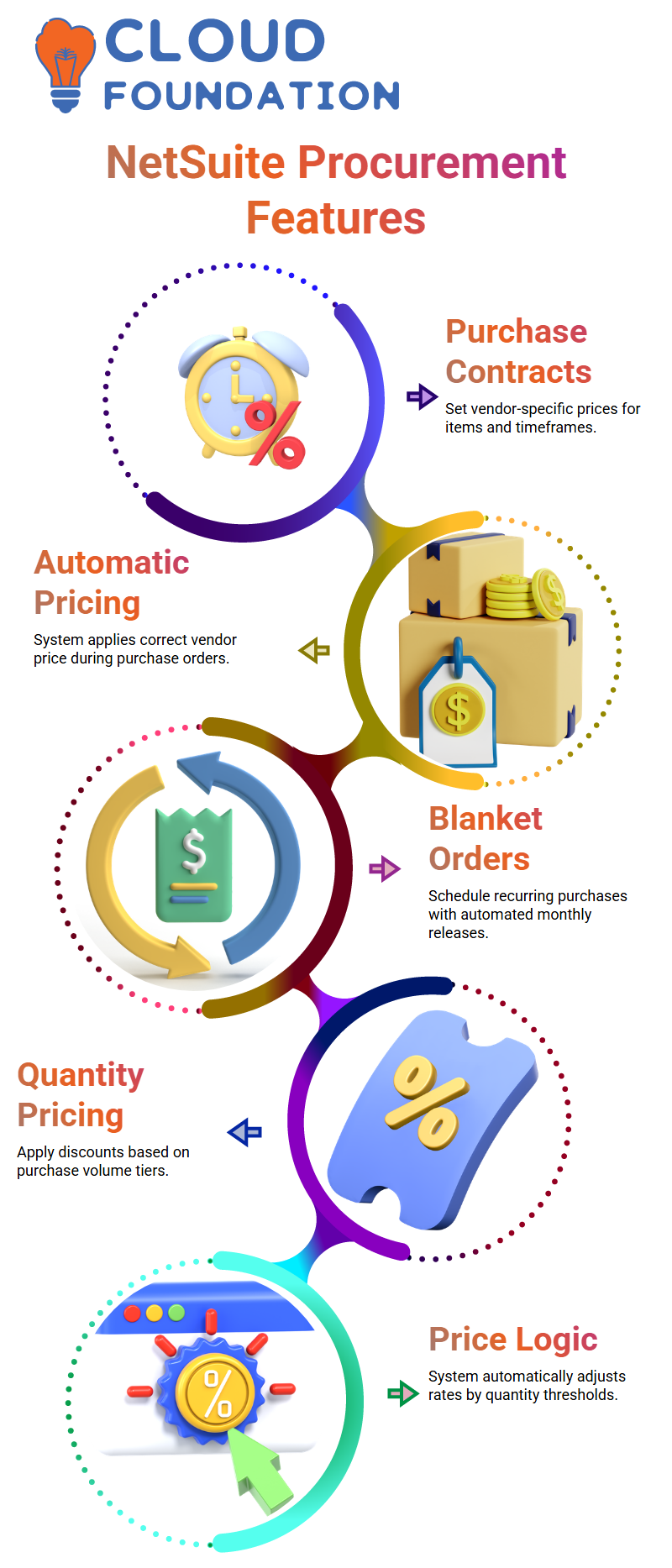
Purchase contracts are introduced from a NetSuite functional standpoint when I go into advanced procurement. I may specify a unique price with a vendor for a certain item and time frame via a purchase contract.
For instance, in NetSuite Functional, I may establish a purchase agreement with Vendor B up to a certain date if Vendor A sells thing A for $1,000 and Vendor B offers the identical thing for $990. When I generate a purchase order, NetSuite Functional automatically adds that price.
Additionally, I show how NetSuite Functional allows for numerous buy contracts for the same vendor and item. NetSuite Functional chooses the appropriate contract based on the transaction date, even though each one may have a distinct start and end date.

NetSuite Functional Online Training
NetSuite Usage of Blanket Purchase Orders
Another sophisticated feature I discuss in NetSuite Functional training is blanket purchase orders. When businesses need recurrent purchases, they activate the advanced procurement module, which includes these.
I can arrange amounts over time; a blanket buy order from a NetSuite functional perspective. I may specify release schedules such that NetSuite Functional automatically initiates orders each month if I require 1,100 units delivered each month.
I also go over NetSuite Functional’s quantity-based pricing. I may specify many pricing tiers, and NetSuite Functional will apply the appropriate rate according to the amount requested. For big businesses, this makes procurement predictable and under control.
Quantity Pricing as a NetSuite Consultant
I usually begin my explanations about quantity pricing in NetSuite Functional training sessions with a simple example. I may charge $98 if I sell 50 pieces, but the system will automatically apply a different price if I sell 51. Since I can really see the price logic start to operate on the sales order, this is one of those instances when NetSuite functional concepts seem extremely real.
Quantity pricing, as seen from a NetSuite functional standpoint, is all about establishing price discounts according to volume. I like that NetSuite Functional lets me manage prices without constantly changing figures by hand. As someone who works directly with NetSuite Functional setups, I want the system to handle the hard lifting once the rules are established.
How I Configure Quantity Levels in NetSuite
I often demonstrate how quantity levels operate directly on the item record in my daily NetSuite functional work. Depending on the number sold, I establish several pricing points, such as $90, $96, or $94. NetSuite Functional immediately determines the exact pricing as soon as I choose the appropriate quantity on the sales order.
I usually remind them that setting up the item correctly is a must for NetSuite Functional pricing. I can’t save the item unless I give it a name and fill out the necessary details.
In NetSuite functional deployments, this little detail is crucial, particularly when price accuracy affects customer confidence.
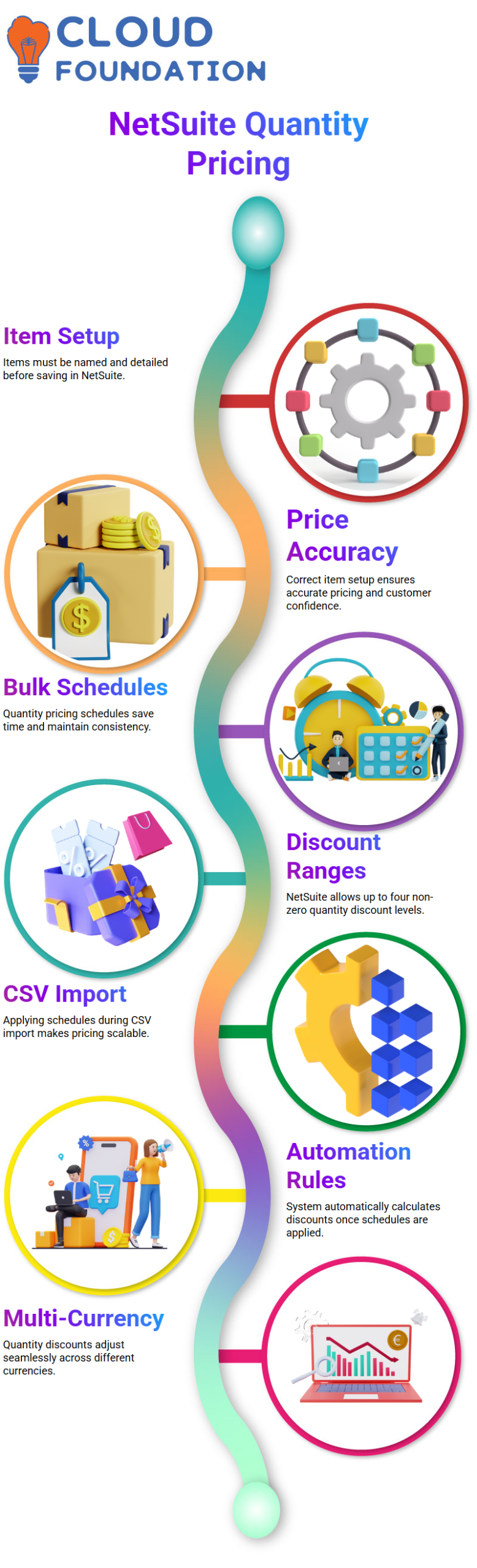
Quantity Pricing Schedules in NetSuite
The quantity pricing schedule is one of my favourite NetSuite functionalities. I go to Lists, then Accounting, and make a bulk pricing plan rather than individually setting prices for each item. This method saves time and maintains price consistency in NetSuite Functional.
A 5% discount on 50 units, an 8% discount on 100 units, and a larger discount on 150 units are examples of quantity ranges that I often create. Due to an accounting preference, NetSuite Functional only permits four non-zero quantity levels in this case.
Since learning NetSuite Functional requires an awareness of these settings, I like to demonstrate where this choice resides.
Applying Quantity Pricing Schedules During Item Creation in NetSuite
I want to apply the quantity pricing schedule at the CSV import level when I create inventory items. This is scalable and effective from a NetSuite functional perspective. All of the discounts are instantly applied to the item as soon as I choose the schedule.
My sole responsibility in NetSuite Functional at that time was to provide the basic pricing. Everything else is calculated by the system. I often take a moment here to let it fully get the potential of NetSuite Functional automation with properly configured price rules.
Managing Multiple Currencies with NetSuite Quantity Pricing
Multi-currency pricing is something else I like to show off with NetSuite Functional. The same quantity pricing reasoning holds whether I change the currency to Canadian dollars or British pounds. All of the quantity-based discounts are recalculated by NetSuite Functional when I only alter the basic price.
This is where everything comes together from the standpoint of a NetSuite Functional sales order. The system automatically chooses the appropriate discount if the amount is between 50 and 100. NetSuite Functional implements the subsequent price tier if the amount fluctuates between 101 and 150.
I can still override prices at the line level if needed, but I rarely have to, because NetSuite Functional handles it so smoothly.

Netsuite Functional Course Price

Nishitha
Author