NetSuite Functional Online Course
Purchase and Payables Visibility with NetSuite
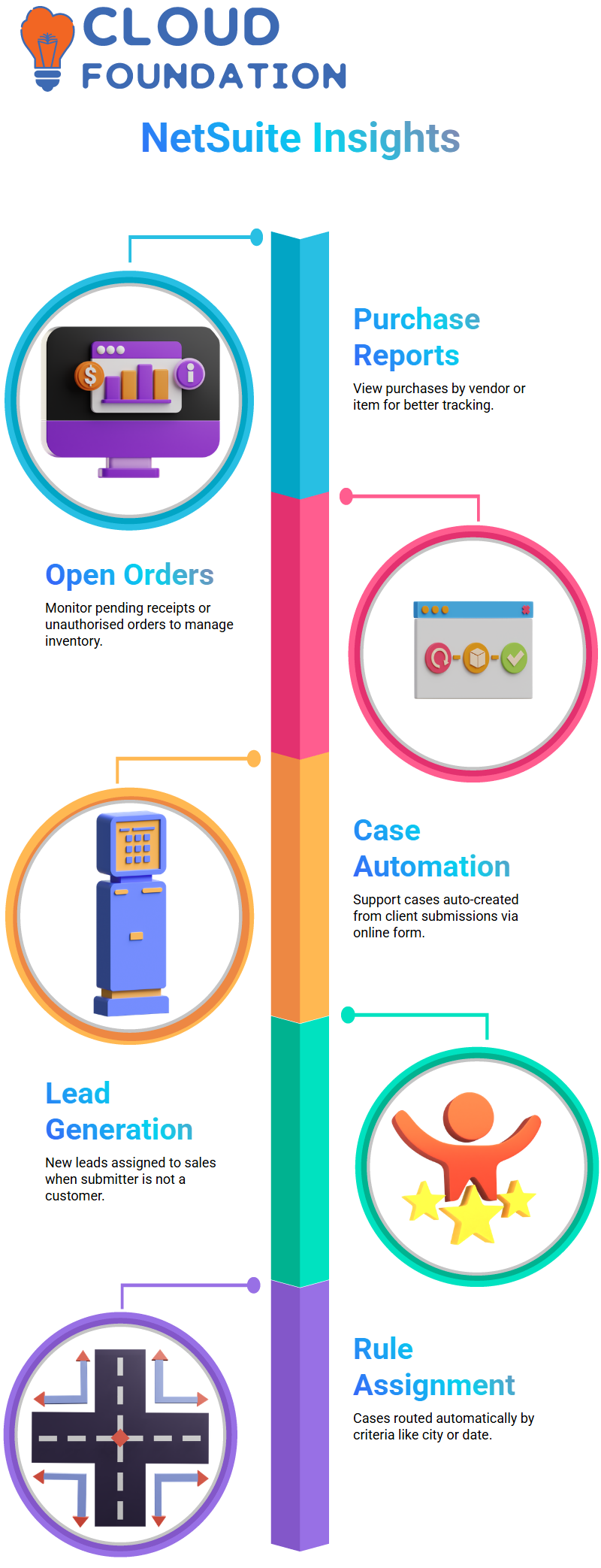
Since every step is connected by NetSuite expertise, I also guide through buying reports in addition to credits. You can check how many purchase orders there are for a certain item or seller by looking at reports like purchases by vendor or purchases by item.
I go into great depth about open purchase orders in my NetSuite walkthroughs. These are the orders for which item receipts are still waiting or that have not yet been authorised. Anyone in a NetSuite job may better manage payables and inventories by being aware of this flow.
Automating Support Cases NetSuite
The online case form is one of my favourite NetSuite features to showcase. NetSuite automatically opens a support case inside the system when a client submits one via a public URL. This automation eliminates human labour and saves time from a NetSuite standpoint.
NetSuite has the ability to immediately generate a new lead and assign it to a salesperson if the submitter does not already exist as a customer or lead. The matter is submitted to a support representative concurrently. This configuration demonstrates the full potential of the NetSuite setup.
Case Assignment Rules and Territories in NetSuite
Since this is a more complex NetSuite territory, I also take the time to describe automatic case assignment rules. Although you may allocate situations by hand, I like to use rules. You may make rules NetSuite according to a variety of criteria, like city, state, creation date, and many more.
For instance, I often show a NetSuite rule that routes cases from a certain city to a particular support representative. I draft the rule, associate it with a case region, and then use the online case form to test it. NetSuite notions seem more tangible and realistic when the case auto-assignment is done appropriately.
NetSuite Case Assignment and Automation in Support
I always begin working on support cases in NetSuite by looking at the case assignment. I had to personally pick up an unassigned case earlier and start working on it by myself. Although such a method is effective, it relies too much on physical labour. To ensure that the system manages the workload appropriately, I like to automate this in NetSuite utilising assignment rules and territories.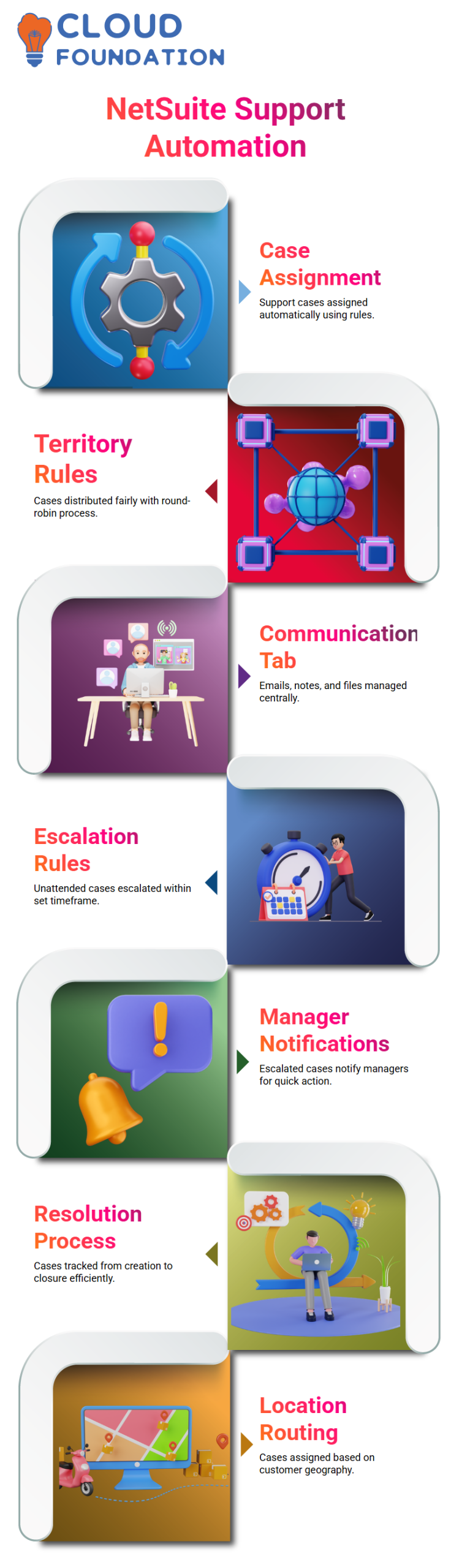
I use NetSuite territory rules to automate support representative assignments. I provide a transparent round-robin process in which each support representative is given a case in turn by the system. In this manner, NetSuite guarantees equitable case allocation and keeps no representative from being overworked.
The support representative may begin working on a case as soon as it is assigned in NetSuite. At this point, I often demonstrate how the communication tab takes centre stage. Support representatives manage everything in one location by sending emails, attaching files, taking notes, and documenting actions all inside NetSuite.
NetSuite Escalation Rules for Support Cases
Escalation rules are one NetSuite feature that I personally use. To ensure that no case is left unattended, I develop escalation guidelines. NetSuite automatically escalates a case if it is not assigned or no one works on it within a certain time frame.
I establish a rule, for instance, according to the time since the case was created. According to NetSuite, a case should be escalated by the system if it is left unattended for more than sixty minutes. I cut this down to one minute during testing in order to properly see the behaviour.
I assign the rule escalation assignments after creating it in NetSuite. I choose who, like a manager, receives notifications. NetSuite elevates the case and notifies the management so they can take prompt action if it stays dormant.

NetSuite Functional Training

NetSuite: Creating Groups and Territories
Establishing groups and territories is a crucial step in team organisation while NetSuite. Consider yourself at the point when you must oversee sales or support representatives. You may designate certain groups inside the system according to responsibilities, such as “Sales Group” or “Support Group.” In order to assist you in optimising your process, NetSuite allows you to assign numerous persons to a group at once. This is where it gets quite powerful.
Just go to the group area, choose ‘Employee’, then type the group name to establish a new group in NetSuite. After that, you may save your work and add team members to the group, such as XYZ. You’re effectively setting the parameters for your team’s duties by doing this, whether they include managing sales, customer service, or other crucial tasks.
NetSuite: Case Territories and Assignment Rules
The next feature in NetSuite is case territories, which let you allocate support cases to teams instead of specific workers. This has the potential to revolutionise large-scale team management. For example, you may allocate a case to your ‘Support Group’ rather than to a specific employee.
Your case management process will go much more smoothly because of NetSuite’s flexibility, which allows all the required parties to collaborate on a case.
Furthermore, NetSuite gives you the ability to choose several group kinds. Employee, client, and partner groups are a few examples of these. Each of these may be utilised to handle your particular tasks in an orderly manner, and if necessary, you can even form vendor groups.
This indicates that your process is customised to meet the demands of your team.
NetSuite Lead Creation and Sales Process
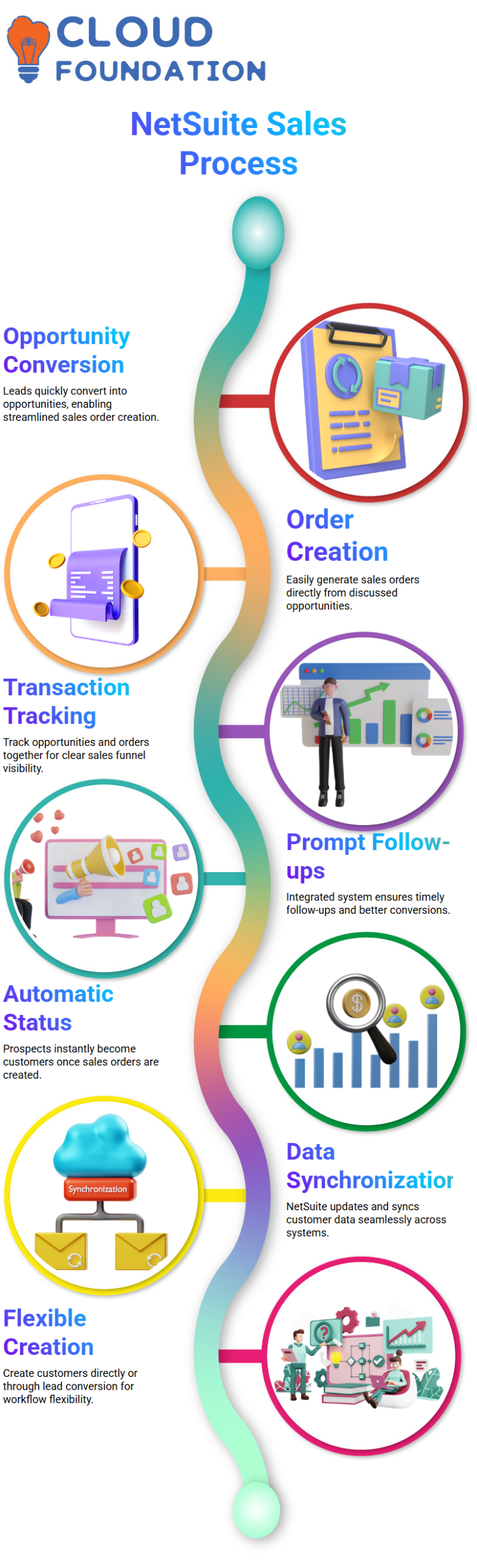
The lead generation procedure is essential for monitoring possible clients in NetSuite. A lead is automatically created in the system when a consumer fills out an online form. Less manual data is entering since NetSuite automates this process completely. Depending on your company’s requirements, leads may be created via external forms or input manually, giving you greater freedom.
When an opportunity is connected to a lead, NetSuite immediately turns it into a prospect. In addition to saving time, this automation guarantees that no opportunities are overlooked.
To convert that prospect into a customer, you might proceed to generate a sales order. It’s a smooth procedure that simplifies monitoring and conversion by keeping everything in one location.
NetSuite Integrating Sales Automation
This whole process is mostly driven by the Salesforce automation included in NetSuite. When a lead is created, NetSuite transforms it into a prospect and then a customer in the background. It is possible to combine NetSuite with Salesforce, allowing for the automatic synchronisation of leads and sales. This guarantees data consistency across the two platforms and lessens the need for manual upgrades.
For example, NetSuite automatically changes the prospect status to “customer” when a lead is turned into a sales order. This eliminates the need for you to manually update the status at every sales process step.
Your team can concentrate on completing transactions instead of worrying about system changes thanks to the integration, which guarantees that your sales process runs smoothly and continuously.

NetSuite Functional Online Training
Managing Intercompany Transfers in NetSuite
I immediately start NetSuite for intercompany transfers after verifying availability. I can move goods between subsidiaries in NetSuite without having to guess or double-check spreadsheets. My approach is streamlined because everything remains within NetSuite.
I appreciate that NetSuite facilitates both organized intercompany flows and direct transfers. Because every transfer shows actual stock movement between businesses, I feel in control when I operate with NetSuite.
Handling Monthly Intercompany Transactions in NetSuite
I am frequently asked if NetSuite requires us to use purchase orders for all intercompany transactions during monthly operations.
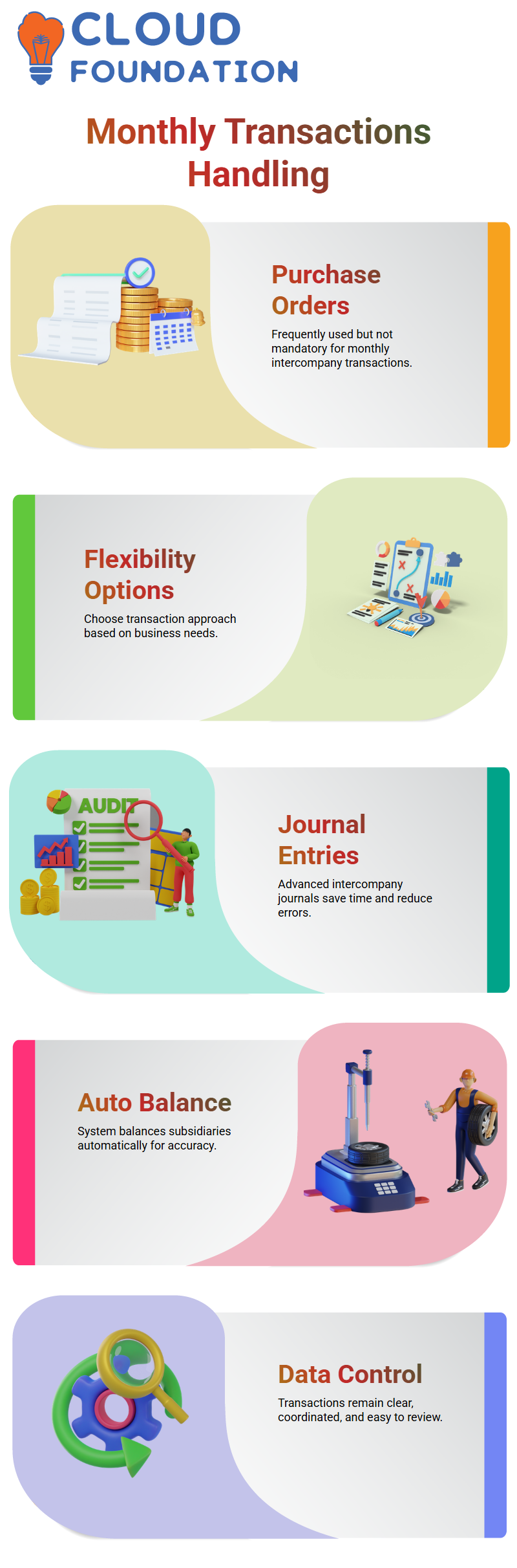
I know that purchase orders are frequently used, but they are not the only choice because of my experience with NetSuite.
I have flexibility with NetSuite. I can select the approach that best suits the business situation within NetSuite, particularly when managing monthly intercompany postings that occur on a regular basis.
Advanced Intercompany Journal Entries in NetSuite
The powerful intercompany journal entry capability in NetSuite is one of my favorite features. I don’t have to deal with manual entity balance with NetSuite. I just chose the option for enhanced intercompany journal entry.
When I use NetSuite, I click auto-balance after entering the from and to subsidiaries. I save time and cut down on errors since NetSuite automatically generates a balanced intercompany journal entry.
Auto-Balancing and Control with NetSuite
The auto-balance feature is what truly makes me trust NetSuite. I can concentrate on accuracy rather than calculations because NetSuite manages the credit and debit logic in the background.
I feel confident every time I work with intercompany data, thanks to NetSuite. Across subsidiaries, NetSuite maintains transactions that are clear, coordinated, and simple to review.

Netsuite Functional Course Price

VANITHA
Author
The capacity to learn is a gift; the ability to learn is a skill; the willingness to learn is a choice