NetSuite Functional Online Classes for Beginners
NetSuite Customisation Overview
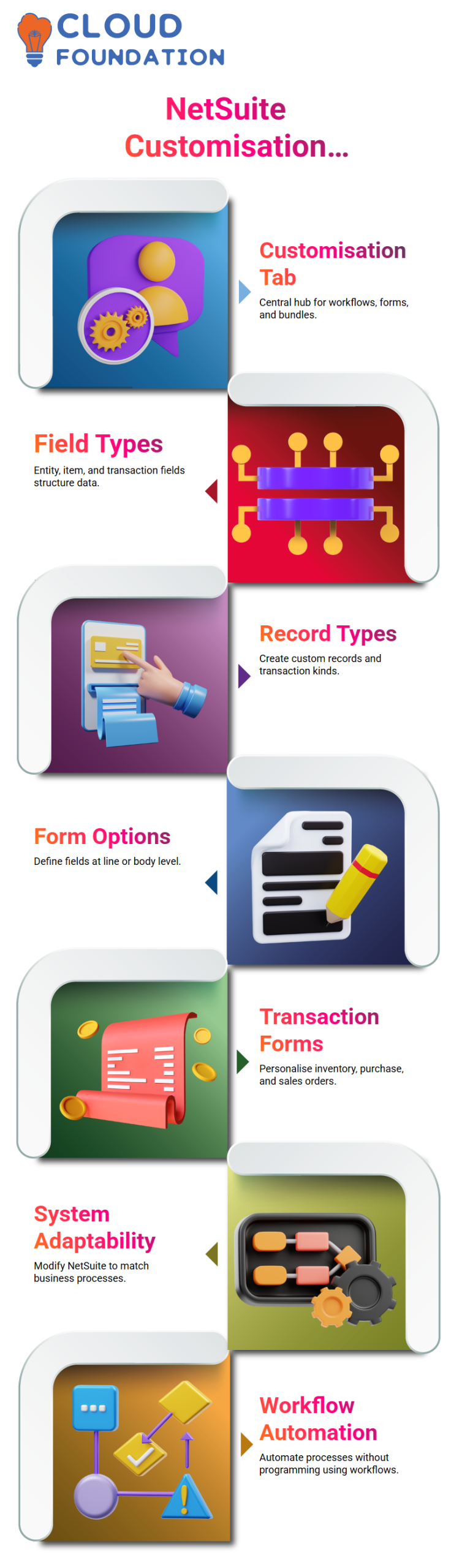
Since the Customisation tab is where everything comes together, I generally start my discussions on customisation in NetSuite there.
This is where you work from when you wish to install Suite Bundler bundles, manage a workflow, or edit a form in NetSuite. Knowing this tab is the cornerstone of NetSuite knowledge, so I usually explain it to Learners.
You work with lists, record types, custom segments, and other field types in NetSuite. Because NetSuite is much simpler to use if you grasp the structure of entity fields, item fields, and transaction body data, I prefer to describe how they operate.
In addition to demonstrating how forms appear, I also go into detail about how fields are really generated and maintained in NetSuite.
NetSuite Fields and Record Types
There are two standard methods for creating fields and forms in NetSuite, and NetSuite always provides you with many options.
Every NetSuite consultant has to be aware that you may define custom fields at the line level or at the body level. In NetSuite, entity fields are utilised for partners, customers, suppliers, and contacts, while item fields are part of item records.
You may make your own unique records or transaction kinds. One of NetSuite’s best features is its adaptability, which enables companies to modify the system to fit their actual procedures rather than altering how they operate.
NetSuite Transaction Forms
I typically show inventory transactions, work orders, purchase orders, and sales orders when I enter transaction forms in NetSuite. Although these are all common transactions, you may personalise each one in NetSuite. This transaction form configuration also includes inventory modifications and transfers.
Although I typically make it clear that scripting is more technical in nature, it is still crucial to understand where workflows and scripting are located in NetSuite. Because workflows enable process automation without the need for programming, they are particularly pertinent to NetSuite users.
NetSuite Custom Field Creation Methods
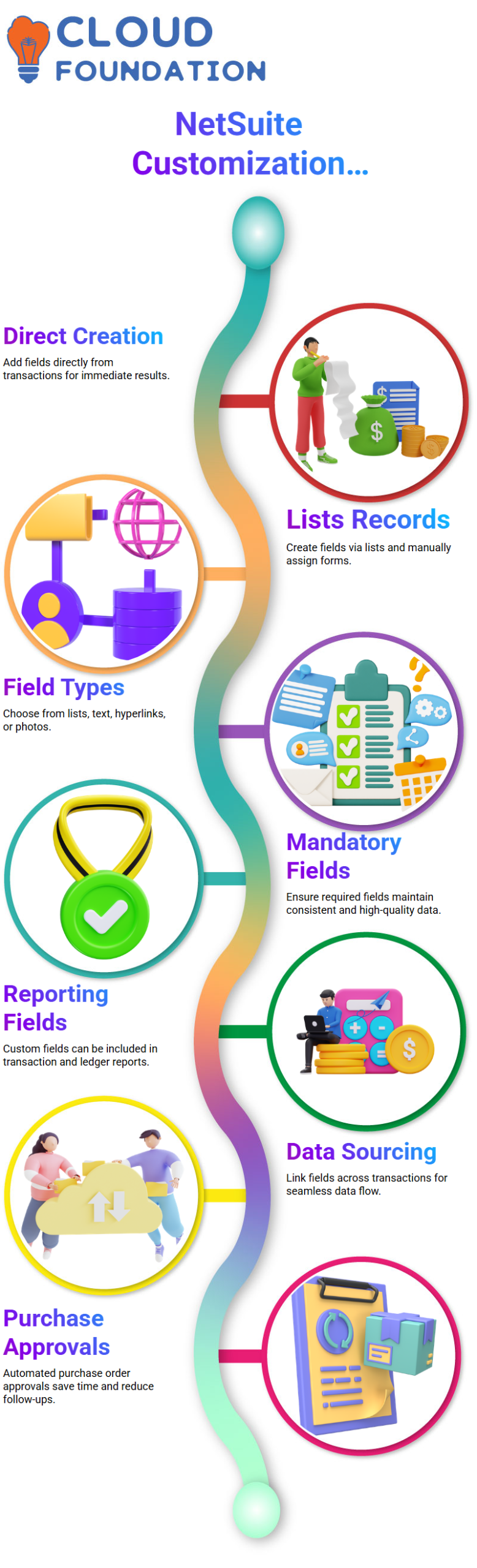
Directly from a transaction, such as a purchase order, is a straightforward method of creating a custom field in NetSuite. You may click on Customise when a purchase order form opens to add a new item selection, column field, or body field. With this method, NetSuite learners may see results right away.
Lists, Records, and Fields is the second NetSuite technique. You may then click New to open Transaction Body Fields.
The identical field creation page is shown, but with NetSuite, you must manually choose which forms the field should be applied to. I always explain when to utilise either of the two approaches in NetSuite, and they are both legitimate.

NetSuite Functional Training

Automating Accounts Payable with NetSuite Integrations
While at NetSuite, I always look for ways to reduce manual work in accounts payable. Integrations with third-party apps that enhance invoicing processing and approvals are supported by NetSuite. I’ve seen how NetSuite integrates with solutions like Bill.com to expedite approvals, minimise data input, and simplify payables.
Integrated apps effectively feed data into NetSuite, even though NetSuite is still the financial system of record. This configuration increases accuracy and helps me avoid making the same manual entries again and again. The time savings are evident when I contrast automated procedures inside NetSuite with manual workflows
Reviewing Bill Records and GL Impact in NetSuite
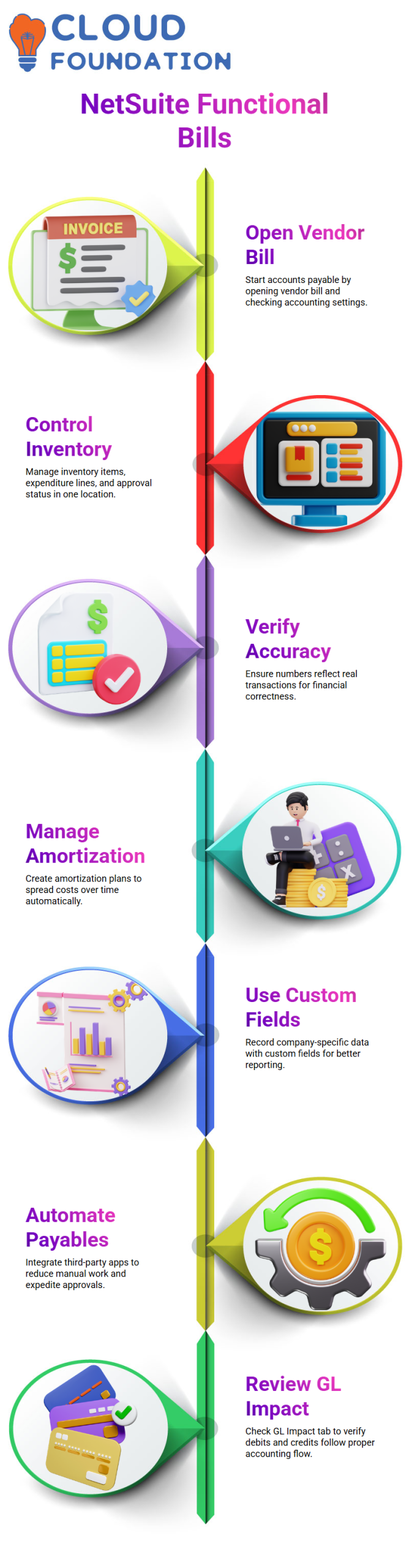
After I save a bill in NetSuite, I check the recent records list or the bills list to locate it quickly. I need navigation tools to go back to the bill since NetSuite sometimes takes me away from the record after I’ve saved it. I check activities like approving returns or making payments once I’m within the bill.
Before continuing, I always check the GL Impact tab in NetSuite. NetSuite displays the impact of the transaction on accounts such as Accounts Payable and Inventory Received Not Billed. I verify that debits and credits adhere to the proper accounting flow this GL visibility in NetSuite.
Customising Purchase Reports in NetSuite
Another area I utilise NetSuite regularly is reporting. I may design reports with numerous date periods in NetSuite when I need to compare vendor purchase histories. In NetSuite, I set up columns to show data from the previous year and the current year side by side.
Under the customisation settings, NetSuite offers powerful report modification features. To ensure that NetSuite generates insightful vendor analysis, I provide filters, date fields, and comparison columns. I can monitor trends and assess expenditure habits because of NetSuite’s functional versatility.
Making Vendor Payments and Applying Credits in NetSuite
Based on my selections, NetSuite automatically chooses the default bank account when I get to the payment step. Additionally, NetSuite displays possible vendor-linked bill credits. NetSuite allows me to apply any credits that were previously generated by a return straight at the time of payment.
I sometimes decide to pay in full rather than use the credit. Accounts Payable is subsequently posted as a debit and the bank account as a credit by NetSuite. NetSuite quickly computes any applicable discounts and displays the modified totals. I like NetSuite Financials’ transparency about all financial effects throughout the payment process.

NetSuite Functional Online Training
Vendor Fields Through a NetSuite Lens
I clarify in my NetSuite workshops that a purchase order only provides a cursory view of the vendor. Powerful information is stored in vendor sub-records, which are part of the NetSuite design behind the scenes.
I guide Learners through vendor fields such as account numbers, billing information, nation data, 1099 eligibility, and address details.
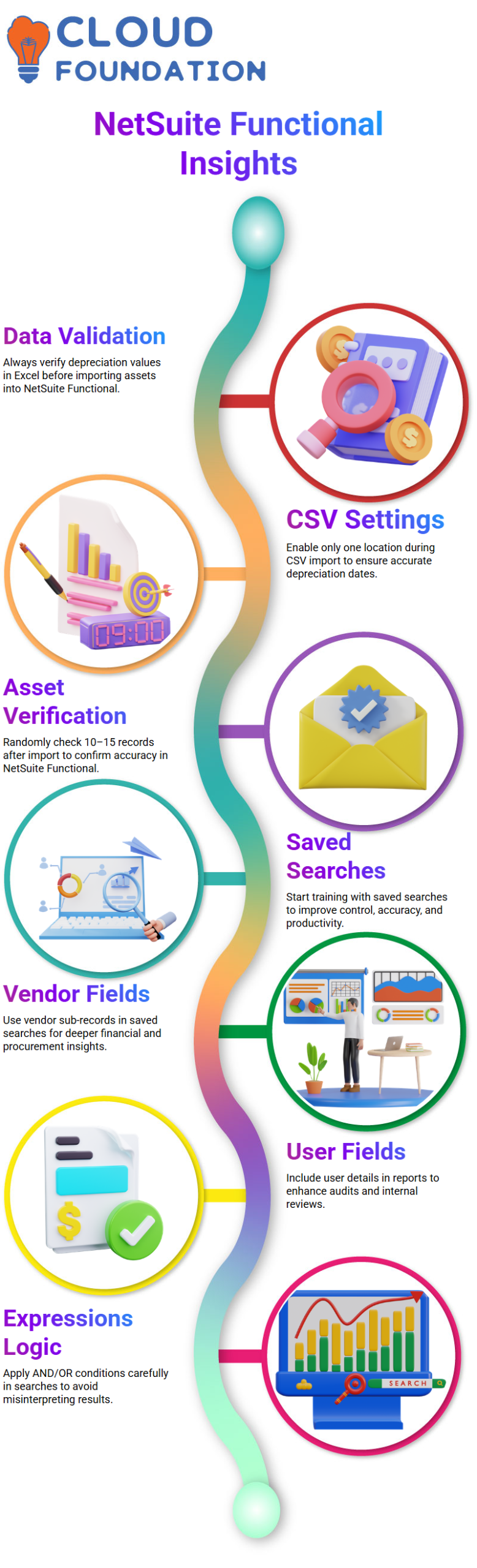
Pulling this vendor data into a saved search provides the insight that the finance and procurement departments sorely need from a NetSuite standpoint.
I often demonstrate how improving reporting may be achieved by including the firm name or more vendor information. This method demonstrates how a NetSuite consultant views usability and data access.
Applying Expressions
Since this is fundamental NetSuite logic, I always take the time to explain expressions. Buy orders, buy requests, and item receipts may all be merged into a single intelligent search by employing expressions. Because misinterpreting the behaviour of AND OR conditions may drastically alter search results in NetSuite settings, I describe it.
NetSuite has shown me that expressions provide versatility without adding complexity. Although the majority of NetSuite users just utilise basic criteria, I demonstrate how formulae may be introduced when necessary. During training, I place a lot of emphasis on this balance.
Advanced Output, Filters, and Access Control in NetSuite Searches
I go on to outcomes and visibility, which is another crucial NetSuite skill, when the criteria are ready. I describe sublist views, dashboard views, public searches, and reminders. Reminders enable teams in NetSuite projects to take action every day rather than only responding once a month.
I also go over output formats, including grids, reports, and graphs, as well as sorting and maximum results. Selecting the appropriate output enhances adoption from a NetSuite perspective.
I show customers how to utilise bold formatting, colour coding, and highlighting rules to make important transactions stand out right away.
NetSuite consultants need to be exact when it comes to filters and audience settings. I demonstrate how to grant or deny access based on a subsidiary, class, department, or job. I also go over how to schedule emails, create daily or weekly reports, and why regular, rather than monthly, NetSuite reconciliation is the most effective.
I’m currently a NetSuite to replace manual operations by configuring bank feeds. Learners may better grasp why NetSuite automation is a great practice rather than just a feature through this real-world scenario.

Netsuite Functional Course Price

Nishitha
Author