Learn SAP Field Glass Online Course
Master Data in SAP Field Glass
The first thing we do when you start using SAP Field Glass is work with master data.
I prefer to start with users and suppliers, how we keep them up to date, and the connections we employ.
You’ll utilize these connections a lot if you become an administrator.
We also talk about how the firm is set up.
In SAP Field Glass, the company code stands for a legitimate corporate organization.
The business unit is made up of the company code and the organizational unit.
First is the corporate code, then the business unit, which has both verticals and horizontals.
Cost Centers and Project Budgeting in SAP Field Glass
SAP Field Glass lets us keep track of cost centers, which are also known as cost objects.
Each project includes a cost center where costs are recorded, making it easy to keep track of how much money is spent on each project.
We keep track of all the company’s information very carefully so that the cost allocation matches the needs of the project.
SAP Field Glass links to these cost allocations in ERP, even if budgeting is still done in ERP.
It does this by integrating the cost center and the GL number from ERP to keep track of project costs.
Labor Types and Roles in SAP Field Glass
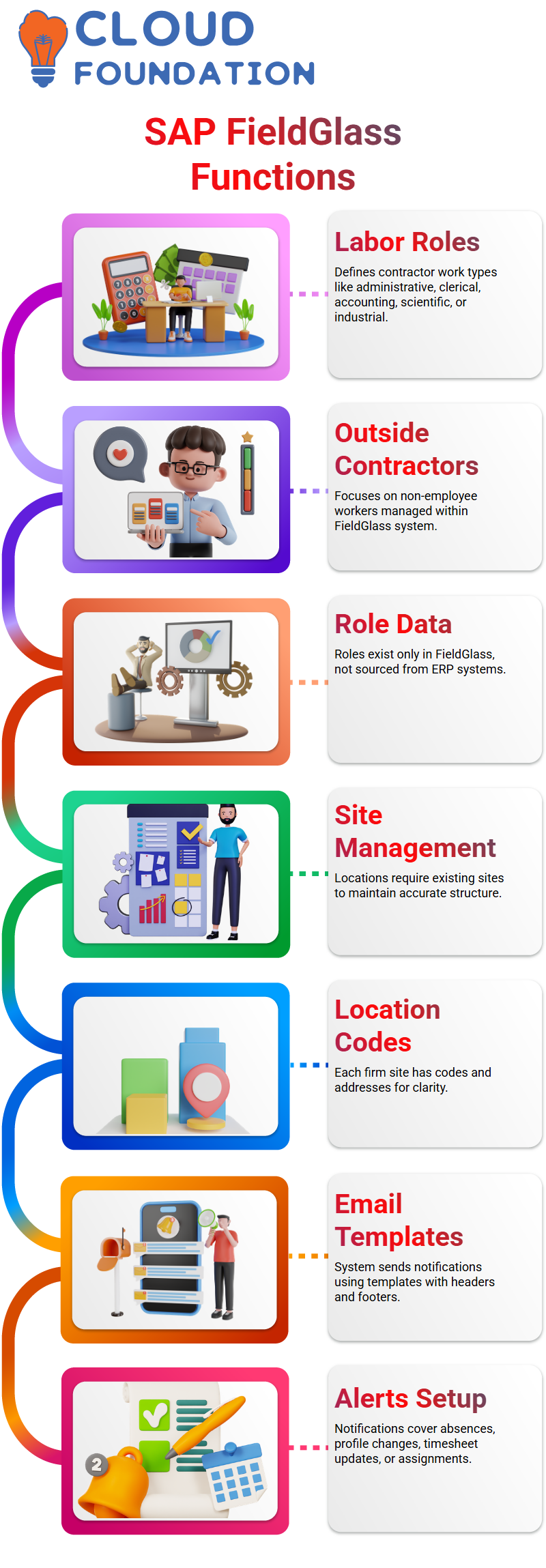
These set the limits on what outside workers may do, such as administrative, clerical, accounting, scientific, or industrial work.
This is also where you may find out about the functions of employees, although the main emphasis is on outside contractors.
Every business determines how to utilize SAP Field Glass for workers who are not employees.
I talk about how we keep these roles in SAP Field Glass since this data doesn’t originate from ERP or any other system; it only exists in Field Glass.
Managing Locations and Sites in SAP Field Glass
In SAP Field Glass, locations are very important.
There are codes and addresses for each firm site, such as Bangalore or Chennai.
Before maintaining locations, sites must be in existence since locations are directly linked to sites.
You can’t keep the location up without a site.
This hierarchy makes sure that SAP Field Glass shows exactly where workers and contractors are working, which keeps the system structured and accurate.
Email Messaging Templates in SAP Field Glass
SAP Field Glass sends emails to users and management using email templates.
The system delivers notifications when a contractor’s job is about to finish, for example.
You may choose how frequently these alerts are sent and in what language.
The headers and footers in SAP Field Glass templates make the message clear.
Notifications might be about absences, changes to your profile, adjustments to your timesheet, or modifications to your assignments.
I often stress how important it is to get these templates up appropriately so that communication goes smoothly.
System Variables and Messaging in SAP Field Glass
We can keep track of reasons, modules, and other message settings in SAP Field Glass using system variables.
These variables decide what messages are delivered and to whom every time a contractor update happens.
I make sure that these variables are well-kept so that the alerts are correct.
SAP Field Glass utilizes these variables a lot, from job advertising to SOWs (Statements of Work).
Timely updates are good for contractors, managers, and users since they make sure everything is clear and works well.
Configuring Templates for Contractors in SAP Field Glass
I usually start with the business code when I set up templates for contractors in SAP Field Glass.
This connects to all employees and business divisions.
The business unit is made up of the company’s structure and its firms.
Cost centers are also quite essential here.
Even though ERP keeps track of budgets, SAP Field Glass combines cost center data to keep track of things.
Based on this framework, we establish templates for job posts, assignments, and alerts.
This makes sure that communication is smooth and records are kept accurately.

SAP Training

Understanding SAP Field Glass Templates
I want to help you put up templates in SAP Field Glass.
There are specific regulations you need to follow when you use templates, particularly when you use SOWP or job posting templates.
I’ll provide some tips to help you have a better time.
You can potentially accept various currencies in SAP Field Glass, but you shouldn’t set this up in the template.
It might create difficulties later if you do that.
Multiple currencies should only be allowed if the need is worldwide.
For instance, USD is a currency that is accepted all across the world, and you may set it up in SAP Field Glass to reflect that.
This setup is not good for local needs.
Buyer vs Supplier Control in SAP Field Glass
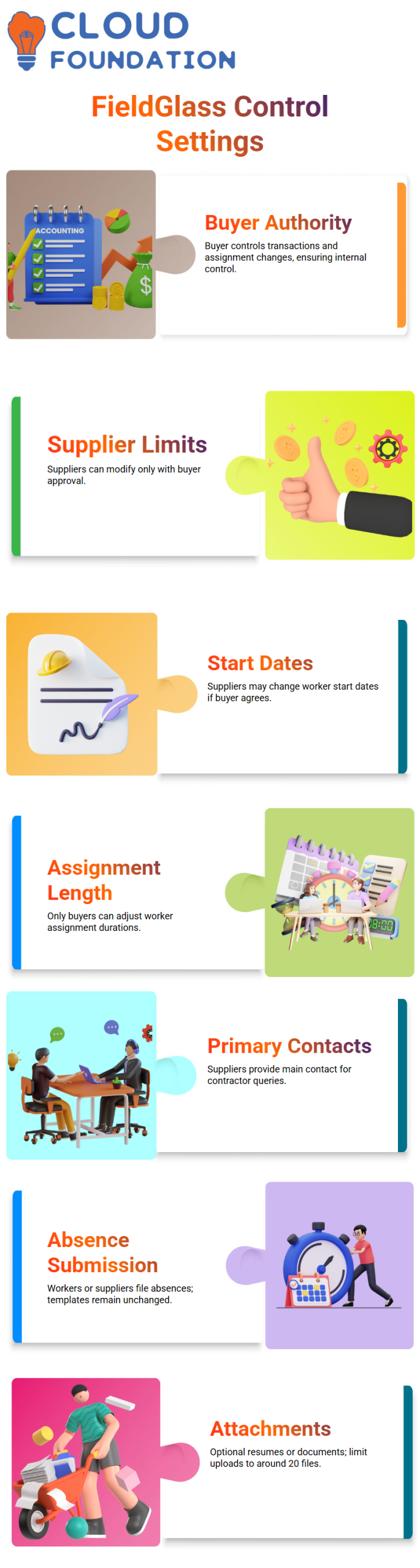
You might typically find an option in SAP Field Glass for the supplier to change the start dates of workers.
To be clear, the provider may only make modifications if the customer agrees.
The buyer should usually be in charge of all transactions; therefore, this setting should be set to “No” in the template.
You may let the supplier make changes if the customer agrees and there is a good reason.
In the same way, the provider can’t change the length of worker assignments on their own.
Only the buyer may make these modifications thanks to SAP Field Glass.
This maintains internal control in place and makes sure everyone knows who is in charge of what.
Managing Primary Contacts in SAP Field Glass
In SAP Field Glass, the supplier normally gives the worker’s main contact person.
The person in charge of answering the buyer’s questions about a contractor might be the supplier’s administrator or someone else.
We don’t put this option up when we make templates since the supplier handles it directly.
Submitting Absences in SAP Field Glass
Either the worker or the supplier may file absences in SAP Field Glass.
This procedure should not be changed by the template.
Employees fill out their own timesheets, but if they can’t, the provider does it for them.
I usually say to keep the template settings basic and let SAP Field Glass decide who submits what.
Attachments in SAP Field Glass Templates
You don’t have to add attachments with SAP Field Glass.
Suppliers may provide resumes, job descriptions, or other papers that are relevant.
Remember that attachments are not required for internal controls, although they might be helpful.
I normally tell people to upload common file kinds and keep the number of files to around 20.
Characteristics and Master Templates in SAP Field Glass
Characteristics are an important aspect of SAP Field Glass templates.
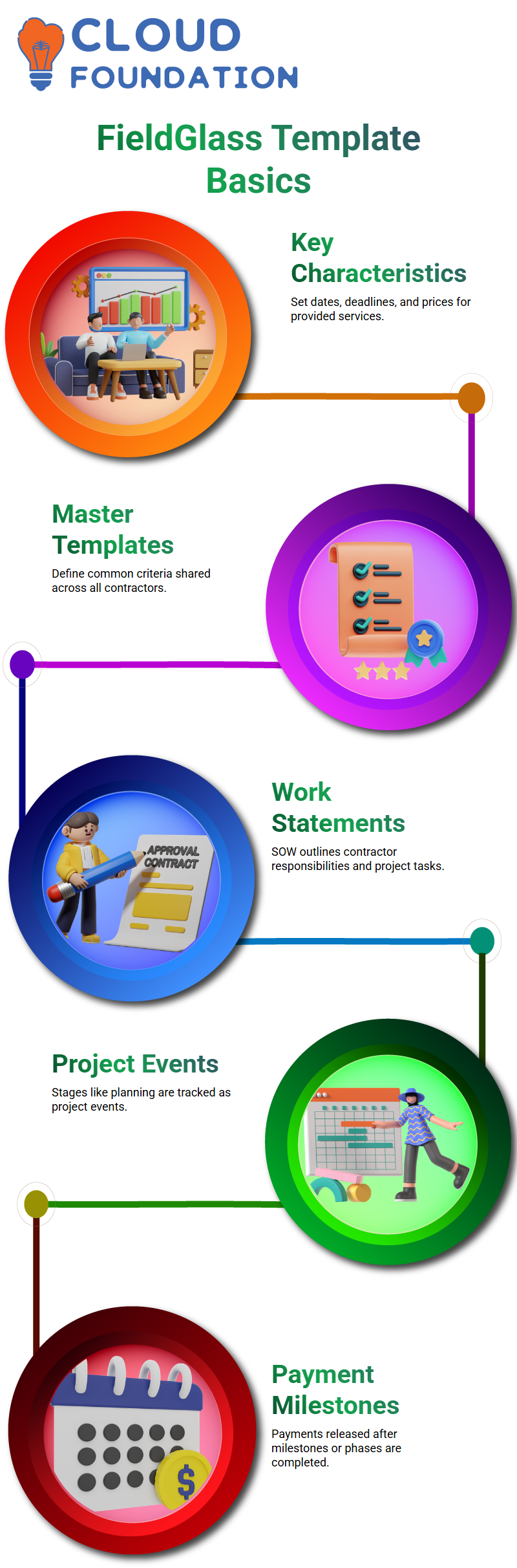
They set dates, deadlines, and prices for the services they provide.
I always make sure my pupils understand how each contractor’s job is defined by explaining it properly.
In SAP Field Glass, there are both master templates and child templates.
Master templates have criteria that are the same for everyone in the firm, and child templates get this information from them.
This approach makes it simple to handle several tasks at once.
For instance, if a service business is working on a project for SAP Field Glass with many contractors, all of them will follow the SOW outlined in the master template.
Fees and other details are presented so that everyone understands how they will be paid and what they need to do.
Fees and Statements of Work in SAP Field Glass
Fees in SAP Field Glass are based on the services that are given.
A statement of work (SOW) lists all that contractors need to do.
I usually tell my students that the SOW is very important since it keeps the project on track and makes sure everyone is responsible.
Everyone who works on an SOW in SAP Field Glass understands what they need to do and what their job is.
You stay in charge and keep an eye on things while the service provider brings in various contractors to work on the job.
This systematic method keeps everything clear and makes managing a project easier.

SAP Online Training
Understanding SAP Field Glass Events and Milestones
We get to choose how payments are handled when we use SAP Field Glass. If it’s a flat price, we pay the same amount every month.
Events in Sap Field Glass are generally linked to projects that are being put into place.
Every stage of a project, such as the planning stage, is seen as an event.
The buyer releases the payment after a step is finished and accepted.
Milestones in SAP Field Glass function the same way.
They show that important steps have been finished and help with the payment process.
Sap Field Glass makes sure that purchasers can view the project plan even if they don’t know all the technical aspects.
For instance, the system lets purchasers keep track of which steps of an implementation project have been completed.
There is a payment for each milestone in SAP Field Glass, which is the same as a phase.
This makes the procedure clear for both buyers and sellers.
Sap Field Glass Management Events Explained
Not all occurrences in Sap Field Glass are related to money.
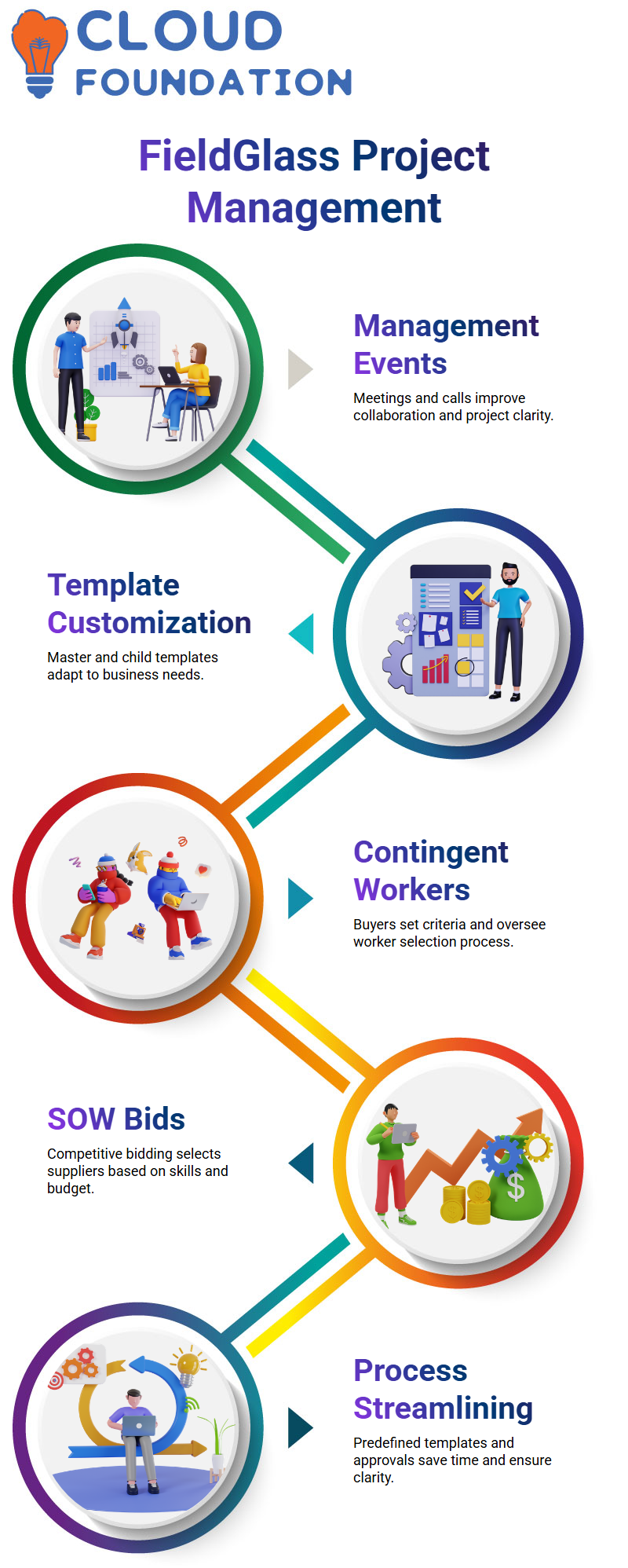
Meetings, calls, and talks between product owners and company owners are all examples of management events.
These gatherings assist everyone in understanding what the project needs and how the company is doing.
Management events in SAP Field Glass help us work together better and make sure that the software is set up correctly.
The SOW template in SAP Field Glass lets us specify the kinds, properties, and visibility of events.
We choose who can see what.
There are instances when customers require information that suppliers don’t have, and Sap Field Glass enables us to control these rights right from the template.
Customizing SAP Field Glass Templates
Sap Field Glass lets you have more than one SOW for various jobs.
We may create a master template and then change it for individual roles or business divisions.
The master template gives us broad traits, while the child templates let us add particular needs.
This versatility in Sap Field Glass enables businesses to satisfy their demands without causing misunderstandings.
The visibility options in SAP Field Glass templates are quite important.
Buyers may choose what information is shared with providers and what stays private.
This keeps critical information safe and makes sure that communication goes smoothly.
Working with Contingent Workers in SAP Field Glass
There are never any direct pulls from templates for contingent workers in Sap Field Glass, sometimes known as SOW workers.
Buyers set the technological criteria and choices for these staff.
The buyer has to do this since they know what the project objectives are, even if they aren’t specialists in the technical aspects of the program.
Sap Field Glass makes sure that vendors can find the right staff and send them in for review.
After they are submitted, workers go through a selection and onboarding procedure.
Buyers interview and choose the personnel, who are subsequently added to SAP Field Glass.
This approach makes sure that only competent people are given important jobs on the project.
Sap Field Glass SOW Bids and Supplier Interaction
Sap Field Glass can also handle SOW Bids. Buyers may send project specifications to many providers and ask for quotes.
We may choose the best provider based on their resources, skills, and budget via this competitive approach.
After the bid, Sap Field Glass makes the chosen supplier’s SOW and gives it to the workers who will be doing the job.
In Sap Field Glass, we also have the option to auto-activate.
Once personnel are hired, their tasks may be started instantly.
This function cuts down on the number of manual confirmation stages and makes sure that buyers, suppliers, and temporary workers can all work together smoothly.
Streamlining Processes with SAP Field Glass
By pre-defining qualities and needs, Sap Field Glass templates save time.
Buyers may create master templates for generic roles and then edit child templates with more specific needs.
The approval procedure in SAP Field Glass makes it easy for several people to look over and approve SOWs.
Sap Field Glass makes it easy for customers and suppliers to talk to each other.
The platform keeps everything structured and clear, whether you’re talking about events, milestones, or worker assignments.
This makes managing projects easier and makes sure that everyone is on the same page.

SAP Course Price

Nishitha
Author