ForgeRock course online on Authentication
ForgeRock Authentication Gateway
As you use ForgeRock, you’ll see how simple it is to make OAuth clients and keep track of them for different apps.
You might also hear the terms “Java agents,” “web agents,” and “identity gateway.”
These parts all have different jobs.
The ForgeRock Identity Gateway is like a security layer that sits between the UI and Access Management.
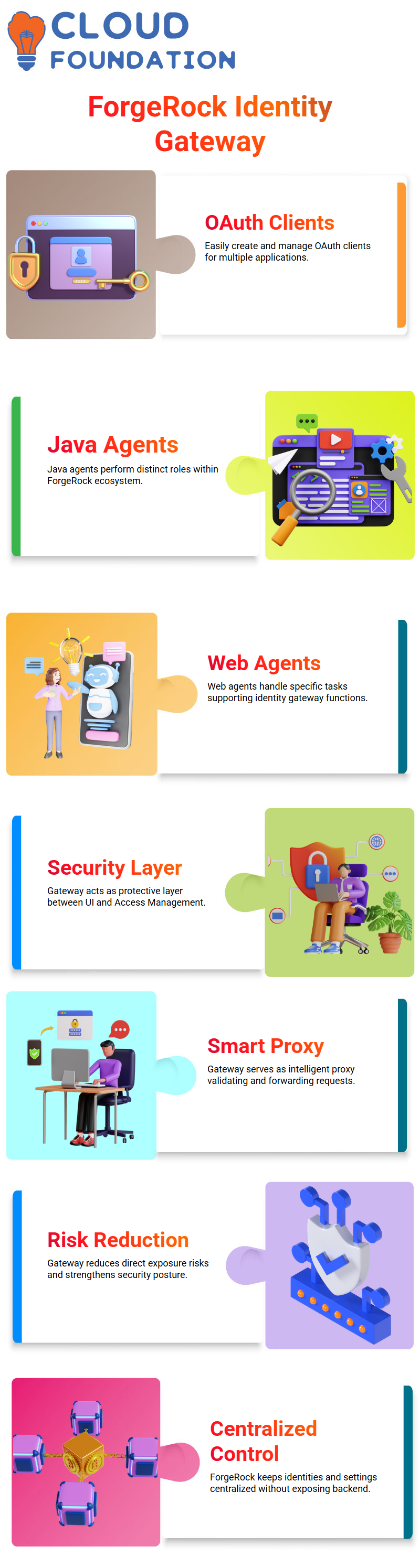
When a request comes from the UI, it goes through this gateway first. Then, the gateway talks to the ForgeRock AM APIs.
This setup makes sure that no one can directly access your AM backend.
ForgeRock Identity Gateway and Its Role
I say that ForgeRock Identity Gateway is like a smart proxy.
The gateway API layer is the highest level of your system that an attacker can reach.
The gateway checks the request, makes sure it is valid, and then sends it to ForgeRock Access Management.
This lowers the risk of direct exposure and makes the security posture stronger.
All of your configuration stores, CTS stores, and identities are safe inside ForgeRock Access Management.
ForgeRock keeps everything inside when you make new users or custom settings. This design lets you keep centralized control without showing the actual AM parts.
ForgeRock Services and Real-Time Setup
I go to the services tab in ForgeRock and add what the project needs whenever I set up services.
You can turn on authentication services, OAuth providers, push notification services, and even allow users to sign up for themselves.
With ForgeRock, you get a full self-registration module that lets users make their own accounts.
I set up Device ID modules for clients who want authentication at the device level.
ForgeRock also gives you a lot of control over session handling.
You can change the maximum session time, idle time, and caching behavior to fit the needs of your project.

ForgeRock Training

ForgeRock Authentication Trees and Nodes
Most new projects use ForgeRock authentication trees instead of old chains and modules.
There are still chains, but trees give you more control and freedom.
I use nodes like username collectors, password collectors, decision nodes, and multi-factor authentication nodes to build a ForgeRock authentication tree.
We make trees in real time during our sessions so you can get real hands-on practice.
The ForgeRock documentation helps you learn more, but I always show you each step live so you can see how each node works and how the workflow goes from start to finish.
ForgeRock Identity Stores and Scripts
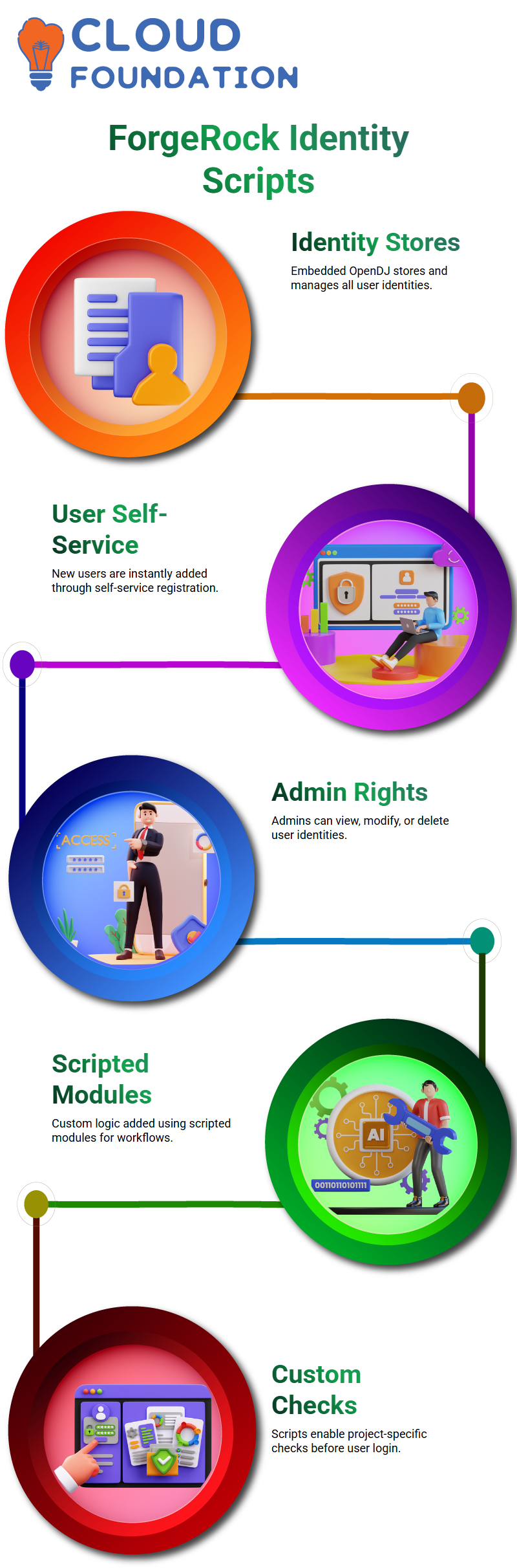
Inside ForgeRock, embedded OpenDJ usually powers identity stores, which hold all user identities.
When you use ForgeRock’s user self-service to add a new user, that identity is added to the store right away.
Based on your admin rights, you can see, change, or delete user identities.
ForgeRock also lets you add scripted modules if you need custom logic.
When a workflow needs something that is specific to a project, I use these scripts with authentication trees.
For instance, some clients need custom checks before they can log in, and ForgeRock scripts do a great job of meeting those needs.
ForgeRock Sessions, Security, and Configuration
Session management with ForgeRock is an important part of every deployment I do.
You can set the length of sessions, how idle timeouts work, and how caching works.
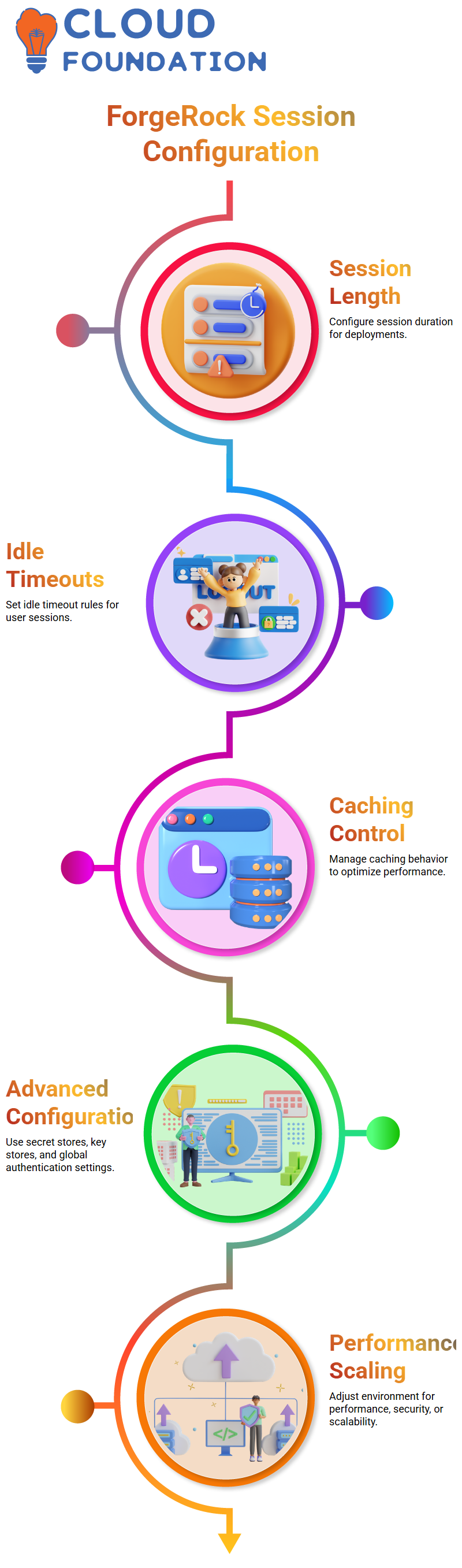
ForgeRock also has advanced configuration areas, secret stores, key stores, and global authentication settings.
You can adjust the ForgeRock environment for performance, security, or scalability based on what your project needs.
I go over these settings one by one so you can use them with confidence in real life.

ForgeRock Online Training
Working With ForgeRock API Explorer
As I guide you through the ForgeRock API Explorer, you’ll see a list of commands right in front of you.
You can use these commands to test different features right away.
I often tell my students to click around and try things out for themselves because ForgeRock is easier to understand when you do it yourself.
ForgeRock gives you a number of endpoints inside the API Explorer that you can use to run APIs whenever you need to.
When someone asks me how to get to a certain API, I always point them to these endpoints.
ForgeRock’s clear and predictable structure makes it easy to find your way around API-based systems, which is very helpful when you’re still learning how to do it.
If you want to get a certain API from ForgeRock, all you have to do is follow the hierarchy in the API Explorer.
You won’t waste time looking for things because ForgeRock organizes everything logically. I spend a lot of time teaching students how ForgeRock organizes its endpoints.
Once you get that down, working with APIs is easy.
As you keep practicing, you’ll notice that ForgeRock not only gives you endpoints, but also tells you how each one works.
Every time I teach ForgeRock to a new group of students, I use this built-in documentation.
It makes learning easy, clear, and hands-on. The more you use ForgeRock, the more you trust its API features.

ForgeRock Course Price

Saniya
Author