ForgeRock Access Management Training
Getting Started With ForgeRock Access Management
I want you to feel like you’re right next to me as we explore the ForgeRock console, set up the ForgeRock environment, and learn how authentication really works behind the scenes.
Every time I open the ForgeRock Backstage portal, I’m reminded of how flexible ForgeRock is. You can set up smart authentication or build authentication trees, for example.
ForgeRock makes it easy for me to try out SMS OTP, multi-factor authentication, and other custom authentication paths.
I want you to feel the same clarity and confidence as you look into ForgeRock on your own.
Diving Deeper Into ForgeRock Authentication and Zero Trust
When I found out about ForgeRock’s smart authentication, especially the tree-based method, it felt like the platform opened up a whole new world.
ForgeRock keeps adding more and more useful features to each new version.
I can tell that the authentication nodes are getting better every time I try them out.
When I set up multi-factor authentication in ForgeRock, I always find new nodes that make the authentication process easier and safer.
The zero-trust approach is one idea that has really changed how I think about identity.
I advise learners while using zero trust with ForgeRock, I always tell them that we don’t use simple username and password combinations anymore.
ForgeRock suggests stronger ways to protect your information, such as facial recognition, thumb authentication, PIN-based access, or hardware-based credentials.
The more I use ForgeRock, the more I see how it makes OAuth2 flows, OpenID Connect, REST APIs, and token exchanges easier.
When I connect an app to ForgeRock, I can see clearly how access tokens and ID tokens move between systems.
ForgeRock Integrations and ForgeRock Products
When I show someone how to use SAML2 integration in ForgeRock, I always start with a simple example: logging into more than one app with the same credentials.
They can see for themselves how ForgeRock connects different apps without needing to log in again and again.
I often talk about all of ForgeRock’s products, including ForgeRock AM, ForgeRock IDM, and ForgeRock DS, and how they fit in with modern identity solutions.
Even though Ping bought ForgeRock and changed its name, I still use the same ForgeRock parts every day.
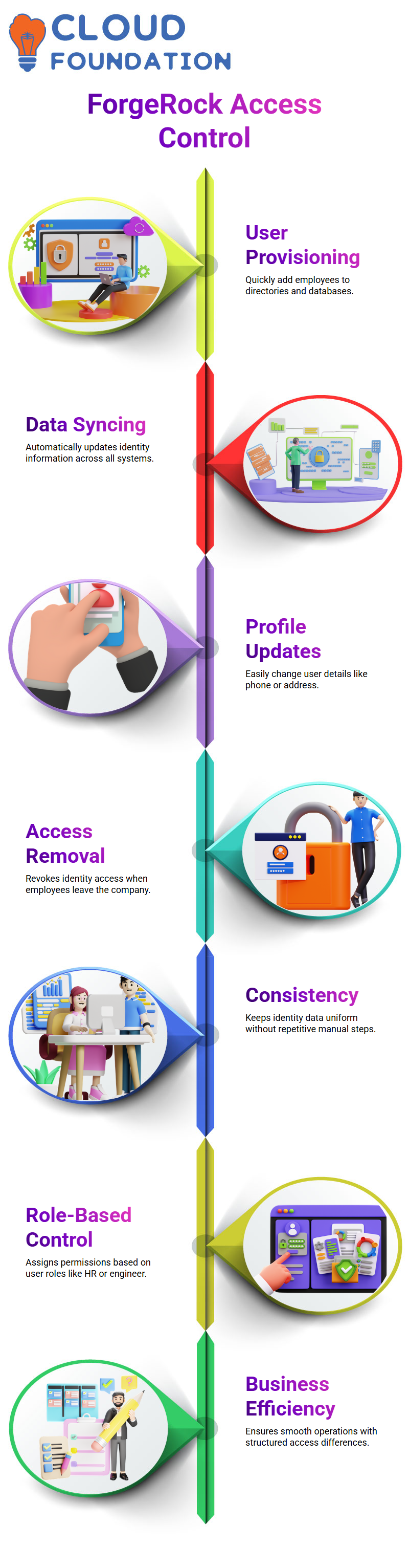
ForgeRock is still a reliable identity platform for me. It keeps everything from directories to access management running smoothly.
I find a new useful feature to share every time I look at a new module in ForgeRock.
The more you use ForgeRock, the better you will be at dealing with identity problems in the real world.
Understanding Access Management with ForgeRock
When I talk about access management, I’m talking about the choices we make every day about who should be able to see what in an organization.
People at different levels get different privileges in every company I’ve worked for.
Your boss may have access to systems that you don’t, and that keeps things running smoothly and safely.
With ForgeRock, I can easily handle those differences and set clear limits for each user.
I’ve seen structured access management become more popular in businesses of all kinds, including healthcare, finance, telecom, and even smaller ones.
ForgeRock is very important here because it helps businesses manage their resources, enforce their rules, and protect their internal systems with as little trouble as possible.
I always feel like I’m giving an organization a peace-of-mind upgrade when I set up ForgeRock for them.

ForgeRock Training

How ForgeRock Helps with Authentication
When I log into a system with a username and password or an OTP, I am going through authentication.
ForgeRock makes this process even easier and safer.
I can turn on biometrics, passwords, one-time passwords (OTPs), or even multi-factor authentication.
ForgeRock automatically takes care of the logic behind checking my identity if I choose two or more methods.
What I like best is seeing how easy authentication can be once ForgeRock is set up correctly.
They don’t have to remember multiple apps and passwords; they just have to log in once and move on with confidence.
Managing Authorization with ForgeRock
Authorization is when I not only know who someone is, but also what they can do.
For instance, a contractor who works for a company shouldn’t have the same level of access as a full-time employee.
With ForgeRock, I set these rules by making clear policies.
These rules decide who can open which app, do which task, or get to which resource.
I’ve used other tools like CyberArk and Ping, but ForgeRock always gives me the freedom I need.
It lets me make different levels of permission for each group manager, HR person, line staff, or intern.
Whenever I use these rules, I can see how well ForgeRock keeps track of access limits without making things confusing for users.
User Provisioning Made Easier with ForgeRock
I have to set up a new employee’s identity in different systems every time they join the company.
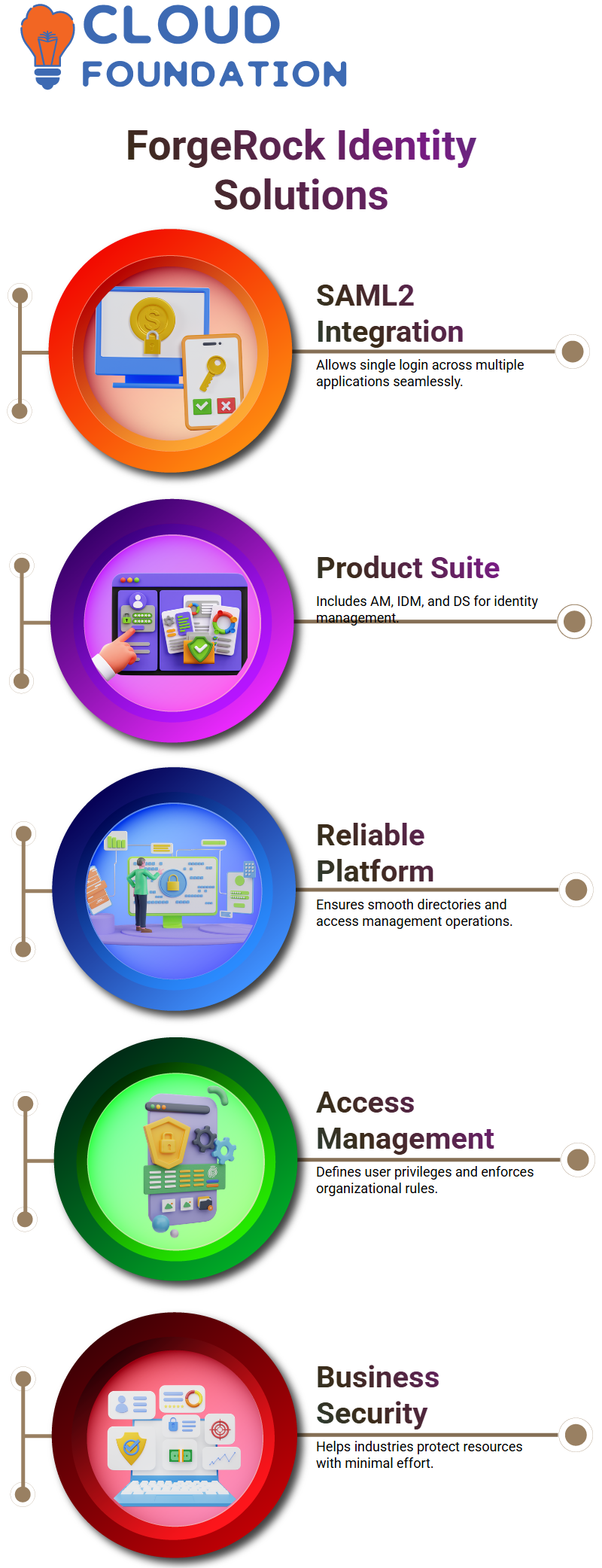
I can quickly add users to directories like Active Directory or internal databases with ForgeRock.
I enter their name, contact information, status, and address, and ForgeRock syncs them across all systems.
I just change their profile when they move or get a new phone number. ForgeRock takes care of the rest.
I remove an employee’s access to their identity when they leave the company to make sure they can’t get in again.
I’ve always liked how ForgeRock keeps identity data the same everywhere without making me do the same manual steps over and over.
Role-Based Access Control with ForgeRock
One of my favorite things to set up in ForgeRock is role-based access control (RBAC).
I link each user to a role manager, such as an engineer, HR person, or support staff member.
ForgeRock then gives them the right permissions.
You might be able to see feedback forms that a manager can’t, and a contractor might not be able to use some tools.
These differences help businesses run smoothly.
When I teach students or new team members about RBAC in ForgeRock, I always use real-life examples.
It’s worth it to see them understand how roles make things easier.

ForgeRock Online Training
Single Sign-On and Federation Using ForgeRock
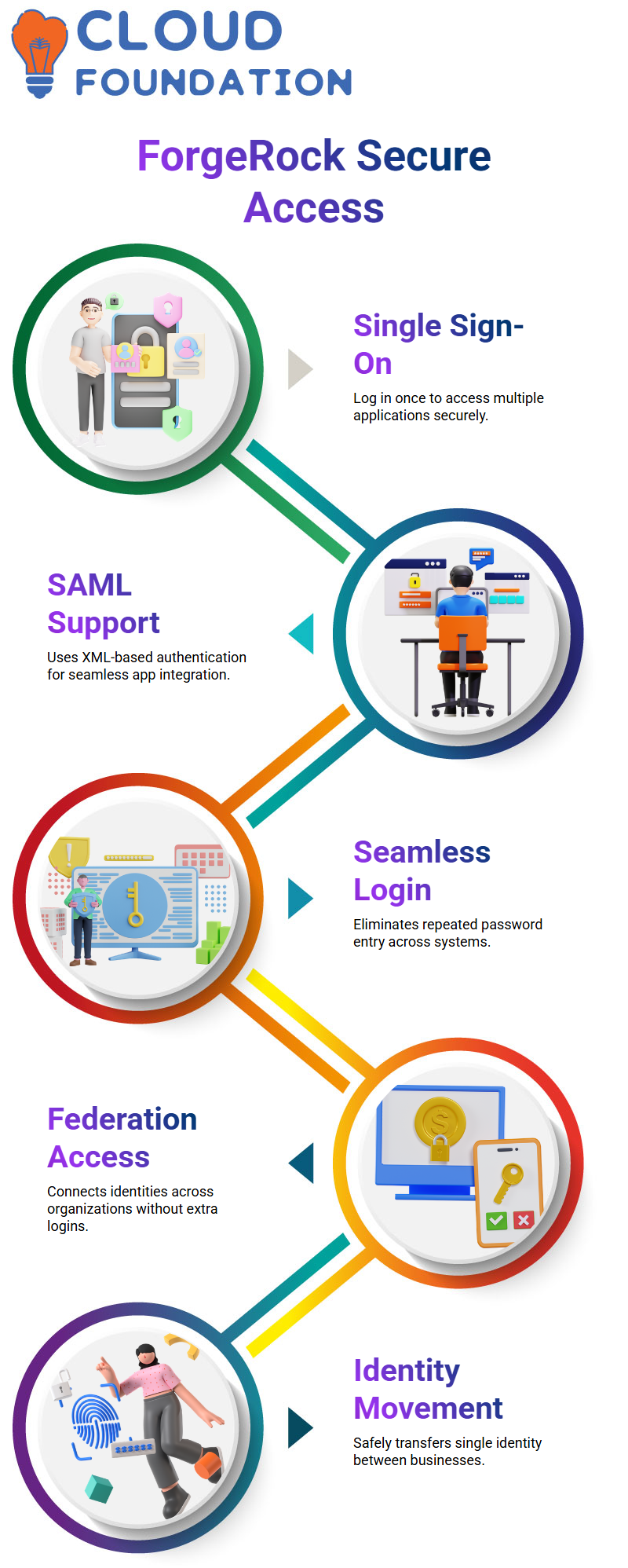
When I tell people about ForgeRock, one of the things they get excited about is single sign-on.
This is how I explain it: when you log in to one app, you can use other apps without having to enter your credentials again.
ForgeRock does this with SAML, which lets each application read information that is sent through secure XML-based authentication.
I have logged in to many workplaces and moved through learning portals, HR systems, communication apps, and internal dashboards without having to type my password again.
ForgeRock takes care of the whole authentication chain in the background, and users don’t even notice how complicated it is.
That’s what makes a well-done ForgeRock setup so great.
ForgeRock Federation Explained
It helps users access applications from different organizations with ForgeRock federation without making them keep separate identities.
You might have seen this in action on banking websites. With ForgeRock federation, one system can connect to another without you having to log in again.
I always stress how federation comes into play when single sign-on isn’t enough.
I use ForgeRock to show them how a single identity can safely move between businesses.
ForgeRock federation handles this seamless jump perfectly, and once you see it in action, it all makes sense.
When you know how to use ForgeRock’s audit features, I tell that every time you create or update a user, structured JSON files are made.
ForgeRock keeps these in its audit folders, and they are very important when clients want to look over activity.
I always tell them that ForgeRock doesn’t keep sensitive information, but it does keep important information that is needed for compliance checks.
ForgeRock keeps a clear record of every action, which gives businesses the clarity they expect from a strong IAM platform.
ForgeRock Monitoring and Logging
A lot of them ask how ForgeRock keeps an eye on things.
I tell them that ForgeRock is mostly about IAM functions and that other tools like Datadog or CloudWatch take care of visualization and system health.
ForgeRock works well with these tools, and I often show them how authentication events get to these dashboards.
Debug logs help us fix problems inside ForgeRock.
I always tell learners to look at these logs when I set up a new ForgeRock instance because that’s where they learn how to troubleshoot.
ForgeRock gives us enough information to check the health of the system, whether it’s looking at CPU usage, authentication patterns, or request status codes.

ForgeRock Course Price

Nishitha
Author
A mind once stretched by a new idea never returns to its original dimensions.