Best NetSuite functional training courses online
Accounting Defaults in NetSuite
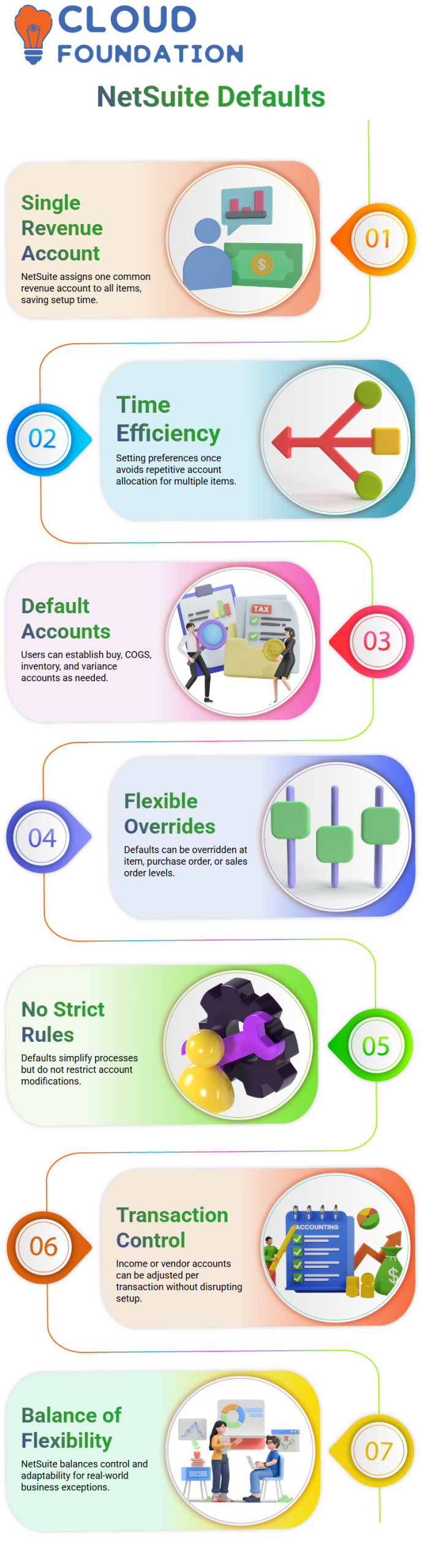
I don’t have to create distinct income accounts for each item in NetSuite.
Rather, the system automatically assigns a single common revenue account, such as 4000 Sales, to every item.
This saves a ton of time from a NetSuite standpoint. Consider producing 500 things and again allocating the same income account.
By setting it up once at the accounting preferences level, I totally prevent it. For this reason, among others, I explain to Learners that NetSuite is more about intelligent setup than tedious data entry.
I may also establish default accounts in NetSuite setups, including buy accounts, COGS accounts, inventory accounts, unbilled variance, and quantity variance.
Even though I don’t often utilise any of these variance accounts in my daily work, NetSuite nevertheless allows me to establish them if necessary.
Flexibility of Account Overrides in NetSuite
Flexibility is one feature of NetSuite that I really like. I am never locked in, even if I set default accounts at the accounting preferences level.
When the business needs it, I can still override accounts in NetSuite at the item, purchase order, or sales order levels.
Defaults are there to facilitate life, not to limit choices. NetSuite enables me to modify an income account or a vendor payment account on a particular transaction without disrupting the setup.
Because it strikes a balance between control and flexibility, NetSuite is appropriate for real-world enterprises where exceptions are common rather than uncommon.
Quantity-Based Pricing Configuration in NetSuite
Quantity-based pricing is another area in which NetSuite excels.
I recall describing how the system restricts or widens price slabs depending on preferences, such as 0–50, 50–100, and 100–150.
I may choose between five, ten, or even twenty quantity price tiers in NetSuite.
Accounting preferences have this parameter; it only shows up if I first activate quantity-based pricing in features.
During NetSuite training, I constantly draw attention to this reliance since a single checkbox might conceal a full capability.
One major benefit for functional consultants is that, when properly set, NetSuite enables me to handle intricate pricing schemes without the need for special code.
Project and Billing Options in NetSuite
NetSuite provides me with a variety of invoicing options for projects.
Charge-based billing, fixed pricing, milestone billing, and project progress billing are the four primary categories that I often describe. These all-support various business concepts.
Sales and reporting are easily integrated with these billing methods in NetSuite.
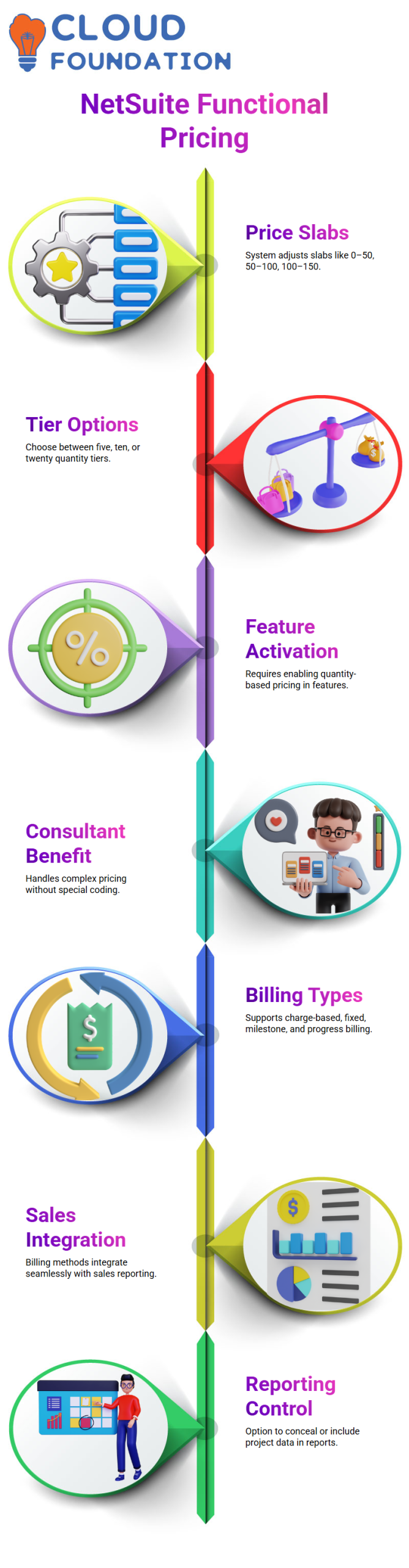
Additionally, I have the option to keep project data concealed or use it in sales and forecasting reports.
This degree of control helps companies in maintaining accurate and relevant reporting.
Anyone hoping to advance as a NetSuite consultant must comprehend these billing practices, particularly in service-oriented businesses.

NetSuite Functional Training

Inventory and Centralised Purchasing in NetSuite
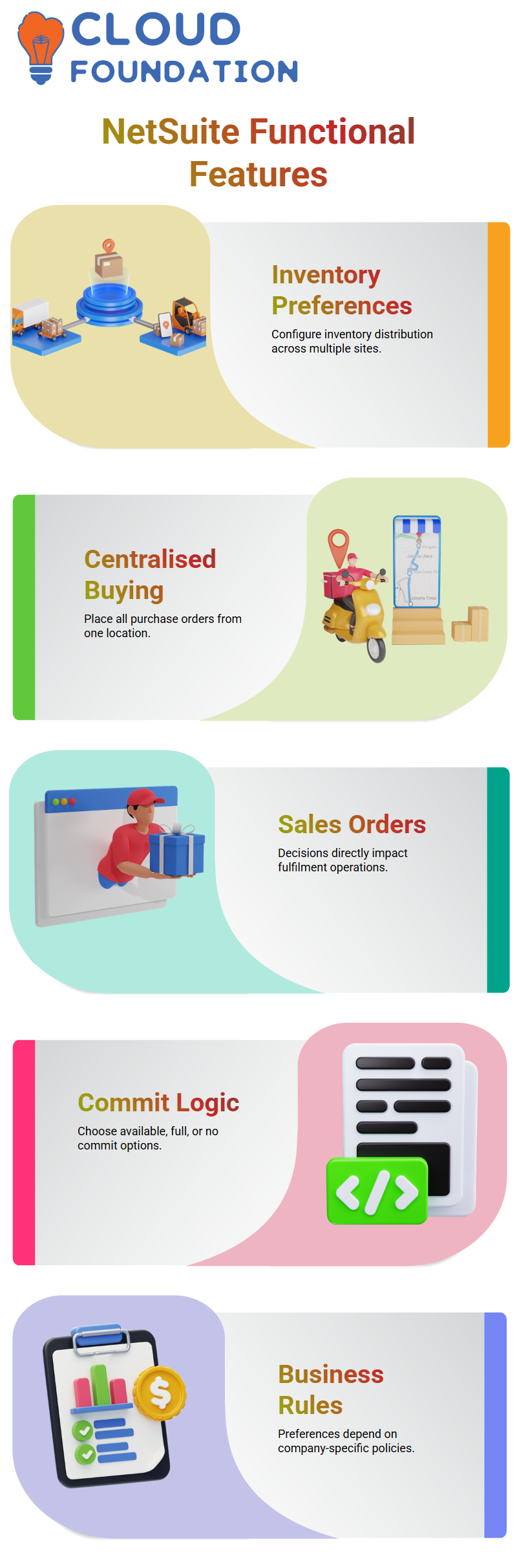
Another useful feature in NetSuite is inventory preferences. Centralised buying is one sophisticated feature that I often showcase.
With this configuration, I distribute inventory across many sites and place all purchase orders from a single central location.
I can buy things at Location A and then move them to Locations B, C, or D. NetSuite.
This is exactly how a lot of big businesses really function, and the technology supports it without any issues.
Centralised purchase is an excellent illustration of NetSuite’s design philosophy, which I usually explain to Learners.
Sales Order Commit Logic in NetSuite
Decisions made by NetSuite immediately affect operations while processing sales orders.
Commit logic—available amount, entire quantity, or do not commit is one important preference I go over. The behaviour of fulfilment is altered by each choice.
If I choose the available quantity for a 100-unit purchase in NetSuite and there are only 50 units available, the system sends 50 and backorders the remaining units.
When I choose full quantity, NetSuite doesn’t do anything till all 100 units are accessible.
Because NetSuite keeps operations running rather than impeding fulfilment, the majority of companies I deal with favour available quantity.
But I usually remind teams that it’s not simply system convenience that determines the best option; it’s also their business rules.
Quantity Defaults on Item Receipts in NetSuite
Why would you ever want the item receipt to default to zero if the quantity on your purchase order is 10?
That setting just doesn’t make sense for regular operations in NetSuite terms.
In order to maintain precise and tidy receiving, I anticipate NetSuite to extract the same quantity from the purchase order when I produce an item receipt.
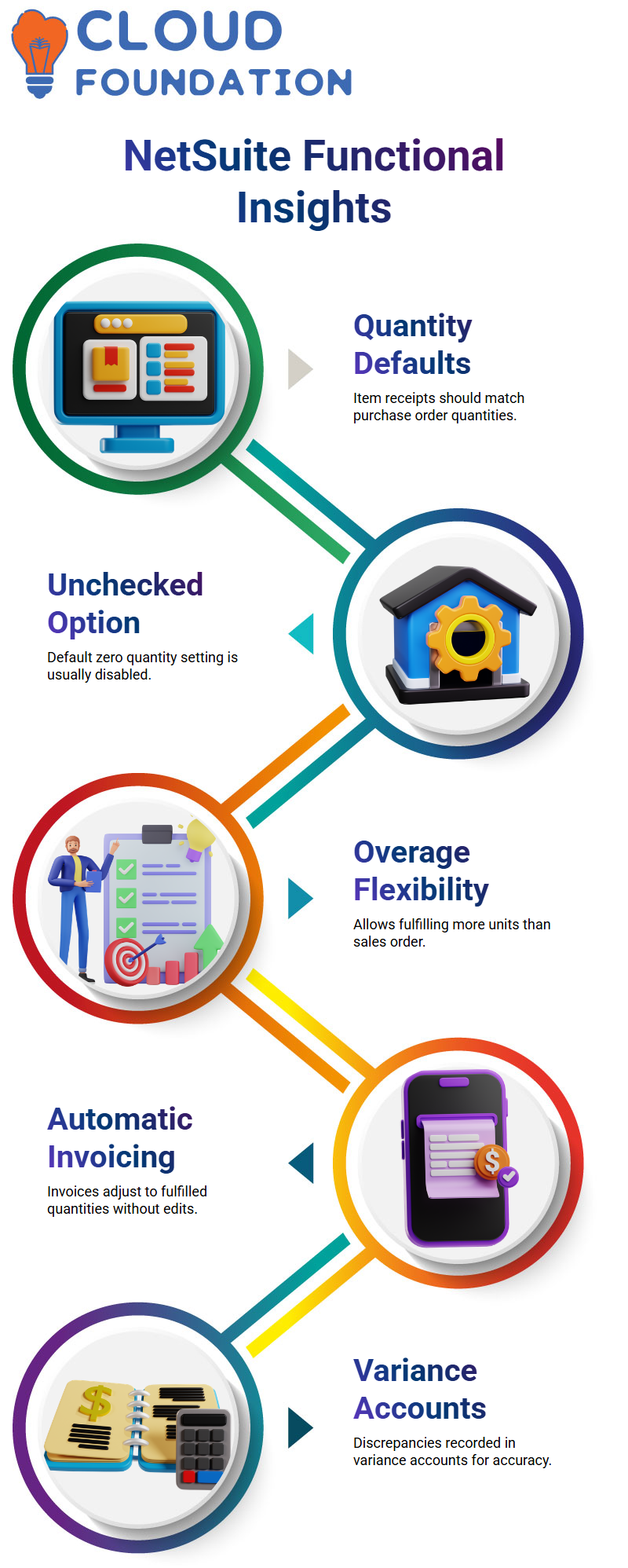
In my experience, this option is often kept unchecked when dealing with NetSuite configurations.
NetSuite works best when amounts flow organically from the source document rather than resetting to zero, whether I’m processing a transaction or receiving inventory.

NetSuite Functional Online Training
Allowing Overage on Item Fulfillments in NetSuite
Overage on item fulfillments is one of my favourite NetSuite issues. Consider the following situation: the client requests 12 units during fulfilment, but the sales order is for 10.
I can send 12 without having to rewrite the whole sales order, thanks to NetSuite.
This flexibility is really potent in NetSuite. When I invoice, NetSuite automatically invoices the client for 12 instead of 10, even if I can finish the item fulfilment for 12.
During the fulfilment process, this prevents needless document modifications and saves time.
Handling Variance Between Sales Orders and Invoices in NetSuite
I always bring up the accounting implications when I describe how to handle NetSuite variances. NetSuite uses variance accounts to record the discrepancy if the sales order is for 10 and the invoice is for 12.
These variance accounts are available in NetSuite accounting options for just this circumstance.
NetSuite posts the value difference, such as $20, into the selected variance account if there is a two-unit quantity discrepancy.
This prevents operational teams from having to rewrite transactions while maintaining correct financials.
Commitment Preferences and Over-Fulfilment Rules NetSuite
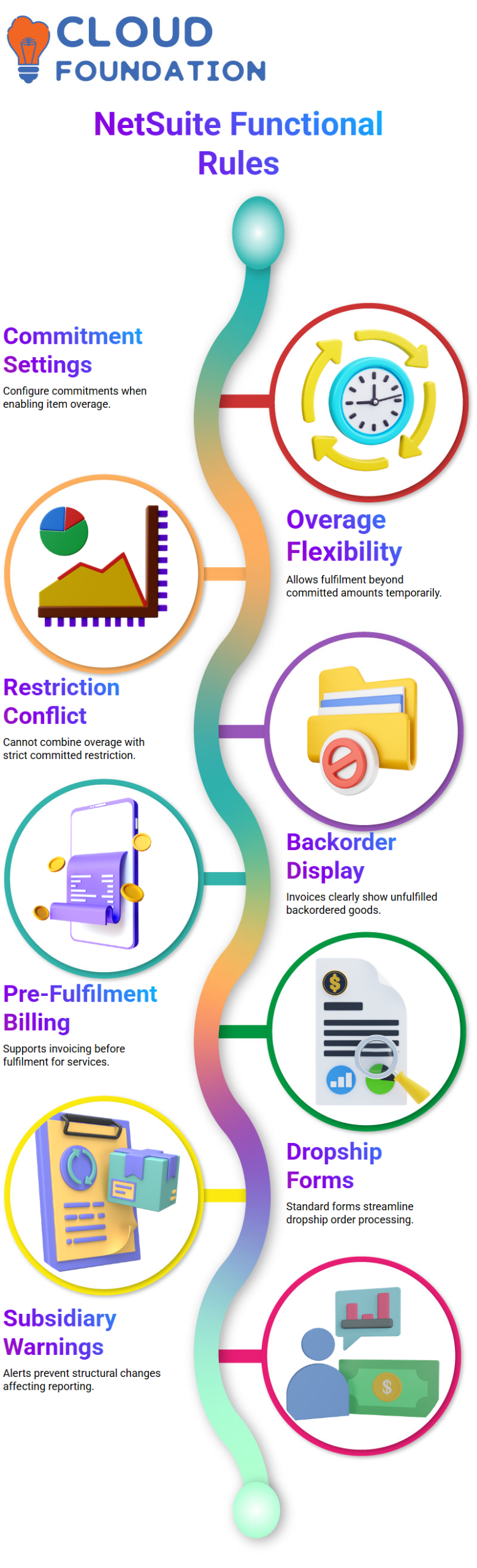
In NetSuite, commitment settings are essential. I have to change the commitment selection when I activate allow overage on item fulfilment.
This must be configured to either allow uncommitted or disregard commitment in order for NetSuite to function.
NetSuite will not allow that configuration if I want to combine the allow overage on item fulfilment with the restriction to committed.
This makes logical sense from a functional standpoint since NetSuite needs flexibility to deliver amounts above what is already committed, even if doing so temporarily results in a negative inventory.
Invoicing Before Fulfilment and Backorders in NetSuite
Flexibility in billing is another area where NetSuite excels. Sometimes the sales order is for 100 pieces, but I only have 50.
I can plainly display backordered amounts on the invoice for NetSuiteity to display unfulfilled goods.
I also invoice before fulfilment in certain business situations. This is made possible by NetSuite, which enables invoices before they are fulfilled.
NetSuite offers the billing option even if the item hasn’t been sent yet, which is quite helpful in situations involving services or upfront payments.
Dropship Forms and Subsidiary Structure Warnings in NetSuite
I make sure the appropriate forms are enabled while working with NetSuite dropship and special-order configurations.
Standard dropship purchase order forms from NetSuite automatically gather all necessary data for efficient processing.
Additionally, NetSuite alerts me when I attempt to alter subsidiary structures after transactions have been completed.
The system makes it very clear that reporting may be altered, subsidiaries may be deactivated, and financial statements may be affected.
This warning safeguards data integrity and avoids unintentional reporting problems from a NetSuite perspective.

Netsuite Functional Course Price

Vanitha
Author
The capacity to learn is a gift; the ability to learn is a skill; the willingness to learn is a choice