SAP CPQ Course Online
Document Generation in SAP CPQ
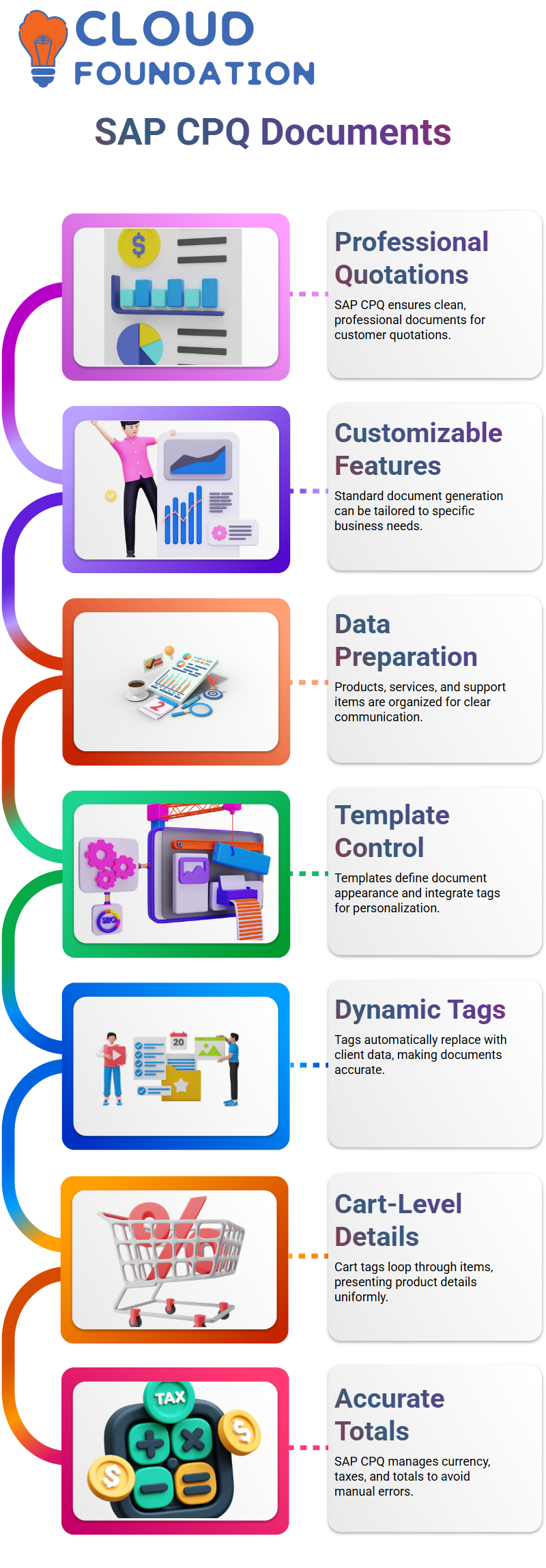
When I deal with SAP CPQ, one of the first subjects I like to convey is document generation. In SAP CPQ, every quotation I make needs to be shared with a customer in a clean, professional document format.
SAP CPQ already has a standard document-generating feature, and I can also alter it based on specific business needs.
As I add products, services, and support items, SAP CPQ prepares all that data so I may express it appropriately in a document.
I frequently educate Learners that SAP CPQ encompasses more than just pricing; it also involves effectively and clearly communicating information to clients.
Working with Templates in SAP CPQ
In SAP CPQ, I use templates to control how the final document looks. SAP CPQ enables me to integrate tags into these templates, which are often Word or PDF files.
A particular field, such as the company name, client information, quotation number, or quote date, is represented by each tag in SAP CPQ.
When I generate a document, SAP CPQ automatically replaces the tags with genuine data. What I personally like about SAP CPQ templates is the freedom they allow me.
In SAP CPQ, I can mix standard text with tags, so the document feels natural and personalized.
For example, in SAP CPQ, I may write a statement that greets the customer by name and promptly follows it with quote data.
This strategy makes SAP CPQ documents feel professional and personal at the same time.
Cart and Product Details in SAP CPQ Documents
Strong cart-level tags from SAP CPQ enable me to present product details in an organized manner. The cart tag in SAP CPQ automatically loops over every item.
This structured approach in SAP CPQ keeps materials uniform and easy to read.
Every time I describe this section, I emphasize how SAP CPQ manages grand totals, taxes, and totals.
I just refer to the appropriate tags because SAP CPQ already understands the currency, price logic, and computations.
By trusting SAP CPQ to manage these variables, I avoid manual errors and ensure that every document generated by SAP CPQ stays accurate.
Configuring Templates and Permissions in SAP CPQ
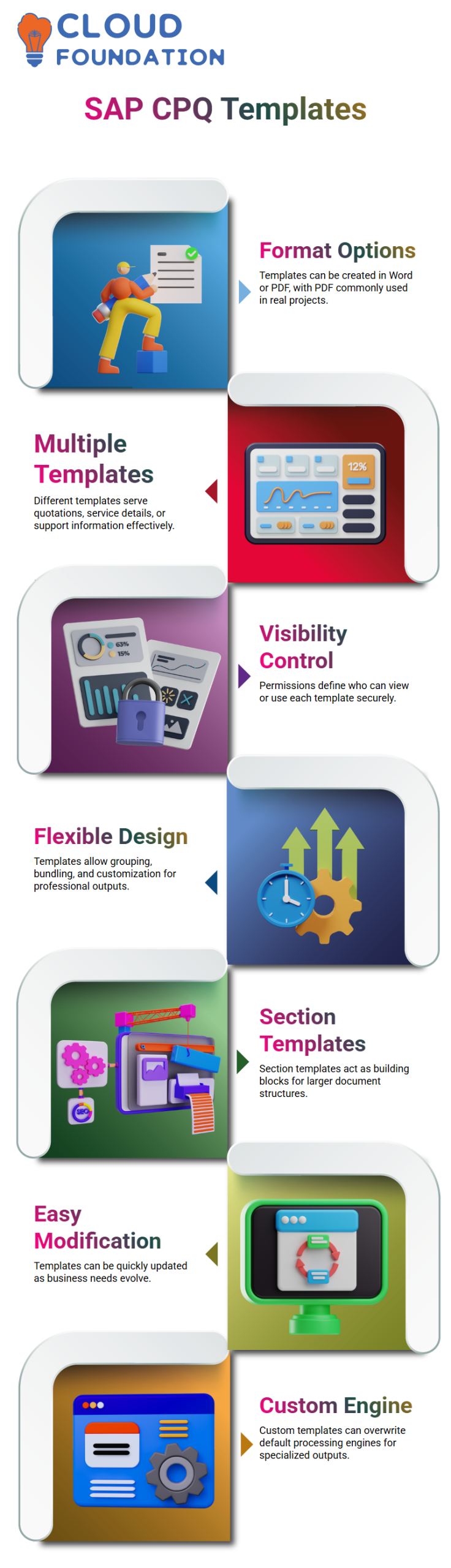
Inside the SAP CPQ setup menu, I navigate to document generating templates. SAP CPQ lets me choose several formats like Word or PDF; however, PDF is the most common choice in real projects.
In SAP CPQ, I may construct various templates for different reasons, such as quotations, service details, or support information.
I also have control over visibility permissions thanks to SAP CPQ. I control who can view and utilize each template in SAP CPQ.
If a document should be open to everyone, SAP CPQ permits that with a simple option. If a document is sensitive, SAP CPQ allows me to restrict its scripting and user groups.
Organizations can preserve security and clarity when exchanging documents thanks to this degree of control in SAP CPQ.
Document Templates in SAP CPQ
When I deal with SAP CPQ, one of the first things I convey is how flexible document templates truly are.
I can rationally bundle things, group them, and manage how each portion shows up in the finished product, SAP CPQ.
This allows me full control over how quotations look and feel when they go to customers. SAP CPQ helps me to develop templates that correlate exactly with business requirements instead of mandating a one-size-fits-all document.
I often begin with SAP CPQ by selecting between numerous section templates and simple templates.
A section template in SAP CPQ functions as a building block that becomes part of a bigger output template.
This strategy enables me customize papers without rewriting everything from scratch. As business needs change, SAP CPQ makes it simple to modify these templates.
Another tool I commonly utilize in SAP CPQ is the opportunity to overwrite the document processing engine for a given template.
I make sure that my custom template takes precedence over regular templates when needed by doing this in SAP CPQ.
This versatility in SAP CPQ enables me to deliver documents that feel specialized and professional every single time.

SAP CPQ Training

Custom Templates and Version Control in SAP CPQ
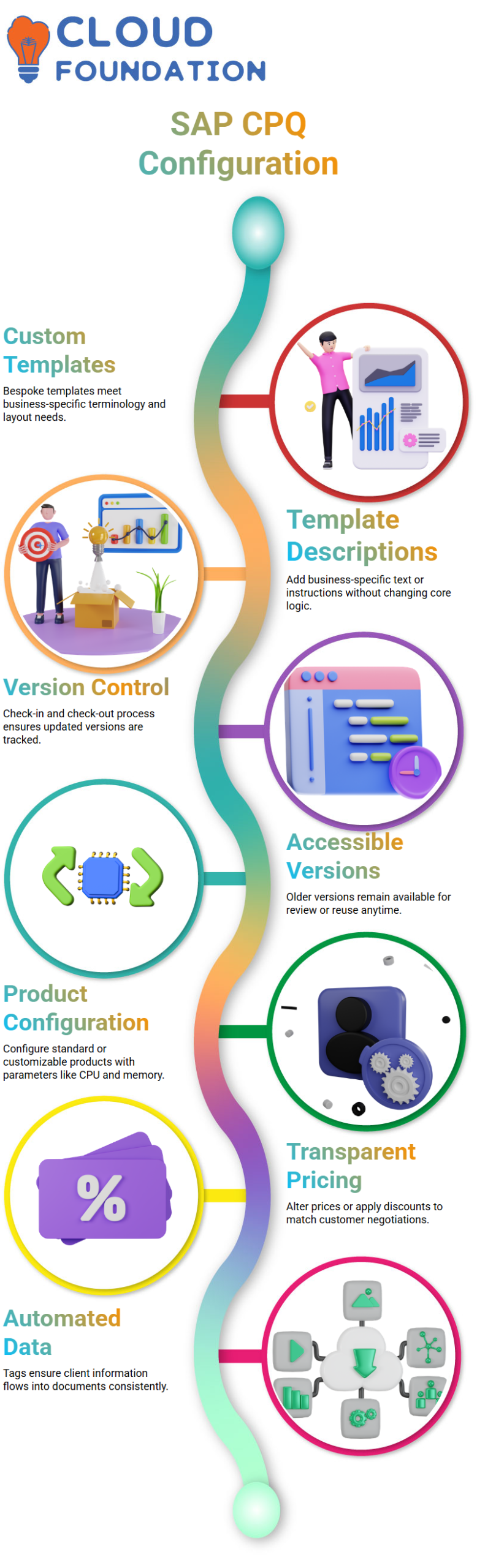
I often emphasize the value of bespoke templates in SAP CPQ. While SAP CPQ provides basic templates out of the box, I prefer building custom ones when the business mandates certain terminology or layout.
SAP CPQ allows me to retain descriptions inside each template, so I can add business-specific text or instructions without altering the basic logic.
Another feature I personally depend on in SAP CPQ is version control. I can download a document template, enhance it on my desktop, then upload it back into SAP CPQ a straightforward check-in and check-out process.
Every time I upload an updated document, SAP CPQ instantly creates a new version, ensuring that the latest changes are always reflected.
What I truly like about SAP CPQ is that all versions stay accessible. If I need to review or reuse an older document, SAP CPQ allows me do that without any effort.
Because of this, SAP CPQ is incredibly dependable when several parties work together to produce documents.
Quoting and Product Configuration SAP CPQ
Once templates are ready, I continue into the quotation process in SAP CPQ. Here, I may configure both standard and configurable products.
SAP CPQ allows me to select CPUs, memory, storage, and other parameters immediately during configuration.
I can price these options right now, which greatly expedites the negotiation process. In SAP CPQ, I always evaluate the quote line items carefully.
I verify that list prices, discounts, and quantities match the customer’s conversation. SAP CPQ allows me the option to alter prices at the product level or apply discounts when appropriate.
This makes negotiations transparent and efficient. Before generating papers in SAP CPQ, I validate client information such as payment details.
Since SAP CPQ provides tagging inside templates, all customer data flows automatically into the document. This automation in SAP CPQ reduces manual errors and keeps everything consistent.
Generating and Sharing Documents Through SAP CPQ
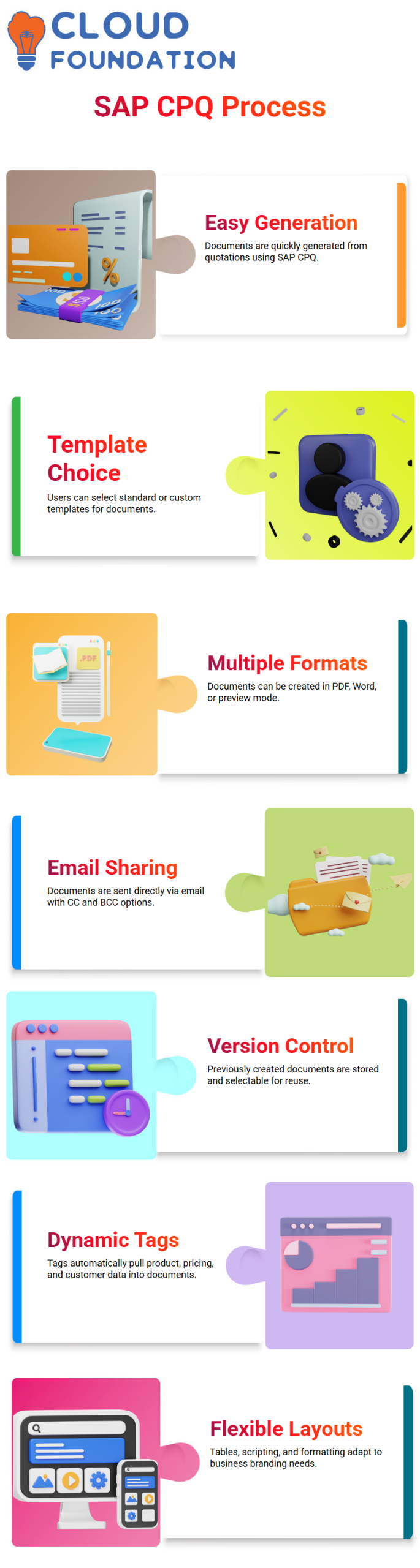
Document production with SAP CPQ is straightforward. From the quote screen, I access the generate document option, and SAP CPQ gets all the essential information from the quotation.
I can choose between regular SAP CPQ templates or my bespoke document template depending on the situation.
I frequently create documents in SAP CPQ as PDFs, but I can also use Word or preview mode. Once the document is prepared in SAP CPQ, I can immediately transmit it to the customer via email.
SAP CPQ provides an email form where I put in recipients, CC, BCC, and even send a copy to myself for reference.
SAP CPQ’s ability to store previously created documents is what gives it its power. In SAP CPQ, I can inspect and choose the precise version I wish to send if I generate many variations of a quote.
This level of control in SAP CPQ lets me manage sales communication effectively while keeping every document structured and accessible.
Quotation Documents in SAP CPQ
When I deal with SAP CPQ, the first thing I focus on is how a quotation document is prepared and presented to the customer.
In SAP CPQ, I develop organized templates that clearly show the quote number, date, customer name, product information, part numbers, descriptions, prices, and the final total.
I always make sure the flow of information seems professional and easy to grasp, because with SAP CPQ, the document is often the first formal communication the client reviews.
In SAP CPQ, I may construct these templates with dynamic tags. Product information, negotiated prices, discounts, and totals are automatically pulled into the document via these tags.
I personally like to structure the product list in a table format inside SAP CPQ, where each row includes the product code, description, unit price, quantity, and total value.
SAP CPQ allows me to change this layout totally based on business needs. What I truly enjoy about SAP CPQ is the flexibility.
I am capable of creating intricate tables, unique scripting, and formatting everything to fit the branding of the business.
Every time I create a quote in SAP CPQ, the document is generated dynamically, guaranteeing correctness and consistency.

SAP CPQ Online Training
Customer Review and Approval Flow in SAP CPQ
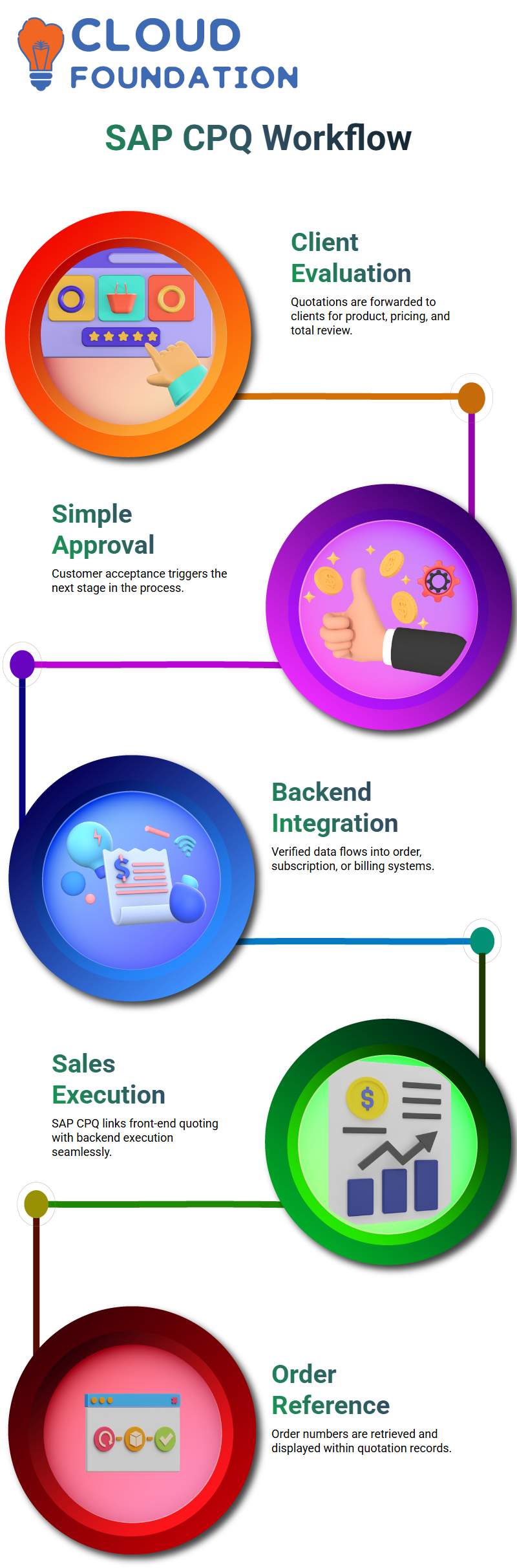
I forward the quotation to the client for evaluation after it has been prepared in SAP CPQ. The consumer examines the negotiated products, pricing, and total amount.
The approval procedure in SAP CPQ is simple. When the consumer agrees, they supply acceptance, and that approval becomes the trigger for the next stage in the process.
The verified data is subsequently sent to the backend system by SAP CPQ. This could be an order management system, a subscription management platform, or even a recurring billing solution, depending on the business model.
What makes SAP CPQ powerful is that it does not stop with quoting. It effortlessly combines the front-end sales process with backend execution.
I can watch the status, see whether it is a regular order, a SaaS subscription, or a recurring billing model, all starting from the SAP CPQ quote.
Order Creation and ERP Integration through SAP CPQ
SAP CPQ can retrieve the order number and display it within the same quotation record once the order has been created in the backend.
To allow the sales team to view the entire lifecycle from quote to order in one location, I frequently set up custom fields in SAP CPQ to record this order reference.
In SAP CPQ, this visibility is incredibly valuable. I can open the quote and quickly see which backend order it created, what the current status is, and if it is in logistics, provisioning, or billing.
This close connectivity between SAP CPQ and ERP systems enables order-to-cash and order-to-invoice procedures very effectively.
Whether the firm deals with physical products, consignment models, or SaaS subscriptions, SAP CPQ works as the primary point where commercial agreements are finalized and then sent to execution systems.
Document Generation Architecture Around SAP CPQ
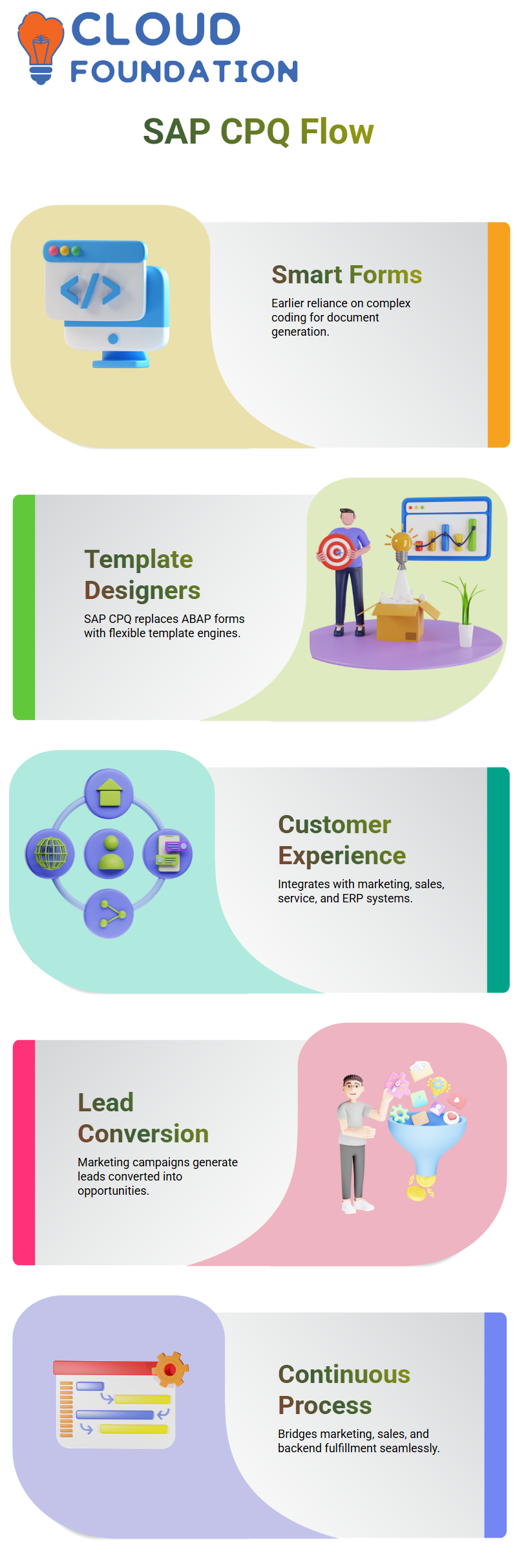
Earlier, we depended largely on complicated coding in Smart Forms. While still enabling sophisticated logic and formatting, SAP CPQ now offers a more user-friendly and digital approach.
In SAP CPQ, capabilities like document creation engines and template designers replace heavy ABAP-based forms.
I can still attain the same degree of intricacy, but with more flexibility and faster adjustments. This is why many firms now prefer generating their sales documents directly from SAP CPQ instead of older form technology.
From an architecture point of view, SAP CPQ fits into the broader SAP Customer Experience environment. It connects with marketing, sales, service, and ERP, making the full process from lead to order smooth.
From Marketing to Opportunity SAP CPQ
Before a quote ever exists in SAP CPQ, the journey starts in marketing. I examine how events, workshops, and campaigns produce leads.
These leads are nurtured, scored, and converted into opportunities utilizing CRM systems, and lastly, the opportunity flows into SAP CPQ for pricing and configuration.
In SAP CPQ, I take the client needs recorded during marketing and sales contacts and translate them into a structured product configuration and pricing model.
Within SAP CPQ, the negotiations that began in campaigns and seminars are formalized into a commercial proposal.
This is where SAP CPQ actually brings value. It bridges marketing insights, sales negotiations, and backend fulfillment into one continuous process, ensuring that what was promised to the client is exactly what gets quoted, approved, ordered, and delivered.

SAP CPQ Course Price

Nishitha
Author
A mind once stretched by a new idea never returns to its original dimensions.