Best Online Workday Integration Course for Beginners
Workday Integration Change Detection
I want to guide you through my approach to change detection situations in Workday Integration in this blog.
I often use core connector integrations when transactions take place between two time periods.
These connections save significant time by automatically detecting changes and extracting data.
Consider an employee that modifies their profile many times in a little amount of time.
The method you choose in Workday Integration determines the modifications that are recorded.
Only the most recent update is logged since the core connection worker uses a top-of-stack methodology.
Top-of-Stack Processing in Workday Integration
Allow me to describe Workday Integration’s top-of-stack methodology. Let’s say a worker undergoes many name changes throughout an integration process.
Only the most recent name will be recorded by the core connection worker. The integration just shows the most recent transaction, even if there are others.
The core connection worker will identify the most recent change, for example, if a worker’s name changes from Black Y to White X to Red J and back again.
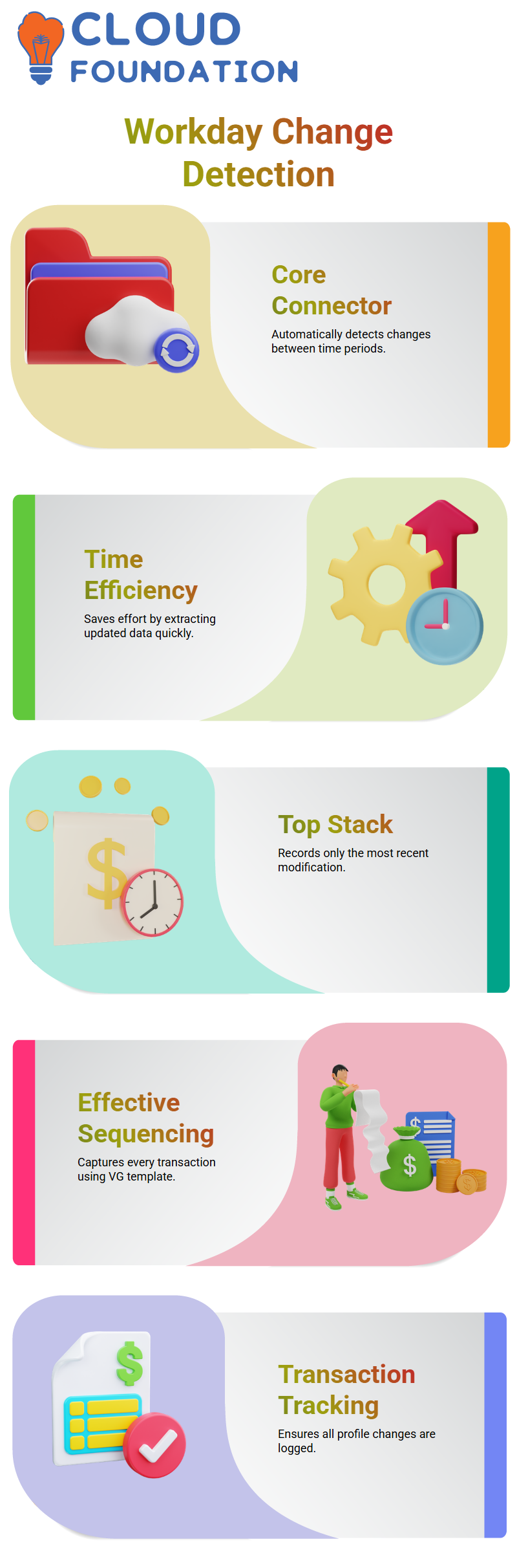
Even if there are many transactions, Workday Integration does not record a change if the final value is the same as the initial value.
Effective Sequencing in Workday Integration
Effective sequencing is a different strategy that makes use of the Worker Effective Change interface template, or VG.
This approach records every transaction, not just the most recent one.
Every sequence of changes performed by a worker is obtained when I execute effective sequencing in Workday Integration.
When tracking every transaction in a profile between two time periods is necessary, this approach is crucial.
Choosing Between CCW and VG in Workday Integration
How can I choose between VG and the Core Connector Worker (CCW) in Workday Integration? Depending on what is needed, yes.
CCW is the best option if you simply want the most recent modification. VG is required if you need to keep track of every modification.
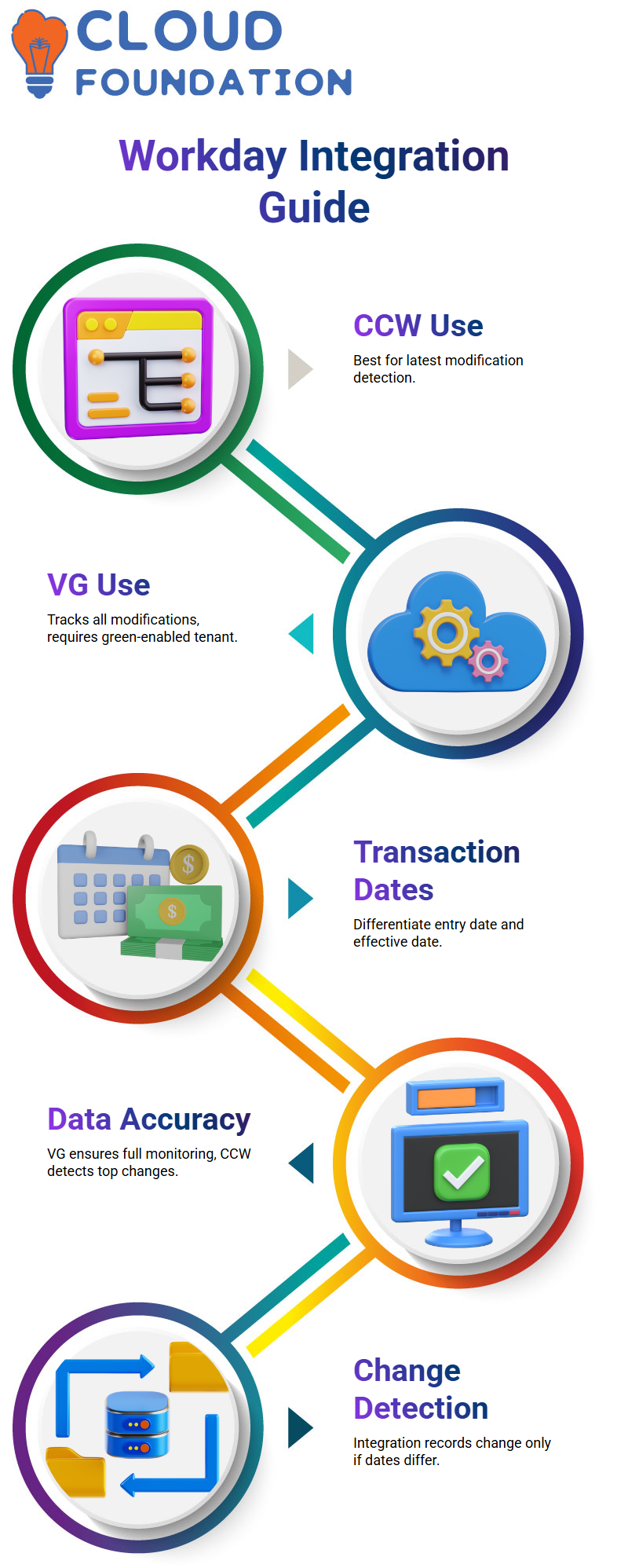
Recall that in order to use VG, your renter must be green-enabled, which comes with extra expenses. For top-of-stack changes, CCW is more straightforward and adequate.
Extracting Data Accurately in Workday Integration
I make sure the setup appropriately represents the needs each time I put up a Workday Integration.
I use VG for full transaction monitoring and CCW for top-of-stack detection. This method ensures that the retrieved data is accurate and meets the organisation’s needs.
Even when a worker profile undergoes several modifications, knowing these techniques helps me manage integrations effectively and avoid missing crucial updates.
Workday Integration Transaction Basics
Allow me to explain how Workday Integration handles transaction inputs and effective dates.
Let’s say you purchase on March 2, 2025, but it takes effect on March 5, 2025.
Now, based on the timing criteria, Workday Integration handles each transaction differently, whether it is submitted on March 8th with the same effective date.
The exact moment the transaction is entered into the system is what I mean by the transaction entry date.
The date on which the modification really takes effect is known as the effective date.
These two dates may vary in Workday Integration, and being aware of this variation is essential for handling your data properly.

Workday Integration Training

Workday Integration and Effective Date Scenarios
I’ll give you an example. Let’s say Swetha receives a promotion that takes effect on April 1st, but the transaction is made today.
The transaction entry date will be today, and the effective date will be April 1st, according to Workday Integration.
You will see how this difference affects the data recorded during processing.
Both the entry date and the effective date data are sent to the Delta during Workday Integration.
For example, the transaction’s current effective date is March 6th, but we may change it to March 5th, 2025, at 2:00 PM.
While previous transactions remain valid, the system ensures we never submit a future transaction after a certain entry time.
Workday Integration Chain Detection Mode
Let’s now investigate the chain-detection method in Workday Integration.
The integration automatically recognises changes between two time frames when you run it in this manner.
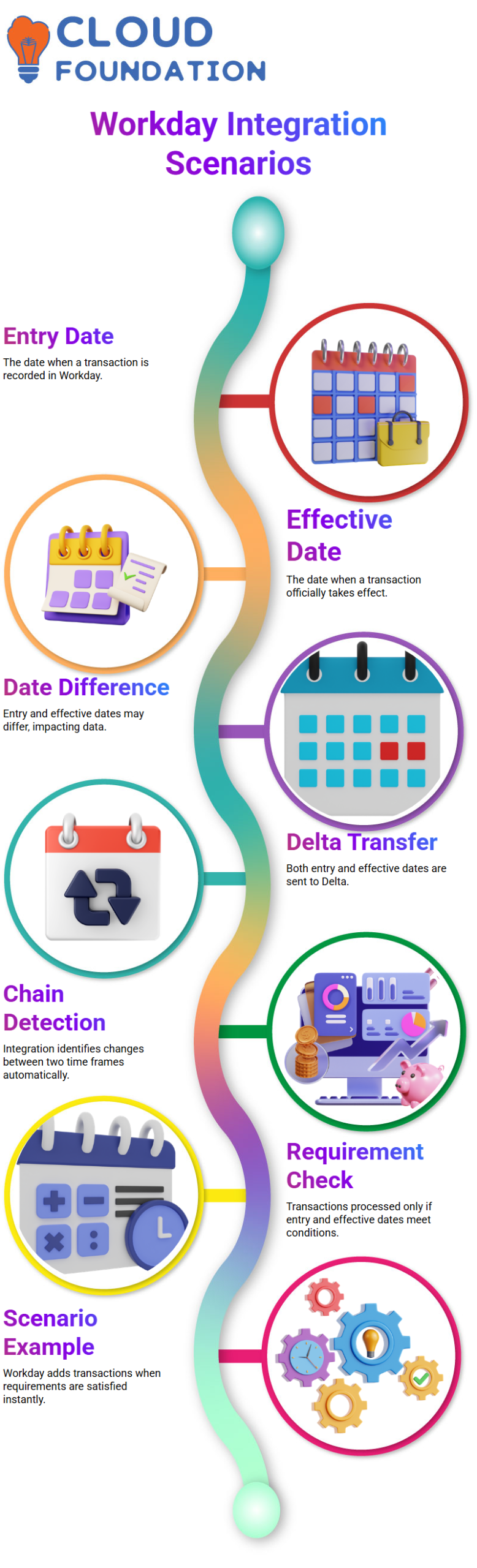
The algorithm finds all pertinent changes, so you don’t have to keep track of which employees qualify.
The previous successful effective date and entry time are compared with the current effective date and entry time in chain detection mode.
Workday Integration will perform a transaction if it satisfies both requirements.
Workday Integration: Scenario One
Think about a transaction that was made on March 5th, 2025, and that went into effect on the same day.
The present entrance moment and the most recent successful entry moment are separated by the entry moment.
The transaction is added to the integration file because Workday Integration considers this to meet all requirements.
Additionally, the effective date falls between the present effective date and the most recent successful date.
Once all requirements are met, Workday Integration recognises the change immediately. This is detected automatically by the system.
Workday Integration: Scenario Two
Imagine now that a transaction was made on March 5, 2025, at 6 PM, with an effective date of March 10, 2025. In this case, the effective date does not meet the requirements, but the entry date does.
This transaction is future-dated and falls outside the effective date range; therefore, Workday Integration will not accept it for integration.
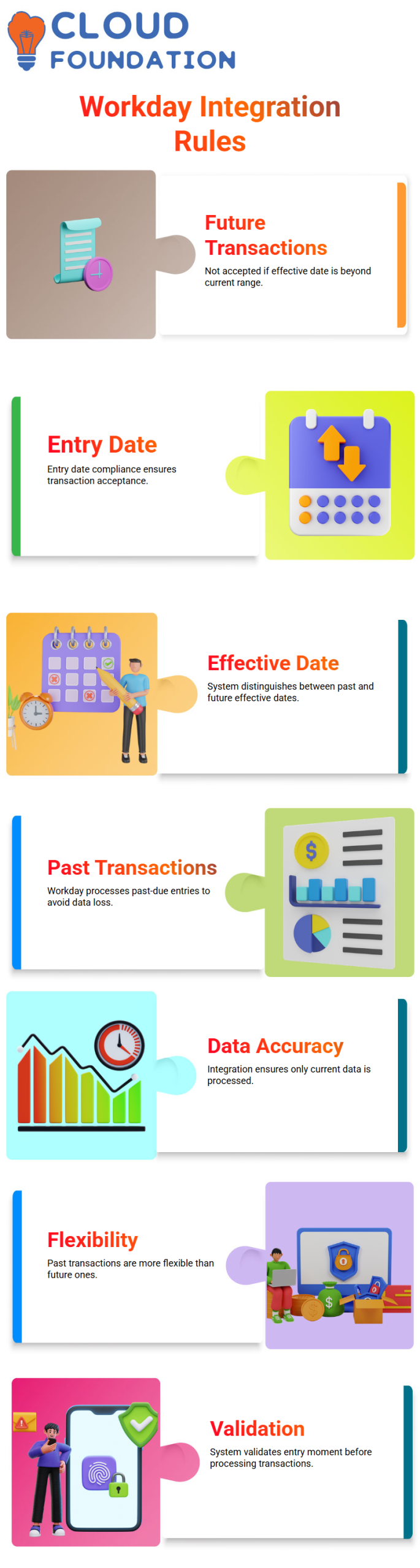
This example demonstrates how Workday Integration distinguishes between previous and upcoming effective dates.
While previous transactions are more flexible, future transactions must be executed with precise matching.
Workday Integration: Scenario Three
Workday Integration still processes past-due transactions, such as those submitted on March 5th with an effective date of March 2.
To ensure no data is overlooked, the system identifies the transaction as a previously effective-date transaction even if the effective date does not meet current requirements.
This behaviour is important because incomplete outputs might arise from missing previous transactions.
As long as the entry moment requirements are satisfied, Workday Integration guarantees that all previously useful data is recorded.

Workday Integration Online Training
Future Transaction Handling
Lastly, think about a transaction that will be added to the system on March 8.
Workday Integration will assess this transaction based on the criteria we provide.
The system won’t pick it up yet if the effective date is in the future, even if the entrance moment is in the past.
This guarantees that Workday Integration only processes data that is current at the moment of input, avoiding mistakes and guaranteeing the accuracy of your integration output.
Transaction Selection
Knowing how transactions are selected is essential when working with Workday Integration.
For example, a transaction may not meet the entry-moment requirements if it is entered on March 2nd but has a previous effective date.
However, Workday Integration will take up the transaction without any problems if the effective date requirements are met.
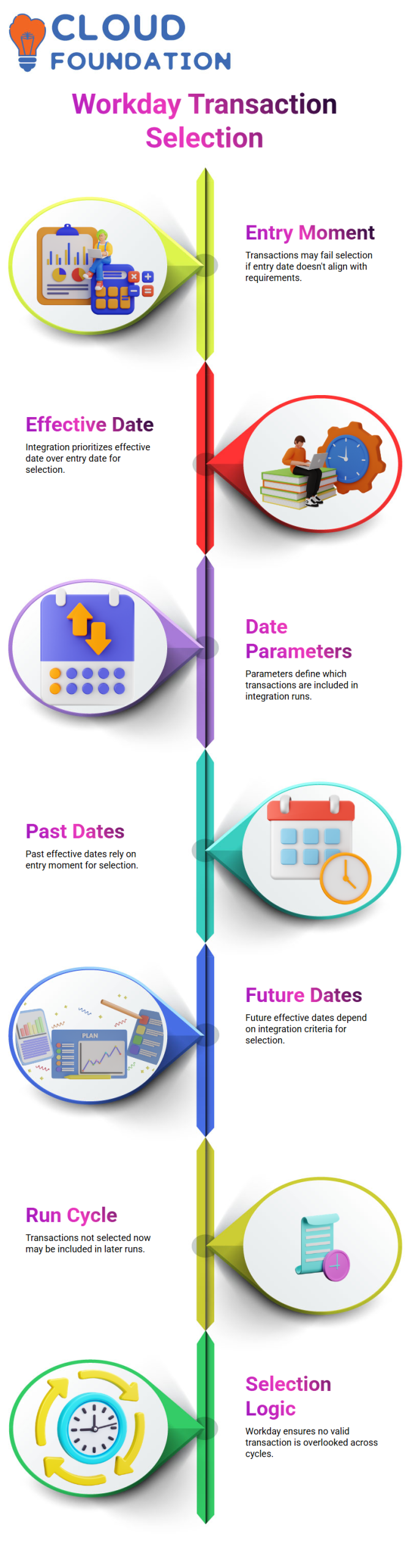
Sometimes a transaction is entered on March 2, 2025, but it takes effect on March 10, 2025.
In this instance, the immediate selection requirements are not met by either the entering moment or the effective date.
It will be incorporated when the effective date coincides with the integration settings, but Workday Integration won’t pick it up in the current run.
How Date Parameters Affect Transactions
Because they determine which transactions are selected, the parameters you give in Workday Integration are crucial.
You can successfully manage your integrations if you understand how selection is affected by past and future effective dates.
A transaction entered on March 5, 2025, with an effective date of March 10, 2025, for instance, will only be picked up if the effective date comes between March 9 and 10.
Regardless of the input date, Workday Integration assesses the effective date first.
A transaction with an entry date of March 8 but an effective date of March 5 is another example.
When the entry moment coincides with the planned run, Workday Integration will choose this transaction.
This guarantees that no transaction with an effective date in the past or future is overlooked in your worker profile.
Workday Integration: Handling Past and Future Effective Dates
Effective dates in the past and future are handled differently by Workday Integration.
Selection for transactions with a previous effective date is based on the entering moment.
The effective date criteria determine the selection process for future-effective-date transactions.
Workday Integration guarantees that a transaction will be recorded in a subsequent run whenever the requirements are met, even if it is not selected during the current integration cycle due to date parameters.
Capturing All Worker Transactions
Workday Integration ensures that no transaction is overlooked by clearly defining and applying the criteria.
The integration records all relevant changes in the worker profile, regardless of whether the transaction is past-dated or future-dated.
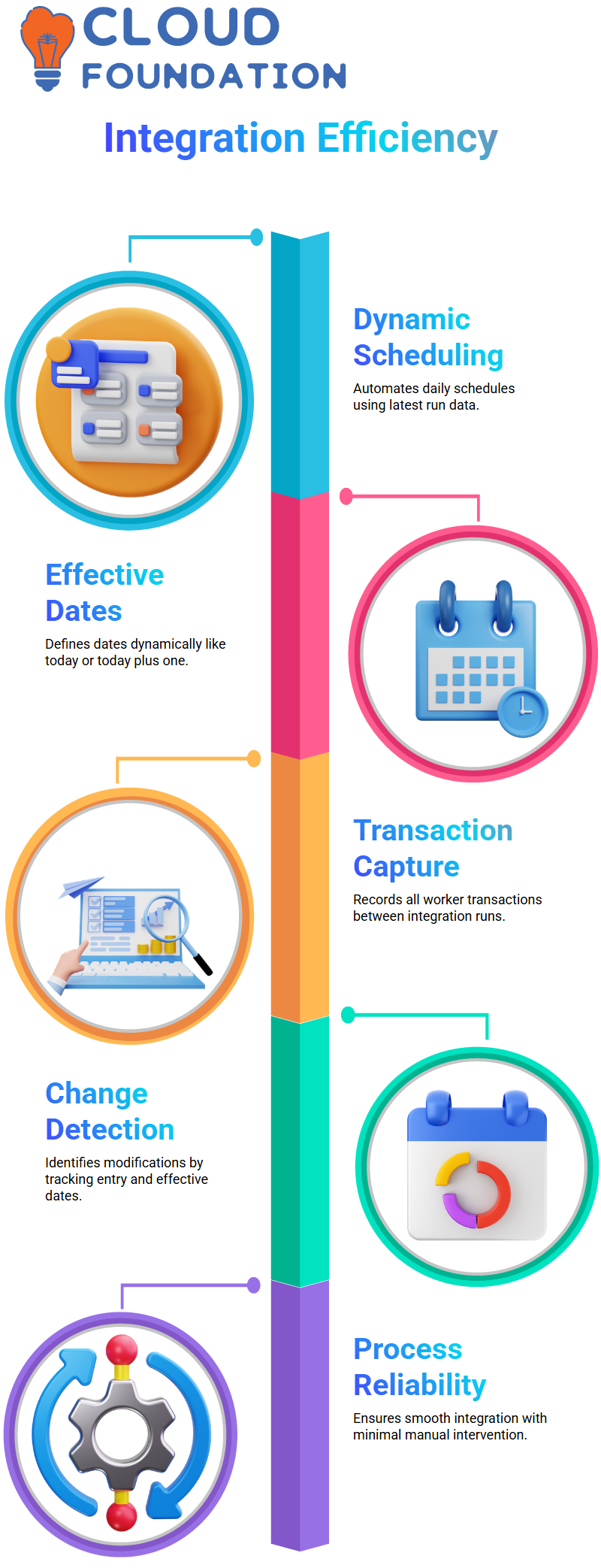
Workday Integration continually tracks transaction history and retrieves all worker transactions between integration sessions, including dynamic parameters and scheduling.
Your integration process becomes dependable and smooth as a result.
Change Detection in Action
A crucial component of Workday Integration is change detection. You can precisely identify which transactions to pick up in each run by tracking both the entry date and the effective date.
Workday Integration automatically identifies changes and makes sure the integration records all modifications from worker profiles when you provide the right criteria. This ensures proper data processing and minimizes manual inspections.

Workday Integration Course Price

Vanitha
Author