Workday Integration Certification Course Online
Workday Integration: Identifying Redundancies and Savings
I discovered a lot of unnecessary tools in the organisation as we were rebuilding our processes.
These tools were a waste of money and did not bring any benefit. I saved a substantial sum of money and optimised our operations by Workday Integration principles.
It’s important to understand that these inefficiencies could go unnoticed by senior executives.
It is your duty as a consultant to provide solutions for Workday Integration and direct integrations wherever feasible.
Workday Integration: Middleware and Integration Channels
Let’s now discuss how middleware functions with Workday Integration.
Breeze, for example, serves as a transmission channel, transferring data from Workday to ADP and other systems.
The data that Breeze transports is an example of Workday Integration in action, even though Breeze itself is not an integration.
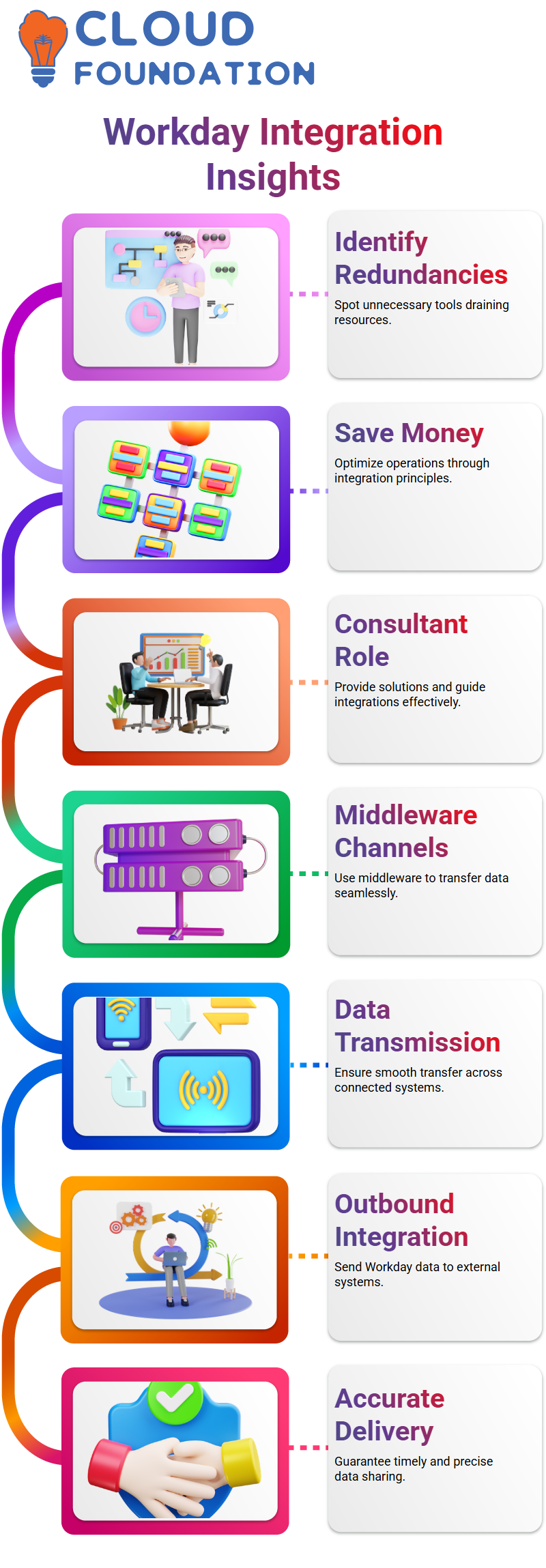
You may better grasp the main notion by visualizing this: integration is the effective transfer of data across systems.
Workday Integration: Outbound Integration Explained
When data is sent from Workday to another system, it is referred to as outbound integration.
Workday transmits the data without losing it internally, much as when you give someone money out of your pocket.
For instance, outbound Workday Integration allows payroll or timesheet data to go from Workday to other systems.
This guarantees accurate and timely delivery of the required data to external systems.
Workday Integration: Inbound Integration
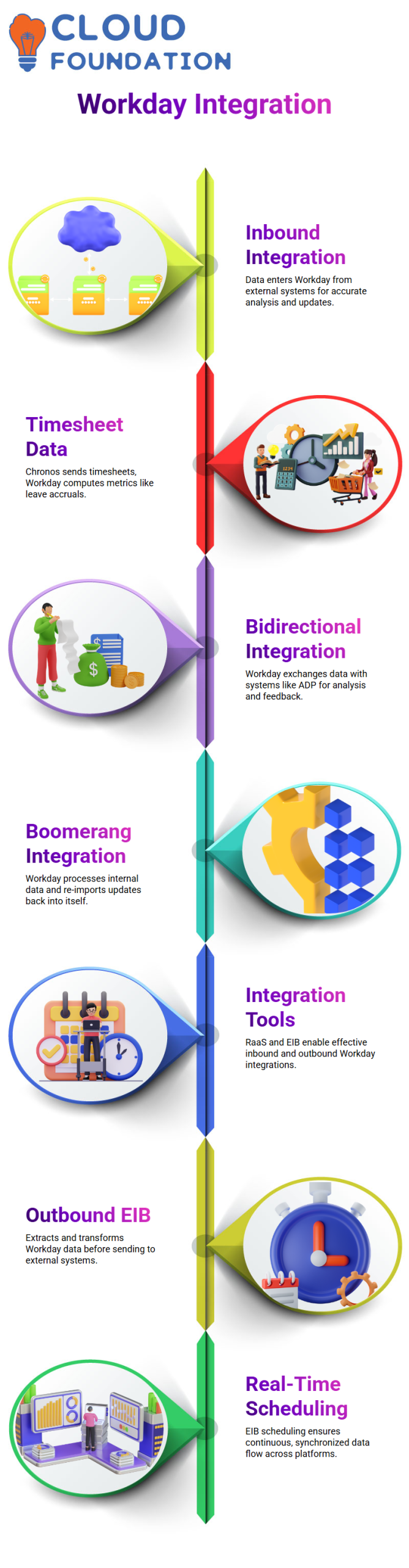
When data enters Workday from another system, this is known as inbound integration.
Let’s say Chronos gets timesheet data, which Workday uses to compute metrics like leave accruals.
This ensures that Workday can correctly analyse and update data depending on inputs from other sources, which is another crucial component of Workday Integration.

Workday Integration Training

Bi-Directional and Boomerang Integrations
Bidirectional Workday Integration is necessary in certain situations.
For instance, ADP receives data from Workday, analyses it, and then provides Workday with comments.
Another kind of integration is called boomerang integration, in which Workday Integration receives data from Workday, processes it, and then updates it back into Workday.
For example, Workday Integration ensures that the processed data is accurately imported back into Workday when creating employee IDs from applicant information.
Tools for Effective Workday Integration
You must comprehend the accessible tools in order to successfully deploy Workday Integration.
Report as a Service (RaaS) is one such tool. You may develop a data API that enables other systems to use Workday data by turning on a custom report as a web service.
Enterprise Interface Builder (EIB), which facilitates both incoming and outgoing Workday Integration, is an additional tool.
Data is extracted from Workday, potentially transformed, and sent to other systems via Outbound EIB.
Data is received by Inbound EIB, which feeds it into Workday after transforming it if necessary.
With these technologies, Workday Integration is guaranteed to be effective and consistent across all platforms.
Workday Integration Template-Based Connectors
I want to take you through template-based connections, one of Workday Integration’s most useful technologies, in today’s webinar.
This saves a ton of time, and I often use it while working with several vendor systems.
Assume that your business has twenty distinct suppliers.
To construct user profiles in their systems, each vendor requires employee information such as first and last names, dates of birth, gender, and employment date.
I will waste a lot of time duplicating the same settings if I start constructing every Workday Integration from scratch for each of the 20 suppliers.
This is where Workday Integration’s template-based connections come in handy.
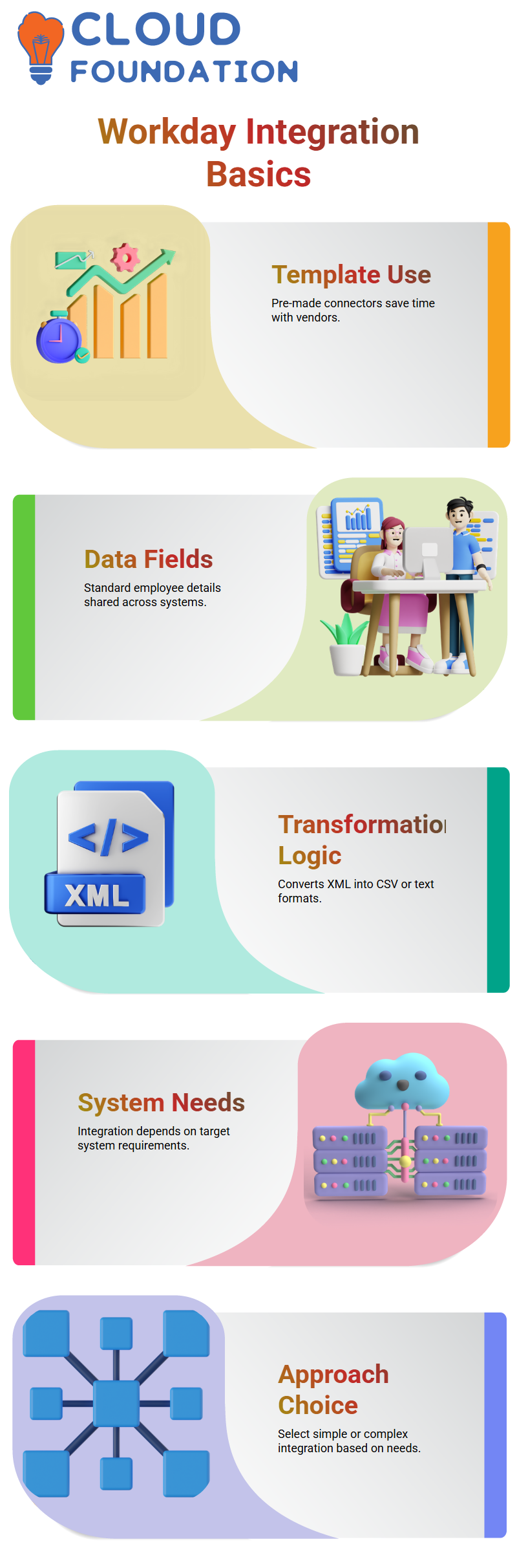
Pre-made templates with standard fields are already available in Workday.
My Workday Integration is prepared to send the file after I merely choose the necessary properties and make any necessary configuration adjustments.
I use these pre-made Workday Integration connections rather than starting from scratch every time.
I test, deploy, configure, and choose fields. I swiftly develop many Workday Integration solutions for comparable business requirements in this manner.
Why Transformation Matters in Workday Integration
Data must be transformed from one format to another in order for the receiving system to comprehend it.
Workday Integration produces data in XML format by default.
However, XML is not understood by all external systems.
While some systems need a text file, others require a CSV file.
From a functional standpoint, the Workday Integration will fail if I transmit raw XML to a system that only supports CSV.
I often describe change as follows: let’s say you speak French and I speak Hindi.
We are unable to speak with each other directly. A translator is required. Transformation serves as the translator in Workday Integration.
It transforms the XML output from Workday into a format that the intended system can handle.
I don’t apply any transformations if the other system already comprehends the XML produced by Workday Integration.
I steer clear of needless intricacy. However, transformation becomes a crucial stage in the Workday Integration architecture if the system is unable to comprehend the default output.

Workday Integration Online Training
How Transformation Works in Workday Integration
A lot of Learners ask me how transformation works in an actual Workday Integration.
It’s reasonable to be curious. You now have a concept of change. How we put it into practice is the next stage.
I often use transformation logic in outbound Workday Integration to turn XML into text or CSV, particularly when EIB.
Built-in transformation during EIB setting is one technique I often use in Workday Integration.
XSLT is another sophisticated technique that allows me more control over how the data structure is altered.
The target system requirements are the first thing I look at when designing a Workday Integration.
Does it directly accept XML? If so, I maintain a straightforward Workday Integration.
If not, I include transformation logic into the Workday Integration process.
Additionally, I have worked on projects where the transformation was managed by external systems.
In these situations, my Workday Integration only sent XML, which was then internally translated by the downstream system.
One of Workday Integration’s advantages is its adaptability.
Choosing the Right Approach in Workday Integration
I avoid transformation and keep the Workday Integration simple if the system can comprehend the raw XML output.
I use transformation as a mediator within the Workday Integration if the system is unable to understand the raw data.
Not all Workday Integrations call for complex reasoning. Simple file delivery is one kind of Workday Integration solution.
Others need sophisticated mapping and modification. Prior to developing the Workday Integration, it is crucial to comprehend the company’s requirements.
Prioritise idea clarity as you continue to master Workday Integration.
Recognise template-based connections, know when to apply transformation, and comprehend the differences between incoming and outbound Workday Integration situations.
Building any Workday Integration is a lot simpler if these foundations are solid.
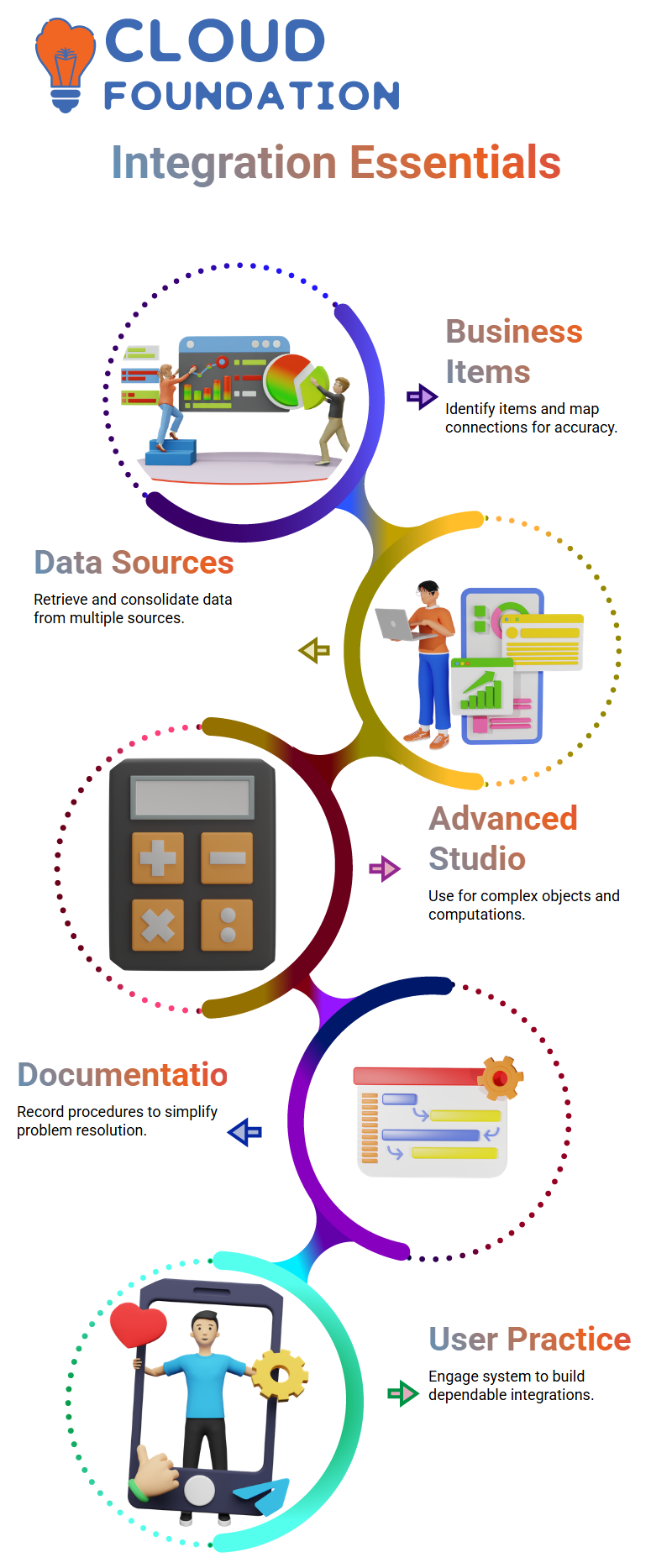
Workday Integration: Business Objects
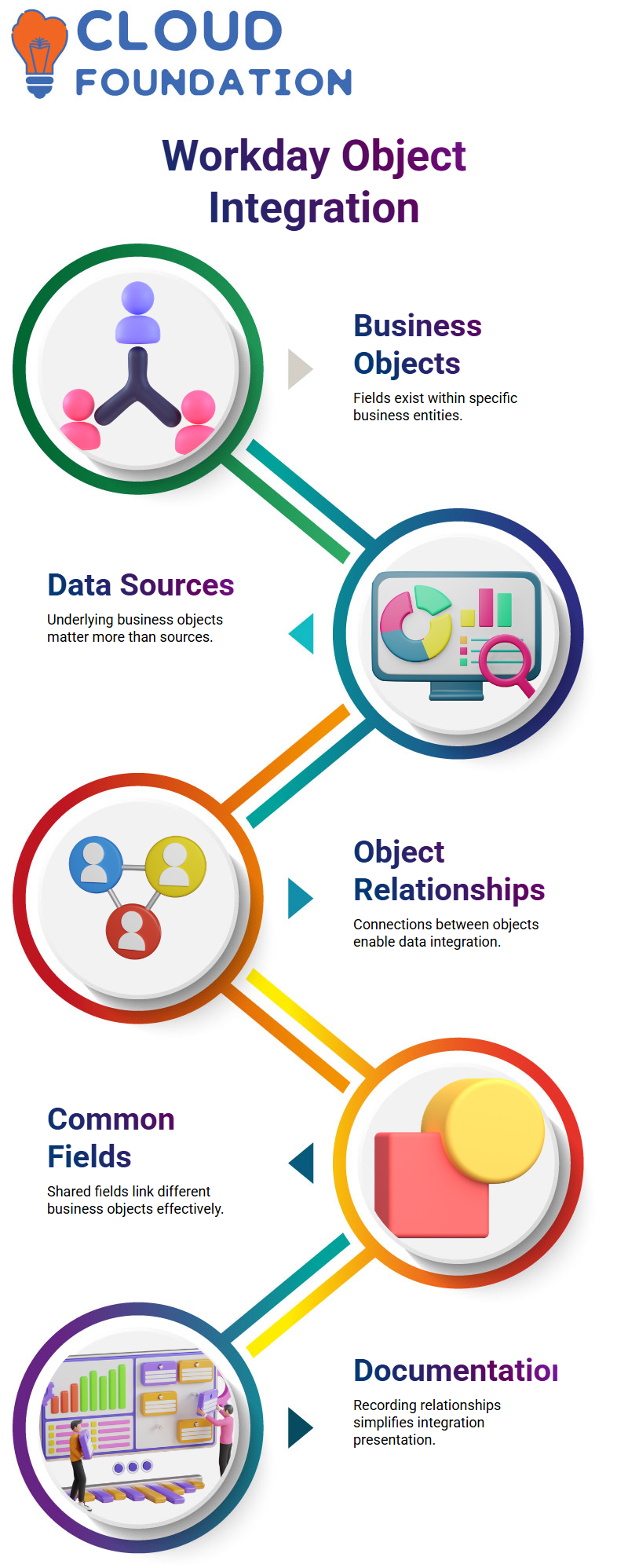
The first thing you must grasp while working with Workday Integration is the idea of business objects.
In Workday Integration, each field you want to access is contained inside a particular business entity.
You may be wondering whether there is a connection between two distinct data sources.
The business object that underlies the data source is more important than the data source itself. Knowing which business object contains your fields is crucial for Workday Integration.
You may search for connections between the business items in Workday Integration once you’ve identified them.
You must investigate the relationships between your two fields if they are located in different business objects.
In order to connect data across various objects, Workday Integration offers methods for defining relationships. It is difficult to combine the data without this connection.
Workday Integration: Exploring Object Relationships
I usually advise accessing the business object details report in Workday Integration.
The precise locations of the relationships are shown in this report. You may look for shared fields that provide the connection between different business objects.
Because they enable effective data integration across many objects, these common fields are essential to Workday Integration.
You can see how Workday Integration links your data by identifying these connections. I usually advise taking screenshots or notes to record these URLs when I mentor Learners.
Your integration process will go more smoothly and be simpler to present afterwards if you document relationships in Workday Integration.
Workday Integration: Building Data Integrations
You can design your data integration after you comprehend the business items and how they relate to one another.
You may design integrations that retrieve data from many sources, such as Workday Integration.
Calculations, data processing, and the creation of a new consolidated file may all be handled by these integrations.
Remember that not every Workday Integration assignment is easy.
Advanced studio integration is necessary for some integrations, particularly when several objects and intricate computations are involved.
Your Workday Integration setup will be precise and effective if you first identify the business items and then map their connections.

Workday Integration Course Price

Vanitha
Author