Workday Integration Online Training Course
Integration Basics in Workday Integration
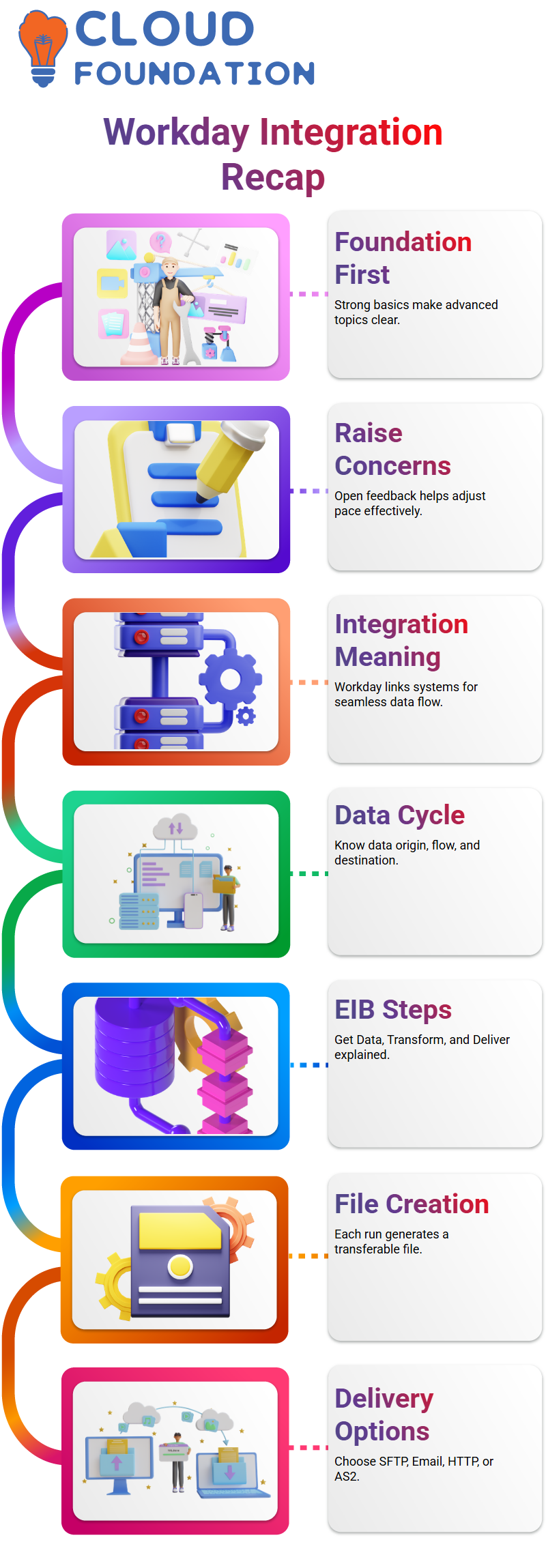
We originally spoke about what integration really meant when we first began with Workday Integration.
To put it simply, Workday Integration links Workday to other systems, such as time tracking, payroll, or financial tools.
I described how several systems work together and how Workday Integration facilitates seamless data interchange.
You need to know exactly why the data is flowing, where it is coming from, and where it is going before you can develop anything with Workday Integration.
Workday Integration becomes much simpler to manage if you comprehend this cycle.
Delivery Methods in Workday Integration
The Deliver phase in Workday Integration provides a variety of transportation options.
Workday Attachment, SFTP, Email, HTTP, and AS2 were among the methods I described.
The IT department often supplies the necessary connection information for real-time Workday Integration initiatives.
You won’t get such connection information automatically with Workday Integration.
Stakeholders provide the delivery requirements for a project, and you set those elements in Workday Integration appropriately.
Workday Integration automatically identifies certain fields as necessary when you choose a particular distribution mode.
For Workday Integration to effectively transmit the created file, those fields must be filled out.
Integration Events in Workday Integration
The Integration Event is one of the key components of Workday Integration.
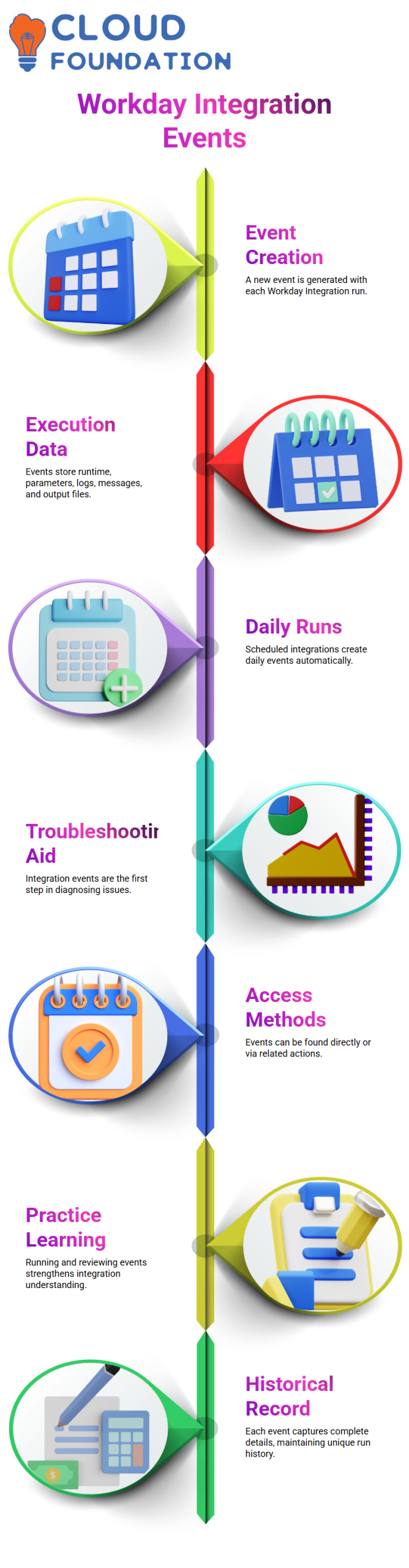
The system creates an Integration Event each time a Workday Integration is executed.
Execution data, including run time, parameters utilised, status, output files, logs, and messages, is stored in this Integration Event.
Workday Integration generates a new Integration Event each day if it is scheduled to operate on a daily basis. Every Workday Integration run has its own event log.
The Integration Event should be the first thing you look at while troubleshooting Workday Integration.
I always advise my Learners to open the Workday Integration event, go to the logs, and comprehend what transpired during execution.
Additionally, Workday Integration offers many methods to obtain Integration Events.
You may look for Integration Events directly in Workday Integration or browse via Related Actions within the Integration System.
You will also see choices such as Parent Event inside the Workday Integration event.
These specifics aid in your comprehension of the connections between several Workday Integration procedures.
Workday Integration Events in Real Time
Every time I run a Workday Integration, the system automatically creates an integration event.
Everything about that particular run is captured in this Workday Integration event.
If I search by a person, Workday Integration shows me the integration events executed by that individual.
When I click on an event, Workday Integration displays comprehensive details, including who started it, when it was started, the security context that was utilised, its state, and the duration of the process.
Every Workday Integration event is handled by me as a comprehensive historical record.
It keeps track of the settings I used, the Workday Integration report, the logs, and even the output file that was produced.
A new event is generated each time I do a Workday Integration. As a result, Workday Integration maintains a unique history for each run.
Workday Integration Tabs and Process History
I see many tabs for each Workday Integration event. I don’t disregard them.
Because Workday Integration groups all kinds of information into distinct parts, I thoroughly examine each tab.
Process History is one of Workday Integration’s most helpful aspects.
This tab displays the previous five integration events by default.
I just turned on the option to see all events if I want to view more. The whole execution history for that integration is then provided by Workday Integration.
I advise novices to think of an integration event as a logbook when I describe Workday Integration.
Workday Integration adds a new record to the logbook each time it runs. Execution data, parameters, status, logs, and output files are all included in each entry.
Output Files and Logs in Workday Integration
The Output Files tab in Workday Integration is one that I use a lot.
This is where I get the produced file when the Workday Integration completes.
I may retrieve any file—XML, CSV, or otherwise—that the integration generated straight from this part.
Additionally, Workday Integration has a Message tab.
I am aware that it becomes quite helpful in more complex integrations, such as Studio-based Workday Integration procedures, even if it may not seem significant in other integrations.
Workday Integration logs enable me to swiftly resolve problems.
I direct them to the relevant Workday Integration event if they inquire how to retrieve a prior file.
I have no control over a different archive under Workday Integration. Integration events are the centre of everything.
Parent Event Concept in Workday Integration Architecture
Let me now discuss a crucial aspect of Workday Integration: the Parent Event. There is a parent event reference for each Workday Integration event. When many integrations cooperate, I utilise this.
For instance, two processes are connected when one Workday Integration creates an XML file and another Workday Integration transforms a document.
Every Workday Integration event displays its own execution information. However, I get the aggregated data of all associated processes when I access the Parent Event in Workday Integration.
I have total insight thanks to this Parent Event in Workday Integration.
I examine the parent event to comprehend the complete flow rather than examining each integration alone. I usually
Begin troubleshooting a complicated Workday Integration configuration with the Parent Event.
Document Retention Policy and File Access in Workday Integration
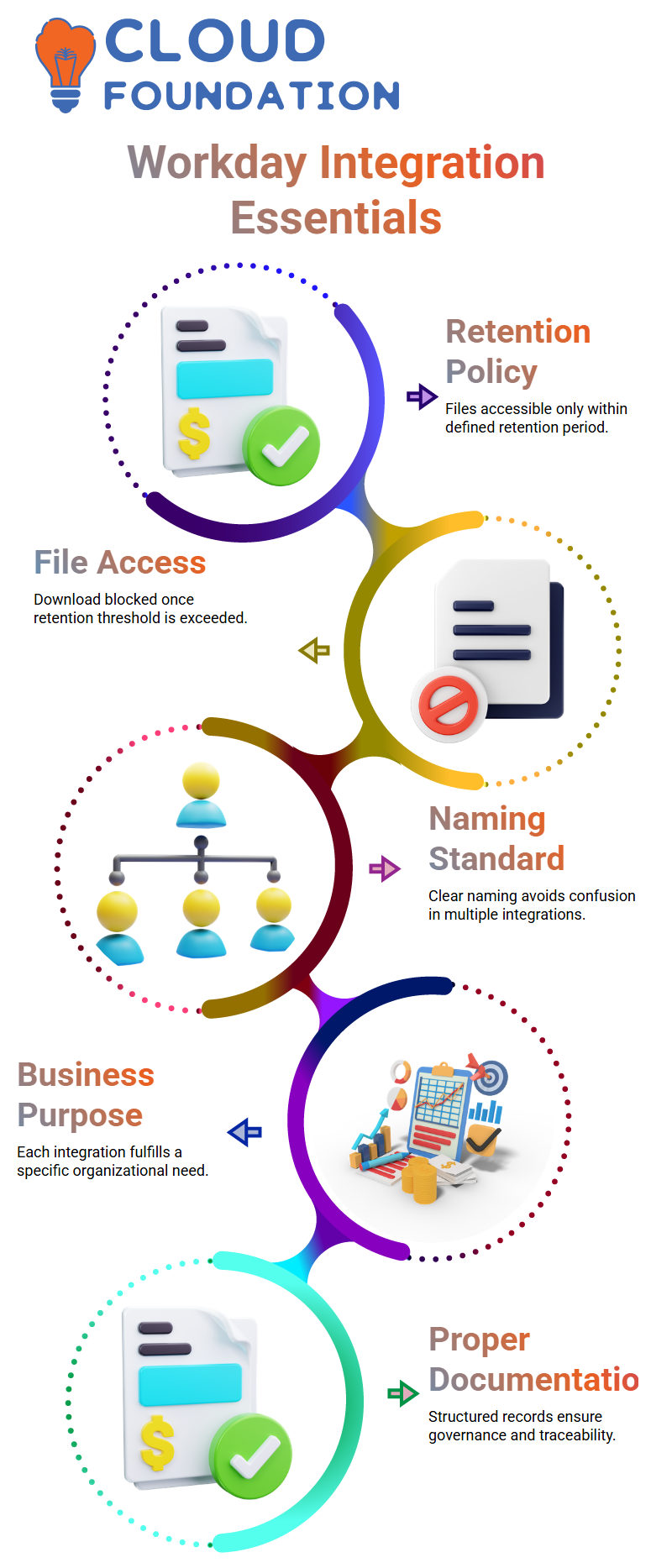
I specify a document retention policy when I set up delivery settings in Workday Integration.
In Workday Integration, this parameter determines how long output files may be downloaded.
For instance, I may view the integration event even after two years if I set up the Workday.
Integration document preservation policy for ninety days. But I can only get output files within the 90-day retention term of Workday Integration.
The system generates a fresh integration event each day if I plan a Workday Integration.
Workday Integration continues to automatically create this history. For this reason, while overseeing planned Workday Integration procedures, I constantly carefully check retention settings.
How I Open and Track Events in Workday Integration
I just searched for the integration name when I ran a Workday Integration today, and someone wants me to access it.
The name is very important in Workday Integration. Finding the right integration among several gets challenging if I can’t remember the specific name.
I always remind my Learners that the individual developing the Workday integration has to adhere to a precise naming standard.
If someone builds 20 or 25 integrations in Workday Integration and gives them ambiguous names, confusion is certain.
I never make integrations at random while working on actual Workday Integration projects.
Each Workday Integration I create fulfils a particular business need. The integration’s name, direction, and goal are determined by that need.
Why Naming Convention Matters in Workday Integration
I rigorously adhere to a naming standard in any professional Workday Integration setting.
I never create many Workday Integration objects with names that are ambiguous or repetitive.
Rather, I provide a structured format, such as an Integration ID, which is followed by instructions and information.
In Workday Integration, for instance, I would begin with an ID such as INT001, add the business purpose, and then indicate whether it is inbound or outbound.
In this manner, anybody examining Workday Integration will be able to grasp its functionality right away.
I initially assist in defining rules when I work on Workday Integration from the beginning of an installation.
I make sure that requirement papers, design documents, and a suitable repository are created before developing any Workday Integration.
Workday Integration includes governance and traceability in addition to development and deployment.
Another consultant should be able to access the Workday Integration repository and comprehend every integration I developed if I were to quit the company tomorrow.
Proper documentation guarantees that Workday Integration knowledge does not rely on memory.

Workday Integration Training

Workday Integration Types I Have Worked On
When someone inquiries about the kinds of Workday Integration I have managed, I make sure to provide a concise and useful response.
A common misconception about Workday Integration is that it exclusively refers to EIB, Core Connector, or Workday Studio.
However, Workday Integration goes well beyond that.
Workday Integration is any system-to-system connectivity.
Workday Integration occurs whenever two systems link and share data.
I have mostly dealt with Core Connector, Workday Integration EIB, and custom reports that are enabled as web services.
I have also dealt with public web services as part of Workday Integration scenarios.
In real-time projects, these are typical and popular types of Workday Integration.
I usually advise Learners to be confident before bringing up Workday Studio during a Workday Integration interview.
Interviewers will undoubtedly go further if you claim to have worked with Workday Integration Studio.
Therefore, I advise looking into at least one complete Workday Integration in Studio.
You become really confident after you comprehend Workday Integration Studio’s components, transformations, and flow.
Workday Integration is more configuration-based than more basic solutions like EIB and Core Connector.
However, you have complete control of Studio-based Workday Integration. For this reason, rather than restricting themselves, I urge everyone to investigate various forms of Workday Integration.
When to Choose EIB in Workday Integration
When the demand is simple, I go with EIB in Workday Integration.
If the need entails pulling data from a single source, generally a bespoke report, and creating a simple output file, then EIB works great for Workday Integration.
The company requests a complete file with certain fields in various Workday Integration instances.
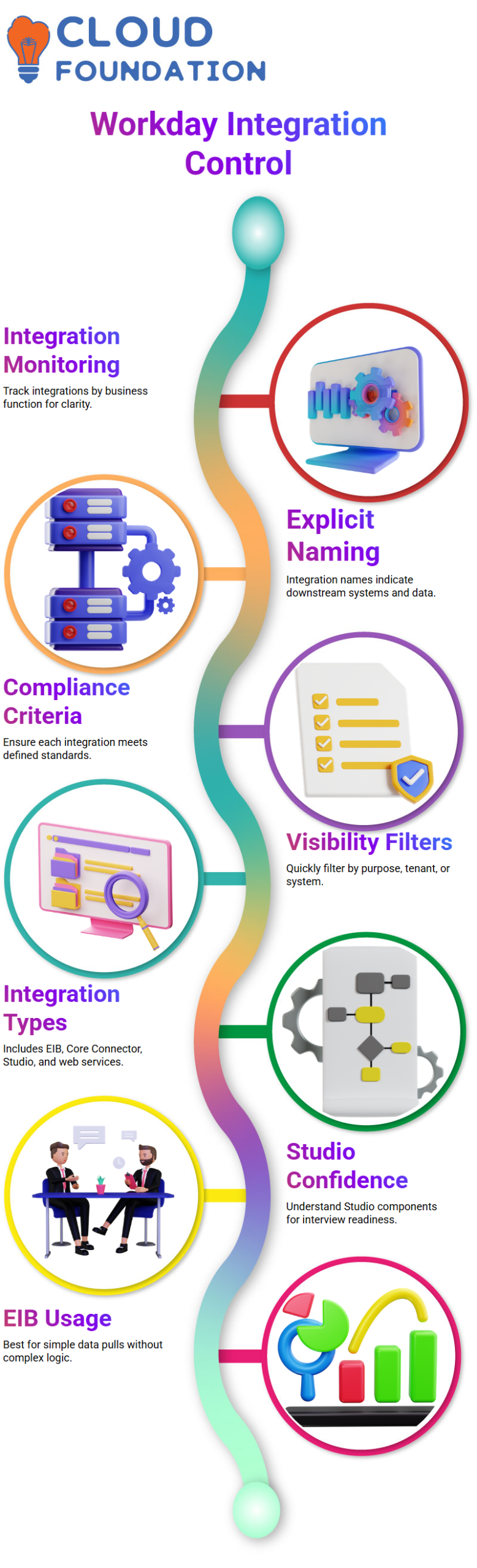
I utilise EIB for Workday Integration with confidence if there is no complicated logic, no numerous data sources, and no significant transformation.
I always make sure that change detection is necessary before completing the EIB in Workday Integration.
EIB is a neat and effective Workday Integration solution if change detection is not required and the demand is straightforward.
When Core Connector Fits in Workday Integration
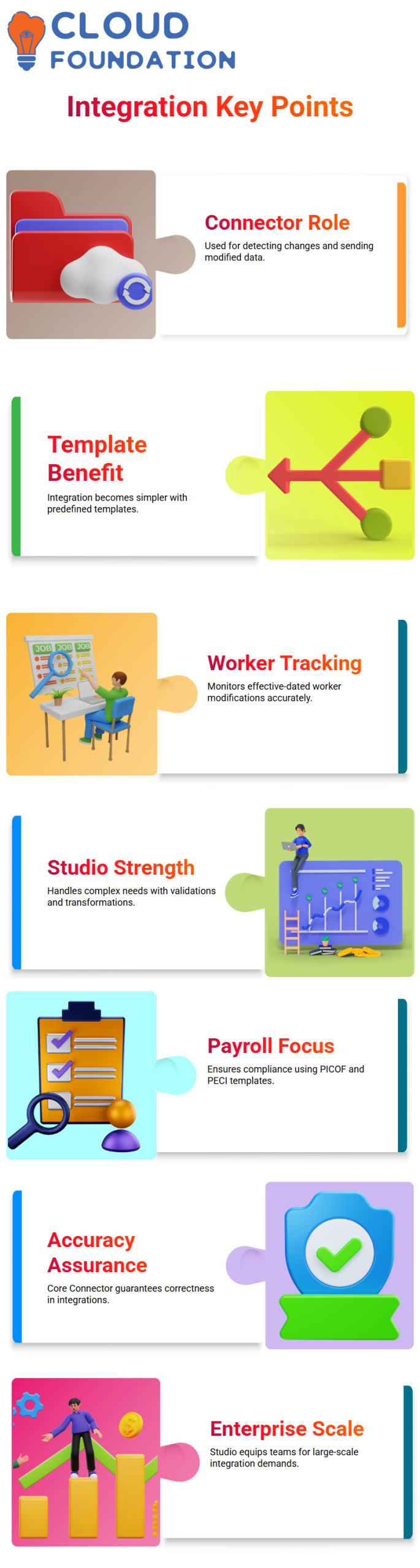
In Workday Integration, the Core Connector is crucial, particularly when change detection is needed.
I prefer Core Connector in Workday Integration for cases where the downstream system requires simply modified data rather than whole files.
If a predetermined template is already available, Workday Integration with Core Connector becomes much simpler.
For instance, two popular Workday Integration designs are Core Connector Worker and Core Connector Position.
I always use Core Connector for Workday Integration if the demand aligns with the template capabilities.
Assume that only worker profile modifications must be sent after the most recent integration run.
Because it accurately monitors effective-dated modifications, Workday Integration with Core Connector is the best course of action in such a situation.
I have also investigated other templates like Core Connector Organisation and Core Connector Location as part of my Workday Integration study.
Your proficiency with Workday Integration increases with the number of templates you comprehend.
Workday Studio for Advanced Workday Integration
I switch to Workday Studio if the Workday Integration need becomes complicated.
If I need to collect data from numerous sources, run validations, apply heavy transformations, use external APIs, or produce several output files, Studio is the ideal tool for Workday Integration.
I am able to build the full flow from beginning to finish thanks to Workday Integration in Studio.
Data entry, transformation, and departure are all within my control. Workday Integration in Studio is very strong because of this degree of customisation.
My confidence really increased after I began Studio components like mediators, splitters, and assembly logic in Workday Integration.
Workday Integration, which is studio-based, equips you to manage enterprise-level needs.
During an interview, it makes a good impression to describe a whole end-to-end Workday Integration developed in Studio.
Your practical clarity demonstrates your deep comprehension of Workday Integration.
Payroll Templates in Workday Integration
Another crucial component of Workday Integration is payroll.
Workday Integration guarantees seamless data transmission when Workday functions as an HR system and a third-party system, such as ADP, functions as a payroll system.
Templates like PICOF and PECI are often used in payroll-related Workday Integration.
PICOF in Workday Integration retrieves top-of-the-stack data, which means it delivers the most current effective record.
After the previous integration run, PECI in Workday Integration keeps track of any successful modifications.
I utilise PECI when Workday Integration requires me to record every transaction that has taken place in the previous 24 hours.
However, I use PICOF in Workday Integration if the company simply need the most recent useful data.
Because payroll interfaces often need tight compliance and accuracy, these payroll templates enhance your general understanding of Workday Integration.
Workday Integration: Studio Components and Web Services
Workday Integration’s studio integrations consist of many parts.
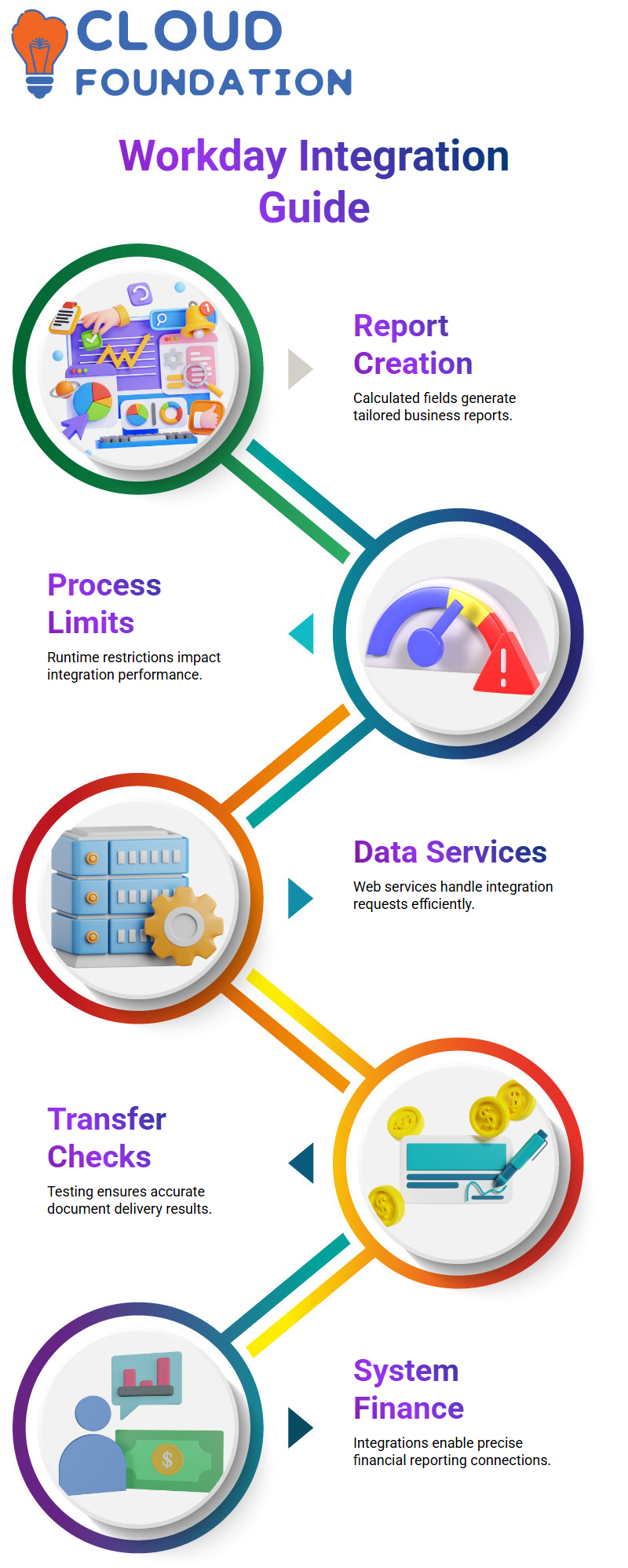
I provide real-world examples when someone inquires about the online services I’ve used to help them grasp how requests and answers operate.
I make an effort to describe how these web services work in practical situations, even if the distant environment does not have certain tools.
Additionally, I present the idea of reference integrations, demonstrating how data in EIB and Studio integrations changes from source to destination.
Workday Integration: Testing Document Delivery
Workday Integration makes document delivery testing simple.
To make sure our integrations provide accurate results, we use the test transfer option.
Whether it’s setting up the transport or confirming the file type, I make it a point to describe every step. This makes it easier for new team members to understand the procedure.
Workday Integration: Handling Finance System Integrations
Care must be taken while integrating Workday Integration with financial systems.
In order to provide accurate financial reporting, I have worked on linking several systems and uploading journals via EIB.
It is easier for people to comprehend how Workday interacts with various financial modules when these linkages are explained.
Workday Integration: Compensation and Benefits Modules
I’ve worked with a number of Workday Integration modules, such as Compensation, Benefits, and Absence. Because integrations often rely on data from many sources, these modules are essential. I always make it clear which modules are involved and how information moves across them.
Common Workday Integration Issues
Daily problems with Workday Integration include inaccurate journal information, validation alerts, and delivery failures.
For instance, the system provides a warning if a field in DT exceeds a character restriction.
I describe these situations and demonstrate how to fix them so the integration functions properly.
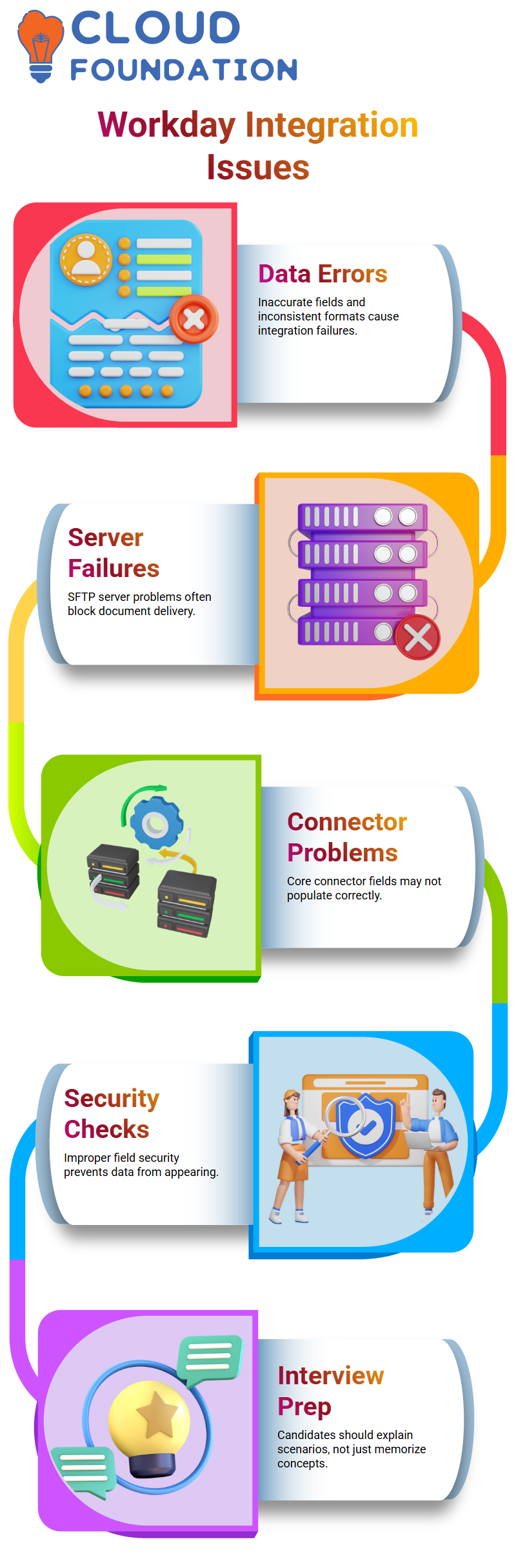
Server problems may sometimes cause document delivery to fail. To make sure the SFTP server is accessible, I work with system administrators. Teams can rapidly debug integrations thanks to these real-world difficulties.

Workday Integration Online Training
Workday Integration: Solving Complex Problems
I often run into complicated problems with Workday Integration, such as missing fields or inconsistent data formats.
I can effectively resolve these issues by examining the process, Core Connector and DT connectors.
By sharing these examples, you may teach others how to efficiently handle integrations.
I keep things clear even when integrations include many systems by decomposing the process into four steps: extract, convert, deliver, and verify. This methodical technique lowers mistakes and guarantees dependability.
Workday Integration Core Connector Issues
I often deal with core connector connections while working on Workday Integration.
I sometimes generate a field override service when extracting fields from integration field attributes.
I added several computed fields to that service. One field may not provide the right value when the integration runs, while another field may not fill in at all.
This often occurs in production, and unless a ticket is raised, no one is aware of it.
When I run into this kind of problem, I go to the Workday Integration event first.
I examine the file to make sure the data is being filled in. I look at the security settings if a certain field consistently doesn’t fill up.
I examine the computed field logic to see why the value is missing if security is adequate.
Workday Integration Security Checks
I often discover that the data problem arises from improperly set security for the field in Workday Integration.
The data just doesn’t show up during integration if security isn’t provided. The computed fields function as intended when there is enough security.
For instance, several contracts may cause problems when retrieving a worker’s contract start and end dates in Workday Integration.
A contractor may come and go many times.
The absence of security for the business process fields is often indicated if the core connection only creates the most recent contract rather than the most recent one.
Workday Integration Business Process Fields
Contract in date might come from a business process in Workday Integration, thus it’s not necessarily a straight field.
I also have to ensure business process security if I utilise such a field.
The contract’s in-date value will be off without it. These subtleties enable me to effectively handle data difficulties.
I make an effort to provide actual production examples when describing Workday Integration situations.
For clarity, even complex instances may be simplified. This makes it easier for Learners and interviewees to comprehend the real-world applications of essential connection disciplines.
Workday Integration Interview Preparation
During Workday Integration interviews, I often assist applicants.
For 25 minutes of a 30-minute interview, it’s crucial to talk with assurance and maintain control.
I advocate delving further into ideas and outlining the inner workings of Workday Integration. This illustrates both philosophical and practical aspects.
Instead of just memorizing concepts, candidates should construct a situation and explain it.
For instance, describe how Workday Integration affects ERP operations rather than describing what it does. During interviews, this strategy is far more realistic and persuasive.
Workday Integration Core Connector vs EIB
The distinction between Workday Integration’s core connector, EIB, and Studio integrations is one often asked question.
To fully illustrate, I suggest concentrating on one or two Studio integrations.
These distinctions may be made clearer by reading the material, and your own words to describe the situation demonstrate depth.
Workday Integration has changed over time. In the past, theoretical knowledge from books was sufficient. Practical demonstration is important now.
The explanation becomes accessible and interesting when scenarios are created and successfully explained in Workday Integration.

Workday Integration Course Price

Vanitha
Author
The capacity to learn is a gift; the ability to learn is a skill; the willingness to learn is a choice