Online Training on Workday Integration Security Concepts and Setup
Workday Integration Security Basics
Before sending data to other systems, it’s important to understand how Workday Integration security works.
Security in Workday Integration makes sure that workers can get to the right data while keeping private data safe. Think about it this way: you can see some information about your friends, like their names or ID cards, but not all of it.
For example, you can’t see their salaries or health information. This is taken into account by Workday Integration, which controls who can see what info.
Controlling Access in Workday Integration
In Workday Integration, some company data is available to everyone, but other company data is not. For example, HR might run a portal where you can look for workers and see information that isn’t private.
Managers use this information to find skilled people and give them work. With Workday Integration, sensitive fields like pay or absence amounts are kept safe.
When I open my biography in Workday Integration, I can see how much money I have left over for pay and time off. If I try to look at the picture of another employee, though, the security gates go up. I can’t get to restricted info without the right permissions. The protection features of Workday Integration make this easy.
Integration Security in Workday Integration
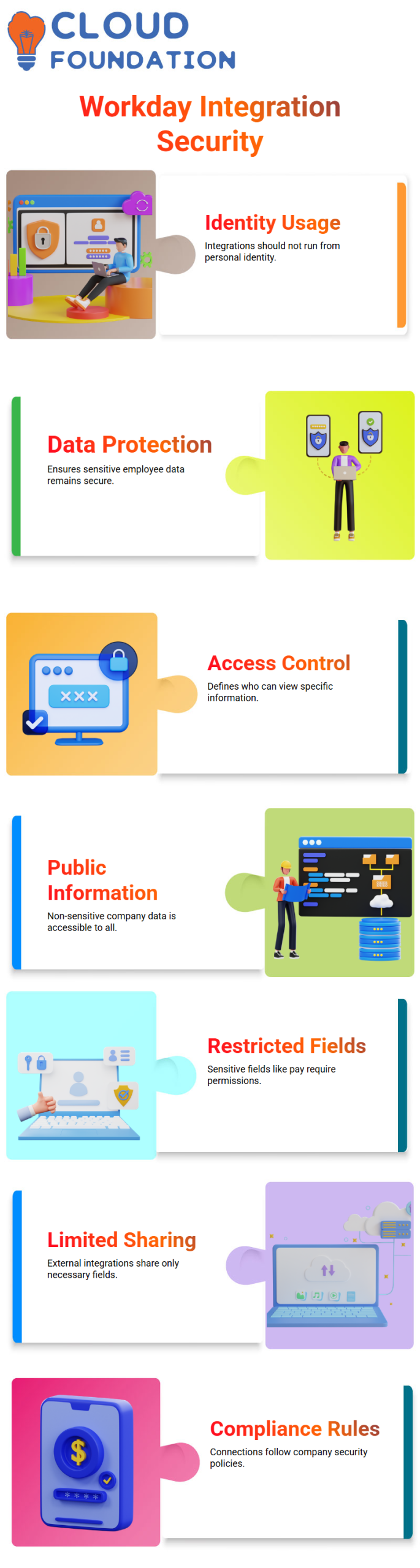
When you make an integration for a system like ADP or Concur, you only need to share the data areas that are needed.
The Workday Integration ensures that only the fields in Concur requests are shared. These are first name, last name, date of birth, and job date. Other private information stays safe.
This limited sharing is very important. Workday Integration prevents unauthorized access and ensures that your connections follow your company’s security rules.
Handling Profiles in Workday Integration Integrations
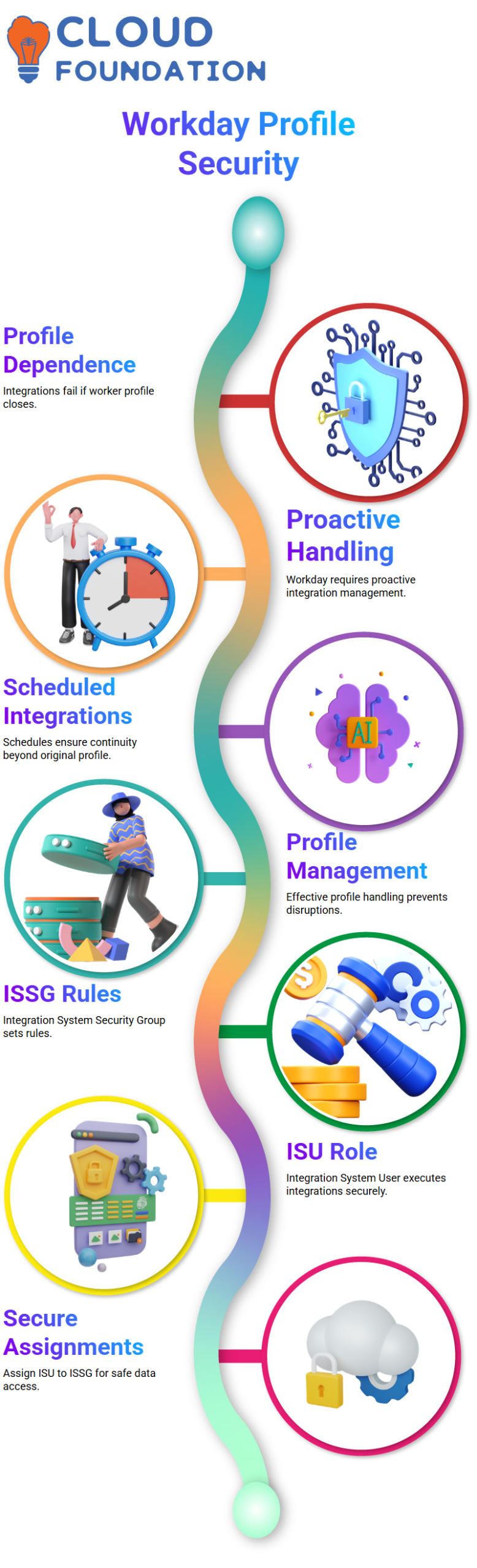
The profile that is running the integration also affects its protection. If a worker makes an integration in Workday Integration and runs it from their profile, that profile must remain open.
The profile will be turned off if the person leaves the company, which could cause the integration to fail. Workday Integration needs to be handled proactively to avoid problems.
Workday Integration uses scheduled integrations and effective profile management to ensure integrations continue even if the original profile is no longer used.
ISSG and ISU in Workday Integration Security
To keep Workday Integration secure, we use the Integration System Security Group (ISSG) and the Integration System User (ISU). ISSG sets security rules, and ISU is the user integrating.
By assigning ISU to the right ISSG, you can be sure that the integration can access the necessary data fields without putting private information at risk.
ISSG and ISU help me keep Workday Integration secure across all of my connections. With this setup, I’m sure that my integrations will only send approved data.
Domains and Domain Security Policies in Workday Integration
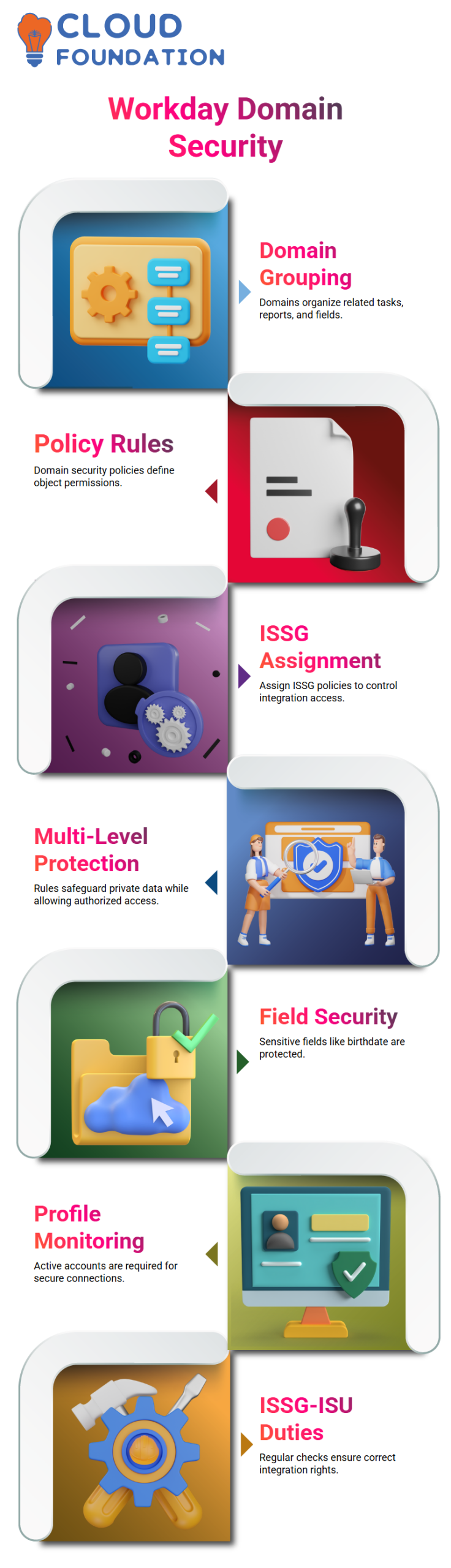
Workday Integration categorizes tasks, reports, and fields. Domains group related objects, and domain security policies specify what those objects can and can’t do. Assigning an ISSG a domain security policy ensures that the appropriate Workday Integration permissions are used.
Workday Integration uses domain security rules to decide who can see the date of birth field in a report I make, for instance. This multi-level method protects private information while allowing authorized users to access it when needed.

Workday Integration Training

Practical Tips for Workday Integration Security
Check the info that your integrations share all the time. Check that only the relevant fields in Workday Integration are sent to outside systems. Don’t give out extra information that might be against company policy.
Watch the profiles that have connections running. Active accounts are needed for Workday Integration security. Schedule and access rules need to be updated if a profile is no longer used to prevent failures.
Check ISSG and ISU duties regularly. You can easily manage integration rights with Workday Integration, but only if your security group assignments are correct.
Workday Integration: Secured Fields
When you work with Workday Integration, certain fields, like the date of birth, are protected by domain security rules. This is already built into Workday. Some fields haven’t been set up yet, and we will only set up the ones we need for our connection. For Workday Integration, it’s important to know what ISU and security groups are.
Workday Integration: What is an ISU
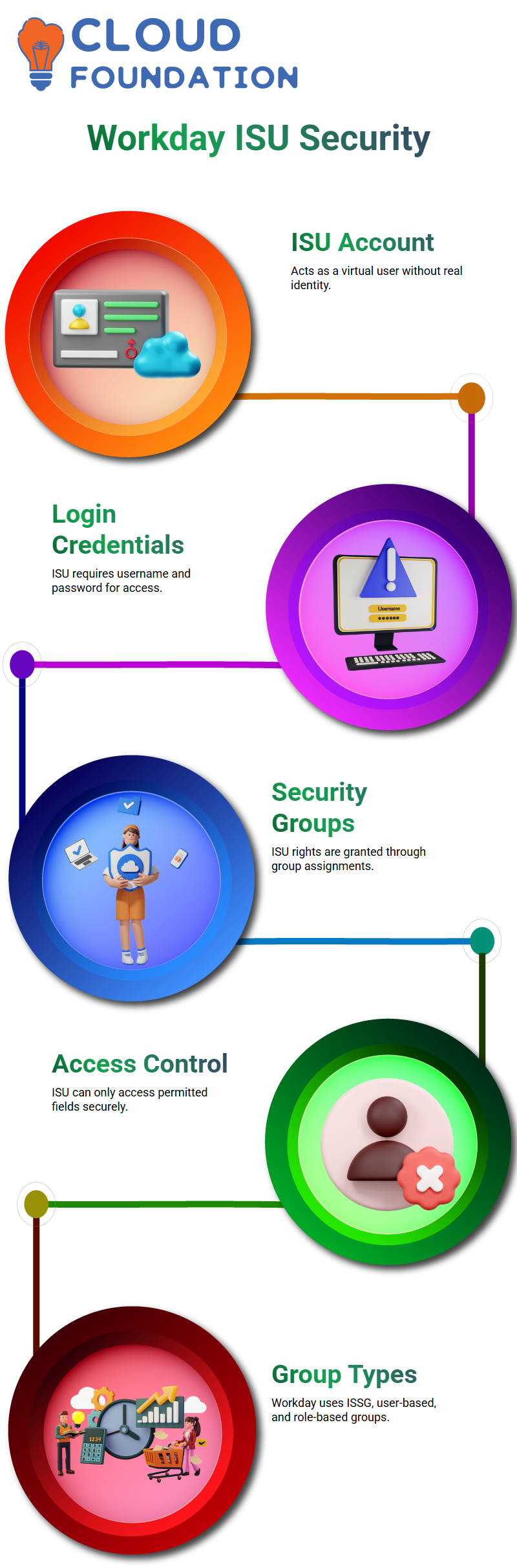
The letter ISU stands for “Integration System User” in Workday Integration. It’s like a real user page: you have to log in with a username and password to access it.
Think about having a user page in Workday that looks like Jacqueline. In the same way, we make an ISU, which in Workday Integration works as a virtual account.
The ISU is just a normal user account that doesn’t have a real person linked to it. It cannot perform any actions on its own. We grant this ISU the necessary rights by adding it to a security group in Workday Integration.
Workday Integration: Security Groups
What an ISU can access is set by security groups in Workday Integration. We add the ISU to the security group and grant it all the necessary rights. For instance, if we create ISU 001 and link it to ISG 001, we can then grant access to fields such as date of birth, gender, and total base pay.
The ISU can’t access something if it’s not allowed in the security group, such as health plans. In Workday Integration, this makes sure that entry is controlled.
Workday Integration: Types of Security Groups
Workday Integration has three types of security groups: ISSG (Integration System Security Group), user-based, and role-based. Real users can only access resources with permission granted by user- and role-based security groups. ISSG manages ISU access, with a focus on business objects and tasks rather than worker data.
Administrators can access many data objects through Workday Integration’s role-based security groups, but only certain users can access certain data objects through user-based security groups. ISUs follow the rules set out in ISSG.
Workday Integration: Domains and Objects
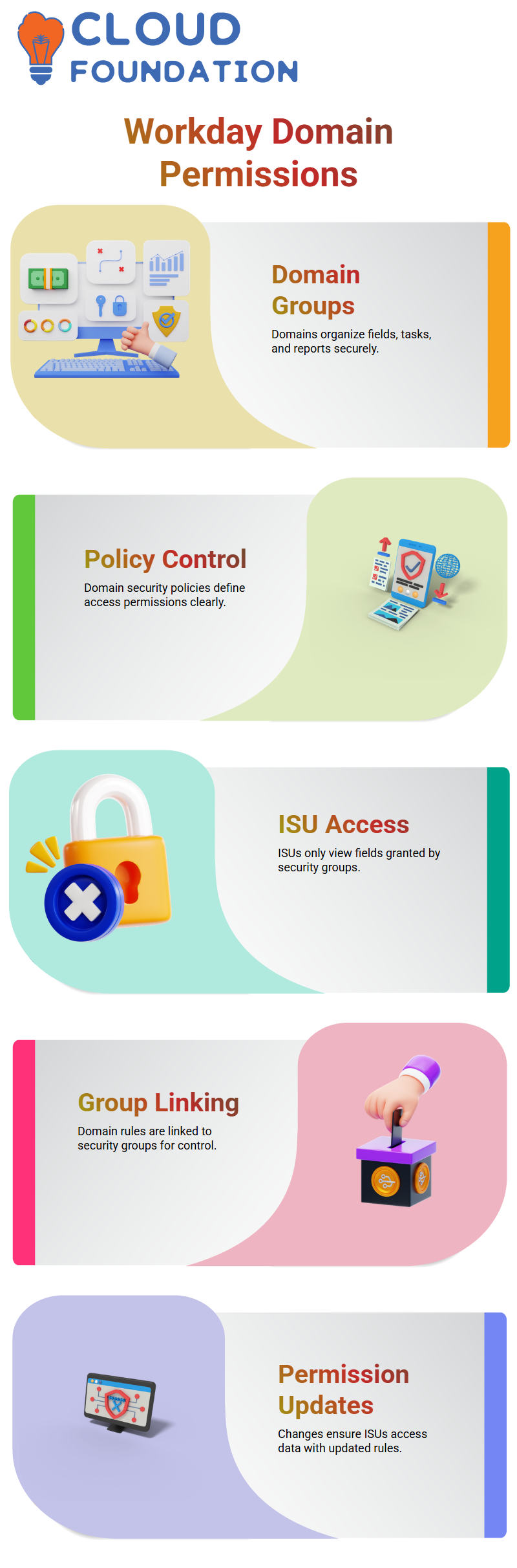
Domains in Workday Integration are groups of items such as fields, tasks, and reports. A domain security strategy keeps each domain safe. For instance, special fields, reports, and tasks that handle gender data are kept within the gender domain.
Similarly, the date of birth domain includes fields for age, age group, and other related reports. ISUs can only view the fields in Workday Integration that are granted permission by the security group. This gives strict control over private data.
Workday Integration: Applying Permissions
The domain security policy is added to the security group when Workday Integration is set up. This allows the ISU to reach the fields they need. Workday Integration ensures that each ISU can only see the data it is authorized to access. This keeps private data safe.
You can easily control who can see thousands of fields and objects in Workday Integration by setting up security groups and domains correctly. To keep security and safety, this is a must for any integration project.
Workday Integration: Applying Permissions
The domain security policy is added to the security group when Workday Integration is set up. This allows the ISU to reach the fields they need. Workday Integration ensures that each ISU can only see the data it is authorized to access. This keeps private data safe.
You can easily control who can see thousands of fields and objects in Workday Integration by setting up security groups and domains correctly. To keep security and safety, this is a must for any integration project.

Workday Integration Online Training
Workday Integration: Domains and Security
Each area in Workday Integration protects a different set of fields, reports, and tasks. One site might handle gender information, and another might handle date of birth.
It is very important to know how domains work because each domain has its own protection policy. It’s easy to find security measures in Workday Integration when the domain name and its security policy are the same.
In Workday Integration, you can see the domain security strategy right away. There are five secure activities that you can do when you click on a domain. They are completely safe to do because of that domain’s security policy. You can also see the reporting items that are connected to the domain, which shows how Workday Integration sets up access to data.
Workday Integration: Assigning Permissions with Security Groups
Linking domain security rules to security groups is what it takes to add permissions when working with Workday Integration. For instance, you add an Integration System User (ISU) to a security group after making it.
In the next step, you add all the necessary domain security rules to the security group. This ensures the ISU can access the right information in Workday Integration.
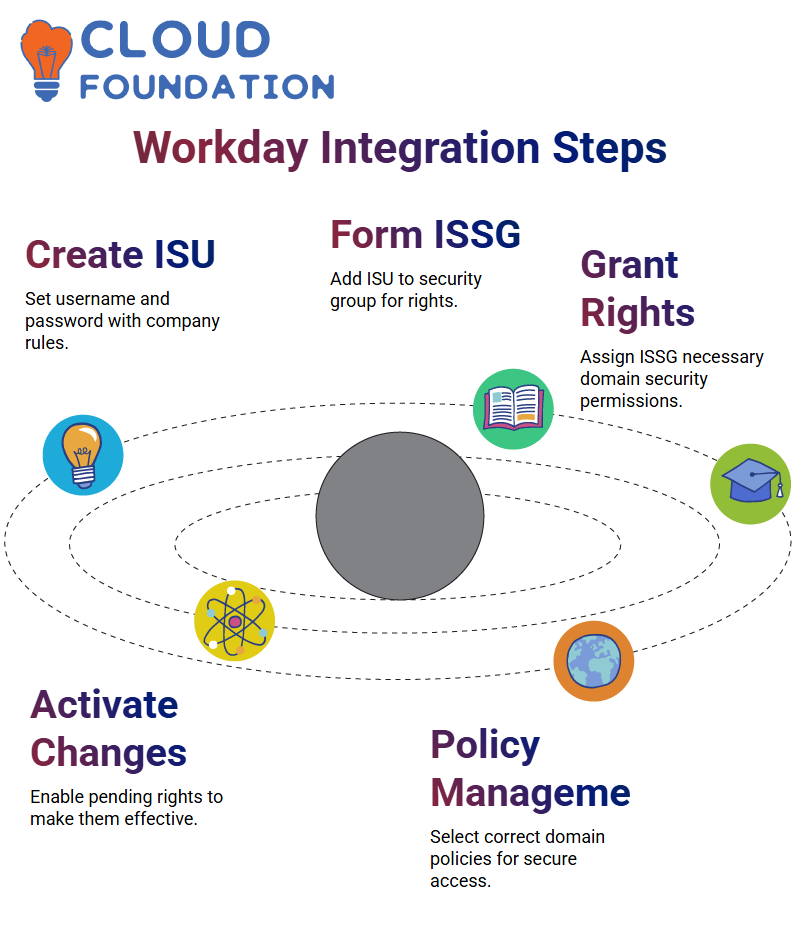
The first step is to make an ISU in Workday Integration. You create a username and password by following your company’s password rules. Next, you create a security group, typically an Integration System Security Group (ISSG).
This group can be either unrestricted or restricted. In Workday Integration, we usually use unrestricted to give more people access. Once you’ve made the ISSG, you need to grant it the necessary permissions, including the appropriate domain security policies.
Lastly, you make any needed changes to the security policy take effect. This step ensures that all new permissions take effect, allowing the ISU to access the data protected by the Workday Integration security rules.
Workday Integration: Step-by-Step Implementation
Step 1: Make the Integration System User (ISU). Set a password and a username. If needed, set a session timeout or UI session limits. Each of these choices can be changed by Workday Integration based on company policy.
Step 2: Create the Integration System Security Group (ISSG). To set up the link, add the ISU to the protection group. This step ensures that the ISU receives the rights managed by Workday Integration.
Step 3: Give the ISSG all the rights it needs. Go to the ISSG, click on Related Actions, and make sure that the security group still has rights to access the domain. In this case, Workday Integration lets you set up various domain security policies that cover all the important access points.
Step 4: Put any changes to the security strategy into effect. When you add rights to Workday Integration, they are not turned on by default. When the pending changes are activated, all rights are turned on, which lets the ISU do what it’s supposed to do.
Workday Integration: Managing Domain Security Policies
It is very important to know which domain security rules to use. In Workday Integration, you need to find out what domain security policies are needed for a certain job. This ensures that your ISSG has the appropriate permissions to perform tasks for that site.
This process is easier to handle with Workday Integration because it shows secure actions and reporting items that are connected to each domain. Workday Integration lets you link Workday accounts to ISUs after you’ve set up ISSGs and ISUs.
This handshake process completes the integration and enables safe access to data across domains. To understand Workday Integration, you need to know how domains, domain security policies, and security groups work together.
Each area in Workday Integration protects a different set of fields, reports, and tasks. One site might handle gender information, and another might handle date of birth.
It is very important to know how domains work because each domain has its own protection policy. It’s easy to find security measures in Workday Integration when the domain name and its security policy are the same.
In Workday Integration, you can see the domain security strategy right away. There are five secure activities that you can do when you click on a domain. They are completely safe to do because of that domain’s security policy. You can also see the reporting items that are connected to the domain, which shows how Workday Integration sets up access to data.
Workday Integration: Assigning Permissions with Security Groups
Linking domain security rules to security groups is what it takes to add permissions when working with Workday Integration. For instance, you add an Integration System User (ISU) to a security group after making it.
In the next step, you add all the necessary domain security rules to the security group. This ensures the ISU can access the right information in Workday Integration.
The first step is to make an ISU in Workday Integration. You create a username and password by following your company’s password rules. Next, you create a security group, typically an Integration System Security Group (ISSG).
This group can be either unrestricted or restricted. In Workday Integration, we usually use unrestricted to give more people access. Once you’ve made the ISSG, you need to grant it the necessary permissions, including the appropriate domain security policies.
Lastly, you make any needed changes to the security policy take effect. This step ensures that all new permissions take effect, allowing the ISU to access the data protected by the Workday Integration security rules.
Workday Integration: Step-by-Step Implementation
Step 1: Make the Integration System User (ISU). Set a password and a username. If needed, set a session timeout or UI session limits. Each of these choices can be changed by Workday Integration based on company policy.
Step 2: Create the Integration System Security Group (ISSG). To set up the link, add the ISU to the protection group. This step ensures that the ISU receives the rights managed by Workday Integration.
Step 3: Give the ISSG all the rights it needs. Go to the ISSG, click on Related Actions, and make sure that the security group still has rights to access the domain. In this case, Workday Integration lets you set up various domain security policies that cover all the important access points.
Step 4: Put any changes to the security strategy into effect. When you add rights to Workday Integration, they are not turned on by default. When the pending changes are activated, all rights are turned on, which lets the ISU do what it’s supposed to do.
Workday Integration: Managing Domain Security Policies
It is very important to know which domain security rules to use. In Workday Integration, you need to find out what domain security policies are needed for a certain job. This ensures that your ISSG has the appropriate permissions to perform tasks for that site.
This process is easier to handle with Workday Integration because it shows secure actions and reporting items that are connected to each domain. Workday Integration lets you link Workday accounts to ISUs after you’ve set up ISSGs and ISUs.
This handshake process completes the integration and enables safe access to data across domains. To understand Workday Integration, you need to know how domains, domain security policies, and security groups work together.

Workday Integration Course Price

Nishitha
Author