Workday Integration Training for Beginners
What Workday Integration Means in Real Business Scenarios
Workday Integration allows data to flow seamlessly without human intervention by connecting Workday with other systems.
Consider Workday as the primary human resources system.
Workday is used by many companies to hold recruiting information, personnel records, pay, perks, and absences.
This HR data won’t be segregated thanks to Workday Integration.
Rather, Workday Integration makes it possible for other systems to get the information they need.
Let’s look at an example of payroll. While many businesses conduct payroll through a separate system, they utilise Workday as their HR solution.
Workday Integration becomes crucial in these situations.
Workday Integration sends employee data to ADP when hiring a worker in Workday so that payroll computations may be completed accurately.
I usually use a simple employee case to illustrate Workday Integration. Let’s say someone starts working for the firm.
Workday is where all personal, salary, and employment information is kept.
Workday Integration guarantees the safe and correct transfer of employee data from Workday to the payroll system in the event that payroll is processed in a different system.
Teams would manually input the same employee data into many systems in the absence of Workday Integration.
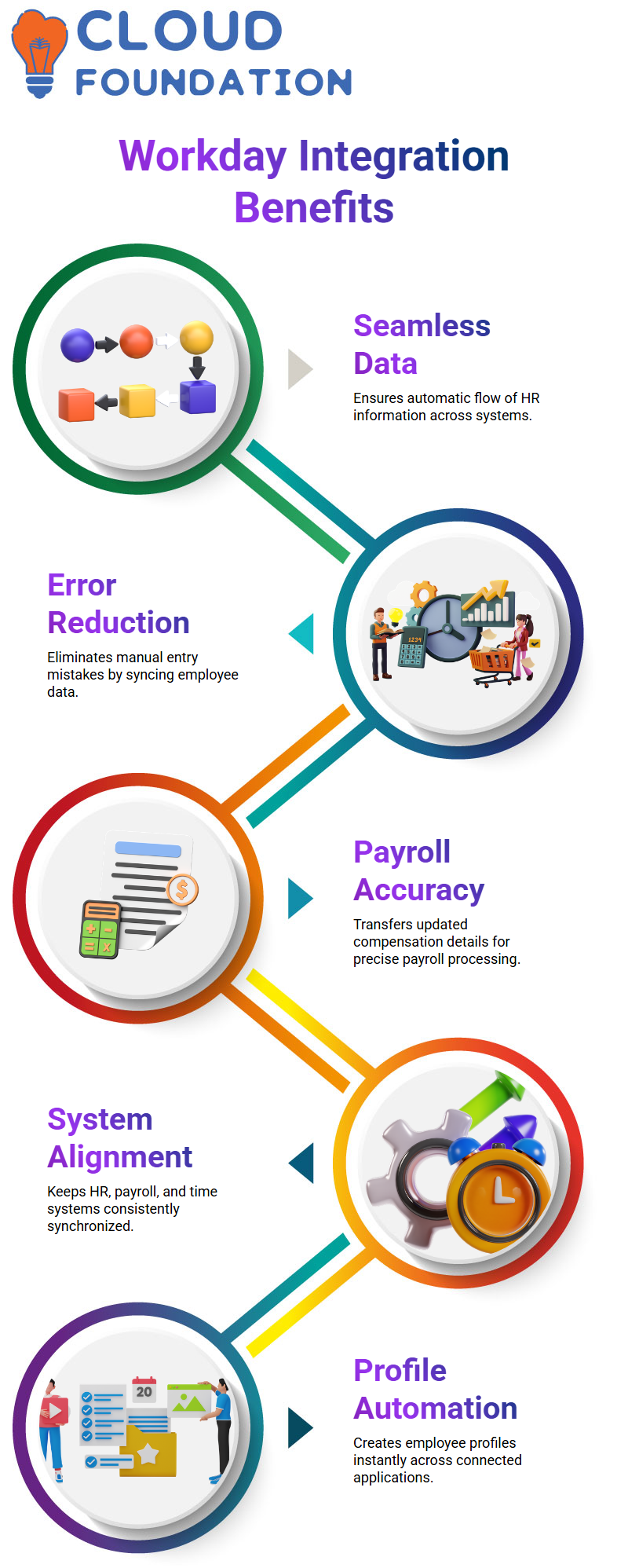
That takes time and makes mistakes more frequent. Workday Integration maintains system alignment by allowing data to move across systems automatically.
How Workday Integration Connects HR, Payroll, and Time Systems
Payroll is not the end of Workday Integration in practical deployments. Many external systems are often used by organisations.
They may use it, for instance, to monitor time and manage expenses. These systems are all connected to Workday Integration.
Workday Integration has the ability to synchronise pertinent data back to Workday when an employee submits costs in Concur.
Workday Integration guarantees that authorised time data appears accurately in payroll computations when workers enter their time in Kronos.
Workday Integration serves as a link between systems, which I constantly stress.
Every event in the employee lifecycle, including hiring, transferring, promoting, and changing pay, begins in Workday.
These modifications are sent to payroll, time, and other systems through Workday Integration.
Workday Integration transmits updated compensation data to the payroll system in the event that an employee obtains a pay raise, ensuring that the change is reflected in the subsequent payment cycle.
You need to understand what data comes from Workday and how Workday Integration changes and sends that data outside of Workday.
Your comprehension of data flow, field mapping, and transformation logic will improve with more Workday Integration experience.
To ensure that you can confidently design and create the right integration when actual needs emerge, I urge everyone to practice practical situations in Workday Integration.
Workday Integration and Automated Profile Creation
X Person doesn’t have to manually build profiles in other systems because of the integration.
His profile is immediately sent to ADP, Concur, Chronos, and other systems as soon as it is created in Workday.
An important illustration of Workday Integration is this automation.
For instance, X Person uses Concur to recover his moving costs when he relocates from Kolkata to Bangalore.
Because Workday provided the required information, his Concur profile has already been established. He may easily submit a refund request and be paid.
The Workday Integration procedure includes all of this.

Workday Integration Training

Workday Integration with Time Management Systems
Our timesheet system is called Chronos. X Person turns in his timesheet each day.
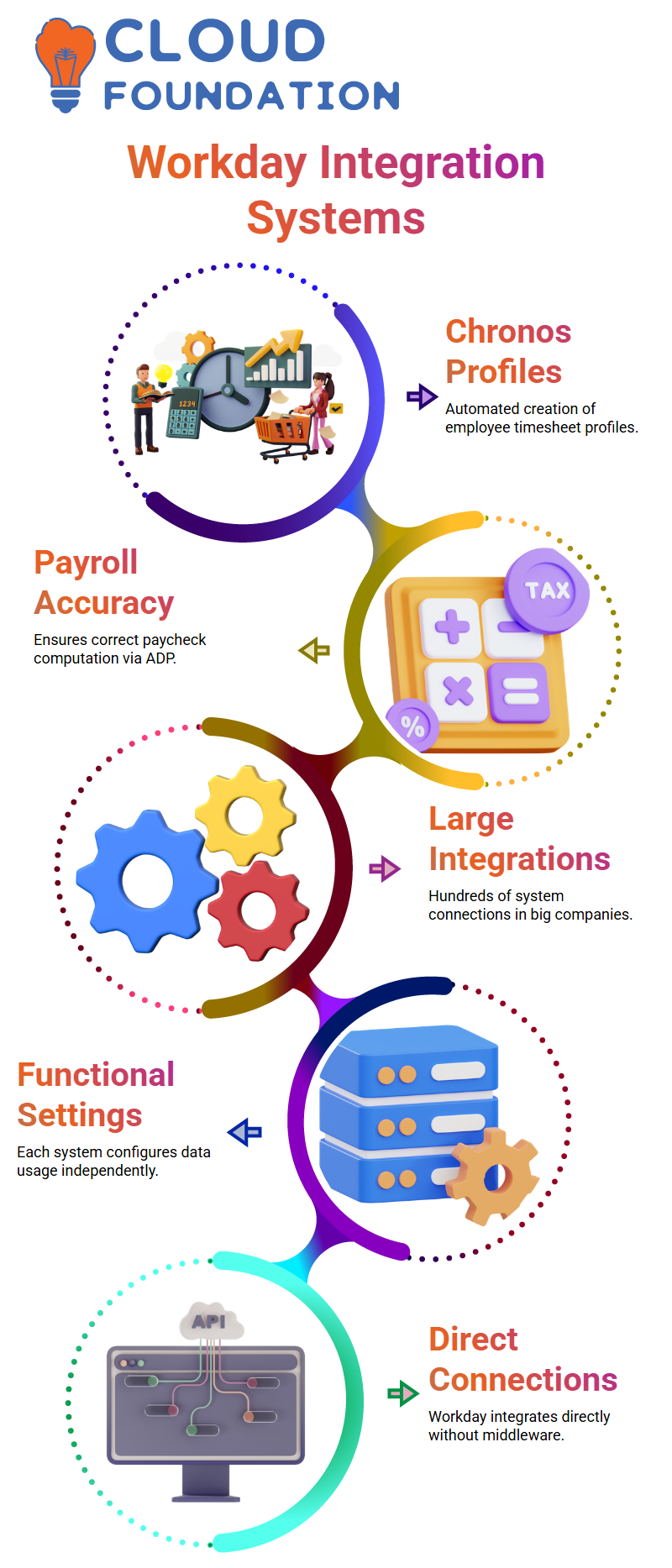
Workday Integration is responsible for the automated creation of his Chronos profile.
He may make sure his paycheck computation in ADP accurately represents the working days by submitting timesheets.
Employee procedures are made easier by these connections.
Workday Integration in Large Companies
We do hundreds of integrations in certain businesses.
I have seen tiny businesses with 60 integrations, mid-level businesses with 150–200, and huge corporations with more than 350.
In order to give workers the impression that everything functions automatically, all of these linkages are developed behind the scenes.
It seems easy to verify a payslip in ADP; however, it requires many Workday Integration processes operating in the background.
Workday Integration and Functional Configurations
Integration includes more than simply data transfer. Each system’s functional settings manage the utilisation of data.
It is our responsibility to ensure that all target systems get accurate data from Workday. The functional team of each system sets it up to suit their requirements.
The integration process remains efficient and clean as a result of this separation.
Workday supplies personal data, salary information, and benefits information for payroll in ADP.
Chronos transmits time information. Workday Integration to combine these guarantees proper payroll computations.
Workday Integration: Direct System Connections
Middleware is not required when Workday is directly integrated with other systems, such as ADP, Concur, and Chronos.
Data is sent straight to target systems by Workday, which serves as the source system.
This is the most effective method for keeping payroll information and profiles up to date.
In earlier configurations, middleware systems like Datahub or Informatica received personnel data from ERPs like PeopleSoft, Oracle Fusion, SAP SuccessFactors, or Workday.
With Workday Integration, we can now directly accomplish the same outcome while lowering complexity.
Workday Integration and Middleware in ERP Systems
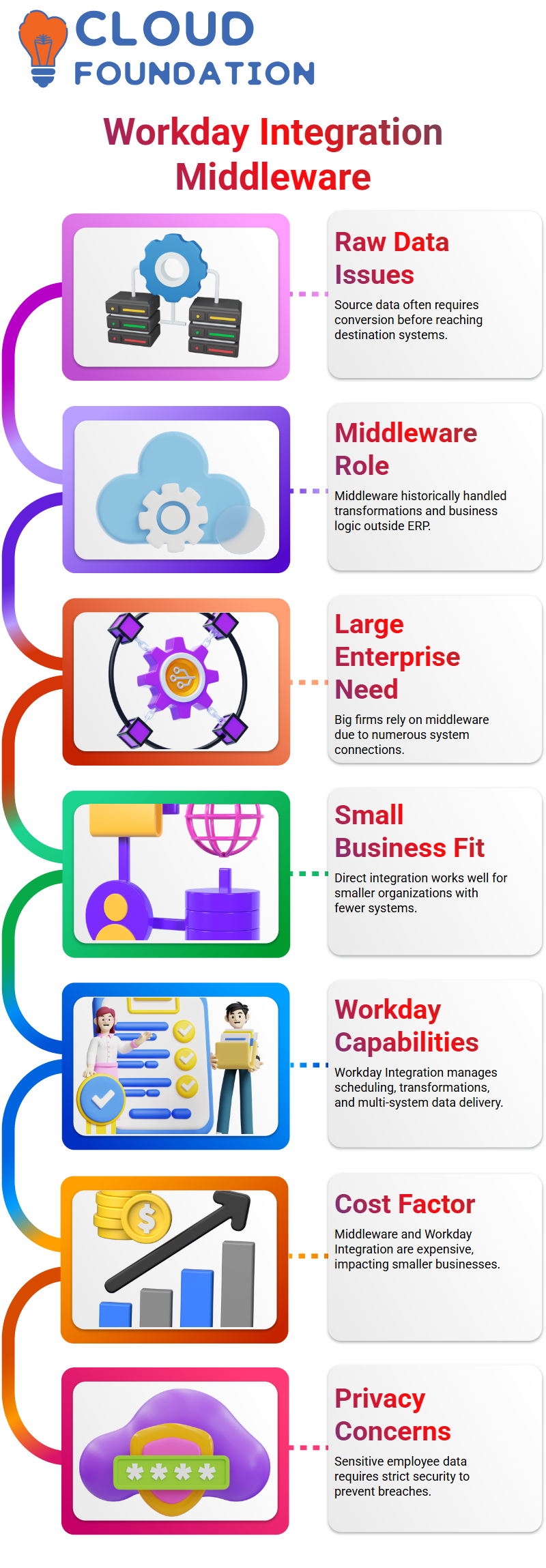
I discovered that raw data from the source systems often needed to be converted before reaching the destination systems when I first began working with ERP systems.
A system like ADP, for instance, requires data in a very specific format that is accurately computed and conditioned.
Previously, the ERP system just sent raw data to a middleware system; the business logic was not built into the ERP system itself.
All of the changes that the target system needed were handled by the middleware.
Middleware use has decreased even with Workday Integration, but big enterprises still need it.
It is not feasible to create direct connectors from Workday to every system in a firm that may have more than a hundred.
Small businesses may successfully integrate directly, while large, global corporations find this strategy to be too burdensome and prone to mistakes.
This is made easier via middleware, which serves as a central hub.

Workday Integration Online Training
How Workday Integration Handles Data Transformation
You may create almost any business logic directly in Workday Integration.
Scheduling, intricate modifications, and transmitting data to several destination systems in the appropriate format are all supported.
For regular batch scheduling, this eliminates the need for extra teams or third-party middleware.
In the past, businesses maintained distinct teams dedicated to scheduling and overseeing batch work.
Because Workday Integration can manage all scheduling and transformations internally, it does away with the necessity for idle monitoring.
Data may be scanned, processed, and sent straight to the target systems in the format of choice.
Cost and Privacy Considerations in Workday Integration
Workday Integration is a pricey, high-end solution, and adding more middleware is equally costly.
Because Workday often contains sensitive employee data, such as bank account information, date of birth, and health information, maintaining privacy and data security is essential.
A single data breach might have detrimental effects on a business.
It could not be cost-effective for smaller businesses with fewer systems to deploy middleware.
Middleware adds needless expense and complexity if Workday Integration can manage the necessary scheduling and transformations.
Only when the business grows and the complexity surpasses Workday’s ideal load capacity, does middleware become useful.
When to Use Middleware with Workday Integration
When businesses have very complicated business regulations across many areas, they use middleware.
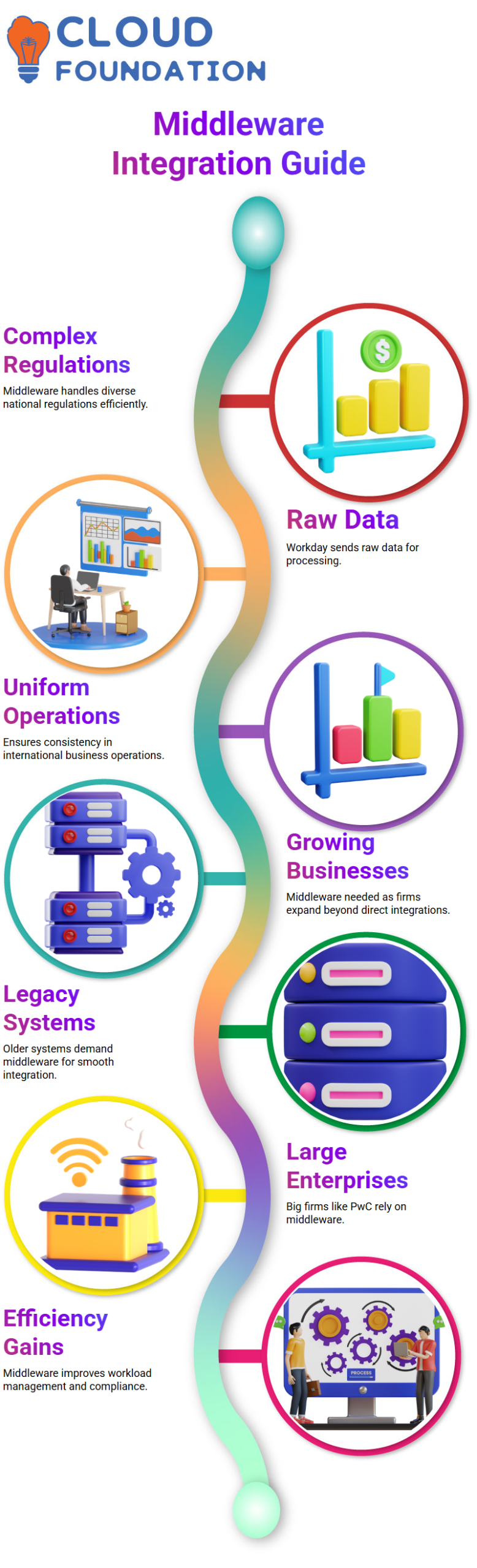
Workday transmits the raw data in these situations, and middleware applies all national regulations before forwarding it to the appropriate destination systems.
This guarantees efficiency and uniformity in international operations.
Middleware is seldom required by newer Workday businesses until they grow to a size where direct integrations are no longer able to manage the workload.
Due to the complexity of legacy systems and the need for substantial integration, large firms like PwC continue to employ middleware.
Practical Insights on Workday Integration
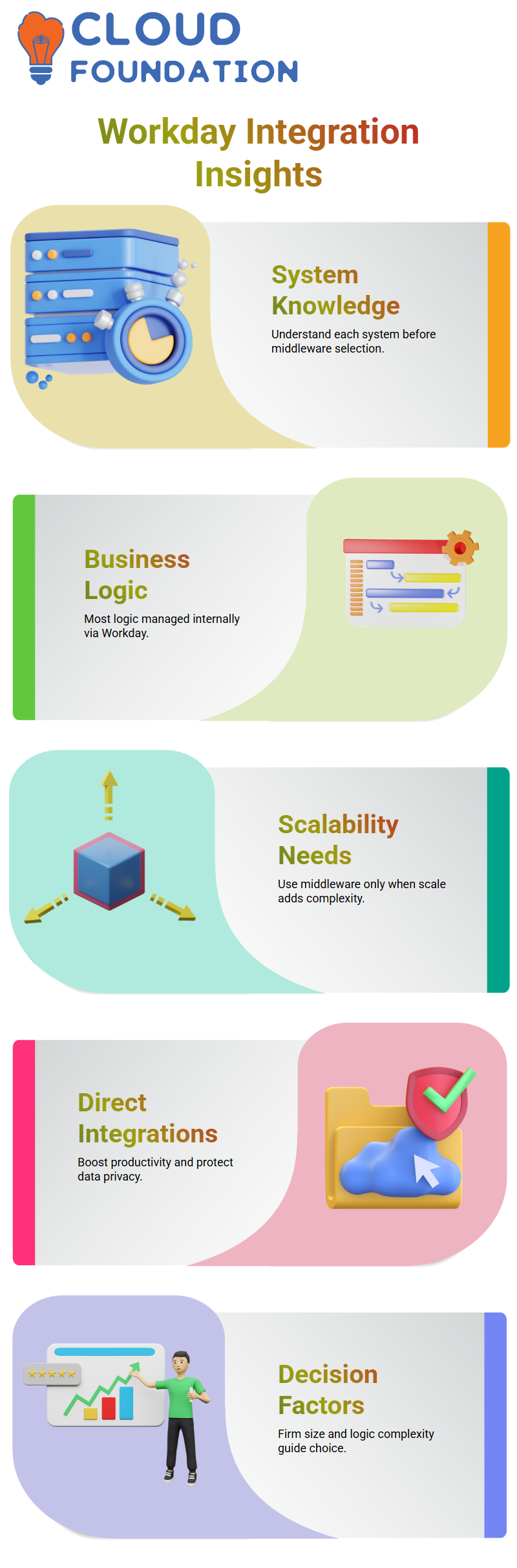
In my experience, knowing each system’s function is essential before selecting middleware.
The majority of business logic may be handled internally via Workday Integration.
Only when scalability adds a great deal of complexity or when Workday is unable to satisfy processing and time demands should middleware be taken into consideration.
Workday Integration’s direct integrations save overhead, boost productivity, and protect data privacy.
Middleware serves as an aid rather than a requirement for all implementations.
The scale of the firm, the number of systems, and the intricacy of the business logic all influence the decision.

Workday Integration Course Price

Vanitha
Author
The capacity to learn is a gift; the ability to learn is a skill; the willingness to learn is a choice