NetSuite Functional Certification Training Online
NetSuite Segmentation in Real Projects
Since segmentation is where the system and real-world company structure meet, I always begin teaching NetSuite functional principles with this topic.
Segmentation in NetSuite Functional training specifies how information moves, how reports appear, and how businesses maintain compliance.
As you study NetSuite Functional, I want you to see a genuine business, not simply click buttons mindlessly.
The subsidiary is the first and most crucial division in NetSuite Functional.
I usually provide a straightforward example to illustrate this. Consider a business with operations in many states or regions.
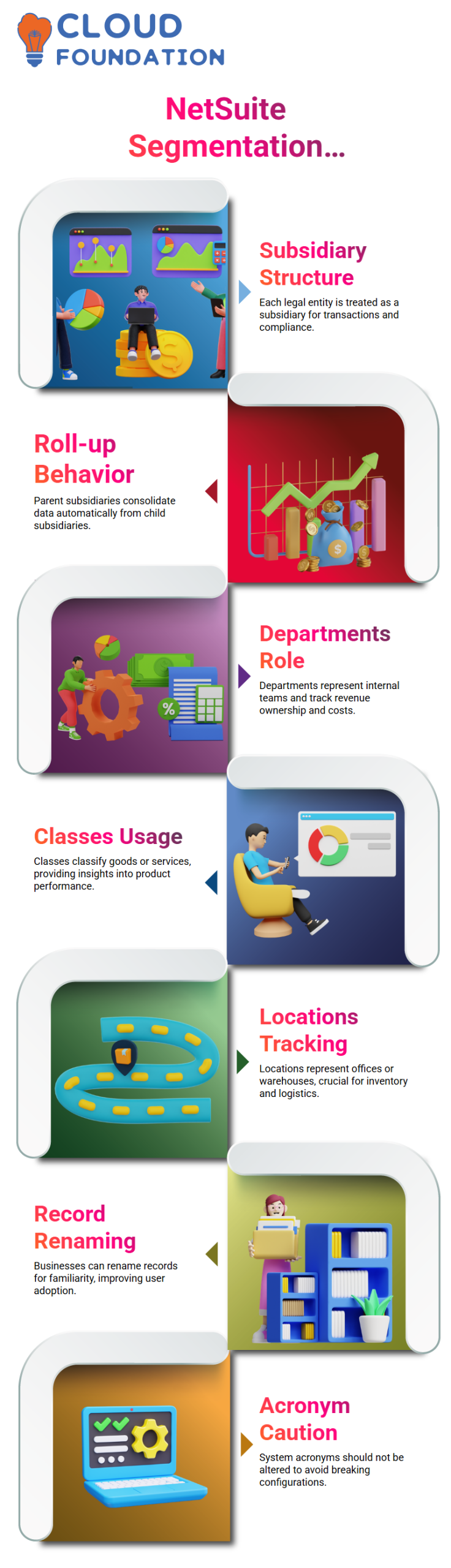
Every legal entity is treated as a subsidiary in NetSuite’s functional terms.
While the main subsidiary serves as a roll-up company, these subsidiaries handle transactions.
Every NetSuite functional consultant has to be fully aware of this roll-up behaviour.
I often remind Learners that we typically do not publish transactions straight to the parent subsidiary in NetSuite functional configurations.
Rather, NetSuite Functional automatically consolidates the data upward, and all financial action takes place at the child subsidiary level.
This format ensures that reporting is accurate and compliant with the law.
How NetSuite Uses Departments, Classes, and Locations
Organisations may examine activities outside legal entities with the use of these three characteristics.
Enabling these functionalities is an essential setup step in NetSuite functional projects.
NetSuite Functional classes enable the classification of goods or services.
I often use furniture, software, hardware, and service lines as examples.
Classes in NetSuite Functional reporting provide management with insight into product performance.
Among NetSuite Functional’s most potent analytical tools is this one.
In NetSuite Functional, locations stand in for actual locations like offices or warehouses.
I constantly stress that inventory movement is tracked by locations. Locations become crucial for inventory valuation, fulfilment, and logistics in NetSuite Functional installations.
Why Renaming Records Matters in NetSuite
The ability to rename records and transactions is one NetSuite Functional feature that I like teaching.
Textbook language is seldom used by businesses, and NetSuite Functional acknowledges this fact.
NetSuite Functional allows a business to refer to departments as divisions or classes as sales channels.
I direct users to the Rename Records and Transactions page in NetSuite Functional.
They may then change the names of departments, courses, locations, clients, suppliers, and even transactions.
This increases adoption by giving business users a sense of familiarity with NetSuite Functional.
But I usually caution them about touching the system acronyms.
These acronyms facilitate technical reasoning and programming in NetSuite Functional.
Labels may be changed safely, but modifications may be broken if abbreviations are changed.
Good NetSuite functional practice is defined by this harmony between control and flexibility.
NetSuite Features in Daily Transactions
After setup, everyday transactions reveal NetSuite Functional’s true potential.
Departments, classifications, and locations show up on almost every transaction page when they are enabled.
This covers journal entries, purchase orders, sales orders, and fixed assets.
These fields in NetSuite Functional provide thorough tracking without additional work.
Good setup up front saves hours of reporting work later; I usually remind them.
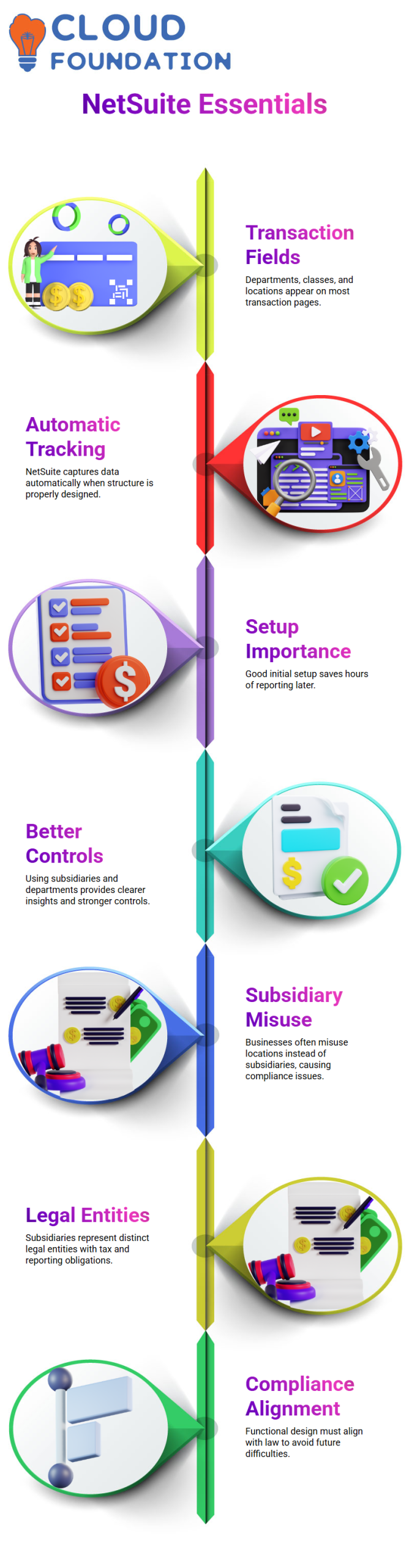
The data is automatically captured by NetSuite Functional if the structure is properly designed.
Organisations that fully use subsidiaries, departments, classes, and locations obtain better controls and clearer insights, based on my experience teaching NetSuite Functional.
This is the reason I place such a strong emphasis on structure when explaining NetSuite Functional principles to both novices and experts.
Entity Setup as a NetSuite Consultant
One of the most frequent problems I see in my job as a NetSuite functional consultant is businesses utilising locations when they need to be subsidiaries. This is a topic that keeps coming up in actual implementations.
I want to speak with you directly about it. My first impulse as a NetSuite Functional specialist is to take a moment to consider the reasons behind the company’s initial decision.
As a NetSuite Functional consultant, I work on several projects for businesses in the US, UK, Germany, and Singapore, among other nations.
These are distinct legal entities, not just places. That difference is significant from a NetSuite functional standpoint as it affects compliance, taxes, and reporting.
I always remind stakeholders that the functional design of NetSuite should be in line with the law.
An entity is entitled to its own subsidiary status if it files taxes independently.
As a NetSuite Functional consultant, I am aware that locations to represent legal organisations might provide significant difficulties down the road, even if it may seem straightforward at first.

NetSuite Functional Training

How NetSuite Design Separates Subsidiaries and Locations
As a NetSuite Functional educator, I begin by outlining a simple principle: locations reflect actual or operational locations, and subsidiaries represent legal companies.
A NetSuite functional configuration still benefits from accurately specifying both, even if a corporation only has one office per nation.
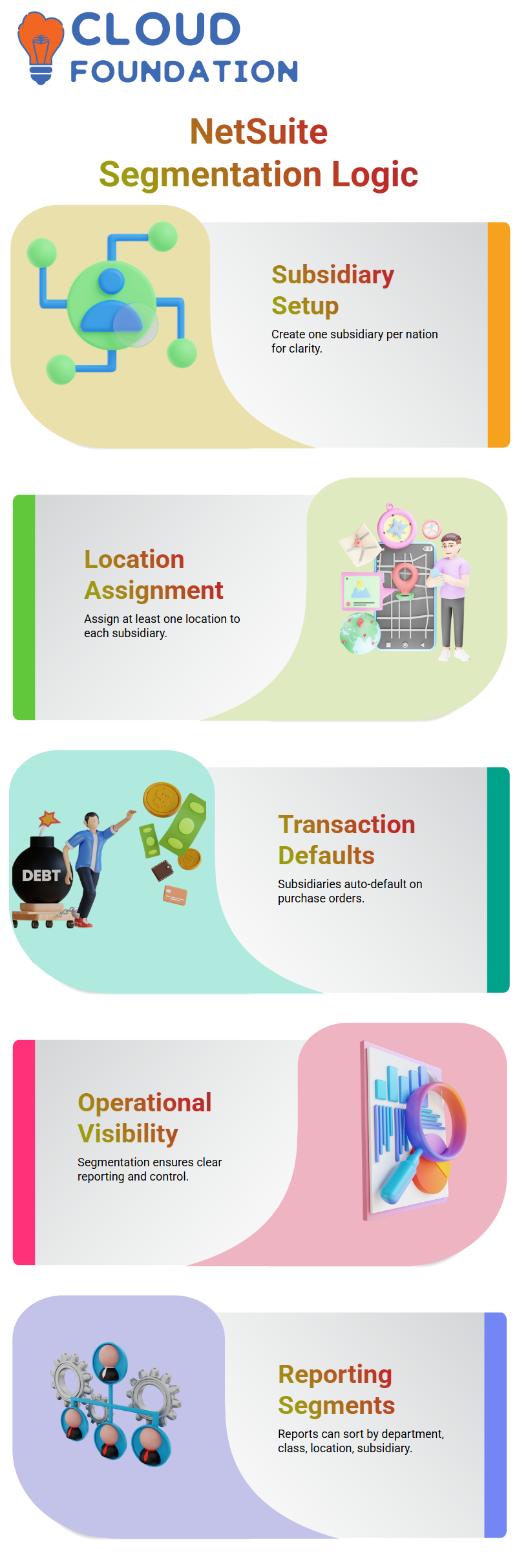
I often advise establishing one subsidiary for each nation and assigning at least one location to each subsidiary in my NetSuite Functional projects.
This maintains clear operational visibility while enabling NetSuite Functional logic to appropriately default subsidiaries on transactions.
I have personally seen how choosing a vendor causes the subsidiary on a purchase order to default.
NetSuite Functional controls then make sure that only sites associated with that subsidiary are accessible. This is precisely how the system is intended to function.
Transaction Behaviour Explained Through a NetSuite Lens
NetSuite chooses the subsidiary by default when I generate a buy order and choose a provider.
The foundation of NetSuite Functional transaction logic is this behaviour.
I always enable locations as a NetSuite functional consultant, especially for service-oriented businesses.
Location-based segmentation is still useful for NetSuite Functional reporting, even if you don’t have inventory.
It is entirely possible to tag non-inventory goods to specific places.
As a NetSuite Functional specialist, this method enables me to guarantee that financial reports can be sorted by department, class, location, and subsidiary.
One of the main justifications for businesses to invest in NetSuite Functional deployments is the degree of segmentation.
Reporting and Segmentation in NetSuite Implementations
Reporting is one of my favourite aspects of NetSuite Functional Design. I can confidently slice revenue statements and balance sheets by location, class, department, and subsidiary when categories are set up appropriately.
As a NetSuite Functional consultant, I always explain that these classifications exist primarily for reporting clarity.
Early improper configuration limits the functionality of NetSuite Functional reporting.
When NetSuite Functional segmentation is done correctly, I have seen finance teams drastically alter their approach to performance analysis.
Suddenly, without the need for human workarounds, every subsidiary presents its own financial narrative.
Parent and Subsidiary Structure from a NetSuite Perspective
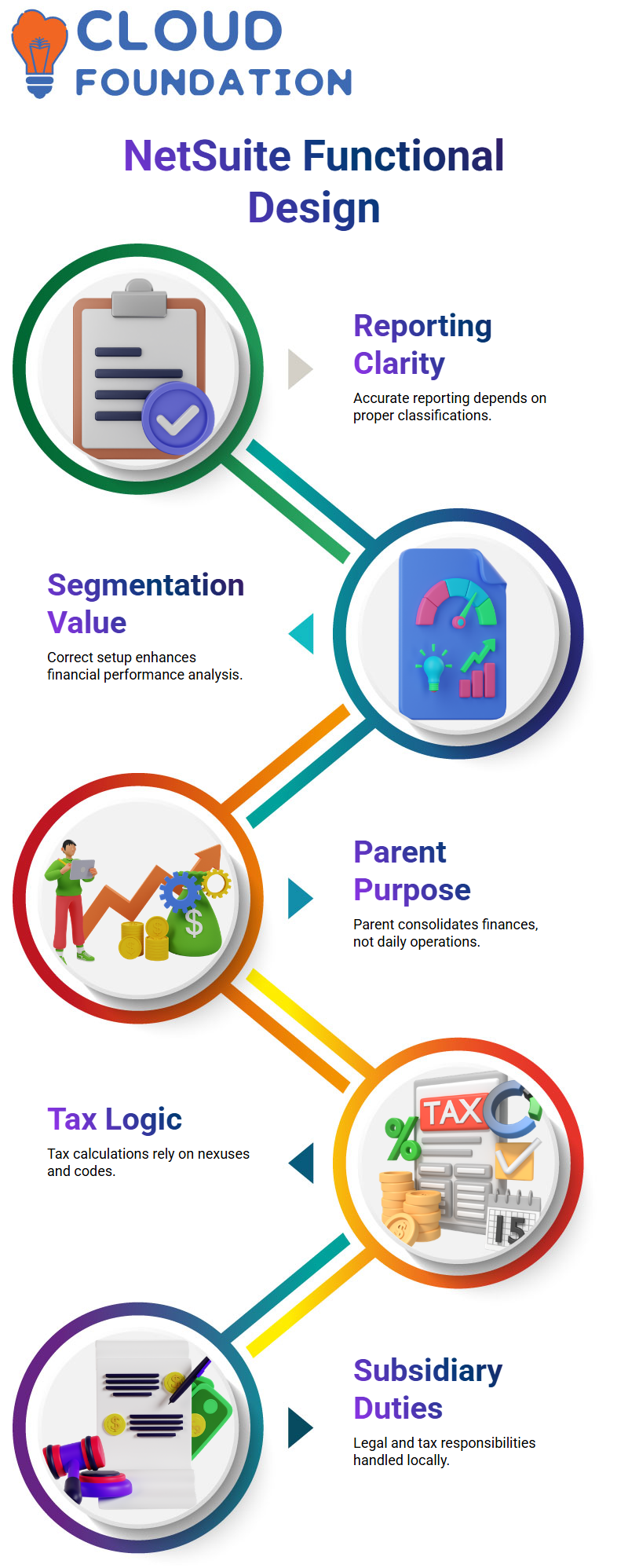
Generally speaking, the parent does not transact from a NetSuite functional perspective. Its purpose is to consolidate finances among subsidiaries.
In NetSuite Functional system design, company information, such as EIN or tax ID, exists only once, at the parent level.
NetSuite Functional keeps business information at the top, even if each subsidiary may have its own local tax registration.
As a NetSuite Functional educator, I stress that this is system behaviour rather than a restriction.
Instead of independent firm information records, subsidiary-level tax management takes place via tax setups.
Parent Company Setup in NetSuite
NetSuite Functional with the concept of a parent business.
There is just one parent company defined in NetSuite Functional, and this parent is mostly used for reporting and consolidation.
Instead of considering it a distinct legal business conducting daily operations, I want you to consider it the top-level reporting entity.
The parent firm does not actively employ a tax ID for transactions in many real-world NetSuite functional implementations.
I often see puzzled Learners here, particularly when the company’s headquarters are in the US, and its subsidiaries are located in Singapore, the UK, or Germany.
In NetSuite Functional, legal and tax duties are handled at the subsidiary level, while consolidated reporting is held by the parent business.
The parent company’s information page is informative from a NetSuite functional standpoint.
Usually, I advise Learners not to overthink things.
Even though variables like social security number and tax ID are visible, NetSuite Functional does not utilise such data to calculate taxes. They just serve as reference information.

NetSuite Functional Online Training
How Tax IDs Really Work in NetSuite
Whether tax IDs must be duplicated at the corporate and subsidiary levels is one of the most frequent queries I get while instructing NetSuite Functional.
My response is usually straightforward: the business information page is not the basis for NetSuite Functional’s tax calculation.
The tax structure in NetSuite Functional is where all tax logic is located. Nexuses, tax codes, tax kinds, and control accounts are all included in this.
Every nation, including the US, Singapore, the UK, and Germany, has a unique tax structure. This is a fundamental NetSuite functional idea, which is why I keep saying it.
When you interact directly with NetSuite Functional, you’ll see that geographical information, such as state or zip code, and nexus are used to trigger tax calculations.
Once the tax structure is correctly configured, NetSuite Functional automatically chooses the appropriate tax code and control account. That’s where you should concentrate.
Exploring the NetSuite Homepage and Navigation
Since this is where everyday work starts, I usually like guiding Learners through the NetSuite Functional site.
One of NetSuite’s most potent features is the global search bar. Personally, I use it rather than sifting through lengthy menus.
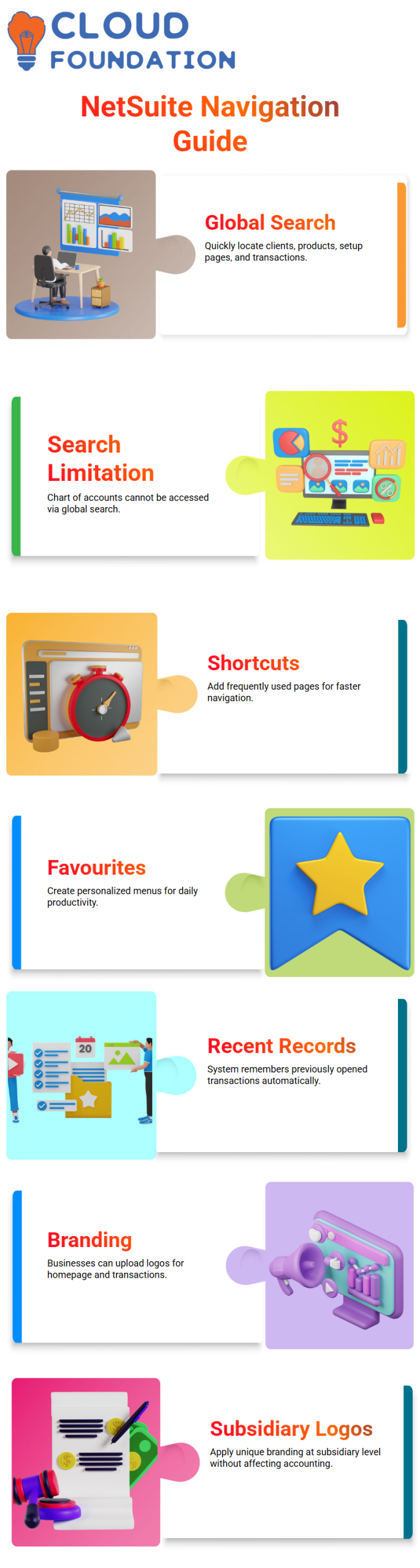
With just a few letters, you can use NetSuite Functional’s global search to locate clients, products, setup pages, and transactions.
To show Learners how quickly NetSuite Functional reacts, I often use setup pages or client records.
One drawback of NetSuite Functional that I constantly bring up is that you can’t use global search to look at the chart of accounts records directly.
Everything else shows up with ease, including setup records and transactions.
Shortcuts and Favourites in NetSuite
When NetSuite is used on a daily basis, productivity is crucial. For this reason, I highly recommend utilizing favorites and shortcuts.
Shortcuts in NetSuite Functional allow you to quickly access frequently used pages, such as requisitions or purchase orders.
In NetSuite Functional, I often demonstrate how simple it is to add a page to shortcuts.
The system remembers shortcuts after you create them, and you may keep as many as you like. When learning NetSuite Functional, many users fail to notice this versatility.
In NetSuite Functional, the Favourites function similarly but provide a more intimate sense.
I advise all NetSuite Functional users to utilise them as their own personalised navigation menu.
Recent Records and Branding in NetSuite
Recent records are another NetSuite Functional feature that I often use.
You may save a great deal of time navigating during hectic workdays with NetSuite Functional, which automatically remembers the previous transactions you opened.
Another area where NetSuite Functional offers freedom is in branding.
I describe how businesses may submit logos and have them appear on the home page and transaction pages.
Businesses benefit from feeling more a part of their NetSuite functional environment as a result.
You may also apply logos at the subsidiary level when you set up subsidiaries in NetSuite Functional.
I like demonstrating this because it illustrates to Learners how NetSuite Functional allows for multi-subsidiary branding without compromising fundamental tax or accounting logic.

Netsuite Functional Course Price

Vanitha
Author