Online Training on NetSuite Functional Concepts
NetSuite Home Dashboard
Since you spend most of your day on the home page, I always start my NetSuite dashboard explanations there.
You may choose what information you want to view as soon as you log in, resize portlets, and move them around.
One of the primary factors that makes NetSuite effective for day-to-day operations is its flexibility.
I often move the most crucial portlets, such as fast search, navigators, and reminders, to the top when I’m in a NetSuite position.
Smaller portlets should be placed on the side, but I like to keep the bigger ones, such as the top goods by sales, in a noticeable spot.
I can do these simple drag-and-drop operations in NetSuite, and I often advise Learners to try several layouts until they seem right.
Dashboard in NetSuite
I often make and distribute dashboards for various jobs. I chose the publish dashboard option after clicking on the home dashboard as a NetSuite administrator.
I choose which portlets show up for each job in the NetSuite dashboard publishing.
I create dashboards for sales managers, inventory managers, AP and AR clerks, CFOs, and CEOs.
Users will see what they need as soon as they log in, thanks to our NetSuite approach.
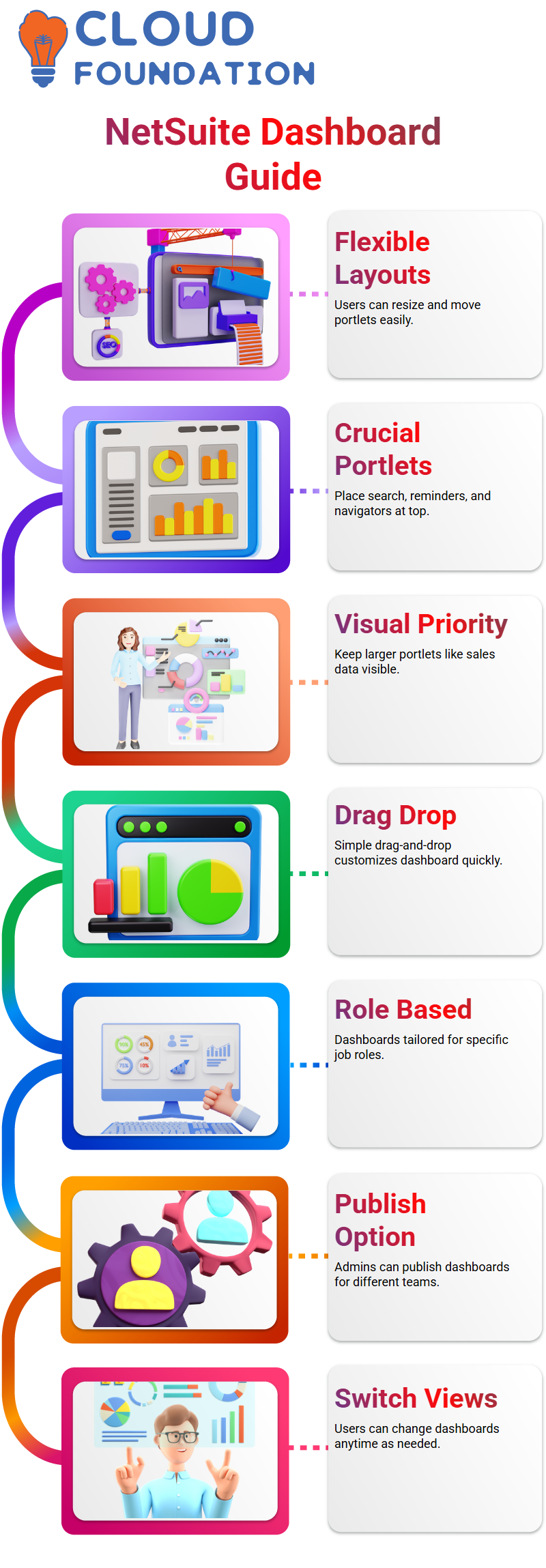
I make many dashboards for accounts payable and receivable while I operate in NetSuite environments.
I choose the role, save it, and publish each dashboard independently. I can switch views and go back to the dashboard list anytime I want, NetSuite.
Portlets in NetSuite
Personally, I think NetSuite’s customisation feature is fantastic.
Depending on my function, I may add or delete portlets when I click on Customise.
Without any technological complexities, NetSuite enables me to add calendars, KPI meters, report snapshots, and custom search portlets straight to my home page.
I normally clear the dashboard to prevent clutter since shortcuts are already located in a designated section.
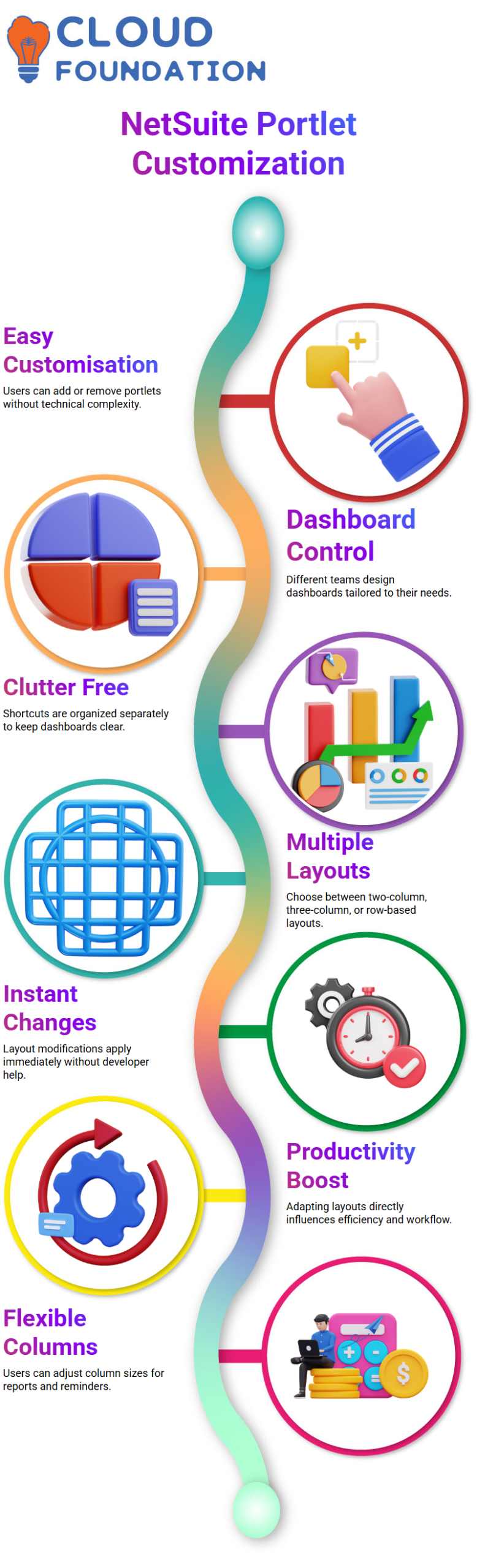
This is where NetSuite provides complete control, which is particularly helpful when several users, such as finance teams or purchasing clerks, have completely different dashboard displays in mind.

NetSuite Functional Training

Layout Options the NetSuite
NetSuite excels in layout settings as well. Depending on how much information I need to see at once, I often alternate between two-column, three-column, or row-based layouts.
I usually take the effort to correctly adapt the layout in NetSuite since it has a direct influence on productivity.
For instance, I may maintain a broader column on the right for reports and a smaller column on the left for reminders.
These changes are made instantly by NetSuite, and simple layout modifications don’t need the assistance of developers or administrators.
Reminders in NetSuite
In any NetSuite job, reminders are essential, but they are particularly important for those in procurement or finance.
Typically, I set up reminders for customers to charge, orders to complete, invoices to pay, and bills to approve.
These reminders help me stay on task throughout the day in NetSuite.
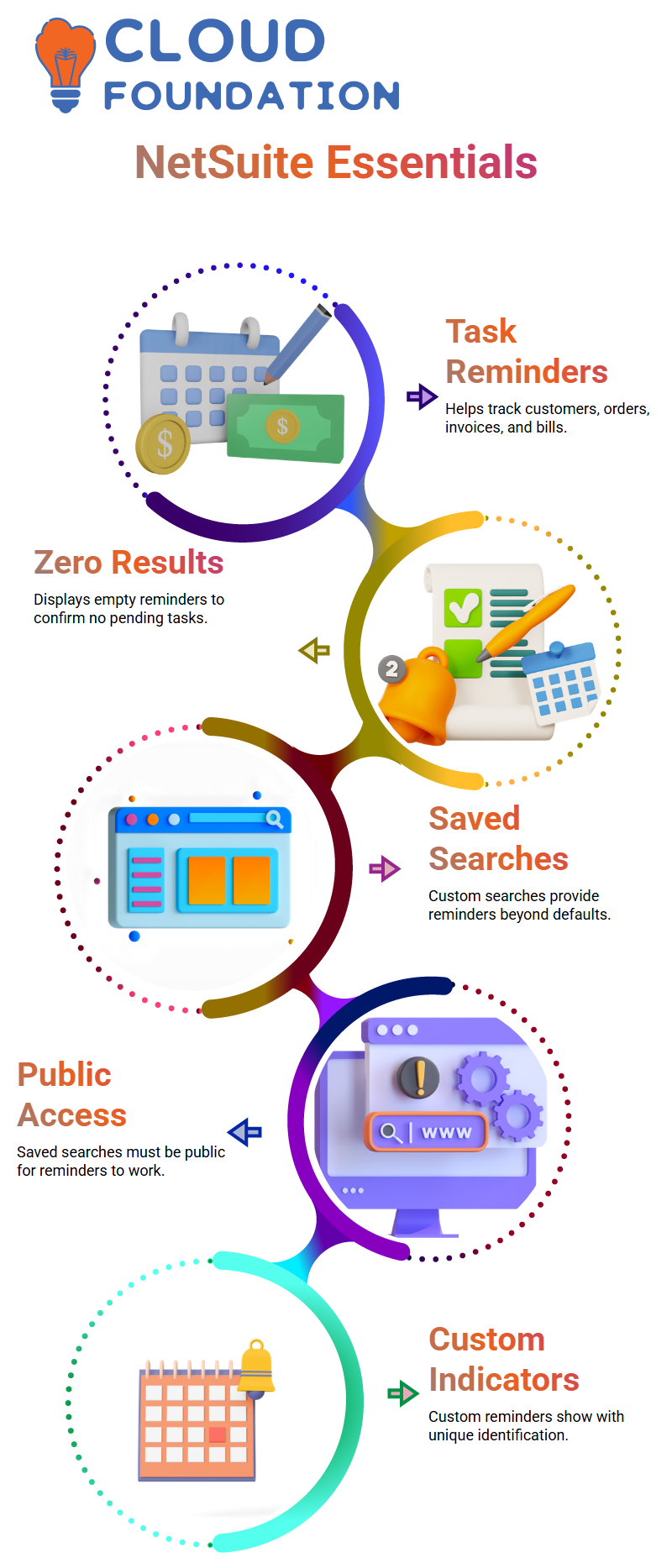
I also make it possible to display reminders that provide no results.
This enables me to verify that there are no outstanding tasks in NetSuite, even when the count is 0. It provides comfort and maintains transparency in the process.
Saved Searches in NetSuite
NetSuite saved searches are useful when the reminder I need isn’t always accessible by default.
For instance, I may make a saved search from journal entries or the reports area if I want journal entries to be awaiting approval.
I may provide my own criteria, NetSuite, such as the approval status being pending.
I make sure to declare the stored search as public and accessible for reminders when I create it in NetSuite.
The reminder won’t show up without this step; it’s crucial.
The custom reminder appears with a little indication identifying it as a custom NetSuite search when I reload the portlet after it has been saved.

NetSuite Functional Online Training
User-Level Settings and Security in NetSuite
In addition to dashboards, NetSuite allows users to manage their own preferences.
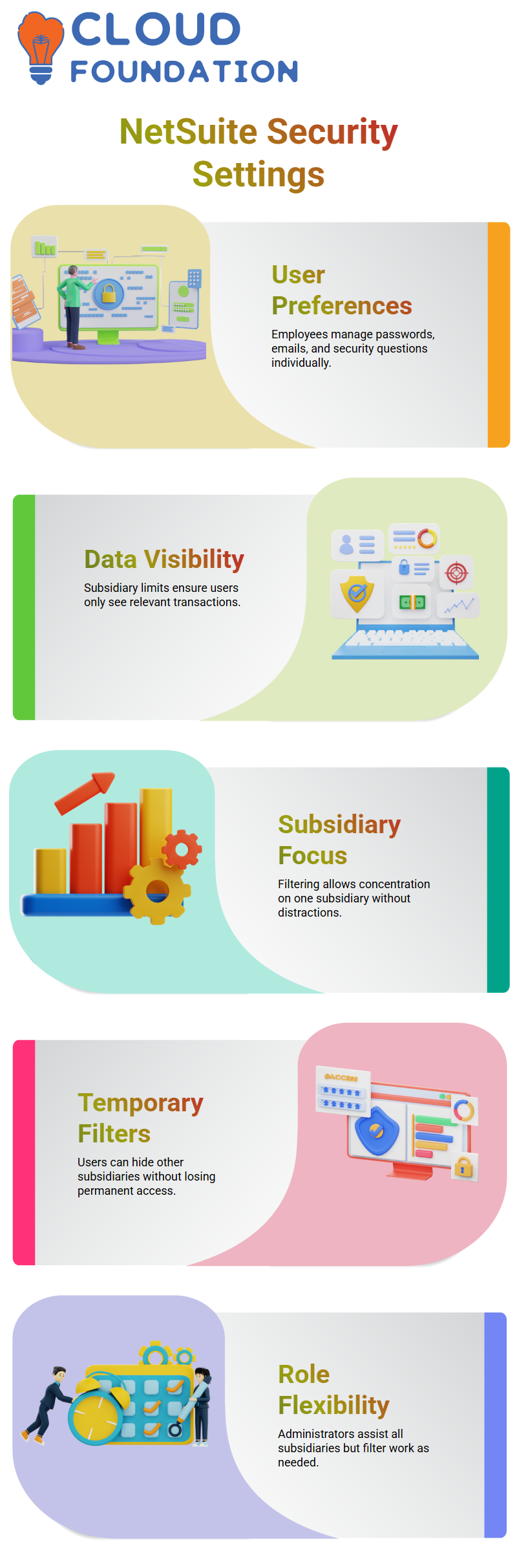
I have access to features like adjusting security questions, altering email addresses, and changing passwords.
Since these are user-level options in NetSuite, each employee is in charge of managing their own information.
I usually stress the significance of the subsidiary limits and login email when I create users in NetSuite.
NetSuite enables limiting visibility so that a person only sees relevant transactions if they are a member of just one subsidiary.
This method maintains data security and alignment with business functions.
Subsidiary Restrictions as a NetSuite Consultant
Since here is where real-world usage begins to make sense, I usually start my explanations of subsidiary constraints from a NetSuite standpoint.
I often collaborate with many subsidiaries as a NetSuite specialist, but I’m not always required to see every transaction.
I may limit myself to one subsidiary, say New York, and disregard the others in NetSuite roles.
I can remain concentrated without distractions because of this NetSuite arrangement.
Restricting subsidiaries does not result in my permanent loss of access from a NetSuite perspective.
I just choose what I want to see right then.
Transactions from other subsidiaries vanish from my perspective as a NetSuite user when I filter myself to one subsidiary.
Customers, sellers, products, and even the chart of accounts are all subject to this NetSuite behaviour.
I may assist all subsidiaries in my capacity as an AP clerk or NetSuite Administrator. I still only want to work on one subsidiary on certain days.
That is made feasible via NetSuite Filtering without affecting permanent access.
Real Business Scenarios in NetSuite
Let’s say I oversee four subsidiaries. That might equate to hundreds of transactions from a NetSuite perspective. Every day, I don’t want to go through them all.
I limit my attention to the 500 transactions that are important to me at that moment by NetSuite Restrictions.
I travel between subsidiaries in my capacity as a NetSuite consultant.
I work in one place for a month, and then I switch to a different subsidiary for another month.
I can change my emphasis without altering the system architecture thanks to NetSuite Filtering.
NetSuite security and filtering are in place precisely because of this flexibility.
A lot of Learners question me why someone who uses NetSuite would limit themselves.
My response is always pragmatic. Eliminating noise makes the NetSuite job quicker and cleaner.
My NetSuite permissions are still in place, but I have more authority over what I can view.
Role-Level Control and Visibility in NetSuite Setup
From the perspective of NetSuite setup, I may also limit subsidiaries at the job level.
I choose whether an employee sees one subsidiary or many subsidiaries when I establish a position.
Data confidentiality and operational focus are guaranteed by this NetSuite element.
When I limit a position as a NetSuite administrator, users are unable to see transactions, clients, suppliers, or products from other subsidiaries.
The whole system is subject to this NetSuite visibility control.
In actual implementations, I often use this strategy. Functional roles in NetSuite provide accurate access control.
I may designate one job to two subsidiaries while leaving the others out. Complex organisations are supported by this NetSuite architecture without conf users.

Netsuite Functional Course Price

Vanitha
Author
The capacity to learn is a gift; the ability to learn is a skill; the willingness to learn is a choice